
Stewdio alternatives
5 products compared · Updated November 12, 2026
The short answer
The three strongest alternatives to Stewdio are LottieFiles, Rive, and Adobe Animate. LottieFiles suits product and marketing teams that need small, embeddable animations for websites and apps. Rive suits product and games teams that need interactive motion running natively inside apps across several platforms. Adobe Animate suits illustrators and animators who want frame-by-frame control and already work in Adobe Creative Cloud.
Your shortlist, at a glance
Read the comparisons ↓ Adobe AnimateNot publishedIllustrators and animators who want hands-on frame-by-frame control and already work inside the Adobe Creative Cloud ecosystem
 RunwayCustom quoteMobile engineering teams that ship iOS or Android apps and need automated release cycles with clear status tracking
- MMotion (Motion Design by Cavalry)Free for individualsAnimators and motion designers who want hands-on control of 2D motion, rigs, and data-driven sequences in a desktop tool
 RiveFrom $0 / $9 per seat/Product and games teams that need interactive motion running natively inside apps on several platforms
 LottieFilesFrom $19.99/user/moProduct and marketing teams that need small, embeddable animations for websites and apps, with developer handoff built in.
About Stewdio and its alternatives
Stewdio is an AI creative platform for motion graphics. According to its site, you prompt animations from a coding agent such as Claude, ChatGPT, or Cursor, then refine them with keyframes, easing, and custom sliders before exporting high quality video.
When comparing alternatives in this category, weigh the pricing structure, since some tools bill per seat and others charge per usage or quote custom prices. Check regional availability and which integrations you need with your existing design tools. Consider the support and contract terms that come with each plan, especially for team and enterprise tiers that require sales contact.
Explore the alternatives
- Not published
1.Adobe Animate
Best for: Illustrators and animators who want hands-on frame-by-frame control and already work inside the Adobe Creative Cloud ecosystem
- Pricing
- Not published
- Category
- Design & Creative
Adobe Animate is a long-established tool for 2D animation and interactive content, built for artists who draw and time frames by hand. Someone would pick it over Stewdio when they want direct manual control over every frame and a mature, professional animation workflow rather than prompt-driven motion graphics.
Where it is strong
- Frame-by-frame drawing and timeline control suited to traditional animation
- Part of the Adobe Creative Cloud suite, so it sits alongside tools like Photoshop and Illustrator
- Established brand with a long track record among professional creatives
Where it falls short
- The supplied pages do not describe Animate's AI prompt-to-animation features, which is Stewdio's core offer
- Pricing is not published on the site, so cost is hard to compare directly
- Pricing:
- Pricing is not published on the site.
- Custom quote
2.Runway
Best for: Mobile engineering teams that ship iOS or Android apps and need automated release cycles with clear status tracking
- Pricing
- Custom quote
- Category
- Developer Tools
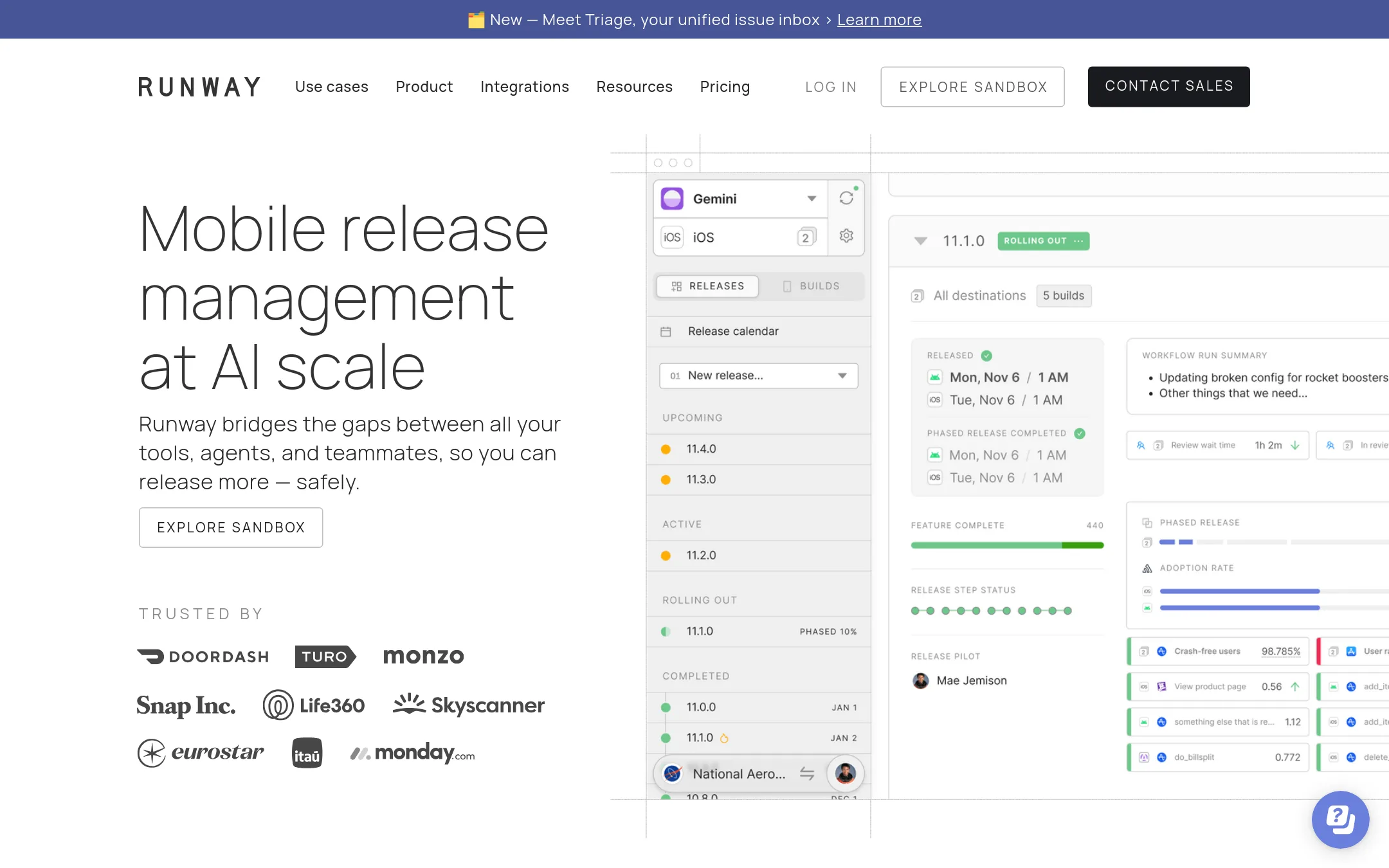
Runway is a mobile release management platform. It covers the whole release cycle for mobile apps, from build distribution to release status and rollouts, and is built for teams that ship iOS and Android apps often. Someone would pick it over Stewdio when their problem is shipping mobile apps reliably rather than making motion graphics.
Where it is strong
- Covers the full mobile release cycle from one place
- Automations let release steps run without manual scripting
- Shows release status to the whole team so nobody has to ask
Where it falls short
- Built for mobile app releases, so it does not help with creative or motion design work
- Advanced features such as SSO, RBAC and API access sit in higher tiers
- Pricing:
- Pricing depends on the number of apps and includes unlimited users on paid plans, but the page does not list a single starting figure.
- MFree for individuals
3.Motion (Motion Design by Cavalry)
Best for: Animators and motion designers who want hands-on control of 2D motion, rigs, and data-driven sequences in a desktop tool
- Pricing
- Free for individuals
- Category
- Other
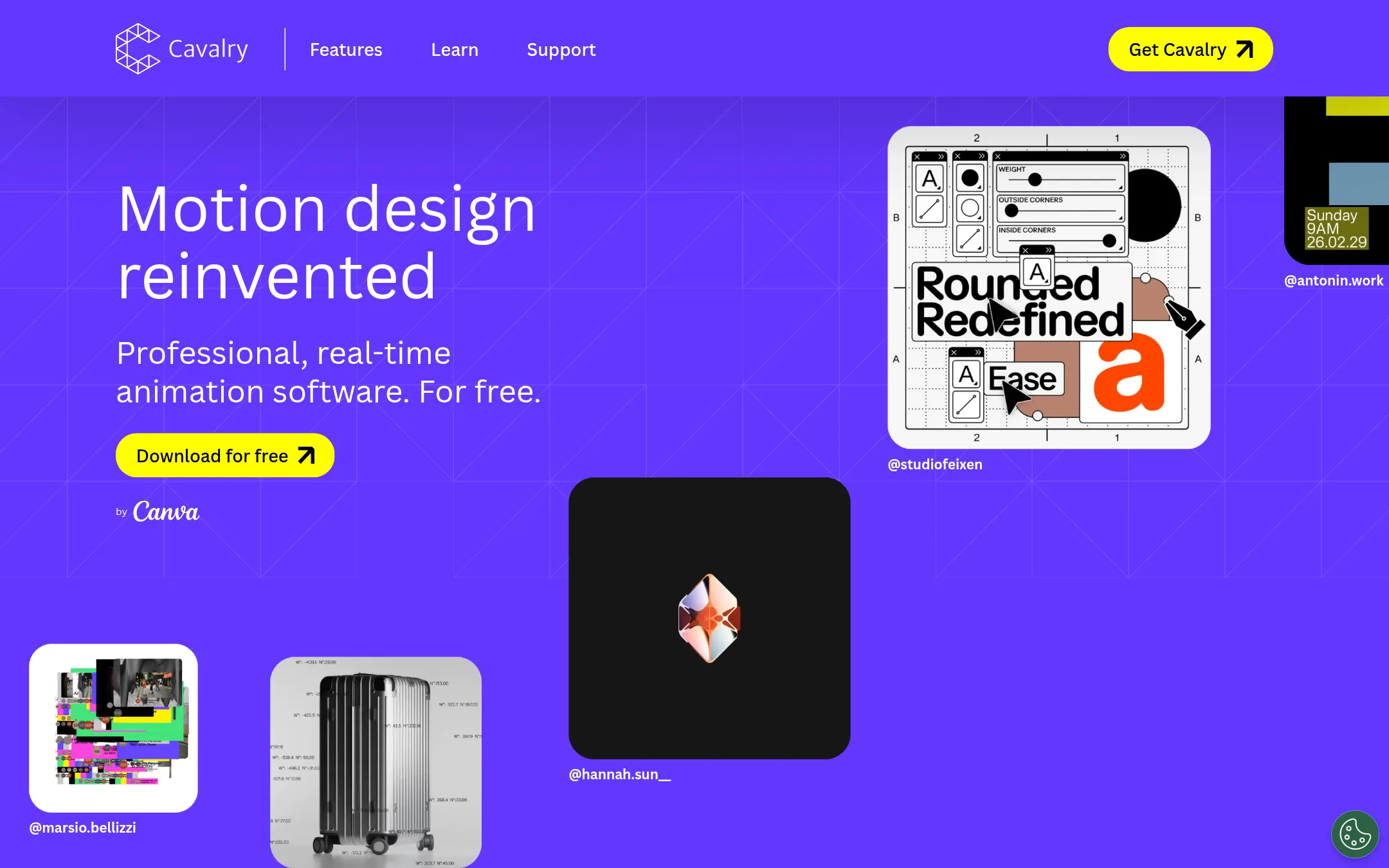
Cavalry is a desktop 2D animation and motion design tool for Mac and Windows, built around real-time rendering, rigs, and data-driven sequences. Someone would pick it over Stewdio if they want to build and control motion by hand in a dedicated application rather than prompting an AI assistant to generate it.
Where it is strong
- Free for individuals with professional features such as rigs and real-time viewport
- Real-time rendering with no preview lag
- Data import and Lottie export for scaled, data-driven animation
Where it falls short
- It is a desktop application for Mac and Windows, so it does not work the way Stewdio's prompt-driven, browser-based workflow does
- It does not generate animations from prompts with an AI assistant the way Stewdio does
- Pricing:
- Cavalry is free for individuals, and Enterprise access is offered through Canva Enterprise or Canva Districts accounts, but no specific figures are published in the supplied text.
- From $0 / $9 per seat/
4.Rive
Best for: Product and games teams that need interactive motion running natively inside apps on several platforms
- Pricing
- From $0 / $9 per seat/
- Category
- Design & Creative
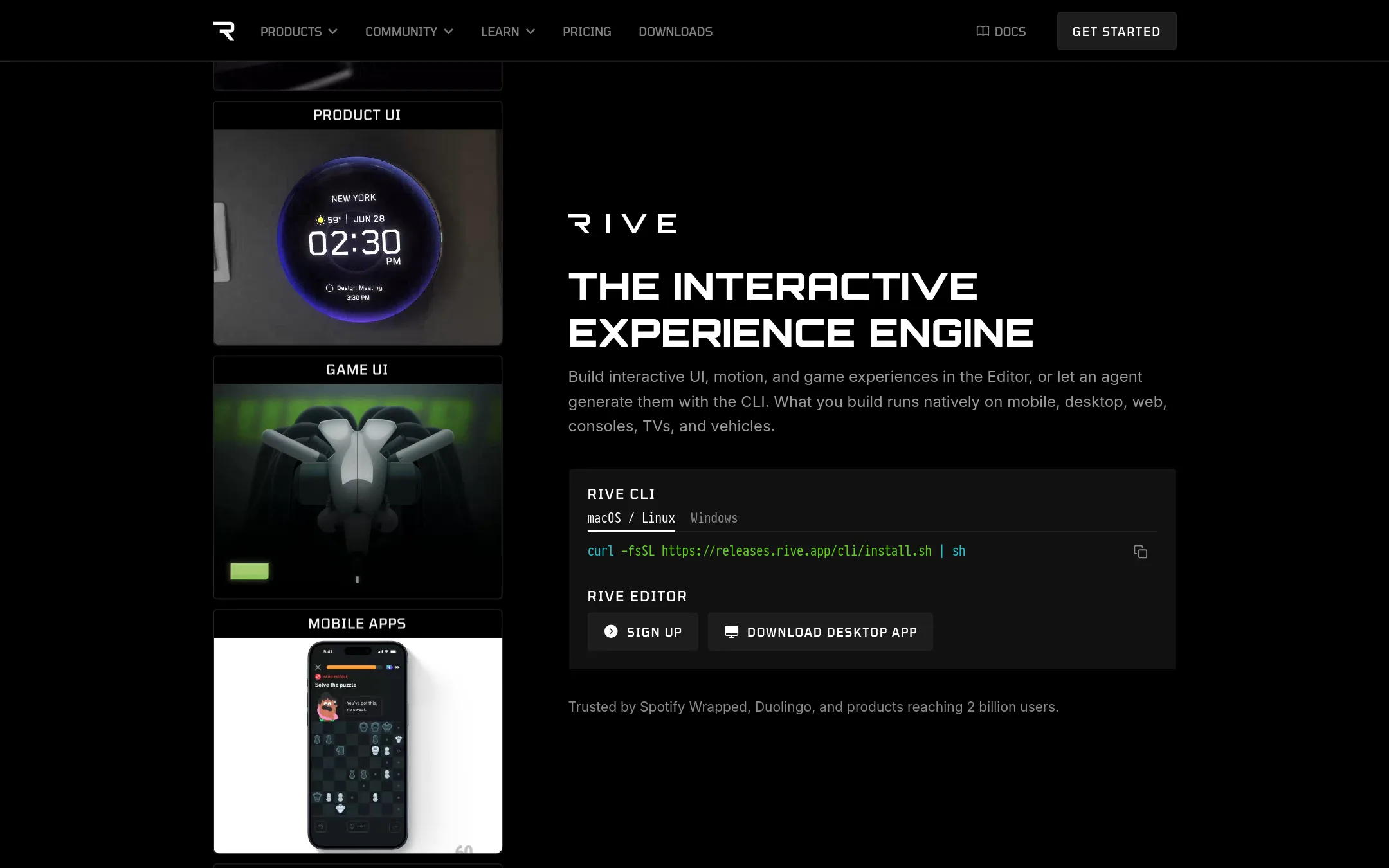
Rive is an engine for interactive 2D and 3D motion that runs in games, apps, and UI across mobile, desktop, web, consoles and vehicles. Teams choose it over Stewdio when the animation has to ship inside a product and respond to user input or live data, not just export as a video. Its Rive Editor and CLI give designers and engineers a shared file they can version and ship.
Where it is strong
- Runs the same animation across mobile, desktop, web, consoles and vehicles
- Open-source runtimes with no royalties or runtime fees
- Plain-text project files that work with Git and code review
Where it falls short
- Free exports carry a Rive splash screen until you upgrade
- Aimed at interactive products, so it is a heavier tool for simple marketing video than Stewdio
- Pricing:
- Pricing is not published on the site for a region. The page lists Free, Cadet at $9 per seat per month, Voyager at $32 per seat per month, and a custom Enterprise plan at $120 per seat per month, with the Free plan limited to 50 publishes a month.
- From $19.99/user/mo
5.LottieFiles
Best for: Product and marketing teams that need small, embeddable animations for websites and apps, with developer handoff built in.
- Pricing
- From $19.99/user/mo
- Category
- Design & Creative
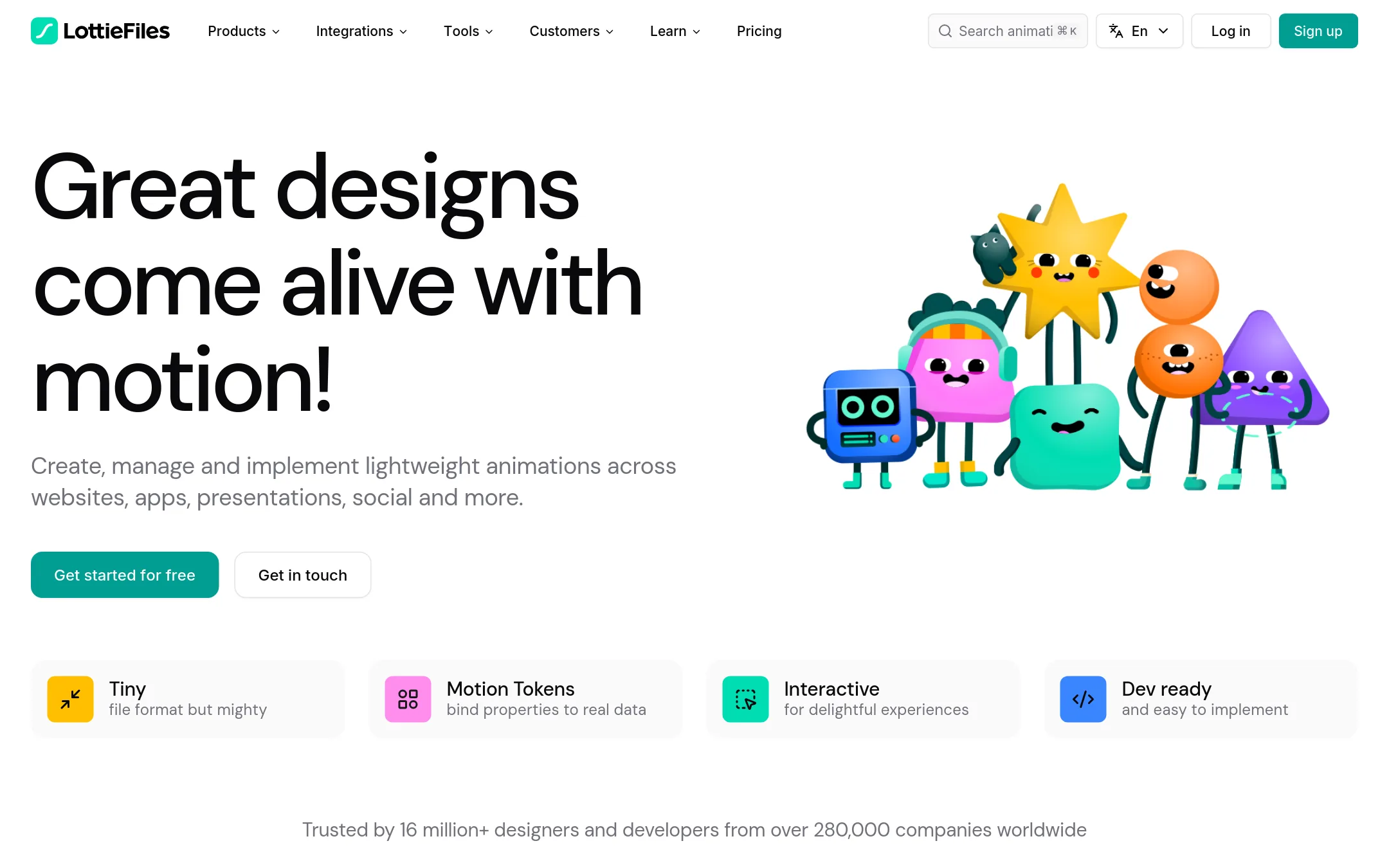
LottieFiles is a library and toolset for lightweight Lottie and dotLottie animations, with an editor, a large catalogue of ready-made animations, and handoff tools for developers. Teams pick it over Stewdio when they want to ship small, interactive animations into websites and apps, or when they need to find and reuse existing motion assets rather than generate new ones from a prompt.
Where it is strong
- Lottie and dotLottie files are far smaller than GIFs and scale without pixelation.
- Over 800,000 ready-to-use animations in the library, both free and premium.
- Integrations with Figma, Framer, Webflow and Canva let designers work in tools they already use.
Where it falls short
- It is built around Lottie file formats, so it is a poor fit for full video production the way Stewdio's prompt-to-export workflow is.
- Team plan and above require sales contact for tailored seat and usage pricing, and enterprise features like SSO are add-ons.
- Pricing:
- Individual is $19.99 per user per month billed annually, Team is $24.99 per user per month, and Enterprise is custom quoted, with AI credits included at different levels per plan.
See more comparisons in Design & Creative alternatives.
FAQ
Questions about Stewdio alternatives
What is Stewdio best known for?
According to its site, Stewdio is known for prompt-driven motion graphics, where you describe an animation and refine it with studio-level editing tools. It connects to assistants such as Claude or ChatGPT that you already subscribe to. Its Premium plan costs $20 per month.
Which alternative is best for embedding animations in websites and apps?
LottieFiles suits teams that need small, embeddable animations. Its Lottie and dotLottie files are far smaller than GIFs and scale without pixelation. It also offers developer handoff and integrations with Figma, Framer, Webflow and Canva.
Which alternative works best for interactive motion inside a product?
Rive is built for interactive 2D and 3D motion that runs inside games, apps, and UI across mobile, desktop, web, consoles and vehicles. Its free plan is limited to 50 publishes a month and exports carry a splash screen until you upgrade. Paid seats start at $9 per month.
Is there a free alternative to Stewdio?
Cavalry is free for individuals and offers professional features such as rigs and a real-time viewport. It is a desktop application for Mac and Windows, so it works differently from Stewdio's browser-based, prompt-driven workflow. Stewdio itself also has a free plan with 100 MCP calls per week.
Why might someone choose Adobe Animate over Stewdio?
Adobe Animate suits artists who want direct frame-by-frame drawing and timeline control, and it sits within the Adobe Creative Cloud suite. The supplied information does not describe Animate's AI prompt-to-animation features or publish its pricing. Compare its cost directly on Adobe's site before deciding.
Last updated November 12, 2026.