Stormboard alternatives
9 products compared · Updated October 31, 2026
The short answer
For teams that need a flexible visual workspace for design and agile planning, Miro is a strong alternative. For facilitated workshops and structured activities, Mural offers AI-powered guidance. For EU-based teams requiring GDPR compliance and integrated task management, Conceptboard is a solid choice.
Your shortlist, at a glance
Read the comparisons ↓ MiroNot publishedProduct teams and consultants who need a flexible visual workspace for design, agile planning, and cross-functional collaboration.
 MuralNot publishedTeams that run facilitated workshops, design sprints, or sales and marketing planning sessions and want AI-powered guidance and structured activities.
Microsoft Azure CycleCloudNot publishedResearch and engineering teams that need to orchestrate and scale high-performance computing clusters on Azure.
LucidsparkFrom $10/user/moTeams already invested in Lucid's ecosystem or enterprises that need a whiteboard with strong diagramming and AI capabilities.
 ConceptboardFrom 5€/user/moTeams in the EU or public sector that need a secure, GDPR-compliant whiteboard with integrated task management and visual project workflows.
 Explain EverythingNot publishedTeachers, trainers, and presenters who need to record whiteboard videos and build interactive lessons.
Canva WhiteboardsNot publishedDesign and marketing teams that want a whiteboard inside their existing Canva workflow for visual brainstorming and ideation.
 FigJamFree. From $12/moDesign and product teams already using Figma who want a whiteboard that lives in the same workspace as their design files.
 PadletNot publishedTeachers, students, and creative teams that want an easy, visual way to share ideas and collaborate on a digital canvas.
About Stormboard and its alternatives
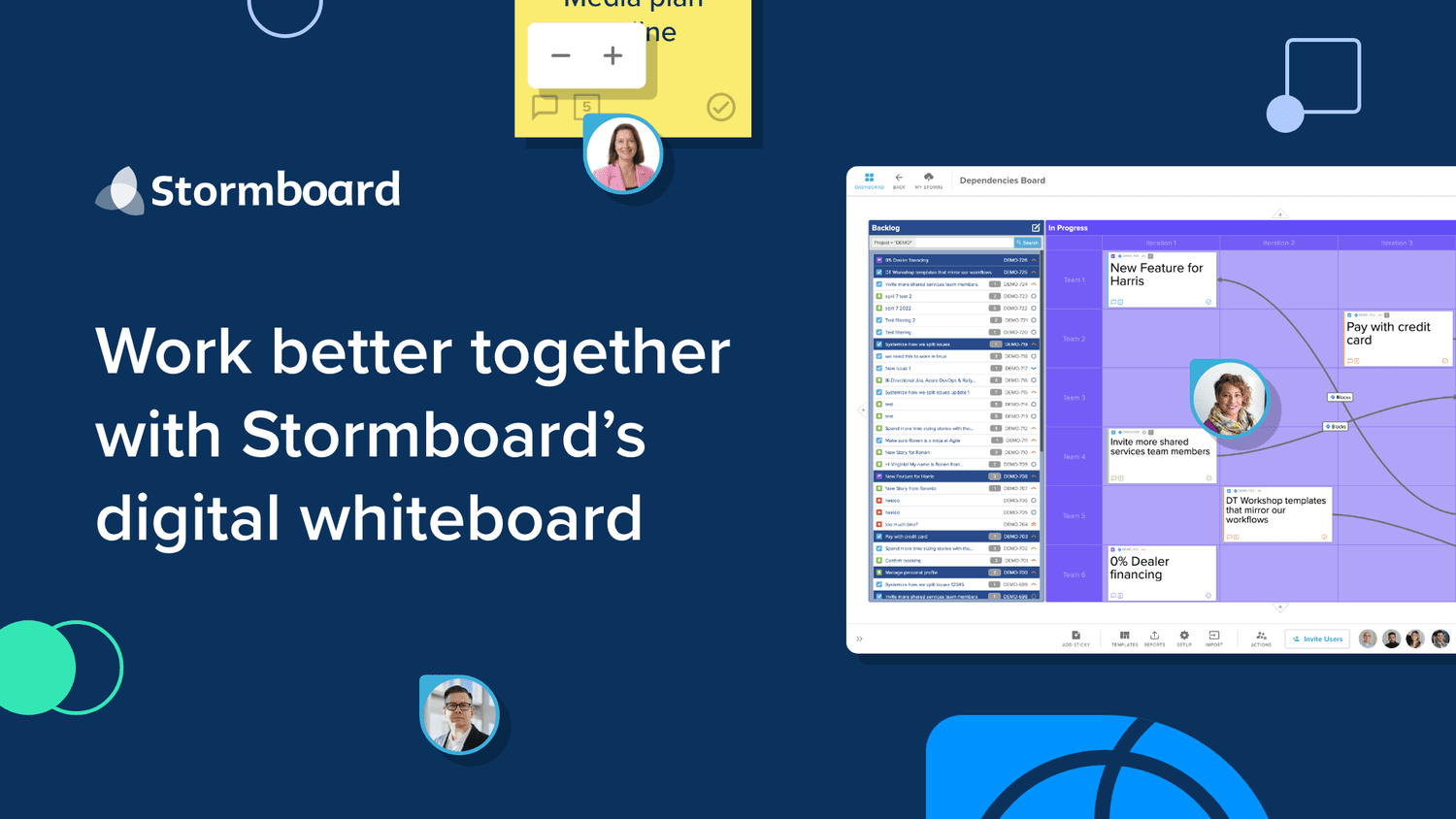
Stormboard is a data-first collaborative whiteboard that turns unstructured interactions into structured data. It is known for live bi-directional integrations with Jira, Rally, and Azure DevOps, detailed summary reports, and enterprise-grade security.
When comparing alternatives, weigh pricing structure, including free tiers and per-seat costs. Consider where the product hosts data, especially for GDPR compliance. Check integrations with your existing tools like Jira or Figma. Evaluate support options and contract terms, such as annual billing or custom enterprise pricing.
Explore the alternatives
- Not published
1.Miro
Best for: Product teams and consultants who need a flexible visual workspace for design, agile planning, and cross-functional collaboration.
- Pricing
- Not published
- Category
- Communication & Collaboration
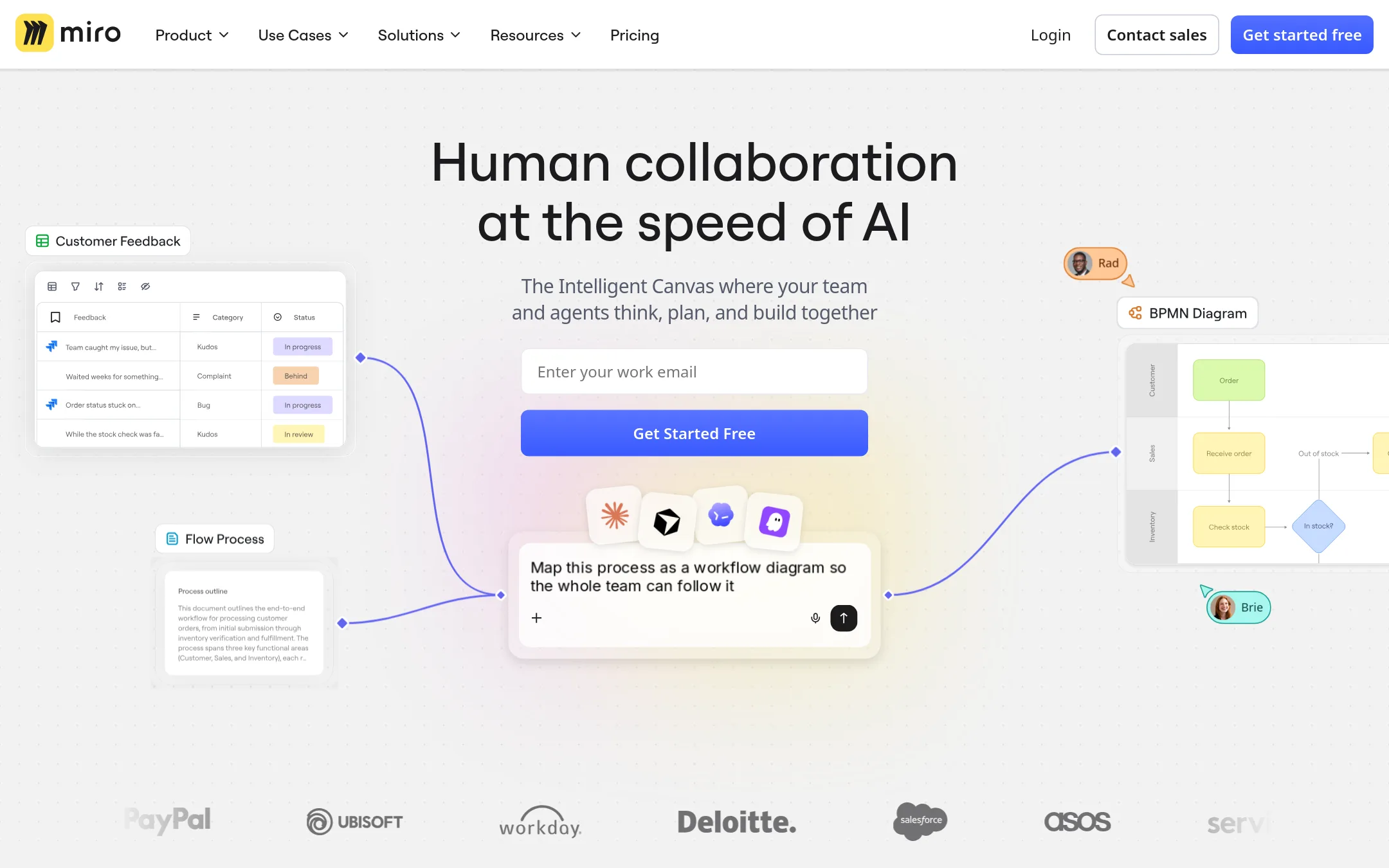
Miro is a visual workspace for team collaboration and product development, with AI features and deep integrations. Choose it over Stormboard when your team needs a broad, flexible canvas for design thinking, agile workflows, and real-time co-editing across many projects.
Where it is strong
- Free plan includes 3 editable boards and AI trial
- Unlimited boards on Starter and above
- AI credits power content generation and synthesis
Where it falls short
- Pricing details are not transparent on the site
- Advanced security features are limited to Enterprise plan
- Pricing:
- Pricing is not published on the site. Plans include Free, Starter, Business, and Enterprise with custom pricing from 30 members.
- Switching from Stormboard:
- Moving from Stormboard to Miro involves re-creating boards and templates, as there is no direct import mentioned. Plan for manual migration of existing content.
- Not published
2.Mural
Best for: Teams that run facilitated workshops, design sprints, or sales and marketing planning sessions and want AI-powered guidance and structured activities.
- Pricing
- Not published
- Category
- Communication & Collaboration
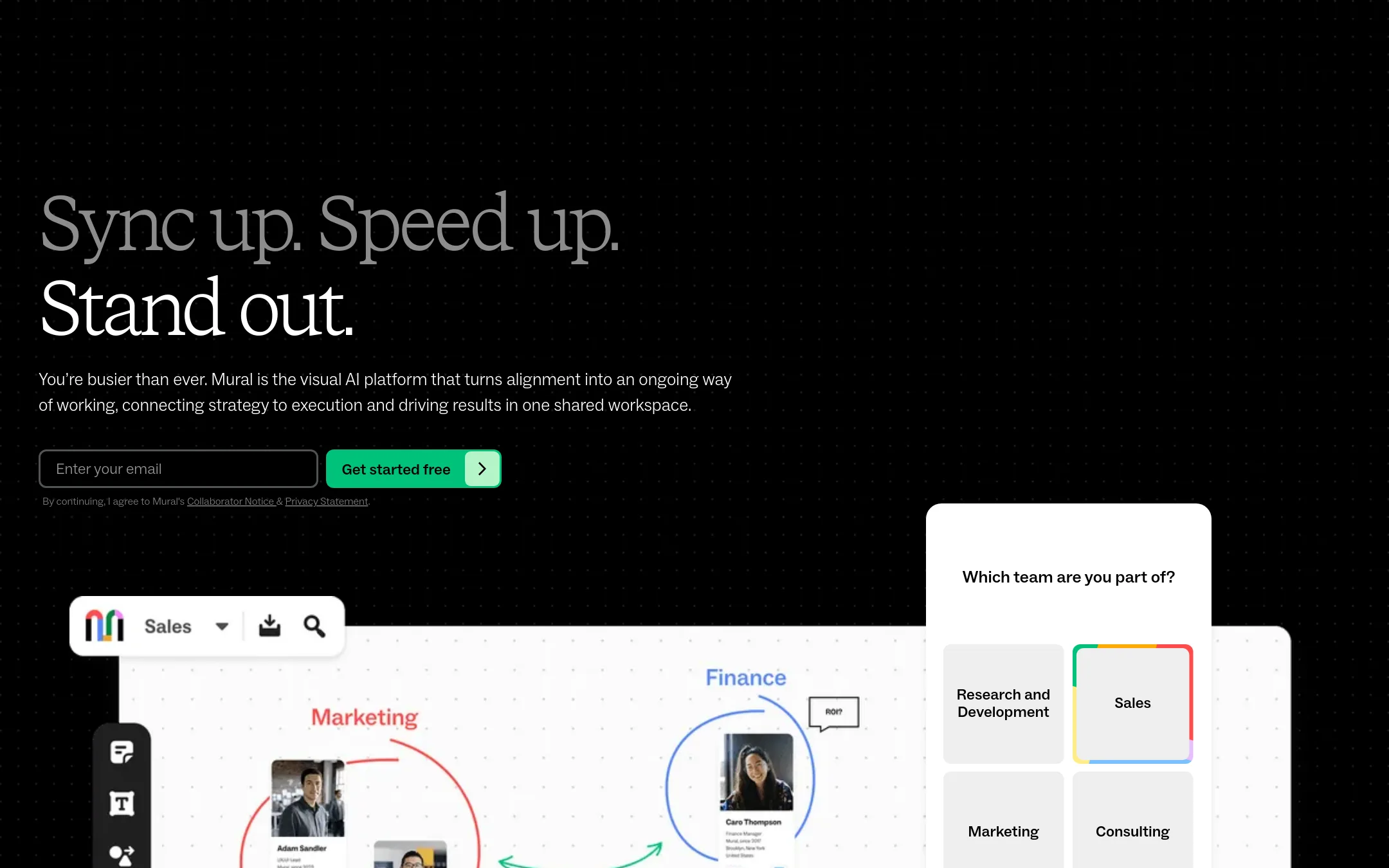
Mural is an AI-powered visual workspace for team collaboration, with a strong focus on facilitation tools like voting, timers, and private mode. Choose it over Stormboard if you need structured workshop facilitation with AI assistance and a heavy emphasis on visual alignment across sales, marketing, and consulting teams.
Where it is strong
- Free plan for unlimited members
- AI-powered workflows and insights
- Facilitation features like voting, timer, and private mode
Where it falls short
- Pricing not transparent for paid plans
- No mention of detailed export reports like Stormboard's
- Pricing:
- Pricing is not published on the site. Only a Free plan is mentioned, with Team+, Business, and Enterprise plans requiring contact.
- Not published
3.Microsoft Azure CycleCloud
Best for: Research and engineering teams that need to orchestrate and scale high-performance computing clusters on Azure.
- Pricing
- Not published
- Category
- Developer Tools
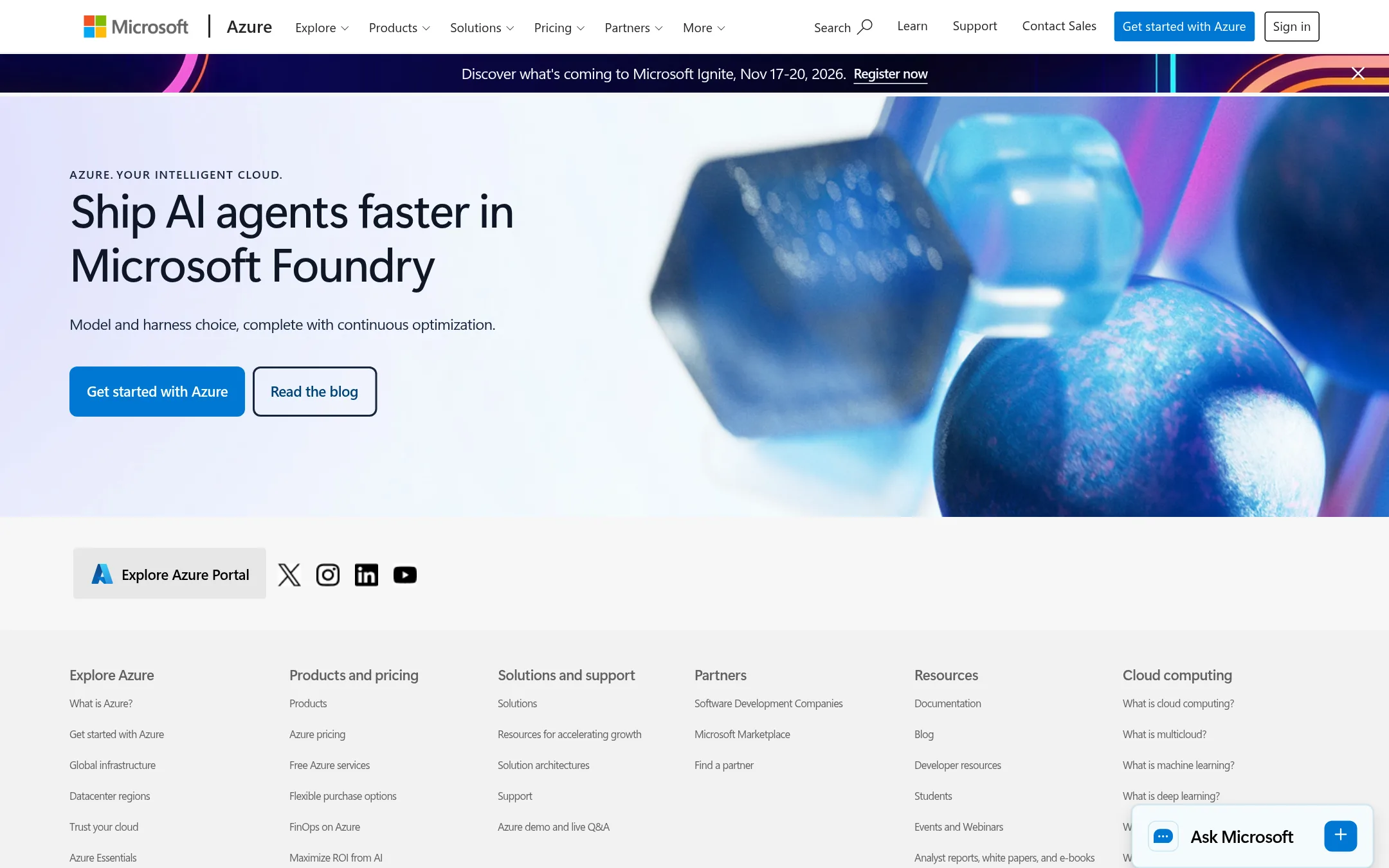
Microsoft Azure CycleCloud is an HPC orchestration tool for managing and scaling compute clusters on Azure. Choose it instead of Stormboard when your team needs to run large-scale simulations, rendering, or other compute-heavy jobs, not collaborative whiteboarding.
Where it is strong
- Orchestrates and scales HPC clusters on Azure
- Integrates with Azure services like VMs and storage
- Supports common schedulers and workload managers
Where it falls short
- Requires Azure expertise to set up and manage
- No built-in collaborative whiteboard or brainstorming features
- Pricing:
- Pricing is not published on the site. Azure uses a consumption-based model where you pay only for the cloud resources you use.
- From $10/user/mo
4.Lucidspark
Best for: Teams already invested in Lucid's ecosystem or enterprises that need a whiteboard with strong diagramming and AI capabilities.
- Pricing
- From $10/user/mo
- Category
- Communication & Collaboration
Lucidspark is a virtual whiteboard for brainstorming and visual collaboration, with AI-assisted diagramming and a large integration ecosystem. Choose it over Stormboard if your team already uses Lucidchart or needs a whiteboard tightly coupled with diagramming and enterprise tools like Confluence, Jira, and Microsoft 365.
Where it is strong
- AI can generate flowcharts and diagrams from text prompts.
- Integrates with 100+ tools including Jira, Confluence, and Microsoft 365.
- Includes Lucidchart for diagramming in the Team plan.
Where it falls short
- Pricing for Team and Enterprise plans is not public.
- Free plan limits documents to 3 and shapes to 75 per document.
- Pricing:
- Individual plan is $10 per user per month. Team and Enterprise plans require contacting sales for pricing.
- From 5€/user/mo
5.Conceptboard
Best for: Teams in the EU or public sector that need a secure, GDPR-compliant whiteboard with integrated task management and visual project workflows.
- Pricing
- From 5€/user/mo
- Category
- Communication & Collaboration
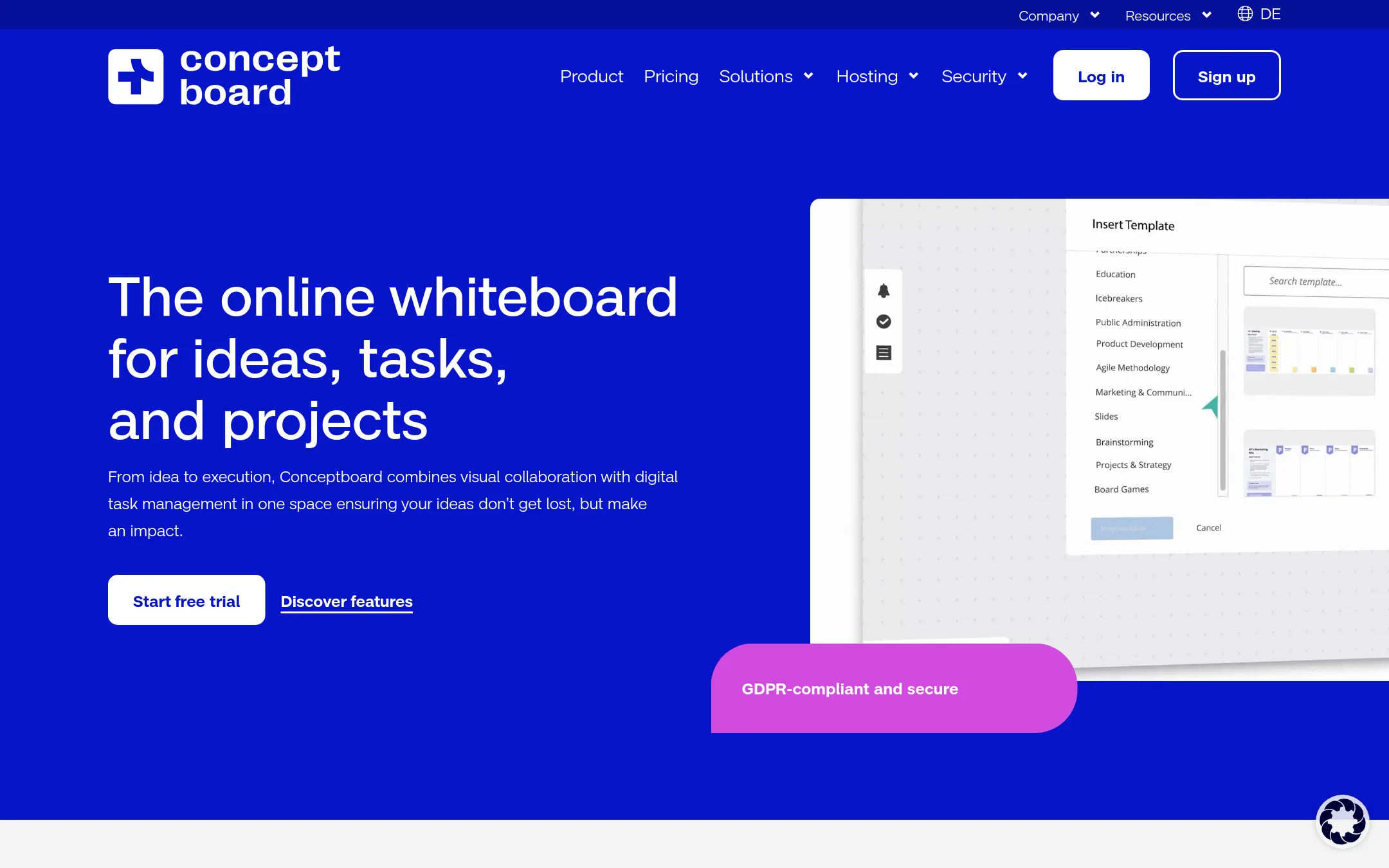
Conceptboard is an online whiteboard that also handles task management, so you can create and assign tasks directly on the board without switching tools. Choose it over Stormboard if you want a GDPR-compliant, Germany-hosted option with built-in project management features for teams that need to move from brainstorming to execution in one place.
Where it is strong
- GDPR-compliant with hosting in Germany, suitable for public sector procurement
- Tasks and workflows can be managed directly on the whiteboard, reducing tool switching
- Offers board history and approval processes for structured collaboration
Where it falls short
- Starter plan limits active projects to 5, which may be restrictive for larger teams
- Single Sign-On and Audit Logs are only available on the Corporate & Government plan
- Pricing:
- Starter is 5€ per user per month, Advanced starts at 10€ per user per month, and Corporate & Government starts at 14€ per user per month, with all prices subject to VAT.
- Switching from Stormboard:
- Moving from Stormboard involves recreating your boards and setting up task assignments, as Conceptboard does not mention direct import from Stormboard.
- Not published
6.Explain Everything
Best for: Teachers, trainers, and presenters who need to record whiteboard videos and build interactive lessons.
- Pricing
- Not published
- Category
- Education
Explain Everything is an online whiteboard built for teaching and presenting. You would choose it over Stormboard when your main need is recording video tutorials, creating interactive presentations, or running live lessons, rather than managing agile workflows or exporting structured reports.
Where it is strong
- Record video tutorials directly on the whiteboard.
- Create interactive presentations with live collaboration.
- Used by over 24 million users.
Where it falls short
- No mention of agile integrations like Jira or Azure DevOps.
- No detailed report exports like Word, PowerPoint, or Excel.
- Pricing:
- Pricing is not published on the site.
- Switching from Stormboard:
- Moving from Stormboard means giving up data-first collaboration features and structured exports, and adapting to a teaching-focused whiteboard.
- Not published
7.Canva Whiteboards
Best for: Design and marketing teams that want a whiteboard inside their existing Canva workflow for visual brainstorming and ideation.
- Pricing
- Not published
- Category
- Communication & Collaboration
Canva Whiteboards is a visual collaboration tool built into Canva's design platform. Choose it instead of Stormboard when your team already lives in Canva and needs a whiteboard for brainstorming and visual work, not for structured data capture or detailed reporting.
Where it is strong
- Integrated with Canva's design tools and asset library
- Familiar interface for teams already using Canva
- Real-time collaboration with comments and reactions
Where it falls short
- No detailed export reports like Stormboard's summaries
- Lacks advanced agile integrations (Jira, Azure DevOps)
- Pricing:
- Pricing is not published on the site.
- Free. From $12/mo
8.FigJam
Best for: Design and product teams already using Figma who want a whiteboard that lives in the same workspace as their design files.
- Pricing
- Free. From $12/mo
- Category
- Communication & Collaboration
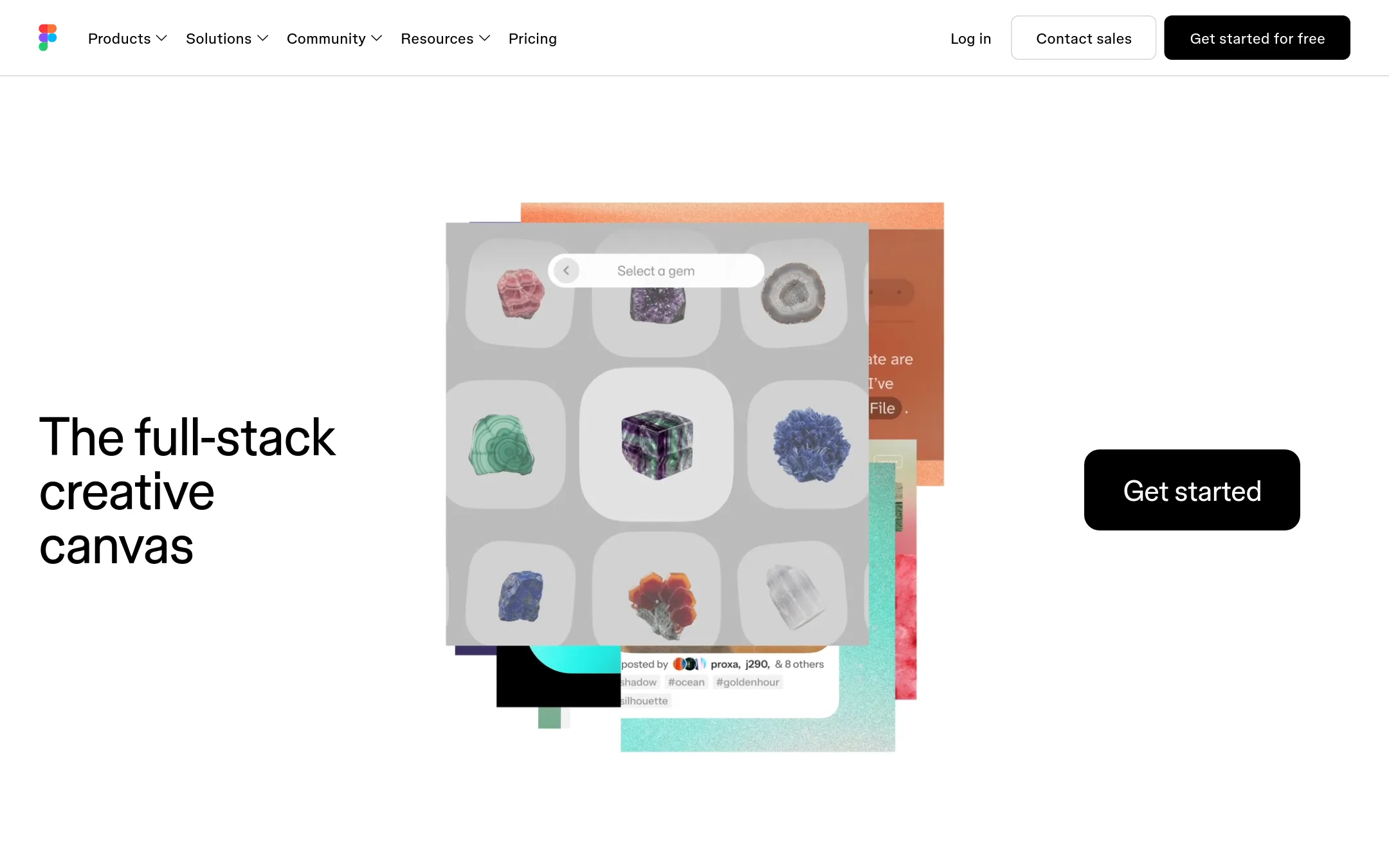
FigJam is Figma's digital whiteboard for real-time brainstorming, diagramming, and team workshops. Choose it over Stormboard if your team already works in Figma and wants whiteboarding next to design files, or if you need a free tier for unlimited drafts.
Where it is strong
- Free Starter plan with unlimited drafts and 150 AI credits/day
- Deep integration with Figma design files and Dev Mode
- AI add-ons available on all plans
Where it falls short
- No detailed summary reports or spreadsheet exports like Stormboard
- Pricing is per seat, which can get costly for large teams
- Pricing:
- Starter is free. Professional is $16/mo per full seat (or $12/mo billed annually). Organization is $55/mo per full seat (or $25/mo billed annually). Enterprise is $90/mo per full seat (or $35/mo billed annually).
- Not published
9.Padlet
Best for: Teachers, students, and creative teams that want an easy, visual way to share ideas and collaborate on a digital canvas.
- Pricing
- Not published
- Category
- Productivity & Project Management
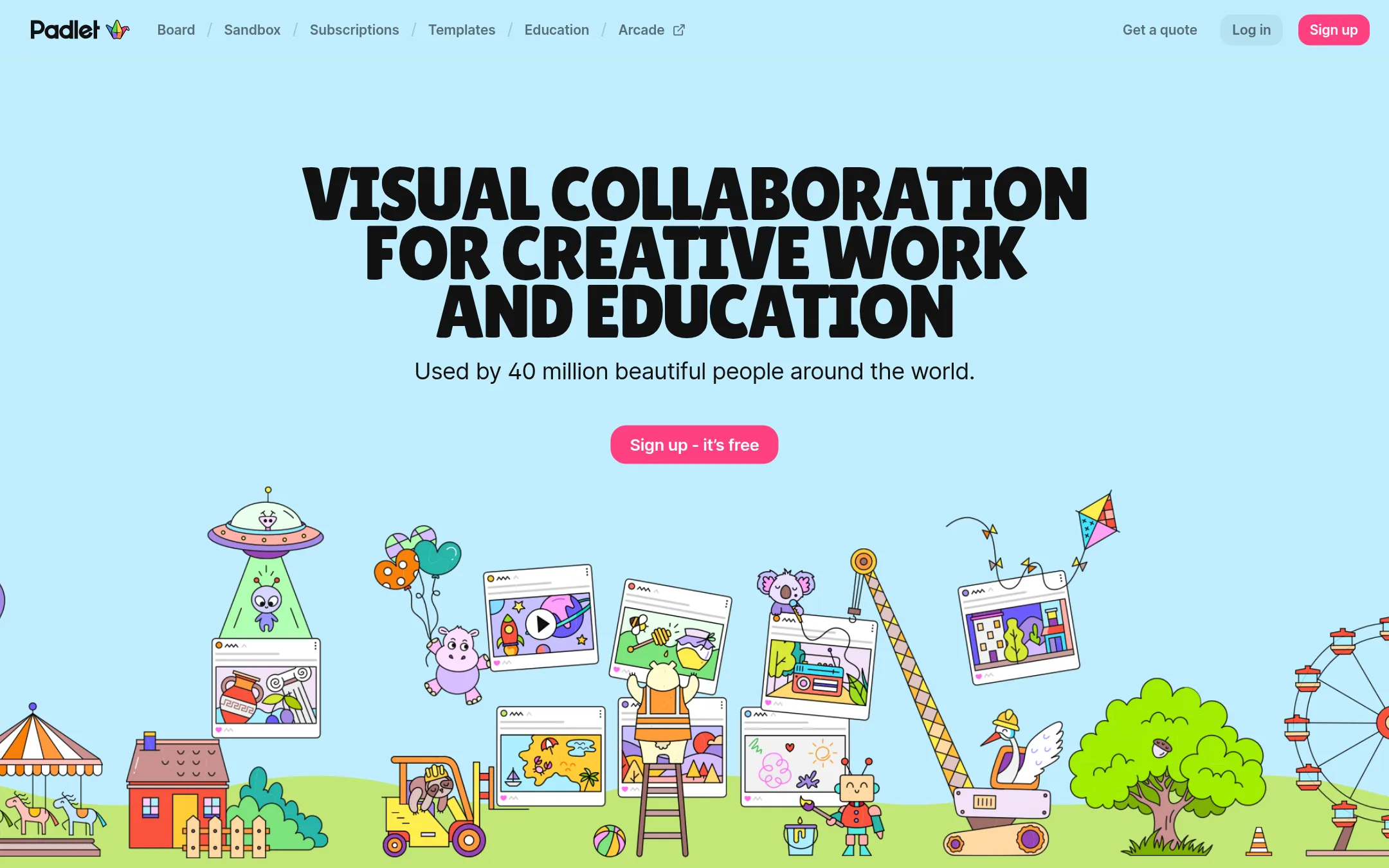
Padlet is a visual collaboration tool with boards and sandboxes for collecting, organizing, and sharing thoughts. You would choose it instead of Stormboard when you need a simpler, more flexible canvas for brainstorming and education, rather than a data-first workflow platform with structured reports and agile integrations.
Where it is strong
- Used by 40 million people worldwide, indicating broad adoption.
- Offers both boards and sandboxes for different types of visual work.
- High ratings on G2 (4.9), App Store (4.6), and Google Play (4.8).
Where it falls short
- Pricing details are not available on the site, making cost comparison difficult.
- Lacks the data-first features of Stormboard, such as detailed summary reports and live bi-directional agile integrations.
- Pricing:
- Pricing is not published on the site.
See more comparisons in Communication & Collaboration alternatives.
FAQ
Questions about Stormboard alternatives
Which alternative is best for teams already using Figma?
FigJam is designed for design and product teams using Figma. It integrates deeply with Figma design files and Dev Mode, and offers a free Starter plan with unlimited drafts.
Which alternative offers the most transparent pricing?
FigJam publishes clear per-seat pricing: Professional at $16 per month, Organization at $55 per month, and Enterprise at $90 per month. Conceptboard also lists prices starting at 5€ per user per month.
Which alternative is best for EU-based teams needing GDPR compliance?
Conceptboard is GDPR-compliant and hosted in Germany, making it suitable for public sector procurement. It also includes task management features directly on the whiteboard.
Which alternative has the strongest integrations with agile tools?
Lucidspark integrates with 100+ tools including Jira, Confluence, and Microsoft 365. It also includes Lucidchart for diagramming in the Team plan.
Which alternative is best for teachers and trainers?
Explain Everything is built for teaching and presenting, with features like recording video tutorials and creating interactive presentations. It is used by over 24 million users.
Last updated October 31, 2026.