
StudyStream alternatives
11 products compared · Updated November 3, 2026
The short answer
The strongest StudyStream alternatives are Study Together, Focusmate, and Forest. Study Together suits students who want a large, gamified community with leaderboards and structured focus sessions. Focusmate is best for individuals who need scheduled, one-on-one accountability for any task. Forest is ideal for those who prefer a gamified timer with app blocking and real-tree planting incentives.
Your shortlist, at a glance
Read the comparisons ↓- SStudy TogetherNot publishedStudents who want a large, gamified study community with leaderboards, levels, and structured focus sessions.
- FFocusmateFree / $8/mo (annual)Individuals who want scheduled, partner-based accountability for work, chores, or study, and prefer a free tier with a clear upgrade path.
- CCaktusNot publishedStudents who want AI help with writing, research, math, and flashcards in one subscription.
- FForestNot publishedStudents, remote workers, and ADHD focusers who need a gamified timer with app blocking and real-tree planting incentives.
- PPomofocusNot publishedIndividual students or remote workers who want a simple, self-contained timer with task tracking and reports, not a social study environment.
- SStudy BunnySee websiteOther
 NotionNot publishedStudents and study groups that want to keep notes, tasks, and project docs in one place instead of joining live video sessions.
 AnkiNot publishedStudents and professionals who need to retain large amounts of factual knowledge through self-paced flashcards.
QuizletNot publishedStudents and teachers who want to convert their own study material into interactive practice tools.
TrelloFree, then $5/moStudents or study groups who want to organize assignments and projects on kanban-style boards with due dates and checklists.
- RRecordBookNot publishedSmall business owners who need a lightweight, mobile-first database to manage records and workflows.
About StudyStream and its alternatives
StudyStream is a 24/7 video platform and online community where students study together with strangers from around the world. It is known for its live video rooms, Discord integration, and a mobile app that helps you stay productive with others.
When comparing alternatives, weigh pricing structure, regions, integrations, support, and contract terms. Some tools are free, others have tiered plans or hidden pricing. Consider whether you need live video, gamification, or simple timers. Check if the tool works on your devices and integrates with your workflow.
Explore the alternatives
- SNot published
1.Study Together
Best for: Students who want a large, gamified study community with leaderboards, levels, and structured focus sessions.
- Pricing
- Not published
- Category
- Other
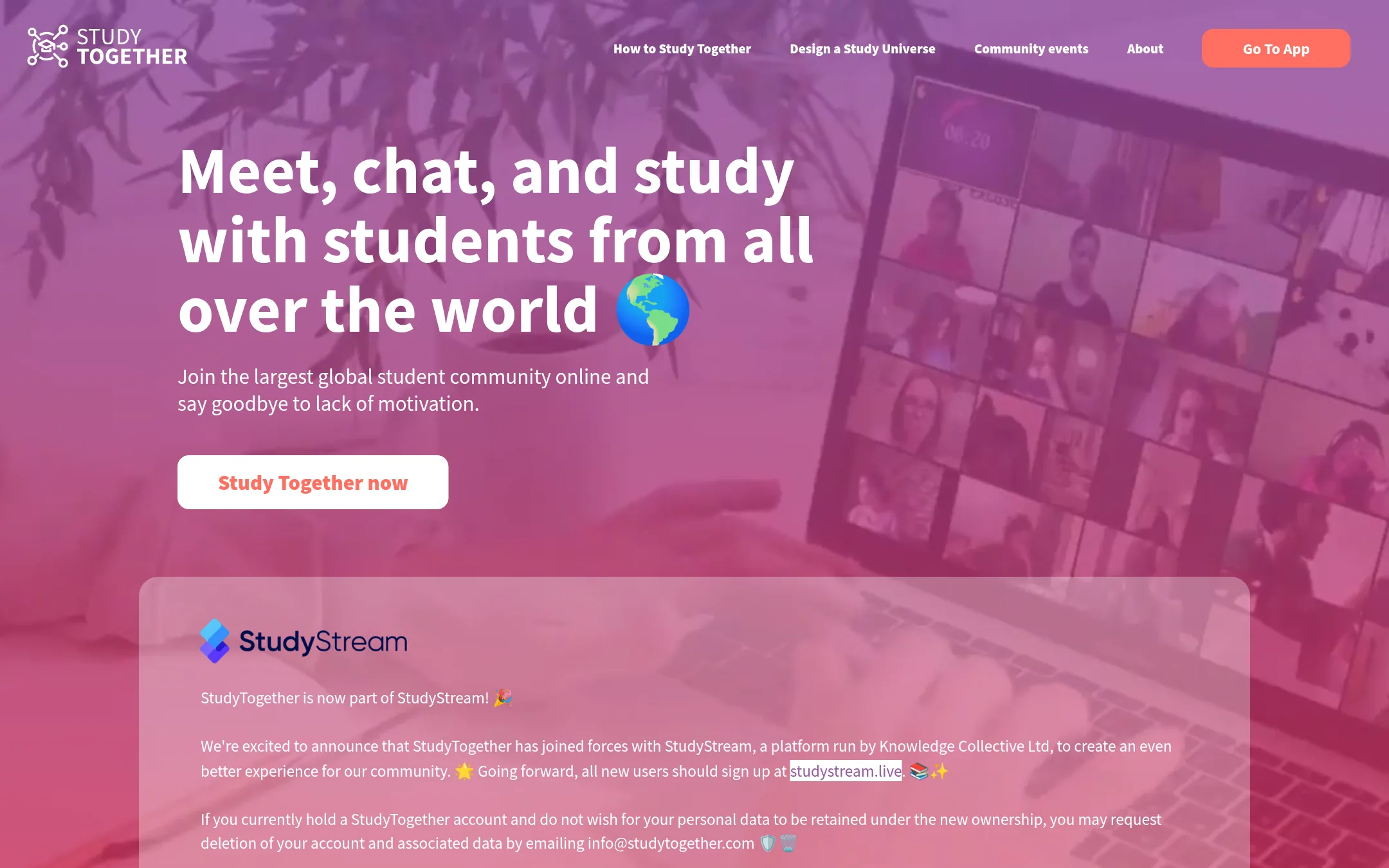
Study Together is a 24/7 study room and focus room community with over one million students. It adds gamification like leaderboards, timers, and a level system to keep you motivated. Choose it over StudyStream if you want structured goal-setting and rewards alongside the live video rooms.
Where it is strong
- Over one million students in the community
- Gamified level system and leaderboards
- Multiple room types: solo, group focus, nature sounds, camera on
Where it falls short
- No pricing details available, so cost is unclear
- May lack some StudyStream features like a dedicated mobile app
- Pricing:
- Pricing is not published on the site.
- FFree / $8/mo (annual)
2.Focusmate
Best for: Individuals who want scheduled, partner-based accountability for work, chores, or study, and prefer a free tier with a clear upgrade path.
- Pricing
- Free / $8/mo (annual)
- Category
- Other
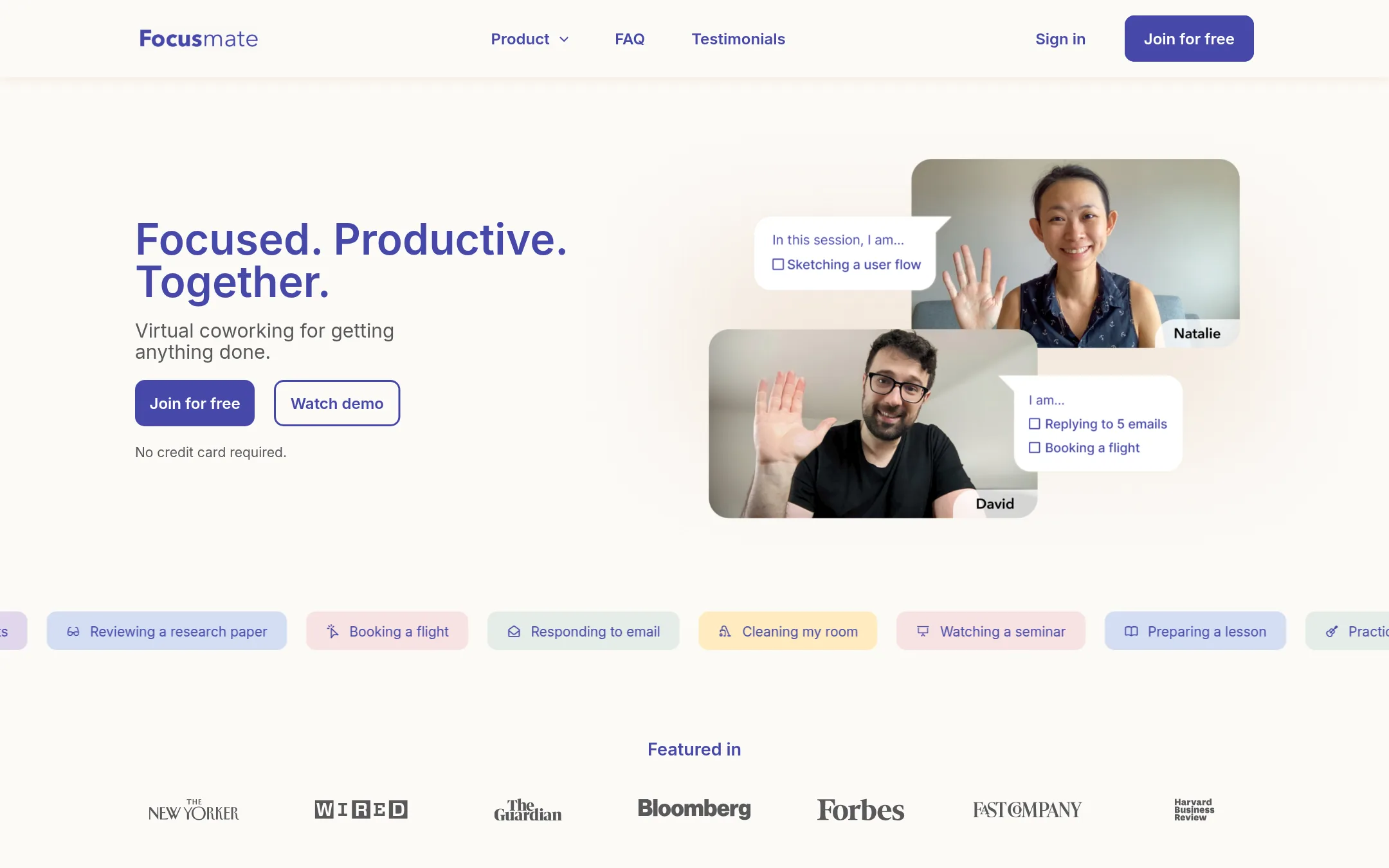
Focusmate is a virtual body doubling service that pairs you with a partner for 25, 50, or 75-minute sessions. Choose it instead of StudyStream when you need structured, one-on-one accountability for any task, not just studying, and prefer scheduled sessions over an open 24/7 community stream.
Where it is strong
- Sessions are 25, 50, or 75 minutes, so you can match focus time to your task.
- Free plan includes 3 sessions per week with no credit card required.
- Works in the browser on desktop or mobile, with calendar sync and no extra downloads.
Where it falls short
- Requires you to stay on camera during sessions, which may not suit everyone.
- No open community stream or live group vibe like StudyStream. It's one-on-one by design.
- Pricing:
- Free for up to 3 sessions per week. Plus is $8/month billed annually or $12/month billed monthly, with taxes possibly added.
- CNot published
3.Caktus
Best for: Students who want AI help with writing, research, math, and flashcards in one subscription.
- Pricing
- Not published
- Category
- Other
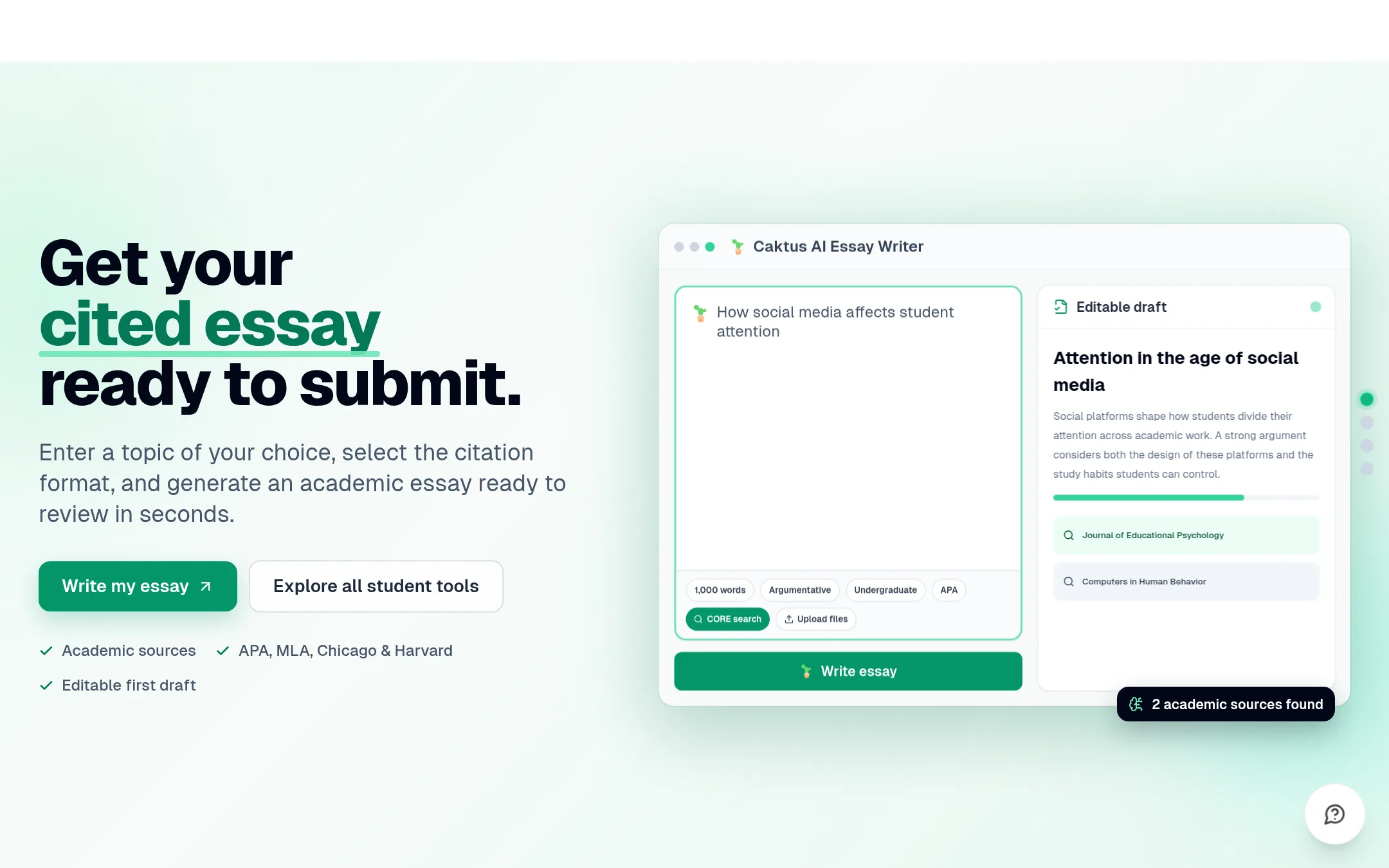
Caktus is an AI study tool that writes essays with citations, solves math step-by-step, and turns notes into flashcards. Choose it instead of StudyStream when you need help completing assignments, not just a live video room to study alongside others.
Where it is strong
- 25+ tools including essay writer, math solver, and flashcard maker
- Real academic citations in APA, MLA, Chicago, and Harvard
- Document uploads for notes, PDFs, and Word files
Where it falls short
- No live video or community features like StudyStream
- Pricing details are not shown on the site
- Pricing:
- Pricing is not published on the site.
- FNot published
4.Forest
Best for: Students, remote workers, and ADHD focusers who need a gamified timer with app blocking and real-tree planting incentives.
- Pricing
- Not published
- Category
- Other
Forest is a pomodoro-style focus timer that grows a virtual tree for every completed session and kills it if you leave the app. Choose it instead of StudyStream when you want to block distractions and build a personal focus habit, not study alongside other people live.
Where it is strong
- Free tier includes the core timer, Deep Focus app blocking, Plant Together, and tree planting.
- Works offline for timer, tree growth, and stats.
- Over 2 million real trees planted via Trees for the Future since 2014.
Where it falls short
- No live video community or group study sessions with strangers.
- Pricing details for Plus are not shown on the site.
- Pricing:
- Pricing is not published on the site.
- PNot published
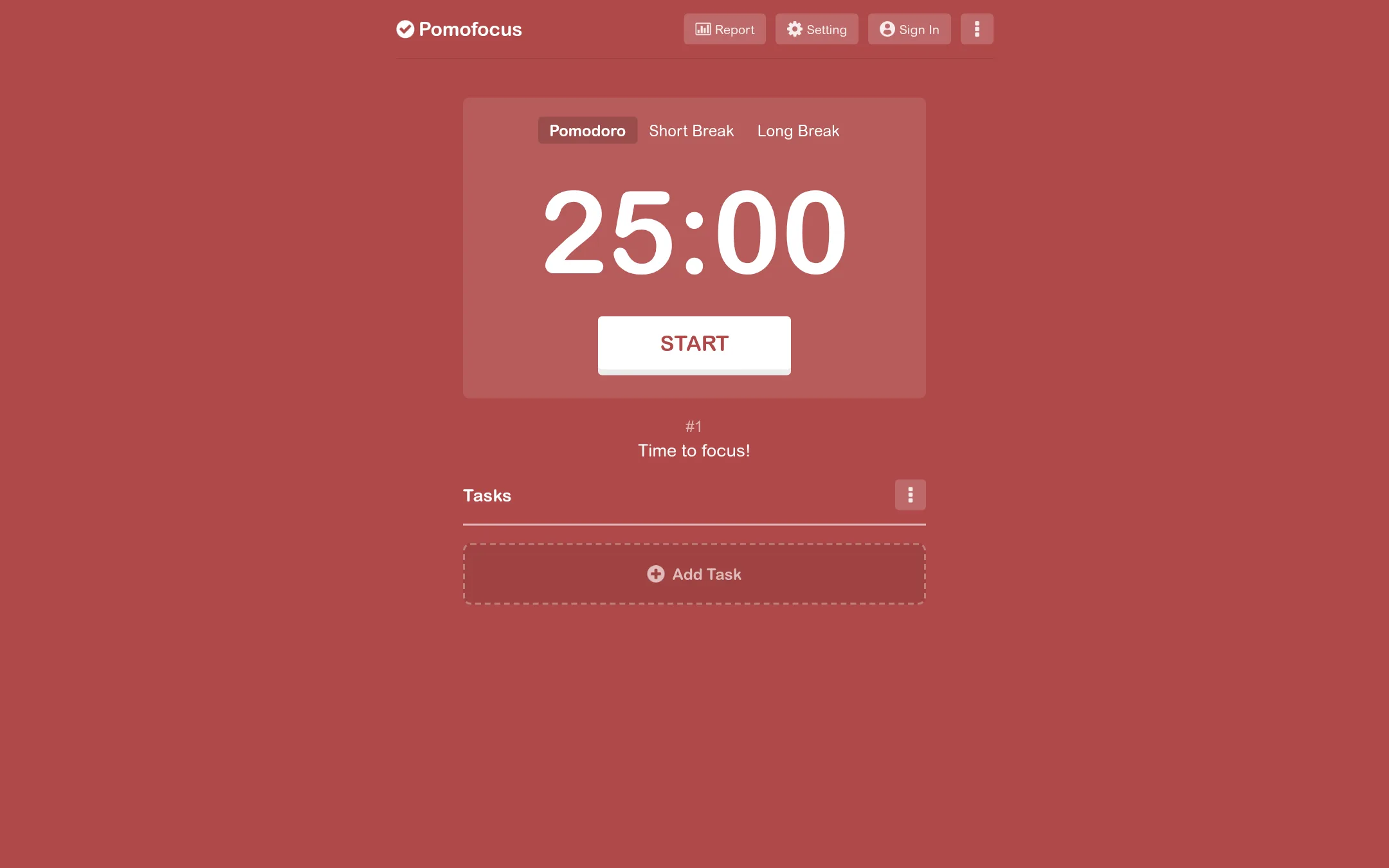
5.Pomofocus
Best for: Individual students or remote workers who want a simple, self-contained timer with task tracking and reports, not a social study environment.
- Pricing
- Not published
- Category
- Other
Pomofocus is a straightforward Pomodoro timer that runs in any browser. You use it when you want to structure your own study or work sessions with timed focus and breaks, without needing a live video community or other people online.
Where it is strong
- Works on desktop and mobile browsers without installation
- Customizable focus and break lengths, plus background sounds
- Includes visual reports and CSV export of your focus history
Where it falls short
- No live video or community features, so you study alone
- Desktop app is unsigned, which triggers a Windows safety warning
- Pricing:
- Pricing is not published on the site.
- SSee website
6.Study Bunny
Other
Combines a Pomodoro timer with a virtual pet to motivate consistent study habits.
- Not published
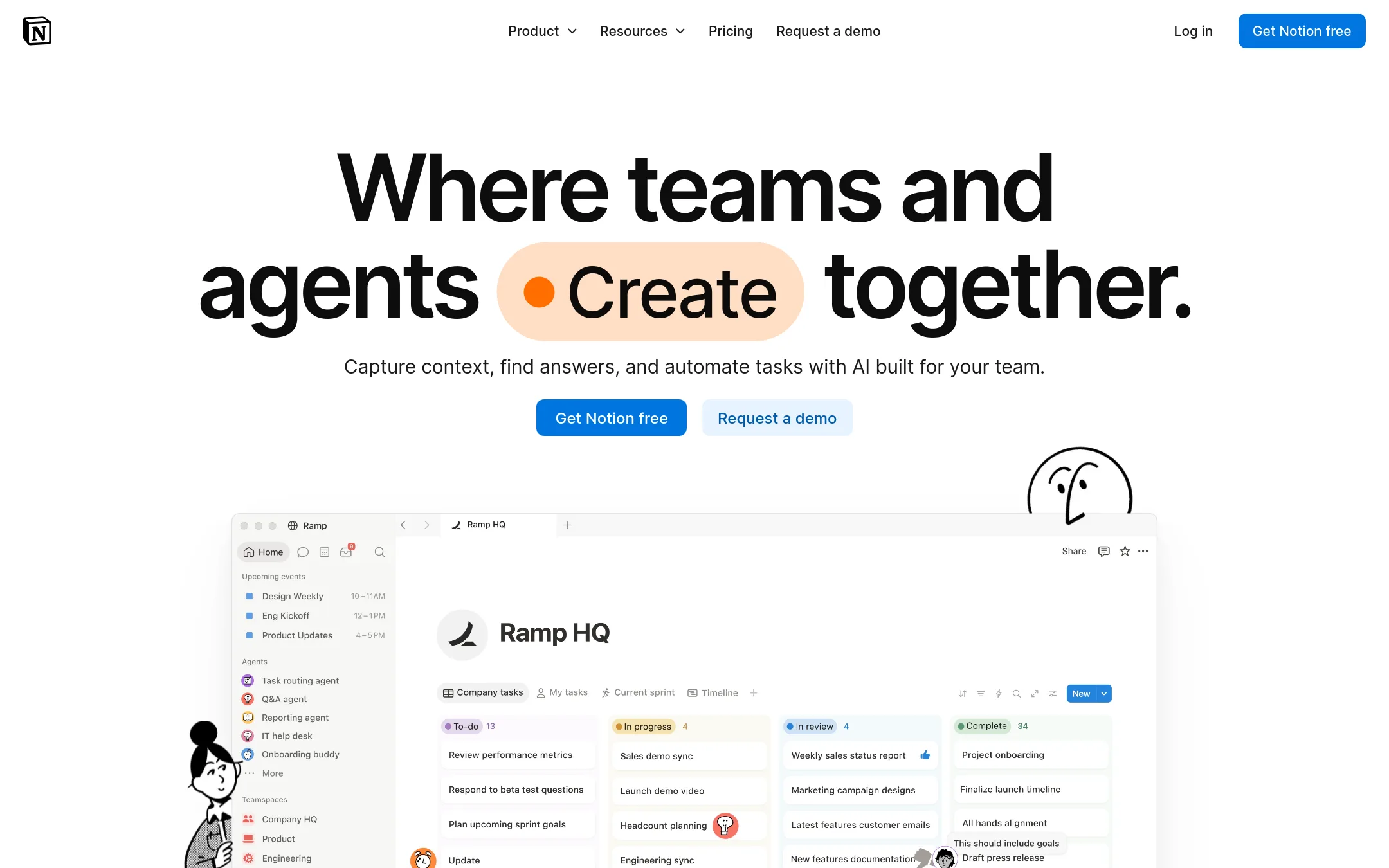
7.Notion
Best for: Students and study groups that want to keep notes, tasks, and project docs in one place instead of joining live video sessions.
- Pricing
- Not published
- Category
- Productivity & Project Management
Notion is a flexible workspace for notes, docs, wikis, and project tracking. You would choose it over StudyStream when you need a structured tool to organize study materials and collaborate with a team, not a live video room for shared focus.
Where it is strong
- Flexible databases for tracking tasks and study progress
- Free plan for personal use
- Widely adopted with templates for education
Where it falls short
- No built-in live video or co-working sessions
- AI features require extra credits or higher plans
- Pricing:
- In the United States, Notion offers a Free plan, Plus, Business, and Enterprise tiers. Specific prices are not listed on the pricing page.
- Not published
8.Anki
Best for: Students and professionals who need to retain large amounts of factual knowledge through self-paced flashcards.
- Pricing
- Not published
- Category
- Education
Anki is a flashcard app for long-term memory using spaced repetition. You would choose it instead of StudyStream when you want to study alone and memorize facts efficiently, not study with others live.
Where it is strong
- Spaced repetition schedules reviews for long-term retention.
- Free companion web app for syncing and reviewing online.
- Works offline on your computer with the desktop version.
Where it falls short
- No live community or video sessions with other students.
- Creating rich decks with multimedia requires the desktop app.
- Pricing:
- Pricing is not published on the site.
- Not published
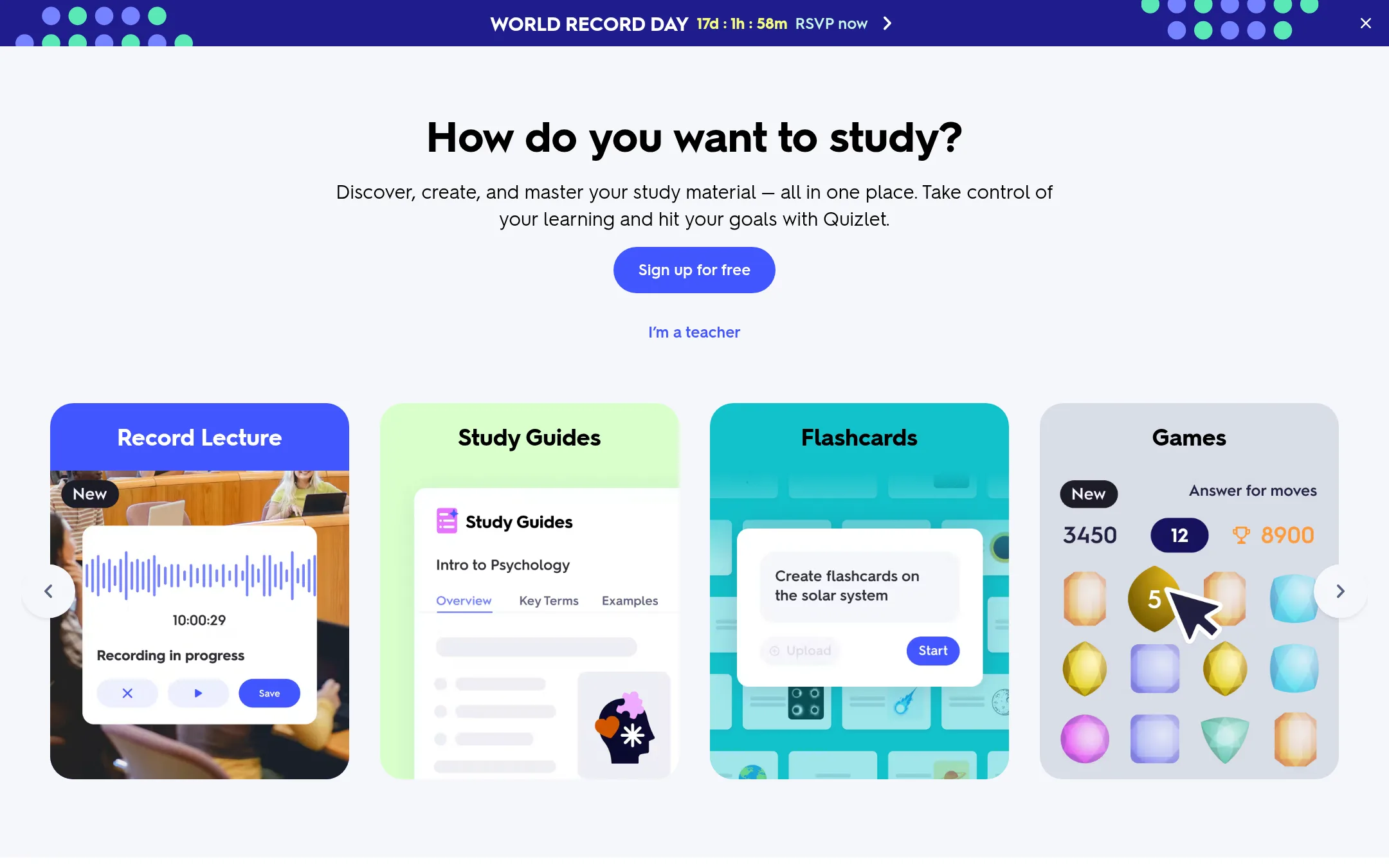
9.Quizlet
Best for: Students and teachers who want to convert their own study material into interactive practice tools.
- Pricing
- Not published
- Category
- Education
Quizlet turns your own notes, recordings, and typed material into flashcards, practice tests, and games. Choose it when you need to master specific course content rather than get live accountability from studying alongside others.
Where it is strong
- Creates flashcards and quizzes from your own notes or recordings
- Includes games and practice tests for active recall
- Free for teachers and integrates with Google Classroom
Where it falls short
- No live video study sessions with other people
- Pricing details are not shown on the site
- Pricing:
- Pricing is not published on the site.
- Free, then $5/mo
10.Trello
Best for: Students or study groups who want to organize assignments and projects on kanban-style boards with due dates and checklists.
- Pricing
- Free, then $5/mo
- Category
- Productivity & Project Management
Trello is a visual project management tool for organizing tasks on boards, lists, and cards. You would choose it instead of StudyStream when you need to track individual study tasks or team projects, not join a live co-working video session.
Where it is strong
- Unlimited cards and Power-Ups on the free plan
- Built-in automation for repetitive tasks
- Mobile apps for iOS and Android
Where it falls short
- No live video or audio for studying together
- Free plan limits you to 10 boards per Workspace
- Pricing:
- Free for up to 10 collaborators per Workspace. Standard is $5 per user/month billed annually ($6 billed monthly). Premium is $10 per user/month billed annually ($12.50 billed monthly). Enterprise is $17.50 per user/month billed annually ($210.00 annual price p
- Switching from StudyStream:
- Moving from StudyStream means replacing live co-working sessions with task boards. There is no video or community component to migrate.
- RNot published
11.RecordBook
Best for: Small business owners who need a lightweight, mobile-first database to manage records and workflows.
- Pricing
- Not published
- Category
- Productivity & Project Management
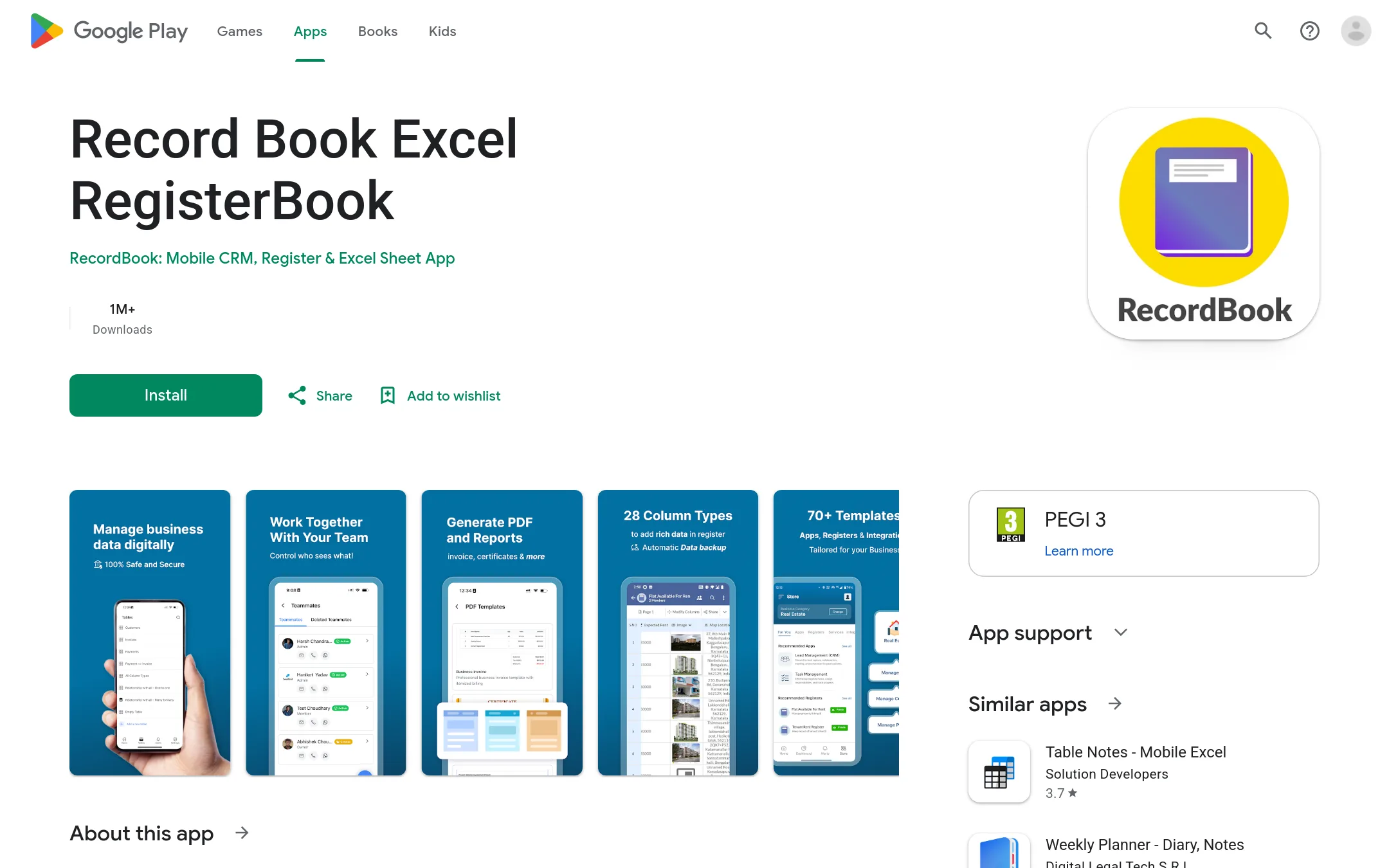
RecordBook is a mobile app that positions itself as an Airtable-like database for small businesses. It is for owners who need to organize records, track work, and manage operations on the go, not for students seeking live study sessions.
Where it is strong
- Mobile-first design for on-the-go management
- Airtable-like flexibility for custom records
- Targets the large SMB market
Where it falls short
- No live video or community features
- Android-only availability
- Pricing:
- Pricing is not published on the site.
See more comparisons in Education alternatives.
FAQ
Questions about StudyStream alternatives
Which StudyStream alternative is best for students who want a large community?
Study Together is the best fit. It has over one million students and offers gamified features like leaderboards, levels, and multiple room types. It is designed for structured focus sessions with others.
What is the cheapest alternative for getting accountability?
Focusmate offers a free plan with up to 3 sessions per week, no credit card required. Paid plans start at $8 per month billed annually. This is a low-cost way to get scheduled, partner-based accountability.
Are there any alternatives that work offline?
Anki and Forest both work offline. Anki's desktop version allows offline flashcard reviews, and Forest's timer, tree growth, and stats work without an internet connection. This is useful if you study in areas with poor connectivity.
Which alternative is best for turning my notes into study tools?
Quizlet is the best choice. It converts your notes, recordings, and typed material into flashcards, practice tests, and games. It also integrates with Google Classroom and is free for teachers.
Do any alternatives offer AI help with assignments?
Caktus is the only one with AI tools. It writes essays with citations, solves math step-by-step, and turns notes into flashcards. It has over 25 tools, but pricing is not published on the site.
Last updated November 3, 2026.