Sunsama alternatives
9 products compared · Updated November 5, 2026
The short answer
The three strongest Sunsama alternatives are Motion, Todoist, and Reclaim.ai. Motion suits people who want AI to build and reshuffle their daily schedule and project plans. Todoist suits individuals and small teams who want a fast, lightweight task list with owners and deadlines. Reclaim.ai suits individuals and managers on Google or Outlook calendars who want focus time and tasks scheduled automatically.
Your shortlist, at a glance
Read the comparisons ↓ MotionNot publishedIndividuals and teams that want AI to build and maintain their daily schedule and project plans
 TodoistNot publishedIndividuals and small teams that want shared task lists with owners, deadlines and templates
 AkiflowSee websiteAll your tasks and calendars into an AI-powered productivity app
- SStructuredNot publishedIndividuals who want a visual daily timeline on their phone and watch without a team setup
 NotionFree, then per seatGrowing businesses and small teams that want docs, projects and AI agents in one shared workspace
ClickUpFree forever, paid tieGrowing teams that want tasks, docs, chat and AI agents in one workspace instead of a personal daily planner
- AAsanaFrom $13.49/user/moGrowing teams that need shared project plans, portfolio tracking and resource planning across several departments
 FantasticalNot publishedIndividuals and small teams who live in Apple devices and want a polished calendar with quick natural-language scheduling
 Reclaim.aiFrom $10/mo per userIndividuals and managers on Google or Outlook calendars who want focus time and tasks scheduled automatically
About Sunsama and its alternatives
Sunsama is a daily planner for busy professionals. According to its site, it helps people plan their day by aligning goals, prioritizing tasks and setting a realistic workload. It pulls work from calendars, project tools, task apps, email and messaging into one list, and it includes a daily wrap-up that records what got done. Its site also highlights weekly objectives, Pomodoro timers, analytics and SOC2 compliance with SAML/SSO on its enterprise tier.
When comparing alternatives in this category, look at how each product is priced, including whether it has a free plan, per-user pricing, annual discounts and enterprise tiers that require contacting sales. Check which regions and currencies a vendor lists, which integrations it supports with your calendar and project tools, what support is offered, and what the contract terms are. Some products on this list do not publish pricing at all, so ask for quotes before you compare costs.
Explore the alternatives
- Not published
1.Motion
Best for: Individuals and teams that want AI to build and maintain their daily schedule and project plans
- Pricing
- Not published
- Category
- Productivity & Project Management
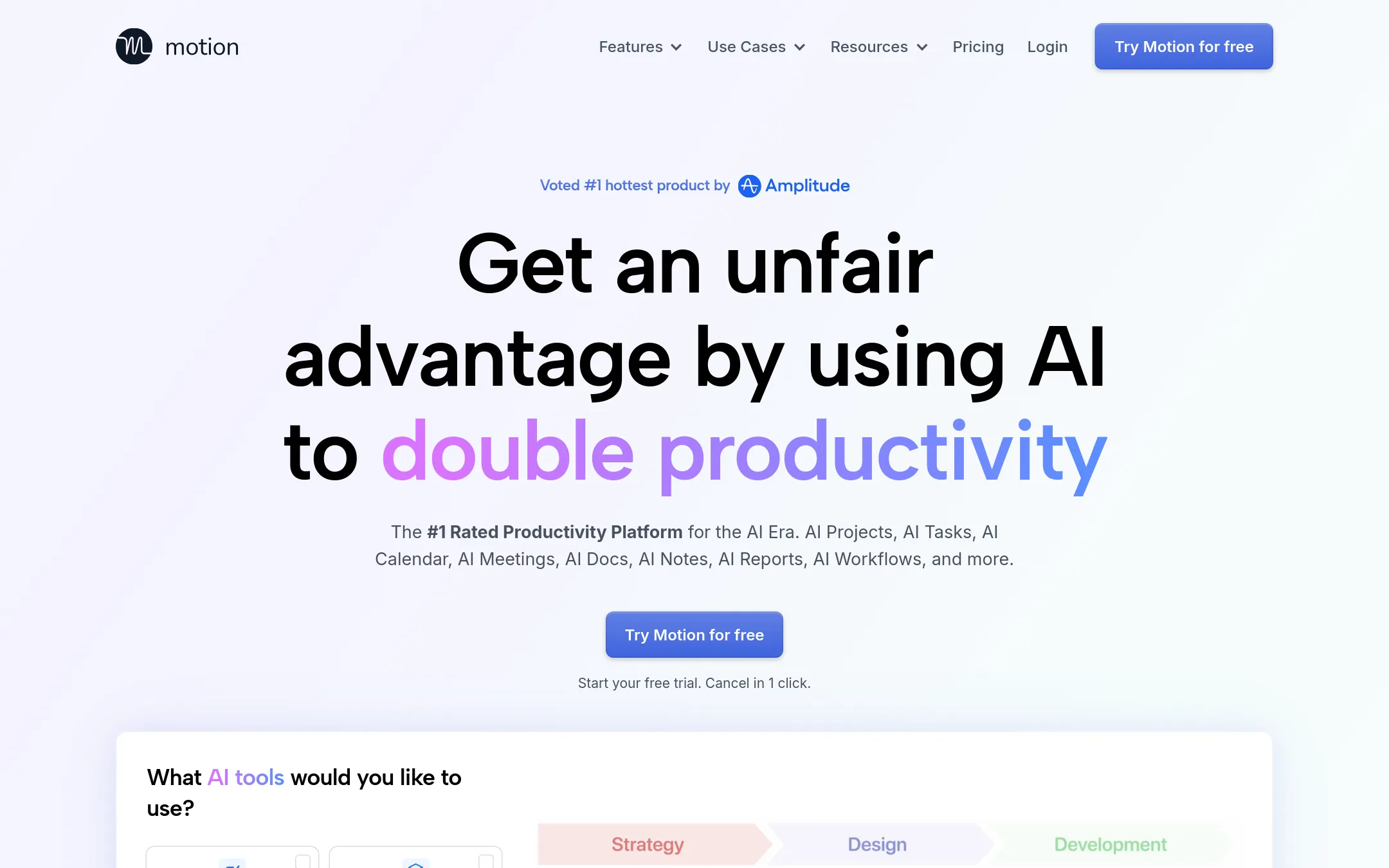
Motion is an AI work platform that goes well beyond a daily planner. It builds your task schedule, manages project statuses, takes meeting notes and writes docs, all in one workspace. Someone would pick it over Sunsama if they want the software to plan and reshuffle the day for them, or if they need project management and meeting tools alongside personal planning.
Where it is strong
- AI Task Planner automatically builds and reshuffles your daily schedule as tasks change
- Covers project management, docs, and meeting notes in one workspace
- Tasks can be pulled in from email, Zoom, Teams, and Slack messages
Where it falls short
- Much broader scope than Sunsama, so it can feel heavier for someone who only wants a daily planner
- Credit-based AI usage limits per seat are part of the plan structure
- Pricing:
- Pricing is not published on the site.
- Not published
2.Todoist
Best for: Individuals and small teams that want shared task lists with owners, deadlines and templates
- Pricing
- Not published
- Category
- Productivity & Project Management
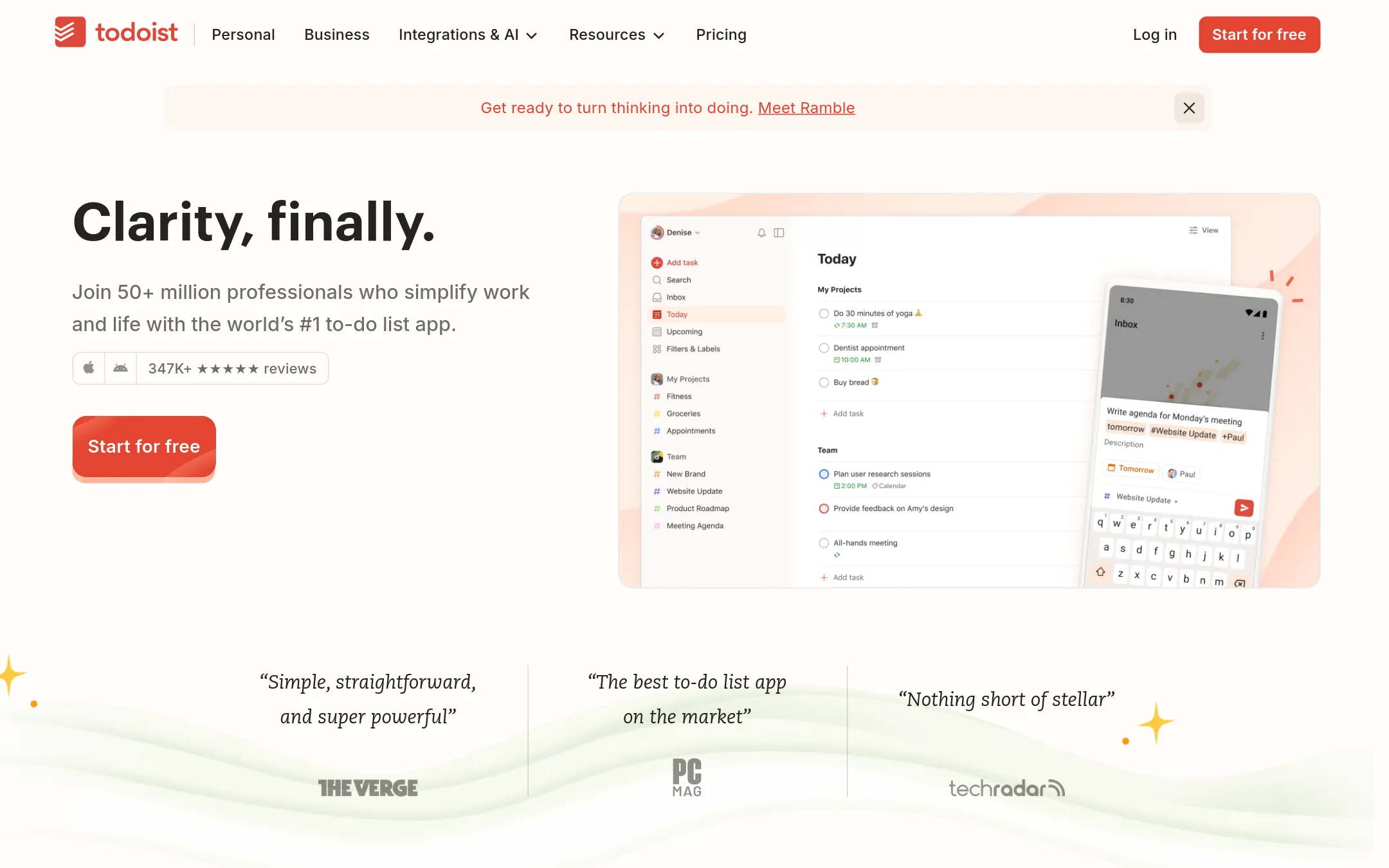
Todoist is a task manager built around fast capture with natural language, with lists, boards, calendar and table views. People pick it over Sunsama when they want a lightweight to-do list that covers personal and team work, rather than a daily planner that pulls tasks from other tools and tracks time against the calendar.
Where it is strong
- Capture tasks quickly with natural language, which keeps friction low
- Free plan covers personal use, with Pro and Business tiers above it
- Works on phone, tablet, watch, desktop and web, with 90+ integrations
Where it falls short
- It is a task list first, so it lacks Sunsama's built-in daily planning and end-of-day wrap-up
- The free Beginner plan limits you to 5 personal projects and a one-week activity history
- Pricing:
- Pricing is not published on the site.
- See website
3.Akiflow
Productivity & Project Management
A daily planning hub that unifies tasks from multiple apps and timeboxes them directly onto your calendar.
- SNot published
4.Structured
Best for: Individuals who want a visual daily timeline on their phone and watch without a team setup

- Pricing
- Not published
- Category
- Other
Structured puts your tasks, calendar events and focus sessions on one visual timeline for each day. It works on phone, computer and smart watch, so you can plan on the go and check in from a wrist. Choose it over Sunsama if you want a simple timeline view and do not need Sunsama's daily shutdown routine or deep integrations with project tools.
Where it is strong
- One timeline shows tasks and calendar events together
- Works on phone, computer and smart watch
- Weekly and monthly views for longer planning
Where it falls short
- Its homepage does not list integrations with project management tools like Asana, Trello or Jira
- Its homepage does not mention team or enterprise features
- Pricing:
- Pricing is not published on the site.
- Free, then per seat
5.Notion
Best for: Growing businesses and small teams that want docs, projects and AI agents in one shared workspace
- Pricing
- Free, then per seat
- Category
- Productivity & Project Management
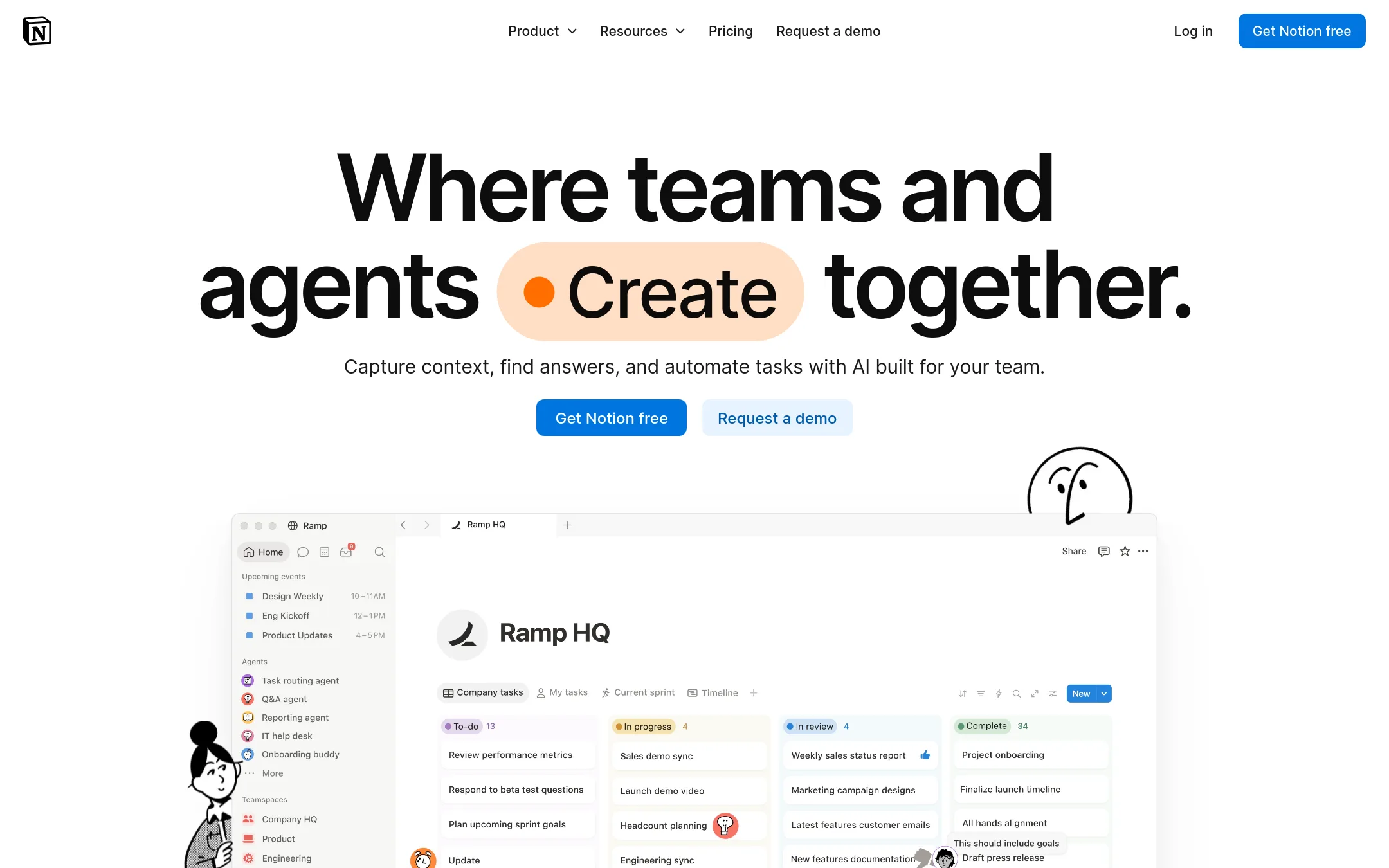
Notion is a general workspace for docs, databases, wikis and project tracking that teams can shape into almost any system. Someone would pick it over Sunsama when they want one place for notes, company knowledge and task tracking together, rather than a daily planner that pulls tasks from other tools.
Where it is strong
- Docs, wikis, databases and project tracking sit in one workspace
- A free plan lets individuals start without paying
- Custom Agents and Notion AI can automate repetitive work
Where it falls short
- It is a general workspace, so it does not give the focused daily planning view Sunsama is built around
- Advanced controls like SAML SSO and audit logs sit on higher-tier plans
- Pricing:
- In the United States, Notion has a free plan for individuals, a Plus plan for small teams, a Business plan with AI and advanced security, and an Enterprise plan, but the exact per-seat figures are not shown in the supplied text.
- Free forever, paid tie
6.ClickUp
Best for: Growing teams that want tasks, docs, chat and AI agents in one workspace instead of a personal daily planner
- Pricing
- Free forever, paid tie
- Category
- Productivity & Project Management
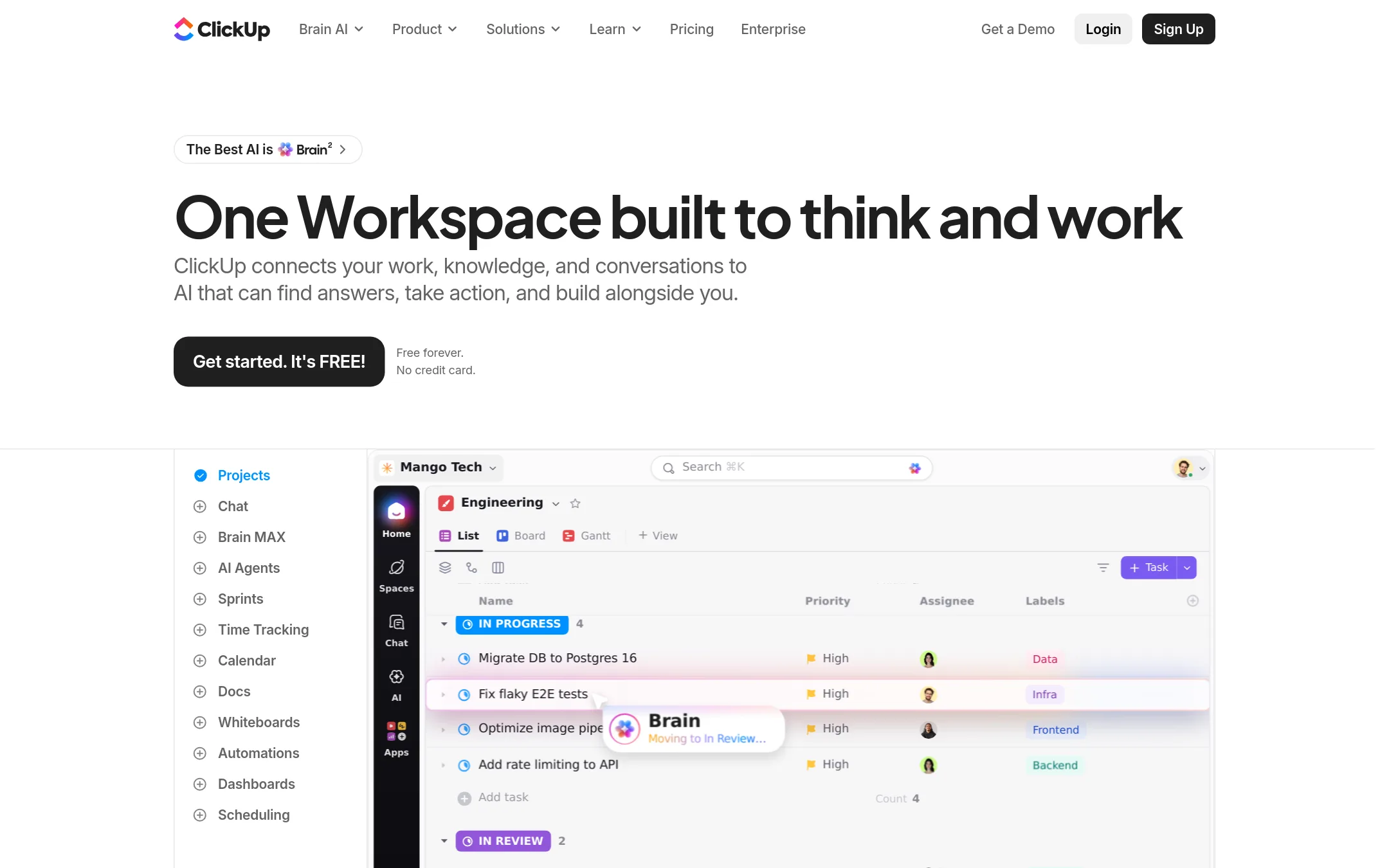
ClickUp is a single workspace that covers tasks, docs, chat, calendars, sprints, dashboards and automations, with AI agents built in. Someone would pick it over Sunsama when they want one tool for the whole team's project work, not just a personal daily planner. It suits teams that need shared task management beyond one person's day.
Where it is strong
- Covers tasks, docs, chat, whiteboards, sprints and dashboards in one workspace
- Has a free forever plan with no credit card needed
- Offers 50+ native integrations, including Jira, Microsoft Teams, Figma and Zapier
Where it falls short
- Its breadth means a steeper learning curve than a focused daily planner
- Sunsama's daily planning and end-of-day wrap-up are not a core focus here
- Pricing:
- Pricing is published by tier, with a free forever plan, a 100% money-back guarantee, and yearly billing that saves up to 33%, though the exact per-user figures are not in the text supplied.
- AFrom $13.49/user/mo
7.Asana
Best for: Growing teams that need shared project plans, portfolio tracking and resource planning across several departments
- Pricing
- From $13.49/user/mo
- Category
- Productivity & Project Management
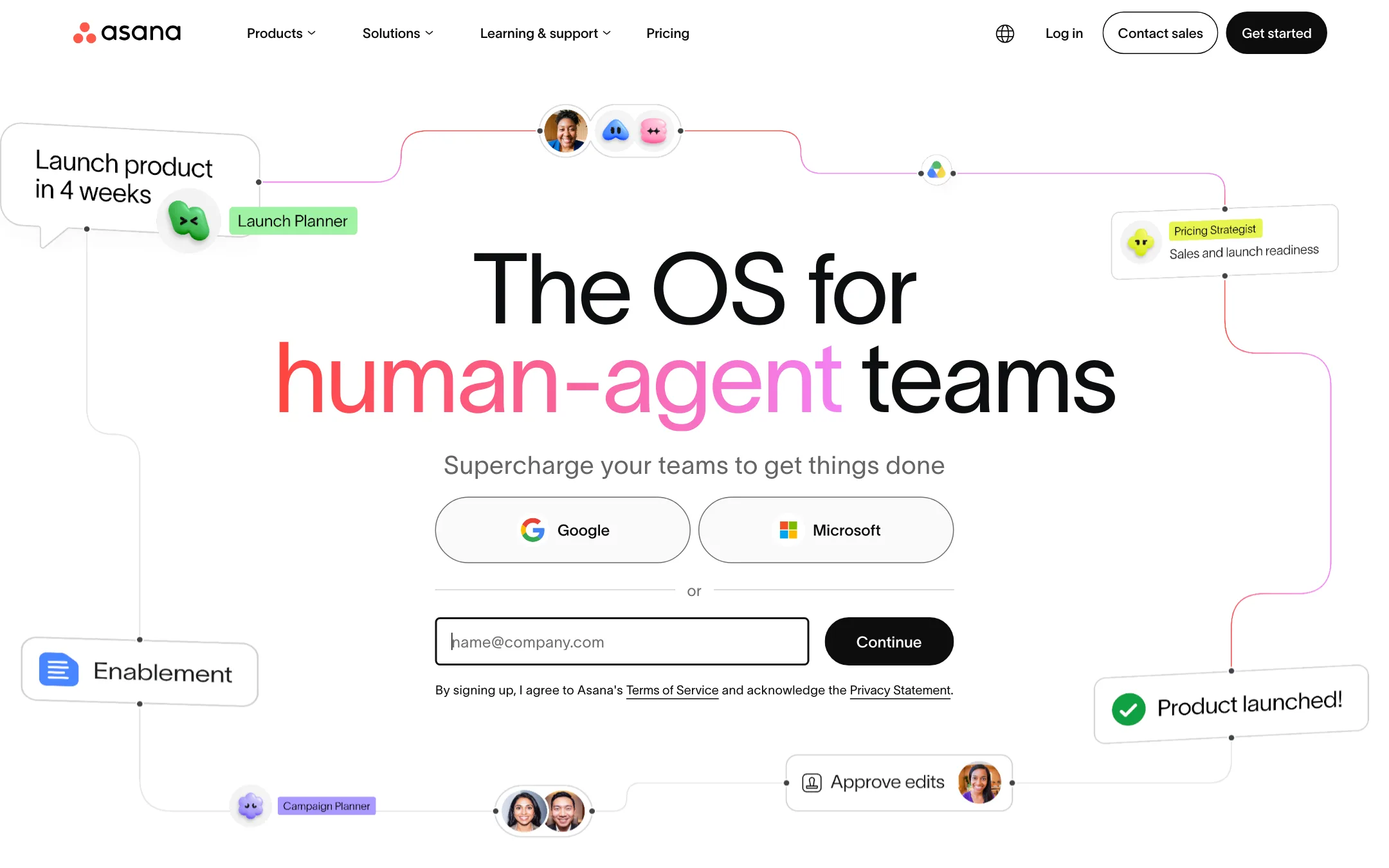
Asana is a general work management tool for teams. It covers projects, tasks, timelines, portfolios and goals, and its AI Teammates handle routine coordination. Choose it over Sunsama when a team needs shared project plans, dependencies and cross-team reporting rather than one person's daily plan.
Where it is strong
- Free Personal plan covers up to two collaborators with unlimited tasks and projects
- Timeline, Gantt and portfolio views show dependencies across many projects
- Integrations with Salesforce, Tableau and Power BI on the Advanced tier
Where it falls short
- Built for team project management rather than a focused personal daily planner like Sunsama
- Enterprise features such as SAML, SCIM and audit logs sit on the top tiers and require contacting sales
- Pricing:
- Pricing is published per user per month, with a free Personal plan for one or two people, Starter and Advanced paid tiers billed annually, and Enterprise priced by quote.
- Not published
8.Fantastical
Best for: Individuals and small teams who live in Apple devices and want a polished calendar with quick natural-language scheduling
- Pricing
- Not published
- Category
- Productivity & Project Management
Fantastical is a calendar and task app that puts your events, reminders and tasks into one view on Mac, iPhone, iPad, Apple Watch, Vision Pro, Windows and Googlebook. It works with iCloud, Google, Exchange and Todoist, and lets you add events by typing a sentence. Choose it over Sunsama if you mainly want a fast, good-looking calendar with light task handling, not a daily planning routine built around timeboxing your workload.
Where it is strong
- Runs on Mac, iPhone, iPad, Apple Watch, Apple Vision Pro, Windows and Googlebook
- Adds events and tasks from plain sentences like "todo Pick up dry cleaning on Friday"
- Syncs calendar sets across devices and can switch them based on location
Where it falls short
- Its focus is calendar and scheduling, so it lacks Sunsama's daily planning and end-of-day wins tracking
- Pulls tasks mainly from iCloud Reminders, Todoist and Google Tasks rather than a broad set of project tools like Asana, Trello or Jira
- Pricing:
- Pricing is not published on the site.
- From $10/mo per user
9.Reclaim.ai
Best for: Individuals and managers on Google or Outlook calendars who want focus time and tasks scheduled automatically
- Pricing
- From $10/mo per user
- Category
- Productivity & Project Management
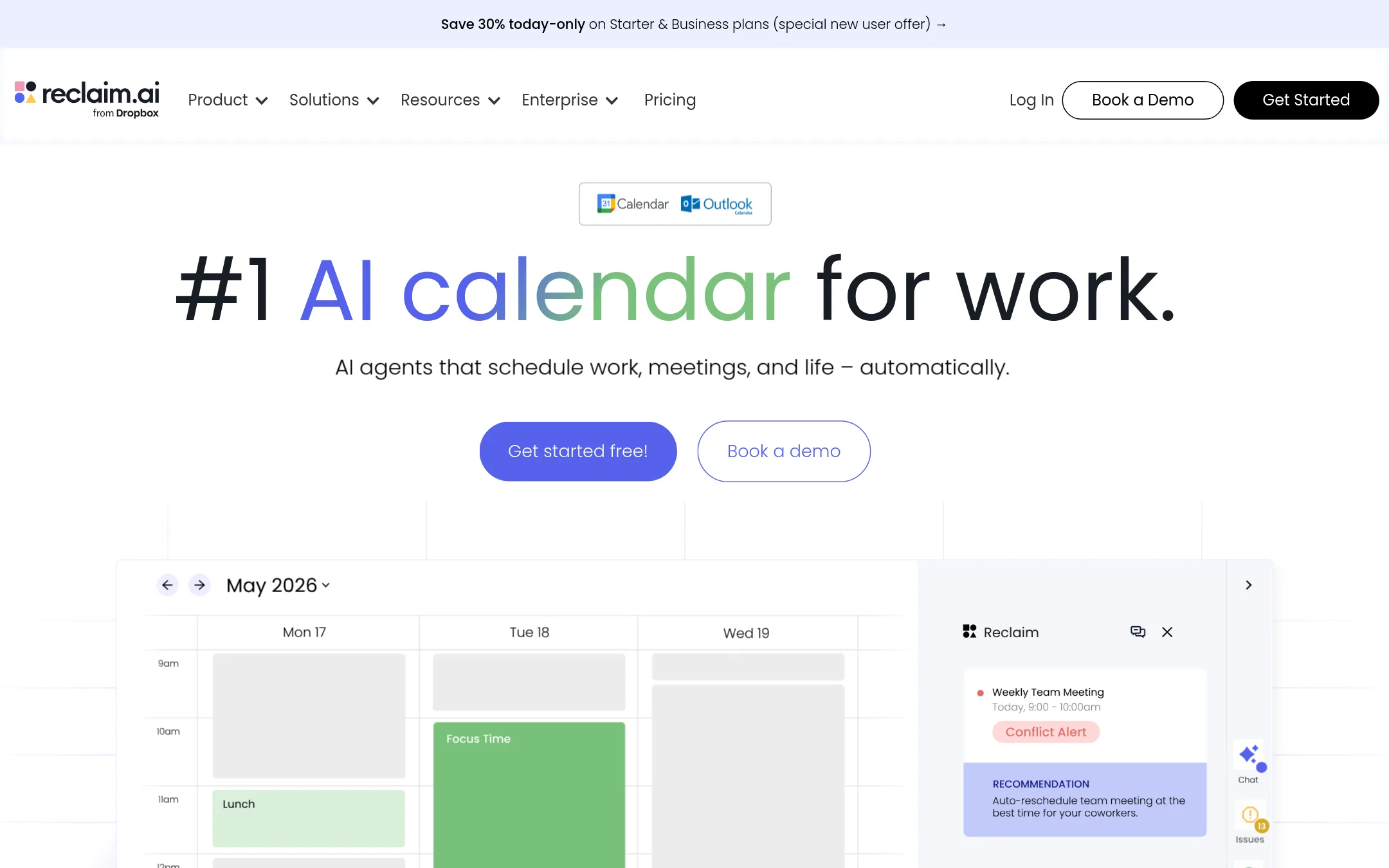
Reclaim.ai is an AI calendar assistant that schedules tasks, habits, and focus time directly into your Google or Outlook calendar, and defends that time when meetings get added. Choose it over Sunsama if your main problem is calendar conflicts and protecting deep work, not a daily planning ritual. It also gives managers and leaders time-allocation dashboards that Sunsama's personal planner does not focus on.
Where it is strong
- Schedules tasks, habits, and focus time into your calendar automatically
- Works with Google Calendar and Outlook Calendar
- Offers a free Lite plan for a single user
Where it falls short
- Its focus is calendar automation rather than a daily planning ritual like Sunsama's
- Pricing tiers are tied to team size and some plans are unavailable on monthly billing
- Pricing:
- Pricing is listed per user with a free Lite plan, Starter at $10, Business at $15, and Enterprise at $22, with the page also showing $12 and $18 figures and a 29% discount for annual billing.
See more comparisons in Productivity & Project Management alternatives.
FAQ
Questions about Sunsama alternatives
What is the closest alternative to Sunsama for a personal daily planner?
Todoist and Structured both focus on personal daily planning, though they work differently. Todoist is a fast task list with natural-language capture, while Structured shows tasks and calendar events on one visual timeline per day. Neither includes Sunsama's built-in end-of-day wrap-up as a core feature.
Which Sunsama alternative uses AI to plan the day for you?
Motion is the alternative whose site most clearly describes AI building and reshuffling your daily schedule as tasks change. It also covers project management, docs and meeting notes in one workspace. Its credit-based AI usage limits per seat are part of how the plan is structured.
Which alternatives are better for teams than Sunsama?
Asana, ClickUp and Notion are built for shared team work, covering project plans, tasks and docs. Asana has a free Personal plan for one or two collaborators and offers timeline and portfolio views. ClickUp lists a free forever plan and more than 50 native integrations, and Notion has a free plan with a Business tier that includes AI and advanced security.
Does any alternative work with Google or Outlook calendars?
Reclaim.ai works with Google Calendar and Outlook Calendar and schedules tasks, habits and focus time into them automatically. Fantastical also connects to Google and Exchange calendars, along with iCloud. Sunsama itself syncs with Google, Outlook and Apple calendars according to its site.
How should I compare pricing across these Sunsama alternatives?
Pricing varies a lot in structure. Asana, Reclaim.ai and ClickUp publish per-user or tiered prices, and some offer free plans or annual discounts. Motion, Todoist, Fantastical, Structured and Notion do not show full pricing in the text we reviewed, or show it only partly, so check their pricing pages directly before budgeting.
Last updated November 5, 2026.