
Taskade alternatives
9 products compared · Updated November 6, 2026
The short answer
The strongest Taskade alternatives are Asana, Monday.com, and Notion. Asana suits teams that need timelines, portfolios, and resource planning across many projects. Monday.com suits mid-size operations teams that run recurring work on boards and want AI agents for status updates and reminders. Notion suits small and growing teams that centre their work on a shared wiki, documents, and project databases.
Your shortlist, at a glance
Read the comparisons ↓ NotionCustom Agents $10/1k cGrowing businesses and small teams that want a shared wiki, docs and project databases with AI agents across connected tools
ClickUpNot publishedEngineering and operations teams that want one workspace for tasks, sprints, docs and time tracking, with enterprise admin controls.
- AAsana$13.49/user/moGrowing teams and departments that need portfolios, timelines, and resource planning across many projects
 Airtable AutomationsNot publishedOperations teams in regulated industries that need a scalable database with fine-grained permissions and audit logs
Monday.comFrom $9/seat/moMid-size operations and PMO teams that run many recurring projects on boards and want AI agents for status reports, deadline alerts, and lead tracking
 ZapierFree (100 tasks/mo)Operations and support teams that already run many SaaS tools and need automated handoffs between them
 HyprnoteNot publishedIndividual operators and founders who take notes all day and want their to-do items finished by an agent, not sorted by hand
 ObsidianFree. Sync $4/user/moIndividuals and researchers who want a private, plugin-extensible knowledge base of linked notes stored on their own device
 Roam ResearchNot publishedResearchers, writers, and students who want to link ideas and notes into a personal knowledge base
About Taskade and its alternatives
Taskade is an AI workspace where a single prompt can produce a live business app, such as a CRM, dashboard, or client portal, with project data, AI agents, and automations included. According to its site, it is known for Taskade Genesis, its prompt-to-app builder, and for running apps on a shared system of memory, agents, and workflows.
When comparing alternatives in this category, look at how each product is priced, including whether cost scales per seat, how many AI credits or automation runs are included, and which security features such as SSO or audit logs sit on higher tiers. Also check which regions and data residency options are offered, which integrations connect to the tools you already use, what support is included, and what the contract terms require.
Explore the alternatives
- Custom Agents $10/1k c
1.Notion
Best for: Growing businesses and small teams that want a shared wiki, docs and project databases with AI agents across connected tools
- Pricing
- Custom Agents $10/1k c
- Category
- Productivity & Project Management
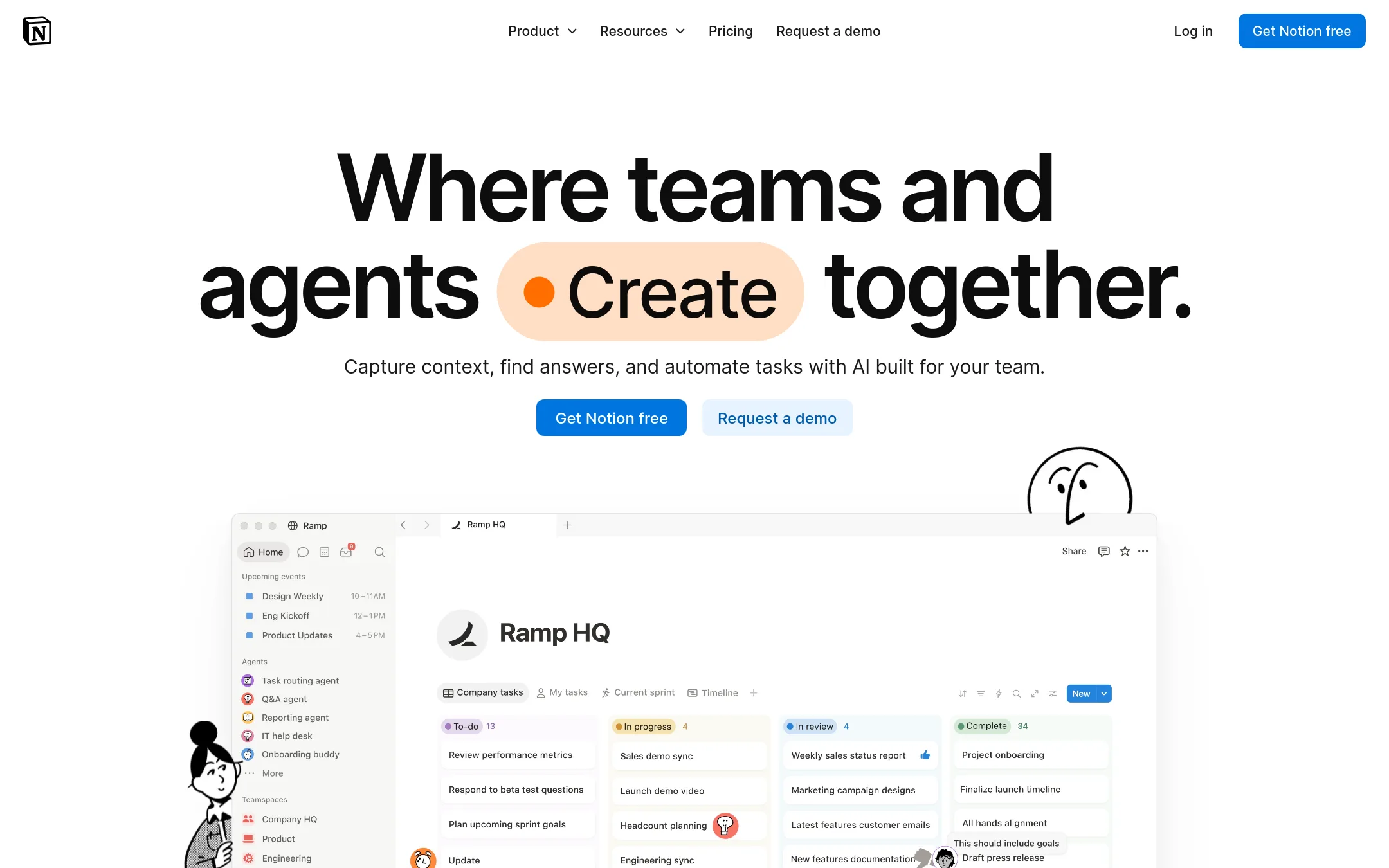
Notion is a docs-and-databases workspace with AI layered on top, including Custom Agents that run multi-step tasks and enterprise search across connected apps. Choose it over Taskade when your work centres on written knowledge, wikis and documents, and you want AI agents that act across Slack, GitHub and similar tools. Taskade is the stronger pick when you want to turn a prompt into a live app such as a CRM or client portal, with the data, agents and automations built in.
Where it is strong
- Strong document and wiki editing with databases for projects and tasks
- Custom Agents automate repetitive work across connected tools
- Enterprise search covers Slack, GitHub and other apps, with SSO and audit logs on higher plans
Where it falls short
- Notion builds documents and databases rather than full-stack client-facing apps like Taskade Genesis
- Advanced security, SSO and audit features sit on the Business and Enterprise tiers
- Pricing:
- In the United States, Plus is listed for small teams, Business is listed as recommended for growing businesses with AI and SSO features, and Enterprise is listed for larger organizations, while Custom Agents cost $10 per 1,000 monthly Notion credits after a fr
- Switching from Taskade:
- Moving from Taskade to Notion means rebuilding apps, agents and automations as Notion pages, databases and agents, since the two platforms do not share a format.
- Not published
2.ClickUp
Best for: Engineering and operations teams that want one workspace for tasks, sprints, docs and time tracking, with enterprise admin controls.
- Pricing
- Not published
- Category
- Productivity & Project Management
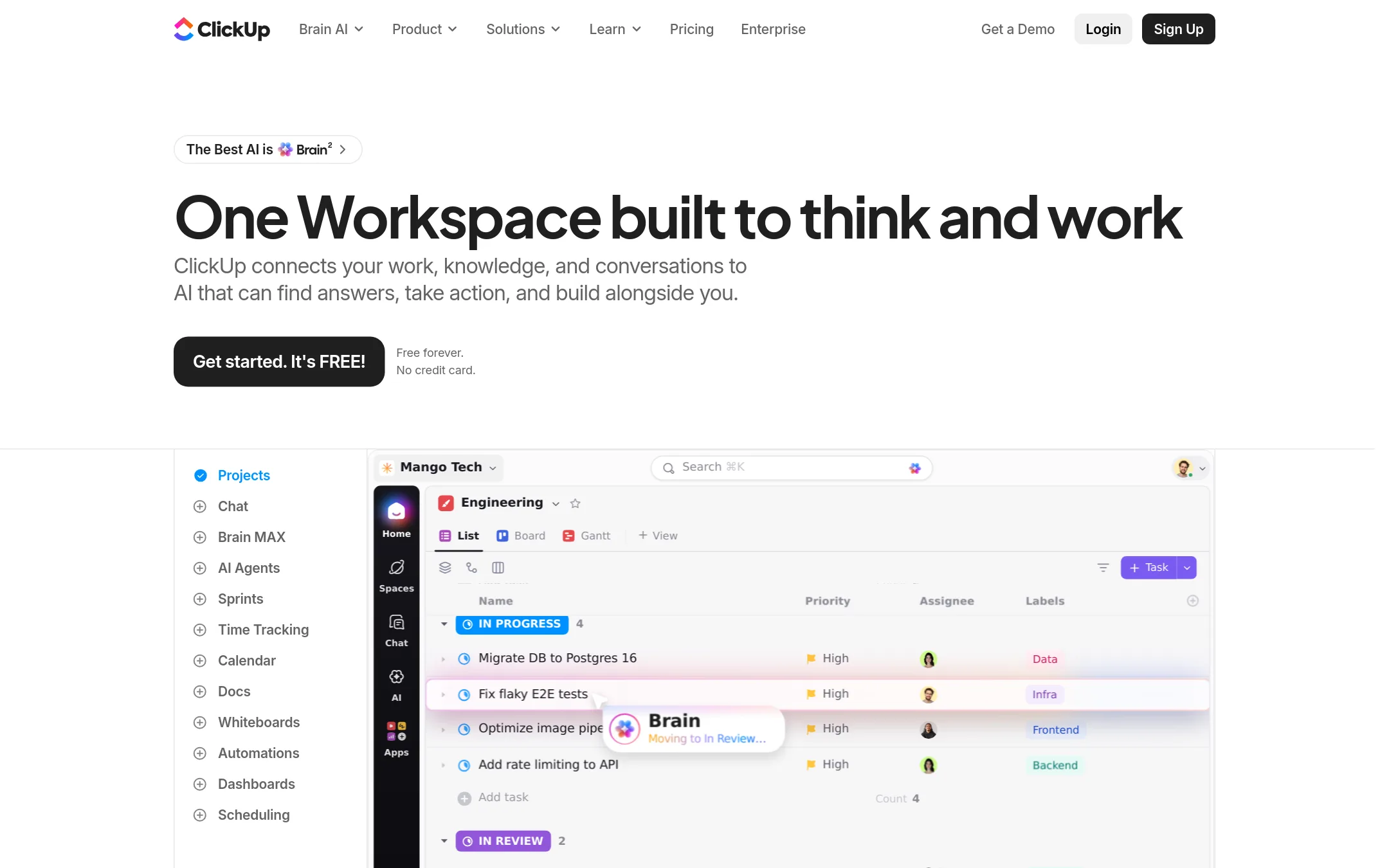
ClickUp is a project management suite covering tasks, docs, chat, whiteboards, sprints, time tracking and automations, with AI agents and a Brain assistant built in. Teams pick it over Taskade when they want a wide set of work-management views and ready-made workflows, and when they need enterprise controls like SAML SSO and audit trails. Taskade is stronger if you want to build custom business apps from a prompt.
Where it is strong
- Covers tasks, docs, chat, whiteboards, sprints and time tracking in one workspace
- Offers SAML SSO, audit trails and SCIM provisioning on higher tiers
- Includes AI agents, Brain assistant and 50+ native integrations
Where it falls short
- Feature set is broad, so setup and admin take more effort than a simpler task tool
- Custom business apps built from a single prompt are not its core focus the way they are in Taskade Genesis
- Pricing:
- Pricing is not published on the site.
- A$13.49/user/mo
3.Asana
Best for: Growing teams and departments that need portfolios, timelines, and resource planning across many projects
- Pricing
- $13.49/user/mo
- Category
- Productivity & Project Management
Asana is a work management platform for teams that need to track projects, deadlines, and dependencies across many people. Its strength is structured project planning, with timelines, portfolios, goals, and resource management. Someone would pick Asana over Taskade when the job is coordinating large cross-team delivery work rather than building custom business apps from a prompt.
Where it is strong
- Timeline, Gantt, and portfolio views show schedules and dependencies clearly
- Resource management and capacity planning balance workloads across projects
- Connects to Salesforce, Tableau, and Power BI for unified reporting
Where it falls short
- Building custom apps like CRMs or client portals from a prompt is not its focus, unlike Taskade Genesis
- Advanced security, SSO, and audit features sit behind the Enterprise tier with custom pricing
- Pricing:
- Asana has a free Personal plan for one or two people, Starter and Advanced plans billed per user per month, and an Enterprise plan with custom pricing, with Starter at $13.49 per user per month billed monthly and $30.49 per user per month billed monthly on the
- Switching from Taskade:
- Moving from Taskade to Asana means rebuilding your projects, views, and automations in Asana's structure, since the two tools organize work differently.
- Not published
4.Airtable Automations
Best for: Operations teams in regulated industries that need a scalable database with fine-grained permissions and audit logs
- Pricing
- Not published
- Category
- Productivity & Project Management
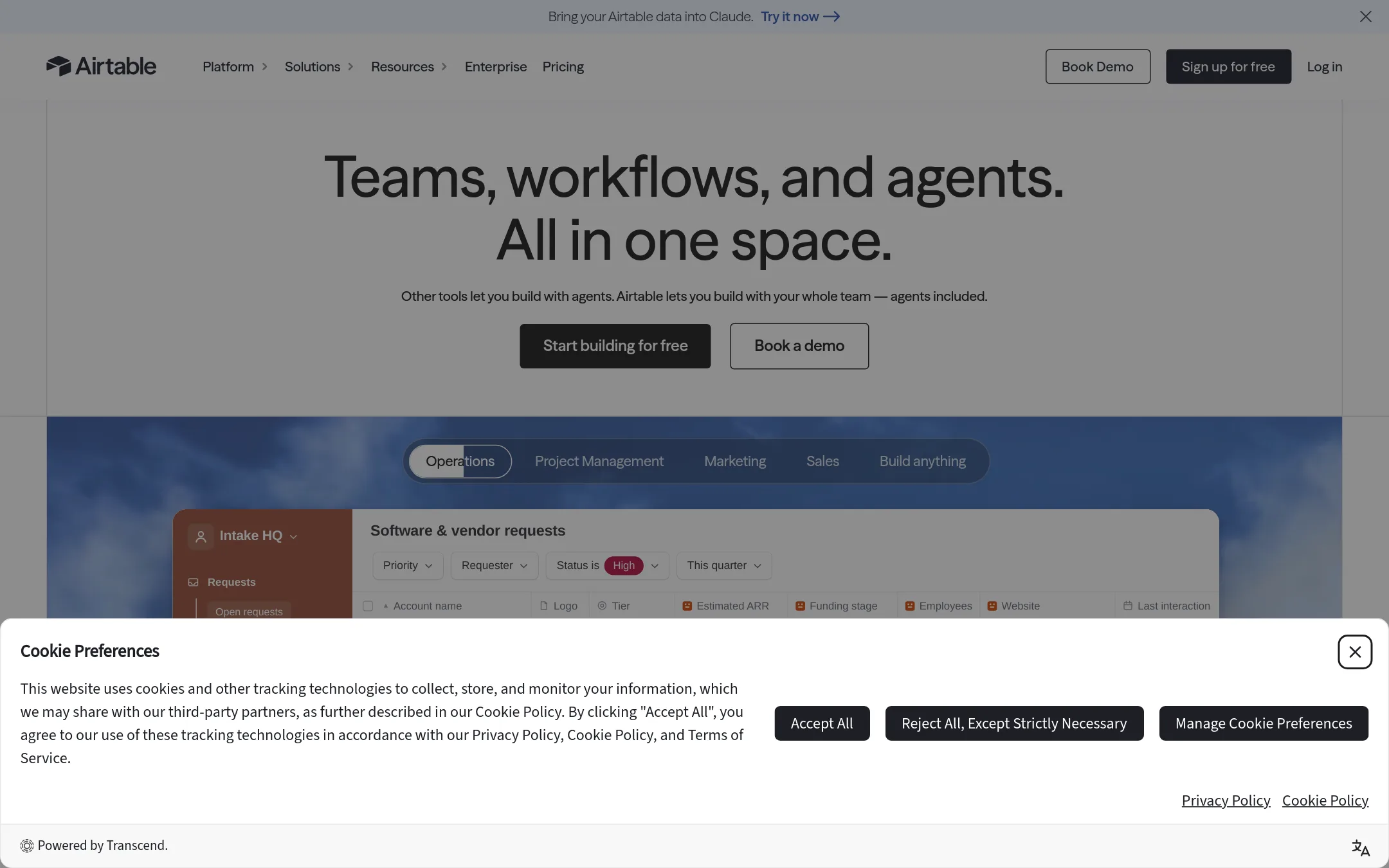
Airtable Automations is part of Airtable's no-code database platform, which teams use to run structured records and workflows across hundreds of thousands of organizations. Pick it over Taskade when your work centers on a large relational database with complex records, permissions, and compliance needs such as HIPAA, SOC 2, or regional data residency. Taskade is the stronger fit when you want to generate full-stack apps with agents from a single prompt.
Where it is strong
- Scales to hundreds of millions of records and tens of thousands of users
- Holds ISO, HIPAA, and SOC 2 certifications, with audit logs and e-discovery
- Offers European and Australian data residency support
Where it falls short
- Pricing details are not in the supplied text, so cost comparison is hard to judge
- Its AI agents and app building are framed around enterprise database work rather than one-prompt business apps
- Pricing:
- Pricing is not published in the extracted text, so check Airtable's pricing page directly.
- From $9/seat/mo
5.Monday.com
Best for: Mid-size operations and PMO teams that run many recurring projects on boards and want AI agents for status reports, deadline alerts, and lead tracking
- Pricing
- From $9/seat/mo
- Category
- Productivity & Project Management
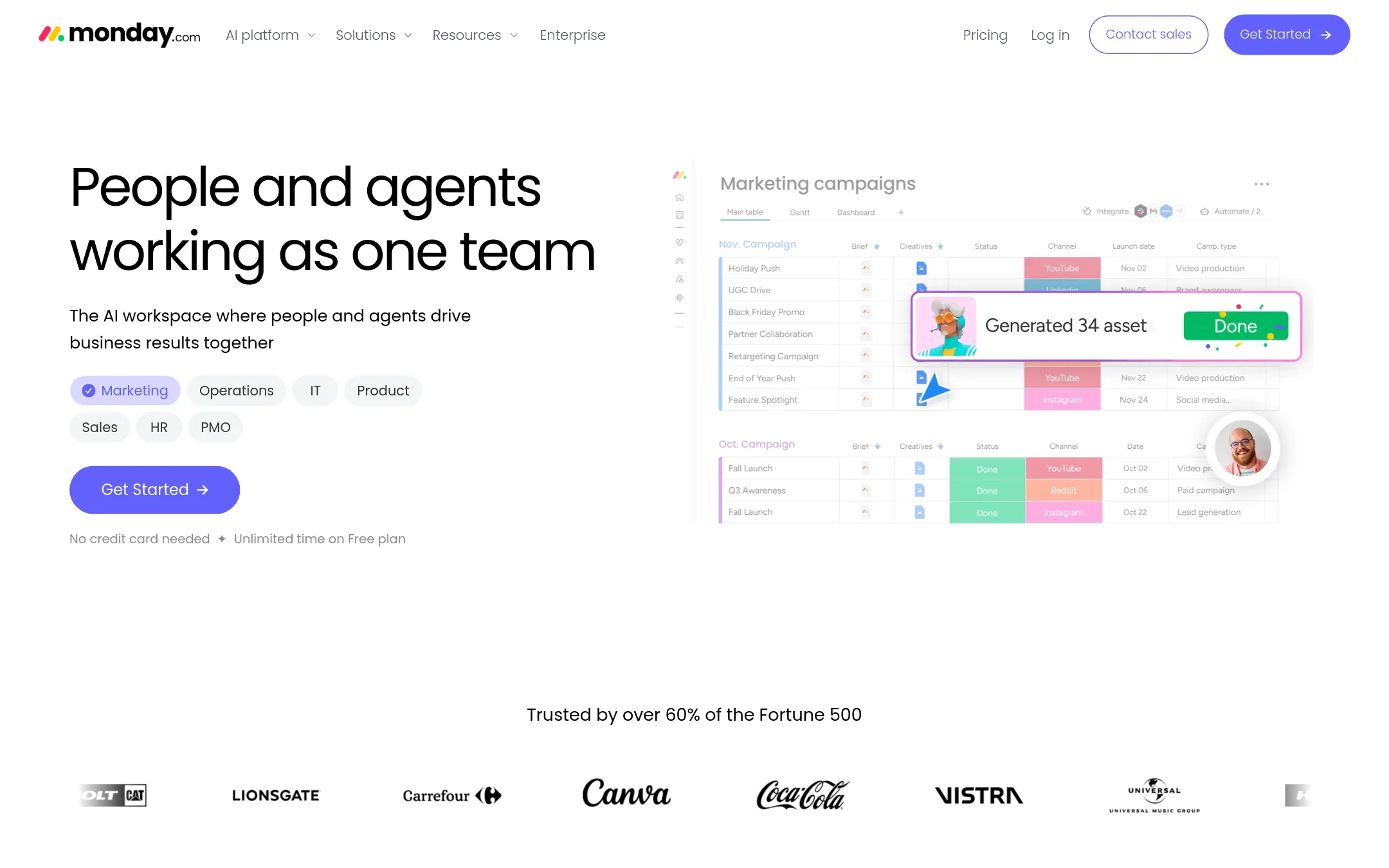
Monday.com is a work management platform where teams track projects, tasks, and pipelines on boards, and now add AI agents that handle recurring jobs. Pick it over Taskade when your team wants board-style project tracking with agents and a large set of ready-made workflows, and you do not need to generate custom business apps from a prompt.
Where it is strong
- Boards with many column types suit project, client, and process tracking.
- Prebuilt agents cover common jobs like status updates, deadline reminders, and meeting scheduling.
- Enterprise tier includes governance features such as an agent action log and usage limits per team.
Where it falls short
- Pricing scales per seat, so larger teams pay more on every tier.
- Monday.com does not appear in the supplied facts as a prompt-to-app builder, so custom apps are not the focus the way they are in Taskade Ge
- Pricing:
- Plans start at $9 per seat per month on Basic, $12 on Standard, and $19 on Pro when billed annually, with Enterprise priced on request, and each paid tier includes a monthly AI credit allowance.
- Switching from Taskade:
- Moving from Taskade to Monday.com means rebuilding your projects and agents as boards and automations, since the supplied facts do not describe an import path.
- Free (100 tasks/mo)
6.Zapier
Best for: Operations and support teams that already run many SaaS tools and need automated handoffs between them
- Pricing
- Free (100 tasks/mo)
- Category
- Productivity & Project Management
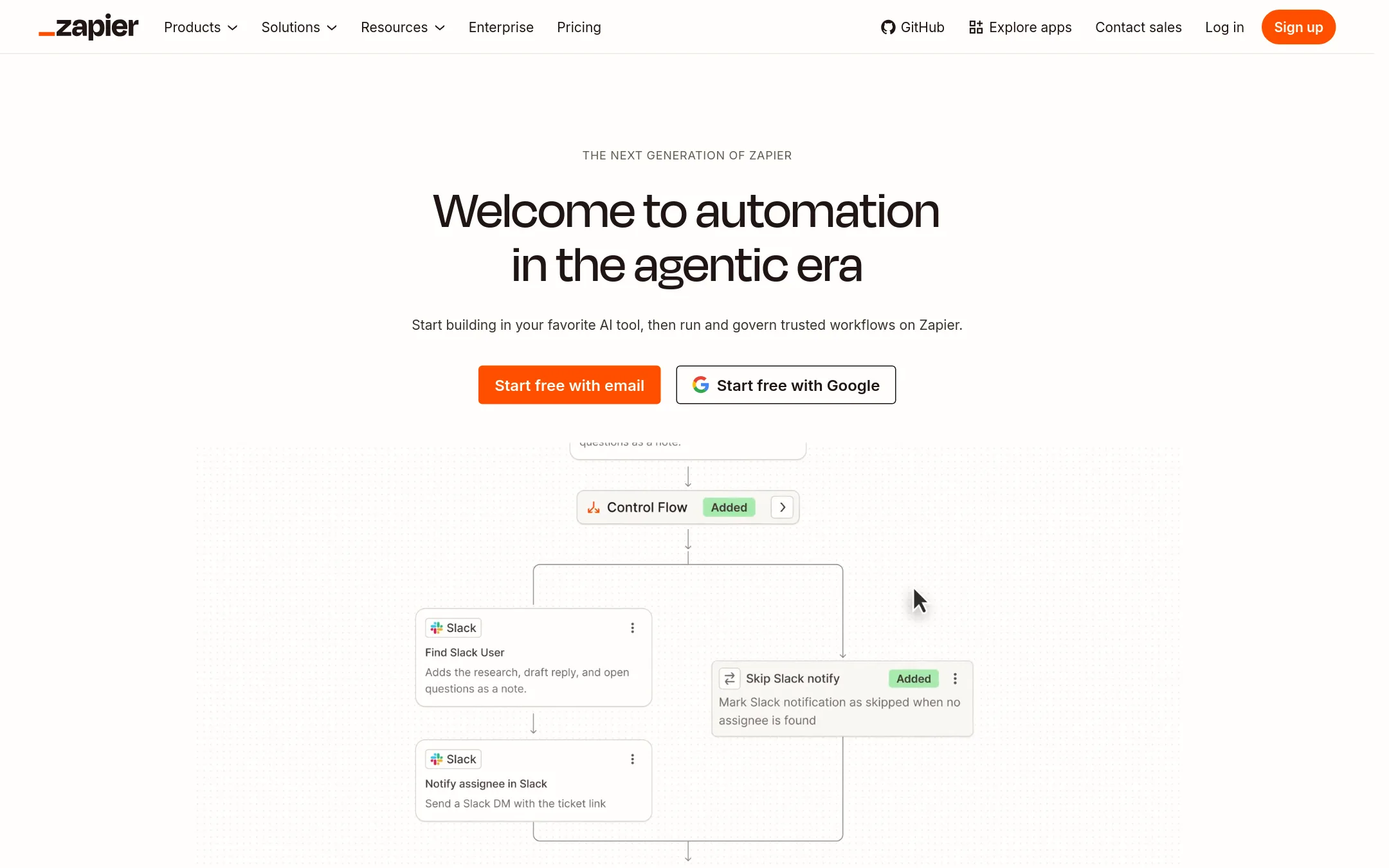
Zapier connects your existing apps and moves data between them with automated workflows, across more than 9,000 apps. Choose it over Taskade when your work already lives in many separate tools and the main need is connecting them, not building a new workspace or app for your team.
Where it is strong
- Connects to over 9,000 apps, so most common tools are covered.
- Offers deterministic, AI, and agent-based workflow options within one platform.
- Includes security features such as SOC 2 Type II, SSO, and audit logs on higher tiers.
Where it falls short
- Taskade's Genesis builds full apps with agents and data in one workspace, a capability Zapier does not describe.
- Free plan limits automation to two-step Zaps and 100 tasks per month.
- Pricing:
- Pricing is not published in the source as a region-specific figure, but the Free plan includes 100 tasks per month, Professional and Team plans are listed, and Enterprise is custom.
- Switching from Taskade:
- Moving from Taskade means rebuilding your automations as Zaps and keeping your data in the tools Zapier connects to, since Zapier is not a project workspace.
- Not published
7.Hyprnote
Best for: Individual operators and founders who take notes all day and want their to-do items finished by an agent, not sorted by hand
- Pricing
- Not published
- Category
- Productivity & Project Management
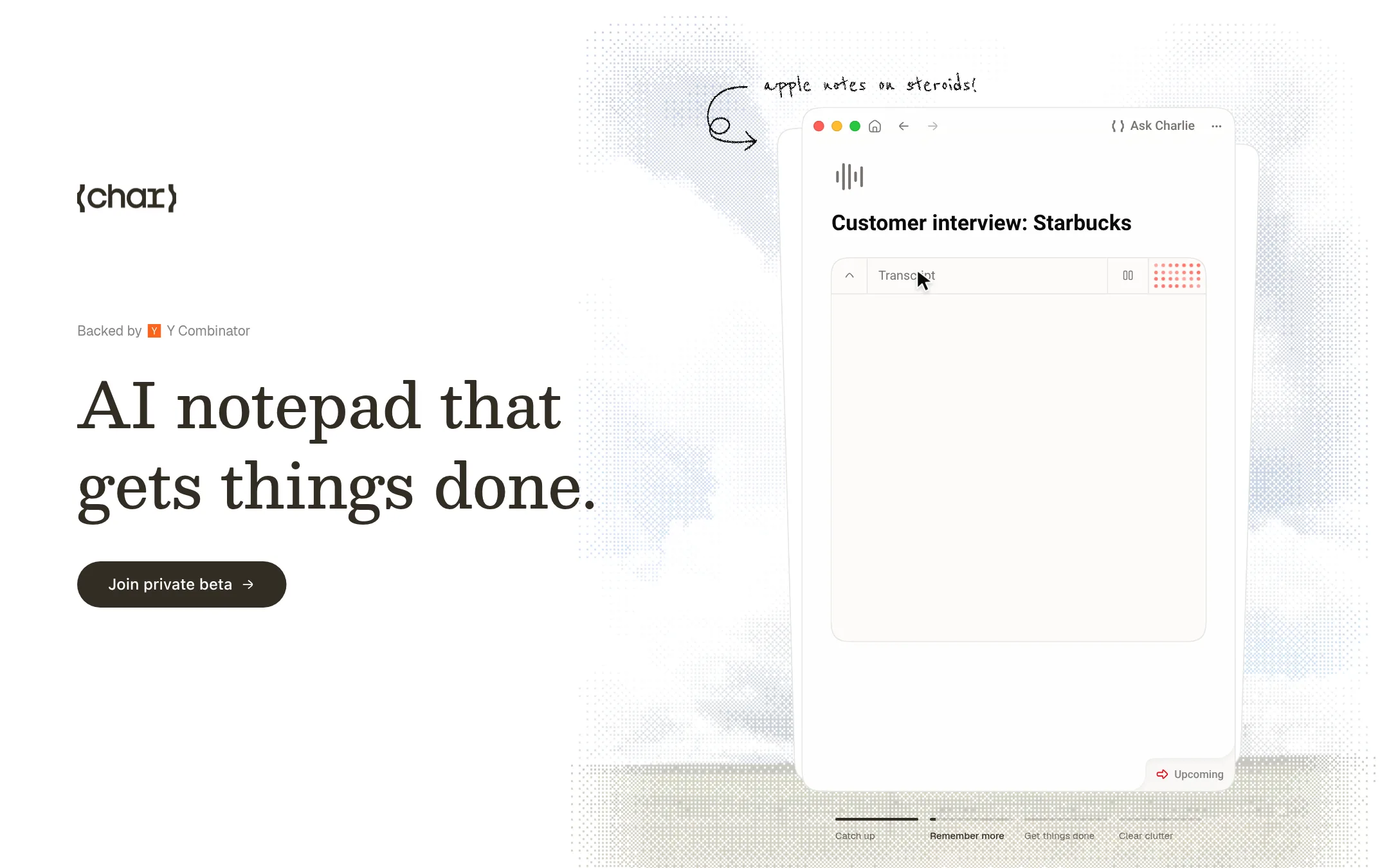
Char is an AI notepad that turns the notes you write into follow-up work. It pulls context from meetings, messages, calendars and files, then helps turn it into drafts, handoffs or plans. Choose it over Taskade if you want a notepad that starts the work for you rather than a workspace for building apps and running teams.
Where it is strong
- Keeps meeting, message and file context attached to each follow-up
- Asks the next question while you write, then waits for your approval
- Organizes notes into a team wiki so context carries over to the next day
Where it falls short
- Char is in private alpha, with a paid plan promised later
- It focuses on personal task execution, so it lacks Taskade's app builder, client portals and team workspaces
- Pricing:
- Pricing is not published on the site.
- Switching from Taskade:
- Taskade's apps and projects would not move over, so you would rebuild any dashboards or workflows you rely on in Char.
- Free. Sync $4/user/mo
8.Obsidian
Best for: Individuals and researchers who want a private, plugin-extensible knowledge base of linked notes stored on their own device
- Pricing
- Free. Sync $4/user/mo
- Category
- Productivity & Project Management
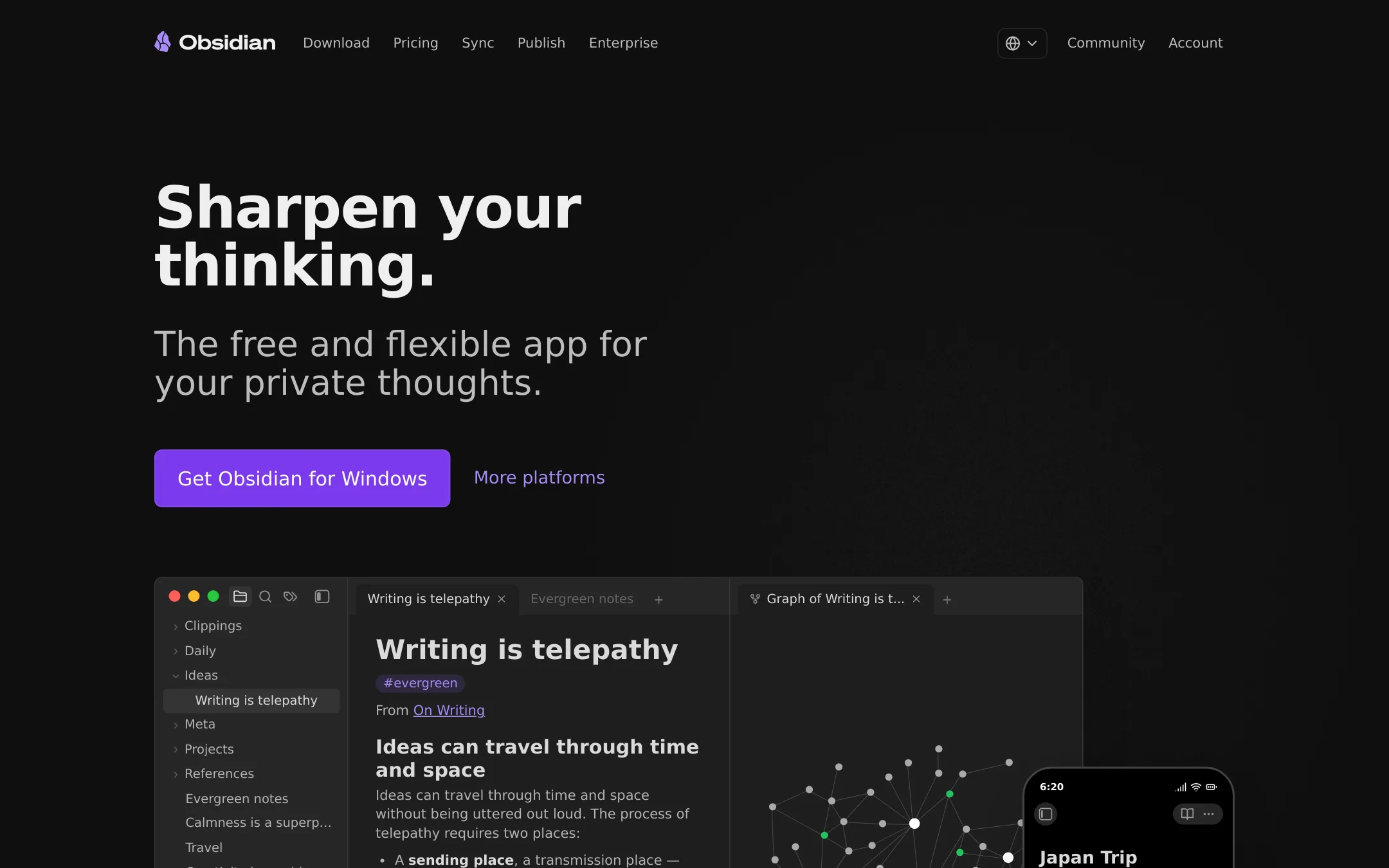
Obsidian is a free, local-first note app built around linked notes, a graph view and a canvas for diagramming. Someone would pick it over Taskade when they want a private personal knowledge base they own as plain files, rather than a shared, AI-driven workspace with apps and automations.
Where it is strong
- Notes are stored locally in open file formats, so you are not locked in
- Linked notes, a graph view and an infinite canvas help you see connections between ideas
- Thousands of community plugins and themes let you shape the app to your workflow
Where it falls short
- It has no built-in AI agents, automations or hosted apps like Taskade Genesis
- Team collaboration is limited to syncing shared vaults through a paid add-on
- Pricing:
- Obsidian is free to use, Sync costs $4 per user per month billed annually or $5 billed monthly, Publish costs $8 per site per month billed annually or $10 billed monthly, and optional Catalyst is a one-time $25 and Commercial is $50 per user per year.
- Not published
9.Roam Research
Best for: Researchers, writers, and students who want to link ideas and notes into a personal knowledge base
- Pricing
- Not published
- Category
- Productivity & Project Management
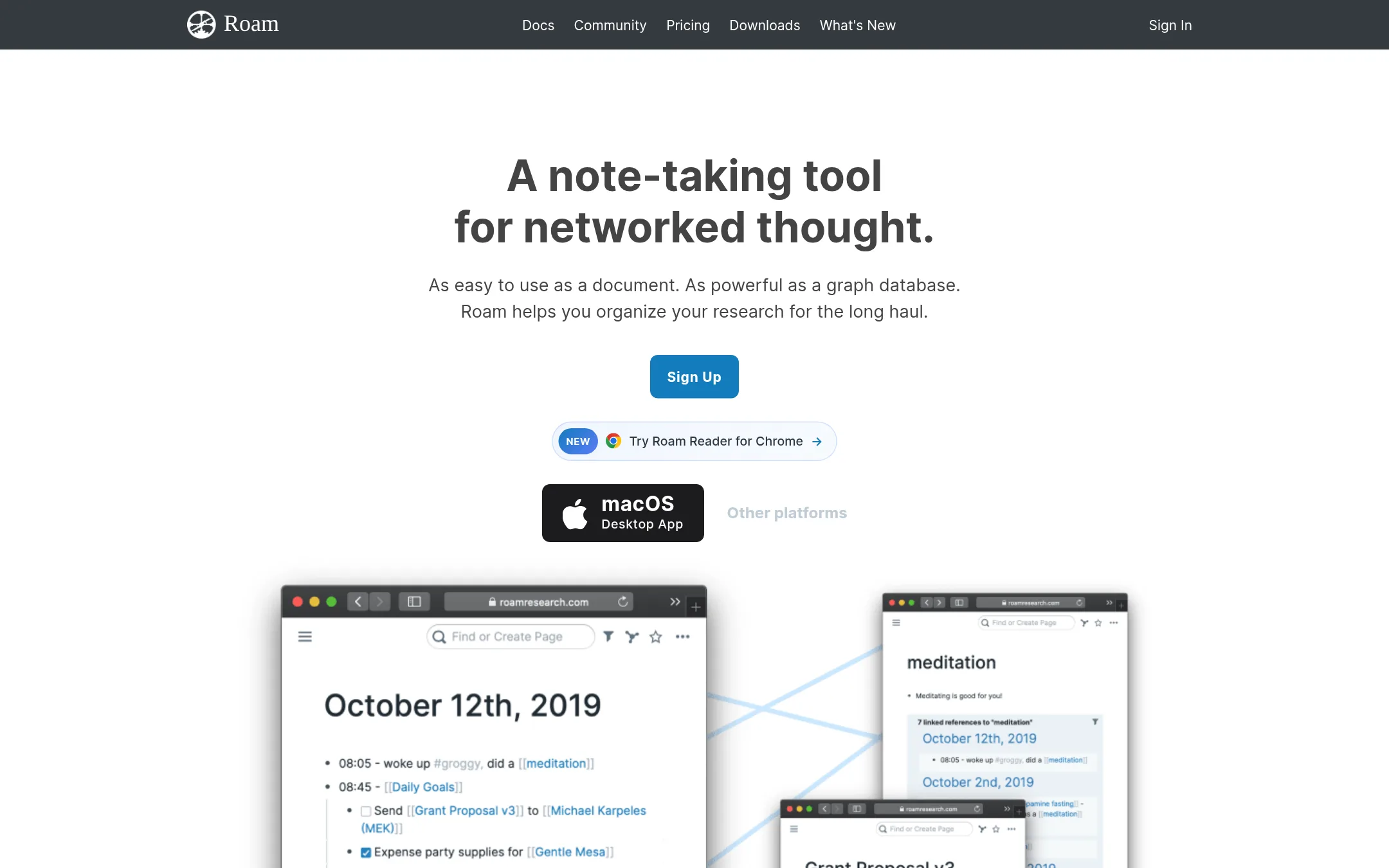
Roam Research is a note taking tool built around networked thought, where every note links to every other through bidirectional references. Someone would pick it over Taskade when their main need is connecting ideas and research rather than running tasks, apps, and agents. The supplied material does not describe Roam's project management features, so it is not a substitute for Taskade's workflow tools.
Where it is strong
- Notes connect through bidirectional links, which suits research and writing
- Works as easily as a word document or bulleted list for quick capture
- Offers both real-time collaboration and local data storage
Where it falls short
- The supplied material does not show AI agents, app building, or automations like Taskade offers
- Pricing details are not published, so cost is hard to assess up front
- Pricing:
- Pricing is not published on the site.
See more comparisons in Productivity & Project Management alternatives.
FAQ
Questions about Taskade alternatives
What is the best alternative to Taskade if I mainly need to connect existing tools?
Zapier is the entry built for this. It connects more than 9,000 apps and moves data between them with automated workflows. It is a better fit than Taskade when your work already lives in many separate tools and the main need is connecting them rather than building a new workspace.
Which Taskade alternative is best for coordinating large cross-team projects?
Asana is built for this kind of work, with timelines, portfolios, goals, and resource management. Its Starter and Advanced plans are billed per user per month, and it offers a free Personal plan for one or two people. It is less focused than Taskade Genesis on building custom business apps from a prompt.
Can I use Monday.com instead of Taskade to build client-facing apps?
Monday.com is strongest for board-based project tracking, with prebuilt AI agents for status reports, deadline alerts, and lead tracking. The entry does not describe it as a prompt-to-app builder, so custom client portals are not its focus the way they are in Taskade Genesis. Pricing scales per seat, which adds cost as your team grows.
Is there a Taskade alternative that is good for a private personal knowledge base?
Obsidian is free to use and stores notes locally as open files, so you own your data. It offers linked notes, a graph view, and community plugins. It has no built-in AI agents, automations, or hosted apps, and team collaboration requires a paid sync add-on.
How do I decide between Taskade and these alternatives?
Start with the job. If you want to turn a prompt into a live app with agents and data included, Taskade is the entry that does that. If you need project timelines, dashboards, a wiki, or app-to-app connections, the alternatives above cover those needs more directly. Compare each product's pricing page and confirm security and region options before you commit.
Last updated November 6, 2026.