
TeamViewer alternatives
12 products compared · Updated October 31, 2026
The short answer
For most buyers, Splashtop offers the best balance of speed, value, and clear pricing for individuals and small IT teams. If you need enterprise-grade security and privileged access management, BeyondTrust is the strongest choice. For MSPs and IT teams wanting a unified platform with RMM and PSA integrations, ConnectWise Control is the best fit.
Your shortlist, at a glance
Read the comparisons ↓ AnyDeskNot publishedSmall teams and solo operators who need quick, reliable remote access and support without complex IT management.
SplashtopFrom $6/moIndividual users and small IT teams that need fast, secure remote access and support without paying for extra AI or device management features.
- RRecordBookNot publishedSmall business owners who need a lightweight, mobile-friendly way to manage records and workflows.
Microsoft Azure CycleCloudNot publishedResearch teams and enterprises running HPC workloads on Azure that need automated cluster deployment and scaling.
 LogMeInNot publishedIT departments and managed service providers that need remote support with advanced security and compliance features.
 Zoho MeetingNot publishedTeams already using Zoho's suite that need a simple tool for online meetings and screen sharing without a separate remote access platform.
GoTo MeetingCustom quoteSmall to mid-sized businesses that need a unified phone system with AI receptionist and meeting capabilities
 BeyondTrustNot publishedSecurity teams in enterprises that need privileged access management and secure remote access for IT, vendors, and AI agents.
 ConnectWise ControlCustom quoteMSPs and internal IT teams that want remote support alongside ticketing, monitoring, and patching in a single platform.
- RRemote UtilitiesNot publishedIT teams that need a self-hosted, one-time-purchase remote support tool for Windows, macOS, Linux, iOS, and Android devices.
- DDWServiceFreeIndividuals and small teams that need simple, browser-based remote access to a few devices without cost.
- IISL OnlineFrom $0 (Starter)IT teams and MSPs that need reliable remote support and unattended access with RMM integrations and self-hosting capabilities.
About TeamViewer and its alternatives
TeamViewer is a secure remote access, IT support, and digital workplace platform with AI and DEX capabilities. It is known for its remote desktop connections, AI-powered session summaries, and compliance with standards like ISO/IEC 27001 and SOC 2.
When comparing alternatives, weigh pricing structure (subscription vs. one-time vs. free), regions and data control, integrations with your existing tools, support options, and contract terms like auto-renewal. Some tools are lighter and cheaper, while others focus on security or full IT management.
Explore the alternatives
- Not published
1.AnyDesk
Best for: Small teams and solo operators who need quick, reliable remote access and support without complex IT management.
- Pricing
- Not published
- Category
- Communication & Collaboration
AnyDesk is a fast remote desktop tool for accessing and supporting computers from anywhere. It's a good choice if you want a lightweight, straightforward alternative to TeamViewer without the extra AI and DEX features.
Where it is strong
- Fast and responsive remote connections.
- Supports cloud or on-premises deployment.
- Includes mobile device support on all paid plans.
Where it falls short
- No AI-powered session summaries or predictive IT features.
- Pricing details are not listed on the site.
- Pricing:
- Pricing is not published on the site.
- From $6/mo
2.Splashtop
Best for: Individual users and small IT teams that need fast, secure remote access and support without paying for extra AI or device management features.
- Pricing
- From $6/mo
- Category
- Other
Splashtop is a remote access and support tool that focuses on speed and value. It's a good fit if you need unattended access to your own computers or want to support client machines without the heavier AI and DEX features TeamViewer pushes. Choose it when you want straightforward remote work or IT support at a lower price point.
Where it is strong
- Lower entry price than TeamViewer, especially for individuals.
- High-performance options like 4:4:4 color and 240 FPS for demanding tasks.
- Simple, per-user pricing with clear tiers for remote access and support.
Where it falls short
- No built-in AI assistant or session summaries like TeamViewer's Tia.
- Advanced features like SSO and APIs are locked to the Enterprise tier.
- Pricing:
- Plans start at $6 per month (billed annually at $72) for Solo, $8.25 per user/month (billed annually at $99 per user) for Pro, and $13 per user/month (billed annually at $149 per user) for Performance. Remote Support SOS starts at $22 per concurrent tech per m
- Switching from TeamViewer:
- Moving from TeamViewer means reinstalling the Splashtop agent on your computers and setting up new access permissions, but the core remote control workflow is similar.
- RNot published
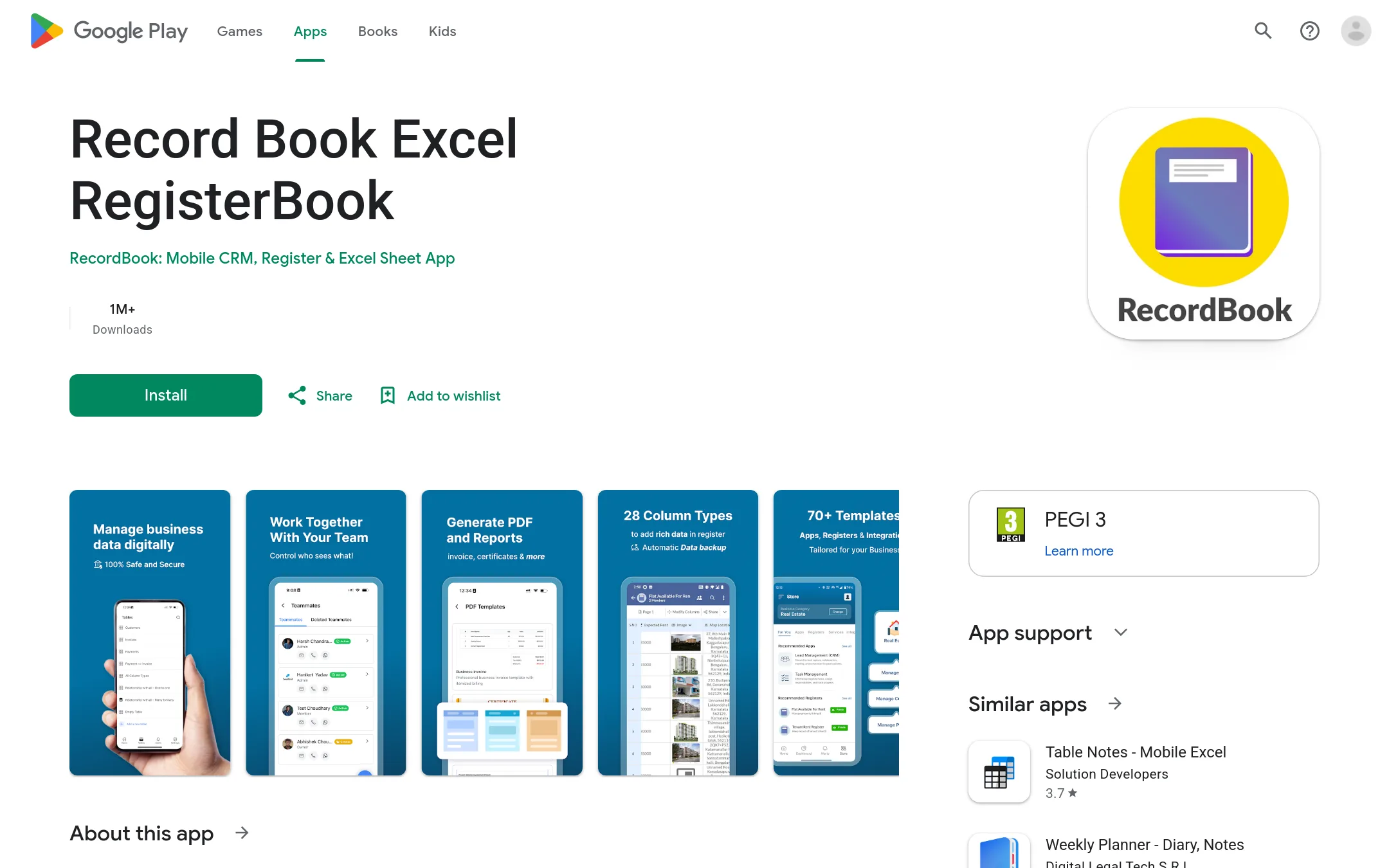
3.RecordBook
Best for: Small business owners who need a lightweight, mobile-friendly way to manage records and workflows.
- Pricing
- Not published
- Category
- Productivity & Project Management
RecordBook is a mobile-first database app for small businesses that need to organize records without building custom software. It's a good choice when you want a simple, Airtable-like tool on your phone, not remote desktop support.
Where it is strong
- Mobile-first design for on-the-go access
- Simple, Airtable-like structure for non-technical users
- Available on Google Play for easy installation
Where it falls short
- No desktop or web version mentioned
- No remote access or IT support features like TeamViewer
- Pricing:
- Pricing is not published on the site.
- Not published
4.Microsoft Azure CycleCloud
Best for: Research teams and enterprises running HPC workloads on Azure that need automated cluster deployment and scaling.
- Pricing
- Not published
- Category
- Developer Tools
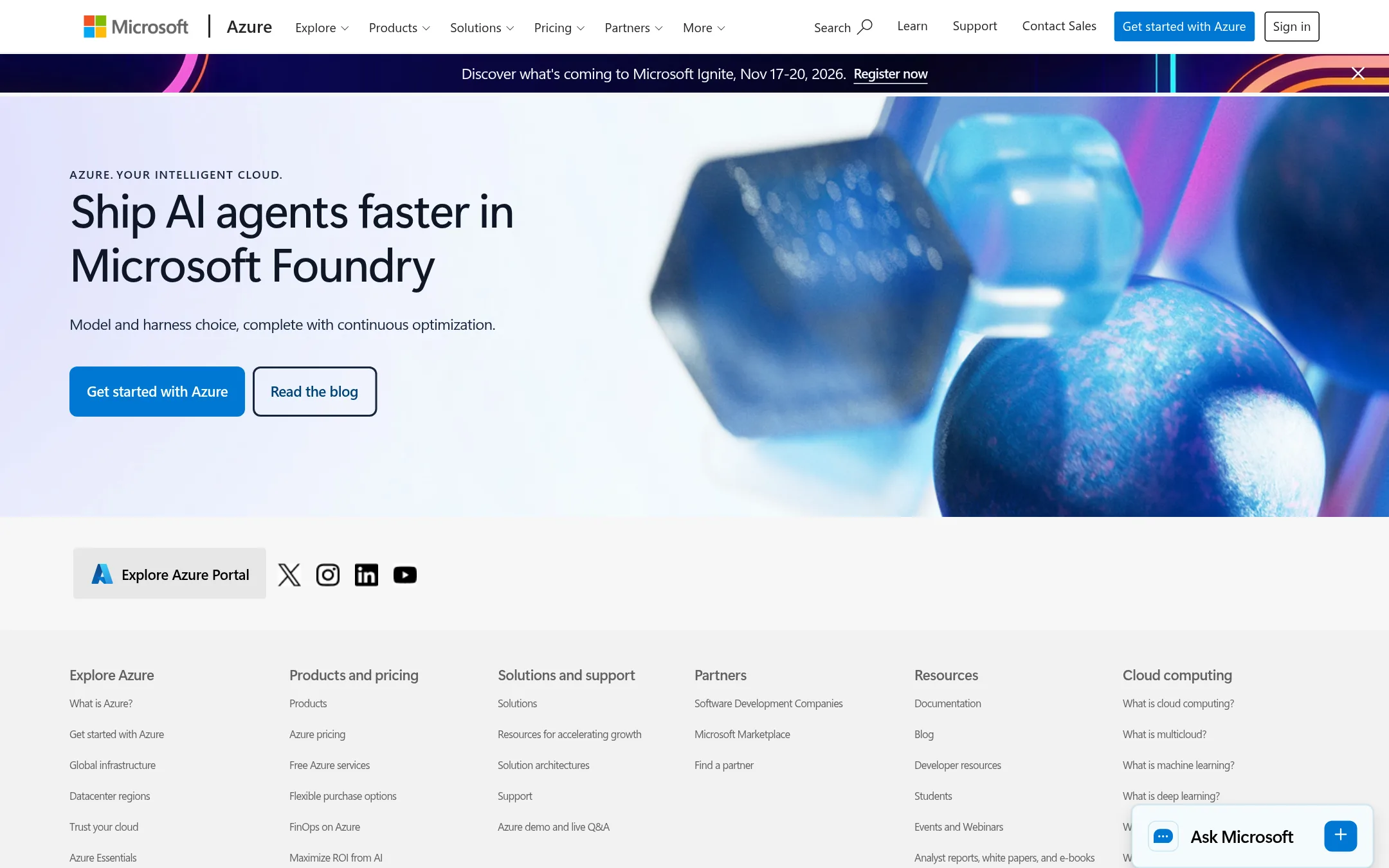
Microsoft Azure CycleCloud is an HPC orchestration tool for managing and scaling compute clusters in the cloud. Choose it over TeamViewer when you need to run high-performance computing workloads, not remote desktop support.
Where it is strong
- Automates cluster creation and scaling for HPC jobs
- Integrates with Azure services like VM scale sets and storage
- Supports popular schedulers like Slurm and PBS
Where it falls short
- Requires Azure expertise to set up and manage
- No remote desktop or IT support features like TeamViewer
- Pricing:
- Pricing is not published on the site. Azure charges per resource used.
- Not published
5.LogMeIn
Best for: IT departments and managed service providers that need remote support with advanced security and compliance features.
- Pricing
- Not published
- Category
- Other
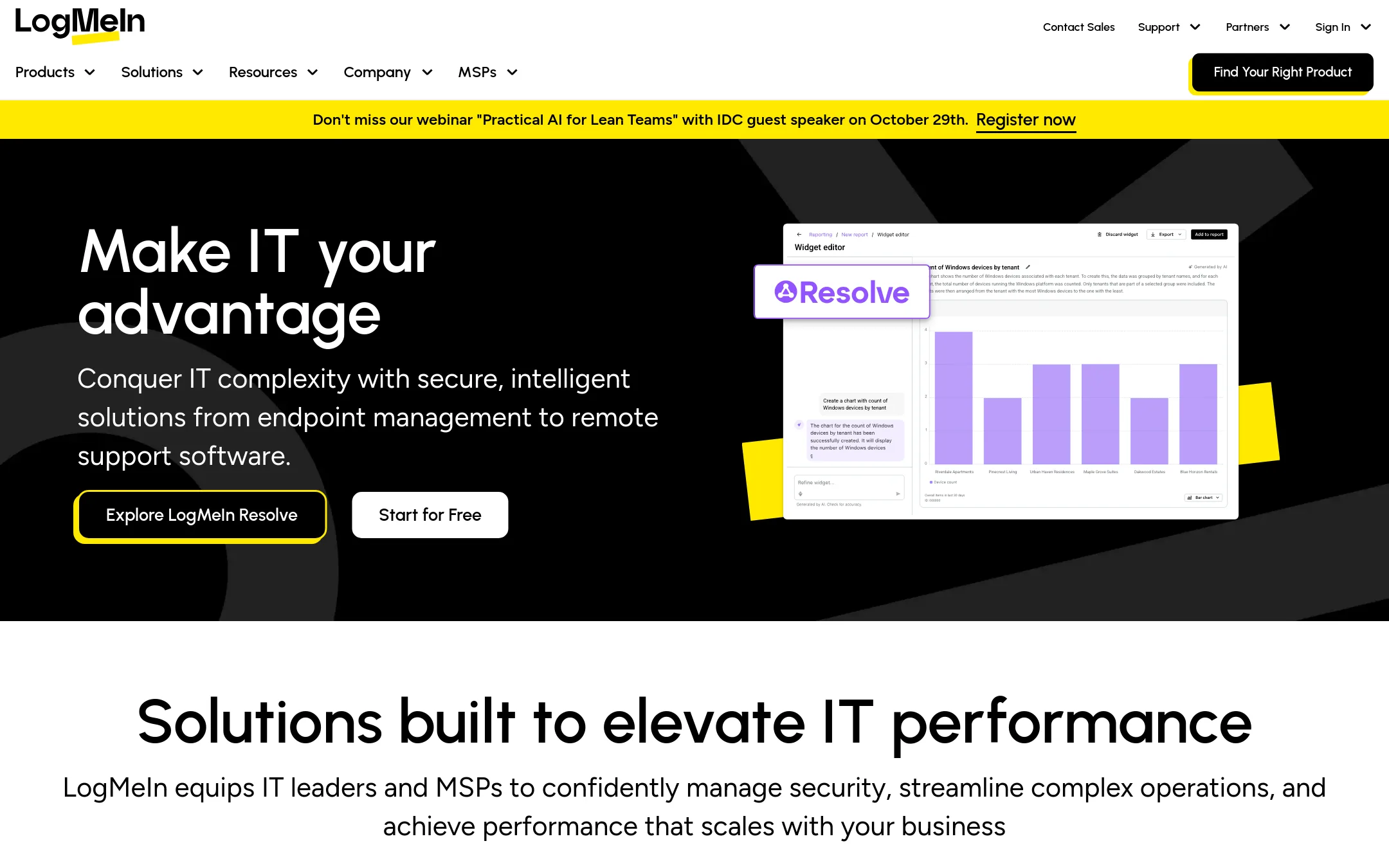
LogMeIn is a remote access and support platform with AI features, aimed at IT teams and MSPs. It includes security tools like Zero Trust and AES 256-bit encryption. Choose it if you need a more enterprise-focused alternative with built-in compliance and automation.
Where it is strong
- AI-powered automation for IT tasks
- Zero Trust security framework
- Integrations with major enterprise platforms
Where it falls short
- Pricing not transparent on website
- May be overkill for small teams needing simple remote access
- Pricing:
- Pricing is not published on the site.
- Not published
6.Zoho Meeting
Best for: Teams already using Zoho's suite that need a simple tool for online meetings and screen sharing without a separate remote access platform.
- Pricing
- Not published
- Category
- Communication & Collaboration
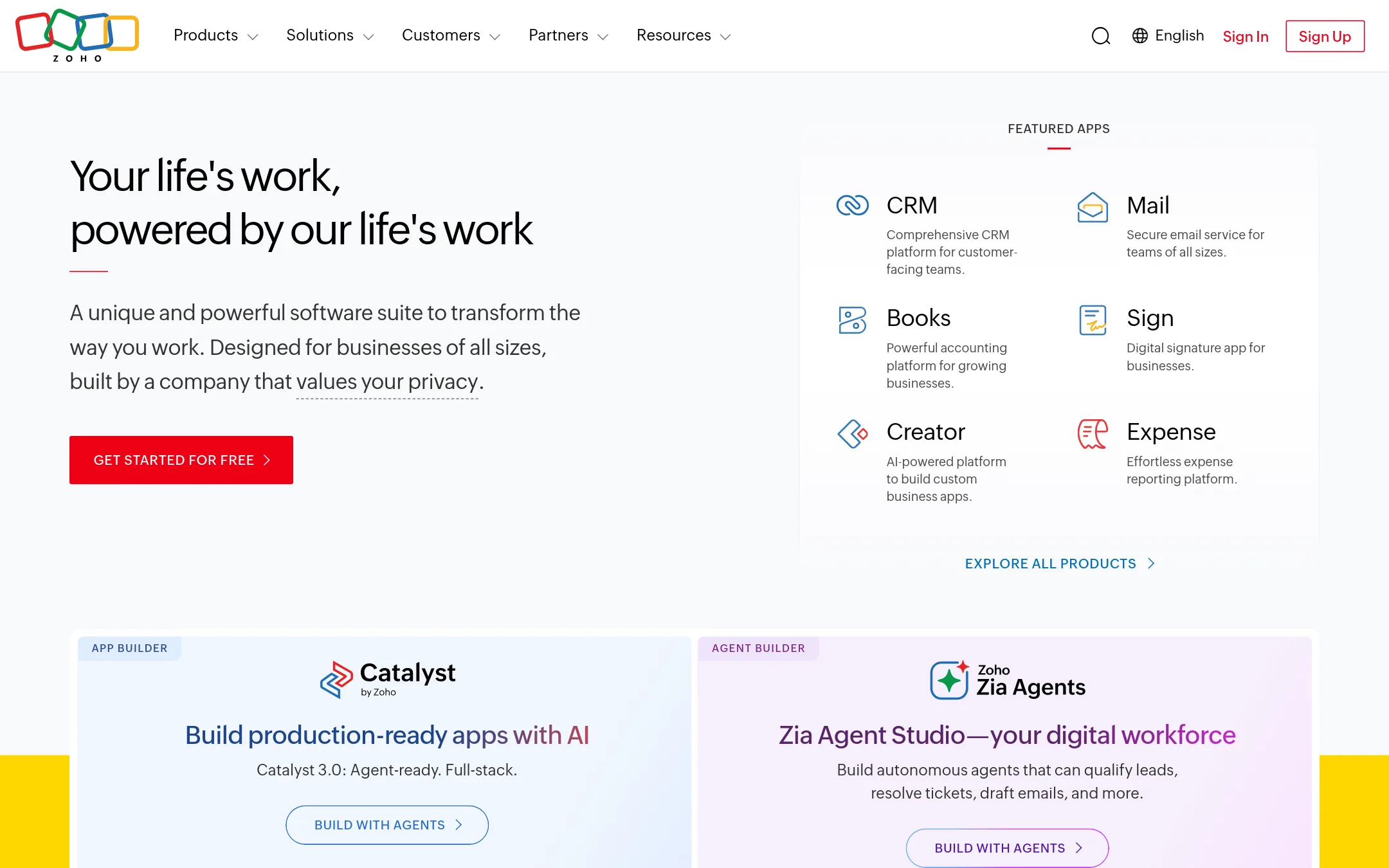
Zoho Meeting is a web conferencing tool for online meetings, webinars, and remote support sessions. It is part of the larger Zoho suite, so teams already using Zoho apps would choose it to keep everything in one ecosystem instead of adding TeamViewer for remote access.
Where it is strong
- Integrates with other Zoho apps like CRM and Desk.
- Simple to set up if you already use Zoho.
- Includes webinar hosting alongside meetings.
Where it falls short
- No unattended remote access or device management features.
- Not designed for IT support workflows like TeamViewer.
- Pricing:
- Pricing is not published on the site.
- Custom quote
7.GoTo Meeting
Best for: Small to mid-sized businesses that need a unified phone system with AI receptionist and meeting capabilities
- Pricing
- Custom quote
- Category
- Other
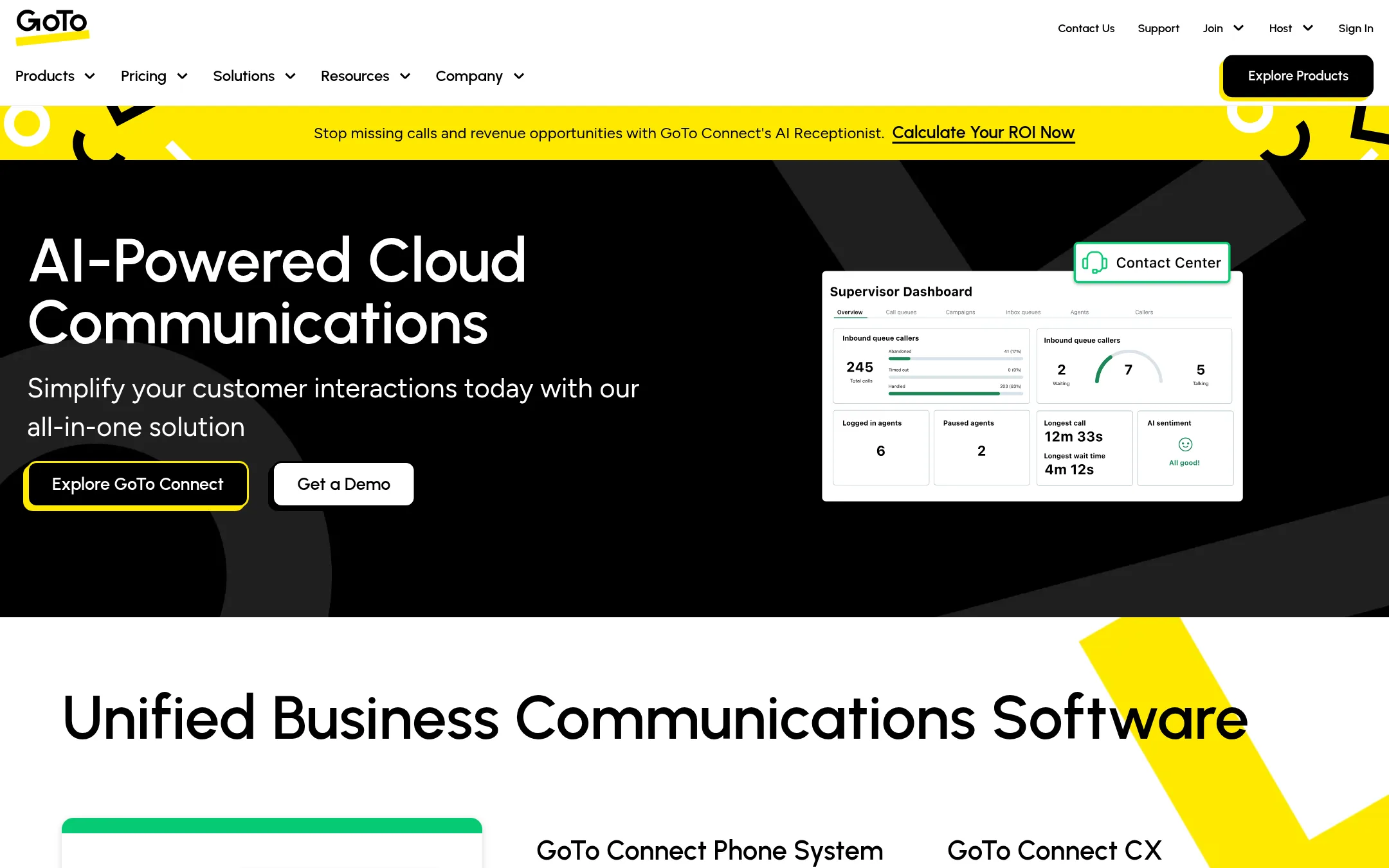
GoTo Meeting is a cloud communications platform focused on phone systems, meetings, and contact center tools, not remote desktop access. Choose it over TeamViewer if your priority is business phone and customer engagement rather than unattended remote support.
Where it is strong
- AI receptionist answers calls and books appointments automatically
- Includes video meetings with up to 250 participants
- Integrates with ServiceNow, Zendesk, and other CX tools
Where it falls short
- No remote desktop or unattended access features
- Pricing not transparent without a sales call
- Pricing:
- Pricing is not published on the site. Plans require contacting sales.
- Not published
8.BeyondTrust
Best for: Security teams in enterprises that need privileged access management and secure remote access for IT, vendors, and AI agents.
- Pricing
- Not published
- Category
- Security & Privacy
BeyondTrust is a privileged access management (PAM) platform that secures remote access, endpoints, and identities. Choose it over TeamViewer when your priority is enforcing least privilege and controlling privileged sessions, not just remote support.
Where it is strong
- Unifies PAM, secrets management, and remote access in one platform.
- Enforces zero standing privilege and least privilege across endpoints.
- Named a Leader in the 2026 Gartner Magic Quadrant for PAM.
Where it falls short
- No published pricing. Requires a sales conversation.
- Heavier focus on security than on general remote desktop usability.
- Pricing:
- Pricing is not published on the site.
- Switching from TeamViewer:
- Moving from TeamViewer means replacing ad-hoc remote sessions with a structured, privilege-controlled access model, which may require reconfiguring how IT and vendors connect.
- Custom quote
9.ConnectWise Control
Best for: MSPs and internal IT teams that want remote support alongside ticketing, monitoring, and patching in a single platform.
- Pricing
- Custom quote
- Category
- Other
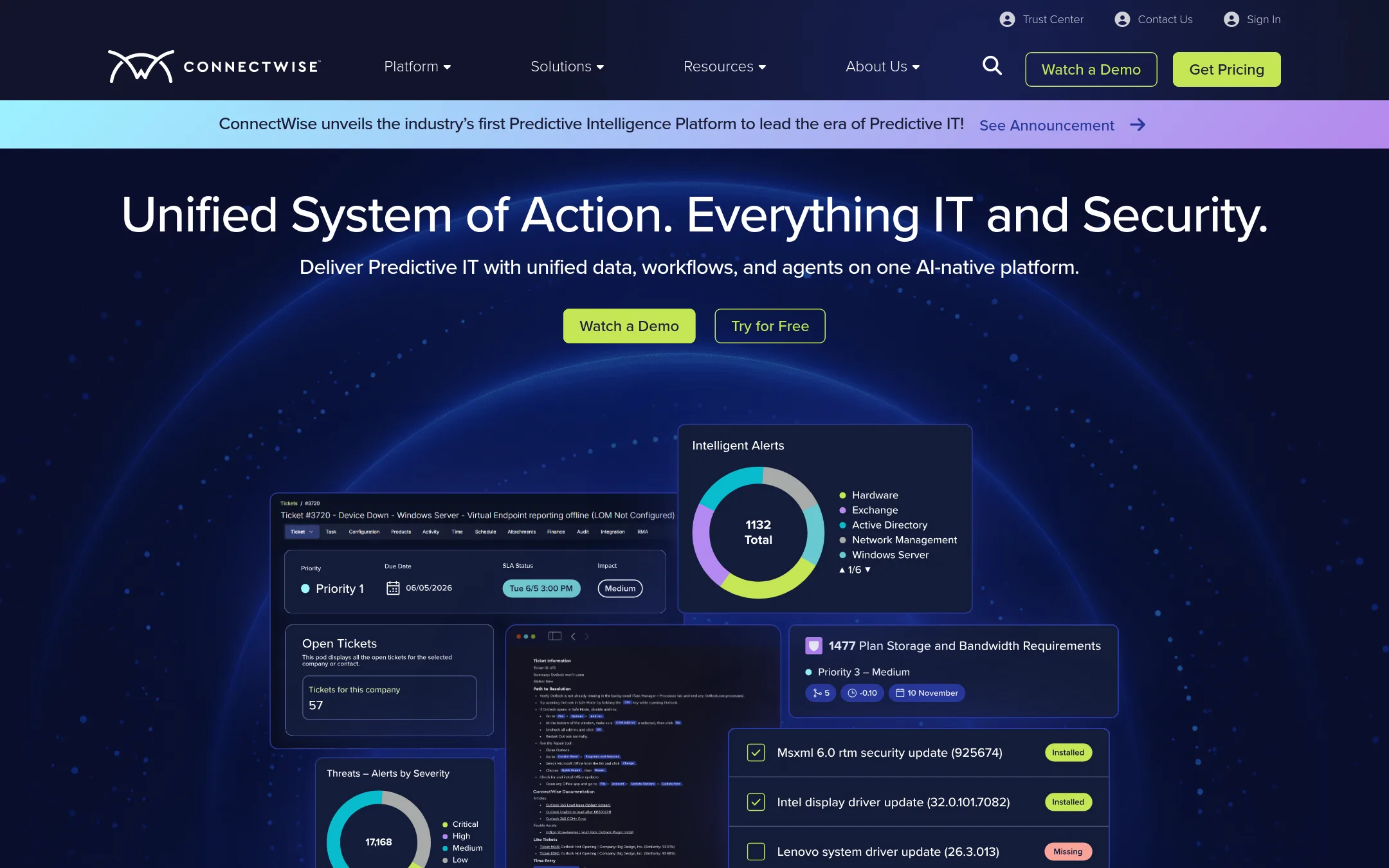
ConnectWise Control is a remote access tool built for managed service providers and IT teams that need to support many endpoints and integrate with a broader IT management stack. You'd choose it over TeamViewer when you want remote support bundled with RMM, PSA, and security tools in one platform, rather than a standalone remote desktop product.
Where it is strong
- Integrates with ConnectWise RMM and PSA for a unified IT workflow.
- Designed for high-volume support with fast connections and multi-platform control.
- Backed by a platform that includes cybersecurity and backup tools.
Where it falls short
- Pricing is not transparent. You need to request a quote.
- May be overkill if you only need simple remote desktop access without the full IT management suite.
- Pricing:
- Pricing is not published on the site. You must fill out a form to get a custom quote.
- Switching from TeamViewer:
- Moving from TeamViewer involves setting up your own ConnectWise account and reconfiguring your remote access sessions, but the core remote control features are similar.
- RNot published
10.Remote Utilities
Best for: IT teams that need a self-hosted, one-time-purchase remote support tool for Windows, macOS, Linux, iOS, and Android devices.
- Pricing
- Not published
- Category
- Other
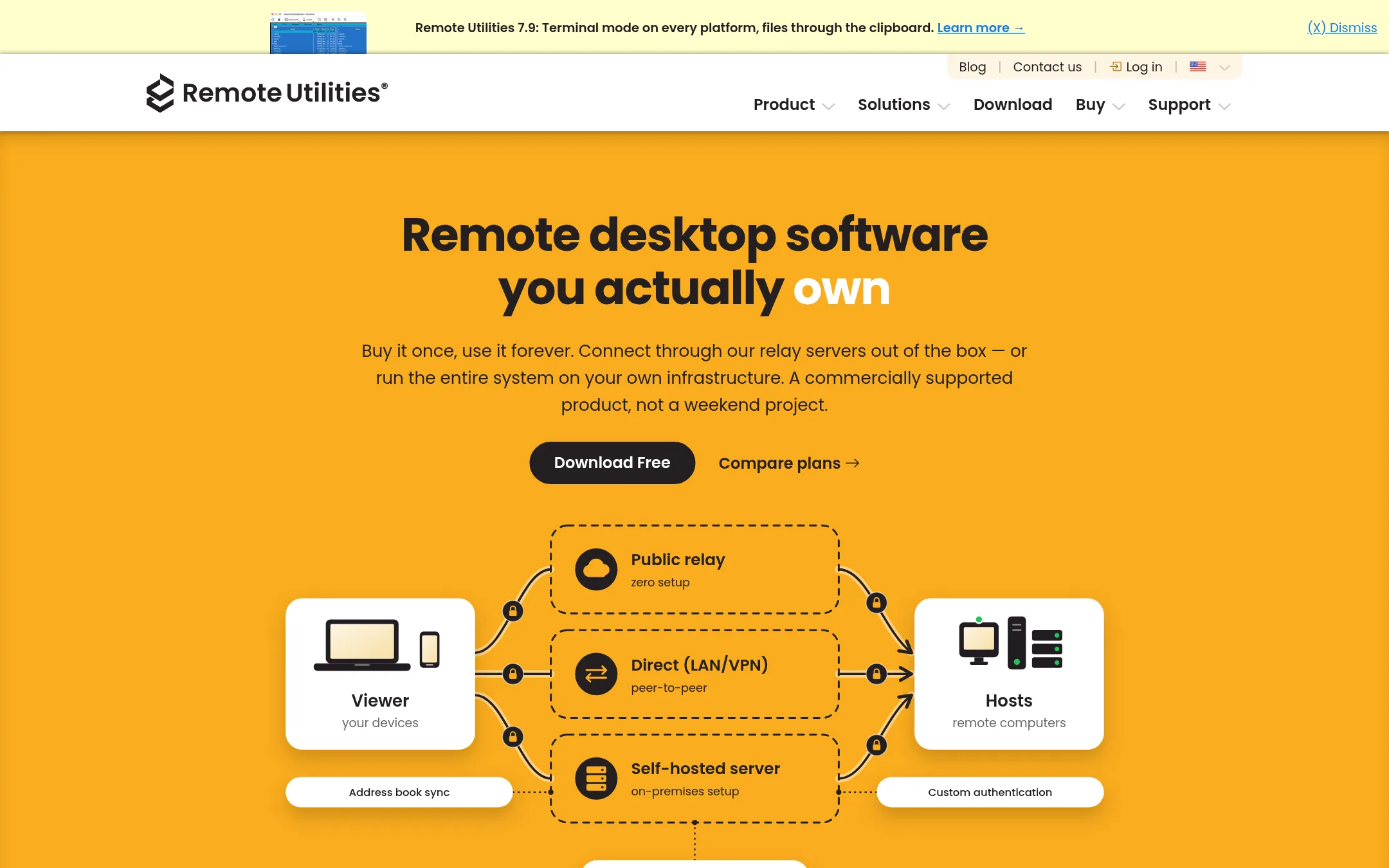
Remote Utilities is a remote desktop tool you buy once and own, with no subscription. It's a good fit if you want to run everything on your own infrastructure or fully offline, and you prefer a perpetual license over TeamViewer's annual payments.
Where it is strong
- Buy once, own forever, no recurring fees
- Can run entirely offline or via your own server
- 14 connection modes including file transfer and terminal
Where it falls short
- No pricing details listed on the site
- Requires more setup for self-hosting compared to TeamViewer's cloud service
- Pricing:
- Pricing is not published on the site.
- Switching from TeamViewer:
- Moving from TeamViewer means replacing your remote access tool with a self-hosted option, so you'll need to deploy the Host component and configure your connection modes.
- DFree
11.DWService
Best for: Individuals and small teams that need simple, browser-based remote access to a few devices without cost.
- Pricing
- Free
- Category
- Other
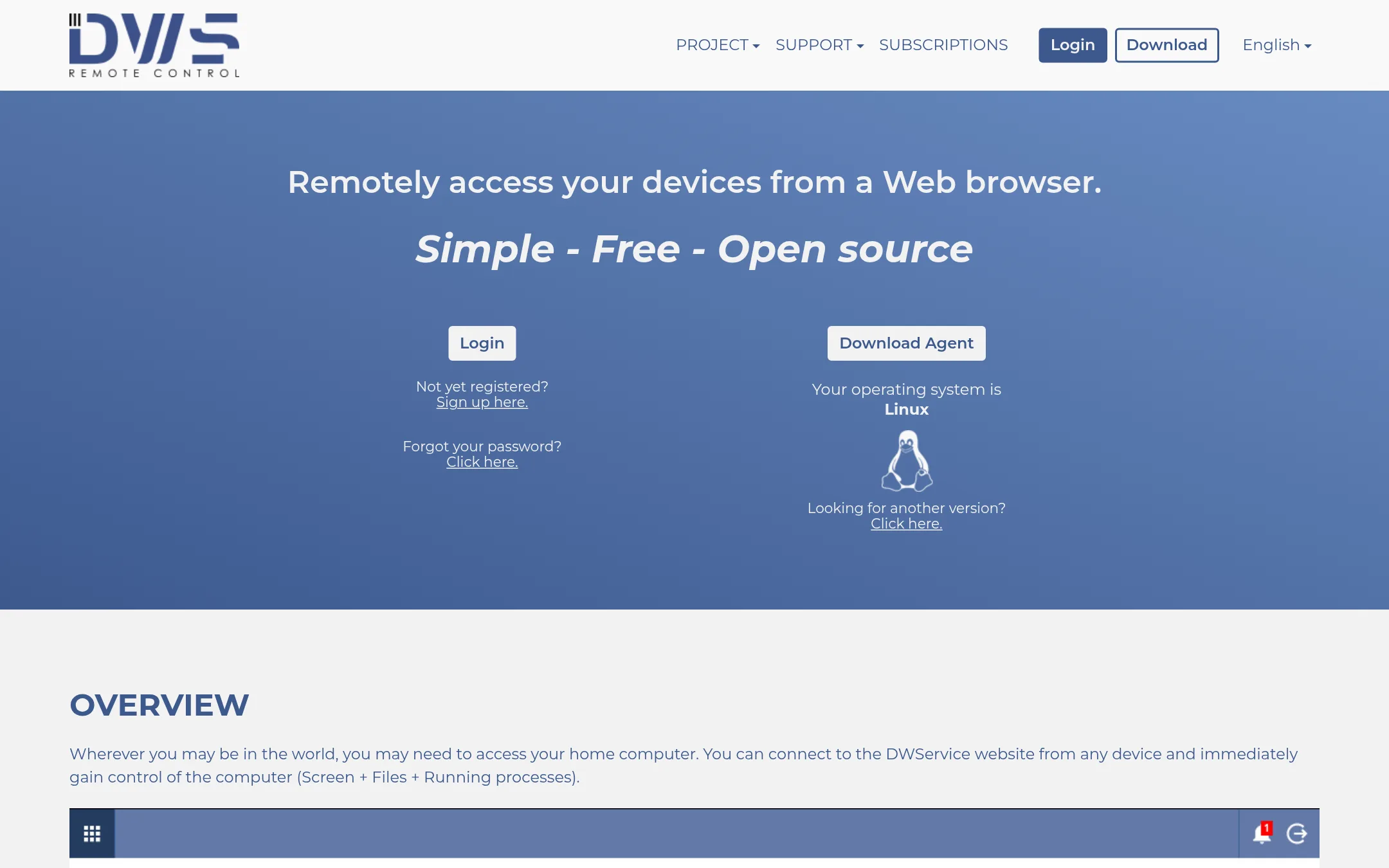
DWService lets you access remote computers from any web browser without installing client software. It is a free, open-source option for individuals or small teams that need basic remote access and don't want to pay for a commercial tool like TeamViewer.
Where it is strong
- Works entirely in a web browser, no client install needed
- Free and open source
- Includes screen, file, shell, and text editor tools
Where it falls short
- No commercial support or SLA
- Fewer features than TeamViewer, such as AI assistance or device management
- Pricing:
- Pricing is not published on the site.
- IFrom $0 (Starter)
12.ISL Online
Best for: IT teams and MSPs that need reliable remote support and unattended access with RMM integrations and self-hosting capabilities.
- Pricing
- From $0 (Starter)
- Category
- Other
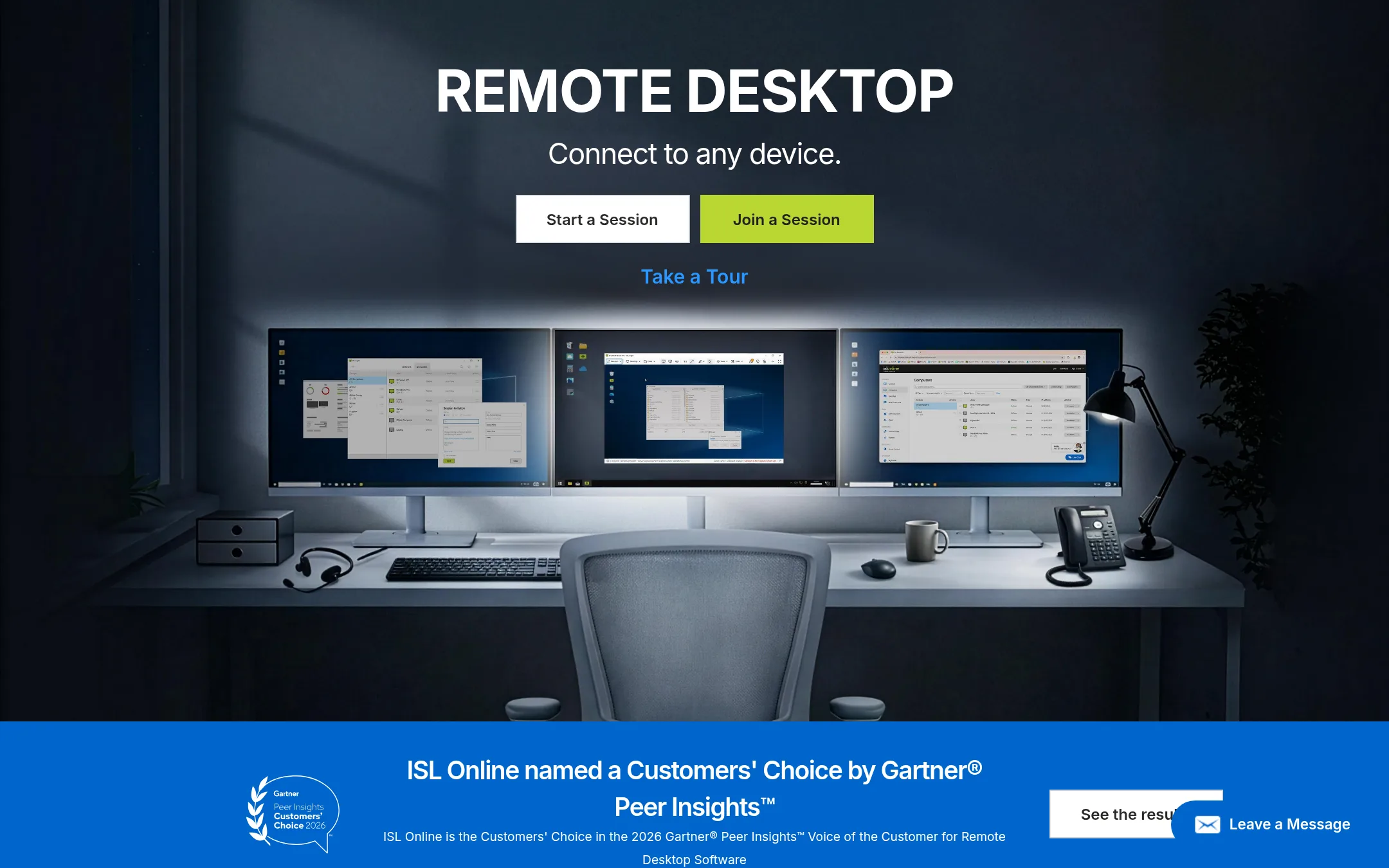
ISL Online is a remote desktop tool for IT teams and managed service providers. It offers unattended access to unlimited computers, RDP/SSH connections, and integrates with RMM and ITSM platforms. Choose it over TeamViewer if you need a simpler, more cost-effective solution with self-hosting options and strong security certifications.
Where it is strong
- Unlimited managed devices on Premium and higher plans.
- Supports RDP and SSH connections without complex VPN setup.
- Self-hosting option for full data control and compliance.
Where it falls short
- Starter plan limits to 5 managed devices and 1 user.
- Advanced features like SSO and customization require higher-tier plans.
- Pricing:
- In the United States, the Starter plan is $0 for 1 user and 5 managed devices, and the Standard plan starts at contact us for 40 users and 1000 devices. Premium, Self-Hosted, and Enterprise plans require contacting sales.
- Switching from TeamViewer:
- Switching from TeamViewer involves installing ISL Online agents on remote computers and setting up user accounts, but the process is straightforward and similar to TeamViewer's deployment.
See more comparisons in Communication & Collaboration alternatives.
FAQ
Questions about TeamViewer alternatives
What is the cheapest alternative to TeamViewer?
Splashtop has the lowest published price, starting at $6 per month for Solo. DWService is free and open-source, but with fewer features and no commercial support.
Which alternative is best for enterprise security?
BeyondTrust is built for privileged access management and enforces least privilege. It is a Leader in the 2026 Gartner Magic Quadrant for PAM, but pricing requires a sales conversation.
Can I avoid subscription fees with any alternative?
Remote Utilities offers a buy-once, own-forever license with no recurring fees. It can run offline or via your own server, but requires more setup.
Which alternative integrates with RMM and PSA tools?
ConnectWise Control integrates with ConnectWise RMM and PSA for a unified IT workflow. ISL Online also integrates with RMM and ITSM platforms.
Are there any free alternatives with no installation?
DWService lets you access remote computers from any web browser without installing client software. It is free and open-source, but lacks advanced features like AI assistance.
Last updated October 31, 2026.