
Text Blaze alternatives
5 products compared · Updated November 6, 2026
The short answer
Espanso suits developers and power users on Windows, Linux or macOS who want free, open-source expansion across all desktop apps. TextExpander suits healthcare, customer support and recruiting teams that need a shared, consistent message library with enterprise controls. aText and Typinator suit Mac users who want system-wide expansion without a browser extension, and PhraseExpress suits Windows and Mac users who type across many desktop apps.
Your shortlist, at a glance
Read the comparisons ↓- TTextExpanderNot publishedHealthcare, customer support and recruiting teams that need consistent messaging across many apps and devices
EspansoNot publishedDevelopers and power users on Windows, Linux or macOS who want open-source snippet expansion across all their desktop apps
- aaTextNot publishedMac and Windows users who want text expansion across all desktop apps rather than only in the browser
- PPhraseExpressNot publishedWindows and Mac users who type across many desktop apps and need snippets outside the browser
- TTypinatorNot publishedMac users who want system-wide text expansion in any app without relying on a browser extension
About Text Blaze and its alternatives
Text Blaze is a Chrome extension, with macOS and Windows apps, that inserts saved snippets and templates when you type a shortcut. Its site highlights snippets, dynamic templates with forms and formulas, and sharing and collaboration features, with plans that step up from a free tier to Pro, Business and Enterprise.
When comparing alternatives in this category, weigh how each tool is delivered (a browser extension versus a system-wide desktop app), whether it supports team sharing and central management, how much automation or form logic it offers, and the pricing structure. Check regional availability and integrations for the apps you use, and confirm support and contract terms before committing, since many tools in this list do not publish prices.
Explore the alternatives
- TNot published
1.TextExpander
Best for: Healthcare, customer support and recruiting teams that need consistent messaging across many apps and devices

- Pricing
- Not published
- Category
- Other
TextExpander is a text replacement app that expands short keyboard shortcuts into saved snippets across apps and devices. Teams choose it when they want a shared library of approved messages, with fill-in-the-blank fields and enterprise controls such as SSO and SCIM.
Where it is strong
- Free tier with no credit card required
- Snippets work across apps and devices, not only in Chrome
- Enterprise options include SSO, SCIM and SOC 2 and HIPAA compliance
Where it falls short
- Pricing tiers are not listed on the page, so you need to ask for a quote to compare costs
- The page does not describe dynamic formulas or form-driven automation the way Text Blaze does
- Pricing:
- Pricing is not published on the site.
- Not published
2.Espanso
Best for: Developers and power users on Windows, Linux or macOS who want open-source snippet expansion across all their desktop apps
- Pricing
- Not published
- Category
- Productivity & Project Management
Espanso is a free, open-source text expander that runs on Windows, Linux and macOS. It replaces keywords as you type in most desktop applications, not only in Chrome. Choose it over Text Blaze if you want an open-source tool, need the same expansion across operating systems and apps, or prefer plain-file configuration to a browser extension.
Where it is strong
- Open source under GPL-3 and free to use
- Works on Windows, Linux and macOS, not just Chrome
- Supports shell commands and custom scripts inside snippets
Where it falls short
- No GUI yet, since configuration uses simple files
- Has no team sharing or collaboration features like Text Blaze's shared folders
- Pricing:
- Pricing is not published on the site.
- aNot published
3.aText
Best for: Mac and Windows users who want text expansion across all desktop apps rather than only in the browser
- Pricing
- Not published
- Category
- Other
aText is a typing accelerator and text expansion utility for Mac and Windows, not a browser extension. Someone would pick it over Text Blaze if they want snippets that work across the whole desktop rather than only inside Chrome.
Where it is strong
- Works as a desktop app on both Mac and Windows
- Expands text across the whole operating system, not just Chrome
- Built by a developer who also makes XtraFinder and GoTiengViet
Where it falls short
- The site does not describe Chrome extension support, unlike Text Blaze
- The site does not list team sharing or collaboration features
- Pricing:
- Pricing is not published on the site.
- PNot published
4.PhraseExpress
Best for: Windows and Mac users who type across many desktop apps and need snippets outside the browser
- Pricing
- Not published
- Category
- Other
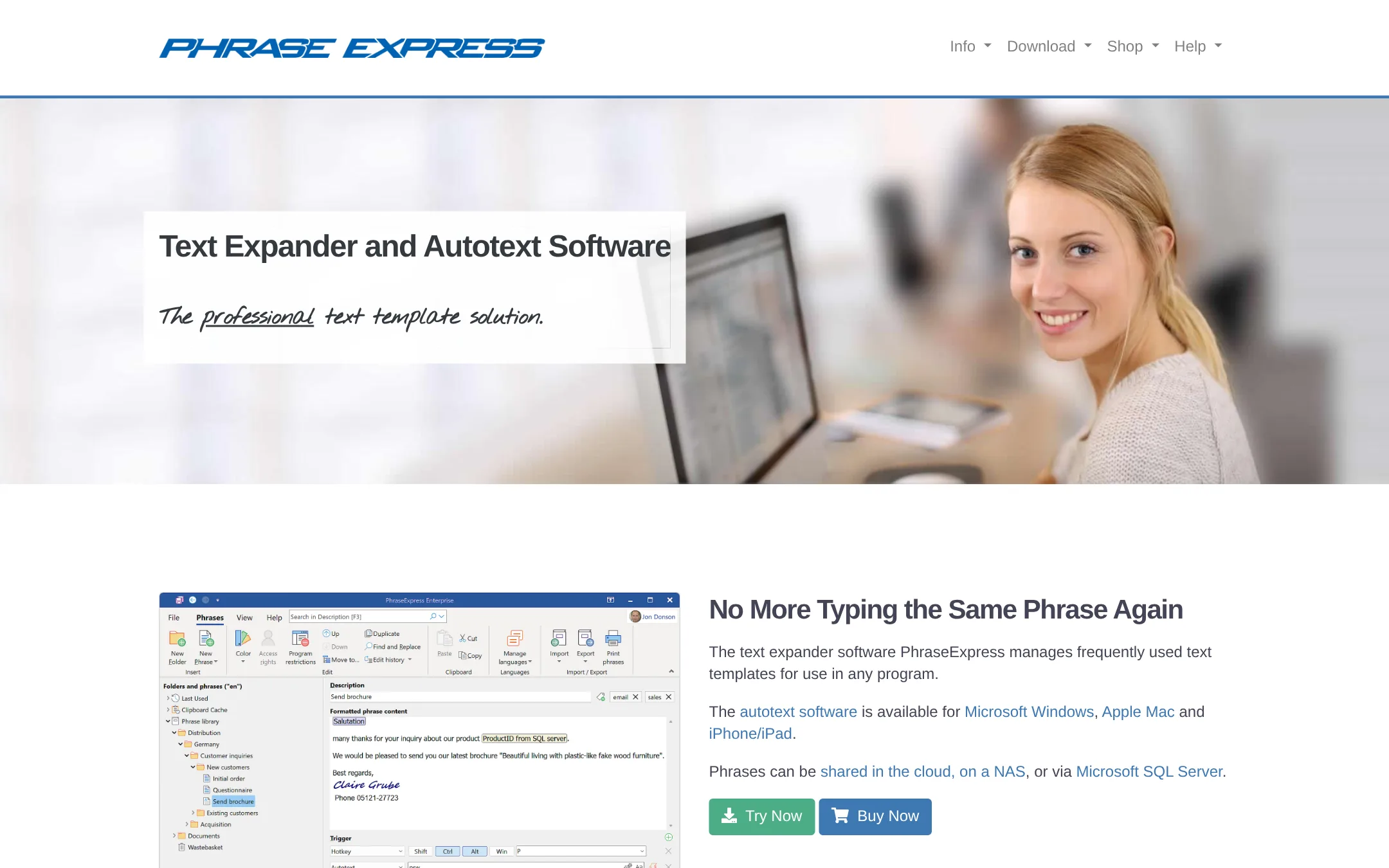
PhraseExpress is a text expander that runs system-wide on Windows, Mac and iOS rather than only inside Chrome. Someone would pick it over Text Blaze if they type across desktop apps and not just in the browser, or if they want a document generator, Outlook integration or an email signature manager.
Where it is strong
- Works system-wide on Windows, Mac and iOS, not only in Chrome
- Includes MS Outlook integration and an email signature manager
- Offers a document generator and multi-language phrases
Where it falls short
- Text Blaze's Chrome-first design and sharing features are not described on the page in the same way
- Pricing is not published, so cost cannot be compared directly
- Pricing:
- Pricing is not published on the site.
- TNot published
5.Typinator
Best for: Mac users who want system-wide text expansion in any app without relying on a browser extension
- Pricing
- Not published
- Category
- Other
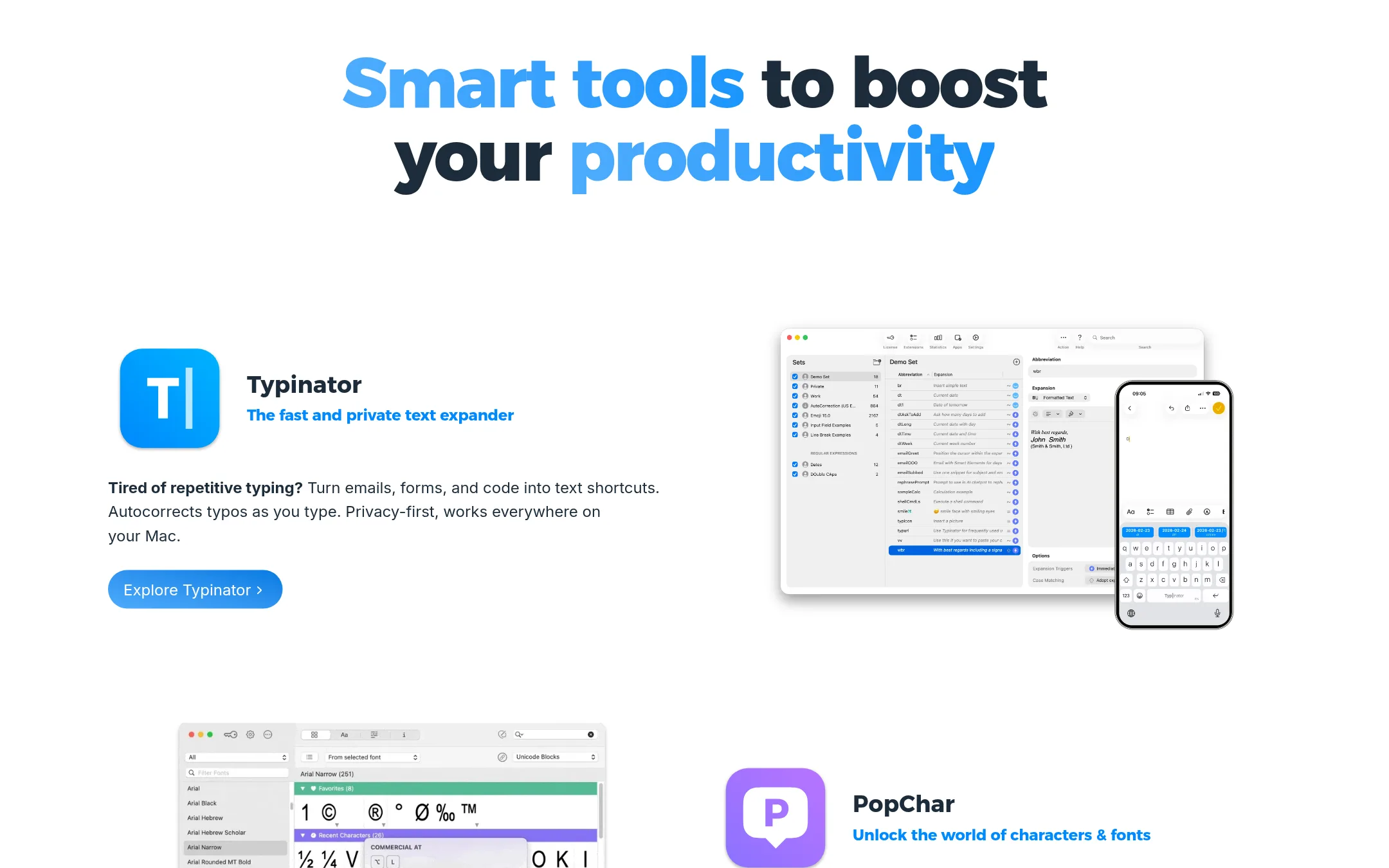
Typinator is a text expander for Mac, with a Windows version also mentioned in its site title. It turns shortcuts into longer text for emails, forms and code, and it autocorrects typos as you type. Someone would pick it over Text Blaze if they work mainly on a Mac and want a local tool that runs system-wide rather than a Chrome extension.
Where it is strong
- Runs system-wide on Mac, not only inside Chrome
- Includes autocorrect for typos as you type
- Offers a trial mode so you can test expansions before buying
Where it falls short
- Team sharing and collaboration features are not described on the site
- Dynamic forms and formula-style templates are not described on the site
- Pricing:
- Pricing is not published on the site.
See more comparisons in Productivity & Project Management alternatives.
FAQ
Questions about Text Blaze alternatives
What is the main difference between Text Blaze and Espanso?
Text Blaze runs as a Chrome extension and macOS or Windows app, with sharing and collaboration features. Espanso is free and open source, runs on Windows, Linux and macOS, and expands text across most desktop applications. Espanso does not offer team sharing or collaboration features.
Which alternative is best for a team that needs shared, consistent messages?
TextExpander is built for teams that need a shared library of approved messages across apps and devices. Its enterprise options include SSO, SCIM and SOC 2 and HIPAA compliance. Its pricing tiers are not listed on the page, so you need to request a quote to compare costs.
Can I use these alternatives outside of Chrome?
Yes. aText, PhraseExpress, Typinator and Espanso all work as system-wide tools rather than browser-only extensions. Typinator and aText are Mac-focused, while PhraseExpress covers Windows, Mac and iOS. Text Blaze is primarily delivered as a Chrome extension.
Do any of these alternatives publish their pricing?
None of the five alternatives in this list publish pricing on their sites. Text Blaze does publish its plan tiers, so you will need to contact each vendor directly to compare costs. Espanso is free and open source, so it has no purchase cost.
Which alternative offers automation or form-based templates similar to Text Blaze?
The pages for these alternatives do not describe dynamic forms or formula-style templates the way Text Blaze does, so check directly with the vendor. PhraseExpress does list a document generator and multi-language phrases, which may cover some template needs. Espanso supports shell commands and custom scripts inside snippets.
Last updated November 6, 2026.