
Thunkable alternatives
8 products compared · Updated November 3, 2026
The short answer
For internal business apps from spreadsheets, Glide is the strongest alternative. For teams that need full code export and advanced collaboration, FlutterFlow is the best fit. For data-heavy web apps with mobile versions, Bubble is the strongest choice.
Your shortlist, at a glance
Read the comparisons ↓- AAdaloFrom $65/moFounders and small teams who want to describe an app in plain language and publish native iOS, Android, and web apps without writing code.
 FlutterFlowFrom $39/moTeams that want a visual builder with code export and advanced collaboration features, such as startups building production apps with Flutter.
 BubbleFrom $29/moFounders and small teams building data-heavy web apps that also want iOS and Android versions from the same codebase.
GlideFrom $25/moOperations teams that want to turn their existing spreadsheets into internal apps and AI agents without coding.
- AAppgyverNot publishedTeams building apps that need to connect to SAP systems or want a full-stack visual development environment.
- KKerberosNot publishedOrganizations that need secure authentication for internal network services, such as universities or enterprises.
 FastshotSee websiteLovable for mobile apps
 DraftbitSee websiteBuild mobile apps visually. Source-code included.
About Thunkable and its alternatives
Thunkable is a no-code platform for building native iOS and Android apps. It is known for its AI Builder, which turns prompts into functional apps, and for direct publishing to the Apple App Store and Google Play. Thunkable has been helping people build apps for over 10 years.
When comparing alternatives, weigh pricing structure, including free tiers and per-seat costs. Consider whether you need native app store publishing or if web apps are enough. Check integrations with your existing tools, such as spreadsheets or databases. Evaluate the level of support and whether contracts are monthly or annual. Also consider if you need to export your source code to avoid vendor lock-in.
Explore the alternatives
- AFrom $65/mo
1.Adalo
Best for: Founders and small teams who want to describe an app in plain language and publish native iOS, Android, and web apps without writing code.
- Pricing
- From $65/mo
- Category
- Other
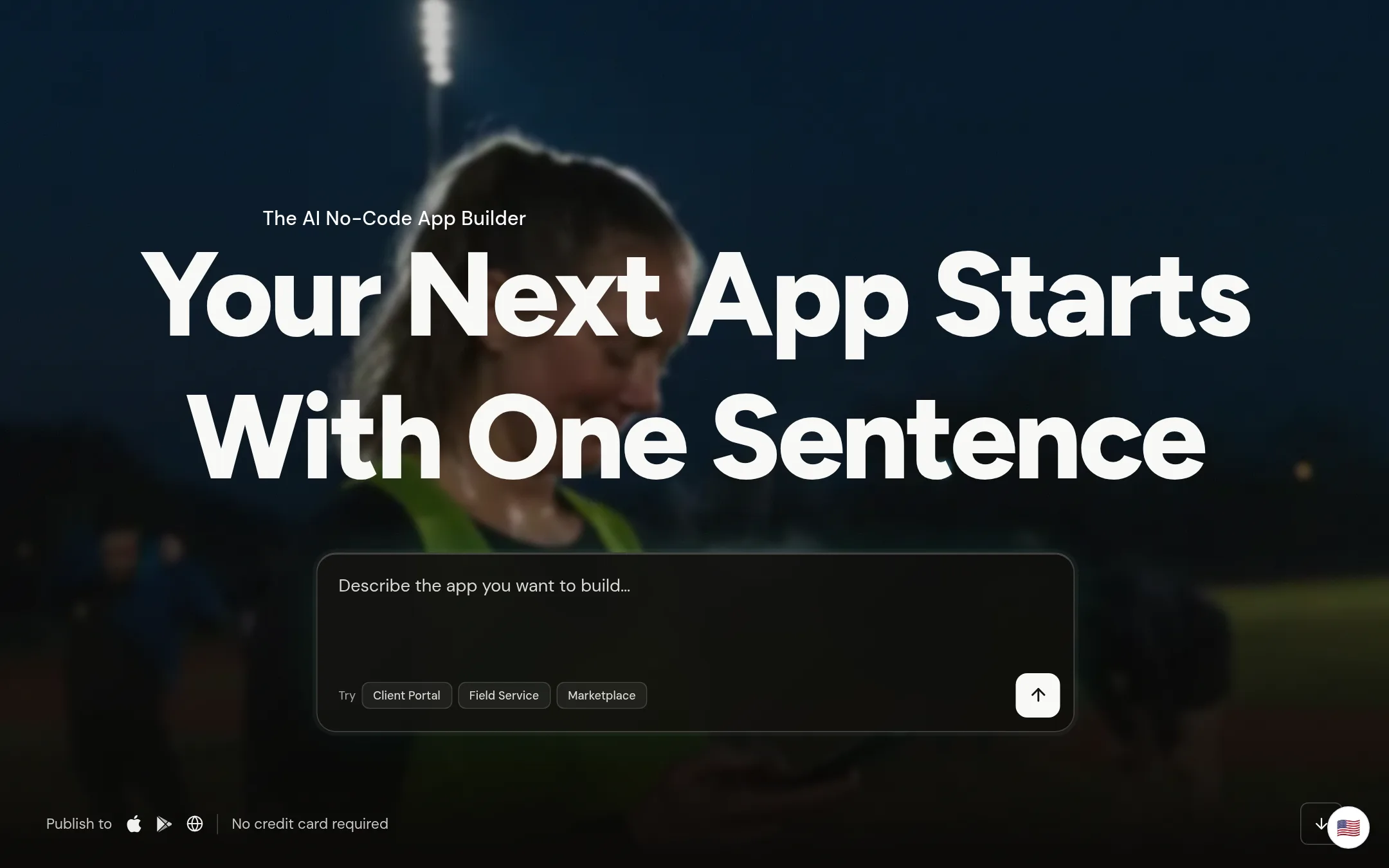
Adalo is an AI no-code app builder that generates screens, database, and logic from a text description, then lets you refine visually. Choose it over Thunkable if you want AI-driven app creation plus the option to export your source code when you outgrow the platform.
Where it is strong
- AI builds screens, database, and logic from a text prompt
- Publish native iOS and Android builds with store submission
- Export full source code if you outgrow the platform
Where it falls short
- Free plan limits AI prompts to 5 per month
- Business plan pricing is not transparent on the page
- Pricing:
- Free plan includes 5 AI prompts a month, one app build, and 500 records per app. Builder plan starts at $65 per month, with a first-month launch offer of $30. Business plan pricing is not fully listed on the page.
- Switching from Thunkable:
- Moving from Thunkable means rebuilding your app in Adalo's visual canvas, since there is no direct import path mentioned.
- From $39/mo
2.FlutterFlow
Best for: Teams that want a visual builder with code export and advanced collaboration features, such as startups building production apps with Flutter.
- Pricing
- From $39/mo
- Category
- Developer Tools
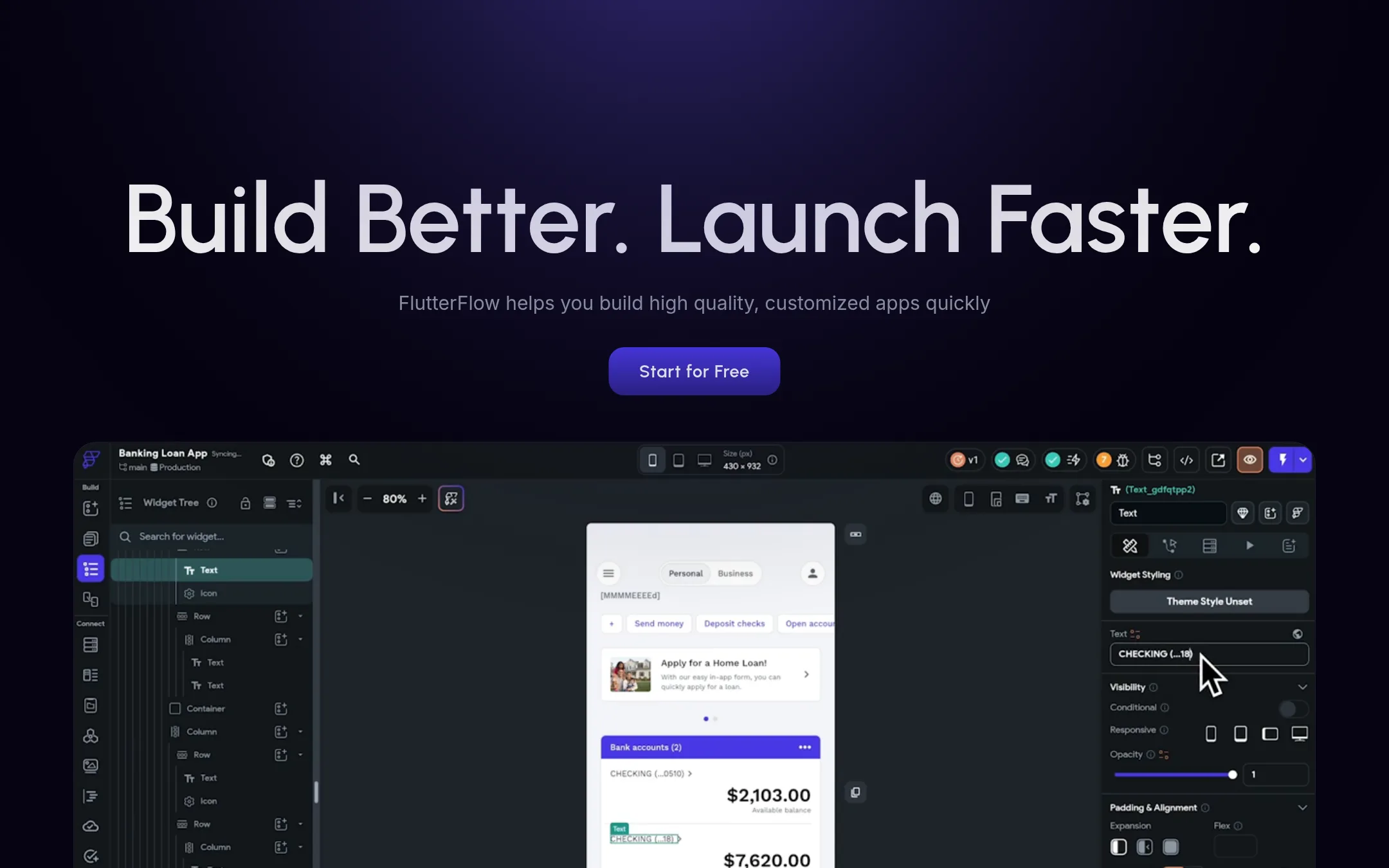
FlutterFlow is a visual development platform for building native mobile, web, and desktop apps with full code export. Choose it over Thunkable when you need to own the generated code, work with a team, or integrate deeply with Firebase and Supabase.
Where it is strong
- Export full source code with no vendor lock-in
- Real-time collaboration and branch management on paid plans
- One-click deployment to App Store, Play Store, and web
Where it falls short
- Advanced features like GitHub integration require Growth plan or higher
- Free plan limited to 2 projects and no code download
- Pricing:
- Free plan includes up to 2 projects. Paid plans start at $39/month for Basic, $80/month for Growth (first seat), and $150/month for Business (first seat).
- Switching from Thunkable:
- Moving from Thunkable means rebuilding your app in FlutterFlow's visual editor, but you can import Figma designs and use FlutterFlow's API integration to connect to the same backends.
- From $29/mo
3.Bubble
Best for: Founders and small teams building data-heavy web apps that also want iOS and Android versions from the same codebase.
- Pricing
- From $29/mo
- Category
- AI & Machine Learning
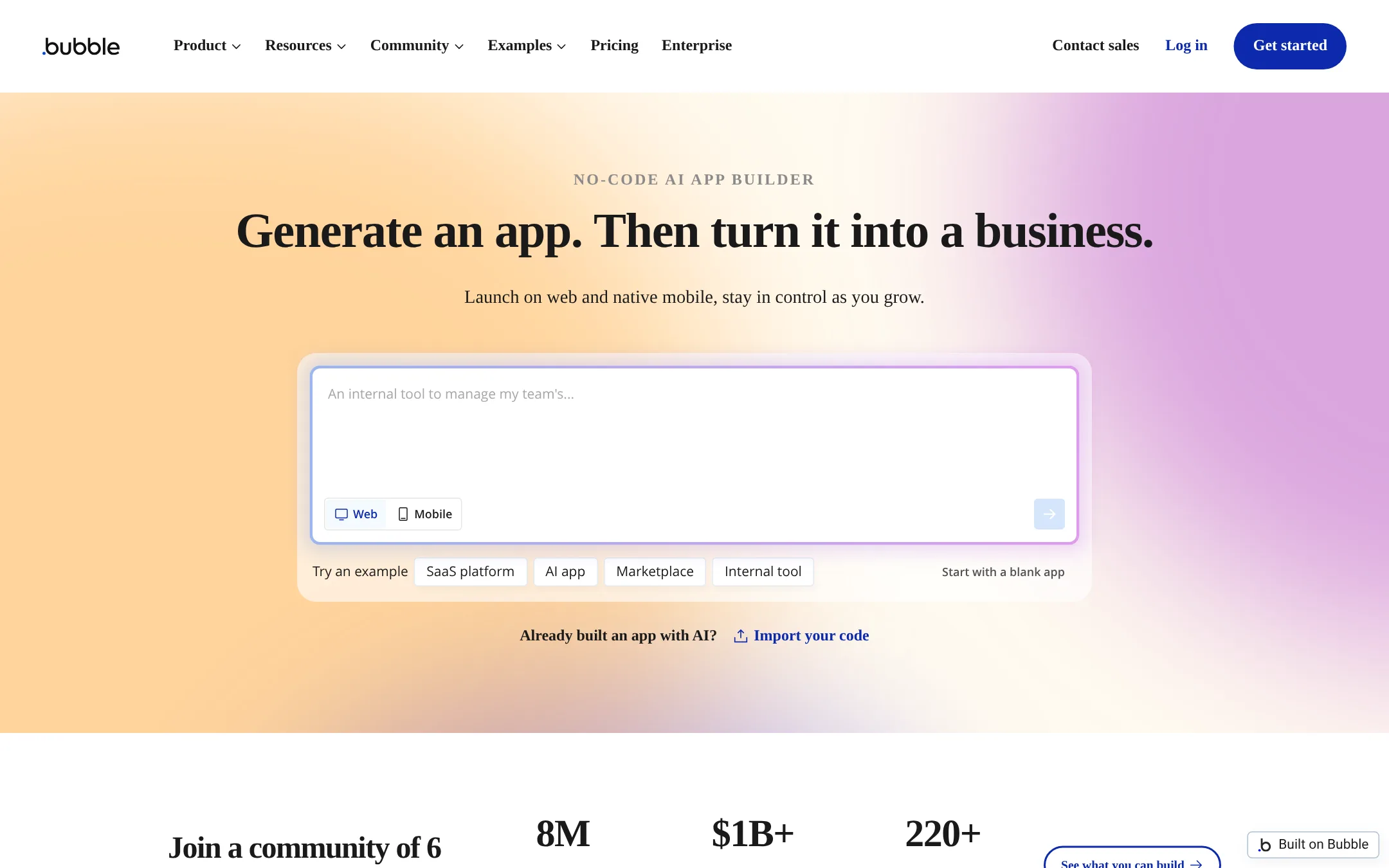
Bubble is a no-code platform for building web and mobile apps with a visual editor and AI-assisted generation. Choose it instead of Thunkable when you need a full web app with a database, logic, and privacy rules, and you want to add mobile later without rebuilding.
Where it is strong
- Visual editor with AI page and app generation
- Built-in database, logic, and privacy rules
- Publish to web, iOS, and Android from one platform
Where it falls short
- Workload units can add cost as your app scales
- Mobile apps are wrapped, not fully native like Thunkable
- Pricing:
- Free plan includes 500 AI credits and 50K workload units per month. Paid plans start at $29 per month billed annually for Starter, $119 for Growth, and $349 for Team. Enterprise pricing is custom.
- Switching from Thunkable:
- Moving from Thunkable means rebuilding your app in Bubble's visual editor, since Bubble uses its own data model and workflow system.
- From $25/mo
4.Glide
Best for: Operations teams that want to turn their existing spreadsheets into internal apps and AI agents without coding.
- Pricing
- From $25/mo
- Category
- Productivity & Project Management
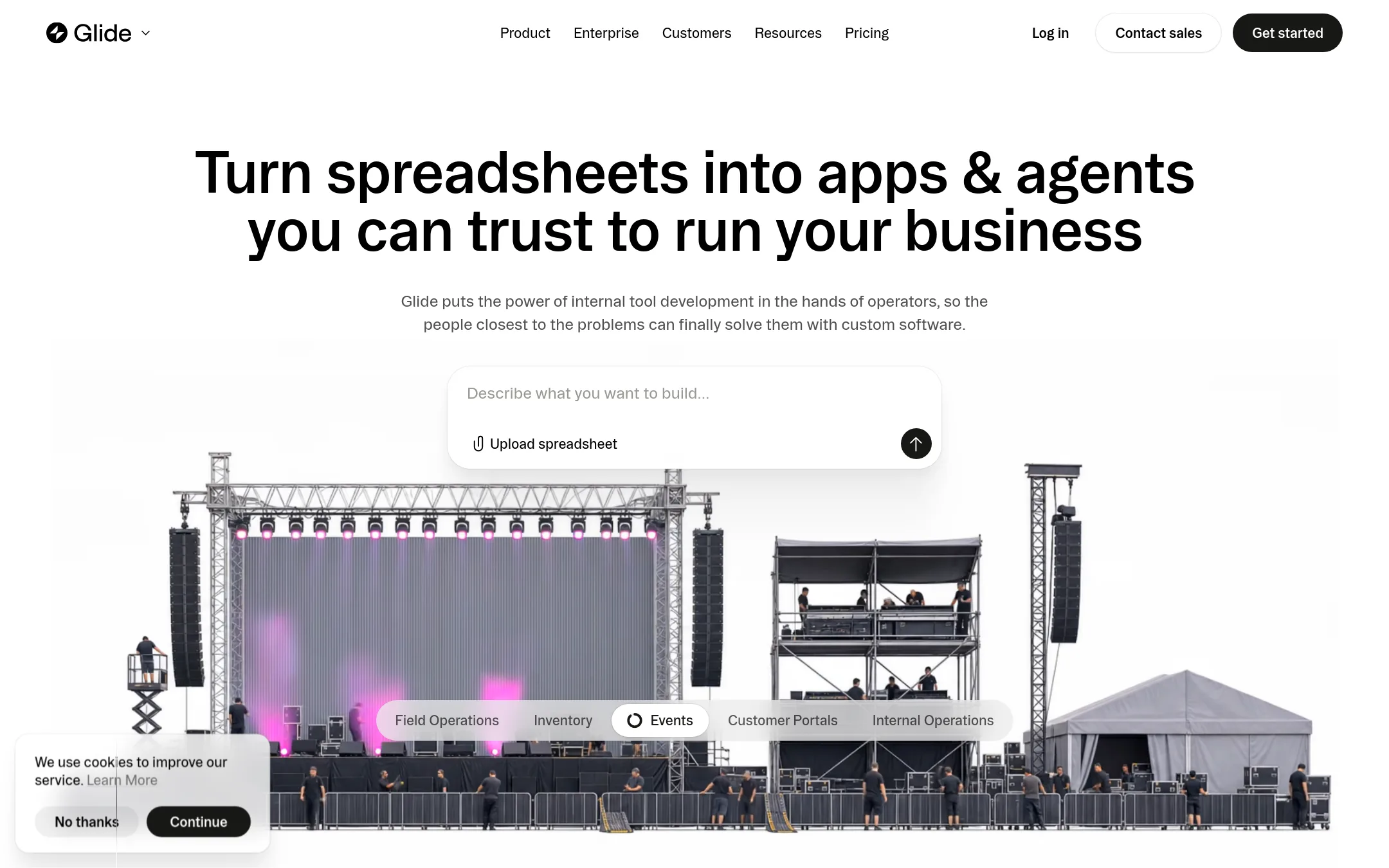
Glide turns spreadsheets and prompts into internal business apps and AI agents. Choose it over Thunkable when your priority is operational tools for your team, not consumer-facing mobile apps for app stores.
Where it is strong
- Builds apps from spreadsheets or prompts with AI
- Apps stay private by default with row-level permissions
- Integrates with Claude, Gemini, and ChatGPT via MCP
Where it falls short
- GlideOS is separate from Glide Classic, no migration path
- Not designed for publishing to Apple App Store or Google Play
- Pricing:
- Plans start at $25 per month. Free plan includes 2 team members and 10 projects.
- Switching from Thunkable:
- Moving from Thunkable means starting fresh on GlideOS. Existing Thunkable apps cannot be imported.
- ANot published
5.Appgyver
Best for: Teams building apps that need to connect to SAP systems or want a full-stack visual development environment.
- Pricing
- Not published
- Category
- Other
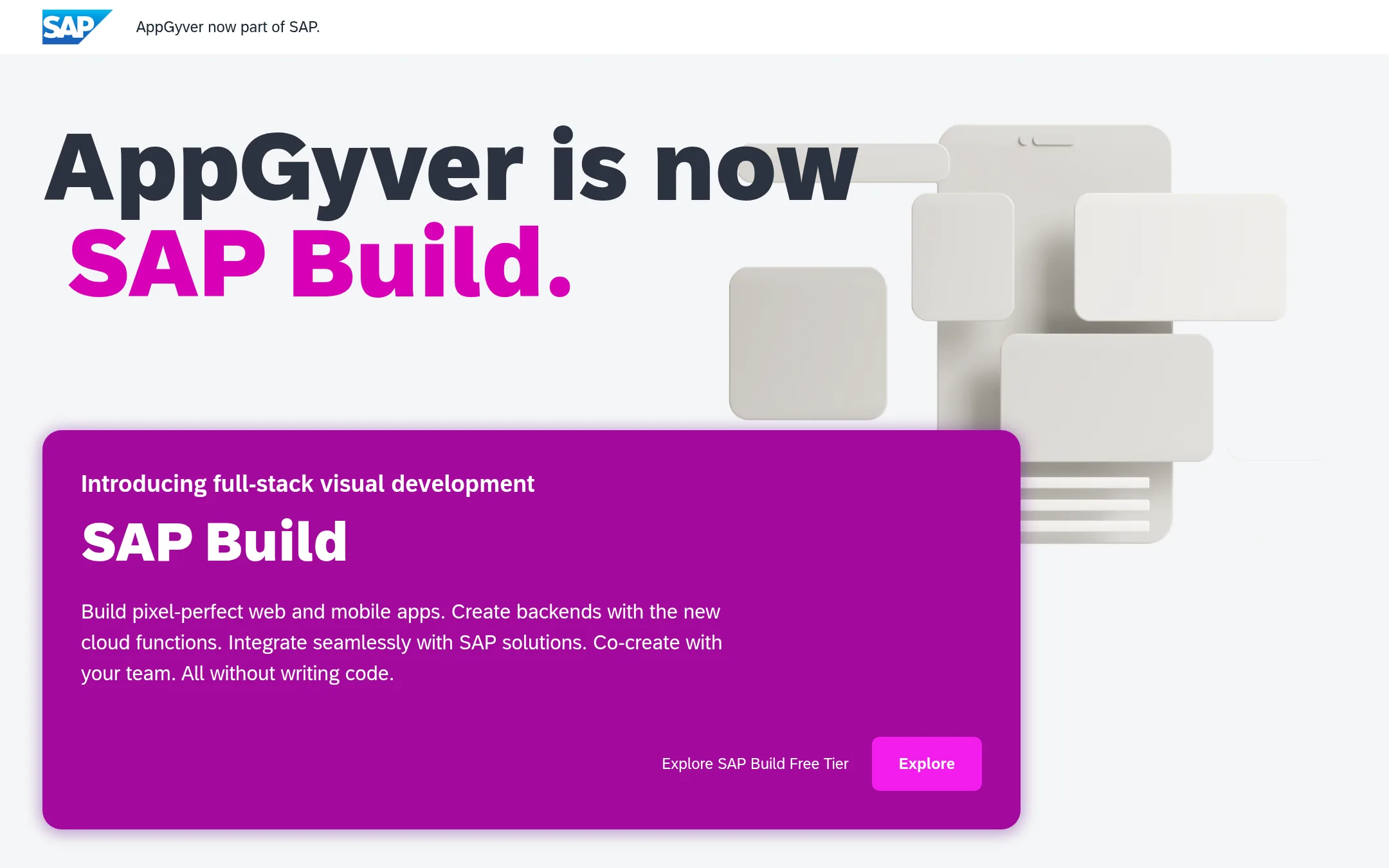
AppGyver is now SAP Build, a low-code visual builder for web and mobile apps. It suits teams already using SAP or needing to integrate with SAP solutions, where Thunkable is more consumer-focused and standalone.
Where it is strong
- Part of SAP, so deep integration with SAP solutions is built in.
- Supports full-stack development, including cloud functions for backends.
- Free tier available to explore the platform.
Where it falls short
- No longer branded as AppGyver, which may confuse existing users.
- Requires SAP ecosystem alignment, which may be overkill for simple standalone apps.
- Pricing:
- Pricing is not published on the site.
- Switching from Thunkable:
- Moving from Thunkable means adopting SAP Build's visual model and possibly SAP account setup, since AppGyver is no longer a separate product.
- KNot published
6.Kerberos
Best for: Organizations that need secure authentication for internal network services, such as universities or enterprises.

- Pricing
- Not published
- Category
- Other
Kerberos is a network authentication protocol developed at MIT, not a no-code app builder. It is used for secure authentication in enterprise environments, not for building mobile apps. You would choose Kerberos if you need to secure access to services within a network, not if you want to create an app.
Where it is strong
- Widely adopted for secure authentication in enterprise networks.
- Open-source protocol with strong security standards.
- Backed by MIT's research and reputation.
Where it falls short
- Not a no-code app builder, so it cannot replace Thunkable for app development.
- Requires technical expertise to implement and manage.
- Pricing:
- Pricing is not published on the site.
- See website
7.Fastshot
Developer Tools
Lovable for mobile apps
- See website
8.Draftbit
Developer Tools
Build mobile apps visually. Source-code included.
See more comparisons in Developer Tools alternatives.
FAQ
Questions about Thunkable alternatives
What is the best Thunkable alternative for internal business tools?
Glide is the best fit for internal business tools. It turns spreadsheets into apps with row-level permissions and integrates with AI models. Glide is not designed for publishing to app stores, so it suits team-facing tools rather than consumer apps.
Which alternative lets me own the code?
FlutterFlow lets you export full source code with no vendor lock-in. This is useful if you want to move your app off the platform later or work with a development team. The free plan does not include code download, so you need a paid plan.
Can I build a web app and a mobile app from the same codebase?
Bubble lets you publish to web, iOS, and Android from one platform. It has a built-in database and logic, making it good for data-heavy apps. Note that mobile apps are wrapped, not fully native like Thunkable.
Which alternative is best if I want AI to generate my app from a text prompt?
Adalo generates screens, database, and logic from a text description. It also lets you export source code when you outgrow the platform. The free plan includes 5 AI prompts per month, and paid plans start at $65 per month.
Is there an alternative that integrates with SAP?
AppGyver, now SAP Build, is designed for teams using SAP. It offers deep integration with SAP solutions and supports full-stack development. Pricing is not published, and it may be overkill for simple standalone apps.
Last updated November 3, 2026.