
Tinkercad Circuits alternatives
12 products compared · Updated November 1, 2026
The short answer
For founders and operators choosing an alternative to Tinkercad Circuits, the three strongest options are CircuitLab for engineers needing precise simulation, KiCad for professional PCB design without licensing costs, and EasyEDA for free web-based PCB design with manufacturing links. CircuitLab suits those who prioritize accuracy, KiCad suits those who need full control, and EasyEDA suits those who want a free path from simulation to production.
Your shortlist, at a glance
Read the comparisons ↓- FFritzingNot publishedMakers, hobbyists, and educators who want to turn prototypes into custom PCBs and document circuits in detail.
 CircuitLabNot publishedEngineers and hobbyists who need precise circuit simulation and professional schematic output in a browser.
 EveryCircuitNot publishedStudents and engineers who want a dedicated, animated circuit simulator with advanced analysis features like oscilloscope and Bode plots.
- AAutodesk Construction CloudCustom quoteGeneral contractors, specialty contractors, and owners who need connected tools for construction project delivery.
EasyEDAFree core. Paid plansHardware engineers and electronics students who need a free, web-based tool for real PCB design with manufacturing and component sourcing links.
 KiCadNot publishedEngineers and hobbyists who need professional-grade PCB design software without licensing costs.
Falstad Circuit SimulatorSee websitePaul Falstad's interactive circuit simulator applet
 camferSee websiteBuilding the world’s first AI mechanical engineer.
 OnshapeSee websiteCloud-native CAD, PDM and PLM platform for modern product development
 PSpiceNot publishedProfessional electronics engineers designing and verifying analog or mixed-signal circuits in automotive, IoT, or power supply applications.
- PPartSimNot publishedTeams that already know PartSim works for them and are willing to accept the current site outage.
 ProteusCustom quoteProfessional engineers and advanced students who need PCB layout, microcontroller simulation, and IoT prototyping in one tool.
About Tinkercad Circuits and its alternatives
Tinkercad Circuits is a free, browser-based app for 3D design, electronics, and coding, trusted by over 100 million people. It is known for being easy to use, safe for all ages, and aligned with educational standards, making it a go-to for classroom STEM projects.
When comparing alternatives, weigh pricing structure, since many tools hide costs behind quotes or unpublished pages. Consider regions for manufacturing and component sourcing, integrations with other tools, support quality, and contract terms like perpetual licensing versus subscriptions.
Explore the alternatives
- FNot published
1.Fritzing
Best for: Makers, hobbyists, and educators who want to turn prototypes into custom PCBs and document circuits in detail.
- Pricing
- Not published
- Category
- Other
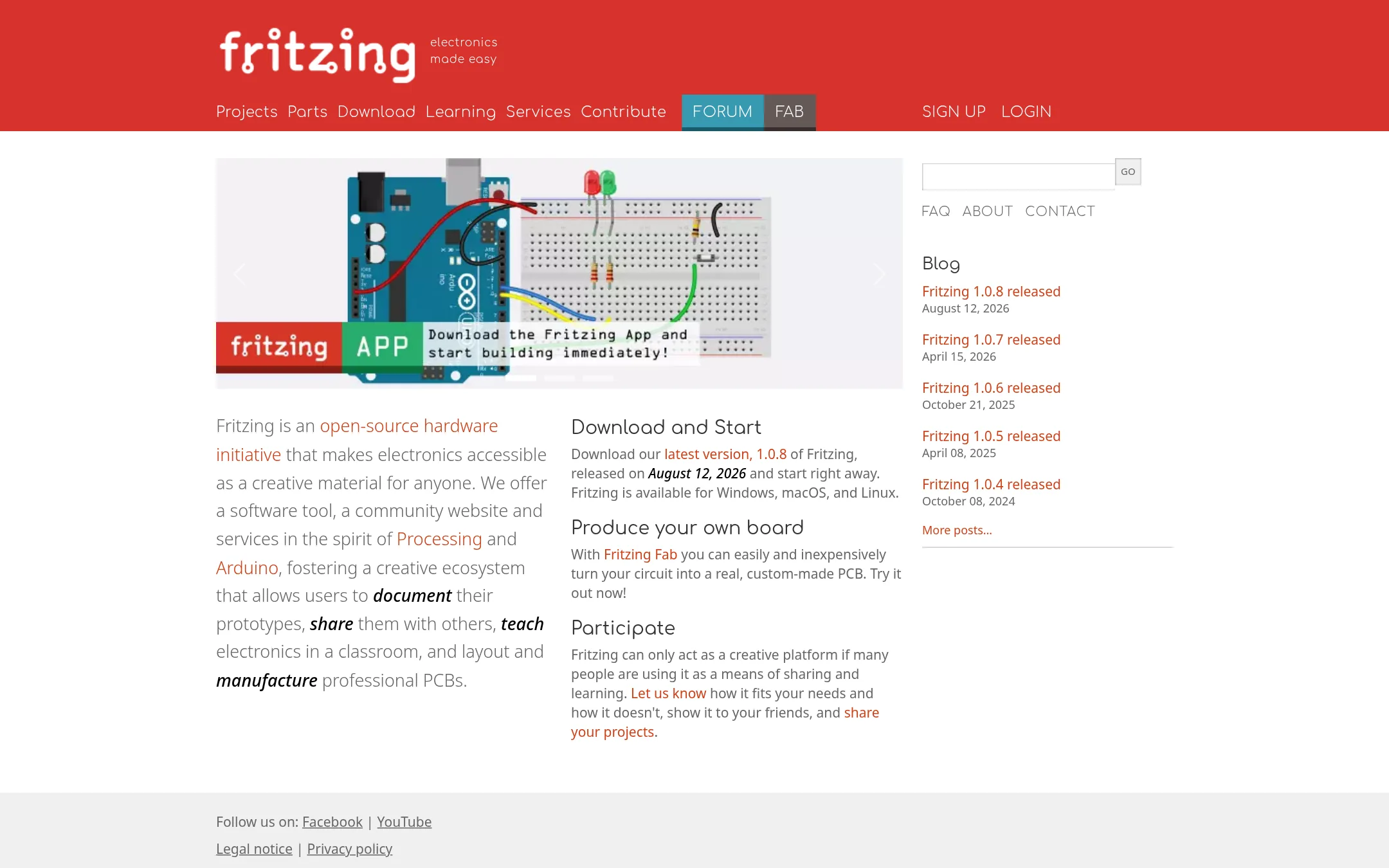
Fritzing is a desktop electronics design tool for documenting prototypes, teaching circuits, and laying out PCBs. Choose it over Tinkercad Circuits when you need to move from a breadboard sketch to a manufacturable board, or when you prefer offline software with a community around sharing projects.
Where it is strong
- Turn a breadboard layout into a custom PCB via Fritzing Fab.
- Works offline on Windows, macOS, and Linux.
- Open-source hardware initiative with a community for sharing projects.
Where it falls short
- Desktop download required, not browser-based like Tinkercad Circuits.
- No built-in simulation or coding environment for beginners.
- Pricing:
- Pricing is not published on the site.
- Switching from Tinkercad Circuits:
- Moving from Tinkercad Circuits means installing desktop software and recreating your circuits in Fritzing's breadboard view, then learning its PCB layout workflow.
- Not published
2.CircuitLab
Best for: Engineers and hobbyists who need precise circuit simulation and professional schematic output in a browser.
- Pricing
- Not published
- Category
- Developer Tools
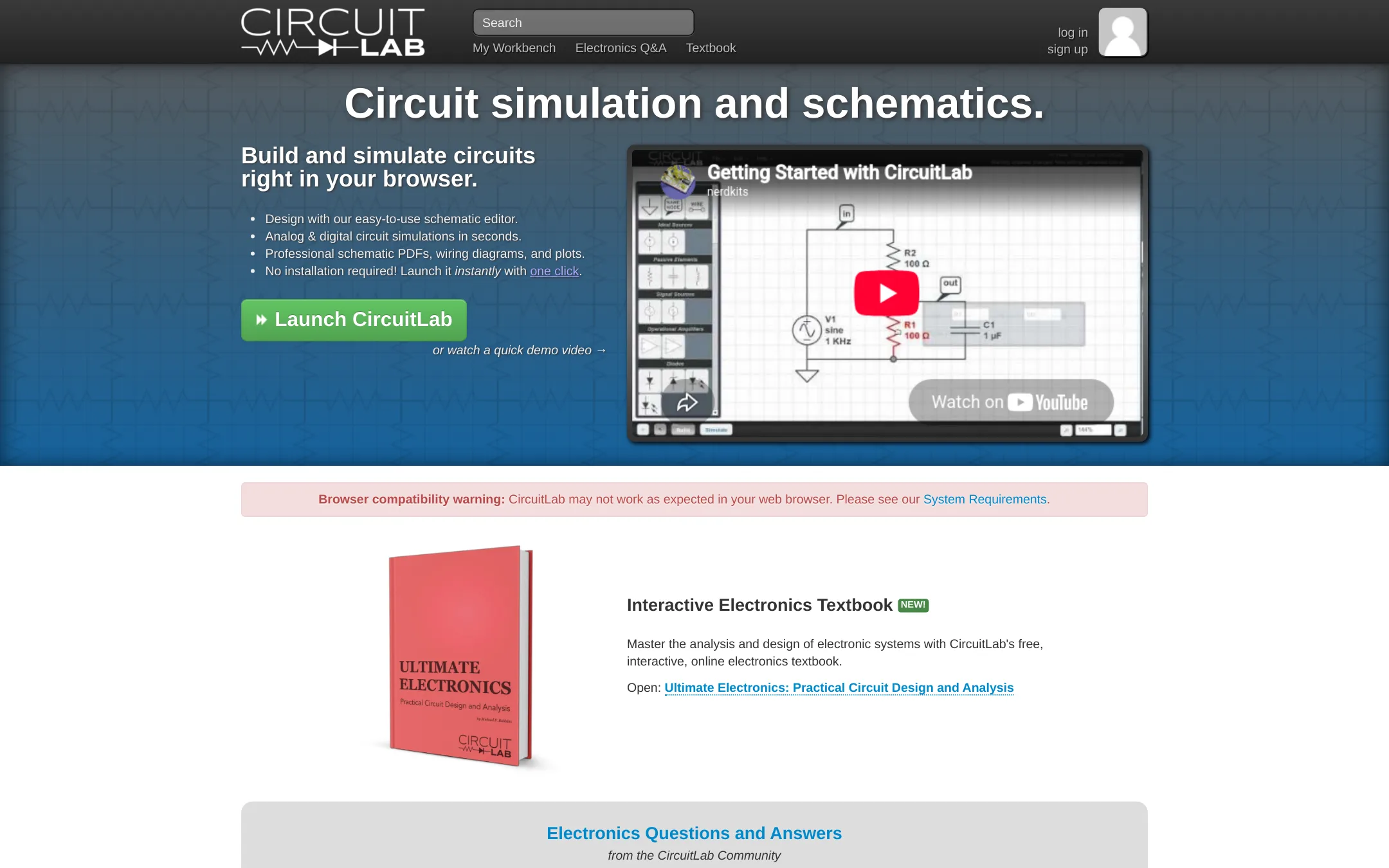
CircuitLab is a browser-based circuit simulator and schematic editor for designing and testing analog and digital circuits. Choose it over Tinkercad Circuits when you need accurate SPICE-like simulations, professional schematic documentation, or a tool for engineering work rather than classroom projects.
Where it is strong
- Accurate SPICE-like component models for nonlinear effects.
- Mixed-mode simulation for analog and digital components.
- Unique circuit URLs for easy sharing and collaboration.
Where it falls short
- Pricing details are not public, so cost is unclear.
- No built-in 3D design or coding features like Tinkercad Circuits.
- Pricing:
- Pricing is not published on the site.
- Not published
3.EveryCircuit
Best for: Students and engineers who want a dedicated, animated circuit simulator with advanced analysis features like oscilloscope and Bode plots.
- Pricing
- Not published
- Category
- Design & Creative
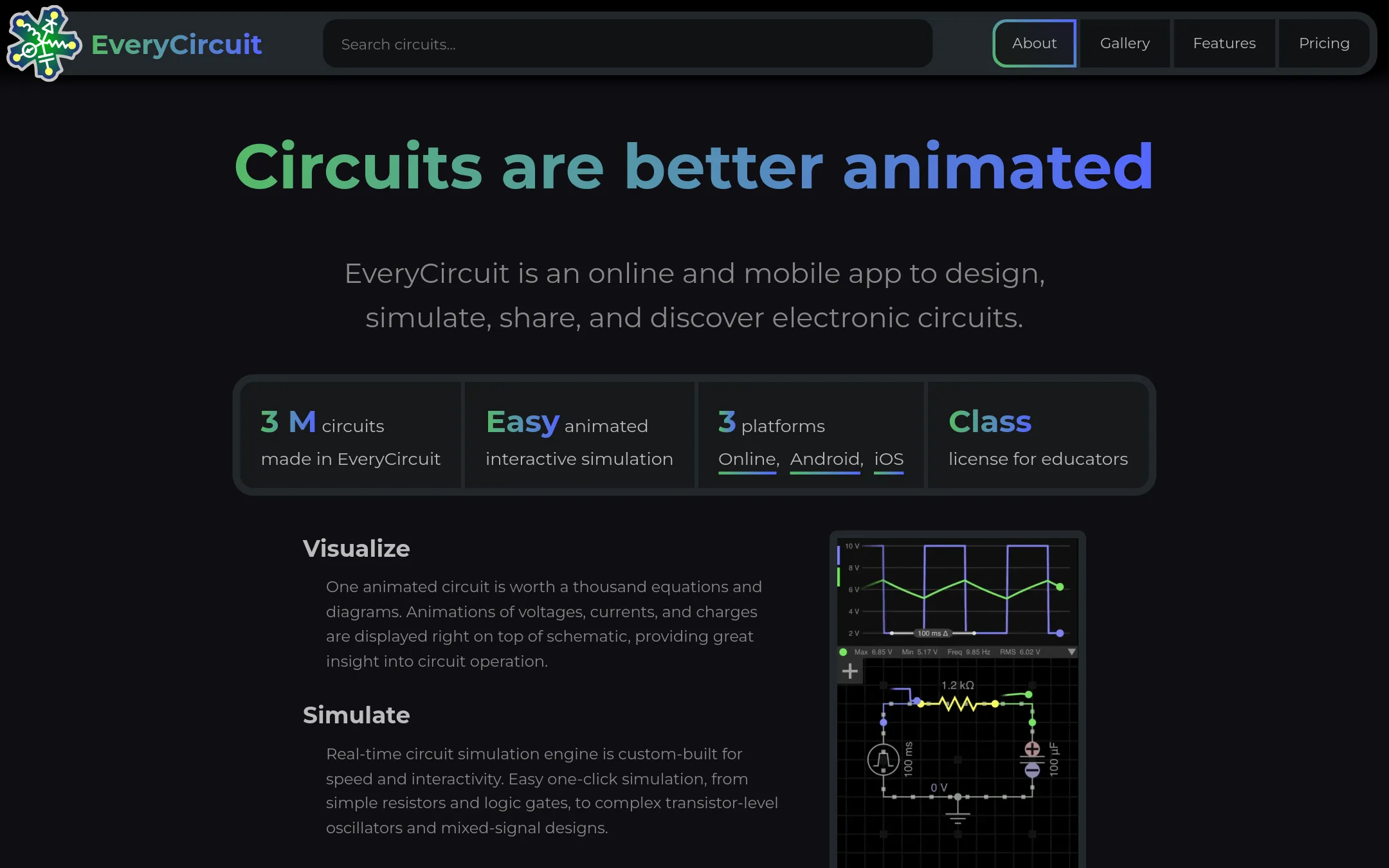
EveryCircuit is an animated circuit simulator that runs in the browser and on mobile, with real-time simulation and visualization. Choose it over Tinkercad Circuits if you need a focused, interactive tool for analog and digital circuit analysis, including AC analysis and Bode plots, rather than a broader 3D design and electronics learning platform.
Where it is strong
- Real-time animated simulation with dynamic oscilloscope
- Supports both analog and digital components in one circuit
- One subscription unlocks online and mobile apps
Where it falls short
- No 3D design or coding features, unlike Tinkercad Circuits
- Pricing details are not shown on the website
- Pricing:
- Pricing is not published on the site.
- ACustom quote
4.Autodesk Construction Cloud
Best for: General contractors, specialty contractors, and owners who need connected tools for construction project delivery.
- Pricing
- Custom quote
- Category
- Productivity & Project Management
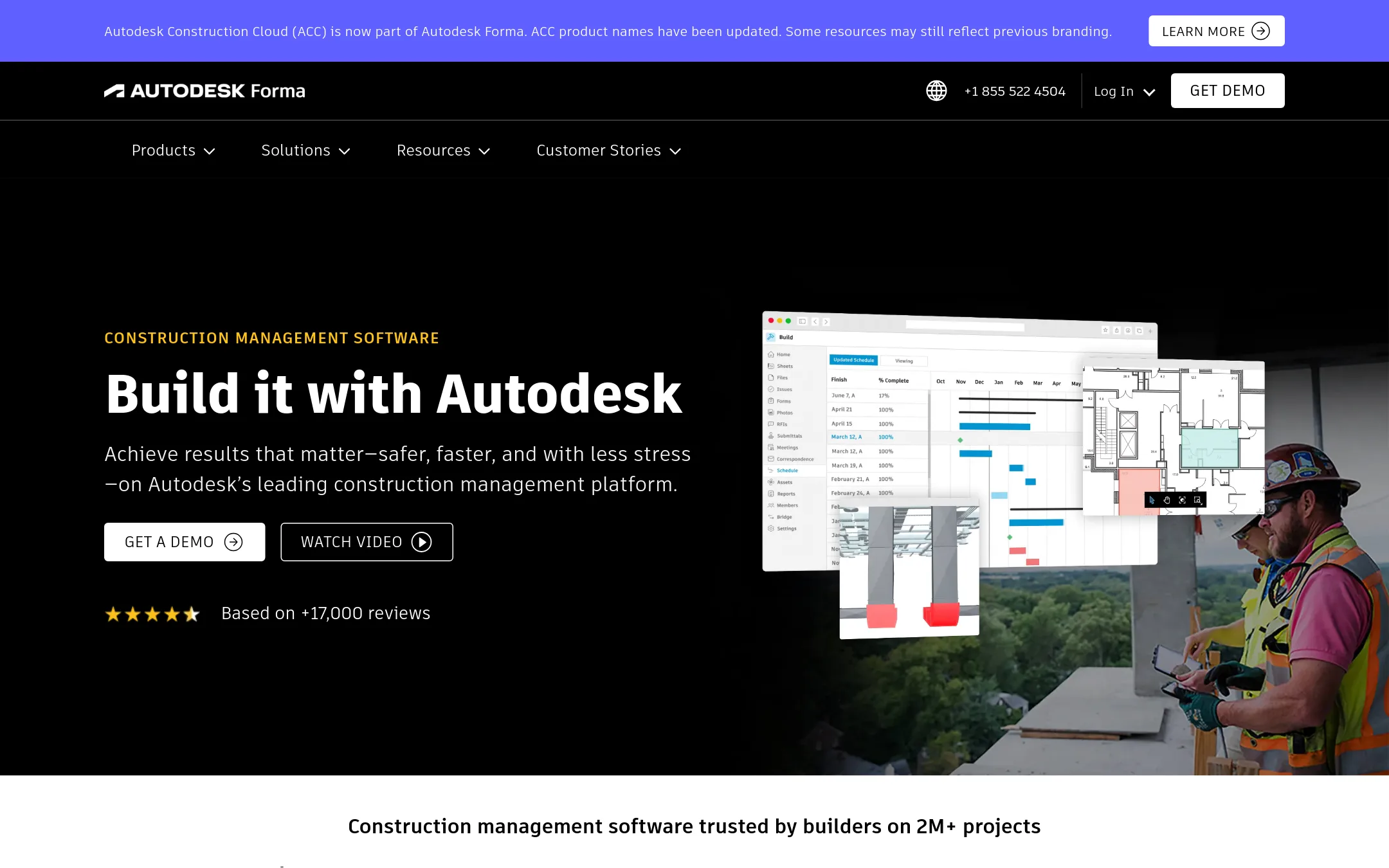
Autodesk Construction Cloud is a construction management platform for planning, building, and operating projects. Choose it over Tinkercad Circuits if you need to manage real-world construction workflows like bid management, model coordination, and cost tracking, not educational electronics.
Where it is strong
- Centralizes documents, models, and project data in one place.
- Includes AI features to automate workflows and surface insights.
- Over 400 pre-built integrations with ERPs, CRMs, and analytics tools.
Where it falls short
- Pricing requires a quote, so no upfront cost transparency.
- Designed for construction, not for learning electronics or 3D design.
- Pricing:
- Pricing is not published on the site. You must request a quote.
- Free core. Paid plans
5.EasyEDA
Best for: Hardware engineers and electronics students who need a free, web-based tool for real PCB design with manufacturing and component sourcing links.
- Pricing
- Free core. Paid plans
- Category
- Design & Creative
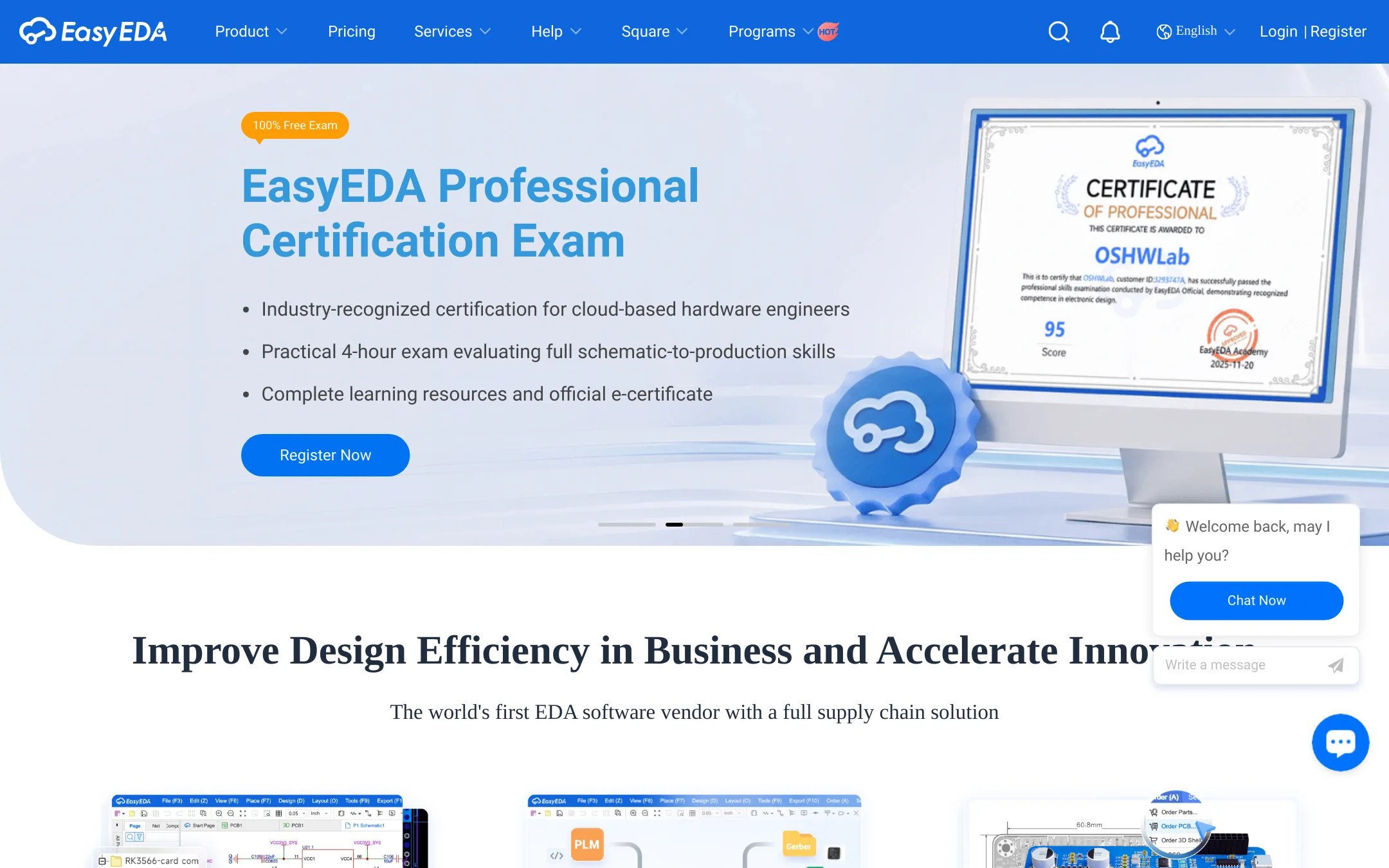
EasyEDA is a free browser-based PCB design and circuit simulation tool that goes beyond Tinkercad Circuits by supporting complex schematics, PCB layout, and manufacturing integration. Choose it when you need to design actual printed circuit boards, not just breadboard-style prototypes, and want to move from simulation to production.
Where it is strong
- Free core features for everyone, including schematic capture and PCB design.
- Supports large designs with over 500 sheets and 100,000 pins in the schematic editor.
- Integrates with JLCPCB for prototyping and LCSC for component purchasing.
Where it falls short
- Pricing details for paid subscriptions are not published, so costs are unclear.
- Steeper learning curve than Tinkercad Circuits for beginners focused on simple electronics.
- Pricing:
- Core features are free for everyone. Paid annual subscriptions cost a few dollars, but exact prices are not listed on the site.
- Switching from Tinkercad Circuits:
- Moving from Tinkercad Circuits to EasyEDA involves learning a new schematic and PCB layout workflow, but your basic electronics knowledge carries over.
- Not published
6.KiCad
Best for: Engineers and hobbyists who need professional-grade PCB design software without licensing costs.
- Pricing
- Not published
- Category
- Design & Creative
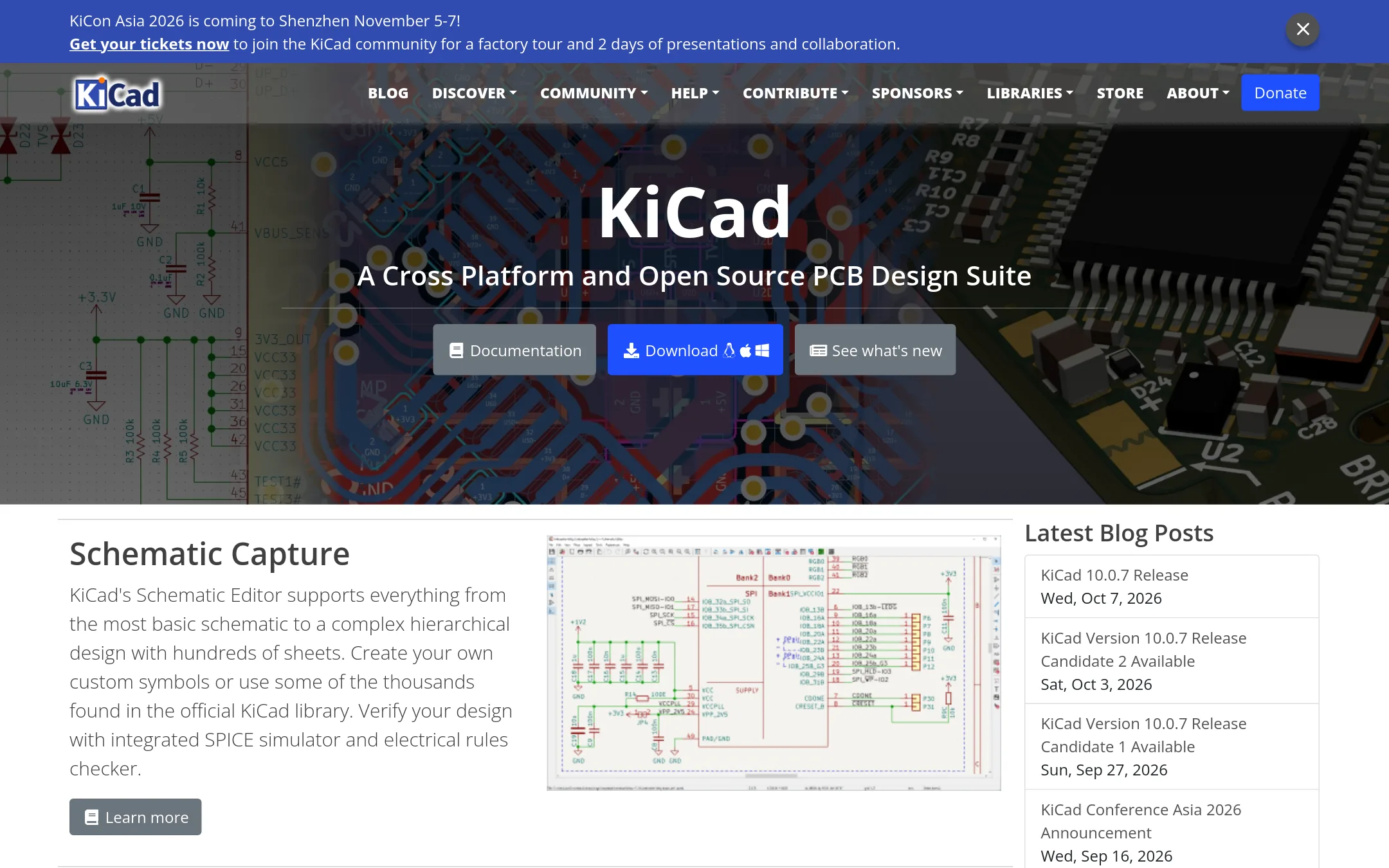
KiCad is a full open-source suite for schematic capture, PCB layout, and 3D viewing, aimed at real electronics manufacturing rather than classroom simulation. Choose it when you need to design and produce actual circuit boards, not just simulate them in a browser.
Where it is strong
- Open source and free for commercial use
- Includes schematic editor, PCB editor, and 3D viewer
- Integrated SPICE simulator and electrical rules checker
Where it falls short
- Steep learning curve compared to Tinkercad's block-based approach
- No built-in classroom curriculum or kid-safe certification
- Pricing:
- Pricing is not published on the site.
- Switching from Tinkercad Circuits:
- Moving from Tinkercad Circuits means learning a desktop application with a more complex workflow, but you can import your schematic concepts and start with the official libraries.
- See website
7.Falstad Circuit Simulator
Design & Creative
Paul Falstad's interactive circuit simulator applet
- See website
8.camfer
Design & Creative
Building the world’s first AI mechanical engineer.
- See website
9.Onshape
Design & Creative
Cloud-native CAD, PDM and PLM platform for modern product development
- Not published
10.PSpice
Best for: Professional electronics engineers designing and verifying analog or mixed-signal circuits in automotive, IoT, or power supply applications.
- Pricing
- Not published
- Category
- Design & Creative
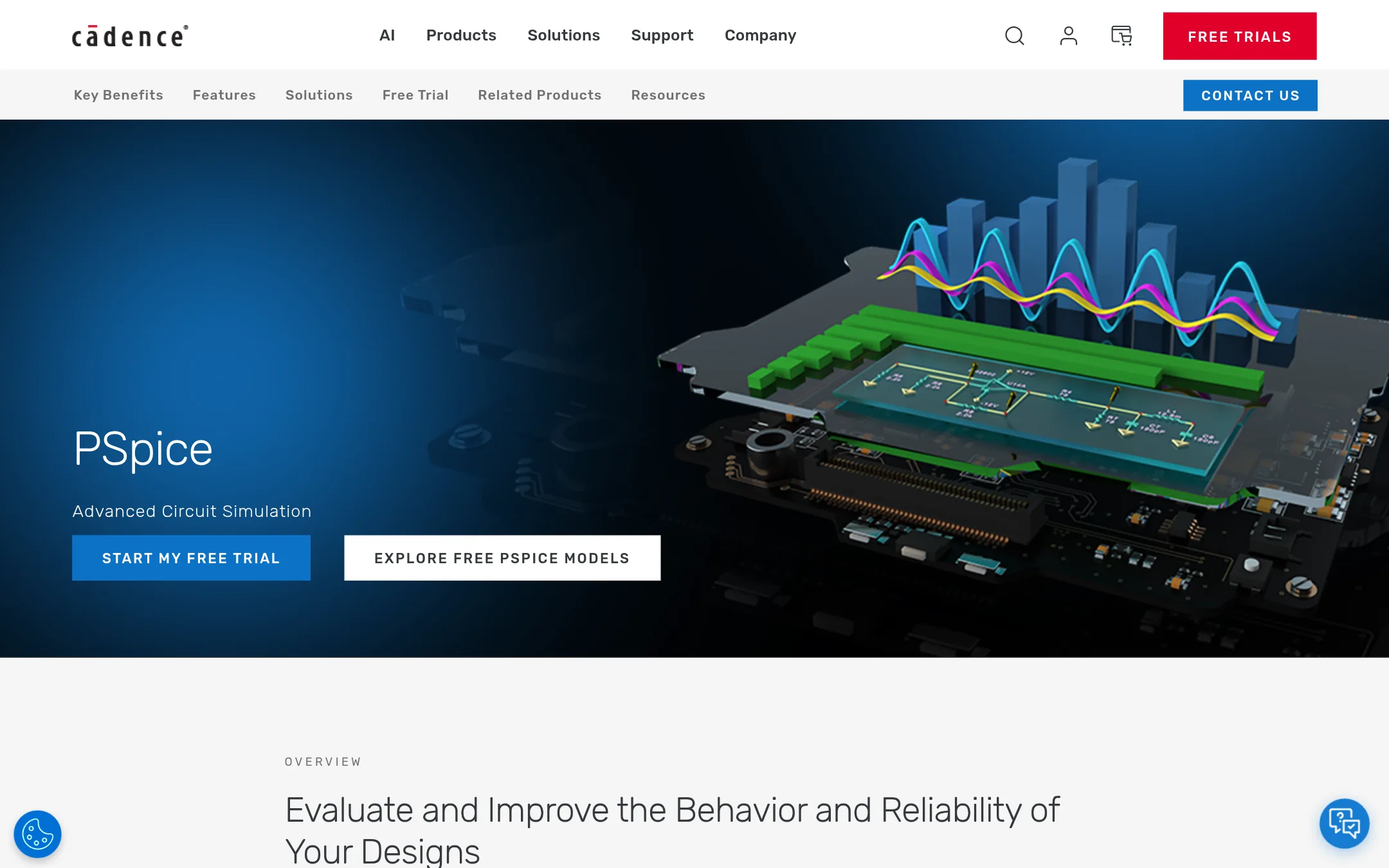
PSpice is a professional-grade SPICE simulation environment for analog and mixed-signal circuit design. Choose it over Tinkercad Circuits when you need advanced analysis like Monte Carlo, sensitivity, and smoke analysis, or when working on high-reliability systems such as automotive electronics. It is not a free browser tool for beginners. It is a desktop-based engineering tool.
Where it is strong
- Over 35,000 built-in parametrized models from various IC vendors
- Advanced analyses: transient, smoke, sensitivity, Monte Carlo, and optimizer
- Meets ISO 26262 compliance for automotive reliability
Where it falls short
- Steep learning curve compared to Tinkercad's block-based approach
- Requires desktop software and likely a commercial license. No free browser version
- Pricing:
- Pricing is not published on the site.
- Switching from Tinkercad Circuits:
- Moving from Tinkercad Circuits to PSpice involves learning a professional schematic capture and simulation workflow, and you will need to recreate your circuits in PSpice's environment.
- PNot published
11.PartSim
Best for: Teams that already know PartSim works for them and are willing to accept the current site outage.

- Pricing
- Not published
- Category
- Design & Creative
PartSim is a circuit simulation platform, but its site is currently unreachable, so we cannot verify what it does or who it serves. If you need a working electronics simulator today, Tinkercad Circuits is the safer choice because it is free and accessible. Choose PartSim only if you have a specific reason to try it and can confirm it is back online.
Where it is strong
- Focused on circuit simulation as a dedicated platform
- Has a standalone website, not tied to a 3D design suite
- May offer features Tinkercad Circuits lacks, once accessible
Where it falls short
- Site is currently unreachable, so no usable service
- No pricing or feature details available to compare
- Pricing:
- Pricing is not published on the site.
- Custom quote
12.Proteus
Best for: Professional engineers and advanced students who need PCB layout, microcontroller simulation, and IoT prototyping in one tool.
- Pricing
- Custom quote
- Category
- Design & Creative
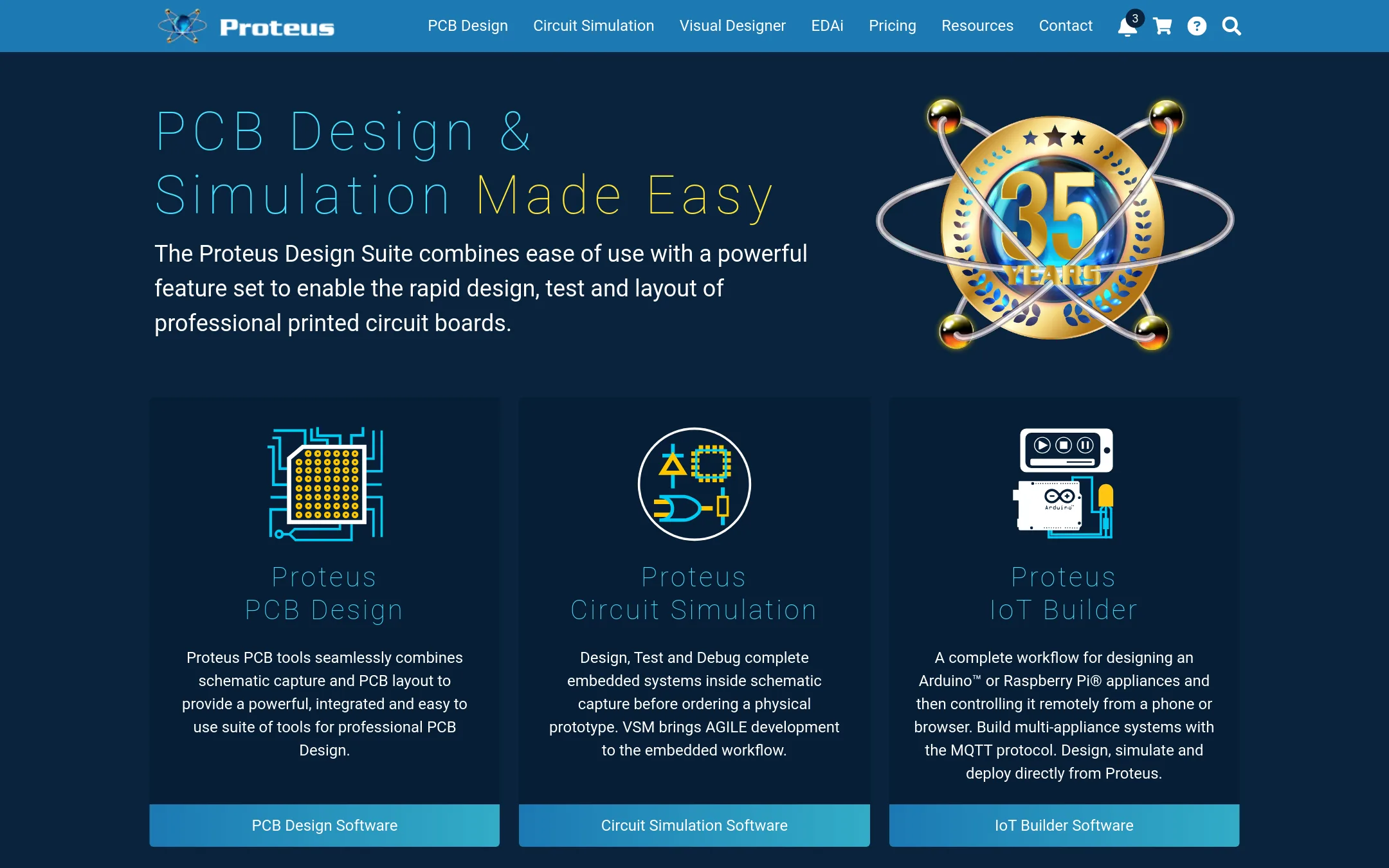
Proteus is a professional EDA suite for PCB design, circuit simulation, and embedded firmware debugging. Choose it over Tinkercad Circuits when you need to design and test real, manufacturable boards with advanced simulation, rather than learning electronics in a browser.
Where it is strong
- Simulates microcontrollers and full embedded systems before ordering a physical prototype.
- Includes professional PCB layout with autorouting, high-speed design, and 15 million library parts.
- Offers perpetual licensing, so you own the version you buy.
Where it falls short
- Pricing is not transparent. You must contact sales for a quote.
- Desktop software, not browser-based, so no instant access from any device.
- Pricing:
- Pricing is not published on the site. Packages are listed with placeholder prices and a custom quote option.
- Switching from Tinkercad Circuits:
- Moving from Tinkercad Circuits to Proteus means learning a professional EDA workflow, but the demo version lets you try the tools before committing.
See more comparisons in Design & Creative alternatives.
FAQ
Questions about Tinkercad Circuits alternatives
Which alternative is best for professional PCB design?
KiCad is the strongest choice for professional PCB design because it is open source, free for commercial use, and includes a schematic editor, PCB editor, and 3D viewer. It has a steeper learning curve than Tinkercad Circuits, but it is designed for real manufacturing.
Are there free alternatives to Tinkercad Circuits?
EasyEDA offers free core features for everyone, including schematic capture and PCB design, with no upfront cost. KiCad is also free for commercial use, but it requires a desktop download and more expertise.
Which tool is best for simulating circuits accurately?
CircuitLab provides accurate SPICE-like component models and mixed-mode simulation for analog and digital components, making it ideal for engineering work. PSpice offers advanced analyses like Monte Carlo and smoke analysis, but it is desktop-based and likely requires a commercial license.
Can I move from simulation to actual PCB manufacturing?
EasyEDA integrates with JLCPCB for prototyping and LCSC for component purchasing, so you can go from design to production directly. Fritzing also offers a path to custom PCBs via Fritzing Fab, but it is desktop software.
What should I consider about pricing transparency?
Most alternatives do not publish pricing on their sites, so you will need to contact sales for quotes. Proteus offers perpetual licensing, meaning you own the version you buy, while EasyEDA has paid subscriptions with unclear costs.
Last updated November 1, 2026.