Unsloth AI alternatives
6 products compared · Updated November 11, 2026
The short answer
The three strongest alternatives to Unsloth AI are Hugging Face, Together AI and Axolotl. Hugging Face suits machine learning teams that want to share models and datasets and deploy them on cloud GPUs. Together AI suits product teams that need hosted open-model inference or fine-tuning without managing GPUs. Axolotl suits ML teams that want to fine-tune open models in their own cloud or Kubernetes setup with full control of their data.
Your shortlist, at a glance
Read the comparisons ↓ Hugging FaceNot publishedMachine learning teams that want to share models and datasets, and deploy them on cloud GPUs or hosted inference APIs.
- AAxolotlNot publishedML teams and enterprises that want to fine-tune open models in their own cloud or Kubernetes setup with full data control
- SSarusFrom $50/moEngineering and docs teams that want versioned documentation built and hosted from their Git repository
- PPredibaseSee websiteOther
- TTogether AIFrom $0.15 / 1M tokensProduct teams that need hosted open-model inference or fine-tuning in the cloud, without managing GPUs
- LLightning AIFrom $20/mo + GPU hourAI teams that need on-demand or clustered GPUs for training and deployment and do not want to manage their own hardware
About Unsloth AI and its alternatives
Unsloth AI is an open-source, no-code desktop app for training and running open models on your own local hardware. According to its site, it is known for running and training text, image, video and audio models on Mac, Windows and Linux, and for connecting agents such as Claude Code and Codex to local models.
When comparing alternatives in this category, weigh the pricing structure first, since some tools bill by token, some by GPU hour and some by seat. Check where compute runs, whether that is your own machine, your cloud or a vendor's servers. Look at integrations with the tools your team already uses, the level of support offered and the contract terms, especially for enterprise use.
Explore the alternatives
- Not published
1.Hugging Face
Best for: Machine learning teams that want to share models and datasets, and deploy them on cloud GPUs or hosted inference APIs.
- Pricing
- Not published
- Category
- AI & Machine Learning
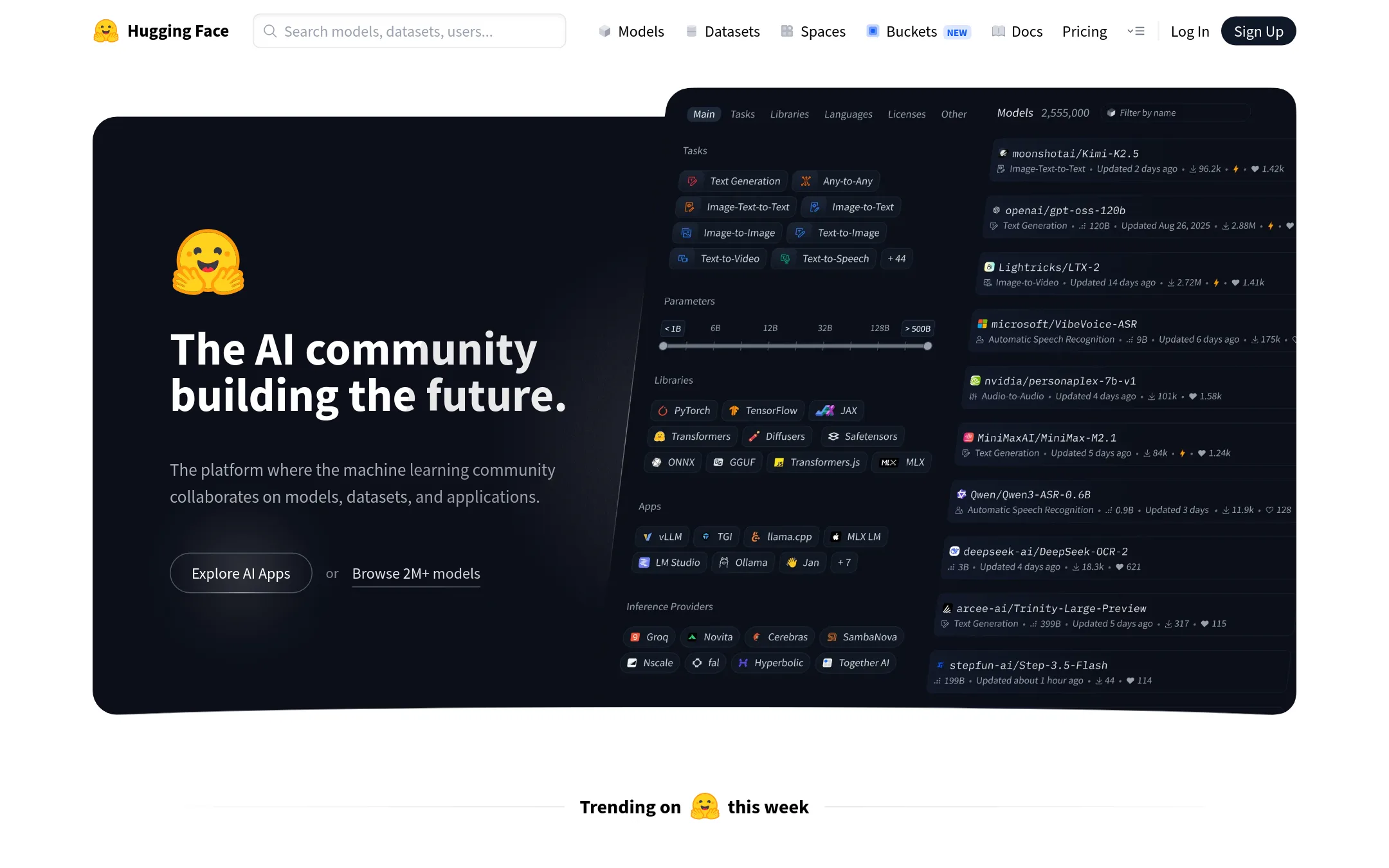
Hugging Face is a hosted community platform for sharing and running models, datasets and apps, with libraries such as Transformers, PEFT and TRL. Teams pick it over Unsloth AI when they want cloud-hosted inference, shared datasets and collaboration rather than training and running models on their own desktop GPU.
Where it is strong
- Access to a large catalogue of open models and datasets across text, image, video, audio and 3D.
- Unified API for inference from many model providers.
- Open-source libraries such as Transformers, PEFT and TRL that many ML workflows already use.
Where it falls short
- Compute runs in the cloud, so it does not offer the local, no-code desktop workflow Unsloth AI provides.
- The site does not describe a desktop app or a built-in way to chat with models on local hardware.
- Pricing:
- Pricing is not published on the site.
- ANot published
2.Axolotl
Best for: ML teams and enterprises that want to fine-tune open models in their own cloud or Kubernetes setup with full data control
- Pricing
- Not published
- Category
- Other
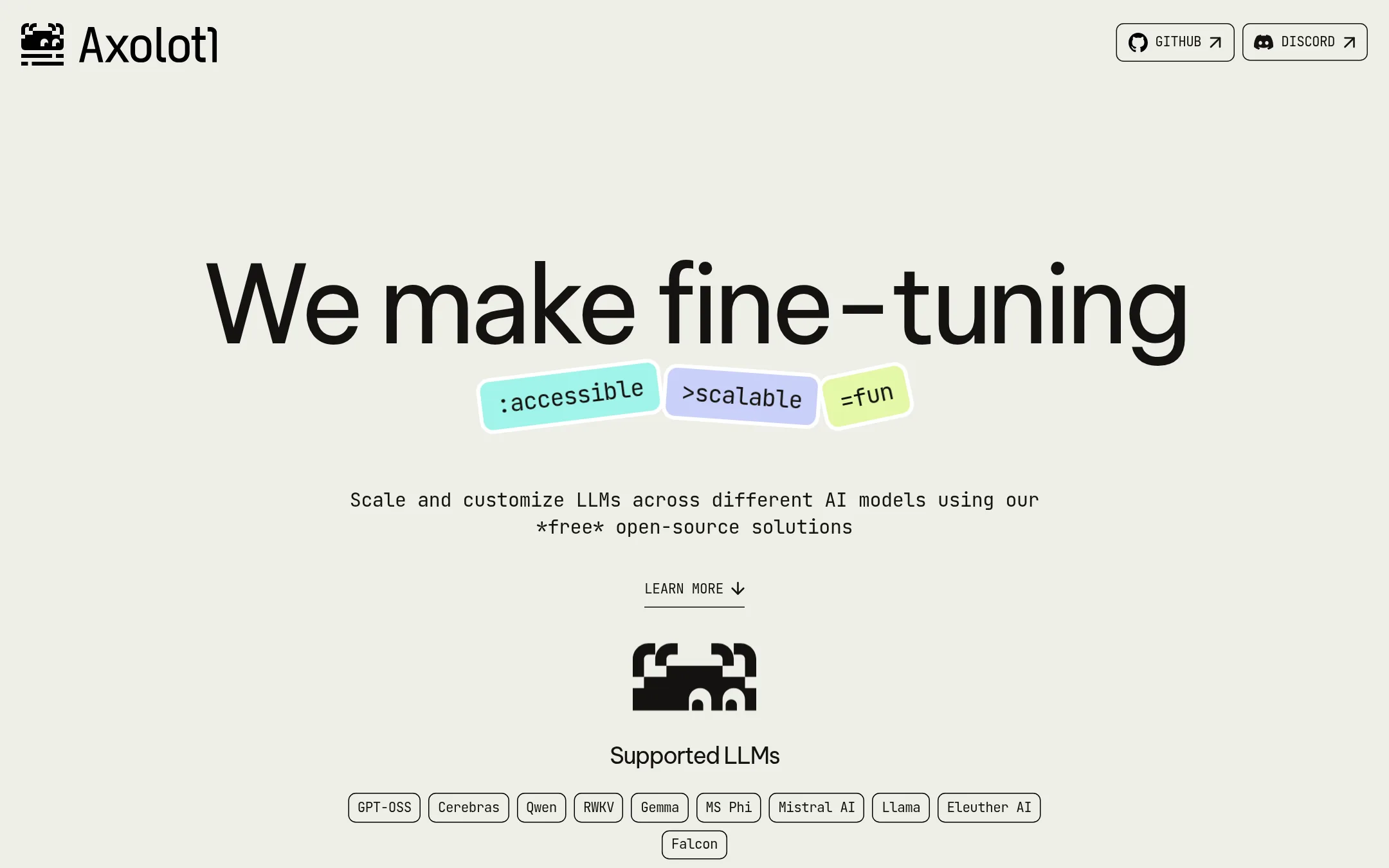
Axolotl is a free, open-source tool for fine-tuning LLMs, configured through YAML files. Teams pick it when they want to train models in their own cloud or on their own Docker or Kubernetes setup, keeping data off third-party servers. It is a training framework, not a desktop app for running and chatting with models locally.
Where it is strong
- Free and open source, with pre-made YAML configs and notebooks to start from
- Runs in your own cloud, Docker or Kubernetes setup, with data kept in-house
- Supports a wide range of Hugging Face transformer architectures and techniques like LoRA and FSDP
Where it falls short
- It is a training tool and does not offer a desktop app for chatting with or running models
- Getting value out of it assumes you are comfortable with YAML configs and your own compute
- Pricing:
- Pricing is not published on the site.
- SFrom $50/mo
3.Sarus
Best for: Engineering and docs teams that want versioned documentation built and hosted from their Git repository
- Pricing
- From $50/mo
- Category
- Other
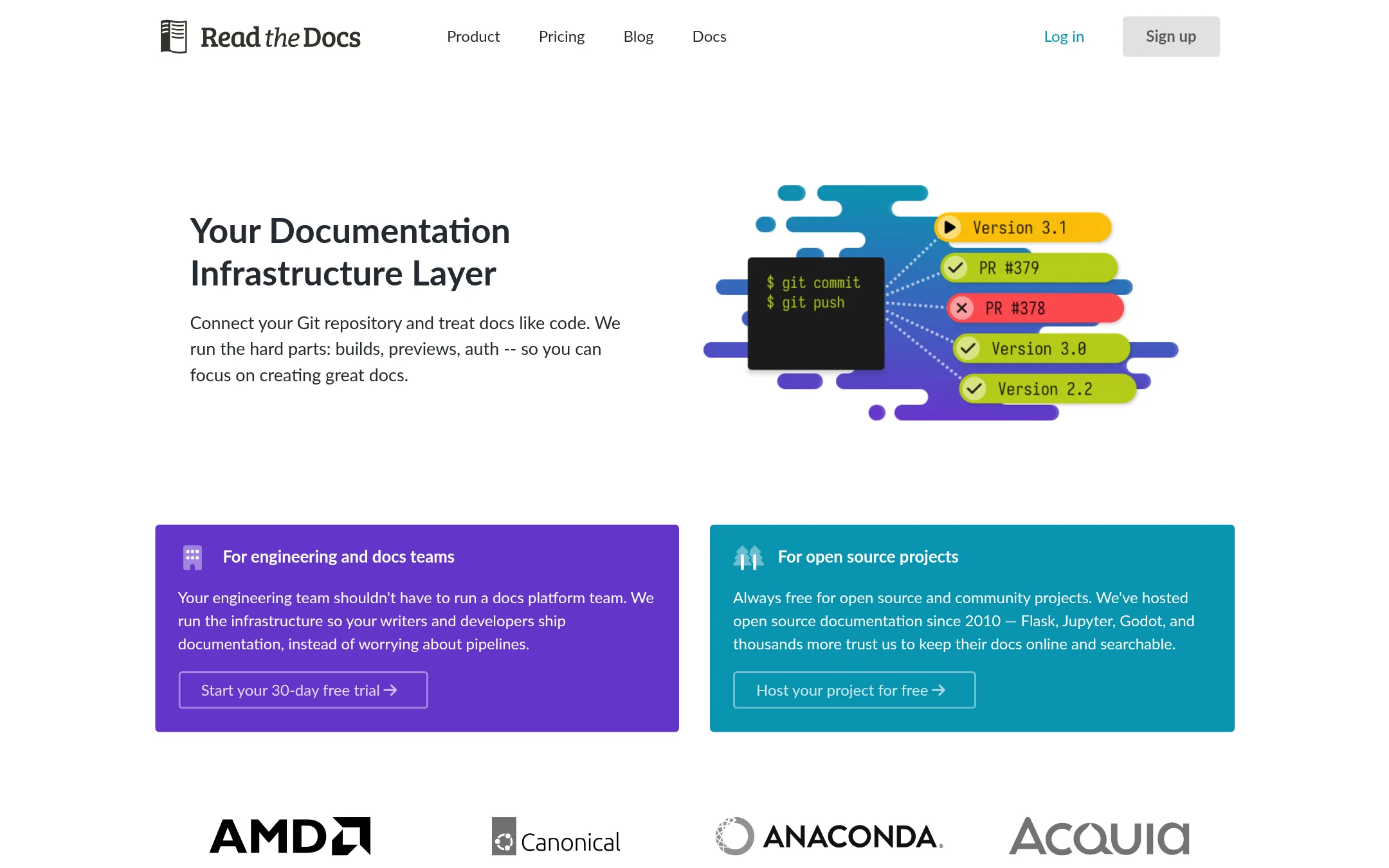
Read the Docs builds and hosts documentation from a Git repository. It supports tools like Sphinx, MkDocs and Docusaurus, with versioned docs and pull request previews. Someone would pick it over Unsloth AI when they need a documentation host, not a tool for training or running local AI models.
Where it is strong
- Supports Sphinx, MkDocs, Docusaurus and other documentation tools
- Pull request previews show a visual diff against production before merging
- Free for open source and community projects
Where it falls short
- Covers documentation hosting only, with no model training or local inference
- Single sign-on, private repositories and custom domains are limited to higher tiers
- Pricing:
- Plans start at $50 per month on the Basic tier, $150 on Advanced and $250 on Pro, billed monthly with annual plans available, and Enterprise plans start at $10,000 per year. Open source documentation is always free on the Community plan.
- PSee website
4.Predibase
Other
Hosted platform for fine-tuning and serving open-source LLMs using LoRA adapters.
- TFrom $0.15 / 1M tokens
5.Together AI
Best for: Product teams that need hosted open-model inference or fine-tuning in the cloud, without managing GPUs
- Pricing
- From $0.15 / 1M tokens
- Category
- Other
Together AI is a cloud platform that runs open models through an API, with serverless inference, dedicated endpoints, GPU clusters and fine-tuning. Choose it over Unsloth AI when you want hosted inference at scale rather than running and training models on your own machine.
Where it is strong
- Serves many open models through one API, including text, image, video and audio
- Serverless option needs no infrastructure and no long-term commitment
- Batch API and provisioned throughput cover large or steady workloads
Where it falls short
- Runs in the cloud, so it does not offer the local, no-code desktop workflow Unsloth AI provides
- Costs rise with heavy usage, and dedicated and provisioned capacity is priced separately
- Pricing:
- Serverless prices are listed per 1M tokens, with Kimi K3 at $3.00 input and $15.00 output, GLM-5.3-Flash at $0.15 input and $0.50 output, and Qwen3.7-Plus at $0.32 input and $1.28 output, and the page also lists per-image, per-video and per-audio-minute rates.
- Switching from Unsloth AI:
- Moving from Unsloth AI means shifting from a local desktop setup to cloud API calls, so existing scripts will need an API client pointed at Together's endpoints.
- LFrom $20/mo + GPU hour
6.Lightning AI
Best for: AI teams that need on-demand or clustered GPUs for training and deployment and do not want to manage their own hardware
- Pricing
- From $20/mo + GPU hour
- Category
- Other
Lightning AI is a cloud platform where teams rent on-demand GPUs, run training clusters, and deploy models. Unsloth AI runs on your own hardware through a desktop app, so you would pick Lightning when you need cloud GPUs (including H200s and B200s) or multi-node training rather than local compute.
Where it is strong
- Access to on-demand H200, H100, A100 and B200 GPUs billed by the second
- Multi-node training and reserved clusters on baremetal, SLURM or Kubernetes
- Enterprise options include SOC 2, SAML/SSO, HIPAA and use of your own AWS or GCP credits
Where it falls short
- Costs grow with GPU usage, unlike running models on hardware you already own
- Its focus is cloud infrastructure, so it does not offer the local desktop model-running and no-code workflow that Unsloth AI provides
- Pricing:
- Pricing is published with a free tier of 50 GPU hours, Pro at $20/mo annual or $50/mo monthly, Teams at $119/mo per user annual or $140/mo monthly, and custom Enterprise pricing, plus per-hour GPU rates such as H200 at $4.50/hr.
- Switching from Unsloth AI:
- Moving from Unsloth AI means moving training runs from your local GPU into Lightning Studios or clusters, which the site describes as a cloud-based setup rather than a desktop install.
See more comparisons in AI & Machine Learning alternatives.
FAQ
Questions about Unsloth AI alternatives
What is the main difference between Unsloth AI and cloud platforms like Together AI or Lightning AI?
Unsloth AI runs on your own hardware through a desktop app, while Together AI and Lightning AI run models and training in the cloud. Cloud platforms charge for usage, such as per token or per GPU hour, which can rise with heavy use. Teams that already own capable GPUs may prefer Unsloth for its local, no-code workflow.
Which alternative is best if I want to fine-tune models in my own infrastructure?
Axolotl is the strongest fit for that goal. It is free and open source, configured through YAML files, and runs in your own cloud, Docker or Kubernetes setup so data stays in-house. It is a training framework rather than a desktop app for chatting with models.
Can I use Hugging Face as a replacement for Unsloth AI?
Hugging Face is a hosted platform for sharing and running models, datasets and apps, with libraries such as Transformers, PEFT and TRL. It suits teams that want cloud inference and collaboration. The site does not describe a desktop app or a built-in way to chat with models on local hardware, so it covers a different workflow.
How do the prices of these alternatives compare?
Together AI lists serverless prices per million tokens, with rates such as $0.15 input and $0.50 output for GLM-5.3-Flash. Lightning AI offers a free tier of 50 GPU hours, with Pro at $20 per month on annual billing and H200 GPUs at $4.50 per hour. Hugging Face and Axolotl do not publish pricing on their sites, so check directly with each vendor.
Which alternatives are a poor fit if I need a local, no-code desktop app?
Hugging Face, Together AI, Lightning AI and Sarus all run in the cloud or serve documentation rather than offering a local desktop workflow. Axolotl is also not a desktop app, since it assumes comfort with YAML configs and your own compute. Only Unsloth AI, among the options described here, matches the local no-code desktop model.
Last updated November 11, 2026.