
Upstream alternatives
6 products compared · Updated November 10, 2026
The short answer
Shortwave suits founders and small teams that live in Gmail and want AI search across years of email plus shared team threads. SaneBox suits busy professionals who want to keep their current email client and cut inbox clutter with follow-up reminders. Mailbutler suits sales and marketing teams on Outlook or Apple Mail that need open and click tracking and mail merge.
Your shortlist, at a glance
Read the comparisons ↓- SSaneBoxNot publishedBusy professionals who want to keep their current email client and cut inbox clutter
- SSuperhumanNot publishedSales and business teams that live in HubSpot, Salesforce or Pipedrive and want CRM data inside their inbox
- SShortwaveNot publishedFounders and small teams that live in Gmail and want AI search, bundles, and shared threads across the whole team
- HHey$99/yr or $10/mo firstIndividuals and small teams who want to control who can email them and keep receipts and newsletters out of their main inbox
SparkNot publishedData center and renewable energy developers screening U.S. counties and parcels for zoning and permitting risk
- MMailbutlerFrom $4/mo (yearly)Sales and marketing teams on Outlook or Apple Mail that need email tracking and mail merge
About Upstream and its alternatives
Upstream is an AI email client for Gmail. It organizes the inbox, drafts replies in the user's voice, and surfaces follow-ups that need attention. According to its site, it is known for an inbox that handles itself, with agents that cut noise and draft replies while nothing is sent without the user's approval.
When comparing alternatives in this category, weigh the pricing structure first. Upstream lists a free Core plan and a $20 per member per month Pro plan, and limits free AI drafts to 7 per week. Next, check which email platform the tool works with, since some options only support Gmail, some add to Apple Mail or Outlook, and some replace the client entirely. Also look at integrations with CRM or calendar tools, the level of support offered, and the contract terms.
Explore the alternatives
- SNot published
1.SaneBox
Best for: Busy professionals who want to keep their current email client and cut inbox clutter
- Pricing
- Not published
- Category
- Other
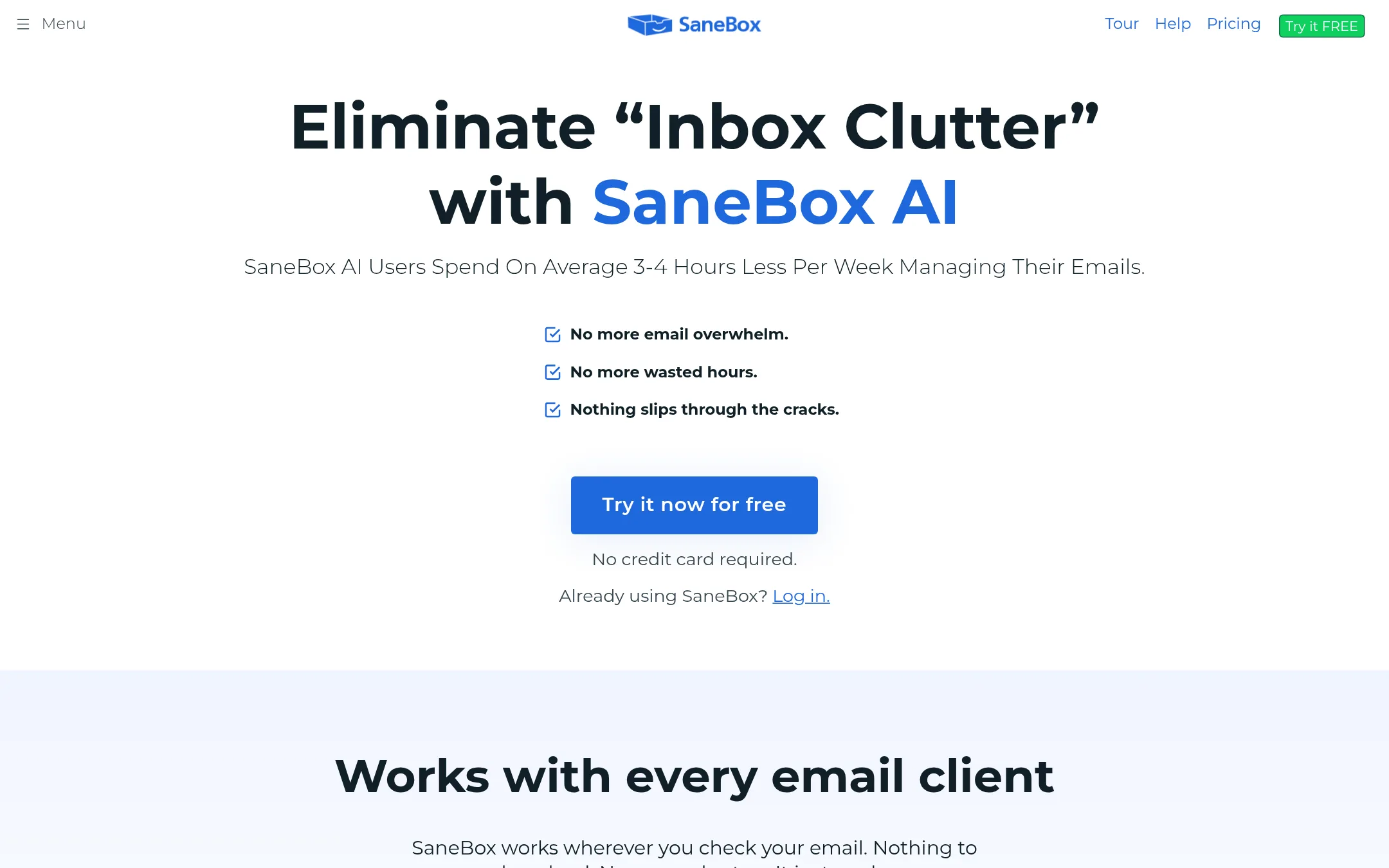
SaneBox sorts incoming mail into folders by importance, moves low-priority messages out of the way, and reminds you when a reply is overdue. It works with whatever email client you already use, so there is nothing to install. Pick it over Upstream if you want inbox triage and follow-up reminders without switching to a new email app or handing over your writing style to an AI.
Where it is strong
- Works with any email client, with no download or manual setup.
- Daily Digest gathers unimportant emails so they do not interrupt you.
- Follow-up reminders flag emails that have gone unanswered past a set time.
Where it falls short
- The site does not describe Gmail-specific drafting or team features the way Upstream does.
- Pricing is not published, so you must check costs directly.
- Pricing:
- Pricing is not published on the site.
- Switching from Upstream:
- Moving from Upstream to SaneBox means connecting your email account to SaneBox through OAuth, since it runs alongside your existing client rather than replacing it.
- SNot published
2.Superhuman
Best for: Sales and business teams that live in HubSpot, Salesforce or Pipedrive and want CRM data inside their inbox

- Pricing
- Not published
- Category
- Other
Superhuman is an AI productivity suite that covers email, docs and AI that works across apps and browser tabs. Someone would pick it over Upstream if they want one tool spanning mail, collaborative docs and a CRM-style inbox, rather than an email client built only around Gmail.
Where it is strong
- Mail, docs and AI chat work together across apps and tabs
- Email Assistant drafts replies, clears clutter and follows up
- Connects to HubSpot, Salesforce and Pipedrive from the inbox
Where it falls short
- Its pricing tiers are split between Free, Pro and Business, with the Pro and Business prices shown on the site without a clear billing perio
- Its focus spreads across docs and AI, so the email client is only one part of the product compared with Upstream
- Pricing:
- Pricing is not published on the site.
- SNot published
3.Shortwave
Best for: Founders and small teams that live in Gmail and want AI search, bundles, and shared threads across the whole team
- Pricing
- Not published
- Category
- Other
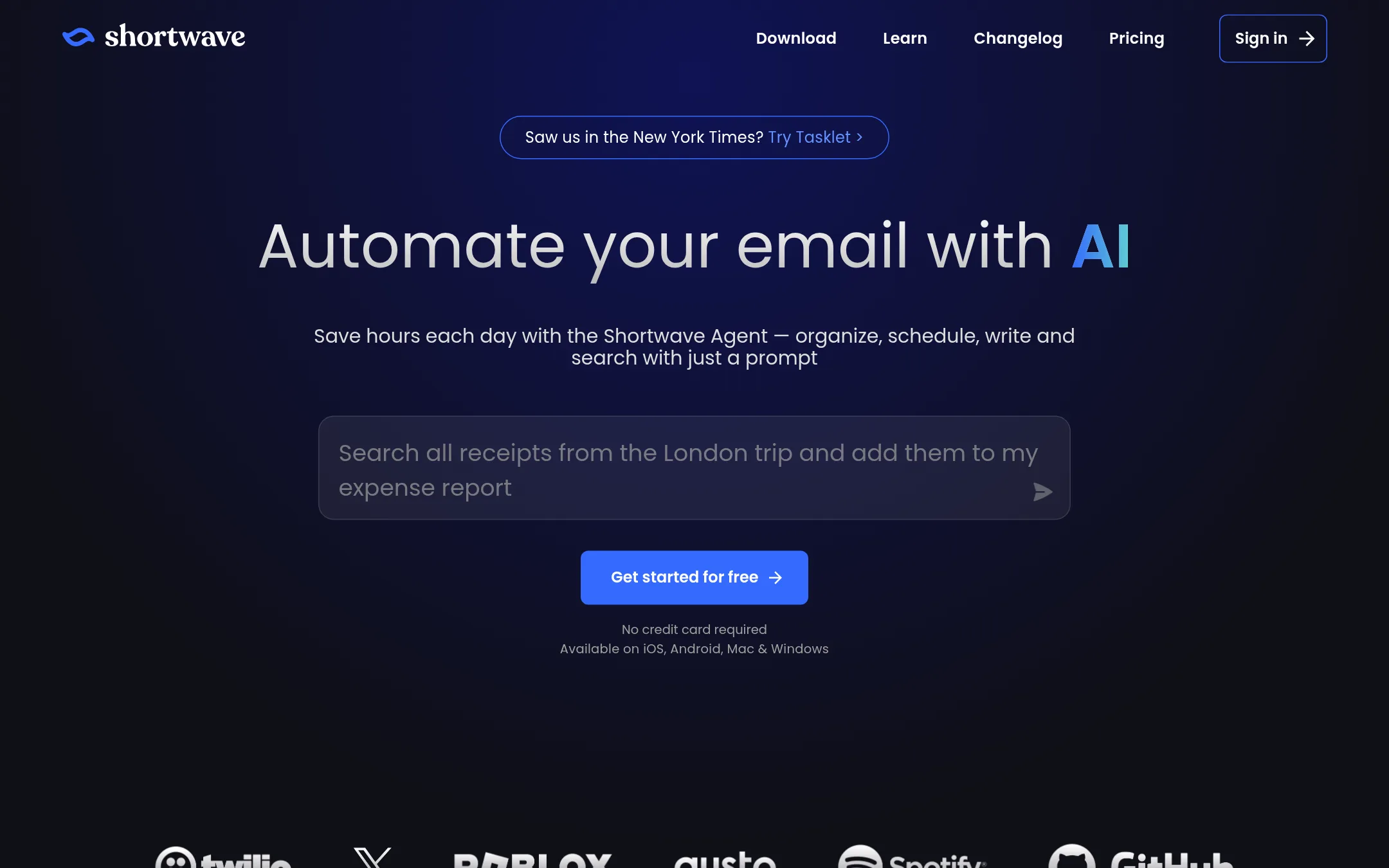
Shortwave is a Gmail client with AI that sorts your inbox, searches your email history, and writes replies in your style. Choose it over Upstream if you want deep AI search across years of email, shared team labels, and a feature set built around splits, bundles, and email-to-todo conversion.
Where it is strong
- AI-powered search that finds emails by description and answers questions from your team's history
- Bundles and splits to clear promotions and newsletters fast
- Shared threads, private comments, and team-wide labels that update in real time
Where it falls short
- Its AI usage is capped by quota, which can run short on heavy days
- Automation across 3,000+ apps lives in the sister product Tasklet rather than in Shortwave itself
- Pricing:
- Pricing is not published on the site.
- H$99/yr or $10/mo first
4.Hey
Best for: Individuals and small teams who want to control who can email them and keep receipts and newsletters out of their main inbox
- Pricing
- $99/yr or $10/mo first
- Category
- Other
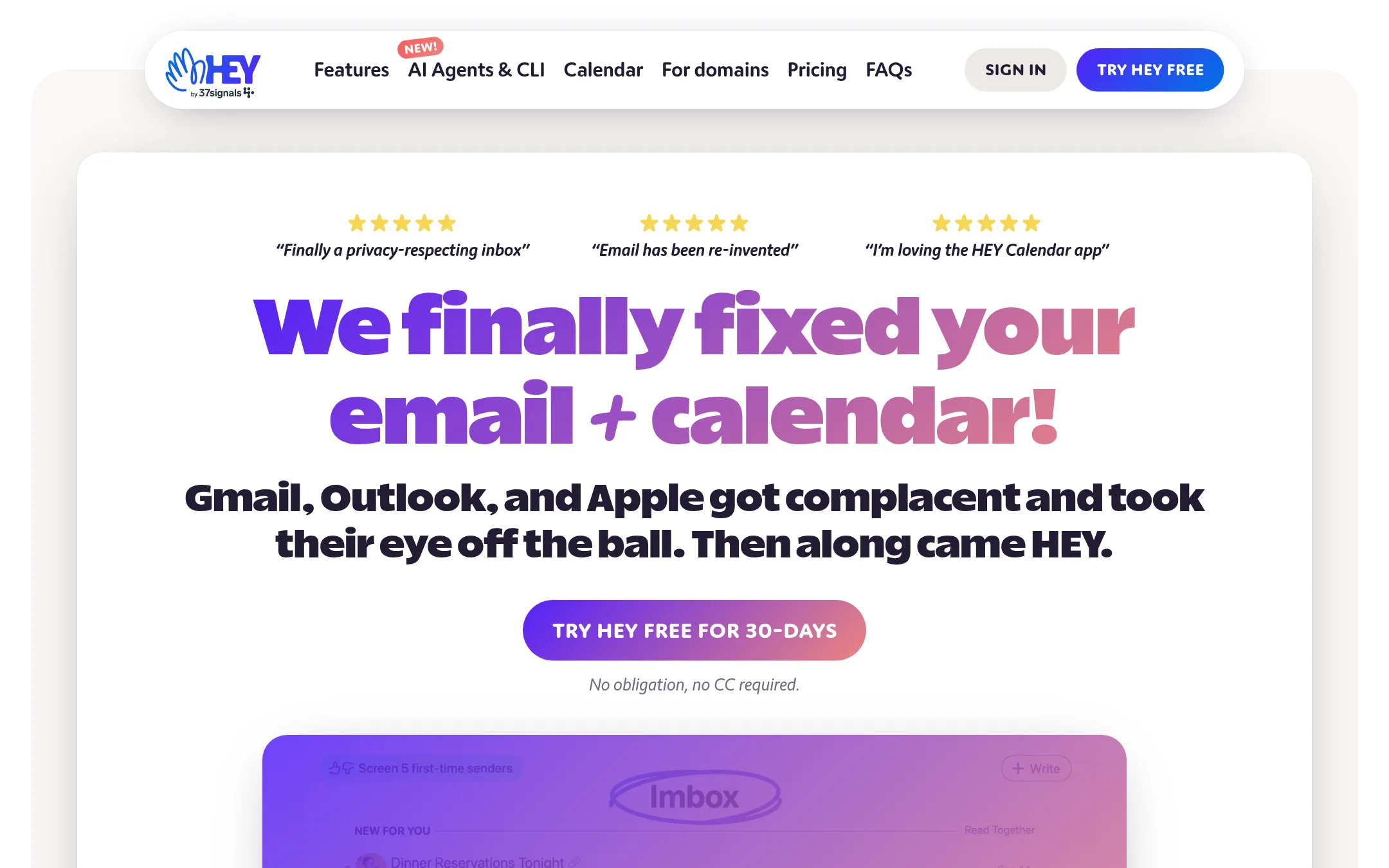
Hey is a privacy-focused email and calendar service from 37signals. It screens first-time senders so you decide who gets into your inbox, and it sorts mail into separate boxes for important messages, receipts and newsletters. Choose Hey over Upstream if you want control over who can reach you and a built-in calendar, and you do not need AI drafting or summaries.
Where it is strong
- Screener lets you approve or block each new sender before they reach your inbox
- Separate boxes for important mail, receipts and newsletters keep the inbox tidy
- Includes a calendar and apps for web, Mac, Windows, Linux, iOS and Android
Where it falls short
- Works as its own email service with a @hey.com address rather than on top of your existing Gmail
- No AI drafting in your voice or AI follow-up tracking like Upstream offers
- Pricing:
- Pricing is not published on the site for the Upstream comparison, but Hey lists a single $99 per year plan for one @hey.com address, with the first user at $10 per month and additional users at $12 per month on its team plans, billed in US dollars.
- Switching from Upstream:
- Moving from Upstream means setting up a new @hey.com address and exporting your email and contacts from your current account, since Hey is a standalone service and not an add-on to Gmail.
- Not published
5.Spark
Best for: Data center and renewable energy developers screening U.S. counties and parcels for zoning and permitting risk
- Pricing
- Not published
- Category
- AI & Machine Learning
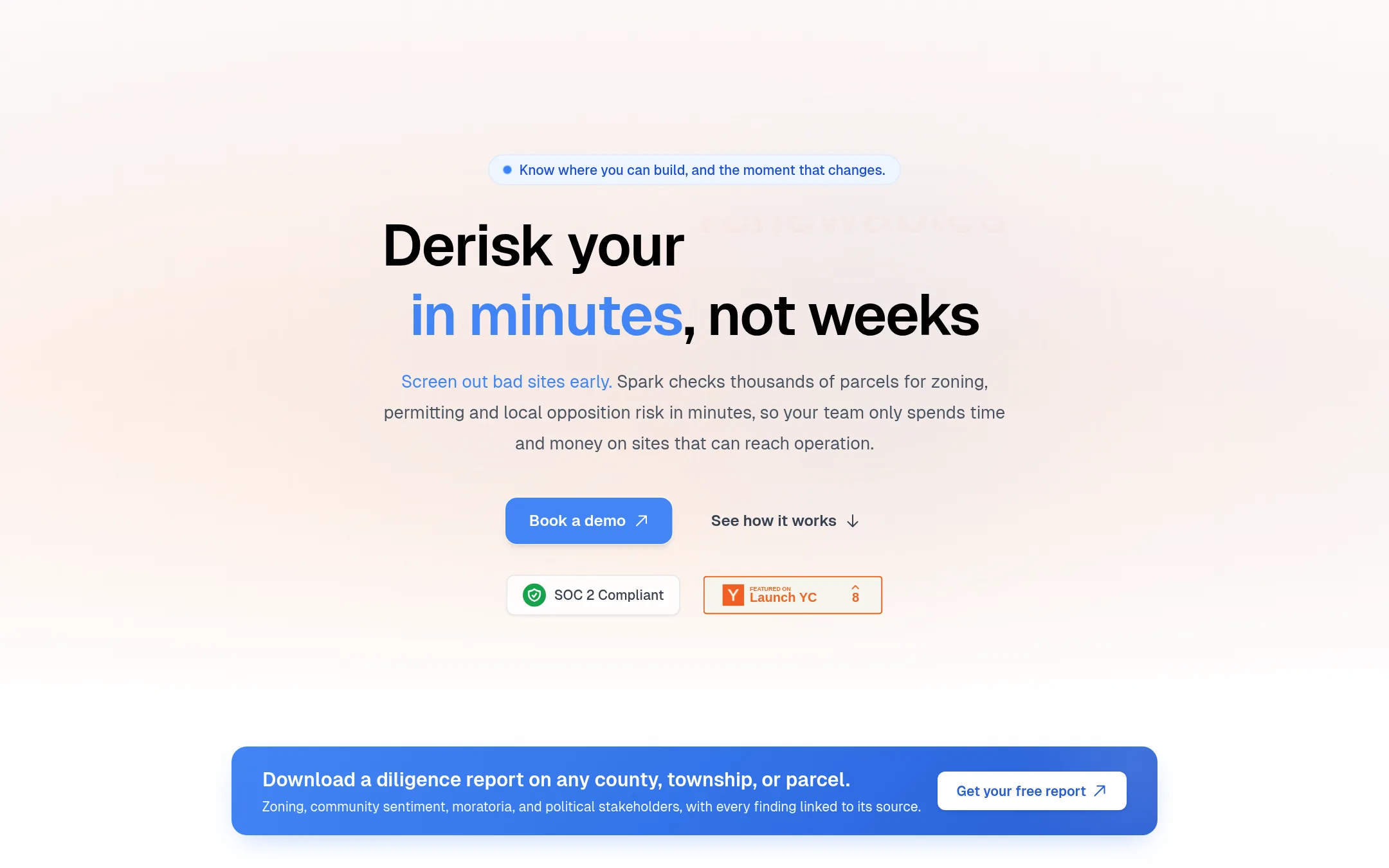
Spark is built for energy and data center developers who need to know whether a site can actually get permitted. It pulls zoning rules, moratoria, meeting records and local opposition signals for U.S. counties, and every finding links to its source. Choose it over Upstream when your problem is site permitting diligence, not managing your own email inbox.
Where it is strong
- Covers zoning, moratoria and permitting paths for all 50 U.S. states, down to county and township level
- Every finding links to the exact document it came from, so claims can be checked
- Sends alerts when a monitored county changes an ordinance, moratorium or agenda
Where it falls short
- Focused on energy infrastructure (solar, storage and data centers), so it is no help for general email or team communication
- Coverage depends on local public sources being available online
- Pricing:
- Pricing is not published on the site.
- MFrom $4/mo (yearly)
6.Mailbutler
Best for: Sales and marketing teams on Outlook or Apple Mail that need email tracking and mail merge
- Pricing
- From $4/mo (yearly)
- Category
- Other
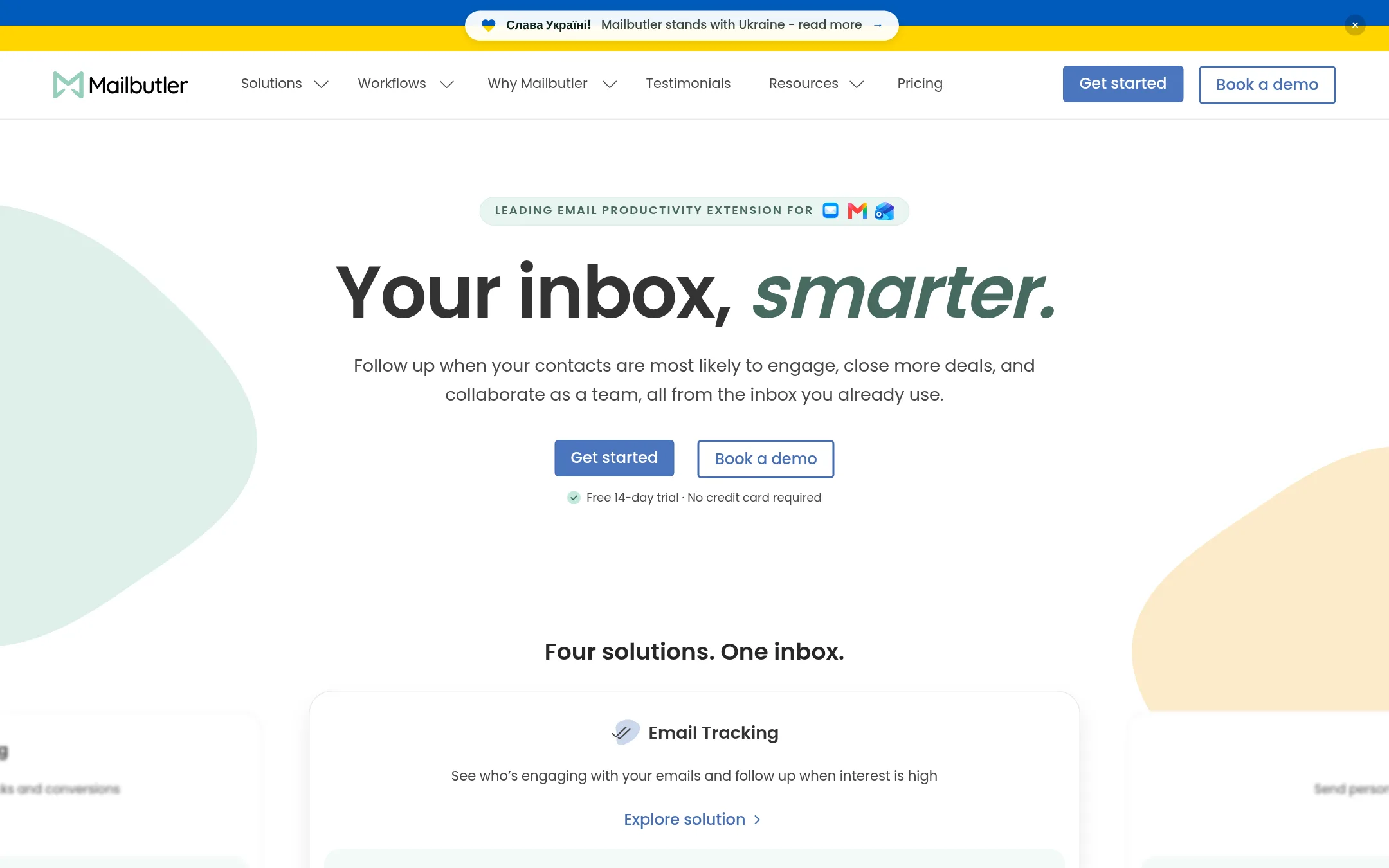
Mailbutler is an extension that adds productivity tools to Apple Mail, Gmail, or Outlook, covering email tracking, mail merge, shared inbox collaboration and signature marketing. Teams pick it over Upstream when they live in Outlook or Apple Mail rather than Gmail, or when they want open and click tracking and CRM-linked mail merge.
Where it is strong
- Works with Apple Mail, Gmail and Outlook, so mixed teams can all use it
- Email open and link click tracking with device and location details
- Mail merge can pull contacts from HubSpot or Salesforce, or from a CSV file
Where it falls short
- The AI drafting and follow-up features sit on the Smart tier at the top price
- The site does not describe an AI voice-matching feature like Upstream's voice and tone drafts
- Pricing:
- Plans start at $5 per month on the Starter tier (shown as $4 on yearly billing), with Professional at $9 and Smart at $14 per month on the default monthly view, and a free 14-day trial with no credit card required.
See more comparisons in Communication & Collaboration alternatives.
FAQ
Questions about Upstream alternatives
What is Upstream best known for?
According to its site, Upstream is an AI email client for Gmail that organizes the inbox, drafts replies in the user's voice, and surfaces important follow-ups. It is designed to work on top of Gmail, and nothing is sent without the user's approval.
Which alternative is best for keeping my current email client?
SaneBox works with whatever email client you already use, so there is nothing new to install. It sorts incoming mail by importance and reminds you when a reply is overdue. Its entry notes that the site does not describe Gmail-specific drafting or team features the way Upstream does.
Which alternative has the strongest AI search for a Gmail team?
Shortwave is built for founders and small teams that live in Gmail. It offers AI search that finds emails by description and answers questions from the team's history, along with shared threads and team-wide labels. Its AI usage is capped by quota, which can run short on heavy days.
Which alternative should a sales team on Outlook or Apple Mail consider?
Mailbutler works with Apple Mail, Gmail and Outlook and adds email open and link click tracking plus mail merge that can pull contacts from HubSpot or Salesforce. Its plans start at $5 per month on the Starter tier, and it offers a free 14-day trial with no credit card required. Its AI drafting features sit on the top Smart tier.
Is there a free option to try before choosing Upstream?
Upstream's Core plan is free forever and includes AI drafts in your voice, smart follow-ups, split inboxes and team comments, with up to 5 team seats. Its free plan caps AI draft replies at 7 per week and smart follow-ups at 3 per week. Mailbutler offers a free 14-day trial, and Hey does not list a free plan on the Upstream comparison.
Last updated November 10, 2026.