
VideoGen alternatives
6 products compared · Updated November 11, 2026
The short answer
The three strongest alternatives to VideoGen for most buyers are Synthesia, HeyGen and Pictory. Synthesia suits enterprise learning and internal communications teams that need presenter-led videos translated into many languages. HeyGen suits teams producing training, onboarding or explainer videos with a presenter, including custom avatars that use their own face and voice. Pictory suits marketing and training teams that want to turn existing scripts, blog posts or slide decks into narrated videos quickly.
Your shortlist, at a glance
Read the comparisons ↓ RunwayNot publishedMobile engineering teams, from startups to large enterprises, that need to automate and track app store releases
- SSynthesia$19/mo, custom enterprEnterprise L&D and internal comms teams that need presenter videos localized into many languages
- PPictoryFrom $25/mo (annual)Marketing and training teams that turn existing scripts, blog posts or slide decks into videos with AI voiceovers and stock footage
- IInVideoFrom $10/seat/moEditors and creative teams who want AI to work on a real timeline with multiplayer editing and frame-level control
- HHeyGenFrom $0 / $29 per moTeams that produce training, onboarding, or explainer videos with a presenter and need them in many languages
- LLumen5From $19/mo yearlyMarketing and communications teams at businesses that need to repurpose blog posts and documents into branded video
About VideoGen and its alternatives
VideoGen is an AI video creation platform. Its site describes it as a way to generate videos at scale for marketing, e-commerce, training, explainers and video presentations, with AI workflows that run on several major video models. Its plans are priced by monthly credits, with a Pro plan at $19 per user per month, Advanced at $39 and Ultra at $99, all billed yearly.
When comparing alternatives in this category, weigh the pricing structure first, since some tools charge per seat, some by credits and some by minutes of output. Check which regions and languages each tool supports, which integrations it offers, what kind of support comes with each tier, and what the contract terms are for annual billing and enterprise features such as SSO. Also be clear about the job you need done, because presenter-led avatar tools, document-to-video tools and generative video tools are built for different work.
Explore the alternatives
- Not published
1.Runway
Best for: Mobile engineering teams, from startups to large enterprises, that need to automate and track app store releases
- Pricing
- Not published
- Category
- Developer Tools
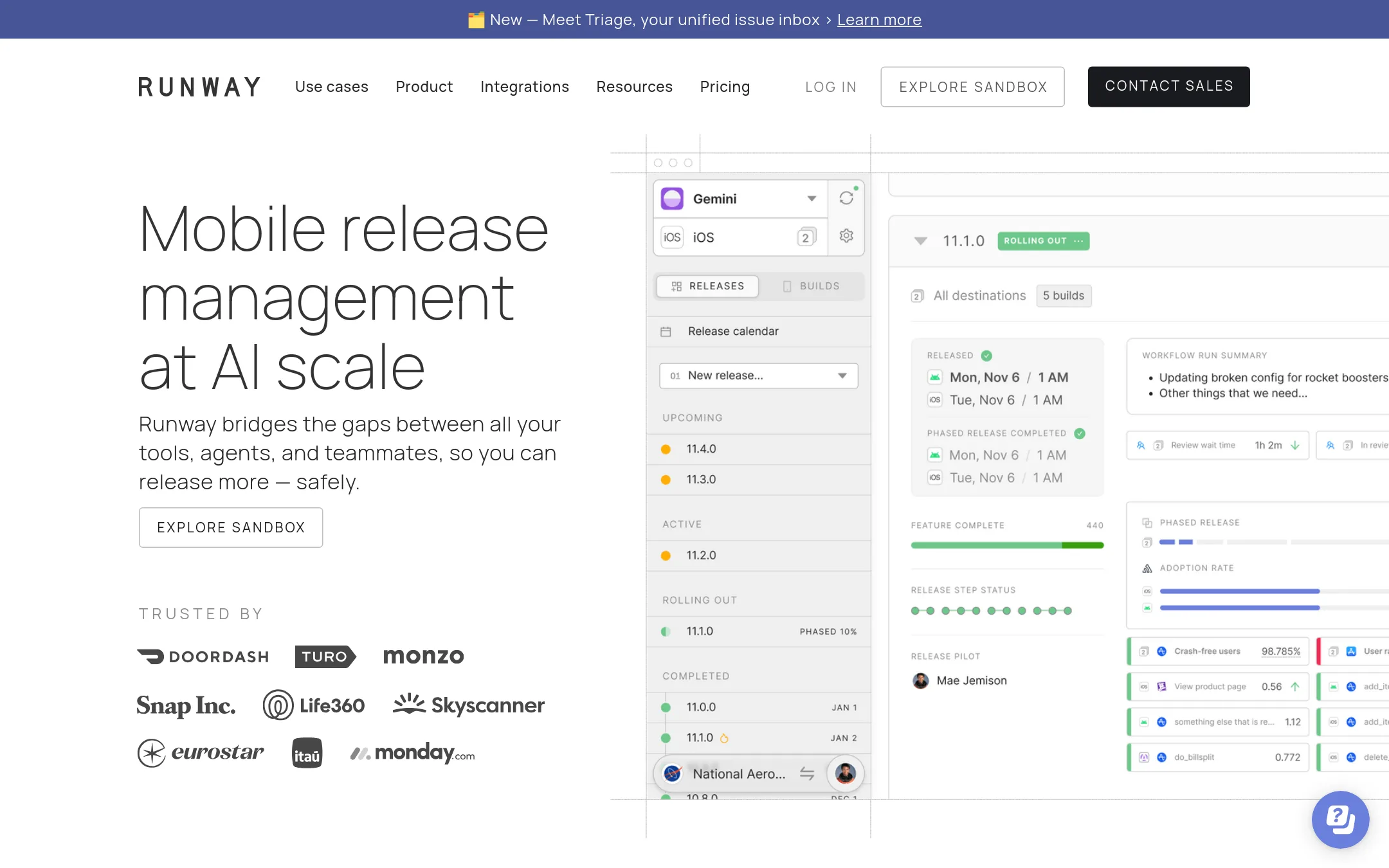
Runway is a mobile release management platform for teams that ship iOS and Android apps. It covers the full release cycle in one place, with automations, status visibility and build distribution. Pick it over VideoGen when your problem is shipping app builds, not making videos.
Where it is strong
- Manages the whole mobile release cycle from a single dashboard
- Automations let anyone on the team run a release without fastlane scripting
- Includes release health visibility and rollouts with rollbacks on higher tiers
Where it falls short
- It solves mobile app releases only, so it does not create or edit video
- Advanced features such as SSO, RBAC and self-hosted tool integrations sit in the higher tiers
- Pricing:
- Pricing is not published on the site, although the site describes a free tier limited to 2 apps and 4 read-write users, with paid plans that include unlimited users and scale with the number of apps.
- S$19/mo, custom enterpr
2.Synthesia
Best for: Enterprise L&D and internal comms teams that need presenter videos localized into many languages
- Pricing
- $19/mo, custom enterpr
- Category
- Other
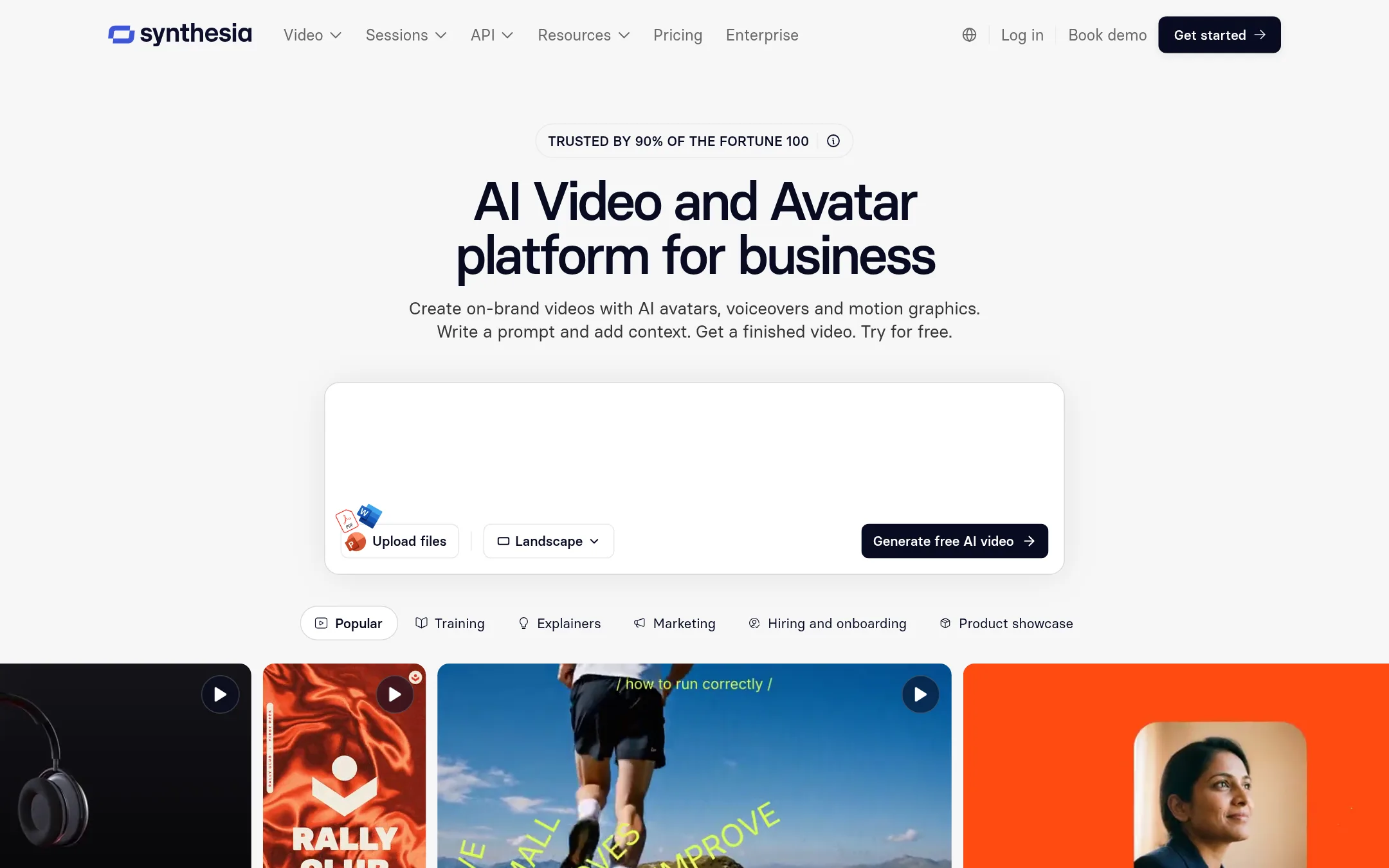
Synthesia is an AI video platform built around talking avatars, voiceovers and motion graphics for business. Teams pick it over VideoGen when the main job is a presenter-led video, such as training, onboarding or internal updates, and when they need to translate and dub a library into many languages. It also offers interactive avatars for roleplay and surveys.
Where it is strong
- Free plan with no credit card required, offering 10 minutes of video or dubbing a month
- Translation and dubbing into 140+ languages, with glossary controls for names and terms
- Roleplay and survey sessions with interactive avatars, plus analytics on how far viewers watch
Where it falls short
- Its core strength is presenter-style avatar video, so VideoGen's broader generative video models may suit cinematic or creative shots better
- Unlimited personal avatars and the full avatar library are only in the higher tiers
- Pricing:
- Synthesia has a free Basic plan with 500 credits a month, paid plans at $19 and $89 per month, and custom pricing for enterprise.
- PFrom $25/mo (annual)
3.Pictory
Best for: Marketing and training teams that turn existing scripts, blog posts or slide decks into videos with AI voiceovers and stock footage

- Pricing
- From $25/mo (annual)
- Category
- Other
Pictory turns scripts, URLs, PowerPoint files, audio and images into videos through an AI video agent that plans the scenes and then lets you review and refine them. Someone would choose it over VideoGen when the starting material is an existing document, slide deck or article and the main need is a quick narration-led video rather than generative footage.
Where it is strong
- Starts from a script, URL, PowerPoint, audio file or image set, not only a text prompt
- Includes a 14-day free trial, and the page lists 300 credits to start
- Offers AI voices from ElevenLabs, automatic captions and translation, plus stock footage from Getty Images and Storyblocks
Where it falls short
- The Starter plan caps video at 30 minutes a month and 360 minutes a year, and Teams is limited to 3 users at the entry tier
- Enterprise features such as SSO and a dedicated account manager are only available through custom pricing
- Pricing:
- Pictory's Starter plan is $25 per month billed annually (up to 360 minutes a year), Professional is $29.50 per month billed annually (up to 1,080 minutes a year), Teams is $119 per month billed annually, and Enterprise is custom pricing.
- IFrom $10/seat/mo
4.InVideo
Best for: Editors and creative teams who want AI to work on a real timeline with multiplayer editing and frame-level control
- Pricing
- From $10/seat/mo
- Category
- Other
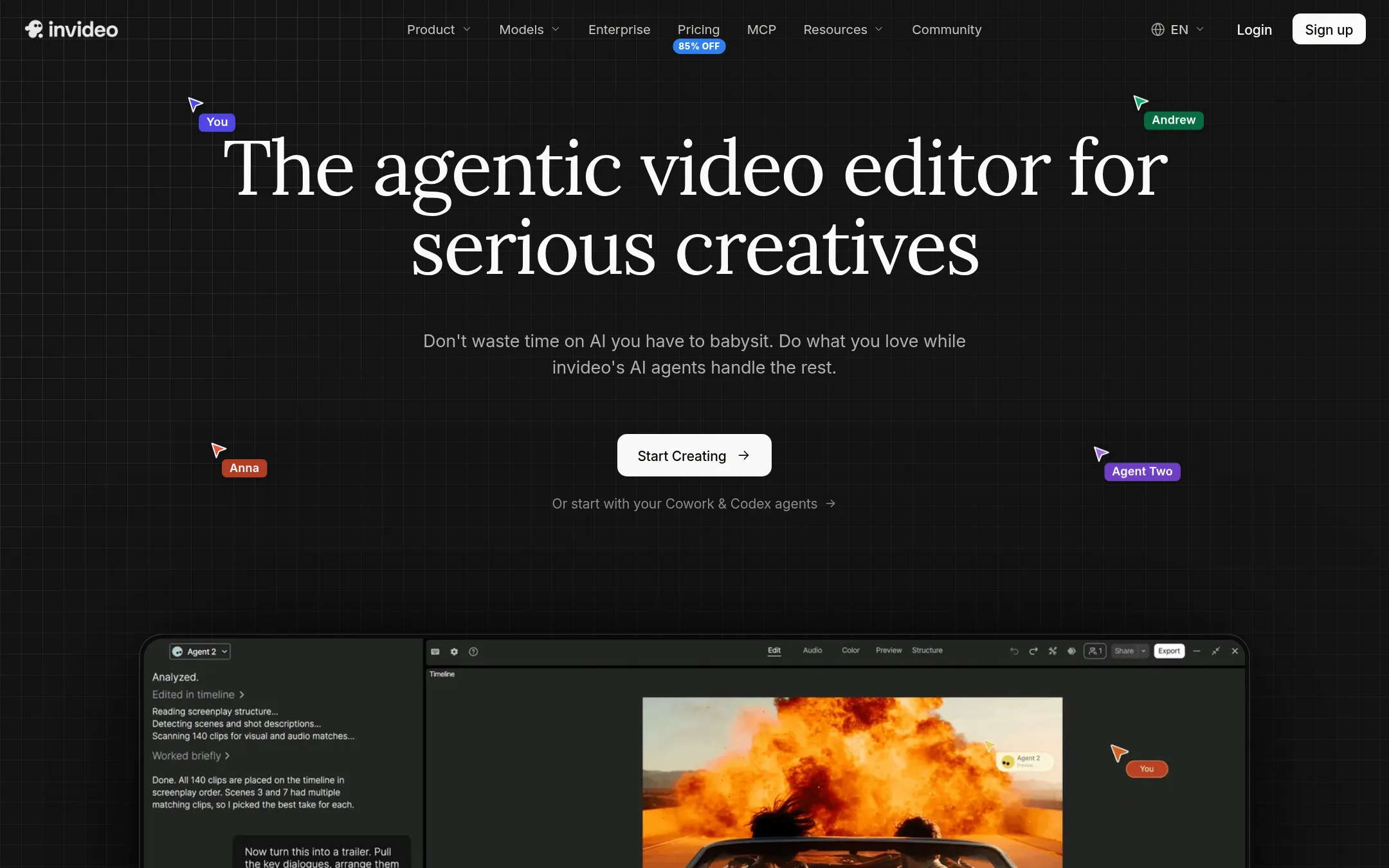
InVideo is an AI video editor built around a real multitrack timeline, with AI agents that act on the edit rather than replacing it. Someone would pick it over VideoGen if they already cut video by hand and want AI help inside a familiar editing environment, or if they want to bring their own agent such as Claude or ChatGPT into the editor.
Where it is strong
- Full multitrack timeline with color, audio and 3D tools on every plan
- Multiplayer editing with live cursors, up to 20 seats on Max
- Agents can apply one instruction across many clips at once
Where it falls short
- Frontier agent access is limited to Lite on Starter
- Seedance 2.5 is only available from the Plus plan up
- Pricing:
- InVideo lists plans per seat, with Starter at $10 per seat per month, Plus at $30 per seat per month and Max at $75 per seat per month, all billed annually, and Starter includes 400 credits per seat per month.
- HFrom $0 / $29 per mo
5.HeyGen
Best for: Teams that produce training, onboarding, or explainer videos with a presenter and need them in many languages
- Pricing
- From $0 / $29 per mo
- Category
- Other
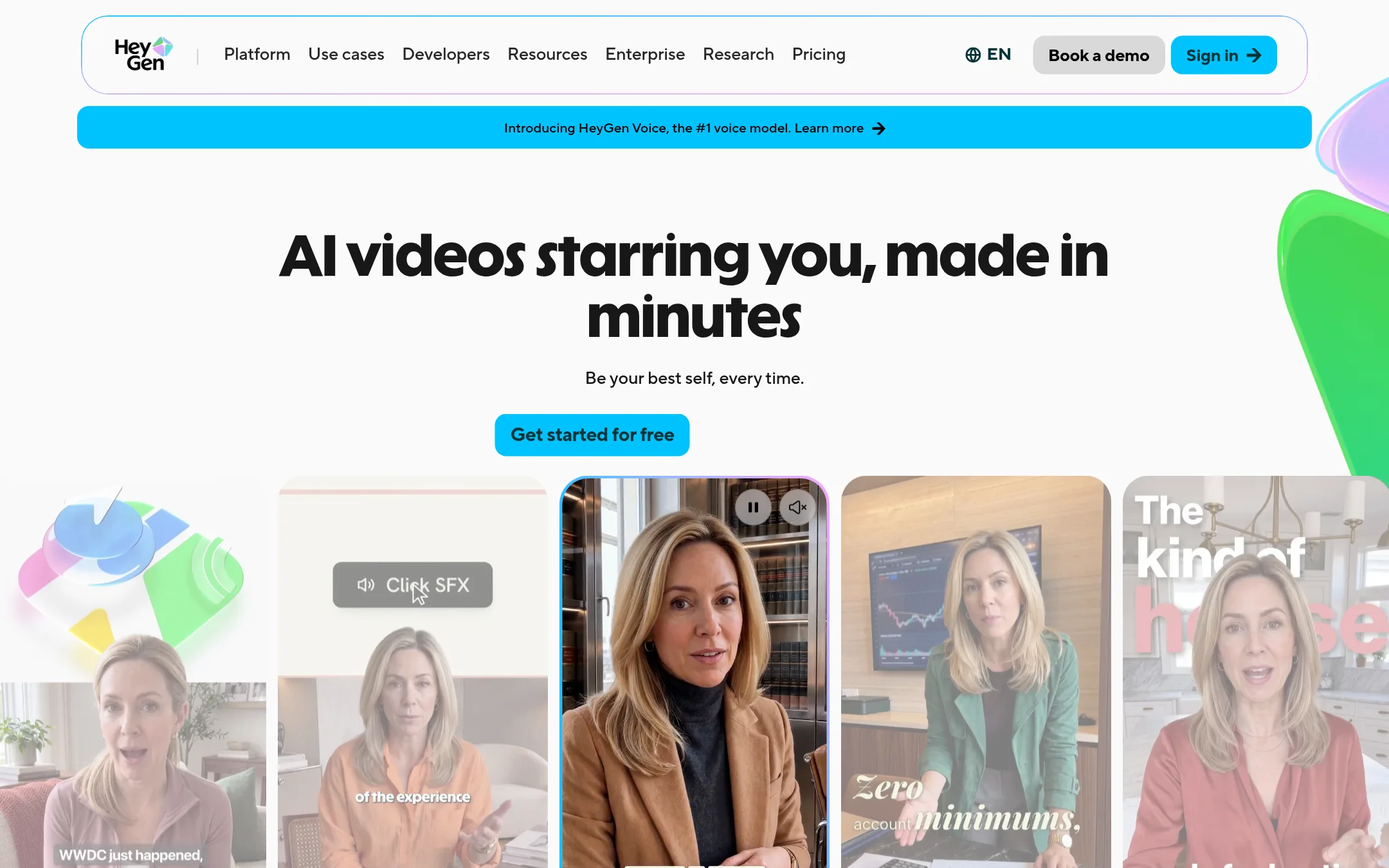
HeyGen turns a script, a PDF, or an audio file into a video with a presenter who looks and talks like a real person. It also handles translation and lip-sync into 175+ languages. Pick it over VideoGen when the video is a talking presenter, such as training, onboarding, or a sales explainer, and you want a presenter who is you or a stock avatar.
Where it is strong
- Custom avatars can use your own face and voice, with on-camera identity verification
- Translation keeps the speaker's lips in sync across 175+ languages and dialects
- Turns PPT and PDF decks into narrated videos with avatars
Where it falls short
- Built around presenter footage, so it is less suited to generative cinematic video than VideoGen's model-driven workflows
- Free plan limits videos to 1 minute with a watermark
- Pricing:
- Plans run from a free tier with 3 watermarked videos a month to Creator at $29/mo, Pro at $49/mo, and Business at $149/mo, with Enterprise on request.
- LFrom $19/mo yearly
6.Lumen5
Best for: Marketing and communications teams at businesses that need to repurpose blog posts and documents into branded video

- Pricing
- From $19/mo yearly
- Category
- Other
Lumen5 turns blog posts, PDFs, and bullet points into videos using a slide-like editor, so people without scripting or editing skills can publish quickly. Teams pick it over VideoGen when the source material is already written content and they want on-brand videos without learning a generative video workflow.
Where it is strong
- Turns blogs, PDFs, and bullet points into video without scriptwriting
- Brand kits, custom fonts, and bespoke templates keep output on brand
- Offers SSO, approval workflows, and a customer success manager on enterprise plans
Where it falls short
- Focused on repurposing written content, so it is a weaker fit for generative video from scratch
- Enterprise features like SSO and invoiced billing sit behind the custom Team plan
- Pricing:
- Pricing is published as Free, Basic at $19/mo billed yearly, Starter at $59/mo billed yearly, Pro at $149/mo billed yearly, and a custom Team plan, with annual AI voiceover minutes and animation minutes increasing by tier.
See more comparisons in Media & Entertainment alternatives.
FAQ
Questions about VideoGen alternatives
What is VideoGen best known for?
According to its site, VideoGen is an AI platform for creating and editing professional videos at scale, with AI agents that work alongside the user. It is aimed at marketing, e-commerce, training, explainers and video presentations, and it offers access to several major AI video models.
Which alternative is best if I need presenter videos in many languages?
Synthesia and HeyGen are both built around presenter-led video with translation. Synthesia lists translation and dubbing into 140+ languages with glossary controls, while HeyGen lists translation with lip-sync into 175+ languages and dialects.
Which alternative works best if I already have blog posts or slide decks?
Pictory and Lumen5 both start from existing written content. Pictory accepts scripts, URLs, PowerPoint files and audio, and Lumen5 turns blog posts, PDFs and bullet points into branded video using a slide-style editor.
Is there a free option to try before paying?
Synthesia has a free Basic plan with 500 credits a month and no credit card required, and HeyGen has a free tier with 3 watermarked videos a month. Pictory offers a 14-day free trial, and Lumen5 publishes a Free plan. VideoGen's own free option is a free first video as described on its site.
Which alternative should I pick if I already edit video by hand?
InVideo is the closest fit for that workflow, since it provides a real multitrack timeline with AI agents that act on the edit. It lists per-seat pricing from $10 to $75 per month, billed annually, and supports multiplayer editing on higher tiers.
Last updated November 11, 2026.