
videos.social alternatives
6 products compared · Updated November 4, 2026
The short answer
For founders and operators, the three strongest alternatives to videos.social are Synthesia for enterprise teams needing avatars and translations, Lumen5 for marketing teams wanting unlimited videos with brand kits, and InVideo for video editors seeking a full timeline editor with AI assistance. Choose based on whether you need presenter-style videos, subscription-based unlimited output, or hands-on editing control.
Your shortlist, at a glance
Read the comparisons ↓- PPictoryFrom $25/mo (annual)Content teams and marketers who need to produce videos from varied sources like slides, audio, or prompts, and want avatars or generative AI visuals.
- LLumen5From $19/mo (yearly)Marketing and communications teams that need on-brand video at scale with enterprise controls.
- IInVideoFrom $10/seat/moVideo editors and creative teams who want an AI-assisted timeline editor with multiplayer collaboration and custom agents.
- SSynthesiaFree, then $19/moEnterprise teams that need to create and manage large volumes of on-brand videos with avatars, translations, and compliance features.
- RRepurpose.ioNot publishedContent teams that already produce video and need to publish it consistently across Instagram Reels, TikTok, YouTube Shorts, and other platforms.
- VVidyo.aiFrom $29/mo (100 crediPodcasters, coaches, and content teams that repurpose long-form video into short clips and need scheduling and analytics in one tool.
About videos.social and its alternatives
videos.social turns blog posts and articles into narrated motion videos in 16:9 or 9:16 formats. It is known for letting you paste a link, get a video in minutes, and edit one line without remaking the whole video. Pricing is pay-per-export with one-time credit packs starting at $10, and there is no monthly plan.
When comparing alternatives, weigh pricing structure (subscription vs. one-time credits), source input types (blog posts, video, audio, slides), and features like avatars, translations, and collaboration. Consider whether you need enterprise controls like SSO and SCORM, and whether credits roll over or reset monthly.
View videos.social’s profileExplore the alternatives
- PFrom $25/mo (annual)
1.Pictory
Best for: Content teams and marketers who need to produce videos from varied sources like slides, audio, or prompts, and want avatars or generative AI visuals.

- Pricing
- From $25/mo (annual)
- Category
- Other
Pictory is a broader AI video generator that turns scripts, URLs, PowerPoints, audio, or images into videos, with an AI agent that plans scenes and lets you refine by chat. Choose it over videos.social if you need to start from many source types, want AI avatars or AI Studio image generation, or prefer a monthly subscription with a free trial.
Where it is strong
- Starts from many inputs: script, URL, PowerPoint, audio, images, or a topic.
- Includes AI avatars, AI Studio image/video generation, and ElevenLabs voices.
- Free trial with 300 credits, no credit card required.
Where it falls short
- Monthly subscription model, unlike videos.social's one-time credit packs.
- Free trial and Starter plan include Pictory branding on exports.
- Pricing:
- Pricing starts at $25 per month billed annually for Starter (up to 360 mins/yr, 1 user), $35 per month for Professional, $119 per month for Teams, and custom for Enterprise. A 14-day free trial with 300 credits is available.
- Switching from videos.social:
- Moving from videos.social means switching from pay-per-export credits to a monthly subscription, and you'll need to re-create videos in Pictory's editor.
- LFrom $19/mo (yearly)
2.Lumen5
Best for: Marketing and communications teams that need on-brand video at scale with enterprise controls.

- Pricing
- From $19/mo (yearly)
- Category
- Other
Lumen5 is an AI video maker that turns blog posts, scripts, and documents into videos with stock media and voiceovers. Choose it over videos.social if you need a subscription with unlimited videos, brand kits, and enterprise features like SSO and approval workflows.
Where it is strong
- Unlimited videos on paid plans
- Brand kits, custom fonts, and watermarks
- Enterprise features like SSO and approval workflows
Where it falls short
- Free plan caps videos at 5 per month and 2 minutes each
- Voice cloning and translations are limited on lower tiers
- Pricing:
- Free plan with 5 videos per month. Paid plans start at $19/mo billed yearly for Basic, $59/mo for Starter, $149/mo for Pro, and custom pricing for Team.
- IFrom $10/seat/mo
3.InVideo
Best for: Video editors and creative teams who want an AI-assisted timeline editor with multiplayer collaboration and custom agents.
- Pricing
- From $10/seat/mo
- Category
- Other
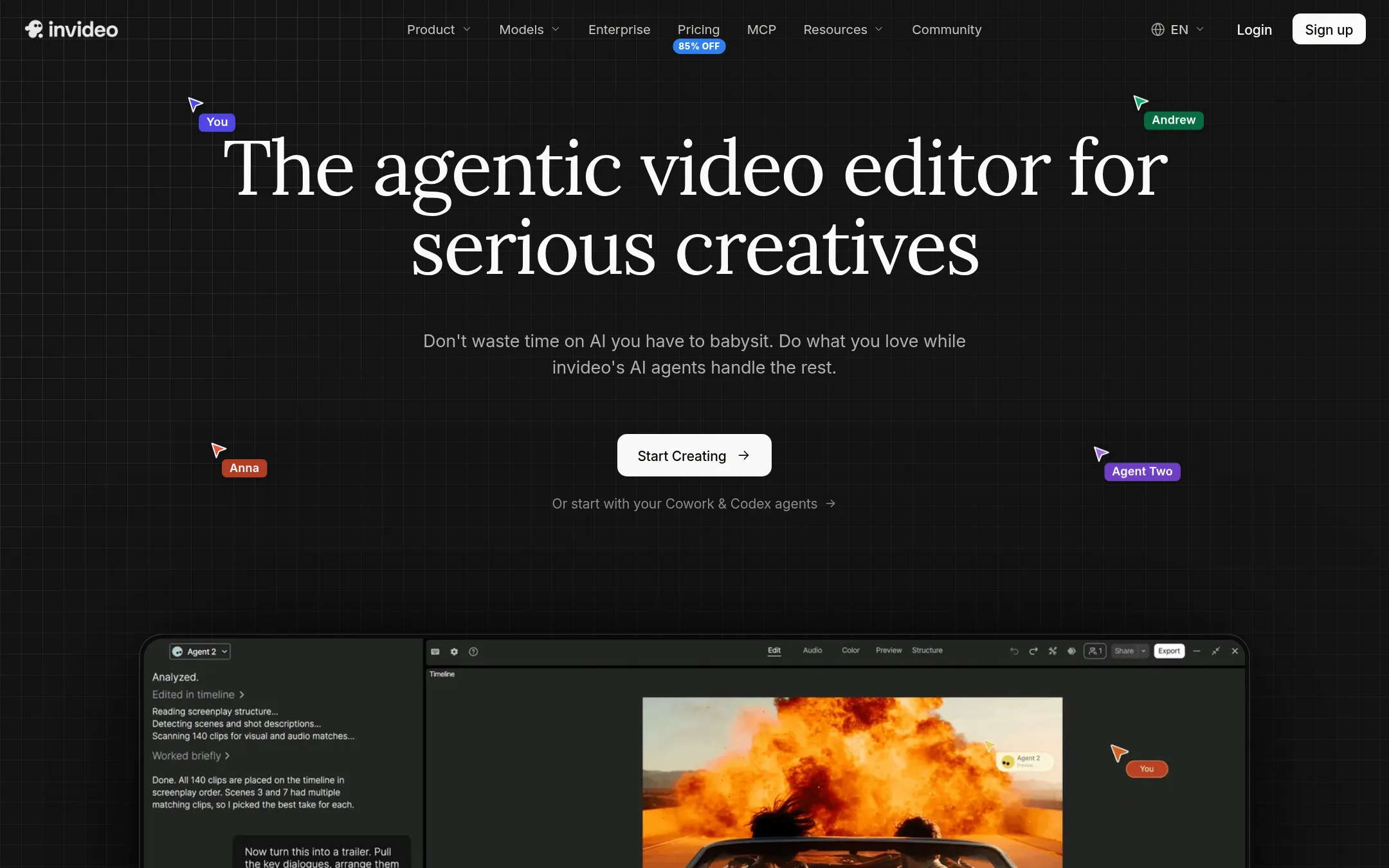
InVideo is a full video editor with AI agents that handle editing tasks like trimming, grading, and mixing on a multitrack timeline. Choose it over videos.social if you need hands-on control over footage, multi-shot edits, and collaboration, rather than turning a blog post into a narrated motion graphic.
Where it is strong
- Full multitrack timeline editor with color, audio, and 3D tools.
- AI agents can apply one edit to multiple clips at once.
- Multiplayer mode with live cursors for team collaboration.
Where it falls short
- Credits reset monthly and do not roll over.
- Starter plan limits access to frontier agents and excludes Seedance 2.5.
- Pricing:
- Starter is $10 per seat per month billed annually, Plus is $30 per seat per month billed annually, and Max is $250 per seat per month billed annually. Credits reset monthly and do not roll over.
- SFree, then $19/mo
4.Synthesia
Best for: Enterprise teams that need to create and manage large volumes of on-brand videos with avatars, translations, and compliance features.
- Pricing
- Free, then $19/mo
- Category
- Other
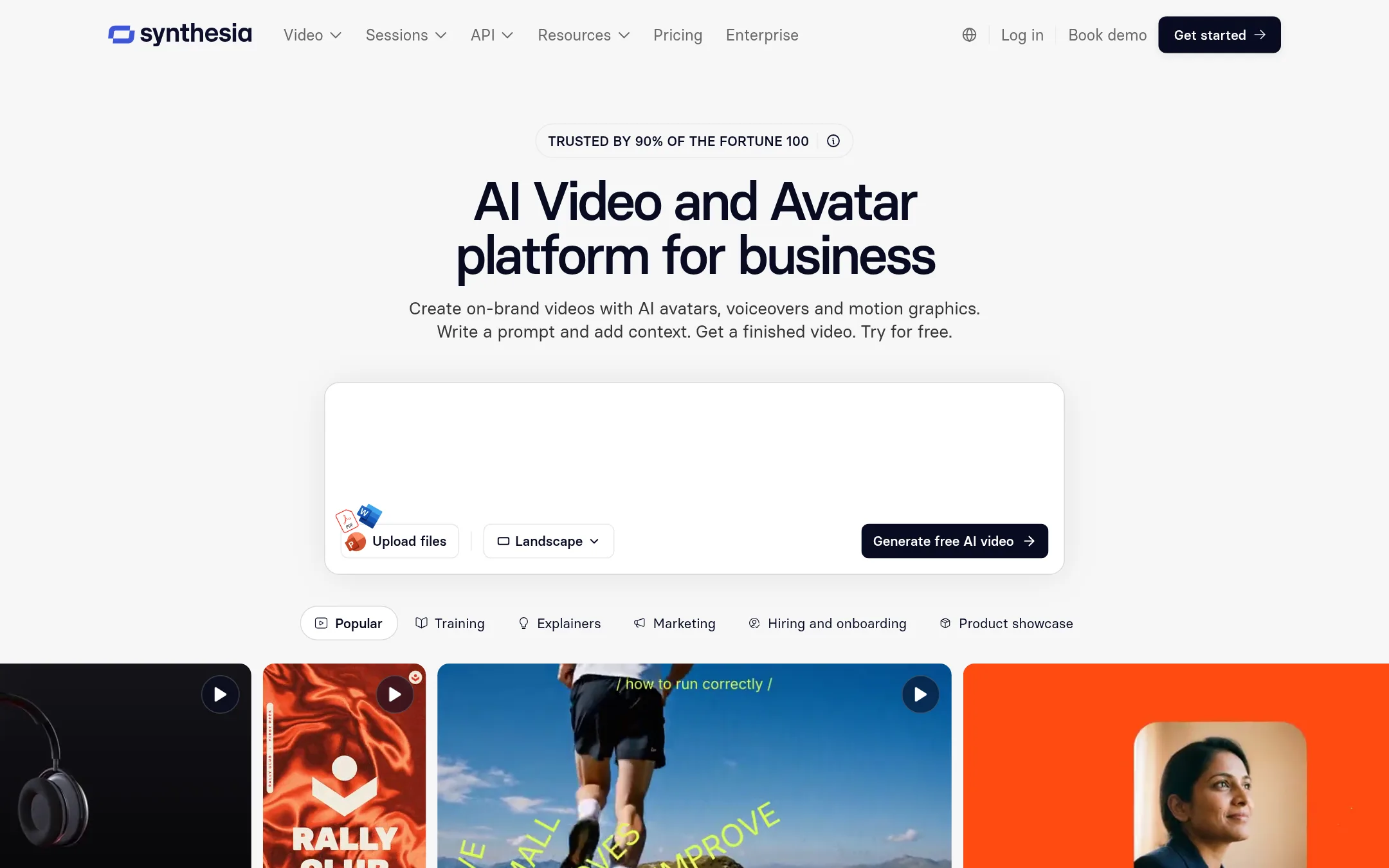
Synthesia is a business-focused AI video platform that creates videos with AI avatars, voiceovers, and motion graphics. You would choose it over videos.social when you need to produce training, sales, or internal communications at scale, with features like translation, analytics, and enterprise controls that videos.social does not offer.
Where it is strong
- AI avatars and voice cloning for a presenter-style video
- Translate videos into 140+ languages with one click
- Enterprise features like Brand Kits, permissions, and SCORM export
Where it falls short
- Monthly subscription model, unlike videos.social's one-time credit packs
- Credit system can be complex, with different usage costs for features
- Pricing:
- Pricing starts at a free Basic plan with 500 credits per month, then Starter at $19 per month (first month $9), Pro at $89 per month (first month $49), and custom pricing for Enterprise.
- RNot published
5.Repurpose.io
Best for: Content teams that already produce video and need to publish it consistently across Instagram Reels, TikTok, YouTube Shorts, and other platforms.

- Pricing
- Not published
- Category
- Other
Repurpose.io is an automated content repurposing and distribution platform. It takes existing videos and shares them across social channels. Choose it when you already have video content and want to distribute it widely, rather than creating new narrated videos from blog posts.
Where it is strong
- Automates distribution to multiple social platforms
- Saves time by repurposing existing content
- Free trial available
Where it falls short
- No pricing details on the site
- Does not generate narrated videos from blog posts
- Pricing:
- Pricing is not published on the site.
- VFrom $29/mo (100 credi
6.Vidyo.ai
Best for: Podcasters, coaches, and content teams that repurpose long-form video into short clips and need scheduling and analytics in one tool.

- Pricing
- From $29/mo (100 credi
- Category
- Other
Vidyo.ai (now quso.ai) turns long videos, podcasts, and streams into short, captioned clips for social media, with scheduling and analytics built in. Choose it instead of videos.social when your raw material is existing video or audio, not blog posts or articles, and you need to publish clips across multiple platforms.
Where it is strong
- Imports from YouTube, Vimeo, Facebook, Twitch, Loom, LinkedIn, Zoom, Google Drive, and Dropbox.
- Auto-generates captions in 99 languages with filler-word removal.
- Includes a social media scheduler and analytics on higher plans.
Where it falls short
- Credits are tied to minutes of processed video, so costs can add up with long source material.
- The free plan adds a quso.ai watermark and limits publishing to TikTok only.
- Pricing:
- Free plan with 75 credits/month. Paid plans start at $29/month for 100 credits, up to $49/month for 600 credits, with annual billing options.
See more comparisons in AI & Machine Learning alternatives.
FAQ
Questions about videos.social alternatives
What is the main difference between videos.social and Synthesia?
videos.social creates narrated motion graphics from blog posts with one-time credit packs, while Synthesia offers AI avatars and translations for enterprise-scale video production. Synthesia uses a monthly subscription model, whereas videos.social charges per export with no recurring fees.
Which alternative is best for unlimited video creation?
Lumen5 offers unlimited videos on its paid plans, starting at $19 per month billed yearly. This suits teams that need consistent output without worrying about per-export costs, unlike videos.social's credit packs that charge per export.
Can I edit videos manually with these alternatives?
InVideo provides a full multitrack timeline editor with color, audio, and 3D tools, ideal for hands-on editing. videos.social focuses on automated generation with limited manual control, so InVideo is better for editors who want granular control.
Do any alternatives support starting from sources other than blog posts?
Pictory starts from scripts, URLs, PowerPoints, audio, or images, and Vidyo.ai imports from YouTube, podcasts, and streams. videos.social also accepts PDFs and topics, but these alternatives cover a wider range of source types.
Which alternative is best for repurposing existing video content?
Repurpose.io and Vidyo.ai are designed for repurposing existing video or audio into short clips for social media. They distribute or clip content automatically, whereas videos.social generates new narrated videos from text, so choose them if your raw material is already video.
Last updated November 4, 2026.