
Vimcal alternatives
12 products compared · Updated November 3, 2026
The short answer
The strongest Vimcal alternatives are Motion, Reclaim.ai, and SavvyCal. Motion suits teams and individuals who want AI to handle task prioritization and project planning. Reclaim.ai is best for teams that want AI-driven focus time protection and automated scheduling. SavvyCal is ideal for people who send many booking links and want invitees to see their own availability side by side.
Your shortlist, at a glance
Read the comparisons ↓ CalendlyFree, $10/mo, $16/moSales teams, coaches, and consultants who need booking links with payments, automated reminders, and meeting recaps.
 FantasticalNot publishedIndividuals and teams who live in the Apple ecosystem and want a fast, beautiful calendar with strong task support on Mac, iPhone, iPad, and Windows.
- RRecordBookNot publishedSmall business owners who want a lightweight, mobile-first database tool for tracking records and workflows.
- MMicrosoft Outlook CalendarSee websiteOther
- NNotion AIFrom $10/user/moTeams that want a shared workspace for docs, projects, and AI assistance, with calendar features as a secondary need.
 Reclaim.ai$10–$22/user/moTeams and enterprises that want AI-driven focus time protection and automated scheduling across the organization.
 MotionFrom $19/seat/moTeams and individuals who want AI to handle task prioritization, project planning, and meeting notes in one tool.
- AAmieNot publishedTeams that record many meetings and want AI to automate follow-up tasks and scheduling, not just manage a calendar.
- CCronSee websiteOther
 SavvyCalFrom $10/user/moTeams and individuals who send many booking links and want invitees to see their own availability side by side, plus controls like buffers, limits, and time blocking.
- CCal.comNot publishedTeams and developers who want a customizable booking engine with API access and white-label capabilities.
- TTidyCalFree or $29 onceCoaches, consultants, and solo service providers who want a free or one-time-payment booking page with payments and recurring sessions.
About Vimcal and its alternatives
Vimcal is an AI calendar for people with too many meetings. It is known for fast scheduling, availability sharing, time zone overlays, and enterprise security. It works on top of Google Calendar and Outlook.
When comparing alternatives, weigh pricing structure, regions, integrations, support, and contract terms. Some tools charge per seat monthly, others offer lifetime deals. Check if the tool works with your existing calendar and whether it supports your region. Look for free plans or trials. Consider whether you need a full calendar app or just a booking link tool.
Explore the alternatives
- Free, $10/mo, $16/mo
1.Calendly
Best for: Sales teams, coaches, and consultants who need booking links with payments, automated reminders, and meeting recaps.
- Pricing
- Free, $10/mo, $16/mo
- Category
- Productivity & Project Management
Calendly handles the entire meeting lifecycle: booking, prep, notes, and follow-ups. Choose it over Vimcal if you need payment collection, AI meeting recaps, or lead routing alongside scheduling.
Where it is strong
- Built-in payments for upfront fees, packages, and invoices
- AI assistant Callie schedules over email without switching tools
- Notetaker captures recaps and action items for meetings booked outside Calendly
Where it falls short
- Notetaker and Callie are only available in English
- Advanced features like SSO and Salesforce routing require Teams or Enterprise plans
- Pricing:
- Free plan includes one event type and one calendar connection. Standard starts at $10 per user per month, Teams at $16 per user per month, and Enterprise is custom.
- Switching from Vimcal:
- Moving from Vimcal means replacing your calendar-first workflow with Calendly's booking-link approach, and you'll need to reconnect your calendar and set up event types from scratch.
- Not published
2.Fantastical
Best for: Individuals and teams who live in the Apple ecosystem and want a fast, beautiful calendar with strong task support on Mac, iPhone, iPad, and Windows.
- Pricing
- Not published
- Category
- Productivity & Project Management
Fantastical is a polished calendar app for Mac, iOS, and Windows that focuses on natural language input and task management. Choose it over Vimcal if you want a native, keyboard-driven calendar that works across Apple devices and Windows, with deep integration into iCloud, Google, and Exchange.
Where it is strong
- Natural language parsing for events and tasks
- Calendar sets that auto-switch by location or time
- Available on Mac, iOS, Windows, and Apple Vision Pro
Where it falls short
- No AI scheduling features like Vimcal's availability sharing
- Pricing details are not shown on the site
- Pricing:
- Pricing is not published on the site.
- Switching from Vimcal:
- Moving from Vimcal to Fantastical means giving up AI-powered scheduling and time zone overlap views, but you can sync the same Google or Outlook calendars.
- RNot published
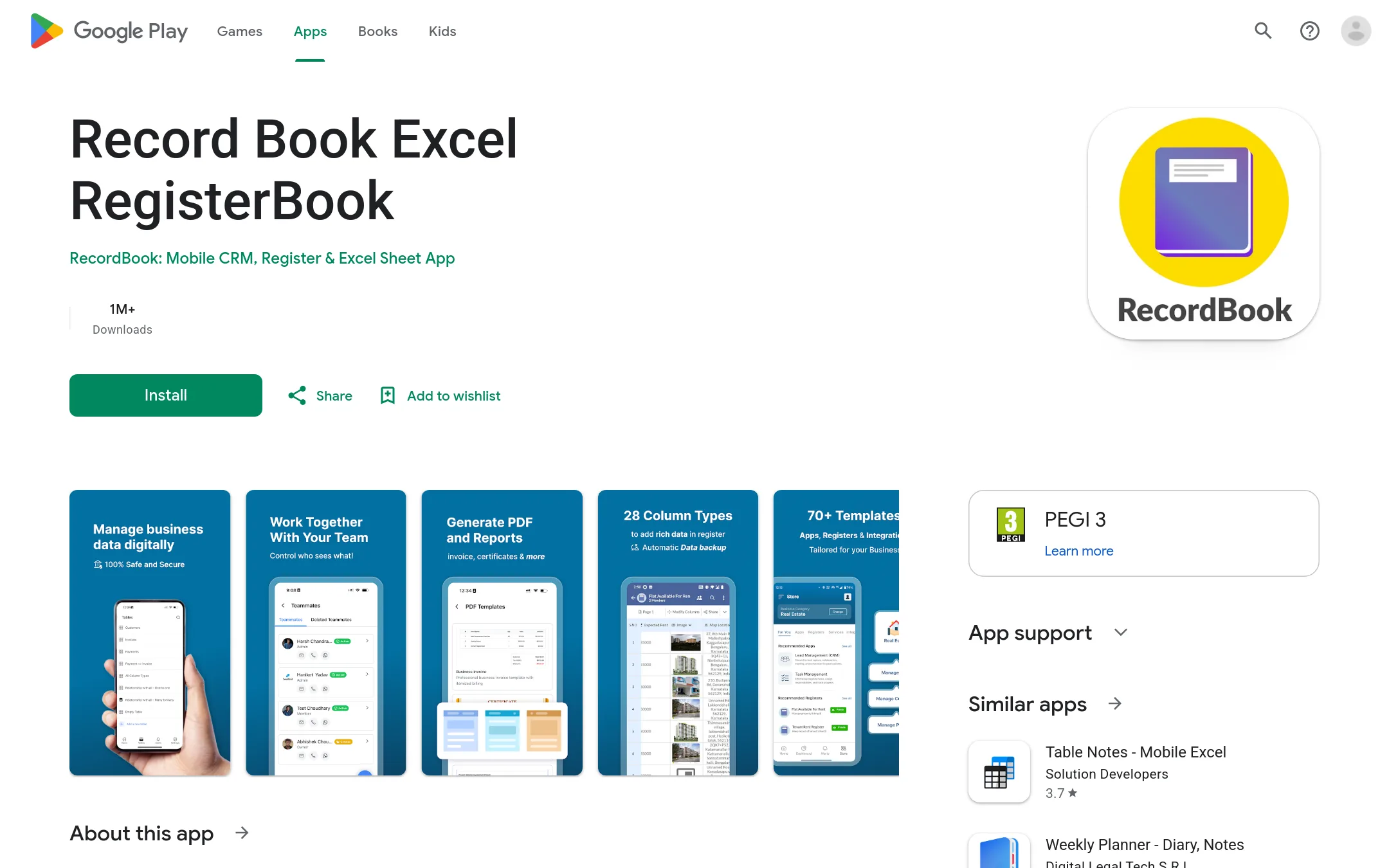
3.RecordBook
Best for: Small business owners who want a lightweight, mobile-first database tool for tracking records and workflows.
- Pricing
- Not published
- Category
- Productivity & Project Management
RecordBook is a mobile app that positions itself as an Airtable-like database tool for small businesses, while Vimcal is a calendar for scheduling meetings. You would choose RecordBook instead of Vimcal if your main need is organizing business data in structured tables, not managing a calendar.
Where it is strong
- Mobile-first design, accessible from Android devices.
- Airtable-like flexibility for custom data structures.
- Targets a large SMB market, suggesting a focus on practical business needs.
Where it falls short
- No calendar or scheduling features, so it does not replace Vimcal's core function.
- Only available on Android, limiting access for iOS users.
- Pricing:
- Pricing is not published on the site.
- MSee website
4.Microsoft Outlook Calendar
Other
Integrated with Microsoft 365, offering robust scheduling and enterprise controls.
- NFrom $10/user/mo
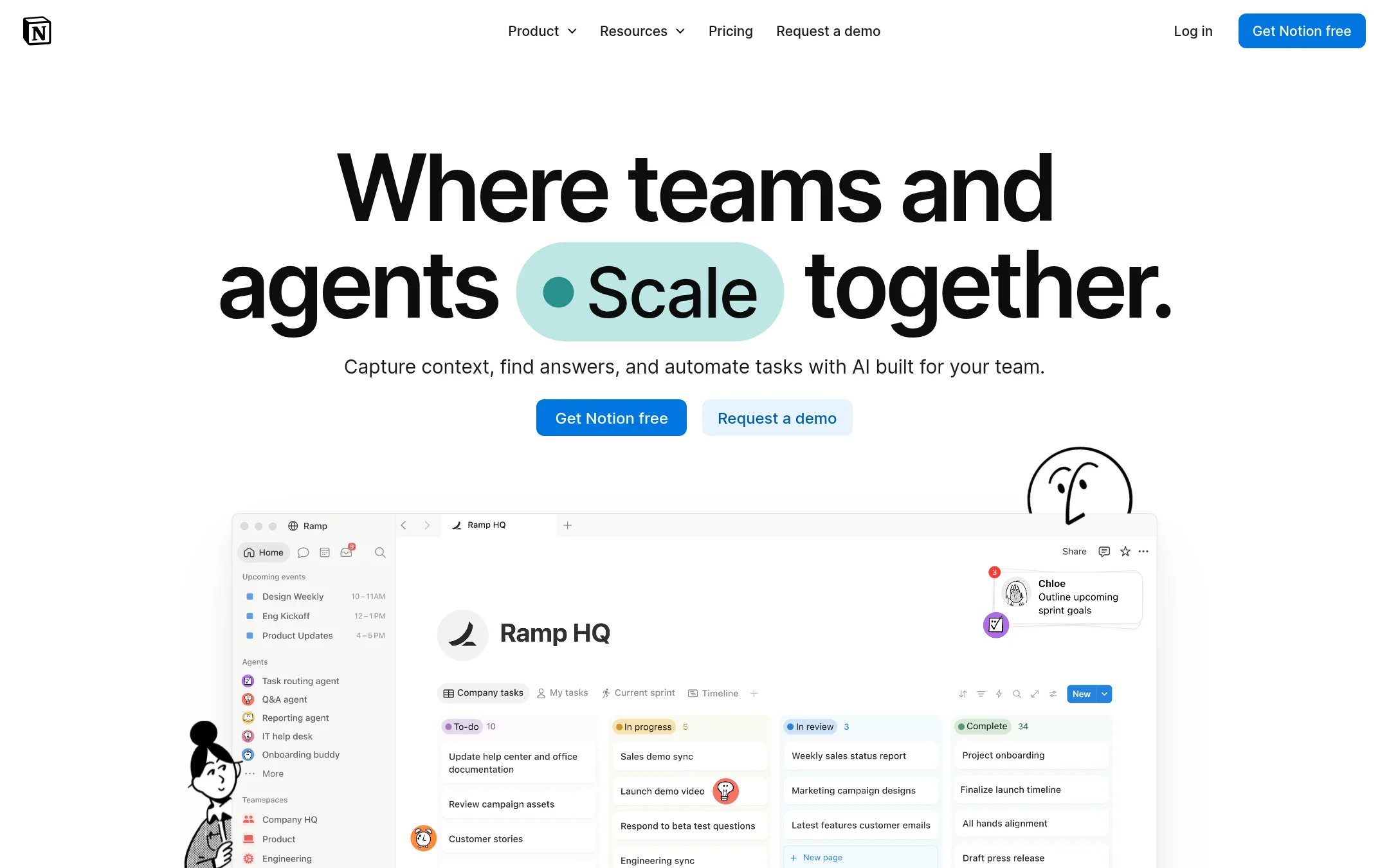
5.Notion AI
Best for: Teams that want a shared workspace for docs, projects, and AI assistance, with calendar features as a secondary need.
- Pricing
- From $10/user/mo
- Category
- Other
Notion AI is a workspace platform that combines notes, docs, wikis, and project management with AI features like meeting notes and custom agents. Choose it over Vimcal if you need a central hub for team knowledge and workflows, not just a calendar.
Where it is strong
- Combines docs, databases, and project management in one tool.
- AI features include meeting notes and custom agents.
- Free plan available for individuals.
Where it falls short
- Calendar functionality is basic compared to Vimcal's scheduling and time zone tools.
- AI credits and advanced features require paid plans.
- Pricing:
- In the United States, the Free plan costs $0, Plus is $10 per user per month, Business is $20 per user per month, and Enterprise is custom. Custom Agents cost $10 per 1,000 monthly credits.
- Switching from Vimcal:
- Moving from Vimcal means adopting Notion as your primary workspace, which may require migrating documents and workflows, not just calendar data.
- $10–$22/user/mo
6.Reclaim.ai
Best for: Teams and enterprises that want AI-driven focus time protection and automated scheduling across the organization.
- Pricing
- $10–$22/user/mo
- Category
- Productivity & Project Management
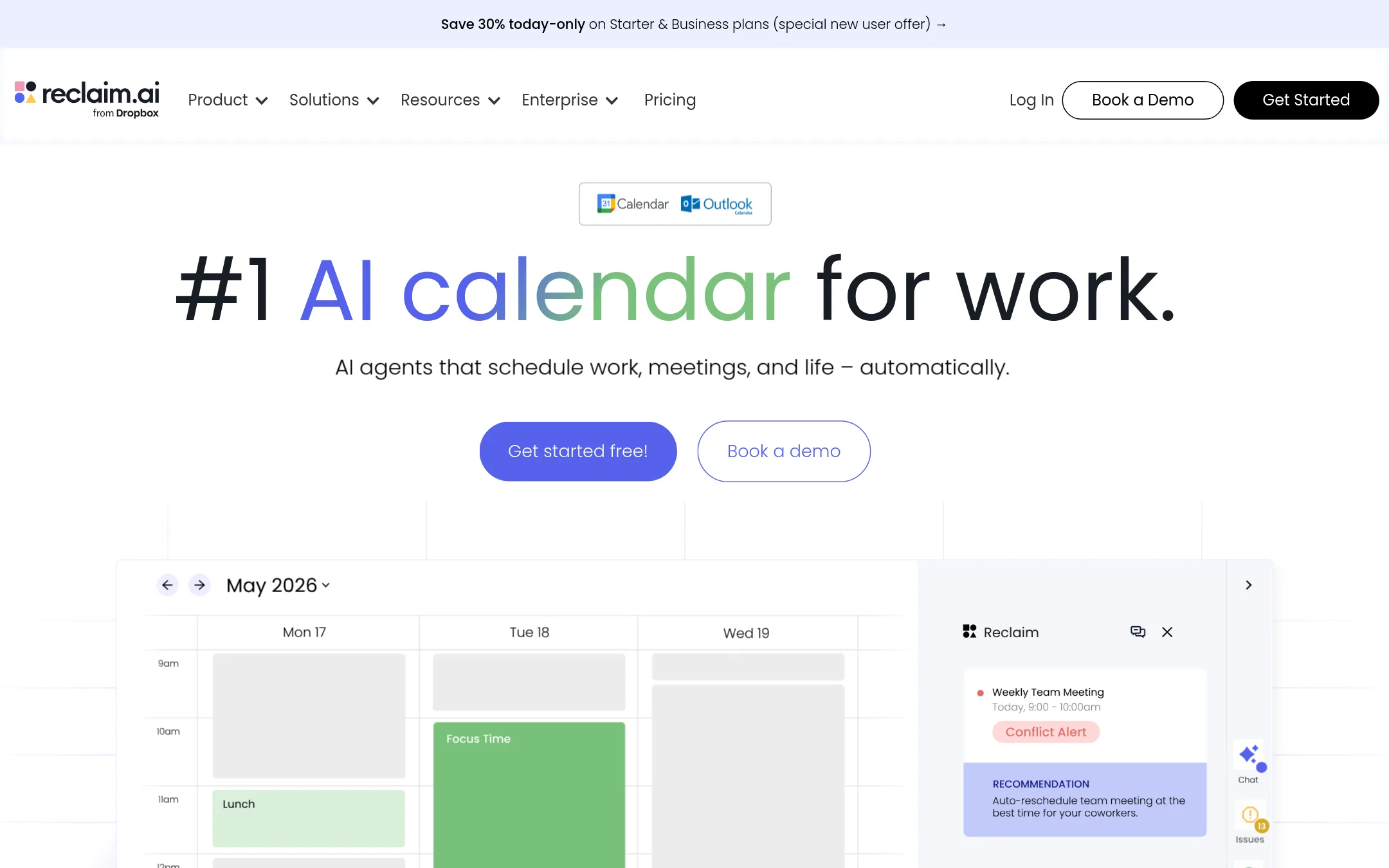
Reclaim.ai is an AI calendar that automatically schedules tasks, habits, and focus time around your meetings. It's a good fit if you want proactive time optimization and team-wide visibility into how time is spent, rather than just a fast scheduling interface.
Where it is strong
- Automatically schedules tasks, habits, and focus time around your meetings.
- Provides executive dashboards for measuring time allocation and meeting hygiene.
- Offers discounts for students, nonprofits, startups, and switching from competitors.
Where it falls short
- Enterprise features are unavailable on monthly plans.
- Requires a Google or Outlook calendar account to function.
- Pricing:
- Lite is free, Starter is $10 per user per month, Business is $15 per user per month, and Enterprise is $22 per user per month. Annual billing gives a 29% discount.
- Switching from Vimcal:
- Moving from Vimcal involves connecting Reclaim to your Google or Outlook calendar and setting up your scheduling preferences, but your existing events will carry over automatically.
- From $19/seat/mo
7.Motion
Best for: Teams and individuals who want AI to handle task prioritization, project planning, and meeting notes in one tool.
- Pricing
- From $19/seat/mo
- Category
- Productivity & Project Management
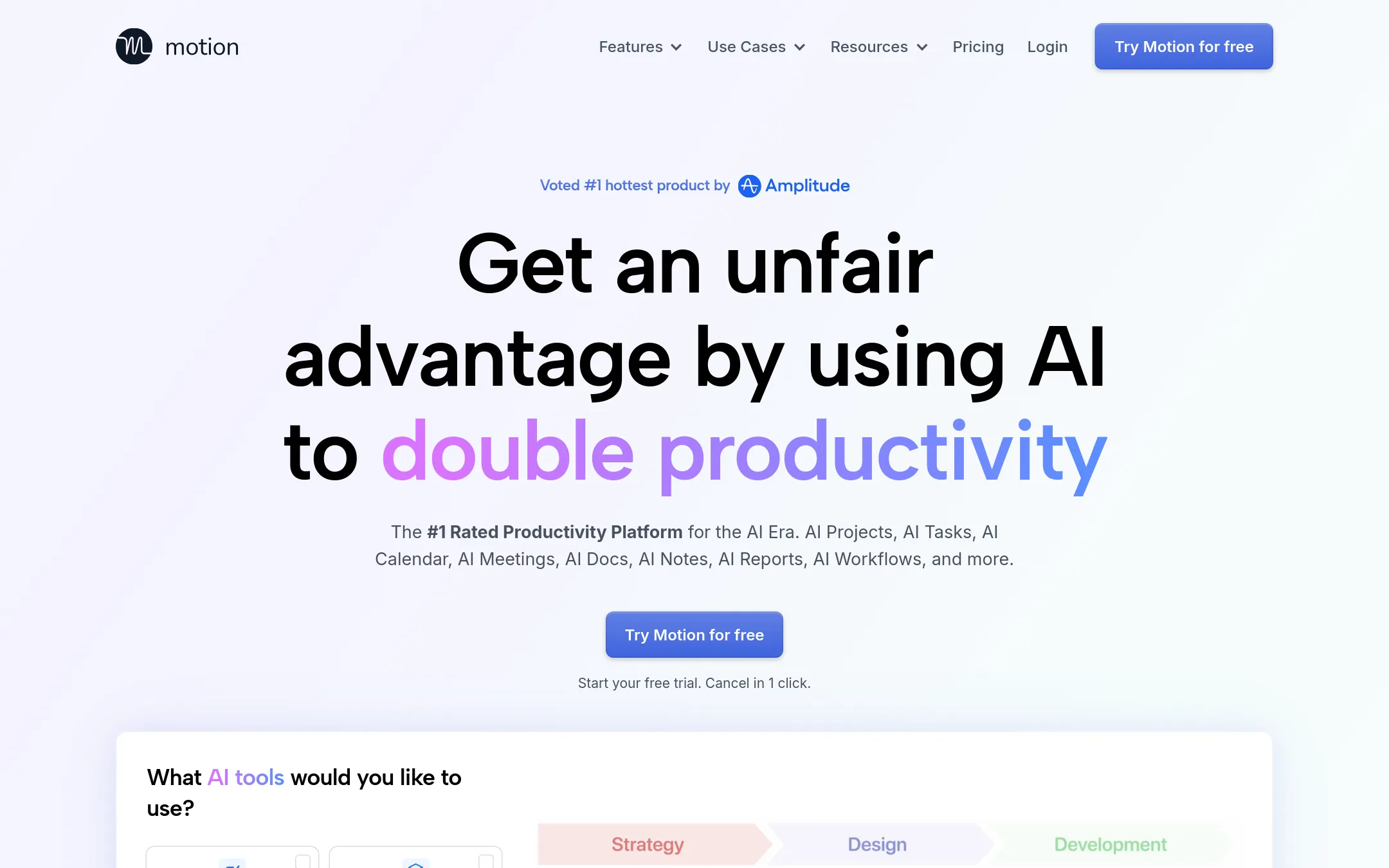
Motion is a full work management platform that combines tasks, projects, docs, and a calendar with AI automation. Choose it over Vimcal if you need AI to plan your day, prioritize tasks, and manage projects, not just a fast calendar for scheduling meetings.
Where it is strong
- AI automatically builds and prioritizes tasks and projects
- Built-in meeting notetaker with action items and follow-ups
- Combines calendar, tasks, docs, and projects in one app
Where it falls short
- Pricing is per seat, which can get expensive for larger teams
- AI credits are metered, so heavy usage may incur extra costs
- Pricing:
- Pricing starts at $19 per seat per month for Pro AI, and $29 per seat per month for Business, with AI credits billed per 100 credits at 25 cents or 19 cents depending on plan.
- Switching from Vimcal:
- Moving from Vimcal means adopting a broader work management system, so you'll need to migrate tasks and projects, not just calendar events.
- ANot published
8.Amie
Best for: Teams that record many meetings and want AI to automate follow-up tasks and scheduling, not just manage a calendar.
- Pricing
- Not published
- Category
- Other
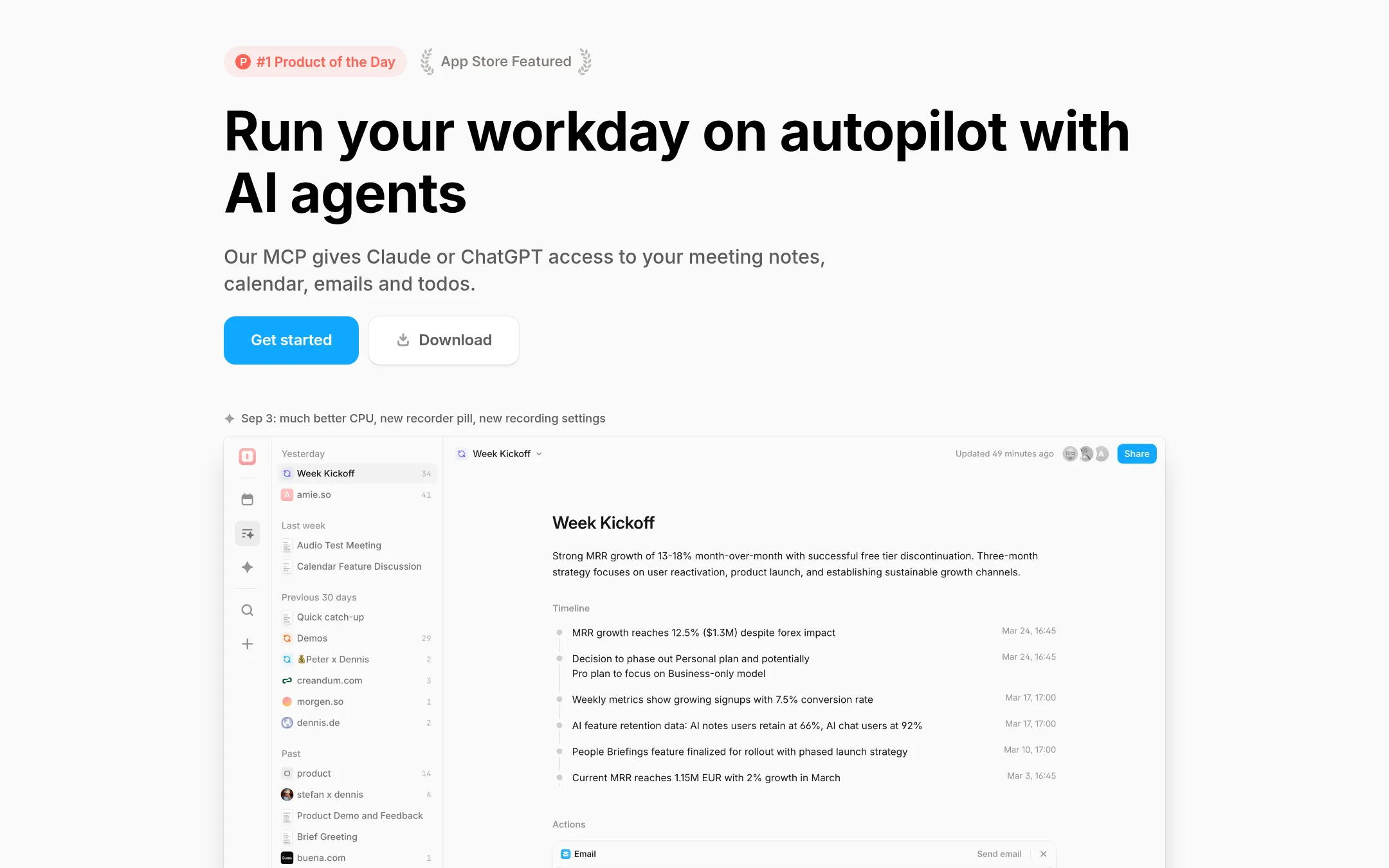
Amie is an AI note taker that records meetings, generates summaries, and turns action items into tasks and calendar events. It connects to Google and Apple Calendar, Gmail, Slack, Notion, and CRMs. Choose it over Vimcal if your main pain is meeting follow-up and you want an AI assistant that handles notes, todos, and scheduling in one place.
Where it is strong
- Bot-free recording works across Zoom, Meet, Slack Huddle, and Teams
- AI chat can draft emails, reschedule events, and create mind maps from summaries
- Integrates with Slack, Notion, Hubspot, and Pipedrive to push summaries where you work
Where it falls short
- No pricing details on the site, so cost is unclear
- Focus is on meeting notes and workflows, not on fast calendar navigation or time zone overlap like Vimcal
- Pricing:
- Pricing is not published on the site.
- Switching from Vimcal:
- Moving from Vimcal means adding Amie as a meeting recorder and task manager, while keeping your calendar in Google or Apple Calendar.
- CSee website
9.Cron
Other
A fast, keyboard-first calendar app (acquired by Notion) with scheduling links.
- From $10/user/mo
10.SavvyCal
Best for: Teams and individuals who send many booking links and want invitees to see their own availability side by side, plus controls like buffers, limits, and time blocking.
- Pricing
- From $10/user/mo
- Category
- Productivity & Project Management
SavvyCal is a scheduling tool that lets invitees overlay their own calendar on your booking link to find a time that works for both sides. You would choose it over Vimcal if your main need is a polished, flexible booking link experience rather than a full calendar app with AI scheduling and time zone overlays.
Where it is strong
- Invitees can overlay their own calendar on your link to find a mutually free time.
- Built-in time defense with buffers, frequency limits, and time blocking.
- Paid bookings via Stripe and reminders/workflows are included on paid plans.
Where it falls short
- No AI scheduling or time zone overlap visualization like Vimcal offers.
- Pricing is per user, so large teams can add up quickly.
- Pricing:
- Basic is $10 per user per month billed annually ($12 monthly), and Premium is $17 per user per month billed annually ($20 monthly), with a 30-day money-back guarantee.
- Switching from Vimcal:
- Moving from Vimcal means replacing your calendar workflow with SavvyCal's booking links, and you'll need to set up your availability rules and integrations from scratch.
- CNot published
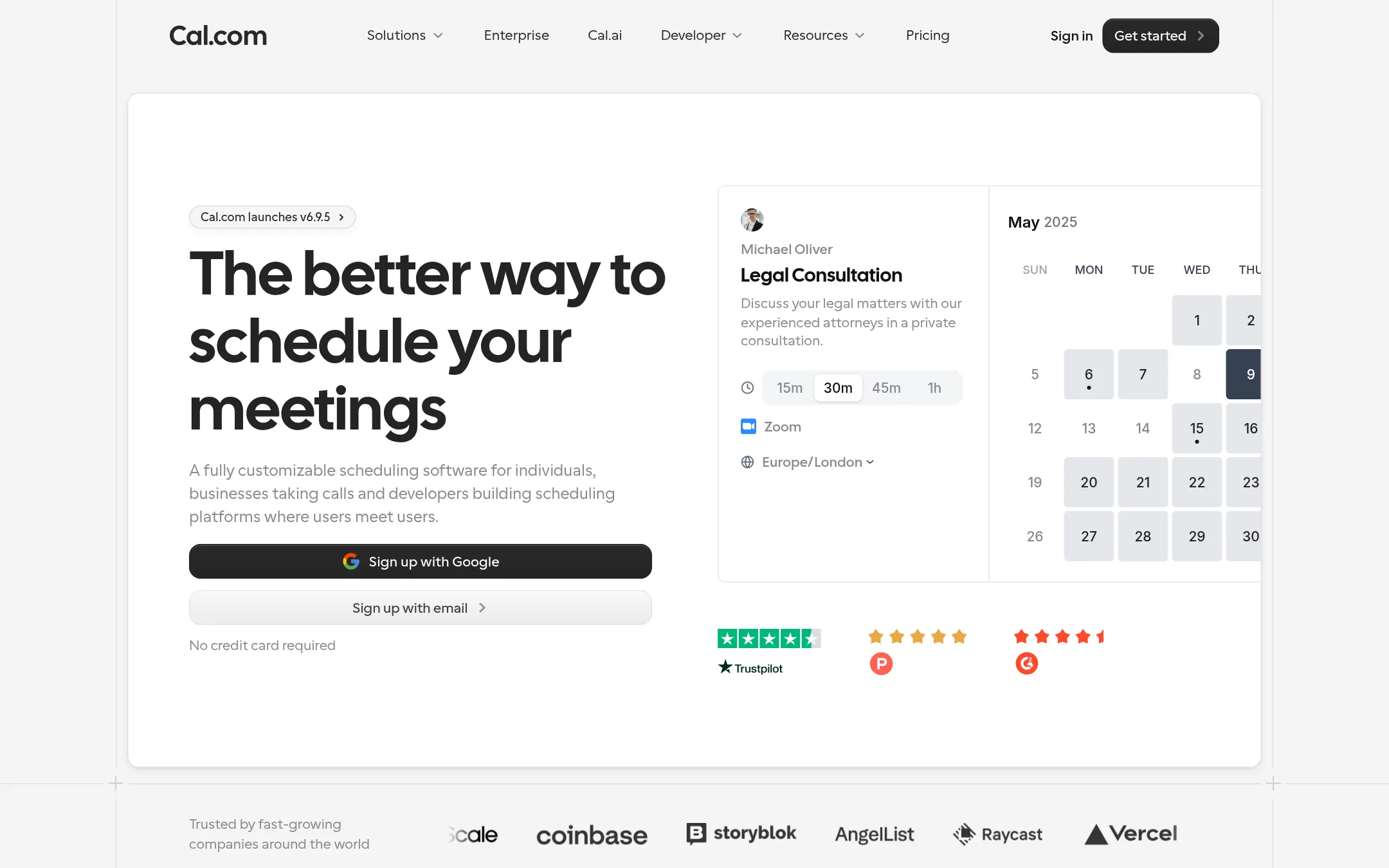
11.Cal.com
Best for: Teams and developers who want a customizable booking engine with API access and white-label capabilities.
- Pricing
- Not published
- Category
- Other
Cal.com is an open-source scheduling platform that lets you embed booking flows, build custom integrations, and automate reminders. Choose it over Vimcal if you need deep customization, developer APIs, or a self-hosted option for your scheduling infrastructure.
Where it is strong
- Open-source core with API and webhooks for custom builds
- Free tier includes unlimited event types and 100+ integrations
- Supports payments via Stripe and PayPal directly in bookings
Where it falls short
- No native calendar view like Vimcal's fast UI
- Advanced features may require self-hosting or enterprise plans
- Pricing:
- Pricing is not published on the site.
- Switching from Vimcal:
- Moving from Vimcal means replacing your calendar-first workflow with a booking-link-centric setup, and you'll need to reconfigure your availability and integrations.
- TFree or $29 once
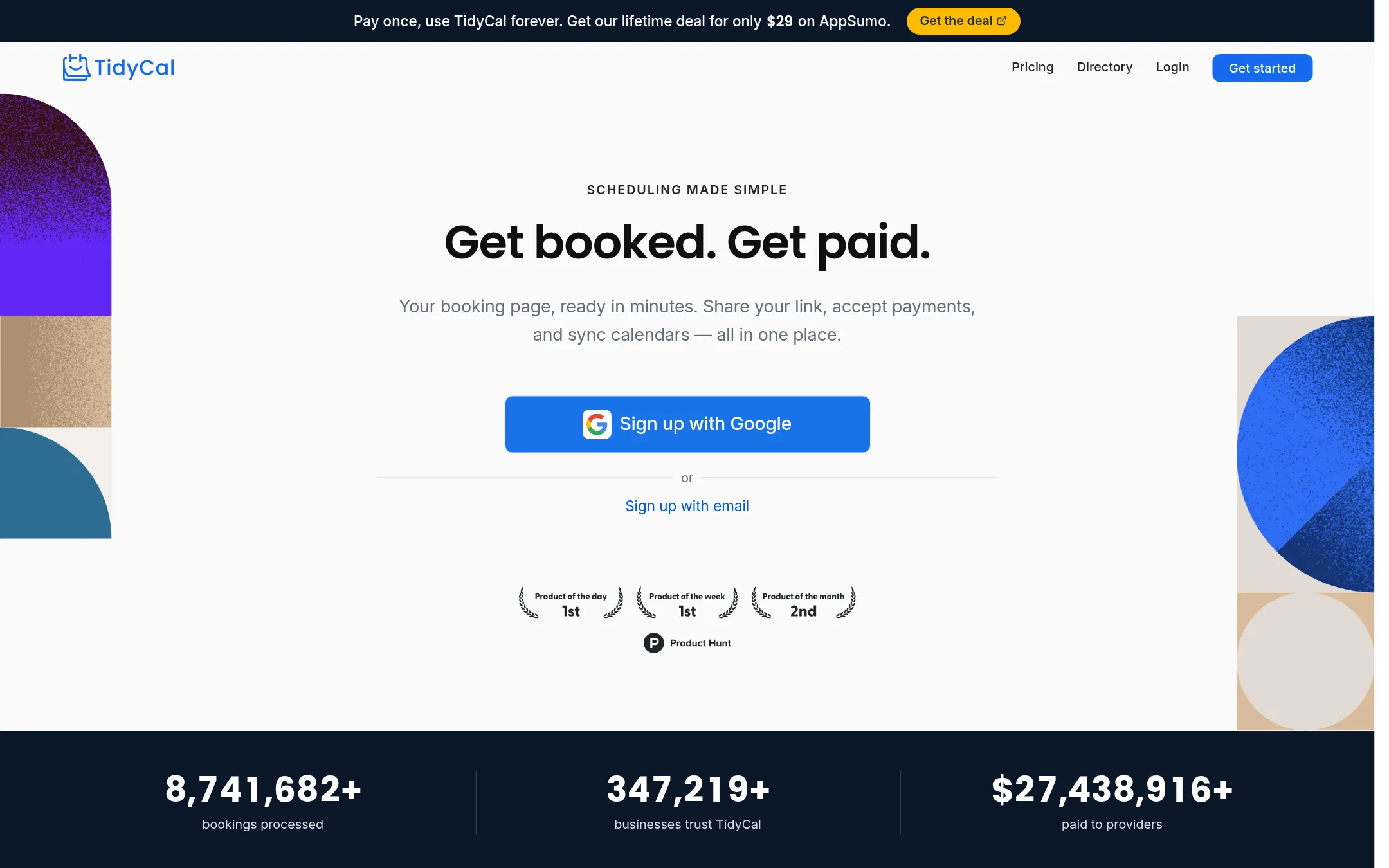
12.TidyCal
Best for: Coaches, consultants, and solo service providers who want a free or one-time-payment booking page with payments and recurring sessions.
- Pricing
- Free or $29 once
- Category
- Other
TidyCal is a booking page tool that lets clients pick a time and pay if you charge. It is a simpler, cheaper alternative to Vimcal if your main need is sharing a link to get booked and paid, not a full calendar interface.
Where it is strong
- Free forever plan with unlimited bookings and paid bookings
- One-time $29 lifetime plan removes monthly fees
- Accepts payments via Stripe or PayPal with a 1% platform fee on Free and Lifetime
Where it falls short
- Not a full calendar app. It only handles booking pages, not day-to-day calendar management
- SMS reminders are limited to 10 per month on Agency Lifetime and only for US & Canada
- Pricing:
- Free plan with unlimited bookings and paid bookings, Individual Lifetime for $29 once, Agency Lifetime for $49 once, Pro for $99 per year.
- Switching from Vimcal:
- Moving from Vimcal means using TidyCal only for scheduling links, not as your main calendar, since it syncs with your calendar but does not replace it.
See more comparisons in Productivity & Project Management alternatives.
FAQ
Questions about Vimcal alternatives
What is the main difference between Vimcal and these alternatives?
Vimcal is a fast calendar app with AI scheduling and time zone tools. Alternatives range from full work management platforms like Motion to booking link tools like SavvyCal and TidyCal. Choose based on whether you need a calendar replacement or just a scheduling page.
Which alternative is best for teams that need AI to plan their day?
Motion and Reclaim.ai both use AI to automate scheduling. Motion builds and prioritizes tasks and projects. Reclaim.ai schedules tasks, habits, and focus time around meetings. Both are per-seat priced and work with Google or Outlook calendars.
Are there any free or low-cost options?
Reclaim.ai has a free Lite plan. Calendly has a free plan with one event type. TidyCal offers a free forever plan and a one-time $29 lifetime plan. Notion AI has a free plan for individuals. These are cheaper than Vimcal's paid plans.
Which tool is best for booking links with payments?
Calendly and TidyCal both support payments. Calendly includes built-in payments for fees and packages. TidyCal accepts Stripe or PayPal with a 1% platform fee on free and lifetime plans. SavvyCal also supports paid bookings via Stripe.
Do any of these alternatives work without a Google or Outlook calendar?
Reclaim.ai requires a Google or Outlook calendar account. Motion and Calendly also rely on connected calendars. Fantastical works with iCloud, Google, and Exchange. Amie connects to Google and Apple Calendar. Check each product's requirements before committing.
Last updated November 3, 2026.