
Wasmer alternatives
6 products compared · Updated November 15, 2026
The short answer
Five alternatives to Wasmer suit different needs. Docker suits teams that already run containers and need hardened images and central policy for agent workloads. Fly.io suits startups running full-stack apps, APIs or per-customer agent workloads in many regions. E2B suits AI agent teams that need a full isolated Linux machine per session, and Daytona suits teams running AI-generated code in short-lived sandboxes with optional GPU access.
Your shortlist, at a glance
Read the comparisons ↓ DockerFrom $11/user/moEngineering teams already running containers in CI and production who need signed, hardened images and centralized policy for agents
- EE2B$150/mo + usageAI agent teams that need a full isolated machine per session for coding, computer use, or evaluation runs
- DDaytona$0.0504/vCPU/hAI agent teams that need secure, short-lived sandboxes to run AI-generated code, with GPU access when they need it
 Fly.ioFrom $2.19/moStartups running full-stack web apps, APIs or per-customer agent workloads that need VMs in many regions
 Cloudflare ImagesNot publishedContent-heavy websites and apps that need fast, optimized image delivery to users worldwide
 ModalPer-second GPU billingAI teams that need GPU inference, fine-tuning, or large batch jobs without managing clusters
About Wasmer and its alternatives
Wasmer is a platform for running applications in lightweight WebAssembly sandboxes, either on your own infrastructure or on Wasmer Edge, its cloud. According to its site, it is known for fast cold starts, low memory use per instance, and a catalog of common tools such as Python, PHP, Postgres and FFmpeg that run as WebAssembly modules.
When comparing alternatives in this category, weigh the pricing structure first: per-second compute, per-seat plans, and flat monthly tiers bill very differently at the same workload. Check which regions the product runs in, which integrations and frameworks it supports, what support is included on each plan, and what the contract terms say about commitments and cancellation.
Explore the alternatives
- From $11/user/mo
1.Docker
Best for: Engineering teams already running containers in CI and production who need signed, hardened images and centralized policy for agents
- Pricing
- From $11/user/mo
- Category
- Developer Tools
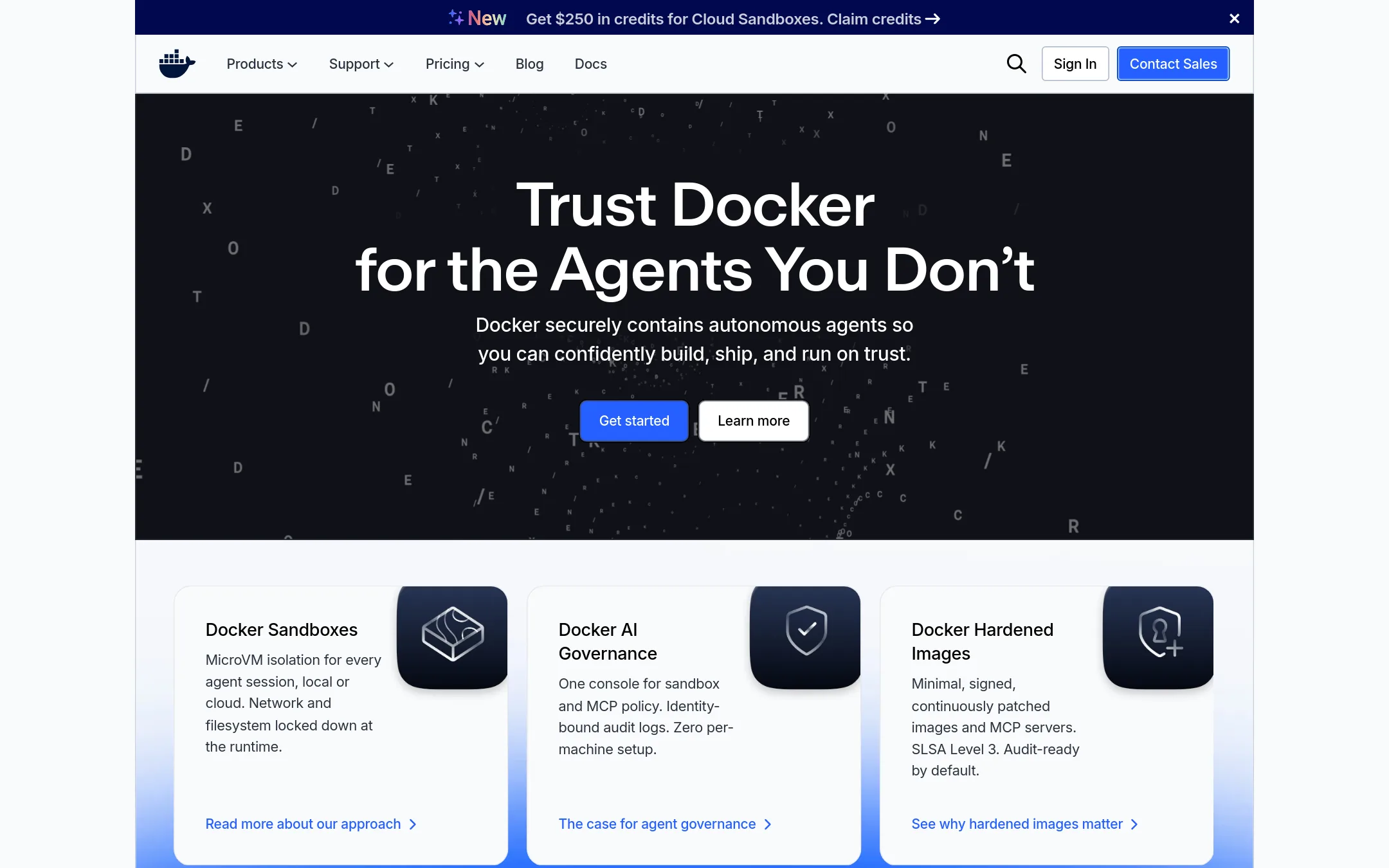
Docker packages applications as containers and runs them on your machine or in the cloud, with a large image ecosystem and Docker Hub behind it. Teams pick it over Wasmer when they need standard OCI containers, existing Dockerfiles and CI, or Docker's hardened images and governance console for securing agent workloads.
Where it is strong
- Runs standard OCI containers that work with existing images and registries
- Large ecosystem with more than 20 billion pulls a month on Docker Hub
- Hardened images, SLSA Level 3 builds, and an admin console for policy and audit logs
Where it falls short
- Each agent session runs in a microVM and needs more memory than a WebAssembly sandbox, with the site citing 1,024 MB against Wasmer's 20 MB
- Advanced governance and SSO features sit in the Business tier at $24 per user per month
- Pricing:
- Docker Personal is free, Pro is $11 per user per month, Team is $16 per user per month on monthly billing, and Business is $24 per user per month, with Hardened Images starting at $5k per repo.
- E$150/mo + usage
2.E2B
Best for: AI agent teams that need a full isolated machine per session for coding, computer use, or evaluation runs

- Pricing
- $150/mo + usage
- Category
- Other
E2B runs an isolated Linux microVM for each AI agent session, with an API for running code, controlling network, storing files, and pausing or forking the sandbox. Choose it over Wasmer when your agents need a full machine, such as a desktop for computer-use agents or a real Linux environment, rather than a lightweight WebAssembly sandbox.
Where it is strong
- Each session gets a full Linux microVM with its own kernel, including a desktop option for computer-use agents
- Can run in its own cloud or in your AWS, GCP, or Azure account, with the same SDK in both
- Built-in secrets vault keeps keys usable by the sandbox without the sandbox reading them
Where it falls short
- Pricing is per second of running sandbox, so costs depend on how long agents run
- Hobby tier caps sessions at one hour and concurrency at 10 sandboxes
- Pricing:
- The Hobby tier is free with a $100 one-time usage credit, the Pro plan is $150 per month plus usage billed by the second, and Enterprise is custom, with compute at $0.000014 per second for 2 vCPUs on Hobby and Pro.
- Switching from Wasmer:
- Moving from Wasmer would mean rebuilding your apps to run inside E2B's microVM sandboxes, since the two use different runtimes. The site does not describe a migration path.
- D$0.0504/vCPU/h
3.Daytona
Best for: AI agent teams that need secure, short-lived sandboxes to run AI-generated code, with GPU access when they need it
- Pricing
- $0.0504/vCPU/h
- Category
- Other
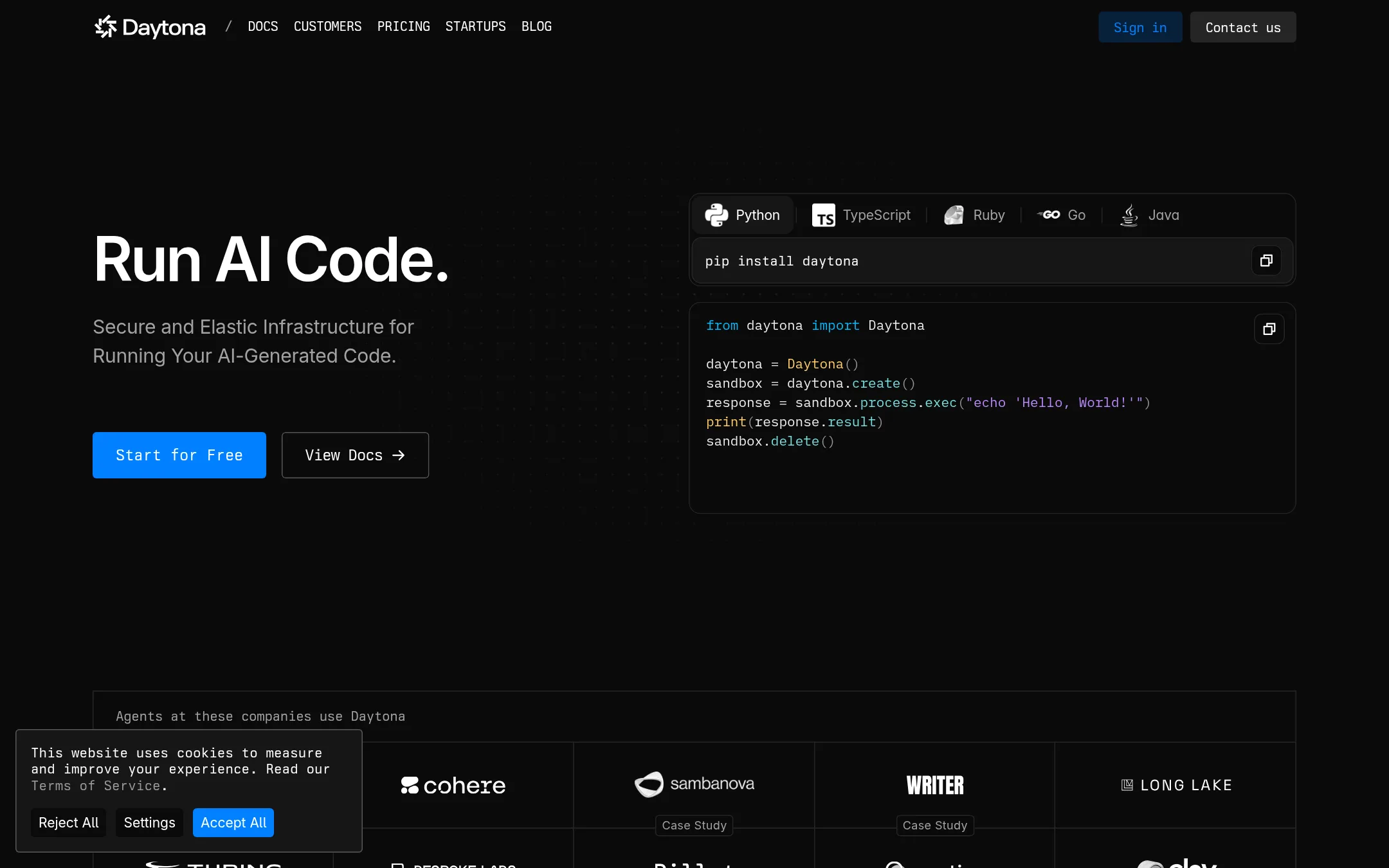
Daytona runs AI-generated code inside isolated, elastic sandboxes that start in milliseconds and shut down just as fast. Teams pick it over Wasmer when they need to execute untrusted code in full environments with GPU options, including GPU-backed compute, rather than lightweight WebAssembly modules.
Where it is strong
- Sandboxes spin up in milliseconds and shut down just as fast
- Offers GPU options, both preemptible and on-demand, from RTX 4090 to Nvidia B300
- Billing is per second, with $200 in free compute to start
Where it falls short
- Its pricing is built around per-vCPU and per-GPU compute, so it costs more per instance than Wasmer's lightweight sandboxes
- Larger limits, SSO, audit logs and BYOC are reserved for its business tier
- Pricing:
- Compute is $0.0504 per vCPU hour, memory is $0.0162 per GiB hour, storage is $0.000108 per GiB hour after the first 5 GiB free, and $200 of free compute is included.
- From $2.19/mo
4.Fly.io
Best for: Startups running full-stack web apps, APIs or per-customer agent workloads that need VMs in many regions
- Pricing
- From $2.19/mo
- Category
- Developer Tools
Fly.io runs full apps, APIs and databases on hardware-isolated Firecracker VMs in 18 regions, with managed Postgres, Redis and object storage. Pick it over Wasmer when you need to run a conventional framework or database close to users, or give each customer's agent its own machine that sleeps when idle. Fly.io also supports common frameworks without a Dockerfile.
Where it is strong
- Hardware-isolated Firecracker microVM for every computer, with no shared kernel
- Runs in 18 regions, including North America, Europe, Asia Pacific and South America
- Managed Postgres, Redis, object storage and volumes, with the option to run your own datastore
Where it falls short
- Compute and storage costs add up across regions, and egress rates vary a lot by region
- The compute model is VM-based, so it does not offer the WebAssembly sandbox approach that Wasmer uses for fast cold starts
- Pricing:
- Machines are billed by the second, with shared-cpu-1x at $2.19 per month, performance-1x at $33.00 per month, and Managed Postgres plans from $38 per month.
- Switching from Wasmer:
- Moving from Wasmer means rebuilding each app as a Fly Machine or Sprite. Fly.io can generate a Dockerfile for most popular frameworks through fly launch.
- Not published
5.Cloudflare Images
Best for: Content-heavy websites and apps that need fast, optimized image delivery to users worldwide
- Pricing
- Not published
- Category
- Media & Entertainment
Cloudflare Images optimizes and delivers images from Cloudflare's global network. Teams choose it over Wasmer when the job is serving and transforming images for a website rather than running application code in sandboxes. It sits on the same network that handles the rest of a site's traffic.
Where it is strong
- Images are served from Cloudflare's global network close to users
- Runs alongside Cloudflare's DNS, CDN and security products on one account
- Charges are tied to usage such as stored images and images delivered
Where it falls short
- It handles images only, so it does not run general application code the way Wasmer does
- Pricing for Images specifically is not listed in the supplied material, so costs need a direct check
- Pricing:
- Pricing is not published on the site.
- Per-second GPU billing
6.Modal
Best for: AI teams that need GPU inference, fine-tuning, or large batch jobs without managing clusters
- Pricing
- Per-second GPU billing
- Category
- AI & Machine Learning
Modal is cloud infrastructure for running AI workloads: inference endpoints, model training, and sandboxes for running untrusted or agent-generated code. Someone would pick it over Wasmer when they need GPUs, large model serving, or fan-out compute, which Wasmer's WebAssembly sandboxes do not target. Modal is built around Python-style functions that scale to thousands of GPUs.
Where it is strong
- Per-second billing for GPUs, with no reserved capacity to pay for while idle
- Runs GPU workloads from single-GPU fine-tunes to multi-node training
- Sandboxes start in under a second and scale to a million concurrent instances
Where it falls short
- Built for AI and compute-heavy work, not the lightweight WebAssembly edge runtime Wasmer offers
- Enterprise features such as SSO, audit logs and HIPAA are on the Enterprise plan
- Pricing:
- Modal bills per second for GPUs, from $0.000164 per second for a T4 to $0.001972 per second for a B300, with a Starter plan giving $30 monthly free credits and a Team plan giving $100.
See more comparisons in Developer Tools alternatives.
FAQ
Questions about Wasmer alternatives
How is Wasmer different from Docker?
Wasmer runs applications as WebAssembly sandboxes, which the site says start faster and use far less memory than containers. Docker runs standard OCI containers and has a large image ecosystem, so it fits teams with existing Dockerfiles and CI. Docker's Business tier adds hardened images and policy controls that Wasmer does not focus on.
Which alternative should I choose if I need a full Linux machine for each AI agent?
E2B gives each agent session its own isolated Linux microVM, including a desktop option for computer-use agents. Daytona is another option for running AI-generated code in isolated sandboxes, with GPU choices if you need them. Both bill by the second of running compute, so costs depend on how long agents run.
Is there a free option among these alternatives?
Docker Personal is free, and E2B's Hobby tier is free with a one-time $100 usage credit. Daytona includes $200 of free compute to start. Modal's Starter plan gives $30 in monthly free credits. Free tiers have limits, so check them against your expected load.
Which alternative is best for running full web apps and databases close to users?
Fly.io runs full apps, APIs and databases on Firecracker VMs in 18 regions, with managed Postgres, Redis and object storage. It supports common frameworks without a Dockerfile. Choose it when you need a conventional stack placed near users rather than WebAssembly sandboxes.
Which alternative should I pick if my project is mainly about serving images?
Cloudflare Images is built to optimize and deliver images from Cloudflare's global network, and it runs alongside the rest of a site's traffic products. It does not run general application code the way Wasmer does. Its pricing is not published on the site, so confirm costs directly before committing.
Last updated November 15, 2026.