
Whalesync alternatives
6 products compared · Updated November 7, 2026
The short answer
The three strongest alternatives to Whalesync are Stacksync, Unito and Make. Stacksync suits enterprise operations teams that need millisecond two-way sync between ERPs, CRMs and databases at high volume. Unito suits enterprise IT, product and engineering teams that need Jira, Asana or ServiceNow kept in sync across departments. Make suits operations and business teams that want to automate workflows and AI agents across many apps.
Your shortlist, at a glance
Read the comparisons ↓ ZapierFree (100 tasks/mo)Operations and support teams that want to automate tasks across many different apps, such as ticket intake, lead routing, and internal approvals
 MakeCredit-based, free tieOperations and business teams that need to automate workflows across many apps, including AI agents, with visibility and governance over everything they build
 Airtable AutomationsNot publishedOperations and marketing teams already running their data in Airtable who want no-code workflows without adding another tool
- UUnitoNot publishedEnterprise IT, product and engineering teams that need Jira, Asana or ServiceNow kept in sync across departments
- SSyncwithFrom $24.99/moMarketing teams and agencies that want scheduled reports in Google Sheets or Looker Studio from ad and analytics platforms
 StacksyncFrom $1,000/mo annualEnterprise operations teams in CPG, logistics or construction that need two-way sync between ERP, CRM and databases at high record volume
About Whalesync and its alternatives
Whalesync is a tool for two-way, real-time syncing between apps such as Airtable, Notion, Webflow, Postgres and Google Sheets. Its site says teams use it to manage a CMS from a spreadsheet, keep CRM data aligned with sales and ops, mirror CRM data into a database, and export data through Live Export. It advertises true two-way sync, a 7-day free trial with no credit card, and plans starting at $16 a month on yearly billing.
When comparing alternatives, weigh how each vendor prices its plans, including whether costs are set by records in sync, tasks, credits or refreshes. Check which regions and compliance certifications a vendor covers, and which connectors it supports for your specific tools. Look at support levels and contract terms too, since several of these products move the most important features to enterprise tiers.
Explore the alternatives
- Free (100 tasks/mo)
1.Zapier
Best for: Operations and support teams that want to automate tasks across many different apps, such as ticket intake, lead routing, and internal approvals
- Pricing
- Free (100 tasks/mo)
- Category
- Productivity & Project Management
Zapier is a general automation platform that connects over 9,000 apps through trigger-and-action workflows. Teams pick it when they need to automate work across many tools, not just keep a few data sources in sync, or when they want AI steps and agents inside those workflows.
Where it is strong
- Connects to over 9,000 apps, according to the site
- Includes Tables and Forms alongside Zaps
- Offers AI steps and agents inside workflows, plus admin controls such as SSO and audit logs on higher tiers
Where it falls short
- Zapier's own description is of an orchestration tool, so it is not built for keeping two databases or CMSs in real-time two-way sync the way
- Free plan limits and the Professional plan's features are tied to task counts and polling intervals that may not suit high-volume record syn
- Pricing:
- Zapier's pricing page lists a Free plan with 100 tasks per month, a Professional plan, a Team plan for 25 users, and an Enterprise plan, with billing based on tasks.
- Credit-based, free tie
2.Make
Best for: Operations and business teams that need to automate workflows across many apps, including AI agents, with visibility and governance over everything they build
- Pricing
- Credit-based, free tie
- Category
- Productivity & Project Management
Make is a visual workflow automation platform with 3,500+ app connections, built for teams that want to run automations and AI agents across the whole business. Someone would pick it over Whalesync when the job is general process automation across many tools rather than keeping two data stores in real-time sync.
Where it is strong
- Connects to 3,500+ apps out of the box, and any app with an API can be added as a custom integration
- Visual builder lets non-developers build by dragging steps, prompting, or working from an AI chat, with custom JavaScript or Python when nee
- Holds GDPR compliance and SOC 2 Type II and SOC 3 certification, with SSO and audit logs on higher tiers
Where it falls short
- Credit consumption can climb quickly on complex scenarios, so costs are harder to predict than a flat fee
- Its sync is built around scenarios and triggers, so it does not offer the true two-way, real-time record sync that Whalesync is built for
- Pricing:
- Make bills by credits, where most actions cost one credit, and the pricing page lists plans with a free tier and a Start-up plan at 50% off Business for teams under 20 employees.
- Switching from Whalesync:
- Moving from Whalesync to Make means rebuilding each sync as a scenario, because the two tools model data flow differently and Make does not import Whalesync's configuration.
- Not published
3.Airtable Automations
Best for: Operations and marketing teams already running their data in Airtable who want no-code workflows without adding another tool
- Pricing
- Not published
- Category
- Productivity & Project Management
Airtable Automations lets you build workflows inside Airtable itself, so you can trigger actions and push changes without a separate sync tool. Teams pick it when their data already lives in Airtable and they only need automation, not two-way syncing between several apps like Webflow, Postgres and Stripe.
Where it is strong
- Automations sit inside the Airtable base where your data already lives
- No-code builder with AI features for workflow steps
- Airtable's pricing page lists plans for teams of every size
Where it falls short
- Its focus is automation within Airtable, not real-time two-way syncing across many outside tools
- Connector coverage for external CMS and database targets is not described in the supplied facts
- Pricing:
- Pricing is not published on the site.
- UNot published
4.Unito
Best for: Enterprise IT, product and engineering teams that need Jira, Asana or ServiceNow kept in sync across departments

- Pricing
- Not published
- Category
- Other
Unito is a no-code two-way sync platform that connects project management, DevOps, ITSM and CRM tools such as Jira, Asana, ServiceNow, Smartsheet and Salesforce. Teams choose it over Whalesync when their sync needs centre on work management and enterprise systems rather than spreadsheets and content tools, especially when they need premium connectors like ServiceNow or Jira Data Center.
Where it is strong
- Connects 60+ business apps out of the box, with the option to build your own connector
- Includes premium connectors for ServiceNow, Salesforce and Jira Data Center on enterprise plans
- Offers SOC 2 Type 2 certification and a dedicated integration consultant on enterprise plans
Where it falls short
- Pricing is not published, so you need to talk to sales to learn the cost
- Its strongest connectors are for work and IT tools, not the CMS and spreadsheet workflows Whalesync focuses on
- Pricing:
- Pricing is not published on the site.
- SFrom $24.99/mo
5.Syncwith
Best for: Marketing teams and agencies that want scheduled reports in Google Sheets or Looker Studio from ad and analytics platforms
- Pricing
- From $24.99/mo
- Category
- Other
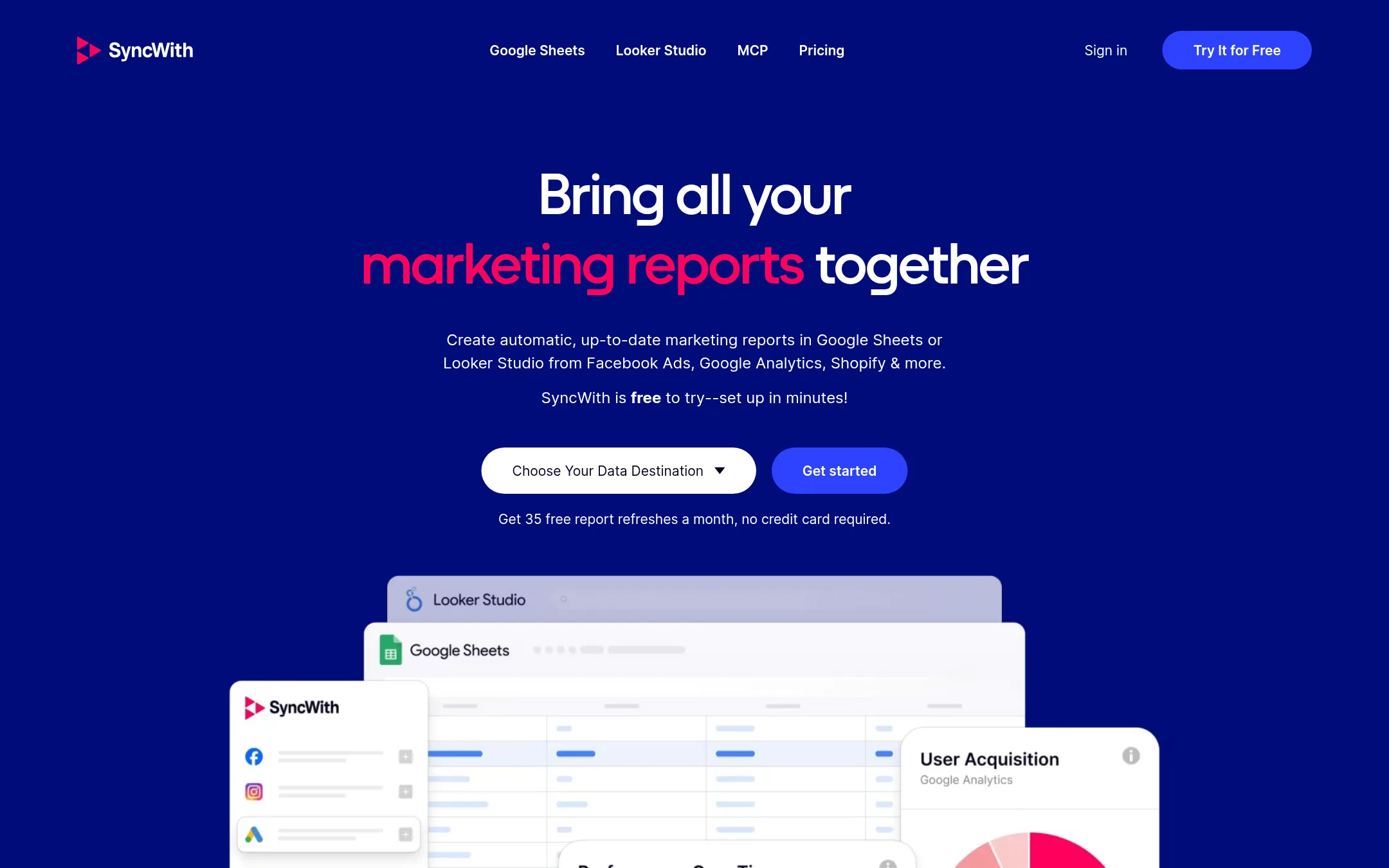
Syncwith pulls marketing and business data into Google Sheets or Looker Studio, from sources such as Facebook Ads, Google Analytics and Shopify, and refreshes it on a schedule. It is a reporting pipe, not a two-way sync tool. Someone would pick it over Whalesync when the goal is up-to-date dashboards and reports in spreadsheets rather than keeping records matched between two operational tools.
Where it is strong
- Free Hobby plan with 35 refreshes a month and no credit card required
- Works directly inside Google Sheets and Looker Studio, tools many teams already use
- One subscription covers all of its data connectors
Where it falls short
- Built for pulling data into reports, not for two-way sync between operational tools like Whalesync
- Refresh limits apply on every paid plan, and reports on the Hobby plan expire after 35 refreshes
- Pricing:
- Pricing is published in US dollars: a Hobby plan is free with 35 refreshes a month, and paid Business plans run from $24.99 to $149.99 a month for 100 refreshes up to unlimited.
- From $1,000/mo annual
6.Stacksync
Best for: Enterprise operations teams in CPG, logistics or construction that need two-way sync between ERP, CRM and databases at high record volume

- Pricing
- From $1,000/mo annual
- Category
- Productivity & Project Management
Stacksync syncs records in both directions between CRMs, ERPs, databases, warehouses and SaaS apps, with latency measured in milliseconds. It also adds AI agents and an internal app platform on the same governed infrastructure. Someone would pick it over Whalesync when the sync has to run at enterprise volume, touch systems like ERPs or EDI, or sit inside a broader operations stack rather than a spreadsheet or CMS workflow.
Where it is strong
- Millisecond propagation with two-way sync across CRMs, ERPs, databases and warehouses
- Compliance coverage listed on the site, including SOC 2 Type II, ISO 27001 and HIPAA on higher tiers
- Covers agentic workflows and internal apps alongside sync, so one vendor handles several jobs
Where it falls short
- Starter pricing is set for mid-size and enterprise budgets, well above a small team's typical spend
- Its sweet spot is ERP, EDI and warehouse integrations rather than lightweight spreadsheet and CMS syncing
- Pricing:
- Plans start at $1,000 a month billed annually for the Starter tier with 50K records in sync, $3,000 a month for Pro with 1M records, and enterprise pricing is by quote.
- Switching from Whalesync:
- Moving from Whalesync is not covered by the facts supplied, so there is no switching detail to give.
See more comparisons in Productivity & Project Management alternatives.
FAQ
Questions about Whalesync alternatives
Which Whalesync alternative is best for enterprise ERP and CRM sync?
Stacksync is built for two-way sync between CRMs, ERPs, databases and warehouses, with latency it describes in milliseconds. Its Starter plan starts at $1,000 a month billed annually, and enterprise pricing is by quote. It fits enterprise operations teams in CPG, logistics or construction.
What should I use if my team works mostly in Jira, Asana or ServiceNow?
Unito is a no-code two-way sync platform that connects 60+ business apps, including Jira, Asana, ServiceNow and Salesforce. It offers premium connectors for ServiceNow and Jira Data Center on enterprise plans. Pricing is not published, so you need to contact sales.
Is Make a replacement for Whalesync?
Make is a visual automation platform with 3,500+ app connections, suited to running general workflows and AI agents across a business. It does not focus on true two-way, real-time record sync the way Whalesync does. Its credit-based billing can be harder to predict on complex scenarios.
Can I just use Airtable Automations instead of a sync tool?
Airtable Automations works if your data already lives in Airtable and you only need workflows inside it. It does not offer two-way syncing across several outside tools like Webflow, Postgres and Stripe. Pricing is not published on the site.
Which option is cheapest for syncing marketing data into spreadsheets?
Syncwith is a reporting pipe that pulls data from sources such as Facebook Ads, Google Analytics and Shopify into Google Sheets or Looker Studio. Its Hobby plan is free with 35 refreshes a month, and paid Business plans run from $24.99 to $149.99 a month. It is not a two-way sync tool like Whalesync.
Last updated November 7, 2026.