
Zero alternatives
6 products compared · Updated November 13, 2026
The short answer
The three strongest alternatives to Zero are Newton Mail, Shortwave and Edison Mail. Newton Mail suits busy professionals who run several email accounts across Apple, Android and Windows devices. Shortwave suits Gmail teams that need shared threads, comments and labels. Edison Mail suits individuals and freelancers who juggle many accounts on a phone and want trackers and senders blocked.
Your shortlist, at a glance
Read the comparisons ↓- SSuperhumanFrom $12 (Pro)Business teams that want email, docs, and CRM updates in one place and are willing to pay for an AI-assisted inbox
- SShortwaveFrom $30/seat/moTeams using Gmail that need shared threads, comments and labels across their inbox
SparkNot publishedData center and renewable energy developers screening U.S. sites for zoning and permitting risk
- HHey$10/mo first userIndividuals and small teams who want to control who can email them and keep receipts and newsletters out of the main inbox
- NNewton MailFrom $0 · Pro $6.99/moBusy professionals across Apple, Android and Windows devices who manage several email accounts
- EEdison MailNot publishedIndividuals and freelancers who juggle several email accounts on iPhone or Android
About Zero and its alternatives
Zero is an AI-native email client, according to its site. It is known for AI drafting, summaries and action-item extraction, a keyboard-first interface, and a privacy-first open source design. Its homepage says no credit card is required to start.
When comparing alternatives in this category, weigh the pricing structure first. Some products are free for a limited number of accounts or AI actions, while others charge per seat. Check which platforms are supported, whether the tool connects to Gmail, Outlook or IMAP, and which team and shared-inbox features are included. Also check the integrations with tools you already use, the support options, and the contract terms.
Explore the alternatives
- SFrom $12 (Pro)
1.Superhuman
Best for: Business teams that want email, docs, and CRM updates in one place and are willing to pay for an AI-assisted inbox

- Pricing
- From $12 (Pro)
- Category
- Other
Superhuman is an AI productivity suite covering mail, docs, and AI that works across apps and tabs. Someone would pick it over Zero if they want one tool spanning email and collaborative documents, with CRM sync from HubSpot, Salesforce, and Pipedrive directly in the inbox.
Where it is strong
- Email, docs, and AI in one suite that works across apps and tabs
- Inbox sync with HubSpot, Salesforce, and Pipedrive from the mail view
- Docs include tables, charts, Kanban boards, and forms, plus Jira and GitHub syncing on the Business plan
Where it falls short
- Enterprise features like SAML single sign-on, BYOK encryption, and custom roles sit behind a custom quote
- Its pitch leans toward a broader productivity suite, so a team that only wants a focused, open source email client may find it heavier than
- Pricing:
- Superhuman lists a Free tier, a Pro plan at $12, a Business plan at $33, and a custom Enterprise plan, with the prices shown by default on the site.
- SFrom $30/seat/mo
2.Shortwave
Best for: Teams using Gmail that need shared threads, comments and labels across their inbox
- Pricing
- From $30/seat/mo
- Category
- Other
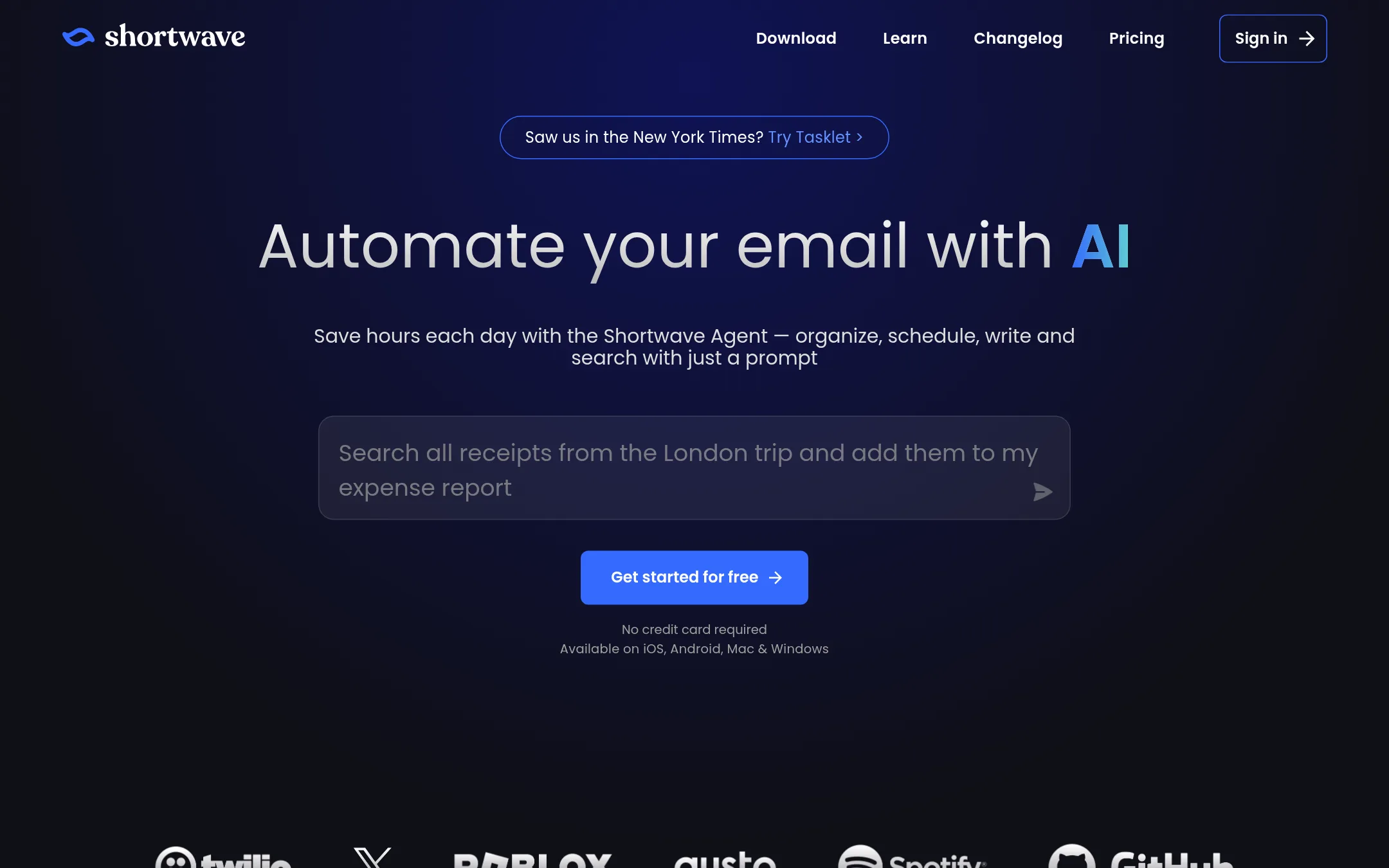
Shortwave is an AI-powered email app for Gmail users who want their inbox sorted, searched and drafted with AI. It adds bundles, split inboxes, read receipts and team features like shared threads and labels. Someone would pick it over Zero if they need shared team inbox collaboration or want to connect email to tools like Slack, Notion or Hubspot.
Where it is strong
- Bundles and split inboxes sort promotions and newsletters without manual work
- Shared threads, private comments and assignable next steps suit team use
- Available on iOS, Android, Mac and Windows, with app integrations including Slack, Notion and Hubspot
Where it falls short
- Paid per seat, with the cheapest tier at $30 per month
- Shortwave's site lists no open source code, unlike Zero's privacy-first open source positioning
- Pricing:
- Shortwave's Business plan is $30 per seat per month, Premier is $45 and Max is $120, with a 14 day free trial.
- Not published
3.Spark
Best for: Data center and renewable energy developers screening U.S. sites for zoning and permitting risk
- Pricing
- Not published
- Category
- AI & Machine Learning
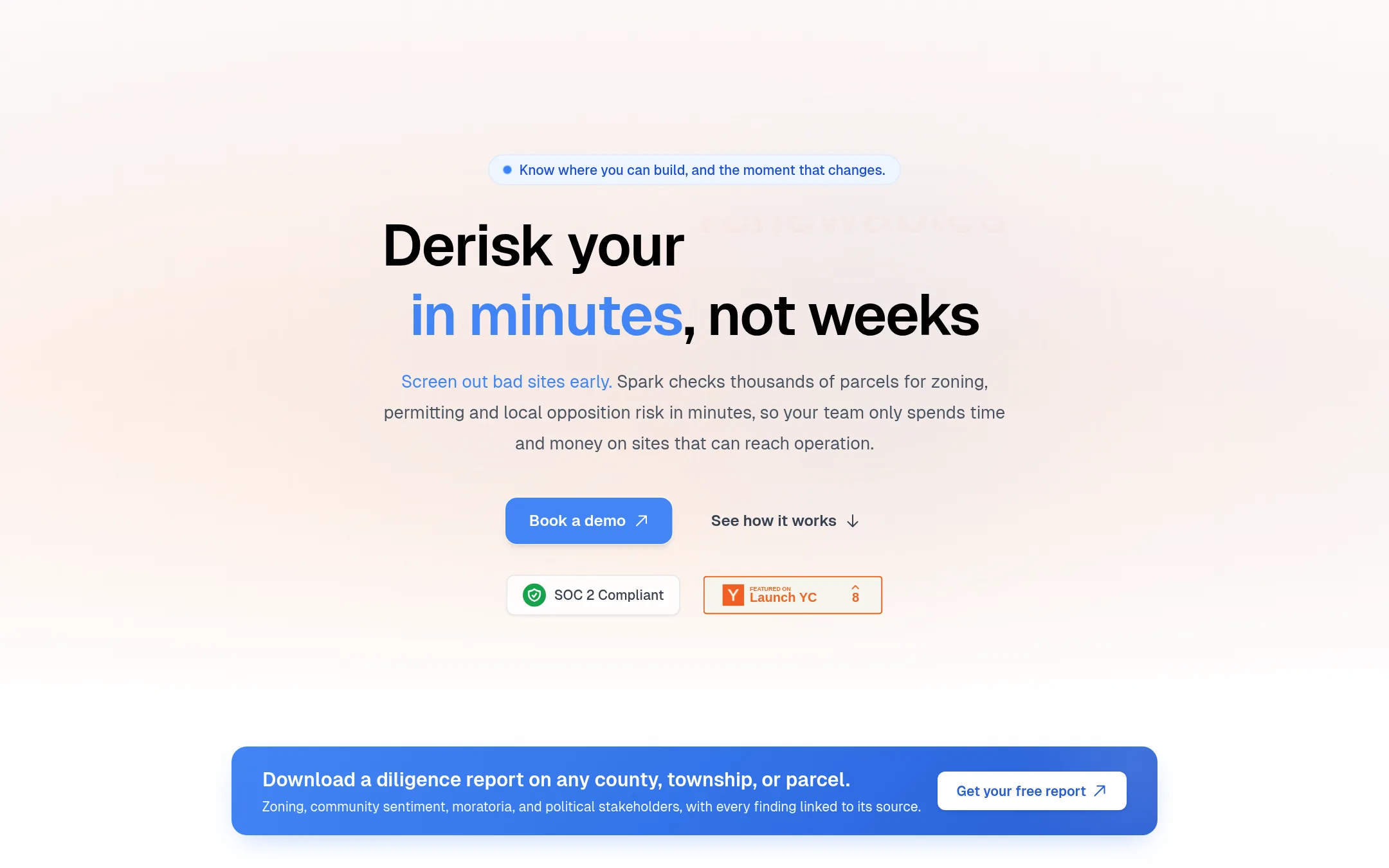
Spark is a data and research tool for energy and data center developers. It checks zoning rules, moratoria, permitting paths and local opposition across U.S. counties, with each finding linked to its source document. Someone would choose it over Zero if they need to know whether a site can actually get built, not help managing their own email.
Where it is strong
- Covers zoning, moratoria and permitting for all 50 states, down to county and township level
- Every finding links to the source document, so claims can be checked
- Alerts you when a county changes an ordinance or schedules a moratorium vote
Where it falls short
- It is built for site diligence in energy infrastructure, so it does not handle email or inbox management
- Coverage depends on what is published online, so smaller localities may have thin records
- Pricing:
- Pricing is not published on the site.
- H$10/mo first user
4.Hey
Best for: Individuals and small teams who want to control who can email them and keep receipts and newsletters out of the main inbox

- Pricing
- $10/mo first user
- Category
- Other
HEY is a paid email and calendar service built around screening who can reach you. New senders land in a Screener, and you decide whether they get into your main inbox. Receipts and newsletters go into their own separate places. Choose HEY over Zero if you want a fixed, human-controlled inbox structure and don't need AI drafting or summaries.
Where it is strong
- The Screener lets you approve or block first-time senders before they reach your inbox.
- Receipts and transactional mail are kept in a separate Paper Trail.
- Includes a built-in calendar and apps for Web, Mac, Windows, Linux, iOS and Android.
Where it falls short
- Pricing is only in US dollars, which the site itself says makes it expensive in some markets.
- The product description does not mention AI drafting or summaries, which Zero offers.
- Pricing:
- Pricing is listed in US dollars only, with a $10/month first user and $12/month for each additional user on the team plan, plus $179/year for HEY for Families with up to four members.
- Switching from Zero:
- Export your email and contacts from Zero, then import them into HEY, and the HEY pages describe export options for leaving HEY, not for moving in from Zero.
- NFrom $0 · Pro $6.99/mo
5.Newton Mail
Best for: Busy professionals across Apple, Android and Windows devices who manage several email accounts
- Pricing
- From $0 · Pro $6.99/mo
- Category
- Other
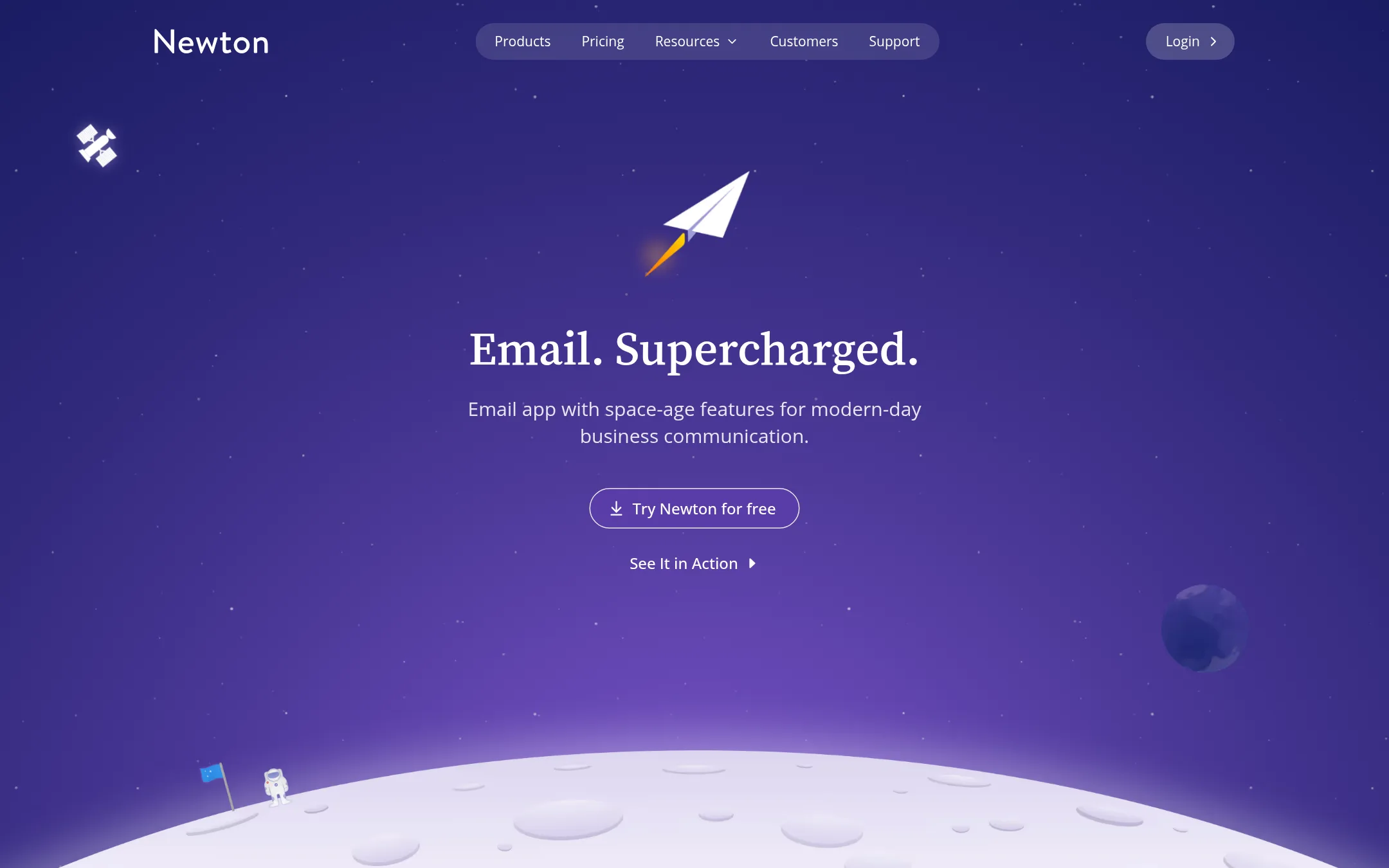
Newton Mail is a cross-platform email app for iPhone, iPad, Android, Mac and Windows that works across Gmail, Outlook and IMAP accounts in one unified inbox. It bundles snooze, send later, read receipts, shared threads, inbox rules and calendar into one client. Someone would pick it over Zero if they want a native app on every device, a calmer inbox with snooze and scheduling, or an AI assistant that can be disconnected and kept separate from their mail.
Where it is strong
- Runs on iPhone, iPad, Android, Mac and Windows, with a unified inbox across accounts
- Snooze, send later, read receipts and inbox rules are built in, with a free tier
- Shared threads, shared inboxes and send-as delegation for teams, with an AI assistant you can disconnect
Where it falls short
- Free plan caps accounts at two, read receipts at 15 a month and AI actions at 20 a day
- Shared Inboxes are limited to three per workspace on the Team plan
- Pricing:
- The free plan includes two email accounts, 15 read receipts a month and 20 AI actions a day, Pro is $6.99 a month billed monthly, and Team is $15 per user a month billed monthly with a two-seat minimum.
- Switching from Zero:
- Newton connects to Gmail, Outlook and IMAP accounts through sign-in, so you can add your existing accounts without moving mail.
- ENot published
6.Edison Mail
Best for: Individuals and freelancers who juggle several email accounts on iPhone or Android

- Pricing
- Not published
- Category
- Other
Edison Mail is a free email app that puts several accounts into one unified inbox on iOS and Android. It adds tools like snooze, custom swipe actions, one-tap unsubscribe and domain blocking, and it blocks tracking pixels by default. Someone would pick it over Zero if they mainly want to juggle many mailboxes on their phone and block senders and trackers, without AI drafting or summaries.
Where it is strong
- Unified inbox for multiple accounts in one app
- Blocks tracking pixels by default and offers one-tap unsubscribe
- Free on iPhone and Android, with swipe actions and snooze
Where it falls short
- Its feature set centers on mobile, with no AI summaries or drafting like Zero offers
- The site does not describe a desktop or keyboard-first workflow like Zero's
- Pricing:
- Pricing is not published on the site.
See more comparisons in Productivity & Project Management alternatives.
FAQ
Questions about Zero alternatives
Which alternative is best if I use email on both my phone and my laptop?
Newton Mail runs on iPhone, iPad, Android, Mac and Windows with one unified inbox across accounts. Its free plan includes two email accounts, so it fits individuals who want the same setup on every device.
Is there a free option to try instead of Zero?
Newton Mail has a free plan with two accounts, 15 read receipts a month and 20 AI actions a day. Edison Mail is also free on iPhone and Android, though its site does not publish pricing details beyond that.
Which alternative works best for a team sharing one inbox?
Shortwave is built for Gmail teams that need shared threads, private comments and assignable next steps. Its Business plan costs $30 per seat per month and it has a 14 day free trial. Newton Mail's Team plan also offers shared inboxes, though it is limited to three per workspace.
Which alternatives include AI features like summaries and drafting?
Shortwave describes AI for sorting, searching and drafting in Gmail. Newton Mail includes an AI assistant that can be disconnected and kept separate from mail. Edison Mail's site does not describe AI summaries or drafting, so it is a weaker match for Zero's AI feature set.
Is any of these tools open source like Zero?
Shortwave's site lists no open source code, which is a difference from Zero's open source positioning. The other alternatives in this list do not describe open source code on their published pages either, so buyers who need open source should confirm this directly with each vendor.
Last updated November 13, 2026.