
assistant-ui alternatives
12 products compared · Updated November 4, 2026
The short answer
For teams that need a full agent platform with enterprise controls, Rasa is the strongest alternative. For support teams that want to deploy AI agents without code, Botpress is the best fit. For developers building agents with observability and deployment, LangChain is the top choice.
Your shortlist, at a glance
Read the comparisons ↓- VVercel AI SDK UIFree SDK + Vercel usagTeams building AI chat interfaces across multiple frameworks who want tight Vercel integration and a unified SDK for models and streaming.
- CCopilotKitFrom $49/mo + usageTeams building enterprise agentic applications that need in-app UI control, user memory, and self-hosting options.
- LLangChainFree tier, then usageTeams building production agents that need tracing, evals, and deployment infrastructure, and who will build their own chat interface.
- SStream ChatCustom quoteTeams building social or customer-facing apps that need chat, video, and moderation at scale, with ready-made SDKs and a global edge network.
 BotpressFrom $150/mo (annual)Support teams that want to deploy AI agents on top of an existing helpdesk without writing code.
 RasaFree tier. CustomEnterprise product teams building customer-facing voice and text agents that need on-prem deployment and audit trails
- RRecordBookNot publishedSmall and medium businesses on Android that want a simple, mobile-first alternative to Airtable for organizing data and projects.
 Amazon BusinessNot publishedOrganizations that want to centralize business purchasing on Amazon with approval workflows and spend reporting
- MMicrosoft Bot FrameworkNot publishedLarge organizations already on Azure that need a managed bot platform with built-in language, speech, and channel support
- TTypebotFrom $39/moMarketing, sales, and support teams that need to build and deploy chatbots quickly without engineering resources
- CChatUINot publishedTeams building customer-facing chatbots that need polished, accessible, and multilingual chat interfaces without deep React customization.
- RReact Chat ElementsNot publishedTeams that already have React Chat Elements installed and need a simple chat UI without AI-specific features like streaming or tool calling
About assistant-ui and its alternatives
assistant-ui is an open-source React.js library for building AI chat interfaces. It provides components and a runtime for streaming, tools, and persistence, and works with any backend through adapters. It is known for being a frontend library that developers can customize and pair with their own backend.
When comparing alternatives, weigh pricing structure (per-seat, per-conversation, or usage-based), deployment options (cloud, on-prem, or self-hosted), integration with your existing stack, and support levels. Consider whether you need a full agent platform or just a UI library, and whether you need enterprise features like SSO, audit trails, or SLAs.
Explore the alternatives
- VFree SDK + Vercel usag
1.Vercel AI SDK UI
Best for: Teams building AI chat interfaces across multiple frameworks who want tight Vercel integration and a unified SDK for models and streaming.

- Pricing
- Free SDK + Vercel usag
- Category
- Other
Vercel AI SDK UI is a framework-agnostic set of hooks for building chat and generative UI, backed by Vercel's ecosystem. You would choose it over assistant-ui if you want a single SDK that works across React, Next.js, Vue, Svelte, and more, with built-in streaming, fallbacks, and multi-provider support. It's a good fit if you're already on Vercel or want to avoid committing to assistant-ui's React-centric runtime.
Where it is strong
- Works with React, Vue, Svelte, Angular, and more, not just React.
- Built-in streaming, fallbacks, and multi-provider support with one line of code.
- Tight integration with Vercel's deployment and AI Gateway.
Where it falls short
- The SDK is free, but full features tie into Vercel's paid platform.
- Less focus on chat-specific primitives like thread persistence and tools compared to assistant-ui.
- Pricing:
- The AI SDK itself is open source and free, but Vercel's platform pricing starts with a free tier and charges for compute, storage, and add-ons like API operations at $0.25 per million tokens plus pass-through token cost.
- Switching from assistant-ui:
- Moving from assistant-ui means replacing the React runtime and thread management with AI SDK UI's hooks, which may require reworking persistence and tool handling.
- CFrom $49/mo + usage
2.CopilotKit
Best for: Teams building enterprise agentic applications that need in-app UI control, user memory, and self-hosting options.
- Pricing
- From $49/mo + usage
- Category
- Other
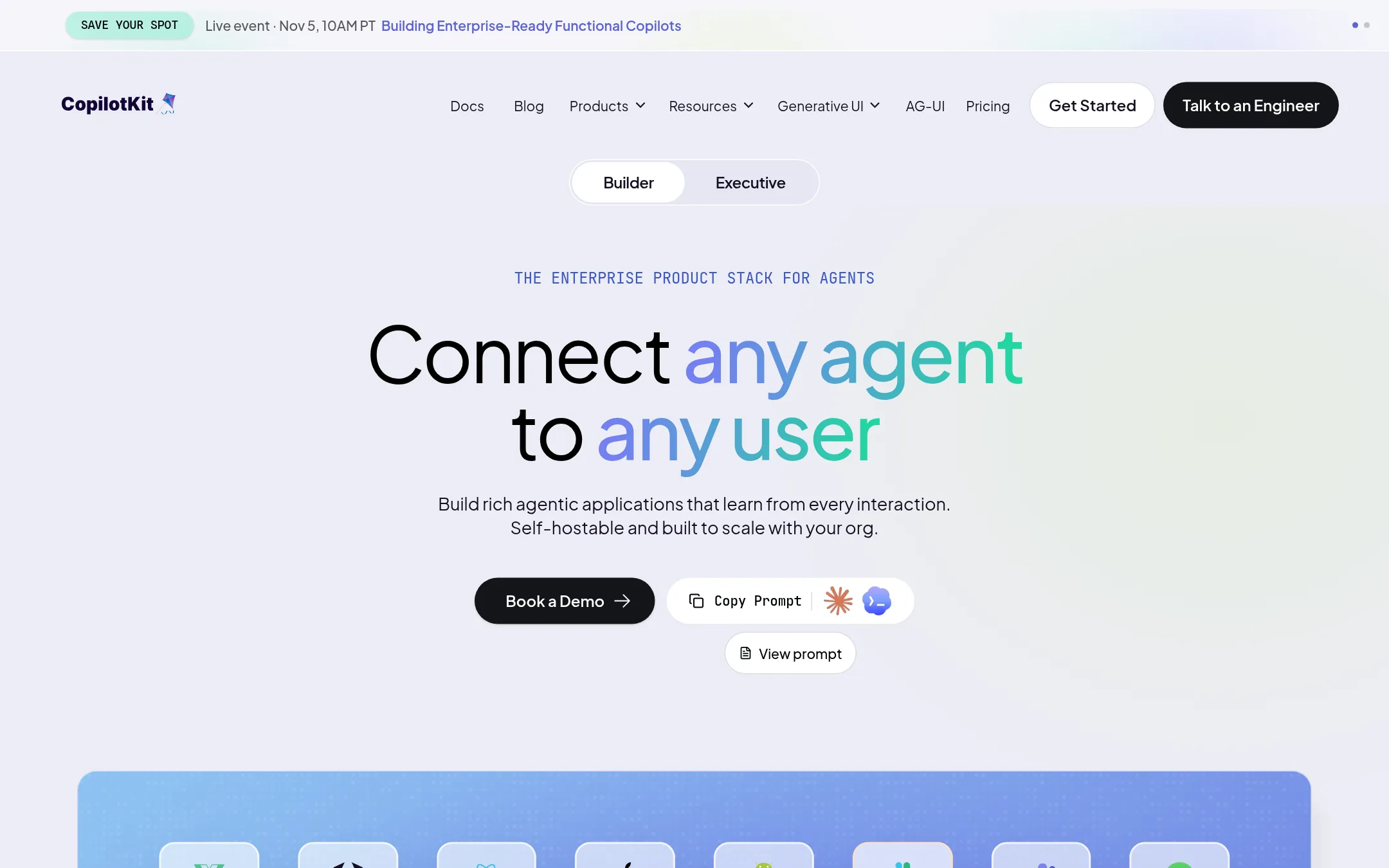
CopilotKit is a frontend stack for building AI agents that act inside your product, rendering charts, forms, and other UI components directly in the app. It includes user memory, channels for Slack and Teams, and product analytics. Choose it over assistant-ui when you need agents that go beyond chat and take actions in your existing application, with enterprise features like self-hosting and SSO.
Where it is strong
- Agents render real UI components, not just chat text
- User memory persists context across conversations
- Self-hostable with your own database
Where it falls short
- Free tier is limited to non-production use
- Pay-as-you-go requires a connected deployment for billing
- Pricing:
- Free Developer Edition for non-production use with a renewable 30-day license. Pay as you go starts at $49/month, including 10,000 interactions, then usage-based. Annual plans have custom pricing.
- Switching from assistant-ui:
- Moving from assistant-ui means replacing your chat-only UI with CopilotKit's component library and adopting its interaction-based pricing model.
- LFree tier, then usage
3.LangChain
Best for: Teams building production agents that need tracing, evals, and deployment infrastructure, and who will build their own chat interface.
- Pricing
- Free tier, then usage
- Category
- AI & Machine Learning
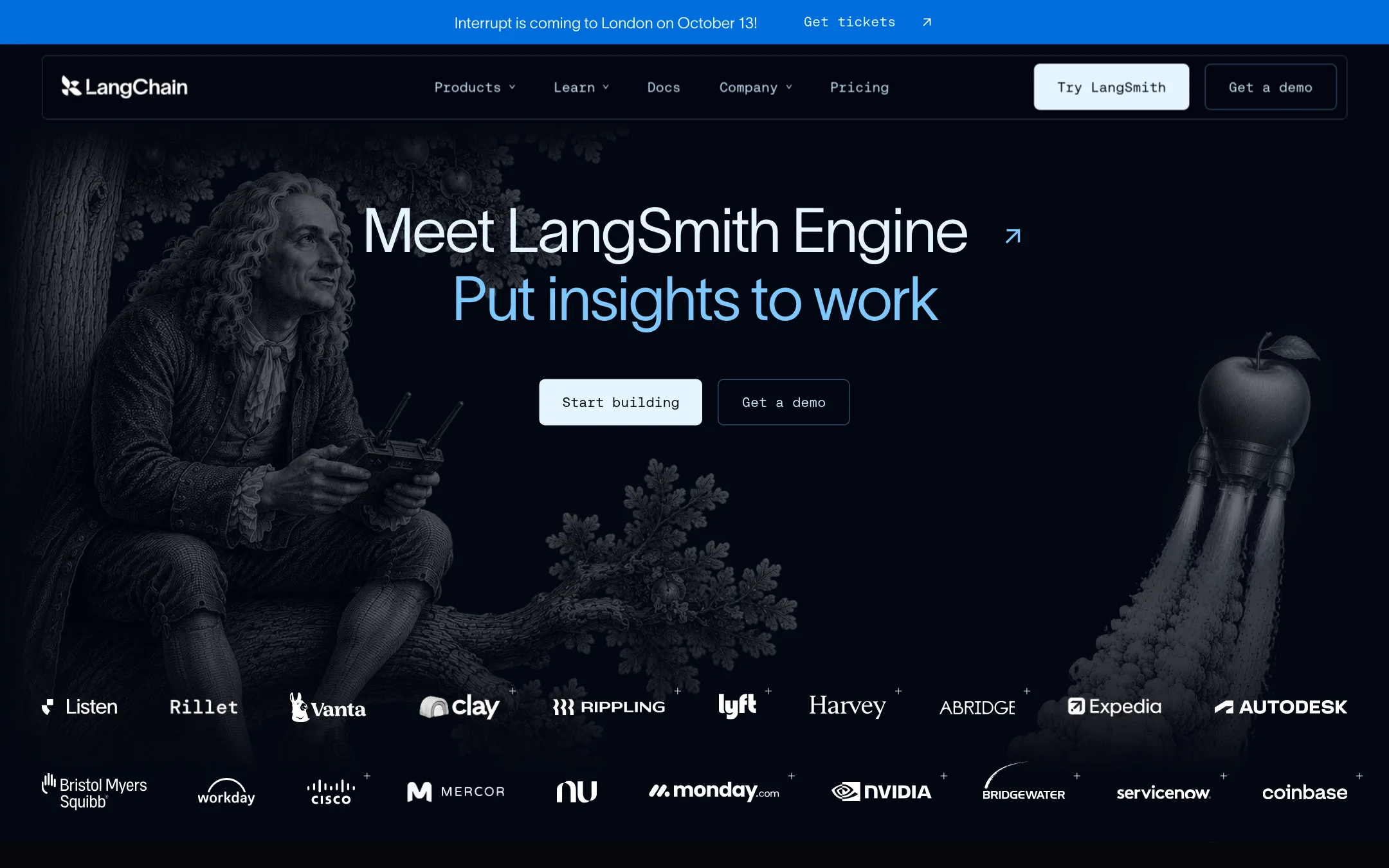
LangChain is a full agent platform with observability, evaluation, and deployment, not just a chat UI. Choose it when you need to build, test, and monitor agents end-to-end, and you are willing to handle the UI yourself. It is a backend and ops layer, not a drop-in frontend replacement.
Where it is strong
- Step-by-step tracing and SmithDB for debugging complex agent runs
- Managed deployment with 30+ endpoints and sandboxed code execution
- Governance features like cost limits and sensitive data detection
Where it falls short
- No chat UI components. You must build the frontend yourself
- Tuned Evaluators are US-only in public beta
- Pricing:
- Developer plan includes 5k base traces per month, then pay-as-you-go. Plus plan includes 10k base traces per month and 1 free small serverless deployment. Enterprise is custom. LSUs are $1 each.
- Switching from assistant-ui:
- Moving from assistant-ui means replacing the React chat components with your own UI, while keeping LangChain for the agent backend and observability.
- SCustom quote
4.Stream Chat
Best for: Teams building social or customer-facing apps that need chat, video, and moderation at scale, with ready-made SDKs and a global edge network.
- Pricing
- Custom quote
- Category
- Other
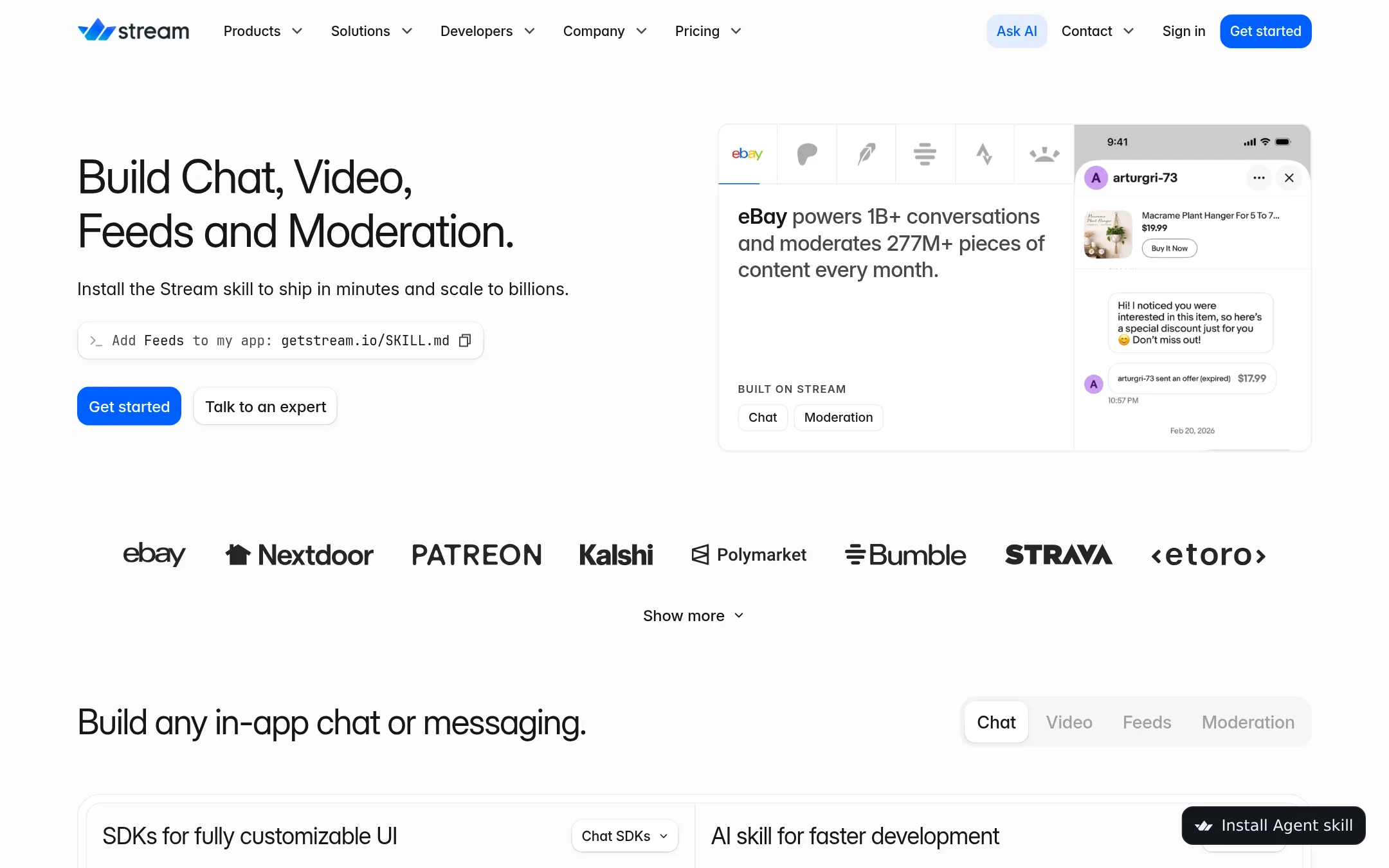
Stream Chat is a managed chat API with SDKs for many platforms, including React. You would choose it over assistant-ui when you need a full messaging system with moderation, video, and activity feeds, not just an AI chat frontend. It handles scale and compliance for you, whereas assistant-ui is a UI library you pair with your own backend.
Where it is strong
- SDKs for React, iOS, Android, Flutter, React Native, Unity, and Unreal
- Built-in moderation for text, image, and video in 50+ languages
- 99.999% uptime SLA and global edge network with 8ms median response
Where it falls short
- Pricing is not transparent. Requires contacting sales for volume quotes
- Not focused on AI chat. You'd build AI features yourself on top of the chat API
- Pricing:
- Pricing is not published on the site. Plans are based on MAU tiers (10K, 27K, 50K) and require contacting sales. A free Maker plan is available for teams under 5 members and under $10k monthly revenue.
- Switching from assistant-ui:
- Moving from assistant-ui to Stream Chat means replacing your UI components and runtime with Stream's SDKs and managing your own AI integration, since Stream doesn't provide AI-specific chat primitives.
- From $150/mo (annual)
5.Botpress
Best for: Support teams that want to deploy AI agents on top of an existing helpdesk without writing code.
- Pricing
- From $150/mo (annual)
- Category
- AI & Machine Learning
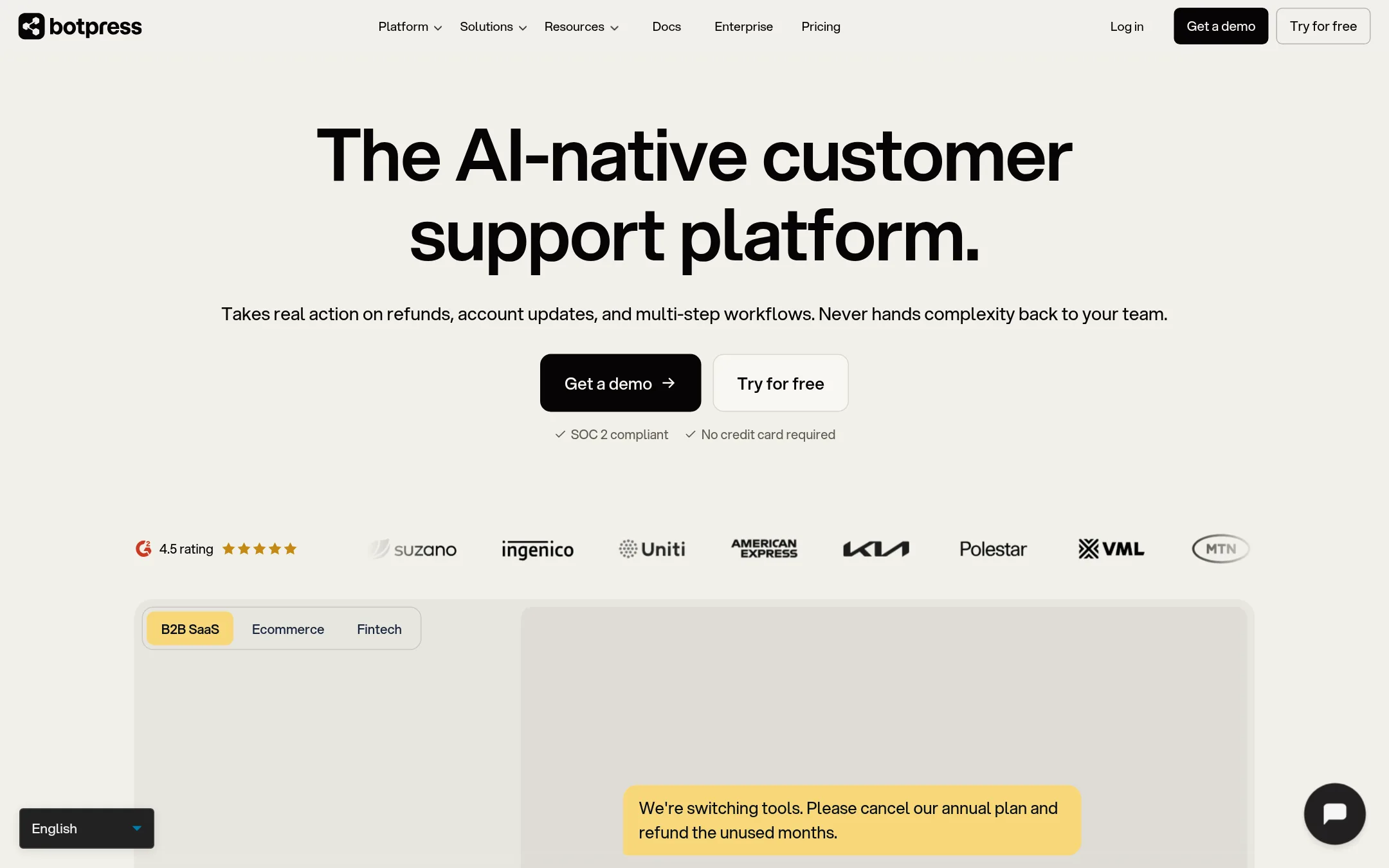
Botpress is a full AI agent platform for customer support, handling tickets end-to-end with multi-step workflows, refunds, and account updates. Choose it over assistant-ui when you want a managed helpdesk solution with built-in AI agents, not a React library you assemble yourself.
Where it is strong
- No per-seat cost, unlimited seats on Team plan
- Built-in escalation with full context handoff to humans
- Works on top of existing helpdesk or as standalone
Where it falls short
- Pricing is conversation-based, not per user, which may be costly for high-volume chat
- Less customizable than a code-first library like assistant-ui
- Pricing:
- Free plan includes 100 conversations/mo. Plus is $150/mo billed annually with 250 conversations and $25 AI usage. Team is $750/mo with 1,500 conversations and $150 AI usage. Enterprise is custom.
- Free tier. Custom
6.Rasa
Best for: Enterprise product teams building customer-facing voice and text agents that need on-prem deployment and audit trails
- Pricing
- Free tier. Custom
- Category
- AI & Machine Learning
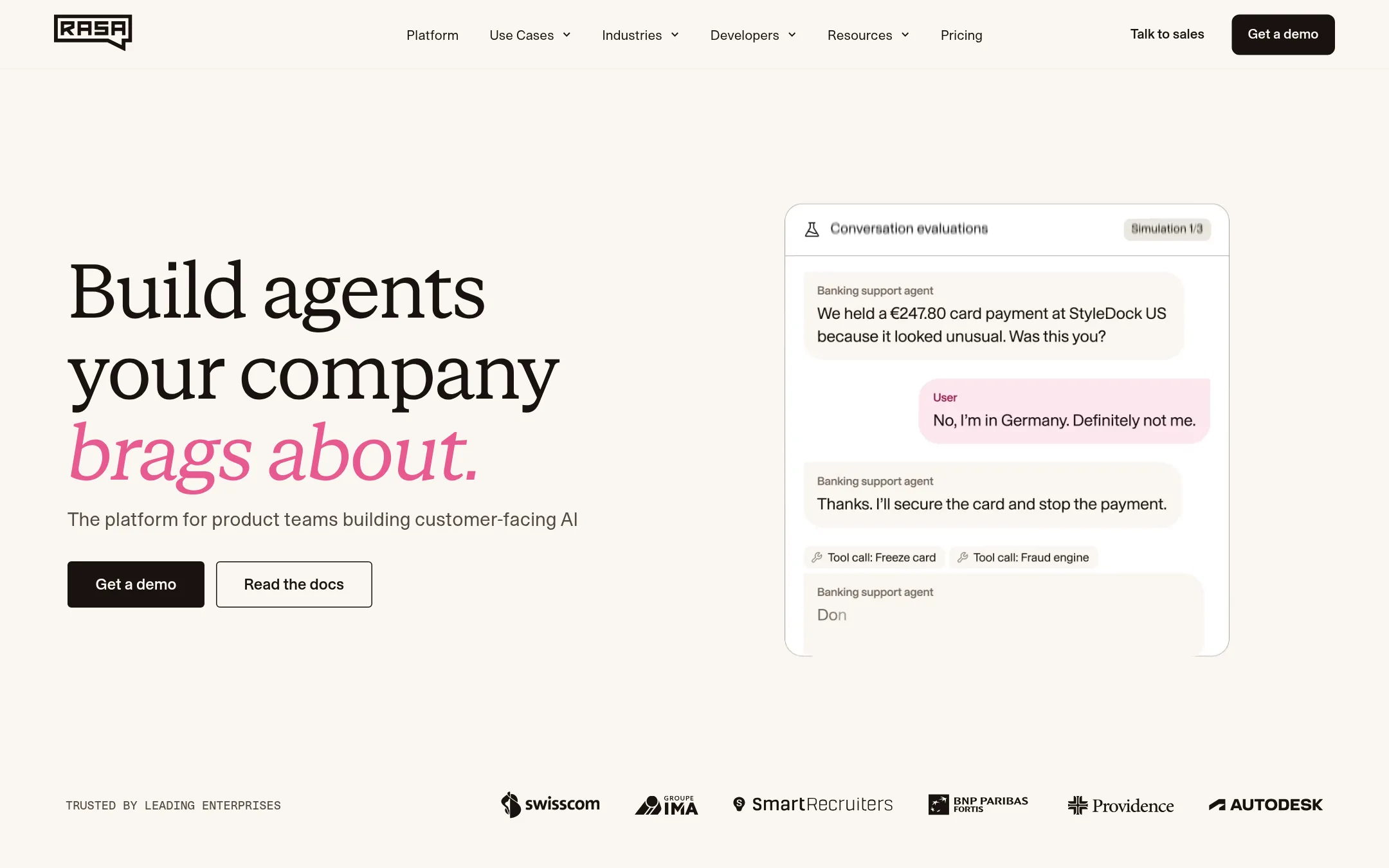
Rasa is a full agent platform for product teams that need to build, test, and run customer-facing AI agents at scale. Choose it over assistant-ui when you need enterprise controls, multi-channel deployment, and a visual builder for non-developers, rather than a UI library for chat interfaces.
Where it is strong
- Visual builder plus code-based development for cross-functional teams
- Built-in evaluation and testing on simulated conversations
- Self-managed deployment with SSO, RBAC, and PII management
Where it falls short
- Free tier limited to one bot and 1000 external conversations per month
- Heavier platform than a UI library, with more setup and infrastructure
- Pricing:
- Free Developer Edition includes one bot with up to 1000 external conversations per month. Enterprise pricing is custom.
- Switching from assistant-ui:
- Moving from assistant-ui means replacing a chat UI library with a full agent platform, which involves adopting Rasa's dialogue management and deployment model.
- RNot published
7.RecordBook
Best for: Small and medium businesses on Android that want a simple, mobile-first alternative to Airtable for organizing data and projects.
- Pricing
- Not published
- Category
- Productivity & Project Management
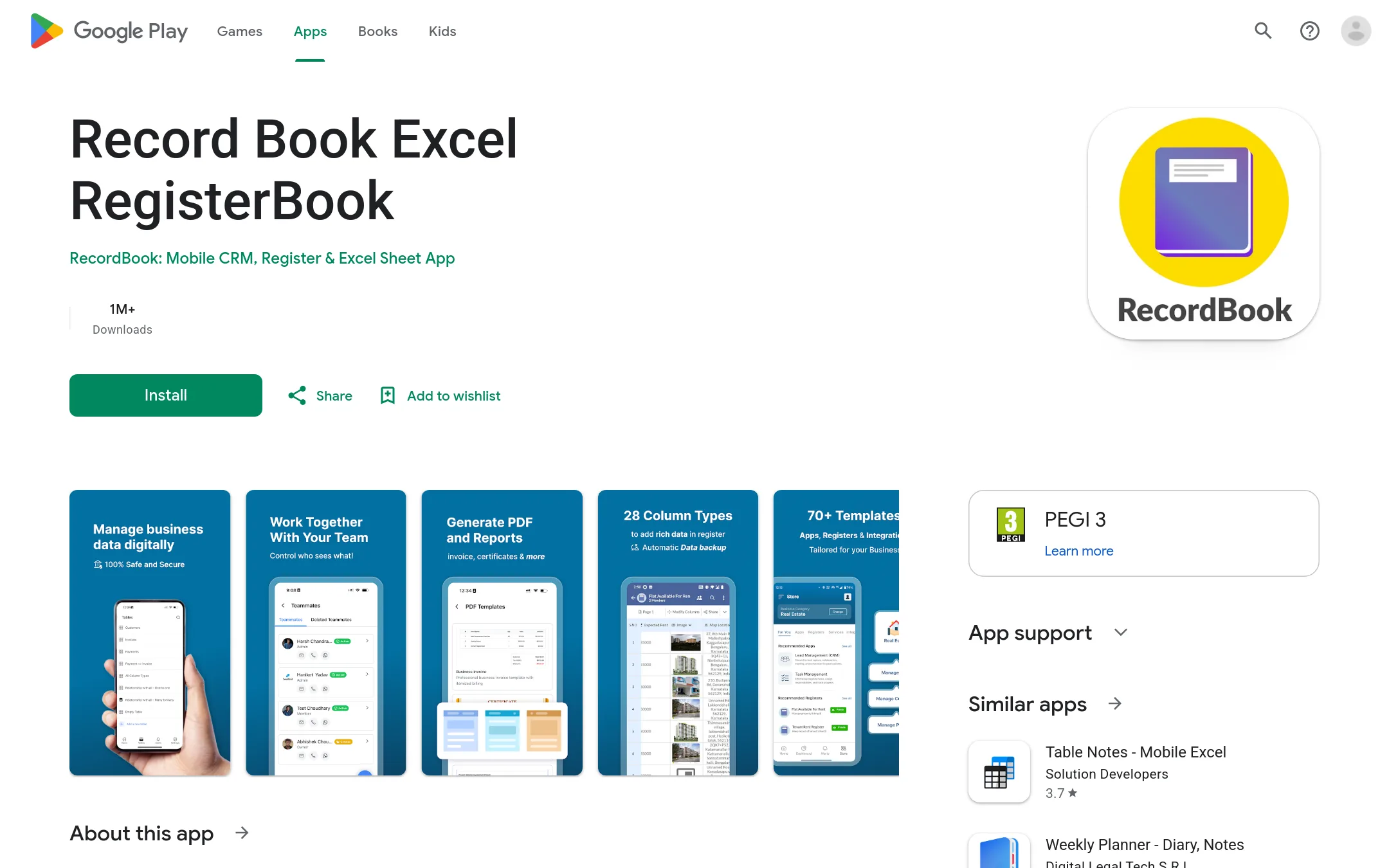
RecordBook is a mobile app that positions itself as an Airtable-like tool for small and medium businesses, focused on productivity and project management. You would choose it over assistant-ui if you need a no-code data organization and tracking app on Android, rather than a developer library for building AI chat interfaces.
Where it is strong
- Targets a huge SMB market with a familiar spreadsheet-database concept.
- Mobile-first, so it fits teams working from phones.
- Simple positioning: Airtable for SMBs, easy to understand.
Where it falls short
- Only available on Android, no web or iOS mentioned.
- No pricing details, so cost is unclear.
- Pricing:
- Pricing is not published on the site.
- Not published
8.Amazon Business
Best for: Organizations that want to centralize business purchasing on Amazon with approval workflows and spend reporting

- Pricing
- Not published
- Category
- E-commerce
Amazon Business is a procurement platform for buying supplies and managing spend, not a chat UI library. Choose it when your team needs purchasing controls, approval flows, and analytics over Amazon's catalog, rather than building AI chat interfaces.
Where it is strong
- Wide product selection with quantity discounts
- Approval workflows and compliance guardrails
- Spend analytics and custom reports
Where it falls short
- No AI chat or assistant features
- Requires Amazon account and ecosystem
- Pricing:
- Pricing is not published on the site.
- MNot published
9.Microsoft Bot Framework
Best for: Large organizations already on Azure that need a managed bot platform with built-in language, speech, and channel support
- Pricing
- Not published
- Category
- Other
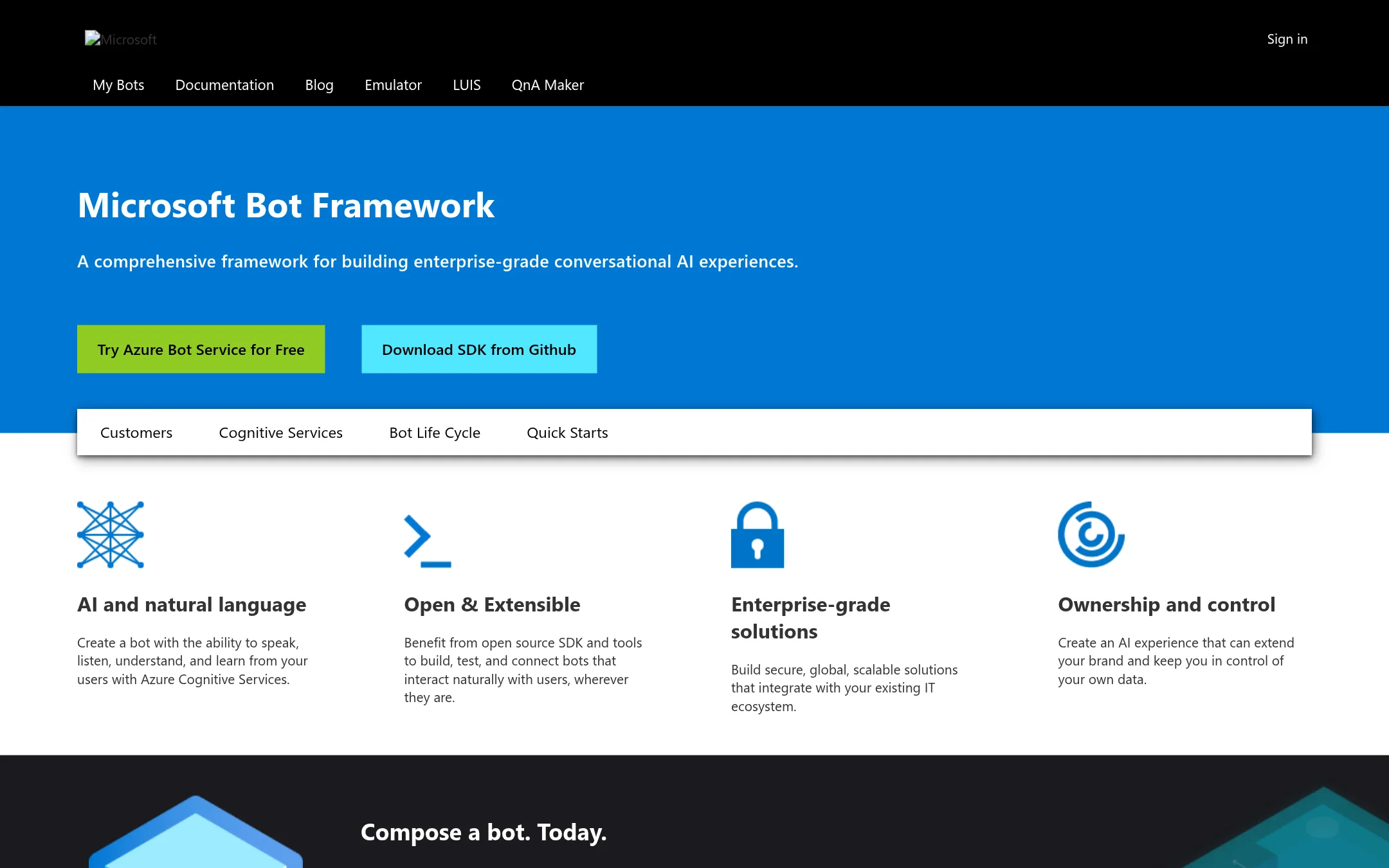
Microsoft Bot Framework is a full platform for building enterprise-grade conversational bots, with deep integration into Azure Cognitive Services and a visual authoring tool. Choose it over assistant-ui if you need a managed, end-to-end bot solution across many channels and devices, rather than a React UI library you wire to your own backend.
Where it is strong
- Visual authoring with Bot Framework Composer
- Native integration with Azure Cognitive Services
- Connect to many channels and devices
Where it falls short
- Tied to Microsoft Azure ecosystem
- Heavier than a UI library. Not a drop-in React component
- Pricing:
- Pricing is not published on the site.
- TFrom $39/mo
10.Typebot
Best for: Marketing, sales, and support teams that need to build and deploy chatbots quickly without engineering resources
- Pricing
- From $39/mo
- Category
- Other
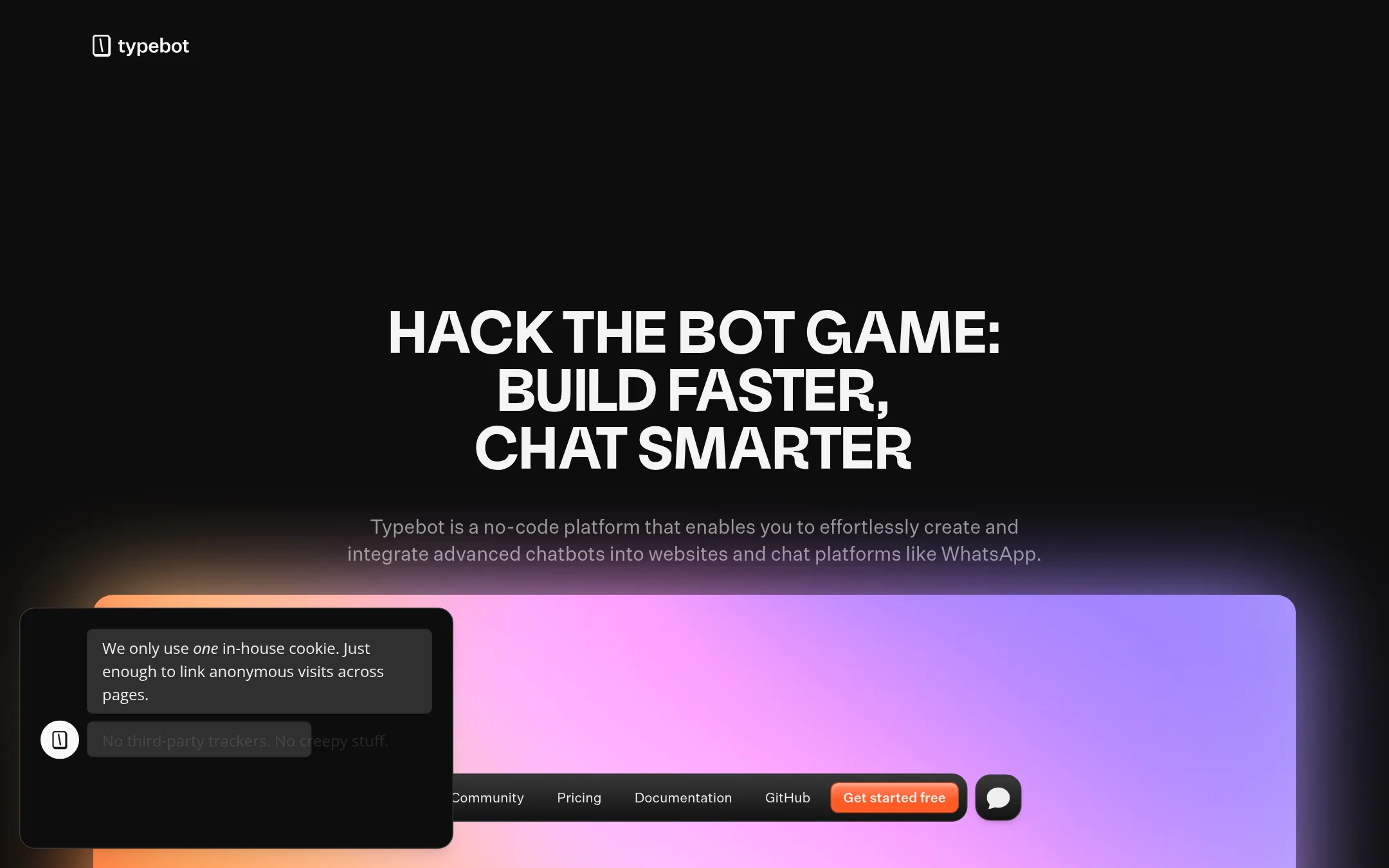
Typebot is a no-code visual builder for chat flows, quizzes, and forms that you deploy on websites or WhatsApp. Choose it over assistant-ui if your team wants to ship conversational experiences without writing React code or managing a runtime.
Where it is strong
- Visual drag-and-drop builder with 45+ blocks
- Deploy to WhatsApp, custom domains, embeds, or HTTP
- Built-in analytics and CSV export
Where it falls short
- No React component library or runtime for custom UI
- Chat limits on lower tiers may be restrictive for high volume
- Pricing:
- Free plan includes 200 chats/month. Starter is $39/month for 2,000 chats. Pro is $89/month for 10,000 chats. Enterprise has custom pricing.
- Switching from assistant-ui:
- Moving from assistant-ui means abandoning code-based UI customization for a hosted visual builder, so you lose direct control over the chat interface.
- CNot published
11.ChatUI
Best for: Teams building customer-facing chatbots that need polished, accessible, and multilingual chat interfaces without deep React customization.
- Pricing
- Not published
- Category
- Other
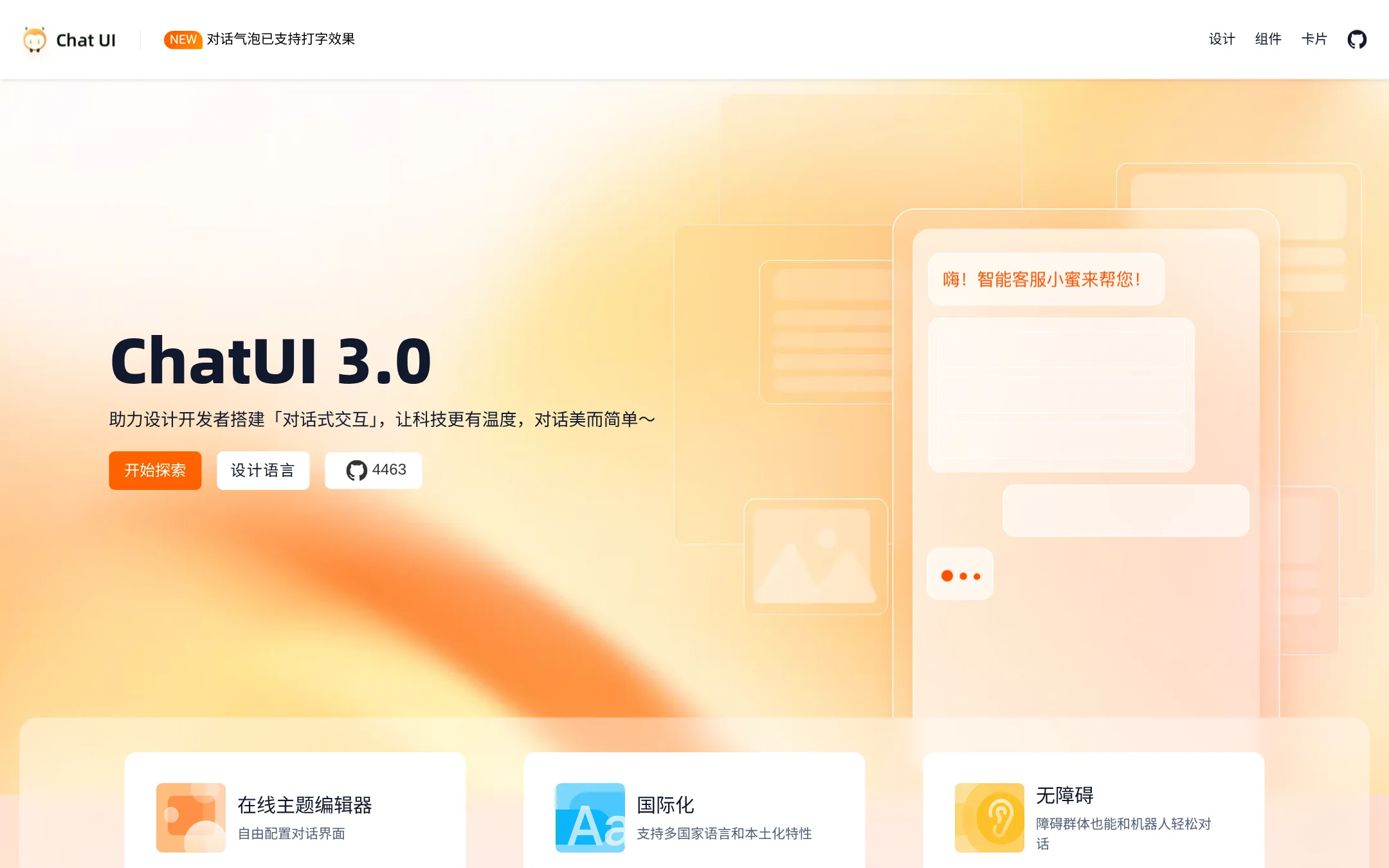
ChatUI is a design and development system for building conversational interfaces, with a focus on accessibility and localization. You would choose it over assistant-ui if you need a ready-made, customizable chat UI with strong support for multiple languages and inclusive design, rather than building from React primitives.
Where it is strong
- Rich set of pre-built components like cards, quotes, and typing indicators
- Built-in support for multiple languages and localization
- Accessibility features for users with disabilities
Where it falls short
- No open-source license or self-hosting details on the site
- Less flexible for custom runtime logic compared to assistant-ui's adapter system
- Pricing:
- Pricing is not published on the site.
- RNot published
12.React Chat Elements
Best for: Teams that already have React Chat Elements installed and need a simple chat UI without AI-specific features like streaming or tool calling

- Pricing
- Not published
- Category
- Other
React Chat Elements is a UI component library for chat interfaces, but its site is currently unreachable, so you cannot evaluate it or access documentation. Choose it only if you already know the library and have it cached, otherwise assistant-ui is the safer bet for a maintained, documented AI chat frontend.
Where it is strong
- Provides pre-built chat UI components for React
- Open source and free to use
- Lightweight, no backend or runtime required
Where it falls short
- Site is unreachable, so docs and updates are inaccessible
- No built-in support for AI streaming, tools, or persistence
- Pricing:
- Pricing is not published on the site.
See more comparisons in Communication & Collaboration alternatives.
FAQ
Questions about assistant-ui alternatives
What is the main difference between assistant-ui and full agent platforms like Rasa or Botpress?
assistant-ui is a frontend library you integrate into your own backend, giving you full control over the UI. Rasa and Botpress are complete platforms that include the backend, deployment, and management, so you don't build the infrastructure yourself. Choose assistant-ui if you want to code the UI. Choose a platform if you want a managed solution.
Which alternative is best for a small team without dedicated developers?
Botpress is a good fit because it has a visual builder and works on top of existing helpdesks, so non-developers can deploy AI agents. Typebot also offers a no-code visual builder for chat flows, but it is more for marketing and support use cases. Both avoid the need to write React code.
Are there alternatives that work across multiple frameworks, not just React?
Vercel AI SDK UI supports React, Vue, Svelte, Angular, and more, with a unified SDK for streaming and models. Stream Chat also provides SDKs for many platforms, including React Native and Flutter. assistant-ui itself supports React, Vue, React Native, and Ink, but Vercel's SDK is more framework-agnostic.
What should I consider for enterprise deployment and compliance?
Rasa offers self-managed deployment with SSO, RBAC, and PII management, plus audit trails. CopilotKit is self-hostable with your own database and includes SSO. assistant-ui's Enterprise plan includes on-premises deployment and a 99.99% uptime SLA. Check if the alternative supports your compliance requirements like data residency or audit logs.
How do pricing models compare among the alternatives?
Pricing varies widely. Botpress charges per conversation, with a free tier and paid plans starting at $150/month. LangChain uses a pay-as-you-go model based on traces, with a free developer plan. Typebot charges per chat volume, starting at $39/month. Some, like RecordBook and Amazon Business, do not publish pricing. Consider your expected usage volume to estimate costs.
Last updated November 4, 2026.