6 Best AI Optimization Tools in 2026
Updated November 8, 2026
The short answer
The three strongest picks for AI optimization tools on this list are Wafer, Downlink and Lapis. Wafer suits product teams running open models in production who want lower latency and cost without hand-tuning the serving stack. Downlink suits AI engineering teams that want faster responses and fewer rate-limit errors by changing only a base URL and API key. Lapis suits marketing teams that want one system to handle paid ad creative, landing pages, launch and reporting.
The shortlist, at a glance
Read the comparisons ↓ DownlinkNot publishedAI engineering teams running LLM features in production who want faster responses and fewer rate-limit errors without rebuilding their stack.
 GetCruxFrom $1,500/monthPerformance marketing teams spending up to $100K a month on paid social and search who want ad creative research and generation in one tool
 RewbiNot publishedInference providers and AI labs that need accelerator capacity fast and want to avoid waiting on large grid interconnections
ZeroEvalNot publishedTeams in high-stakes domains that need independent evaluation of AI models before choosing or tuning one
 WaferNot publishedProduct teams running open models in production that need low latency under heavy request load and do not want to tune the serving stack by hand.
 LapisFrom $99/mo, customMarketing teams that want the full paid campaign loop, from creative and landing pages to launch and reporting, handled by one system.
About AI Optimization Tools
AI optimization tools are products that make AI systems faster, cheaper, more accurate or more effective at their job. The category covers several jobs, including speeding up model inference, routing requests through a layer that manages rate limits, measuring which models perform best, and improving paid marketing outcomes with AI-generated creative. Buyers usually come to this category with one of these problems in mind, so the first step is naming which one you have.
The tools on this list differ in approach, scale and pricing model. Some sit in the request path as a drop-in layer, such as Downlink, while others run the serving stack for open models, such as Wafer. Some are independent measurement services, such as ZeroEval, and others are campaign systems for marketing teams, such as GetCrux and Lapis. Pricing ranges from published self-serve plans to custom quotes, and several vendors do not publish prices at all.
The 6 best AI Optimization Tools, compared
- Not published
1.Downlink
Best for: AI engineering teams running LLM features in production who want faster responses and fewer rate-limit errors without rebuilding their stack.
- Pricing
- Not published
- Category
- AI & Machine Learning
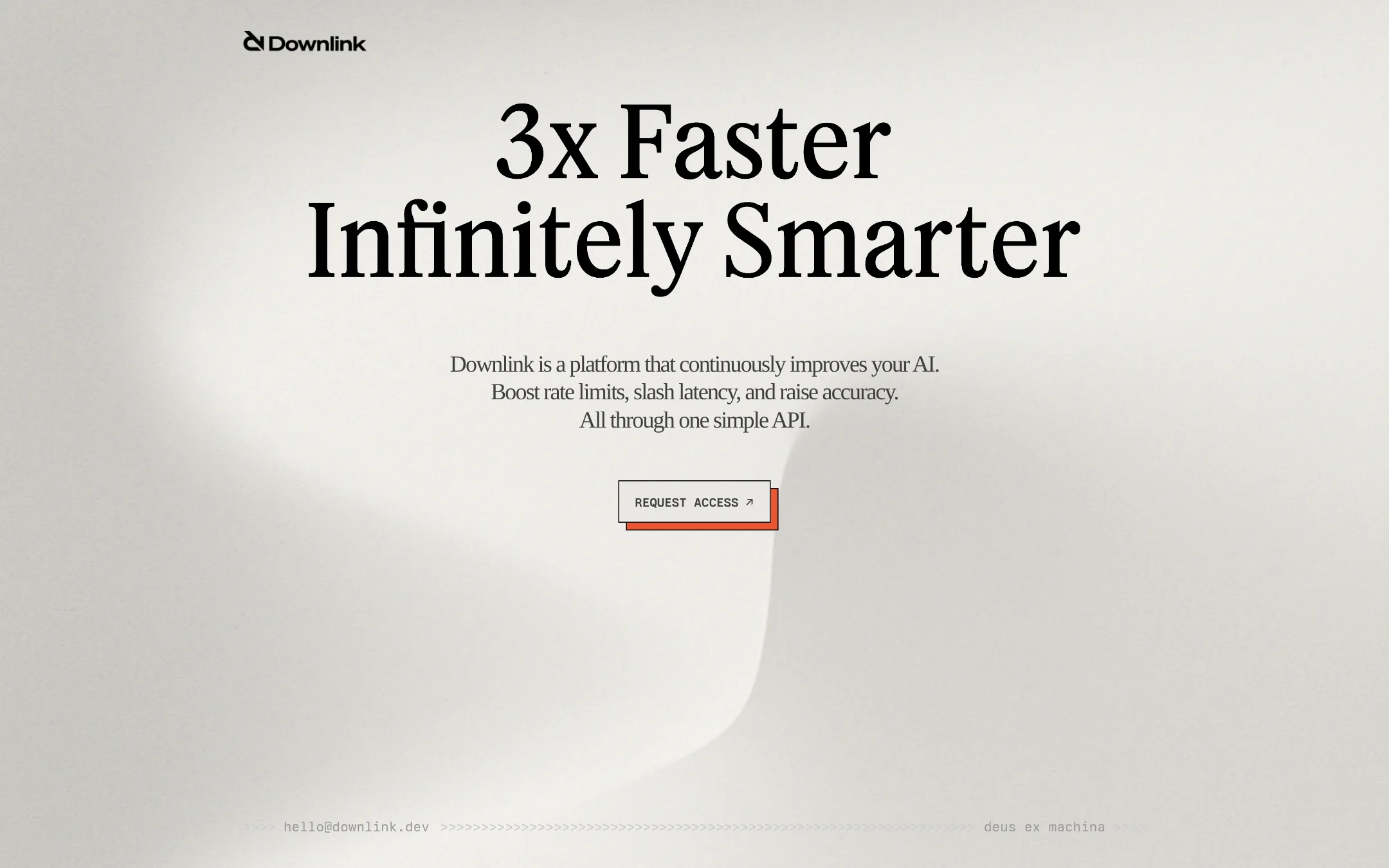
Downlink sits between your app and the model provider, so you change only the base URL and API key in your existing OpenAI client. It claims to expand rate limits, lower response times and raise accuracy, and says it selects and fine-tunes models for your use case. The site shows a drop-in example with gpt-4o that works in Python, TypeScript, Go and curl.
Where it is strong
- Drop-in change: point your existing OpenAI client at the Downlink base URL
- Works with Python, TypeScript, Go and curl without new SDKs
- Handles model selection and fine-tuning so you do not have to
Where it falls short
- Pricing is not published and access is by request only
- The site makes performance claims such as a 20% or more boost but shows no published benchmarks
- Pricing:
- Pricing is not published on the site.
- From $1,500/month
2.GetCrux
Best for: Performance marketing teams spending up to $100K a month on paid social and search who want ad creative research and generation in one tool
- Pricing
- From $1,500/month
- Category
- Marketing & Sales
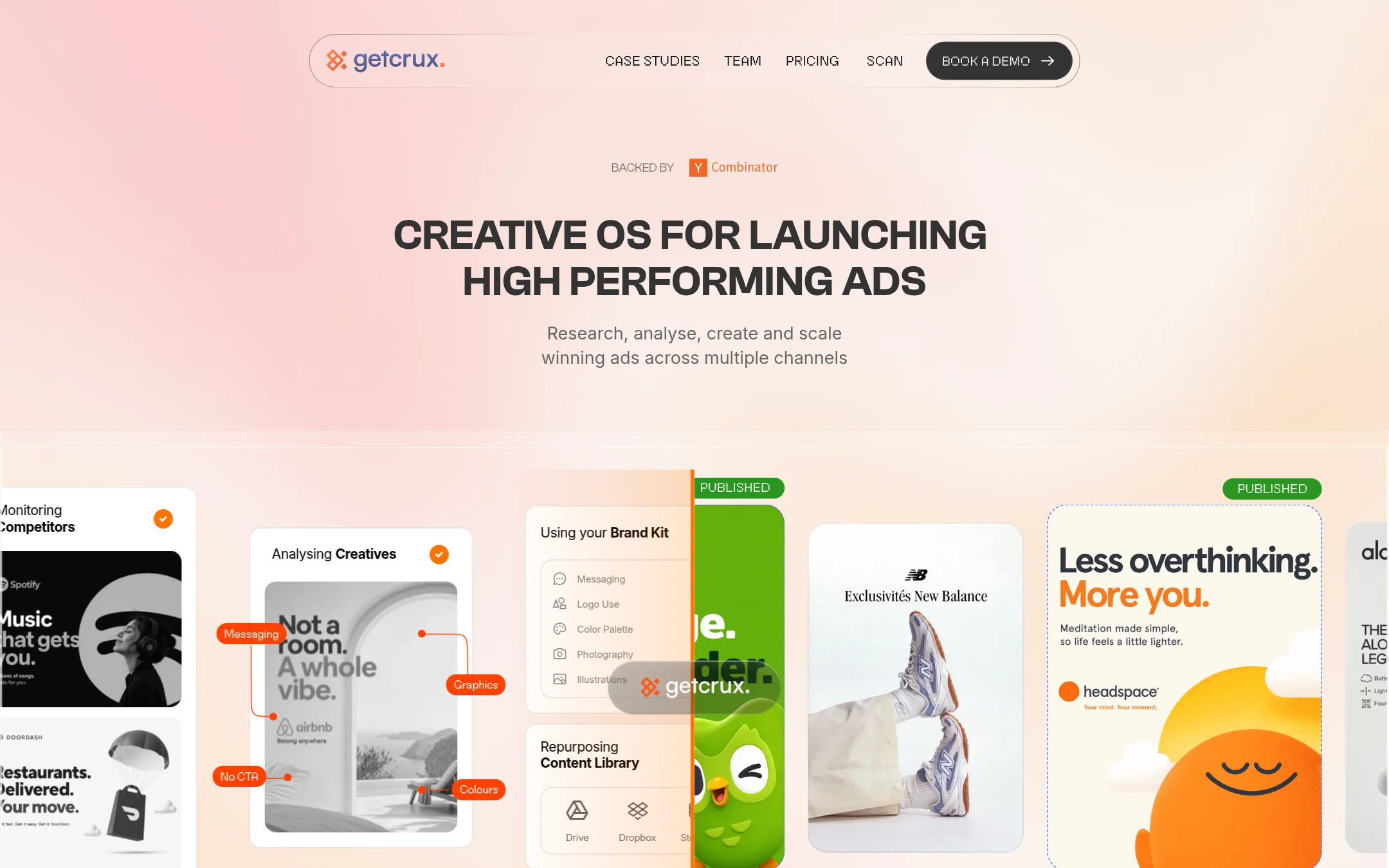
GetCrux is a creative operating system for performance ads. It connects your ad data, competitor creatives and brand kit, then uses that to generate new ad creatives, with the Starter plan covering Meta, Google, TikTok and LinkedIn. Its listing describes monitoring social sentiment and trending formats, such as day-in-the-life UGC clips, to inform what gets made.
Where it is strong
- Pulls together ad performance data, competitor creatives and your brand kit before generating new ads
- Starter includes unlimited team members, so seats do not add cost
- Holds SOC 2 compliant execution and offers SSO and admin roles on higher tiers
Where it falls short
- Starter caps you at 2 ad accounts and four platforms, so larger setups need Professional or Enterprise pricing that is quoted, not published
- Custom data integrations, Slack, automated workflows and the wider platform list only arrive at Professional, which makes it a poor fit for
- Pricing:
- Starter is $1,500 per month for teams spending up to $100K a month on ads and includes 1,000 creative generation credits, while Professional and Enterprise are custom quotes for $100K to $1M and $1M+ in monthly ad spend.
- Not published
3.Rewbi
Best for: Inference providers and AI labs that need accelerator capacity fast and want to avoid waiting on large grid interconnections
- Pricing
- Not published
- Category
- Finance & Accounting
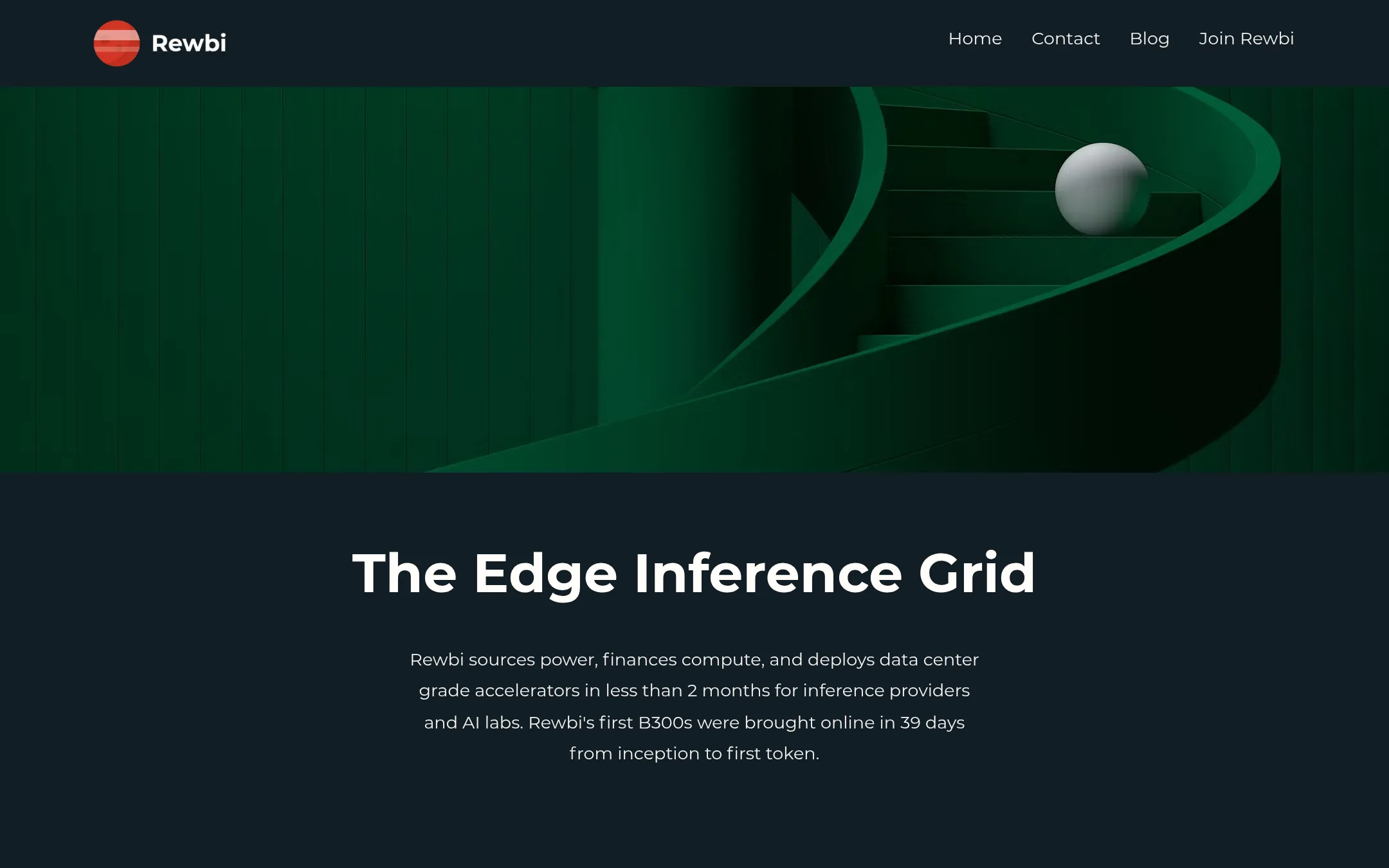
Rewbi deploys 1-10MW data centers inside existing industrial buildings that already have surplus power, and says its first B300s went live in 39 days from inception to first token. That speed, plus the option to rent hardware or pay per token, makes it a credible pick for inference providers and AI labs that need compute quickly.
Where it is strong
- Brought first B300s online in 39 days, per the company
- Offers hardware rental on 1, 3, or 5 year terms
- Pay-by-token or reserved managed inference options
Where it falls short
- Pricing is not published, so cost comparison needs a direct conversation
- Built for inference providers and AI labs, so it is not aimed at smaller teams or general cloud buyers
- Pricing:
- Pricing is not published on the site.
- Not published
4.ZeroEval
Best for: Teams in high-stakes domains that need independent evaluation of AI models before choosing or tuning one
- Pricing
- Not published
- Category
- AI & Machine Learning
ZeroEval is an independent measurement layer for AI, not a classic prompt or agent optimizer, so it fits teams that need to know which model to trust before tuning anything. Its first product, LLM Stats at llm-stats.com, publishes independent benchmarks and analytics for AI models. The company says it focuses on domains where mistakes cost lives or millions.
Where it is strong
- Independent benchmarks from a company not selling its own models
- LLM Stats gives model analytics you can check before committing
- Built around evaluation in domains where errors are expensive
Where it falls short
- The listed material does not describe agent auto-optimization features, so it may not replace an optimizer
- No pricing or plan details are published, so budgeting requires contacting the team
- Pricing:
- Pricing is not published on the site.
- Not published
5.Wafer
Best for: Product teams running open models in production that need low latency under heavy request load and do not want to tune the serving stack by hand.
- Pricing
- Not published
- Category
- AI & Machine Learning
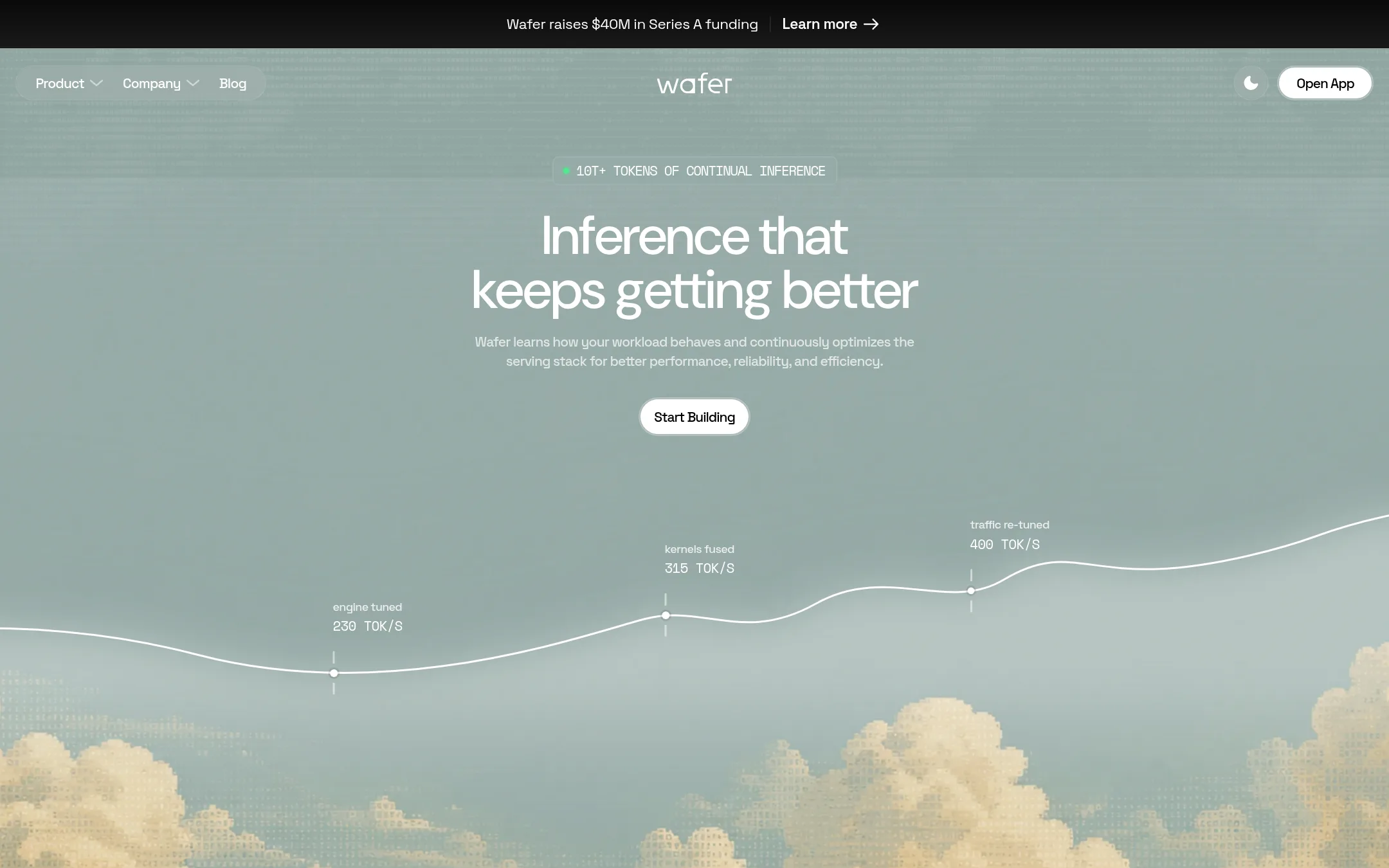
Wafer is an inference service for open models. It profiles your real traffic, tries many serving configurations across the model, engine, kernels and hardware, and ships the fastest one that still meets your reliability targets. A customer quote on the site says Wafer removed their prefetching layer and cut inference costs by 50%.
Where it is strong
- Optimizes against your own traffic mix rather than a generic benchmark
- Checks every candidate configuration for correctness before it ships
- Keeps re-measuring after launch as traffic, models or hardware change
Where it falls short
- Pricing is not published, so you need to contact the company to compare costs
- Built around open models, so it is less relevant if you rely on proprietary model APIs
- Pricing:
- Pricing is not published on the site.
- From $99/mo, custom
6.Lapis
Best for: Marketing teams that want the full paid campaign loop, from creative and landing pages to launch and reporting, handled by one system.
- Pricing
- From $99/mo, custom
- Category
- Marketing & Sales
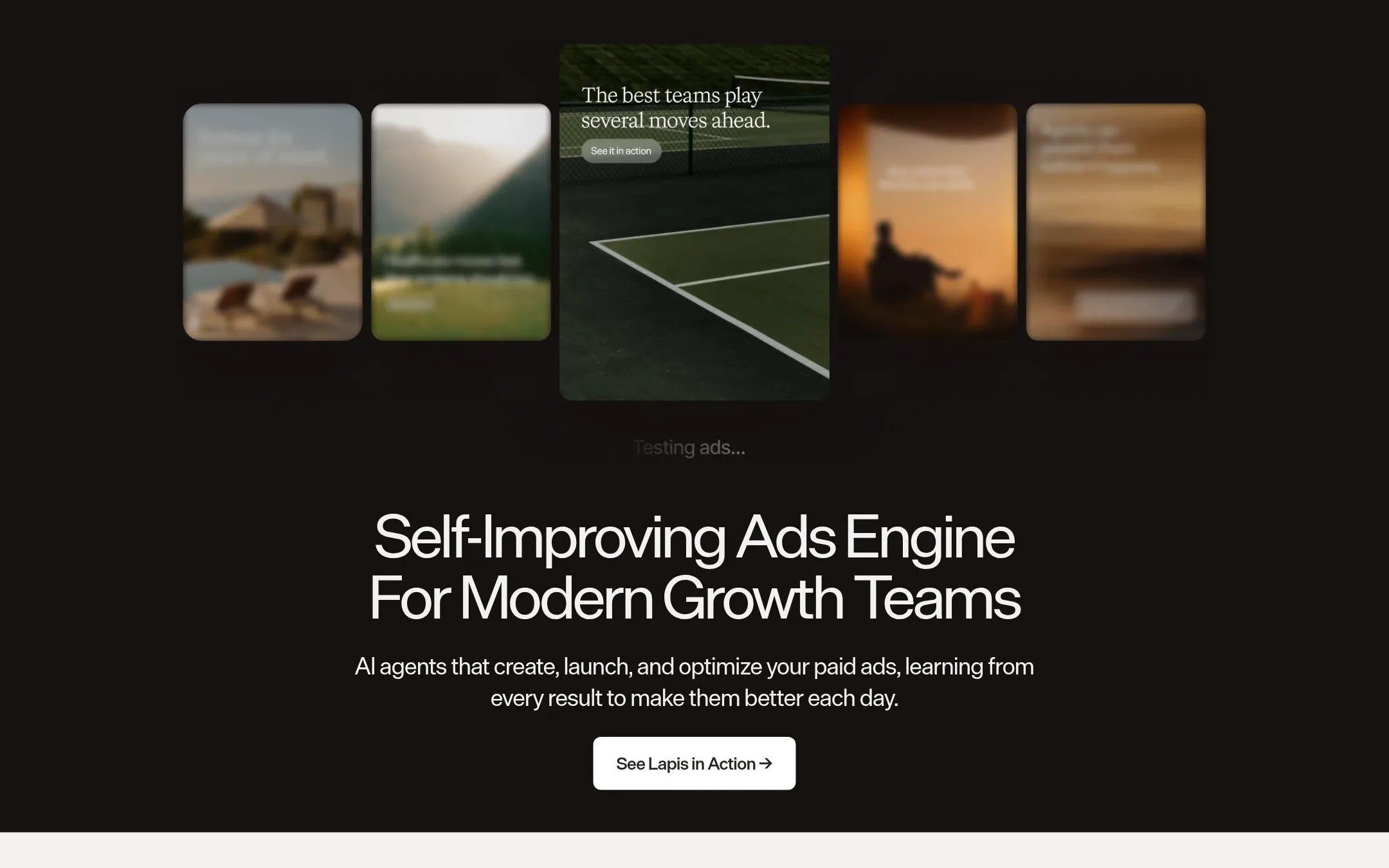
Lapis runs paid ads as one connected system. It reads your website to pick up your logo, colors, voice and products, then builds ads, matched landing pages and experiments, and learns from live results to shape the next campaign. It also places sponsored results inside ChatGPT conversations when a buyer shows intent, which few tools in this group cover.
Where it is strong
- Reads your website to build brand assets, so ads start from your existing look and voice.
- Pairs each ad with a landing page matched to its message and conversion goal.
- Reports results from all channels in one view, making it easier to compare winners.
Where it falls short
- Self-serve plans cover fewer channels, and the ChatGPT and LLM ad placements sit only in the managed plan.
- Forecasts are directional planning signals, so you still need live results to judge performance.
- Pricing:
- Self-serve Basic is $99 per month for 25 credits and Google, Meta and LinkedIn access, while managed plans use custom pricing and the Pro self-serve tier is listed at $599 per month.
How to choose AI Optimization Tools
Start with the job you need done. A tool that optimizes inference for open models solves a different problem from one that generates ad creative or measures which model to trust. Matching the category to your problem narrows the field quickly.
Look closely at pricing structure. Some products publish a monthly plan with credits or ad spend tiers, such as GetCrux's Starter plan and Lapis's self-serve tiers. Others use custom quotes or per-token and hardware rental models, such as Rewbi. Where pricing is not published, plan on a direct conversation before you can compare costs.
Check who the product is built for. Some tools target AI engineering teams, some target inference providers and AI labs, and others target performance marketing teams with a set spend level. A product built for much larger spend may not fit a smaller team, and the reverse is also true.
Confirm integrations and how much work setup takes. A drop-in change to an existing client is very different from rebuilding a stack, and integrations with ad platforms, data sources or messaging tools vary by plan. Ask which features are included at your tier and which only arrive on higher plans.
Finally, review data, compliance and contract terms. Some vendors state compliance certifications, such as SOC 2, and offer features like SSO and admin roles on higher tiers. Ask about how your data is used, what happens to it, and what the contract terms and renewal conditions are before you commit.
FAQ
Questions about AI Optimization Tools
What are AI optimization tools?
AI optimization tools are products that improve how AI systems perform, such as speeding up model responses, managing rate limits, measuring which models are most reliable, or improving AI-generated ad creative. The right choice depends on which of these jobs you need done. Most tools in this category solve one main problem rather than all of them.
How do I choose between AI optimization tools?
Start by identifying the specific problem, such as inference speed, model evaluation or paid campaign performance. Then compare products built for your type of team and your scale of spend or usage. Check whether pricing is published, since some vendors require a direct quote before you can compare costs.
Do AI optimization tools need to be integrated into my existing stack?
It depends on the product. Downlink is designed as a drop-in layer where you change only the base URL and API key in an existing OpenAI client. Other tools, such as Wafer and Lapis, require connecting to your traffic, website or ad accounts, so setup involves more work.
Are pricing and plans transparent across this category?
No. GetCrux, Lapis and some others publish specific monthly plans or tiers, while Downlink, Rewbi, Wafer and ZeroEval do not publish pricing on their sites. For products without published pricing, you need to contact the vendor to understand costs.
What should I check about data and compliance before buying?
Review how each vendor handles your data, what compliance certifications it holds, and which security features are included at your plan level. For example, GetCrux states SOC 2 compliant execution and lists SSO and admin roles on higher tiers. Also confirm the contract terms, renewal conditions and any hardware or usage commitments before you sign.
Last updated November 8, 2026.