8 Best AI Productivity Tools in 2026
Updated November 8, 2026
The short answer
The strongest AI productivity tools on this list are Paradigm, Akiflow and Focus Buddy. Paradigm suits sales, RevOps and GTM teams that need to research and score a whole target market against their own criteria. Akiflow suits founders and busy professionals who want tasks, email and calendars in one daily plan. Focus Buddy suits solo founders and individual knowledge workers who struggle with procrastination and want an AI coach during focus sessions.
The shortlist, at a glance
Read the comparisons ↓ AkiflowNot publishedFounders and busy professionals who want tasks, email and calendars in one daily plan
 KorrAINot publishedRisk engineers, underwriters and asset owners who run desktop studies or deformation monitoring on mines and infrastructure projects
 Legora (formerly Leya)Not publishedLaw firms and in-house legal teams that handle document-heavy work like M&A, litigation, or tax and need AI that fits their existing workflows
 ParadigmFrom $250/moSales, RevOps, and GTM engineering teams that need to score a whole target market against their own account criteria.
 DataleapNot publishedEnterprise support and operations teams that want agents to work across their existing tools like Slack, ServiceNow, and Okta.
 Sterling Labs, IncNot publishedSolo founders and individual knowledge workers who struggle with procrastination and want an AI coach present during their work sessions
 DenNot publishedReaders and fans who want a free, chat-driven interactive fiction app and do not need team or work tooling
 o11Not publishedTeams building AI agents that need to buy outside tools like search, data or media without handing over their own provider credentials
About AI Productivity Tools
AI productivity tools use artificial intelligence to take over parts of everyday work, such as planning a day, sorting email, researching accounts, or running multi-step tasks. Some act as assistants that suggest or organize, while others act as agents that carry out work with limited human review.
The products on this list differ in approach, scale and pricing. Some target individuals, such as Akiflow for personal scheduling or Focus Buddy as a solo coach, while others are built for teams or enterprises, such as Paradigm for sales research and Dataleap for support operations. Pricing models also vary, from published monthly tiers to custom enterprise quotes and usage-based credits.
The 8 best AI Productivity Tools, compared
- Not published
1.Akiflow
Best for: Founders and busy professionals who want tasks, email and calendars in one daily plan
- Pricing
- Not published
- Category
- Productivity & Project Management
Akiflow is a time-blocking planner that pulls tasks and calendars into one place, with a universal inbox that syncs email, Slack and Zapier items. Its AI assistant, Aki, handles planning, prioritization, voice commands and daily briefings. It is built for founders and busy professionals who juggle work and personal schedules.
Where it is strong
- Automatically time-blocks the day from your tasks
- Universal inbox collects email, Slack and Zapier items in one place
- Voice commands and daily briefings through the Aki assistant
Where it falls short
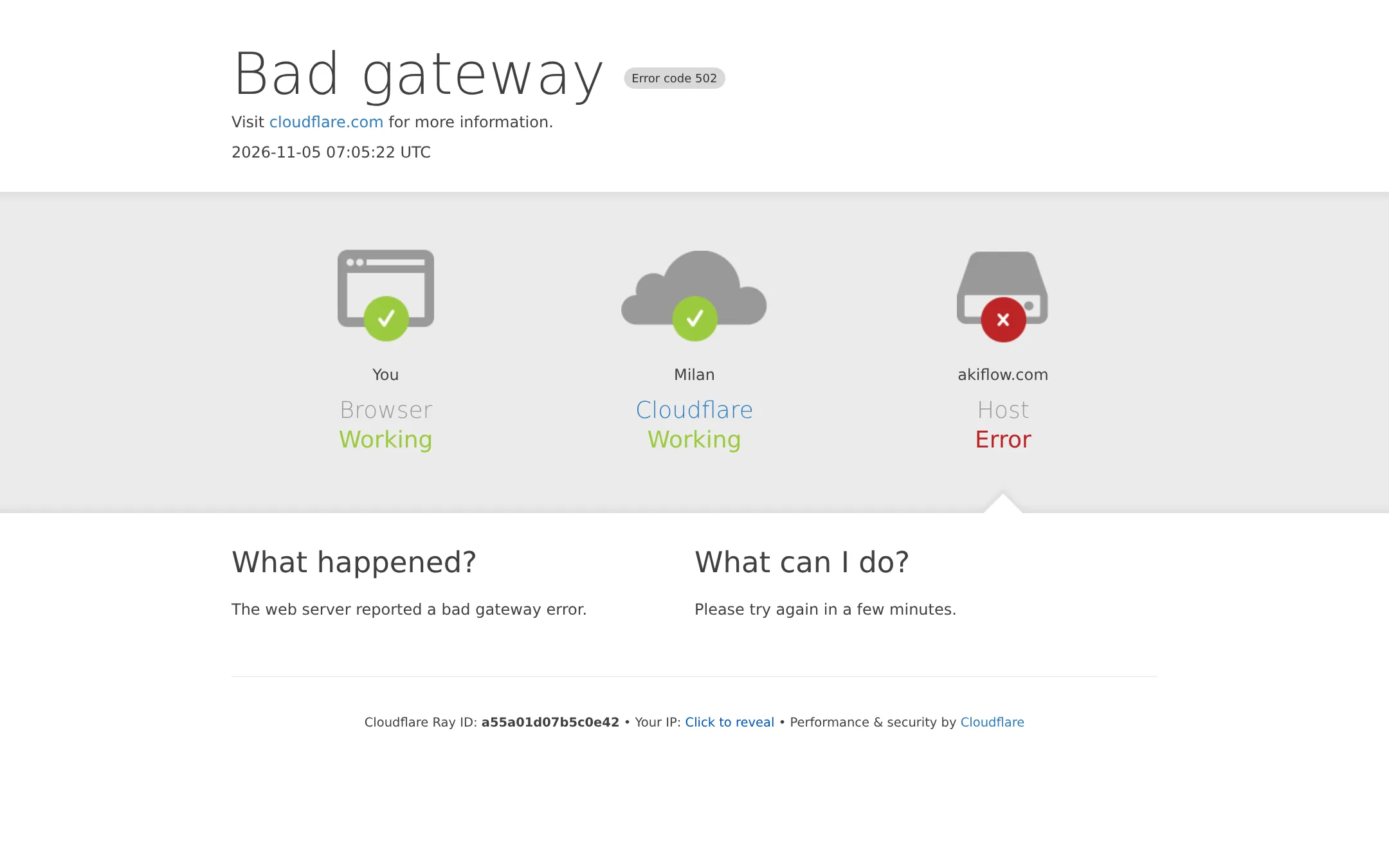
- The public site was returning a bad gateway error when reviewed, so the listing could not be verified firsthand
- Pricing is not published, so cost has to be confirmed directly with the vendor
- Pricing:
- Pricing is not published on the site.
- Not published
2.KorrAI
Best for: Risk engineers, underwriters and asset owners who run desktop studies or deformation monitoring on mines and infrastructure projects
- Pricing
- Not published
- Category
- AI & Machine Learning
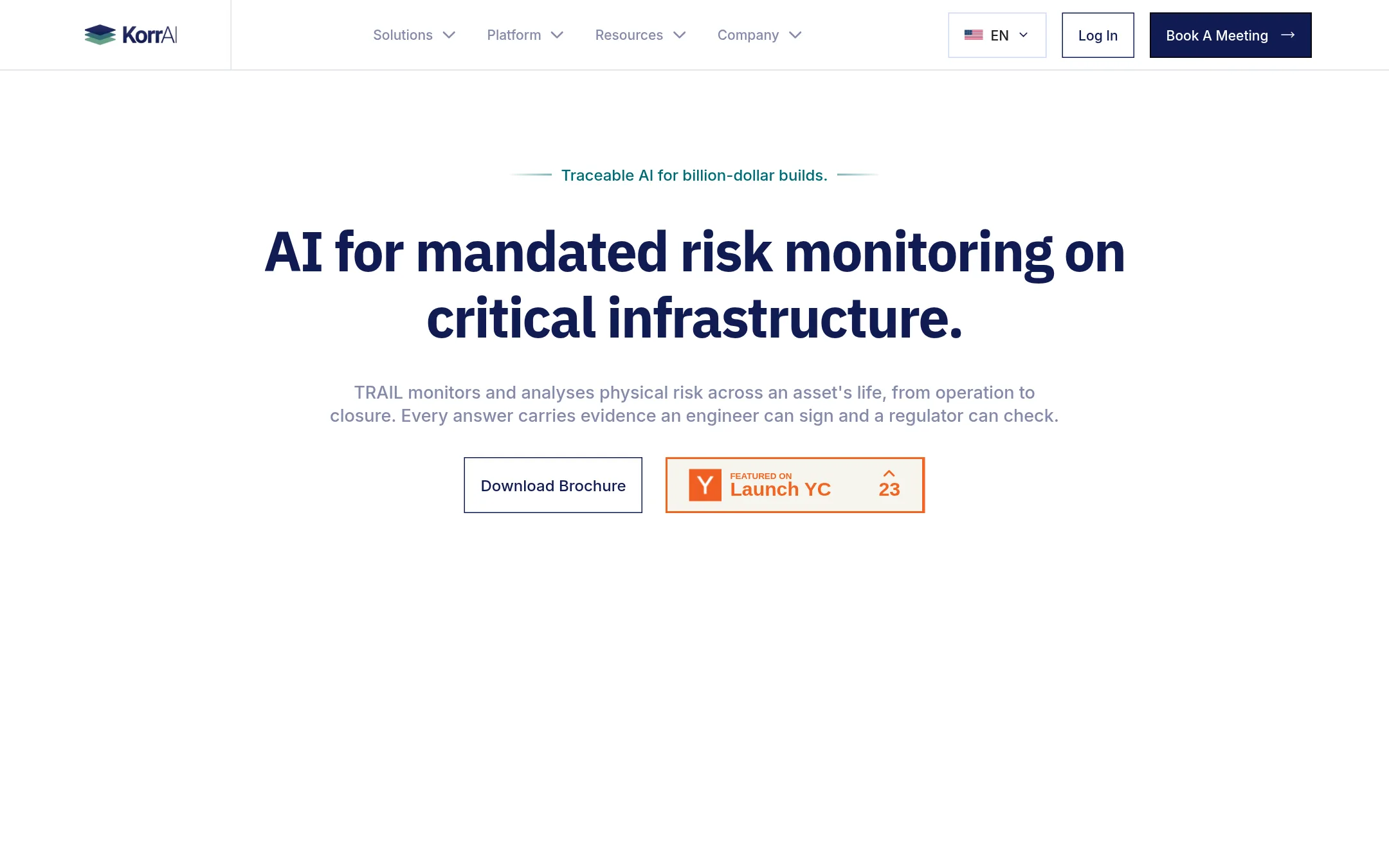
KorrAI runs an AI-native workspace for desktop studies on mines, data centers, utilities and civil infrastructure. It combines calibrated satellite InSAR, optical imagery history and a digital site ontology that links each feature to its instruments, imagery and history. Every conclusion comes with citations so an engineer can check it.
Where it is strong
- Calibrated InSAR and optical imagery are layered on the site map with citations
- Each project gets a digital site ontology linking features to instruments and history
- Can be deployed in a private cloud for extra control over data
Where it falls short
- Pricing is not published, so buyers must request a quote to compare costs
- Built around mining and critical infrastructure, so it is a poor fit for general productivity needs
- Pricing:
- Pricing is not published on the site.
- Not published
3.Legora (formerly Leya)
Best for: Law firms and in-house legal teams that handle document-heavy work like M&A, litigation, or tax and need AI that fits their existing workflows
- Pricing
- Not published
- Category
- Productivity & Project Management
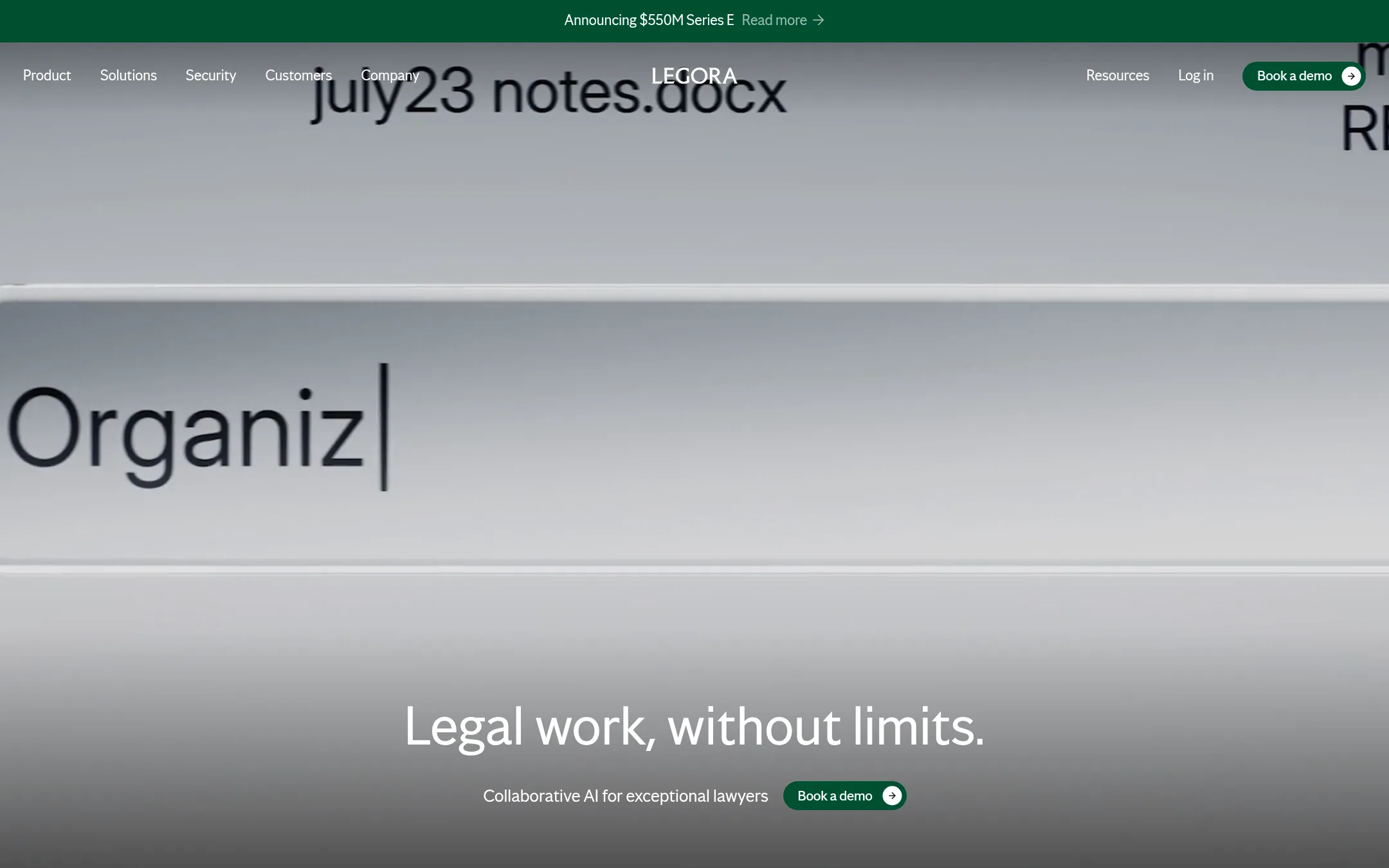
Legora is a collaborative AI workspace built for lawyers, covering document review, legal research, and regulatory tracking in one system. Its agent can plan, execute, and review legal tasks end-to-end, and it generates working lists directly from your documents. It also ships Word and Outlook add-ins, so lawyers can work inside tools they already use.
Where it is strong
- Agent runs multi-step legal tasks from intake through review and delivery
- Monitors tracks global regulatory changes and flags what affects your business
- Certified for SOC 2 Type II, ISO 27001, ISO 42001, and GDPR, and does not train AI on your data
Where it falls short
- Built specifically for legal work, so it is a poor fit for general productivity needs
- No public pricing, so you need a sales conversation to compare costs
- Pricing:
- Pricing is not published on the site.
- From $250/mo
4.Paradigm
Best for: Sales, RevOps, and GTM engineering teams that need to score a whole target market against their own account criteria.

- Pricing
- From $250/mo
- Category
- Productivity & Project Management
Paradigm runs AI agents that research every account in a market against a team's own fit and timing criteria, then monitor signals that change priority. Each result comes with the sources the agent used, and it leaves a cell blank when it cannot find an answer. It is SOC 2 Type 2 certified and connects to tools such as Salesforce, HubSpot, and Slack.
Where it is strong
- Agents research accounts against criteria your team writes, not preset fields.
- Each result shows the sources and steps used, so reps can check the evidence.
- SOC 2 Type 2 certified, with role-based access and no training on customer data.
Where it falls short
- Credits are consumed per cell, so costs depend on how hard each row is to research and can be hard to predict at scale.
- The $250 monthly entry price is high for solo founders or very small teams.
- Pricing:
- Individual is $250 per month and Business is $1,250 per month on monthly billing, dropping to $200 and $1,000 on annual billing, with Enterprise pricing custom.
- Not published
5.Dataleap
Best for: Enterprise support and operations teams that want agents to work across their existing tools like Slack, ServiceNow, and Okta.
- Pricing
- Not published
- Category
- Productivity & Project Management
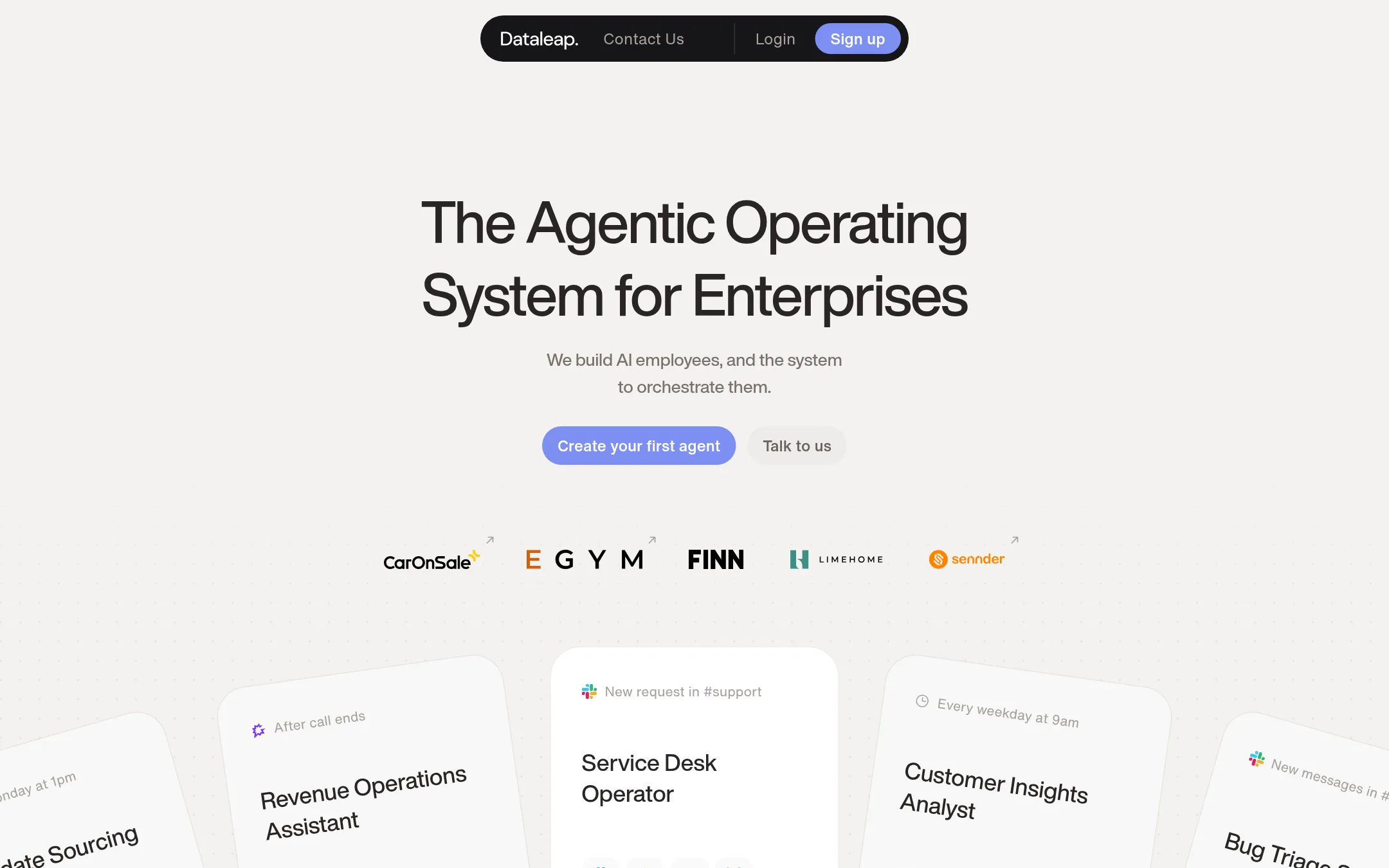
Dataleap builds AI agents that act like employees, such as a Service Desk Operator that reads Slack messages, pulls ServiceNow tickets, and updates Okta users. You describe the problem in plain language and it builds the agent for you. It connects to 200+ ready-to-use integrations or to any HTTP API or MCP server, including tools your company built in-house.
Where it is strong
- Builds agents from a plain description of the problem
- Ships with 200+ integrations and works with private tools via HTTP APIs and MCP servers
- Approvals and handoffs let humans review important actions before agents take them
Where it falls short
- Pricing is not published, so you will need to request a quote to compare costs
- Teams wanting a simple off-the-shelf tool without custom agent setup may find it heavier than needed
- Pricing:
- Pricing is not published on the site.
- Not published
6.Sterling Labs, Inc
Best for: Solo founders and individual knowledge workers who struggle with procrastination and want an AI coach present during their work sessions
- Pricing
- Not published
- Category
- Productivity & Project Management
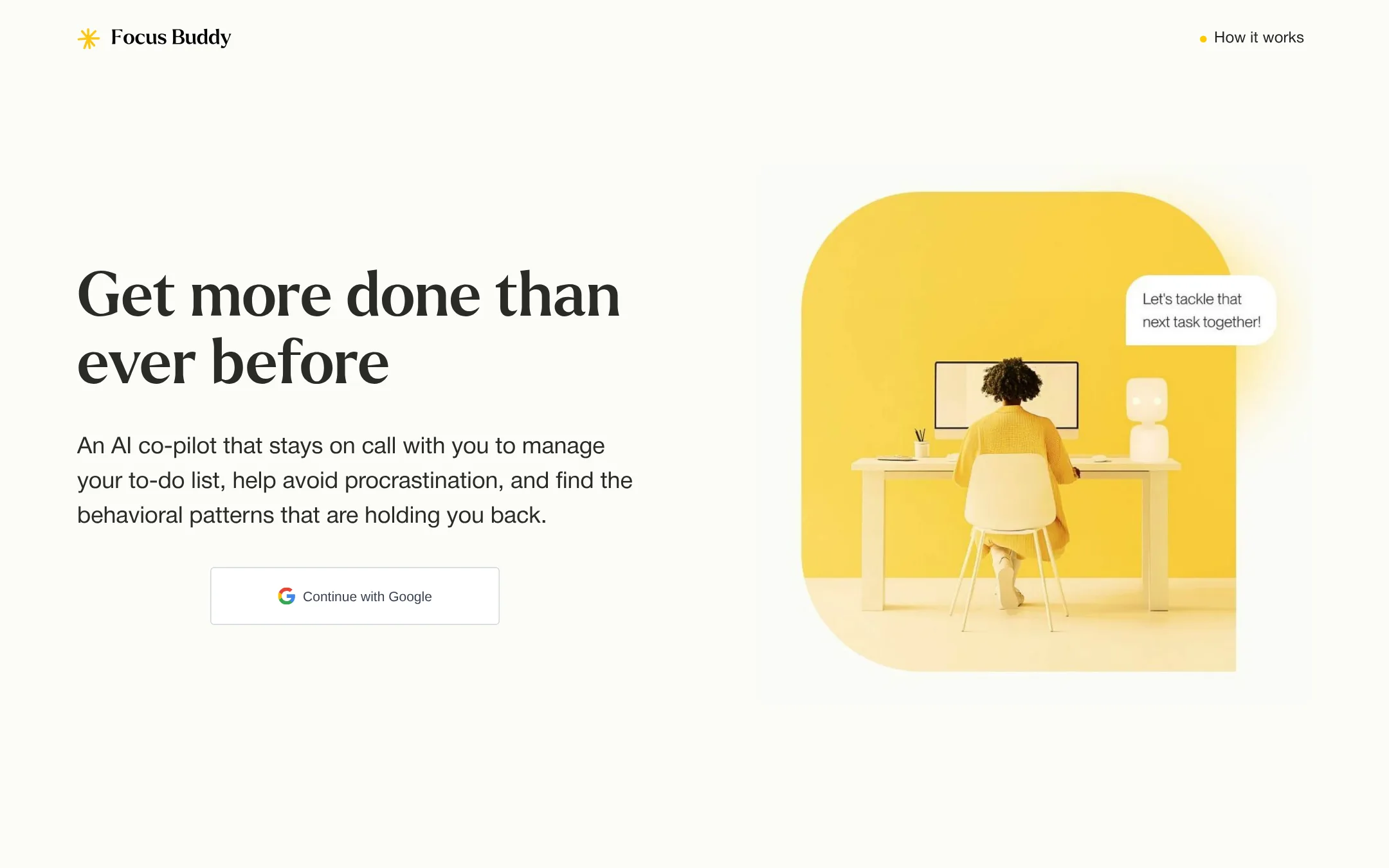
Focus Buddy is an AI coach that works alongside you during focus sessions. It watches what you are working on, keeps your to-do list updated, and checks in while you work to help you get past procrastination and perfectionism. Its weekly reports on burnout patterns, distractions, and peak productive hours give it a clear edge for people who want to understand how they actually work.
Where it is strong
- Updates your to-do list automatically based on what you are working on
- Sends weekly reports on burnout risks, distractions, and peak productive times
- Free for general use, with no published paid tier to compare against
Where it falls short
- Real-time coaching is still listed as coming soon, so some insights arrive only weekly
- The paid personalized version is limited to a select few, so most users cannot access it
- Pricing:
- Pricing is not published on the site.
- Not published
7.Den
Best for: Readers and fans who want a free, chat-driven interactive fiction app and do not need team or work tooling

- Pricing
- Not published
- Category
- Productivity & Project Management
Den is a free interactive story app where you play as Y/N and talk with characters while AI writes each new chapter around your replies. It has 144 stories, including original romance and unofficial fan stories from series like Harry Potter, My Hero Academia and Marvel. It runs in the browser and on iPhone and Android, and you can start without an account.
Where it is strong
- Free to play in the browser, on iPhone and on Android, with no account needed
- Each chapter is written by AI in response to what you say, so stories branch in new ways
- Optional sign-in with Apple, Google or email keeps your stories on every device
Where it falls short
- It is an entertainment and fiction app, not a productivity tool for work tasks
- The catalogue leans heavily toward romance and fan fiction, which may not suit every reader
- Pricing:
- Pricing is not published on the site, though the app is free to play and sign-in is optional.
- Not published
8.o11
Best for: Teams building AI agents that need to buy outside tools like search, data or media without handing over their own provider credentials
- Pricing
- Not published
- Category
- Productivity & Project Management
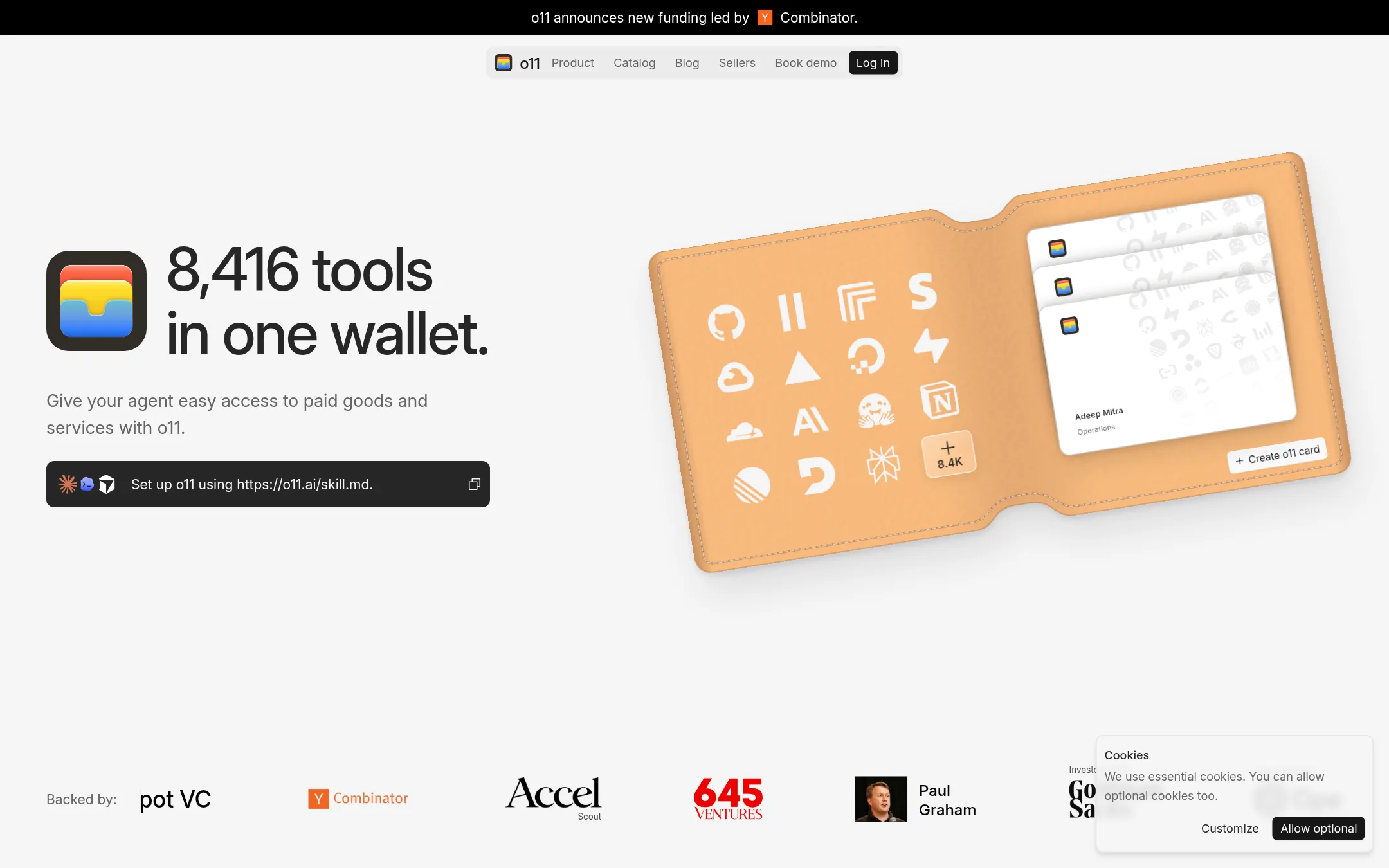
o11 is a wallet that lets AI agents find and pay for paid web tools, such as search, data, media and model access, through one API. Each agent gets its own card with a spending limit and a list of approved services, so you can give an agent room to work without sharing your payment details. It lists 8,416 catalog tools and records what each call cost and how it finished.
Where it is strong
- Per-agent cards set a spending limit and approved tools, so a runaway agent has a ceiling
- Connect your own provider accounts without giving those credentials directly to the agent
- Every call shows the tool used, its cost and final status
Where it falls short
- Pricing is not published, and charges depend on the tool and usage, so budgeting takes a quote for each call
- Wallet-funded calls stop when credits run low, so teams must keep the balance topped up
- Pricing:
- Pricing is not published on the site.
How to choose AI Productivity Tools
Start with pricing structure. Some tools publish monthly and annual tiers, while others require a quote or charge per credit or per action. Usage-based billing can be hard to predict at scale, so model your expected volume before committing.
Check who the product is built for. A tool designed for legal document review or mining site studies will not fit general productivity needs, and a solo tool may not handle team workflows. Match the product's core use to the job you need done.
Look at integrations. Confirm that the tool connects to the systems you already use, such as your CRM, Slack, calendar or ticketing software. Some products offer hundreds of ready-made connectors and can reach private internal tools through APIs.
Review data handling and compliance. Look for independent certifications such as SOC 2 or ISO 27001, and ask whether the vendor trains its AI on your data. Role-based access and human approval steps matter when agents take actions on your behalf.
Finally, check support and contract terms. Several listings here do not publish pricing or detail their support, so ask for written terms on cost, service levels and cancellation before you sign.
FAQ
Questions about AI Productivity Tools
What are AI productivity tools?
AI productivity tools use artificial intelligence to help with everyday work, such as planning a day, organizing tasks and email, researching accounts, or running multi-step workflows. Some assist you while you work, and others act as agents that complete tasks with limited oversight.
Which AI productivity tool is best for a small team or solo founder?
Akiflow suits founders and busy professionals who want tasks, email and calendars in one plan, and Focus Buddy suits solo founders who want an AI coach during focus sessions. Both are aimed at individuals rather than large teams.
How much do AI productivity tools cost?
Pricing varies widely. Paradigm publishes monthly and annual tiers, with Individual at $250 per month and Business at $1,250 per month on monthly billing. Many other products on this list do not publish prices and require a quote.
What should I check before buying an AI productivity tool?
Check the pricing model, who the product is built for, and whether it integrates with the systems you already use. Also review data handling, including certifications like SOC 2 and whether the vendor trains AI on your data.
Do AI productivity tools protect my data?
It depends on the product. Paradigm is SOC 2 Type 2 certified and does not train on customer data, and Legora lists SOC 2 Type II, ISO 27001, ISO 42001 and GDPR certifications. Confirm current security terms with each vendor before sharing sensitive information.
Last updated November 8, 2026.