8 Best AI Software in 2026
Updated November 7, 2026
The short answer
The strongest AI software picks for startups are MindsDB, Topline Pro and Nessie. MindsDB suits startup teams with several members who need per-team budgets and spend visibility across many models. Topline Pro suits solo and small home service businesses that miss calls and want quotes and invoices handled without office staff. Nessie suits individuals and teams who work across several AI tools and want to resume sessions and reuse context without copy-pasting.
The shortlist, at a glance
Read the comparisons ↓ MindsDBFree plan, pay per useStartup teams with several members using AI models who need per-team budgets and spend visibility.
 Topline ProFrom $249/moSolo and small home service businesses that miss calls and want quotes and invoices sent without adding office staff
Latent SpaceNot publishedBusinesses and sales teams in emerging markets that want AI tools fitted to local market conditions and existing systems
 KhojNot publishedResearchers and small technical teams that want an AI assistant for reading papers, searching their own documents, and automating work they can inspect.
 OperandNot publishedAlternative asset managers and private equity teams that need AI-driven research for investment theses and post-acquisition company changes.
 TesoraNot publishedP&C insurers and actuarial teams that need traceable, reproducible rate filings and reserve work.
 NessieFrom $28/mo billed yeaIndividuals and teams who work across several AI tools and want to resume sessions and reuse context without copy-pasting.
 Ishiki LabsNot publishedRobotics and physical AI teams that need realistic simulation to train and evaluate robot behavior with reinforcement learning
About AI Software
AI software is software built around artificial intelligence models that performs a specific job, such as answering customer requests, researching documents, managing access to models, or simulating robot behavior. Some products give a team one place to use and pay for many models, while others are built for a single trade or profession.
The products on this list differ in approach, scale and pricing model. MindsDB and Nessie are general tools for managing AI use and context, with MindsDB billing by usage and Nessie charging per plan or per seat. Topline Pro and Operand are built for particular industries, and several others, including Latent Space, Khoj, Tesora and Ishiki Labs, serve narrow professional niches and do not publish their pricing.
The 8 best AI Software, compared
- Free plan, pay per use
1.MindsDB
Best for: Startup teams with several members using AI models who need per-team budgets and spend visibility.
- Pricing
- Free plan, pay per use
- Category
- AI & Machine Learning
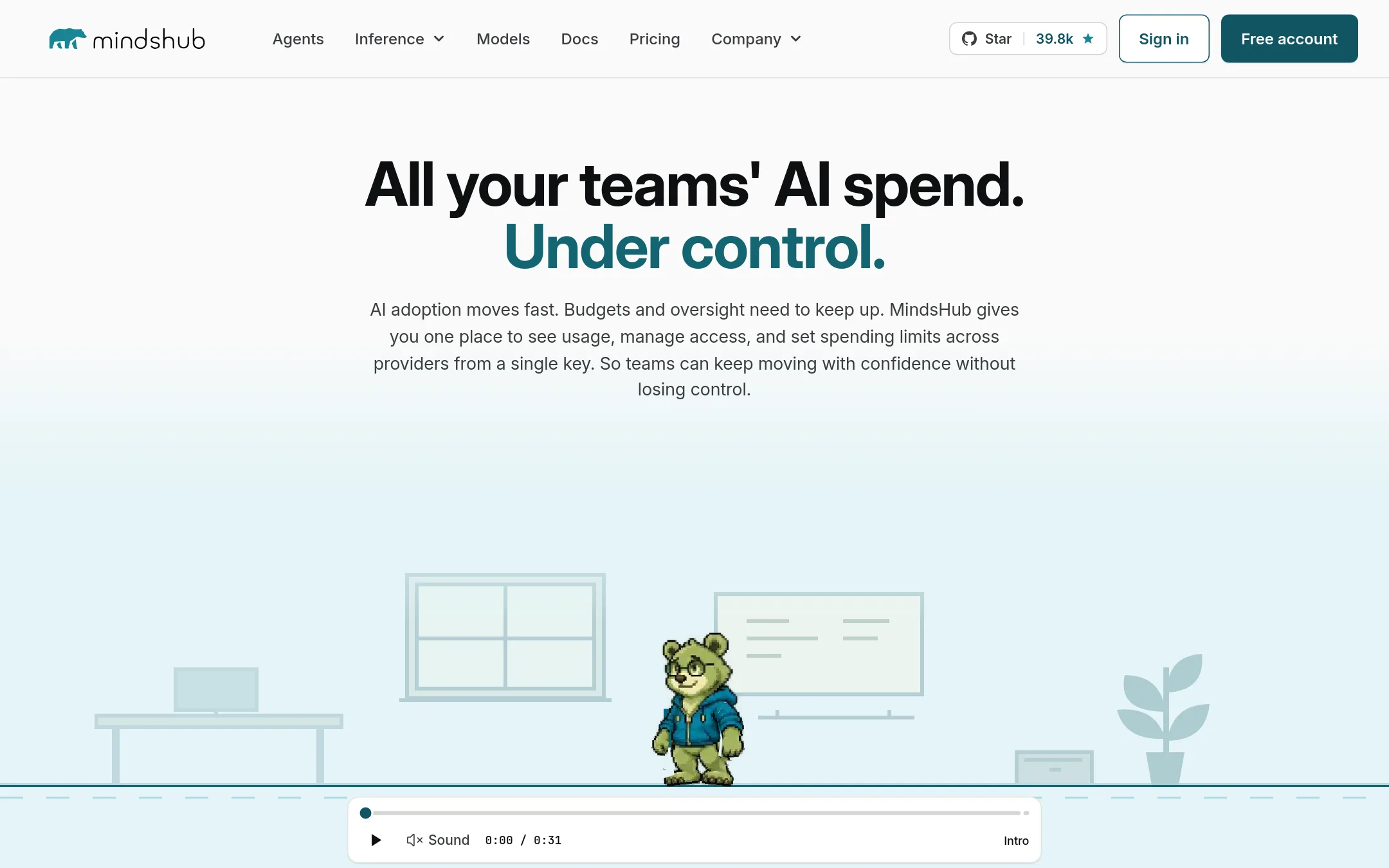
MindsHub, from MindsDB, is a console for managing AI access, usage and budgets across a team. It gives one key and one bill for many models, with per-team and per-key spend limits, and hosts agents such as OpenClaw and Hermes. Its Air model is free for everyday knowledge work within fair-use limits, and paid models bill at provider rates.
Where it is strong
- One key and one bill for many models, including Anthropic, OpenAI, Gemini and open-weight options.
- Budgets set per organization, team, member or API key, with alerts when spend nears the limit.
- Audit log of who changed what, with the credential used and the timestamp, kept for 90 days.
Where it falls short
- The free Air model is limited by fair use, so bulk or high-volume automation needs pay-as-you-go.
- Model prices are passed through at provider rates, so cost depends on which models your team picks.
- Pricing:
- The Free plan is $0 per month with no credit card required, while Pay as you go bills every model at provider rates from a prepaid balance with no expiration or minimum spend, for example Claude Sonnet 5.5 at $2.00 input and $10.00 output per 1M tokens.
- From $249/mo
2.Topline Pro
Best for: Solo and small home service businesses that miss calls and want quotes and invoices sent without adding office staff
- Pricing
- From $249/mo
- Category
- AI & Machine Learning
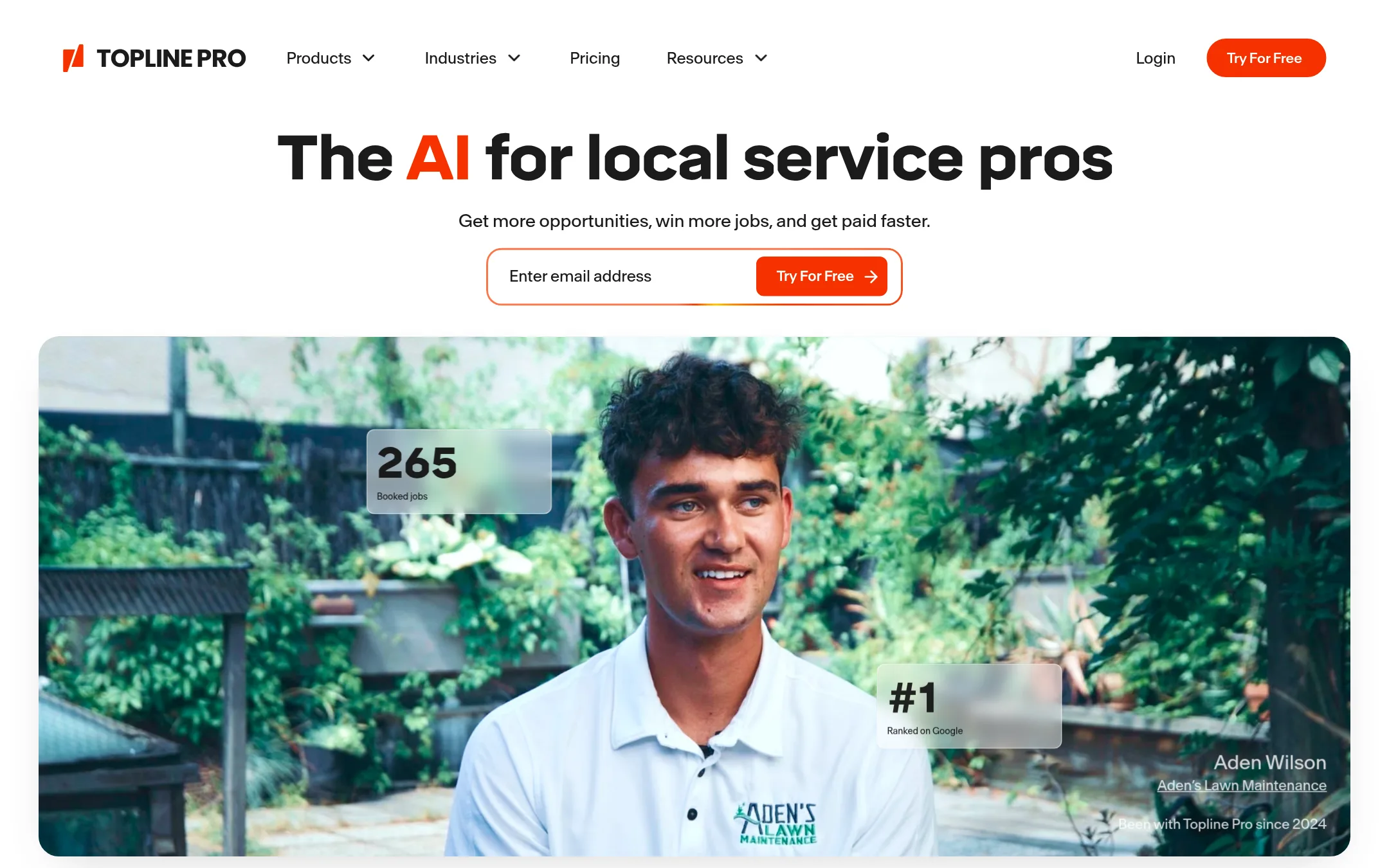
Topline Pro is an AI platform built for home service professionals. It handles marketing, sales, invoicing and customer messages, and its AI answers requests around the clock and turns them into booked jobs. Over 6,000 small businesses use it, which gives it more real-world weight than most tools in this category.
Where it is strong
- AI answers customer requests 24/7 and converts them into booked jobs
- Generates quotes and invoices to help pros get paid faster
- Dedicated onboarding and support specialists are included on every plan
Where it falls short
- Plans start at $249 per month, which is steep for a very small operator
- Built specifically for home service pros, so it is a poor fit for other industries
- Pricing:
- Plans start at $249 per month after a $50 monthly discount for the first three months, with month-to-month billing, no setup cost and 20% off for an annual commitment.
- Not published
3.Latent Space
Best for: Businesses and sales teams in emerging markets that want AI tools fitted to local market conditions and existing systems
- Pricing
- Not published
- Category
- AI & Machine Learning
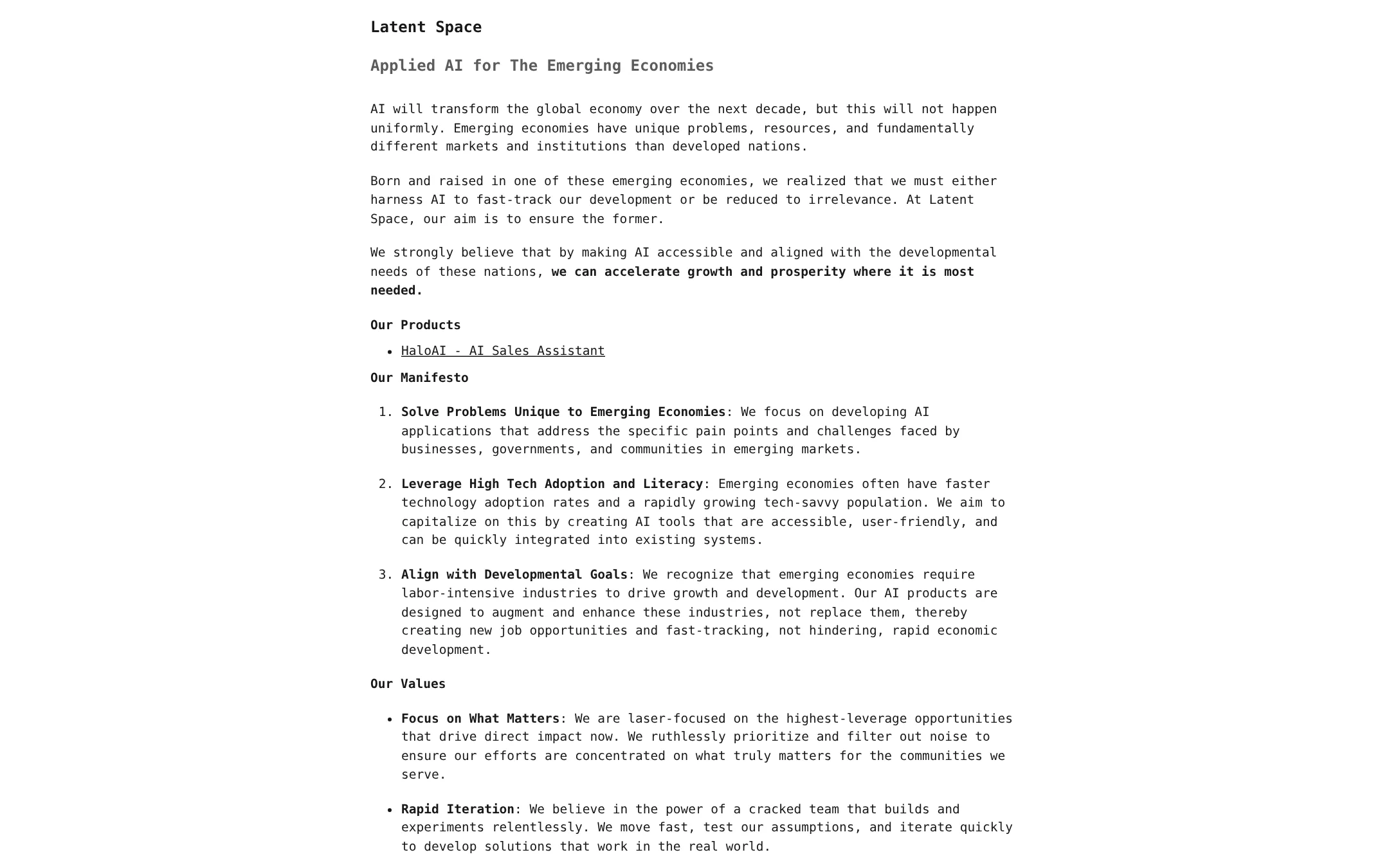
Latent Space builds applied AI aimed at the specific problems of businesses, governments and communities in emerging economies. Its first product, HaloAI, is an AI sales assistant, and the team designs tools to augment labor-intensive work rather than replace it.
Where it is strong
- HaloAI is a concrete, shipping product for sales teams
- Built around the realities of emerging markets rather than adapted from developed-market tools
- Designed to plug into existing systems instead of requiring a full rebuild
Where it falls short
- Pricing is not listed, so you will need to contact the team to compare costs
- The site describes a focus on emerging markets, so it may be a weaker fit for teams operating mainly in developed economies
- Pricing:
- Pricing is not published on the site.
- Not published
4.Khoj
Best for: Researchers and small technical teams that want an AI assistant for reading papers, searching their own documents, and automating work they can inspect.
- Pricing
- Not published
- Category
- AI & Machine Learning
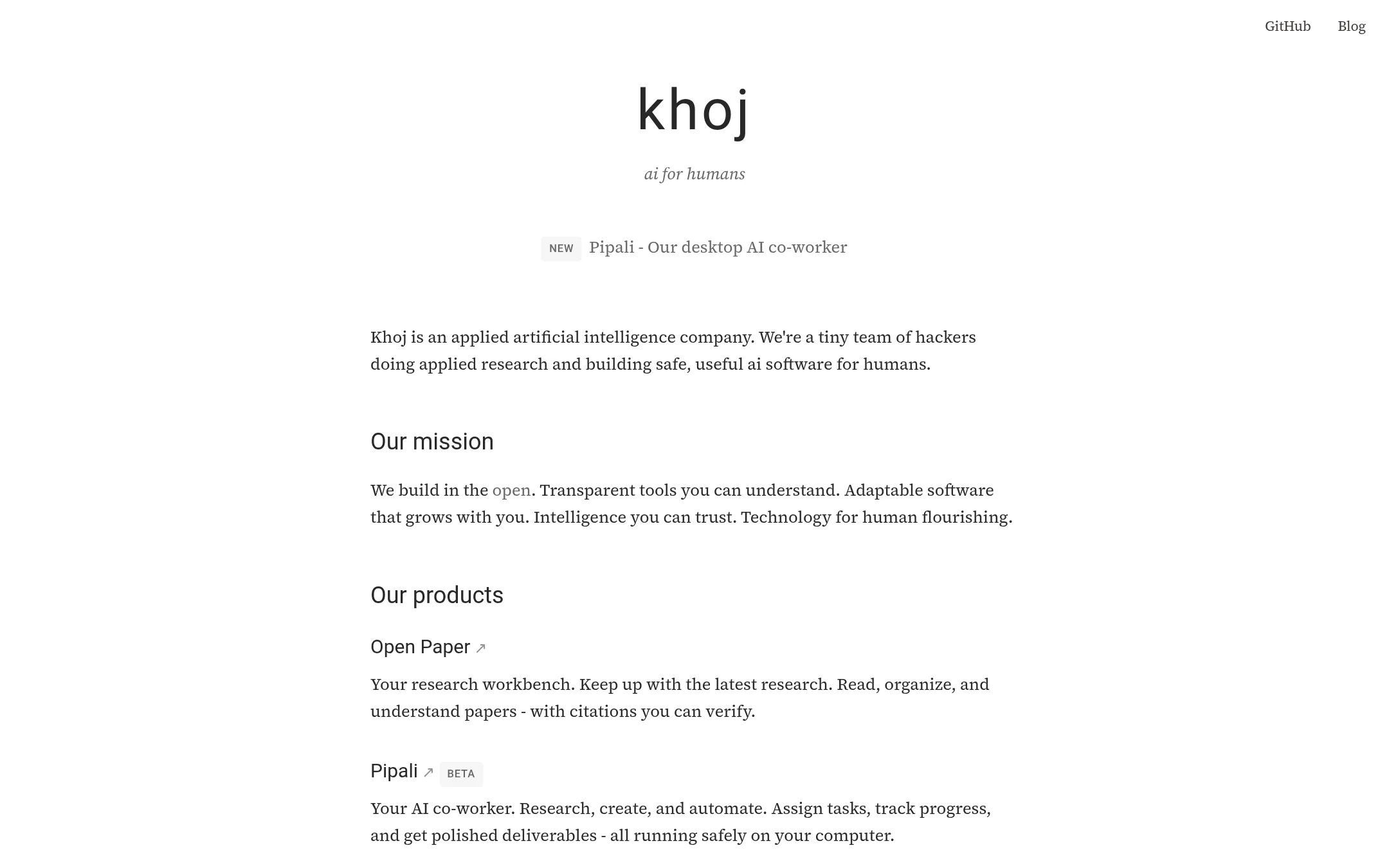
Khoj is a small applied AI company with three products: Open Paper for reading and organizing research papers with citations you can verify, Pipali Beta, an AI co-worker that runs on your computer, and the Khoj app, a second brain that builds agents and schedules automations across your docs and the web. Its open, transparent approach and verifiable citations set it apart from many black-box assistants.
Where it is strong
- Open Paper provides citations you can verify
- Pipali Beta runs locally on your computer
- Khoj app works across your docs and the web and can schedule automations
Where it falls short
- Pricing is not published, so cost has to be confirmed directly with the company
- The team is small, and the listing does not describe enterprise support or integrations
- Pricing:
- Pricing is not published on the site.
- Not published
5.Operand
Best for: Alternative asset managers and private equity teams that need AI-driven research for investment theses and post-acquisition company changes.
- Pricing
- Not published
- Category
- AI & Machine Learning
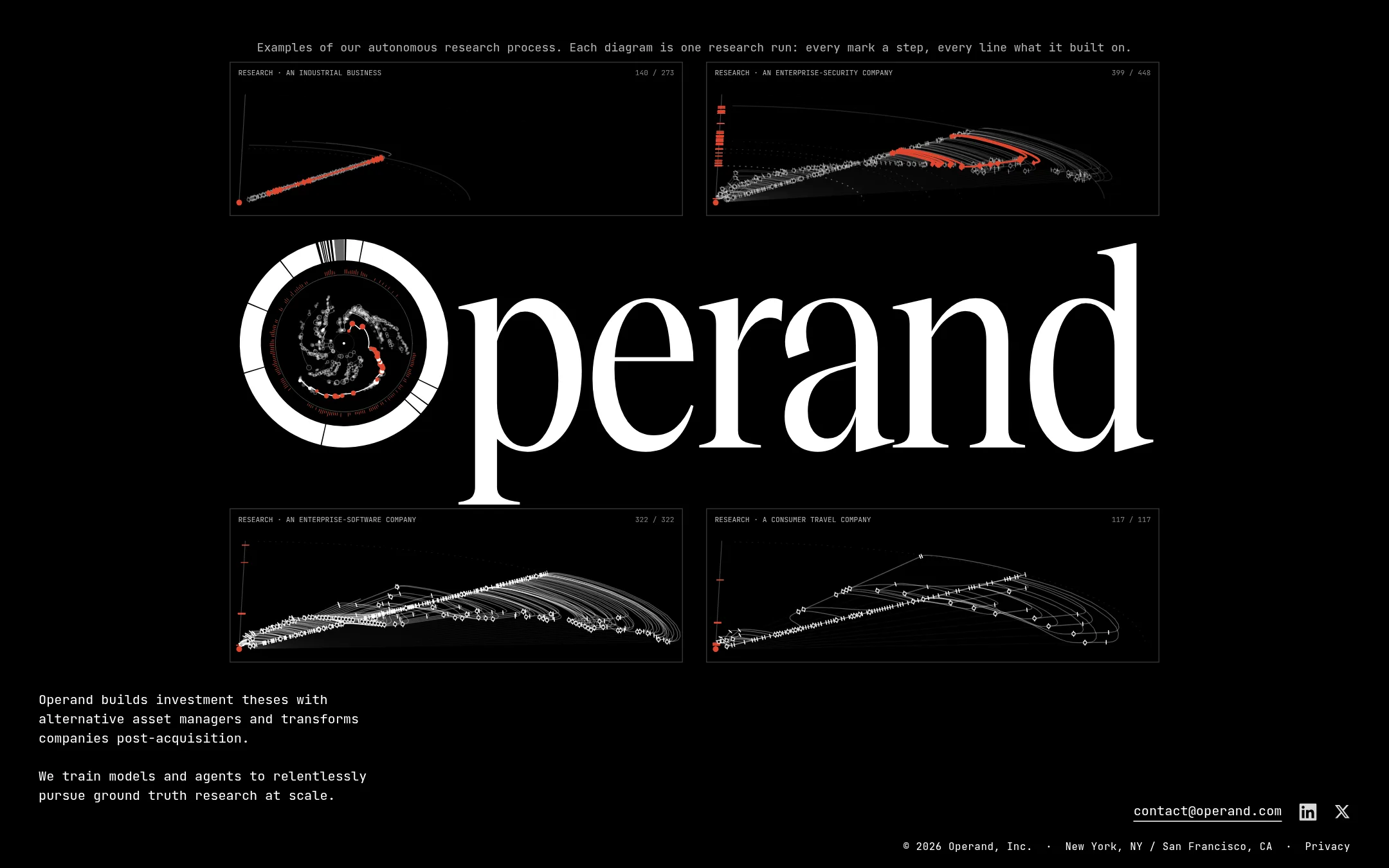
Operand builds investment theses with alternative asset managers and helps companies after acquisition. It trains AI models and agents that run autonomous research, and each research run is shown as a diagram of steps and the earlier steps each one built on.
Where it is strong
- Built around investment theses for alternative asset managers
- Autonomous research runs show each step and its inputs
- Covers both pre-deal research and post-acquisition transformation
Where it falls short
- Pricing is not published, so cost has to be confirmed by contacting the company
- The site describes its focus on asset managers, so it is a poor fit for general business teams
- Pricing:
- Pricing is not published on the site.
- Not published
6.Tesora
Best for: P&C insurers and actuarial teams that need traceable, reproducible rate filings and reserve work.
- Pricing
- Not published
- Category
- Finance & Accounting
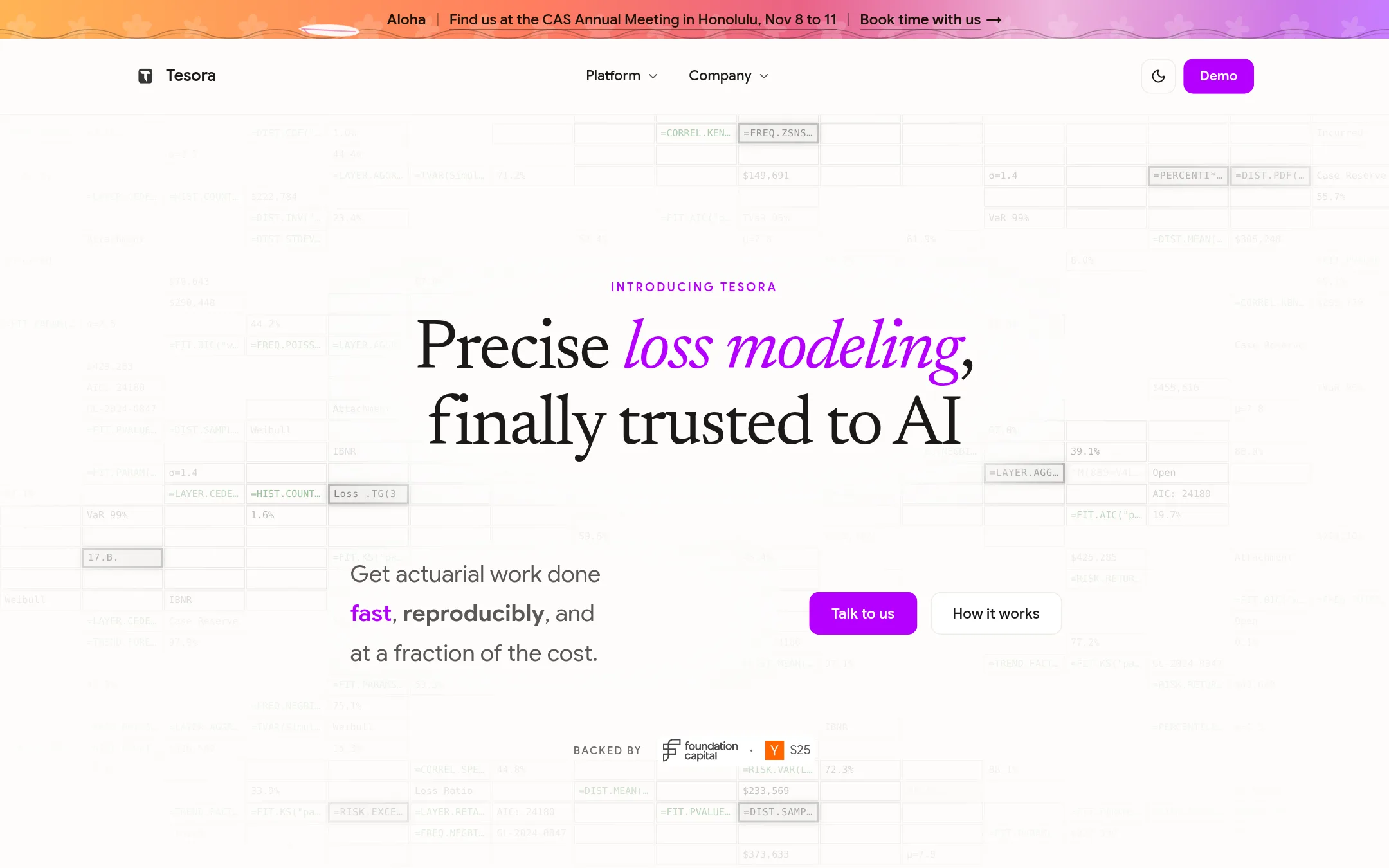
Tesora is an AI workbench for property and casualty actuaries, covering rate filings, reserve reviews and the quarterly close. It rebuilds competitor raters from SERFF filing PDFs or Excel, and every value it fills in cites the cell or page it came from. Its checks stop unsourced numbers from reaching the desk, which matters when a figure ends up in a filing or a reserve opinion.
Where it is strong
- Every figure cites the cell or page it came from
- Single-tenant environment with its own virtual machine and data disk
- Imports existing Excel raters and rebuilds them as tested, versioned models
Where it falls short
- Built specifically for property and casualty actuarial work, so it is a poor fit for other finance teams
- No public pricing, so you need a sales conversation to compare costs
- Pricing:
- Pricing is not published on the site.
- From $28/mo billed yea
7.Nessie
Best for: Individuals and teams who work across several AI tools and want to resume sessions and reuse context without copy-pasting.
- Pricing
- From $28/mo billed yea
- Category
- AI & Machine Learning
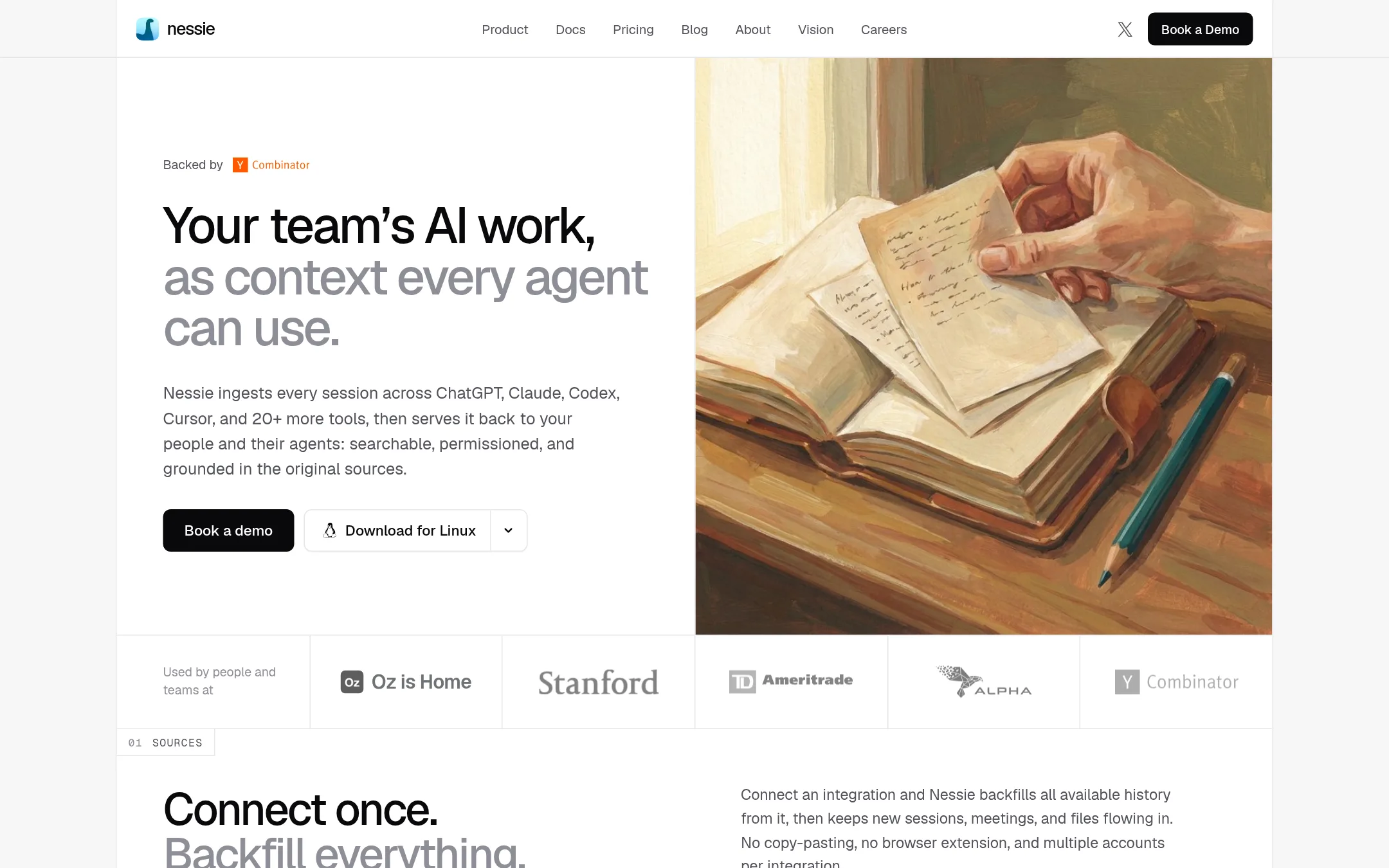
Nessie ingests your sessions from ChatGPT, Claude, Codex, Cursor and more than 20 other tools, then serves them back as searchable, permissioned context. Its CLI, MCP server and agent skills share one permission model, so an agent sees only what the person running it can see. A concrete example from the product: it can pick up a Claude Code session and tell you where you left off, checked against the current branch.
Where it is strong
- Syncs history from over 20 tools, including ChatGPT, Claude, Codex and Cursor
- Sharing is scoped to one session, a repository, an integration or a context, and everything else stays private
- Local-first by default, with Privacy Mode on so Nessie staff cannot read your content
Where it falls short
- Ingestion depends on the connectors it supports, so a tool outside its list of 20+ will not be captured
- Team features such as admin dashboard, team analytics and Ontology sit only on the $80/seat tier, which is a steep step from Plus
- Pricing:
- Plus is $28/month billed yearly, Pro is $79/month, and Team is $80/seat/month, with on-prem available by quote.
- Not published
8.Ishiki Labs
Best for: Robotics and physical AI teams that need realistic simulation to train and evaluate robot behavior with reinforcement learning

- Pricing
- Not published
- Category
- AI & Machine Learning
Ishiki Labs builds high-fidelity reinforcement learning and evaluation environments for robots, aimed at teams doing physical AI. Its simulation environments let teams train and test robot behavior at scale before hardware is involved. The company is backed by Y Combinator, which is the one credibility signal the listing supplies.
Where it is strong
- Built specifically for reinforcement learning on robots
- Covers both training and evaluation environments
- Backed by Y Combinator
Where it falls short
- Pricing is not listed, so you need to contact the company for a quote
- Not a fit for teams outside robotics or physical AI
- Pricing:
- Pricing is not published on the site.
How to choose AI Software
Start with the pricing structure. Some products publish plans and rates, such as MindsDB's pay-as-you-go model billed at provider rates and Nessie's per-seat tiers, while others do not list prices and require a sales conversation. Compare the total cost at your expected team size and usage, not just the starting price.
Check who the product is built for. A general tool can serve many roles, but a product built for home services, actuarial work, or robotics will fit its own users far better than a team in another field. If your work falls outside the stated focus, expect gaps.
Confirm which tools and sources the product connects to. Nessie, for example, supports ingestion from more than 20 named AI tools, so anything outside that list will not be captured. Look at the connectors before you commit.
Review data handling and compliance. Some products offer local-first storage and privacy modes, while others run in single-tenant environments with dedicated infrastructure. If your data is sensitive or regulated, ask how the product stores it and who at the vendor can read it.
Finally, look at support and contract terms. Topline Pro includes dedicated onboarding on every plan and bills month to month, which lowers the commitment. Other vendors may require annual contracts or quotes, so read the terms before signing.
FAQ
Questions about AI Software
What is AI software?
AI software is a product built around artificial intelligence models that performs a defined job, such as answering customer requests, researching documents, or training robots. Some tools manage access to many models, while others serve a particular profession or industry.
How much does AI software cost?
Costs vary widely. MindsDB offers a free plan and bills paid usage at provider rates, Topline Pro starts at $249 per month, and Nessie lists plans from $28 per month. Several products on this list do not publish pricing and require contacting the vendor for a quote.
Which AI software is best for a small team?
MindsDB suits startup teams with several members who need per-team budgets and spend visibility across many models. Nessie suits teams who work across several AI tools and want shared, permissioned context. The right choice depends on whether your main need is model spend control or context sharing.
Does AI software work for every industry?
No. Several products on this list are built for specific fields, such as Topline Pro for home service businesses, Tesora for property and casualty actuaries, Operand for alternative asset managers, and Ishiki Labs for robotics. Using them outside those fields will likely leave gaps in fit.
What should I check before buying AI software?
Check the pricing structure, who the product is built for, and which tools and data sources it connects to. Also review how it handles and stores your data and what the support and contract terms are before you commit.
Last updated November 7, 2026.