7 Best AI Video Generation Software in 2026
Updated November 8, 2026
The short answer
The strongest AI video generation software on this list is Affogato AI for creators and marketing teams who need one character or product to stay consistent across many videos, Magic Hour for creators and small teams who want text-to-video, image editing and talking-photo tools in one account, and Yarn for startup go-to-market teams that need short sales and marketing videos at volume. Palmier suits macOS editors who want AI generation on the timeline, and Argil suits creator teams and agencies that need a recurring on-screen character.
The shortlist, at a glance
Read the comparisons ↓ Affogato AIFrom $24/moCreators and marketing teams producing fashion, product, influencer, or UGC-style ad content who need the same character or product across many videos
 LinumNot publishedFounders and operators who want a video model built by a research-first team and are comfortable with an early-stage vendor.
 Magic HourCredits, from plan tieCreators and small teams who want text-to-video, image editing and talking-photo tools in one account without juggling separate apps
YarnFree, $50/mo, CustomStartup GTM and content teams that need to produce many short sales or marketing videos without a dedicated video editor.
 PalmierFree, $29/mo ProCreators, editors, and agencies producing recurring short-form video such as social ads and clips, who want an AI agent to handle the first pass.
 ArgilFrom $50/moCreator teams and agencies that need many videos with the same on-screen character and brand look.
 GolpoFree, from $7.99/crediTraining teams, educators, and creators who need narrated explainer videos from existing documents without filming or animation work.
About AI Video Generation Software
AI video generation software creates video clips from text prompts, images or existing footage using generative models. Buyers use it to make product demos, marketing and social ads, explainer videos, talking-head clips and recurring short-form content without filming or traditional animation work.
The products on this list differ mainly in approach. Some are studios that bundle many third-party models into one workspace, such as Affogato AI and Magic Hour. Others are editors or production tools that put generation on a timeline, such as Palmier, or build a full production pipeline around a consistent character, such as Argil. Yarn targets sales and growth teams, Golpo turns documents into narrated explainers, and Linum is a research lab training its own models. Pricing models also vary, from metered credits to flat subscriptions and custom enterprise quotes.
The 7 best AI Video Generation Software, compared
- From $24/mo
1.Affogato AI
Best for: Creators and marketing teams producing fashion, product, influencer, or UGC-style ad content who need the same character or product across many videos
- Pricing
- From $24/mo
- Category
- AI & Machine Learning
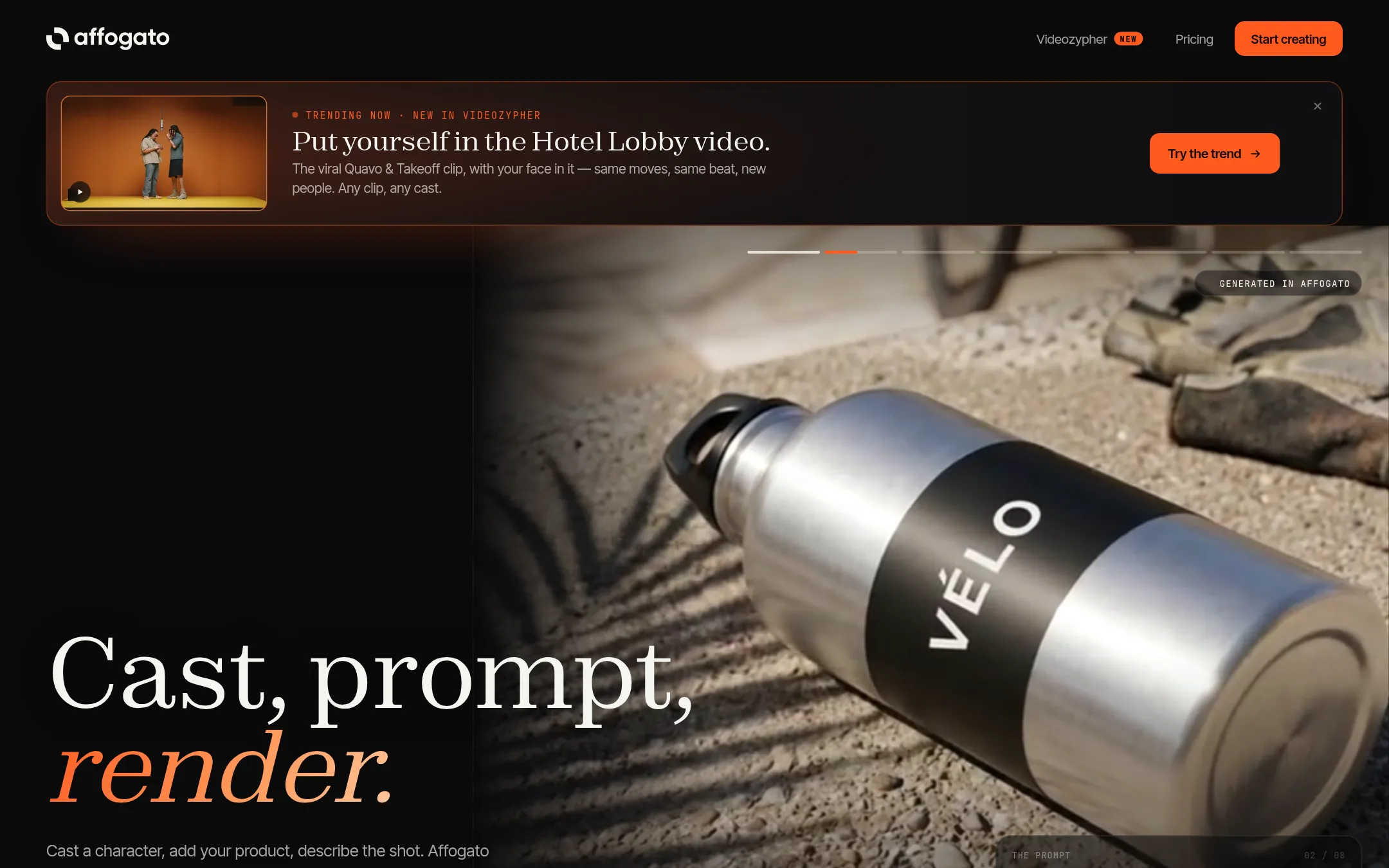
Affogato is an AI studio that generates, edits, and upscales both images and video from one workspace, with access to more than 170 models including Veo, Kling, Sora, and FLUX. Its most distinctive feature is locking a face, product, or brand once so it stays consistent across every shot without re-prompting.
Where it is strong
- Over 170 image and video models in one workspace, with new models added on public API release
- Character and product consistency across frames without re-prompting
- Unused credits roll over month to month, and every plan includes a commercial license with no watermarks
Where it falls short
- Costs are metered by credits, so heavy video rendering can get expensive quickly
- Standard support is the base tier, and priority support requires a higher plan
- Pricing:
- Plans start at $24 per month for 2,000 credits with rollover, and team plans start at $99 per month with up to 25 seats.
- Not published
2.Linum
Best for: Founders and operators who want a video model built by a research-first team and are comfortable with an early-stage vendor.
- Pricing
- Not published
- Category
- AI & Machine Learning
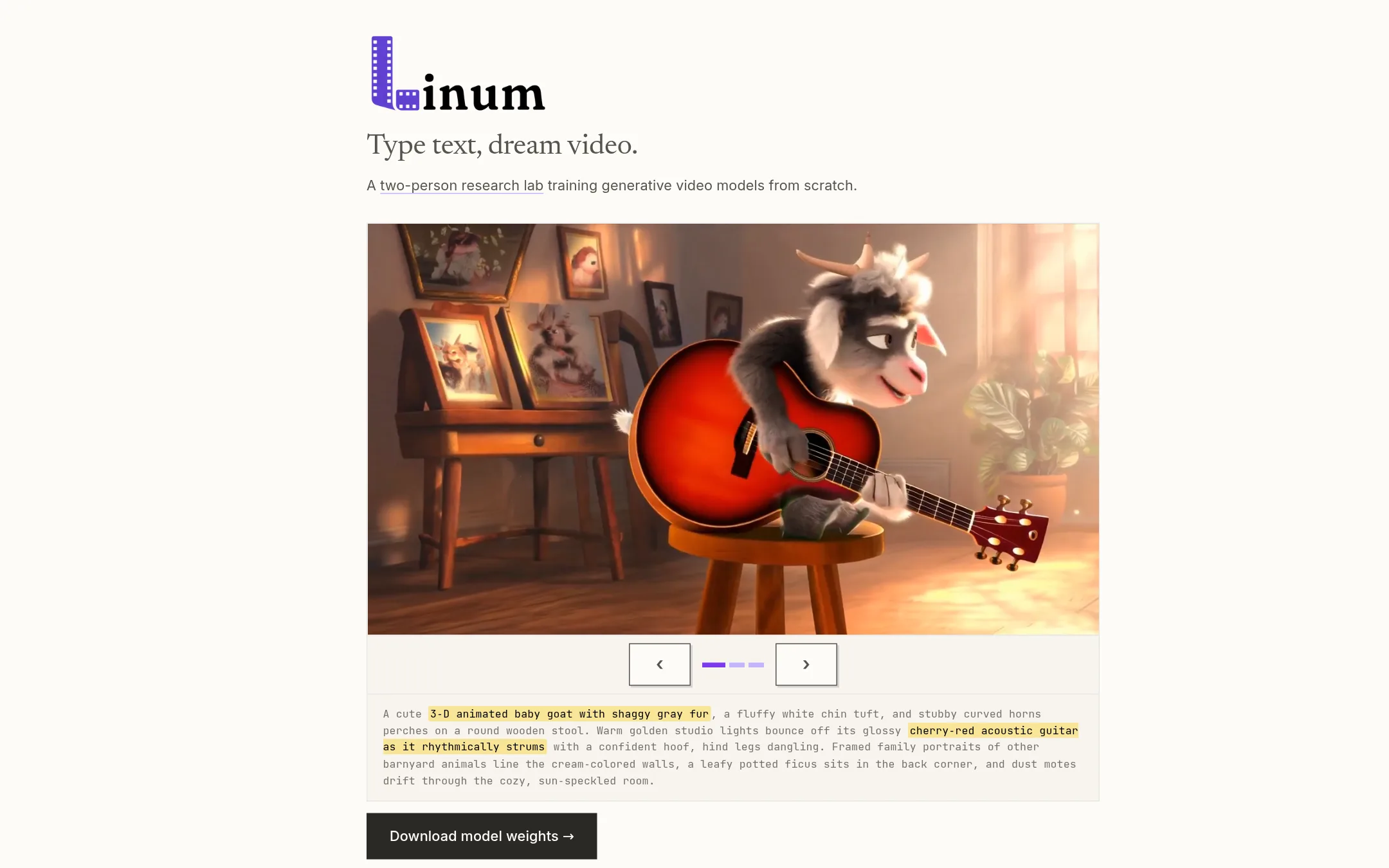
Linum is a two-person research lab that trains its generative video models from scratch rather than wrapping someone else's model. The team publishes detailed field notes on its methods, such as a series on data filtering for video pre-training and a piece on training text-to-image models 3.6× faster. That openness makes it easier to judge the work before you commit.
Where it is strong
- Models are trained from scratch by the in-house team, not resold from another provider.
- Public research notes explain methods like data filtering and multiresolution prediction in detail.
- Recent posts report concrete training speedups, such as 3.6× faster for text-to-image training.
Where it falls short
- The site does not list pricing, plans, or a free tier, so cost is unclear until you contact the team.
- A two-person lab is a small company, which may be a risk for teams that need dedicated support or long-term vendor stability.
- Pricing:
- Pricing is not published on the site.
- Credits, from plan tie
3.Magic Hour
Best for: Creators and small teams who want text-to-video, image editing and talking-photo tools in one account without juggling separate apps
- Pricing
- Credits, from plan tie
- Category
- Media & Entertainment
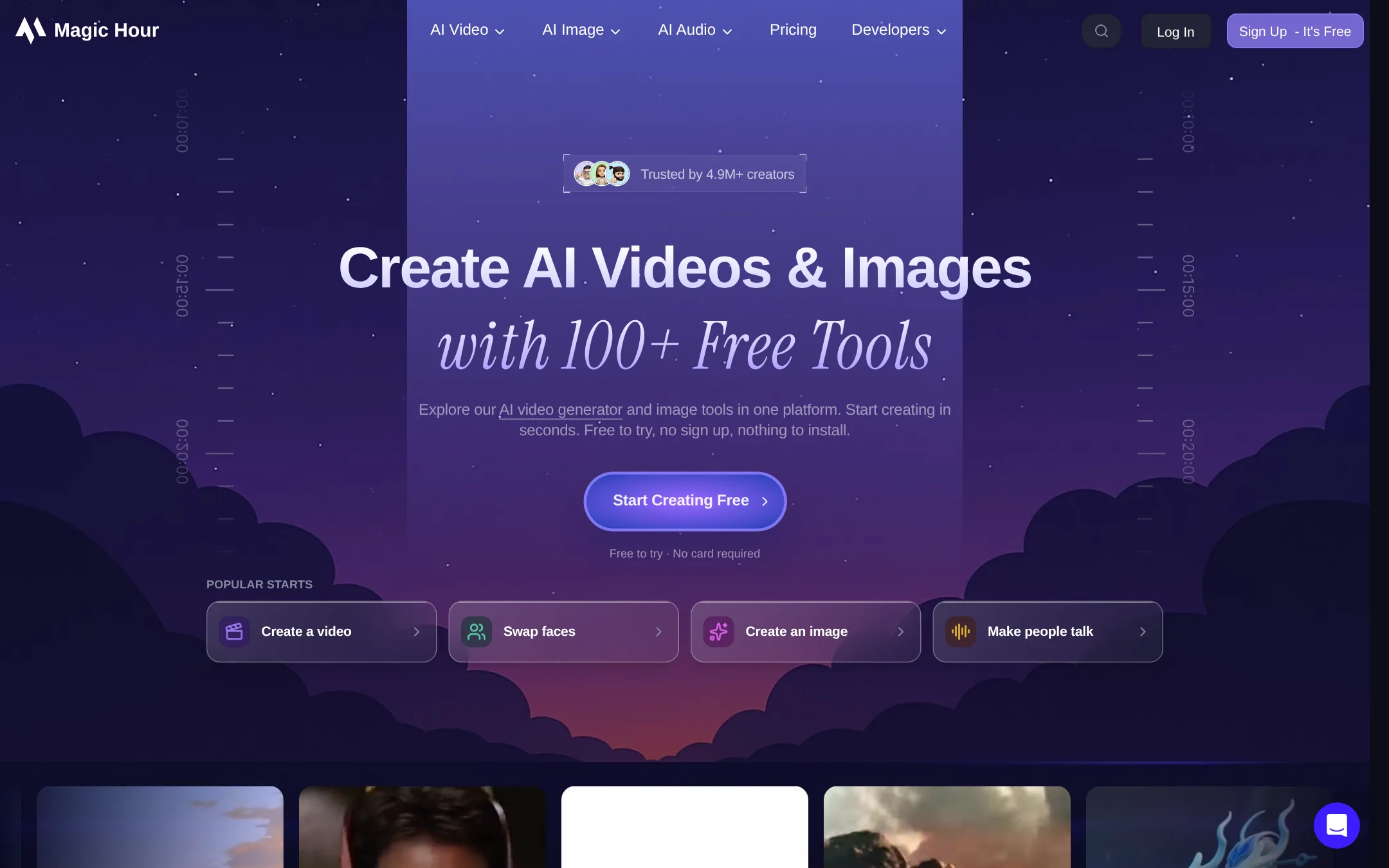
Magic Hour is a studio for AI video and image generation, covering text to video, image to video, face swap, lip sync and talking photos. Its credibility rests on scale: the site reports more than 4.9 million creators and 2,000 teams, and supported core tools can be tried without signing up.
Where it is strong
- Supported core tools can be tried before signup
- Credit packs do not expire and need no subscription
- API and SDKs are available for production use
Where it falls short
- Pricing tiers are shown as credit counts, so comparing cost per output takes some work
- Commercial use is limited to paid subscribers, credit-pack customers and agreed paid arrangements, so free users are restricted to personal
- Pricing:
- Plans are sold as credit packs and subscriptions, with credit tiers of 4,000, 12,000, 32,000 and 64,000 listed on the pricing page, and unused credits never expire.
- Free, $50/mo, Custom
4.Yarn
Best for: Startup GTM and content teams that need to produce many short sales or marketing videos without a dedicated video editor.
- Pricing
- Free, $50/mo, Custom
- Category
- Design & Creative
Yarn makes sales and marketing videos with AI, aimed at content, growth and GTM teams that need short-form video at volume. It covers autonomous content production, agent-made product demos, talking head videos and generative overlays, with a brand kit and media library to keep output on-brand. Its integrations with Figma, Google Slides, Notion and YouTube let teams pull existing assets straight into video.
Where it is strong
- Agent-made demos and talking head videos cover common sales use cases.
- Brand kit and media library keep videos consistent across a team.
- Figma, Google Slides and Notion integrations let teams reuse existing material.
Where it falls short
- Growth and Enterprise pricing requires a sales conversation, so budgeting ahead is harder.
- Features like CRM integrations, custom playbooks and API access sit in the higher tiers, not the Starter plan.
- Pricing:
- Free plan with generous usage limits for 1 user, Starter at $50 per month in credits for up to 3 seats, and Growth and Enterprise priced custom.
- Free, $29/mo Pro
5.Palmier
Best for: Creators, editors, and agencies producing recurring short-form video such as social ads and clips, who want an AI agent to handle the first pass.
- Pricing
- Free, $29/mo Pro
- Category
- AI & Machine Learning
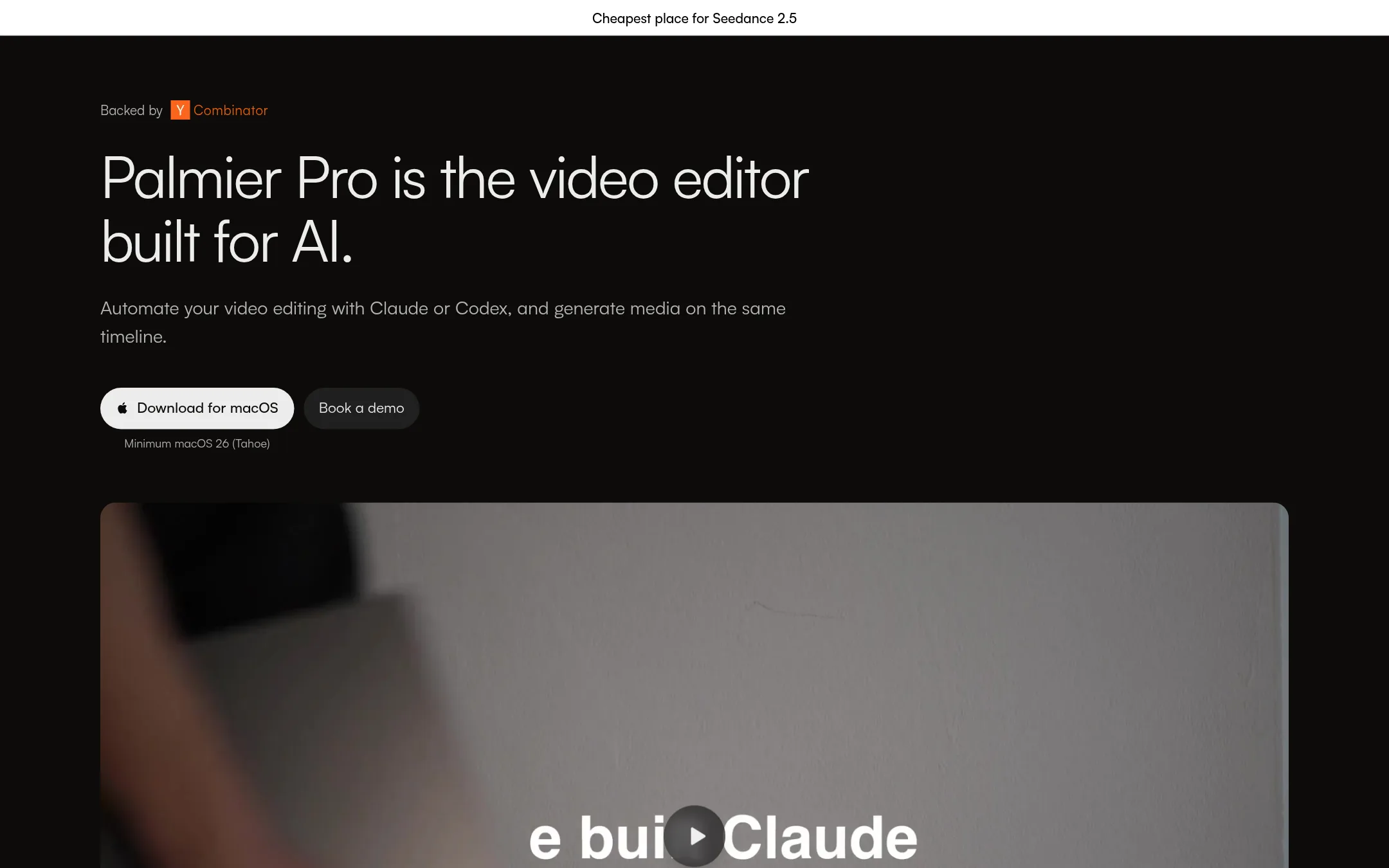
Palmier Pro is a macOS video editor that puts AI generation directly on the timeline, so you can generate, trim, and combine clips in one project. It connects to Claude, Codex, or Cursor over MCP, letting an agent make edits you can review or undo. Over 100K downloads and an XML export to Premiere Pro, DaVinci Resolve, and Final Cut make it easy to hand off to a professional editor.
Where it is strong
- Generation happens on the same timeline as your edit, so no file juggling between tools.
- Saved Skills let you reuse one edit process across future videos in the same format.
- Exports to Premiere Pro, DaVinci Resolve, and Final Cut through NLE XML.
Where it falls short
- Requires macOS 26 (Tahoe) or later, so Windows and older Macs are out.
- Generation and transcription run on credits, so heavy use means paying the Pro or Max tier.
- Pricing:
- The editor is free, Pro is $29/mo (discounted from $49) with 5,000 credits, and Max is $69/mo (discounted from $99) with 12,000 credits.
- From $50/mo
6.Argil
Best for: Creator teams and agencies that need many videos with the same on-screen character and brand look.
- Pricing
- From $50/mo
- Category
- Media & Entertainment
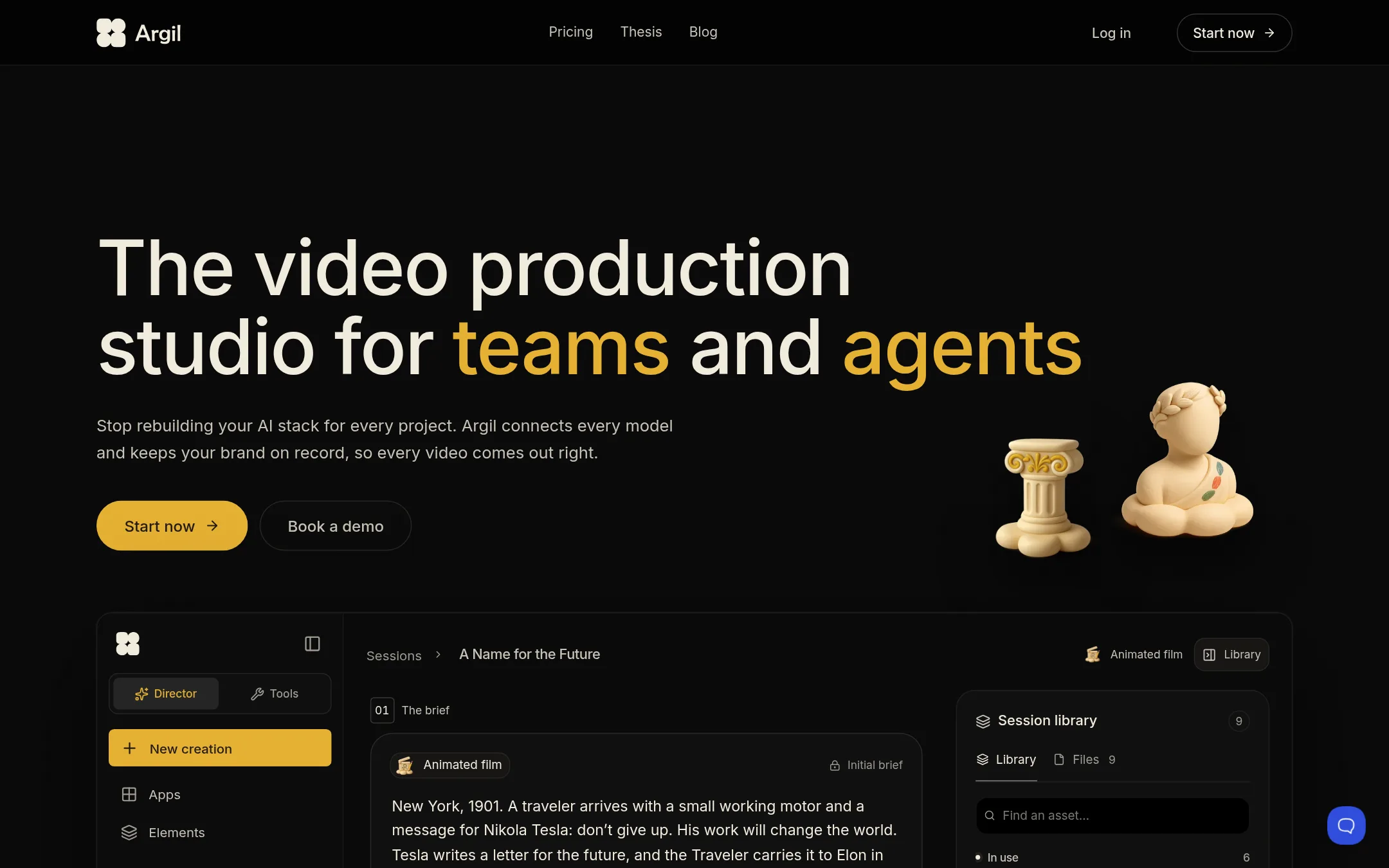
Argil is a video production studio that connects several AI models and keeps a character's face, body and voice locked across every video. Its director layer writes the storyboard and picks the model for each shot, and the cut, motion and captions sit on one timeline so the video ships finished. The brand locations, props and house style are reused by every model, which helps a team's videos look like they came from one studio.
Where it is strong
- Cast a character once and keep their face, body and voice consistent across videos
- Brand locations, props and house style are applied to every shot
- Extra pay-as-you-go credits do not expire, and you can cancel from billing settings with access kept until the period ends
Where it falls short
- Credit use varies by model and output, so monthly cost can be hard to predict for heavy users
- Plans step up sharply from Pro at $50 to Studio at $1,250 per month, which leaves a gap for mid-sized teams
- Pricing:
- Plans start at $50 per month for Pro, $1,250 per month for Studio and from $2,500 per month for Enterprise, with monthly credits that refresh and do not stack.
- Free, from $7.99/credi
7.Golpo
Best for: Training teams, educators, and creators who need narrated explainer videos from existing documents without filming or animation work.
- Pricing
- Free, from $7.99/credi
- Category
- Media & Entertainment
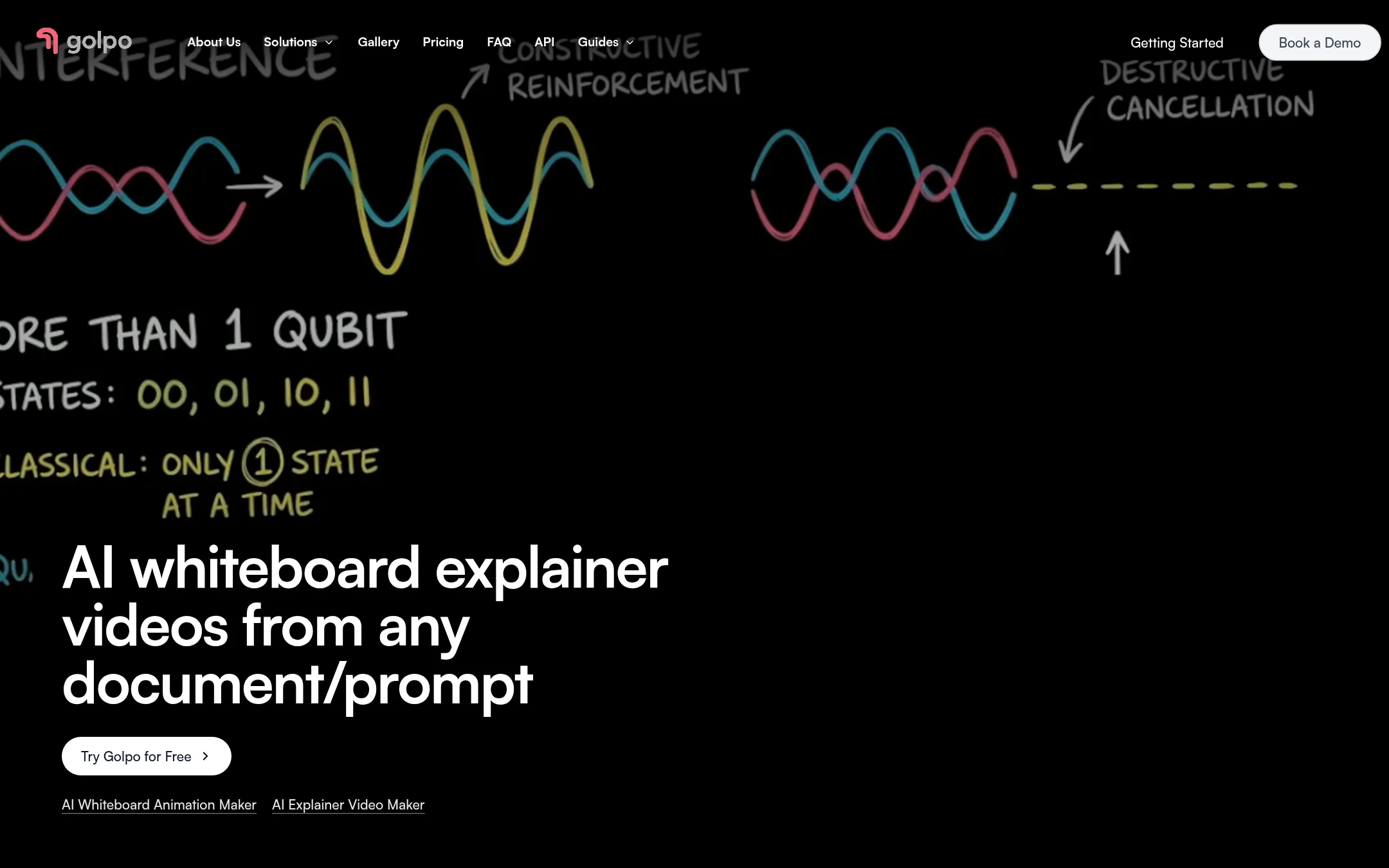
Golpo generates whiteboard and illustrated explainer videos from a prompt, script, PDF, or audio. A live hand draws each frame as the narration plays, which sets it apart from flat motion graphics. Teams can edit the result frame by frame or in plain English.
Where it is strong
- Turns PDFs, notes, and scripts into a narrated video in one pass.
- A live pen-in-hand animation gives a hand-drawn look, not a flat motion graphic.
- Supports 45+ languages and vertical 9:16 export for social channels.
Where it falls short
- The free preview is watermarked and cannot be downloaded, and most useful features need a paid plan.
- Commercial use, color, and longer videos are gated behind Starter and higher tiers, so budgets need checking.
- Pricing:
- Pricing is published: a free 1-minute watermarked preview, Starter, Creator, Growth, Business, Scale and Enterprise plans, and pay-as-you-go credits at $7.99 each for 5 to 19 credits, falling to $3.99 each for 100 or more.
How to choose AI Video Generation Software
Start with pricing structure. Several products meter output in credits, so the real cost depends on how much video you render and which model you use. Check whether unused credits roll over or expire, and whether a plan includes a commercial license.
Next, check who the product is built for. A tool aimed at sales teams, such as Yarn, handles different jobs than one aimed at creators or editors, such as Palmier or Argil. Match the tool to the output you need most often, whether that is product ads, talking heads, explainers or edited clips.
Confirm the integrations you depend on. Yarn connects to Figma, Google Slides, Notion and YouTube, while Palmier exports to Premiere Pro, DaVinci Resolve and Final Cut. If your team already works in one of these, an existing connection saves time.
Review data handling and compliance before you upload brand assets, faces or proprietary documents. Ask where files are stored and whether they train models. Note the licensing terms too, since some free tiers limit commercial use.
Finally, look at support and contract terms. Some vendors gate priority support behind higher plans, some require a sales conversation for pricing, and some are early-stage companies. Check cancellation rules and what happens to unused credits before you sign.
FAQ
Questions about AI Video Generation Software
What is AI video generation software?
AI video generation software creates video from text prompts, images or existing footage using generative models. Teams use it for product demos, marketing and social ads, explainers and talking-head clips without filming or traditional animation. Most products on this list run on a credit or subscription model.
How much does AI video generation software cost?
Prices range from free plans to custom enterprise quotes. Affogato AI starts at $24 per month and Argil starts at $50 per month, while Golpo offers a free watermarked preview and pay-as-you-go credits. Yarn and Linum either have custom pricing or do not publish it, so you will need to contact them for a quote.
Which AI video generation tool is best for keeping a character consistent?
Affogato AI and Argil are built for consistency across videos. Affogato lets you lock a face, product or brand once so it stays consistent across shots, and Argil keeps a character's face, body and voice locked across every video. Both suit teams producing many videos with the same on-screen presence.
Can I export AI-generated video into a professional editing workflow?
Yes, but it depends on the product. Palmier exports XML to Premiere Pro, DaVinci Resolve and Final Cut, so an editor can take over the project. Palmier runs only on macOS 26 (Tahoe) or later, so check your operating system before choosing it.
Should I check licensing before using AI-generated video commercially?
Yes. Affogato AI includes a commercial license on every plan, while Magic Hour limits commercial use to paid subscribers and credit-pack customers. Check the terms for the plan you are considering before you publish ads or client work.
Last updated November 8, 2026.