7 Best APP Development Platforms in 2026
Updated October 21, 2026
The short answer
For most teams, Firebase is the strongest pick for startups needing a managed backend with a generous free tier. Stacker suits teams that want to build internal tools from spreadsheets with AI agents. Glide is best for operators who need to turn spreadsheets into working apps without coding. Choose based on whether you need a full backend, AI automation, or simple app creation.
The shortlist, at a glance
Read the comparisons ↓ StackerFree trial, 250 creditTeams that want to build internal tools and customer portals from spreadsheets without writing code, and need AI agents to automate tasks across their existing stack.
 FirebaseFree plan, pay-as-you-Startups and development teams that want a managed backend with generous free tier and Google Cloud integration.
GlideFree plan, paid tiersOperators and business teams that want to build internal apps from spreadsheets without coding, and need them to work on desktop and mobile.
 DigitalOcean App PlatformNot publishedTeams already on DigitalOcean that want a simple deploy path for web apps alongside their existing cloud services.
TooljetFree, from $199/moTeams building internal tools, admin panels, and CRUD apps who want AI-assisted development and self-hosting options.
 ExpoFree, from $19/mo + usReact Native developers and teams who want a managed workflow with cloud simulators, over-the-air updates, and built-in CI/CD.
 OktetoFree up to 5 usersPlatform teams running AI coding agents that need isolated, production-like environments for verification without giving up governance or control.
About APP Development Platforms
App development platforms are services that let you build, deploy, and run applications without managing the underlying infrastructure. They handle common tasks like authentication, databases, and hosting, so you can focus on your product logic and user experience.
The platforms on this list differ in approach, scale, and pricing. Some, like Firebase and DigitalOcean App Platform, are managed backends for developers. Others, like Stacker and Glide, turn spreadsheets into apps for non-coders. Tooljet and Expo target specific developer workflows, while Okteto focuses on AI agent environments. Pricing ranges from free tiers to usage-based and per-user models.
The 7 best APP Development Platforms, compared
- Free trial, 250 credit
1.Stacker
Best for: Teams that want to build internal tools and customer portals from spreadsheets without writing code, and need AI agents to automate tasks across their existing stack.
- Pricing
- Free trial, 250 credit
- Category
- Developer Tools
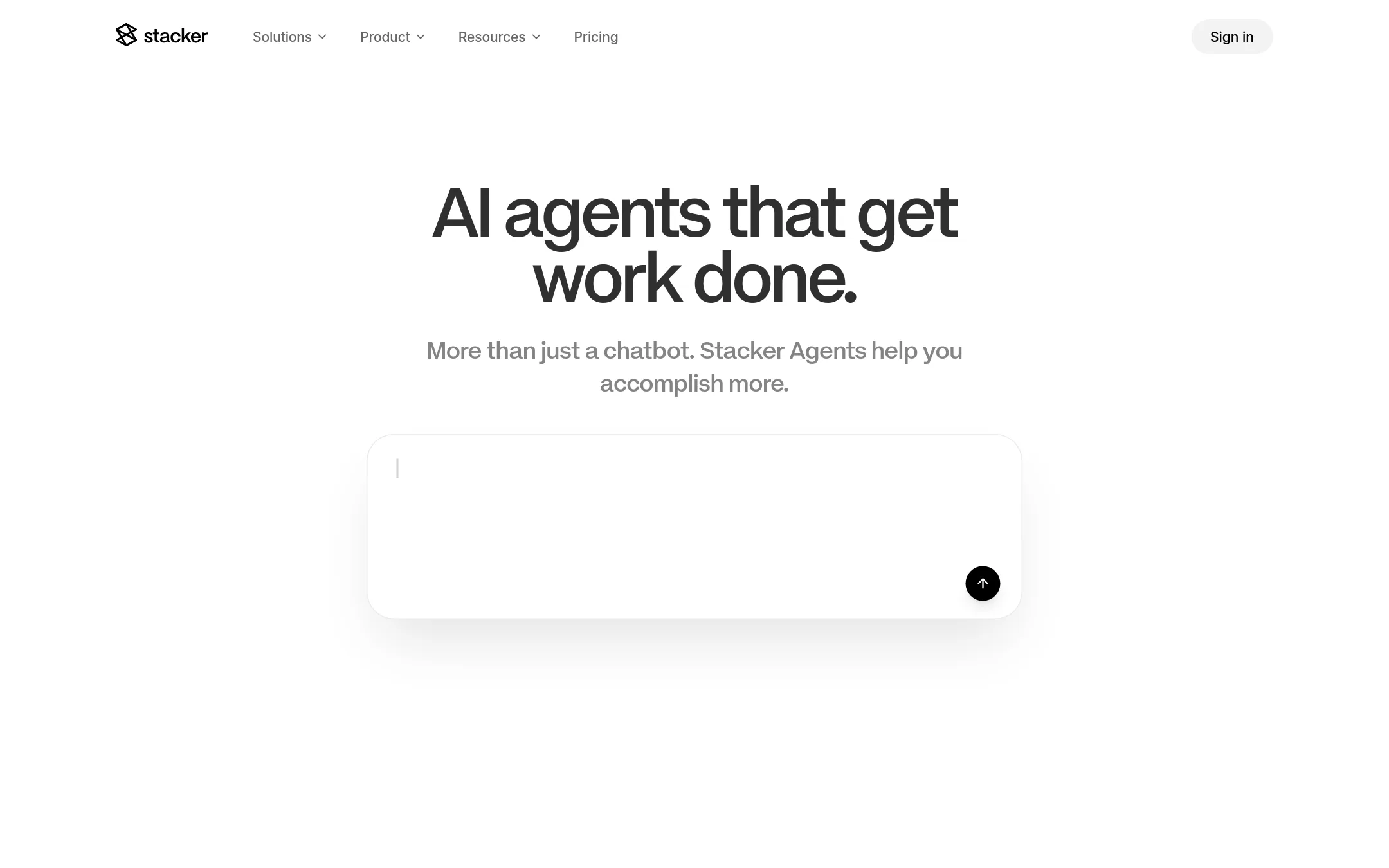
Stacker is an AI-native application platform that turns spreadsheets into internal apps, CRMs, and dashboards. Its agents connect to your tools, learn your business, and work in Slack, email, and other channels. It includes computer use and media generation, so agents can act on the real web and create visuals.
Where it is strong
- Unlimited agents and no per-seat charges on the Standard plan.
- All 2,000+ integrations included on every plan.
- Agents can use computer vision to interact with tools that lack APIs.
Where it falls short
- Credits reset monthly, so unused credits do not roll over.
- Not ideal for teams needing per-user pricing or a free tier beyond the initial $100 credit trial.
- Pricing:
- Start free with $100 in credits, no credit card required. The Standard plan is 250 credits per month with unlimited agents and all features. Enterprise pricing is tailored to usage.
- Free plan, pay-as-you-
2.Firebase
Best for: Startups and development teams that want a managed backend with generous free tier and Google Cloud integration.
- Pricing
- Free plan, pay-as-you-
- Category
- Developer Tools
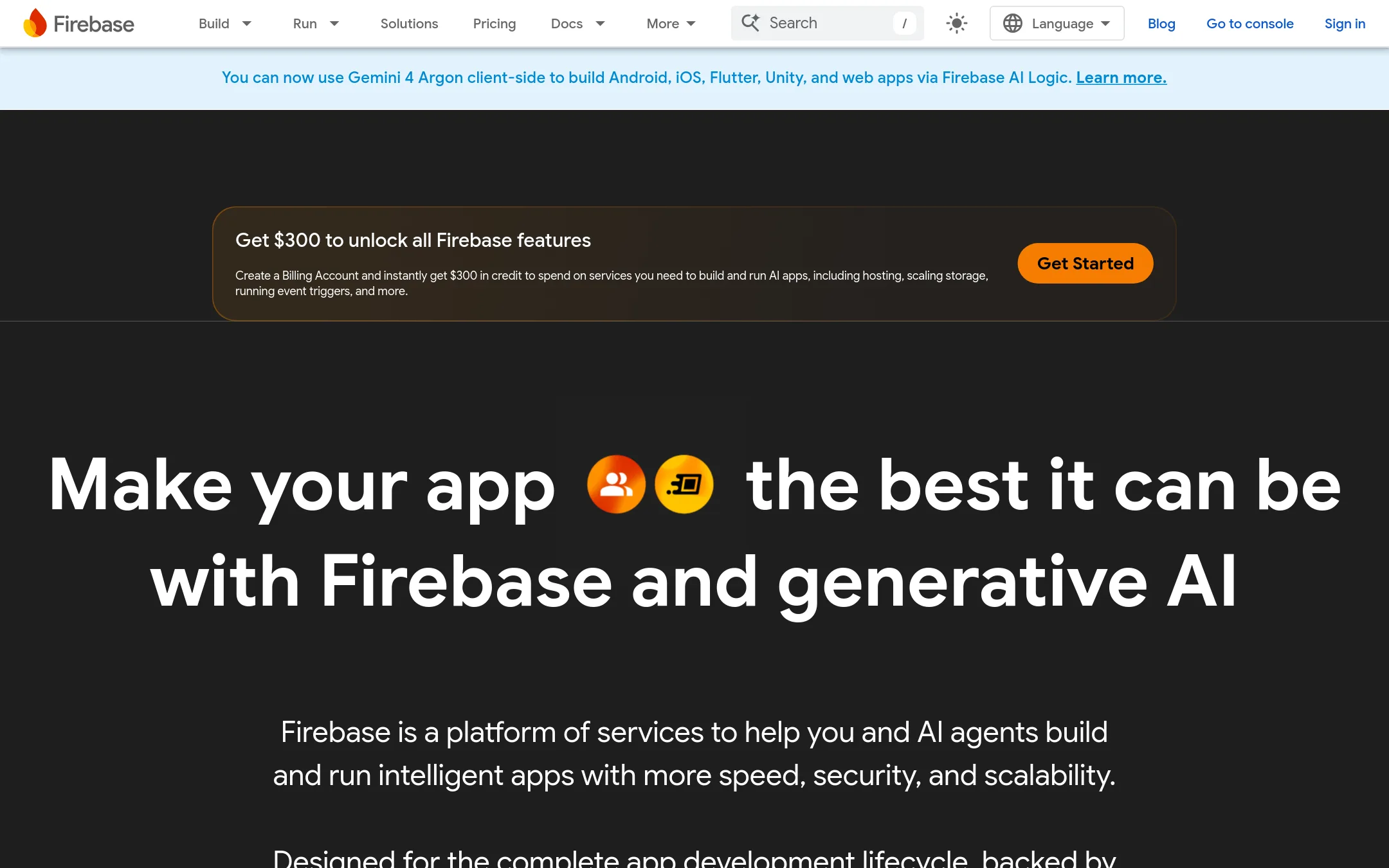
Firebase is Google's platform for building mobile and web apps, with managed infrastructure and cross-platform SDKs for iOS, Android, Web, Flutter, Unity, and C++. It includes build tools like App Hosting, Authentication, Cloud Functions, and Firestore, plus run tools like Crashlytics and Google Analytics. The free Spark plan offers generous no-cost usage limits without a payment method, making it a credible pick for startups.
Where it is strong
- Free Spark plan with no payment method needed
- Cross-platform SDKs for iOS, Android, Web, Flutter, Unity, C++
- Generative AI integrations with Gemini and Firebase AI Logic
Where it falls short
- Pay-as-you-go pricing can get complex with many services
- Free quotas are limited and may require Blaze plan for production
- Pricing:
- The Spark plan is free with no payment method needed. The Blaze plan is pay-as-you-go with a $300 credit if eligible. Usage-based pricing starts at $0.40 per million Cloud Functions invocations and $0.20 per GiB for uncached App Hosting bandwidth after free li
- Free plan, paid tiers
3.Glide
Best for: Operators and business teams that want to build internal apps from spreadsheets without coding, and need them to work on desktop and mobile.
- Pricing
- Free plan, paid tiers
- Category
- Productivity & Project Management
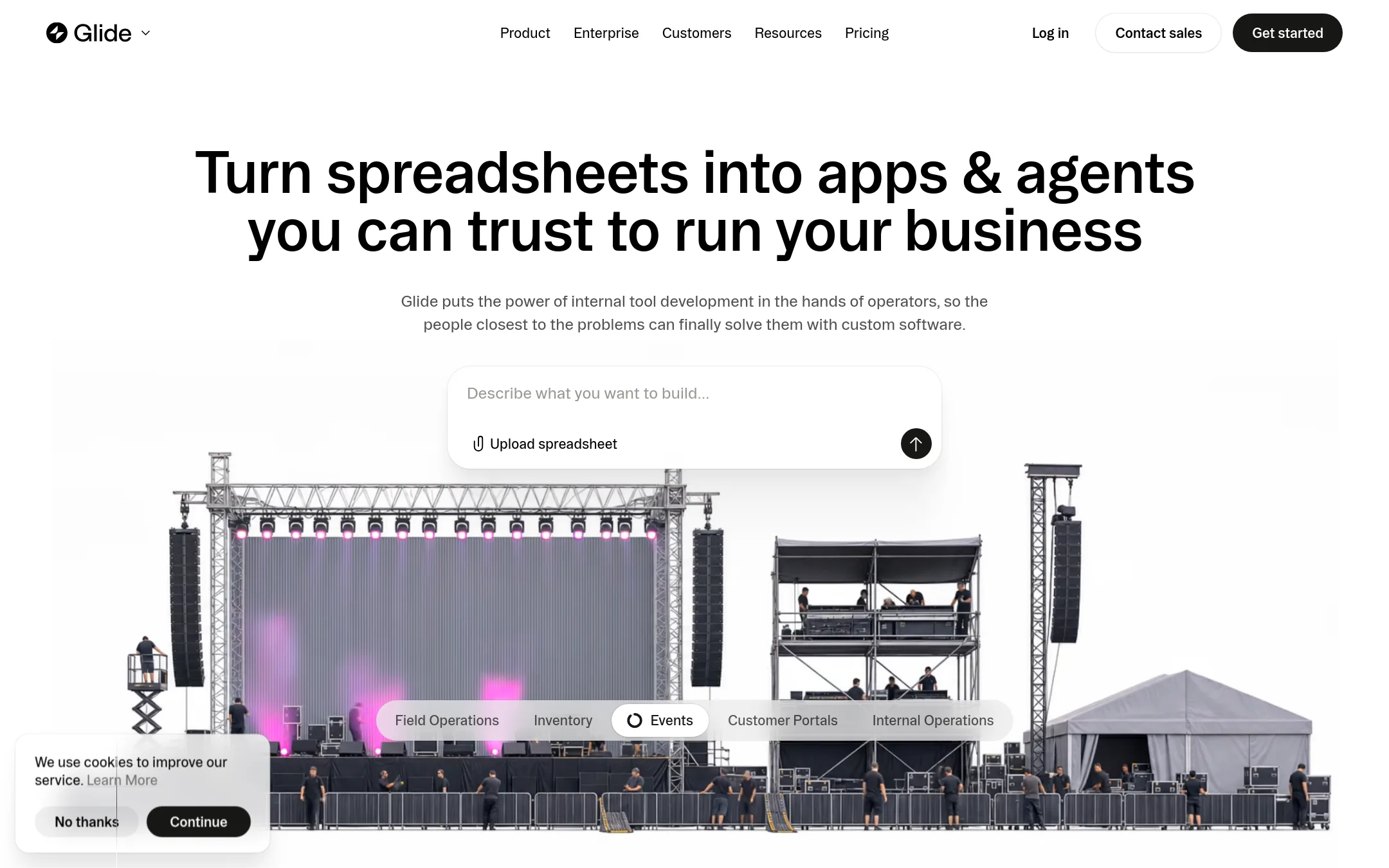
Glide turns spreadsheets into custom business apps and AI agents, so operators can build internal tools without waiting on developers. It reads the structure and logic of your spreadsheet to create screens and workflows, and every app stays connected to the same live data. With pre-built templates and a marketplace, it is a credible pick for teams that want to move from spreadsheet to working app in minutes.
Where it is strong
- Turns spreadsheets into apps with AI, no coding needed
- Apps stay connected to live data, updates reflect everywhere
- Pre-built templates and marketplace for quick starts
Where it falls short
- Free plan limits to 2 team members and 10 projects
- GlideOS is separate from Glide Classic, requiring its own subscription
- Pricing:
- Pricing starts with a free plan for 2 team members and 10 projects, then Basic, Plus, and Pro tiers, with Pro starting at 5 team members and 50 credits per member. Enterprise is custom.
- Not published
4.DigitalOcean App Platform
Best for: Teams already on DigitalOcean that want a simple deploy path for web apps alongside their existing cloud services.
- Pricing
- Not published
- Category
- Developer Tools
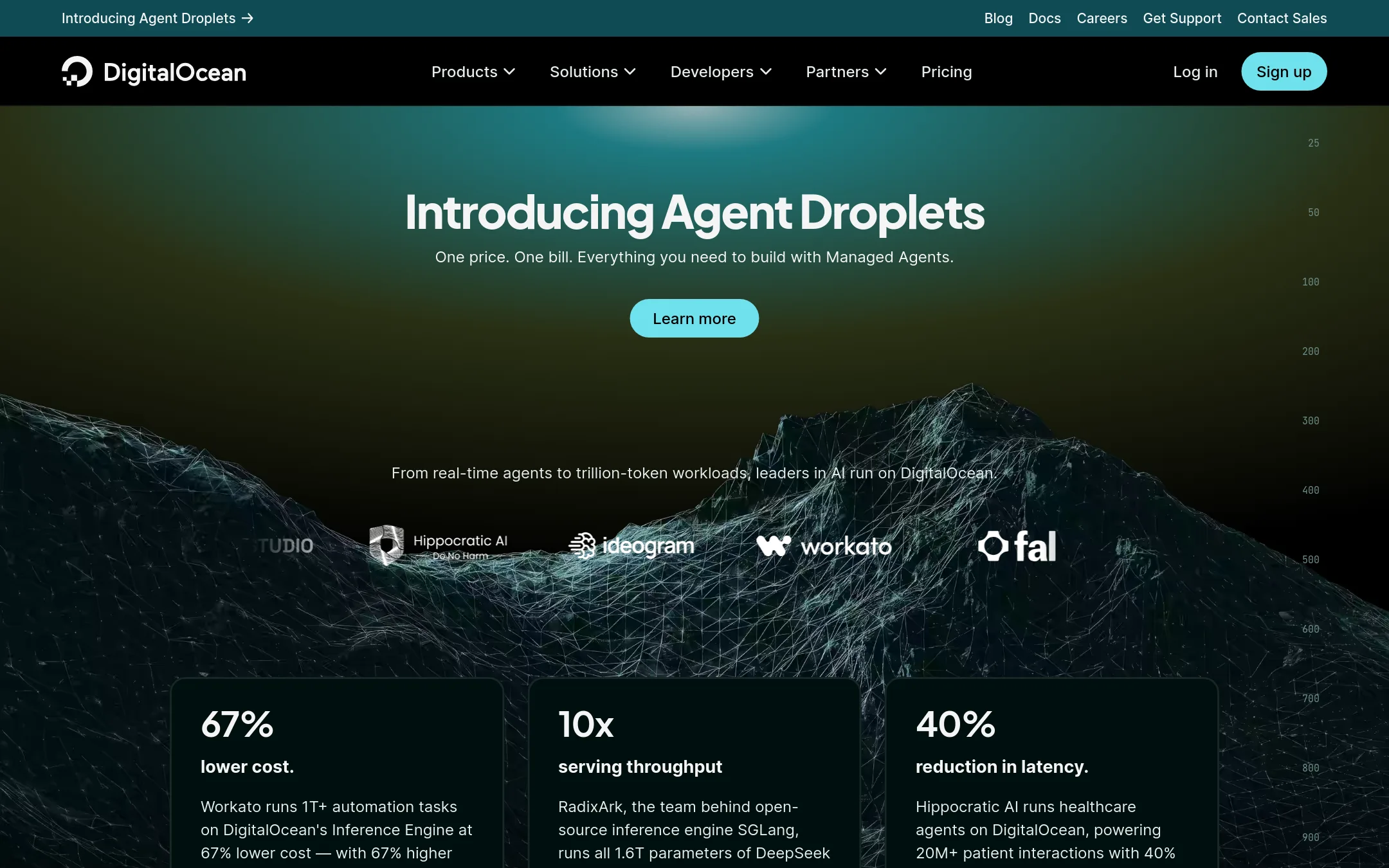
DigitalOcean App Platform is a managed service for deploying and scaling web apps without managing servers. It is part of DigitalOcean's broader cloud, so it connects with managed databases, Kubernetes, and other core primitives. Request-based autoscaling is generally available, which helps handle traffic spikes automatically.
Where it is strong
- Fully managed, no server administration
- Scales based on request volume
- Integrates with DigitalOcean databases and Kubernetes
Where it falls short
- Pricing details are not listed on the main site
- Best value only if you already use DigitalOcean's ecosystem
- Pricing:
- Pricing is not published on the site. The page links to a separate App Platform pricing page.
- Free, from $199/mo
5.Tooljet
Best for: Teams building internal tools, admin panels, and CRUD apps who want AI-assisted development and self-hosting options.
- Pricing
- Free, from $199/mo
- Category
- AI & Machine Learning
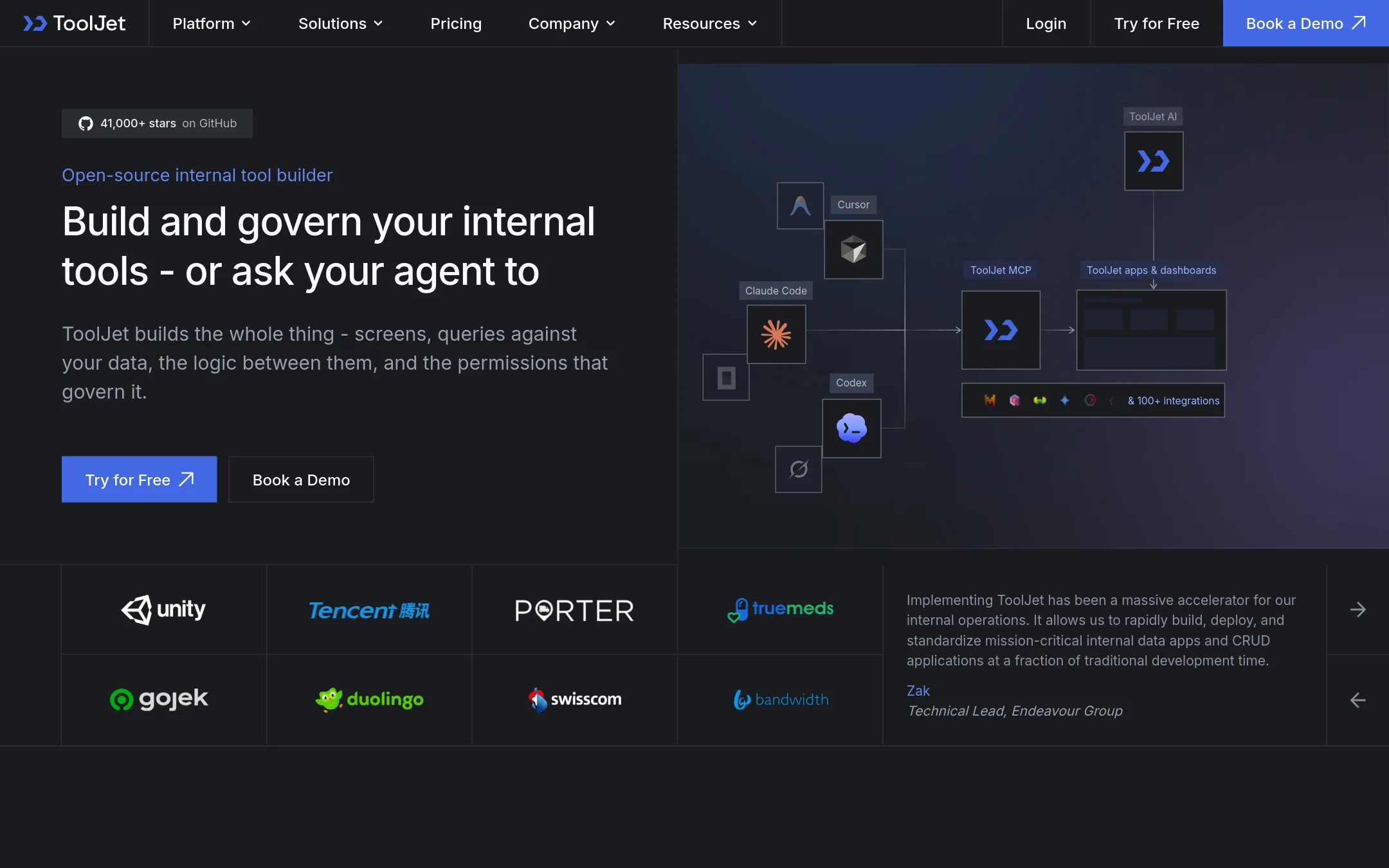
ToolJet is an open-source, AI-native low-code platform for building internal tools. It combines an AI app builder, workflow automation, and an agent builder, and it can be driven from coding agents like Claude Code or Cursor. It includes 100+ native connectors and a built-in PostgreSQL-based database, so teams can ship tools without provisioning a database.
Where it is strong
- AI can generate full app drafts from plain English descriptions.
- Self-hostable with a free Community Edition and air-gapped option.
- Seat-based pricing for builders, not end users, on Enterprise plans.
Where it falls short
- Workflow automation and agent builder are only available on Self-hosted plans.
- AI credits reset each billing cycle and may need to be purchased separately.
- Pricing:
- Free plan available. Business plan starts at $199/month billed yearly or $249/month billed monthly. Enterprise pricing is custom. AI credits are pay-as-you-go.
- Free, from $19/mo + us
6.Expo
Best for: React Native developers and teams who want a managed workflow with cloud simulators, over-the-air updates, and built-in CI/CD.
- Pricing
- Free, from $19/mo + us
- Category
- Developer Tools
Expo is a toolchain for building native iOS, Android, and web apps with React. It combines a CLI, cloud simulators, and CI/CD workflows so developers and AI agents can build, test, and ship from one codebase. With over 3 million developers and 50K+ GitHub stars, it's a credible pick for React Native teams.
Where it is strong
- Build for iOS, Android, and web from one codebase
- Cloud simulators let agents test and attach screenshots and logs
- Over-the-air updates with channels and rollouts
Where it falls short
- Paid tiers add usage-based costs beyond included credits
- Free tier limits builds and CI/CD minutes
- Pricing:
- Free tier for solo developers, then Starter at $19/mo + usage, Production at $199/mo + usage, and custom Enterprise pricing.
- Free up to 5 users
7.Okteto
Best for: Platform teams running AI coding agents that need isolated, production-like environments for verification without giving up governance or control.
- Pricing
- Free up to 5 users
- Category
- Developer Tools
Okteto gives coding agents isolated, production-like environments on your own infrastructure. Each agent task gets a full-stack environment to build, test, and verify against real services and data. It works with agents like Claude Code, Cursor, Codex, and Copilot through the same CLI and APIs developers already use.
Where it is strong
- Runs on your own Kubernetes cluster, so code and secrets stay in your infrastructure
- Priced per user, not per environment or agent, with unlimited environments on every plan
- Works with any agent that can run a command, no proprietary framework
Where it falls short
- Requires a Kubernetes cluster, so teams without one need to set it up first
- Scale and Enterprise pricing is not published, so you must talk to sales
- Pricing:
- Starter is free for up to 5 users. Scale and Enterprise are priced per user, contact sales for quotes.
How to choose APP Development Platforms
Pricing structure matters. Firebase offers a free Spark plan with no payment method, then pay-as-you-go. Glide has a free plan for 2 members, then per-seat tiers. Tooljet charges per builder seat, not end users, on Enterprise. Okteto is per user with unlimited environments. Stacker uses credits that reset monthly. Match the model to your team size and usage patterns.
Consider who the platform is built for. Firebase and Expo target developers with SDKs and CLIs. Stacker and Glide are for operators and business teams. Tooljet suits internal tool builders. Okteto is for platform teams running AI agents. Choose one that matches your team's technical skill.
Integrations are key. Stacker includes 2,000+ integrations on every plan. Tooljet has 100+ native connectors. Firebase integrates with Google Cloud and Gemini. Glide connects to spreadsheets. Okteto runs on your own Kubernetes. Ensure the platform connects to your existing tools.
Data and compliance. Okteto keeps code and secrets in your infrastructure. Tooljet offers self-hosting and air-gapped options. Firebase and DigitalOcean are cloud-hosted. If you need strict control, look for self-hosting or on-prem options.
Support and contract terms. Some platforms publish pricing, others require sales contact. DigitalOcean App Platform does not list pricing on the main site. Okteto's Scale and Enterprise need quotes. For predictable costs, choose platforms with transparent pricing. For custom needs, be ready to negotiate.
FAQ
Questions about APP Development Platforms
What is the best free option for app development platforms?
Firebase offers a free Spark plan with no payment method needed, making it a strong free start. Glide has a free plan for 2 team members and 10 projects. Tooljet also has a free plan, but some features are limited.
Can I build apps without coding?
Yes. Stacker and Glide turn spreadsheets into apps with AI, no coding required. Tooljet is low-code and can generate app drafts from plain English. These are good for operators and business teams.
How do pricing models differ among these platforms?
Firebase uses pay-as-you-go with a free tier. Glide charges per seat with tiers. Stacker uses credits that reset monthly. Tooljet charges per builder seat on Enterprise. Okteto is per user with unlimited environments. Choose based on your usage pattern.
Which platform is best for AI coding agents?
Okteto gives agents isolated, production-like environments on your own Kubernetes. Expo offers cloud simulators for testing. Tooljet can be driven by coding agents like Claude Code. Pick based on your agent workflow.
Can I self-host these platforms?
Tooljet is self-hostable with a free Community Edition and air-gapped option. Okteto runs on your own Kubernetes cluster. Others like Firebase and Glide are cloud-hosted only. Self-hosting gives you more control over data.
Last updated October 21, 2026.