6 Best Code Review Tools in 2026
Updated November 6, 2026
The short answer
The strongest code review tools on this list are CodeClimate, cubic and Axolo. CodeClimate suits engineering leaders at mid-size and large companies who need one view of teams and work across tools. cubic suits teams with complex codebases and a steady flow of pull requests that need bugs caught before merge. Axolo suits engineering teams that already work in Slack and want faster PR reviews with less context switching.
The shortlist, at a glance
Read the comparisons ↓ Vibe KanbanFree, then $30/user/moSmall engineering teams that already run several AI coding agents at once and need a shared place to plan issues and review their pull requests.
 CodeClimateFree, $20 to $30/contrEngineering leaders at mid-size and large companies who need to make staffing and planning calls across several teams and want their AI tools to see the same data.
 AxoloFree, then $8.3/seat/mEngineering teams already living in Slack that want faster PR reviews and less context switching.
 hoop.devFree plan, Custom quotEngineering and security teams that want to give AI agents access to production databases and APIs while controlling each action.
 Haystack SoftwareFrom $1,000/team/moProduct teams shipping to production that want to catch quiet failures, such as permission bugs that return 200 and pass the test suite.
 cubicFree tier, then per deEngineering teams with complex codebases and a steady flow of pull requests that need bugs caught before merge
About Code Review Tools
Code review tools help teams check code changes before they are merged into a main branch. They surface bugs, security issues and style problems, and they give reviewers a shared place to comment and approve pull requests. Some also review AI-generated changes, track review queues or test how a change behaves in production-like conditions.
The products on this list differ in approach, scale and pricing. Some focus on reviewing each pull request against the whole codebase and team rules, while others focus on moving review conversations into Slack or on planning and running parallel coding agents. Others target leadership visibility across teams or safe access for AI agents to production systems. Pricing ranges from free tiers and per-seat plans to usage-based and custom enterprise quotes.
The 6 best Code Review Tools, compared
- Free, then $30/user/mo
1.Vibe Kanban
Best for: Small engineering teams that already run several AI coding agents at once and need a shared place to plan issues and review their pull requests.

- Pricing
- Free, then $30/user/mo
- Category
- Developer Tools
Vibe Kanban is a planning and review workspace for teams whose coding agents work in parallel. It lets you run agents like Claude Code, Codex and OpenCode side by side, automates git worktrees and setup scripts, and lets you comment on AI-generated changes before merge. The site says it has over 30,000 active users, and the project is sunsetting but continuing as open source and community maintained.
Where it is strong
- Runs multiple agents in parallel so you are not waiting on a single one
- Works with several agent tools, so you can switch without changing your workflow
- Lets you comment on AI-generated code and launch a worktree from any PR to iterate
Where it falls short
- The project is sunsetting and is now community maintained, so long-term support is uncertain
- Pro support is through Discord and the 99.5% SLA is not a strong guarantee for critical work
- Pricing:
- The free plan covers one user, the Pro plan costs $30 per user per month for teams of 2 to 49, and Enterprise is custom-priced for 50+ users.
- Free, $20 to $30/contr
2.CodeClimate
Best for: Engineering leaders at mid-size and large companies who need to make staffing and planning calls across several teams and want their AI tools to see the same data.
- Pricing
- Free, $20 to $30/contr
- Category
- Developer Tools
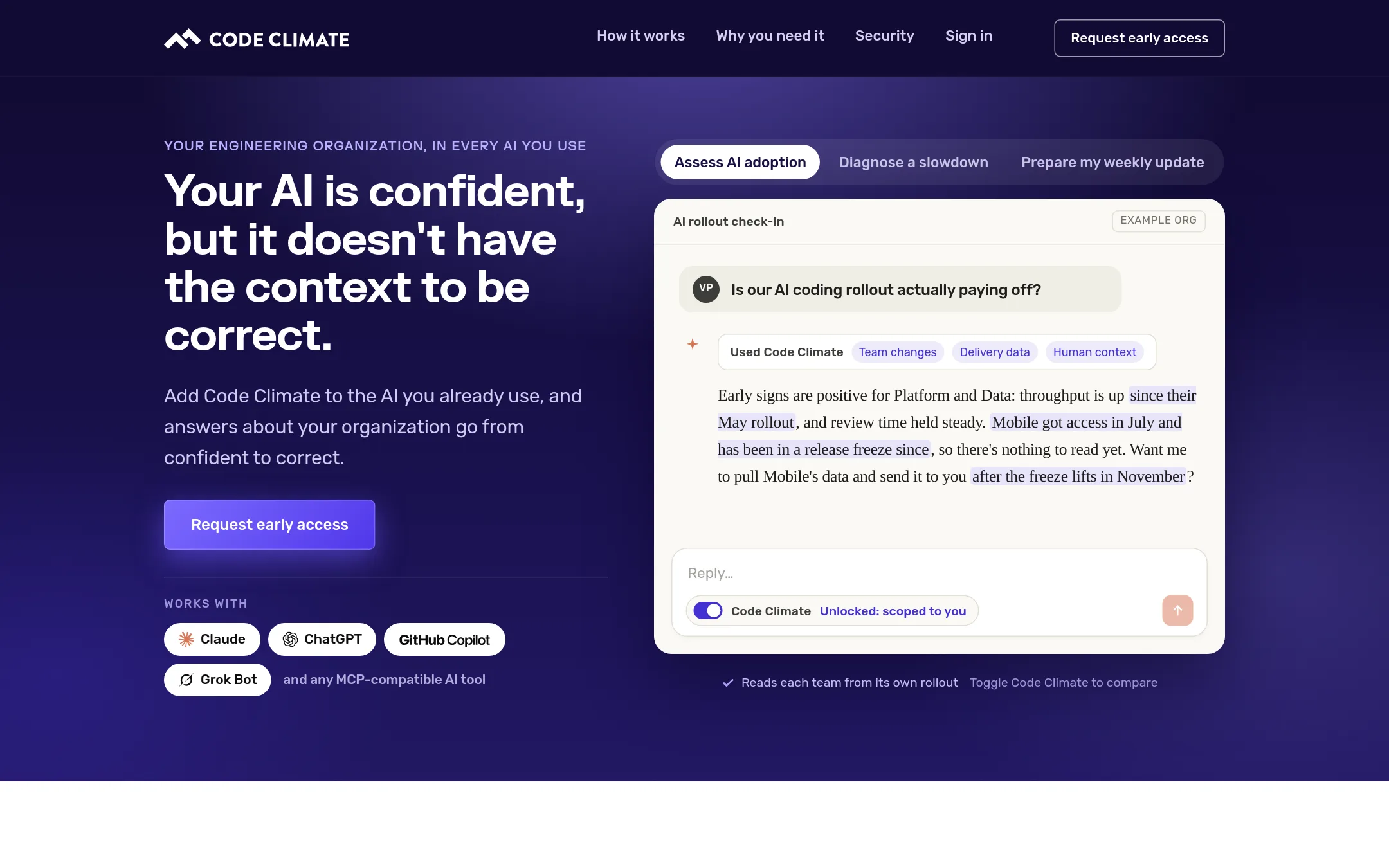
Code Climate pulls engineering data from GitHub, Bitbucket, Jira, Linear, and AI coding tools into one model of teams, people, and work. Leaders can ask Claude, ChatGPT, or GitHub Copilot questions such as which initiatives need engineers, and get answers that reflect the context behind the data. Its code analysis side has run since 2011, which gives it a longer track record than most tools in this space.
Where it is strong
- Connects to the tools teams already use, including GitHub, Bitbucket, Jira, and Linear
- Answers respect role-based access and SSO, and the product is SOC 2 Type II
- Free tier covers unlimited private contributors, so small teams can try it without a contract
Where it falls short
- Pricing for the leadership-context product is not published, and details come through early access
- Free plan caps analysis at 1,000 minutes per month, which larger codebases will exceed quickly
- Pricing:
- Free plan includes 1,000 analysis minutes and 100 AI autofixes per month, Pro is $20 per contributor per month, and Enterprise is $30 per contributor per month with annual plans getting two months free.
- Free, then $8.3/seat/m
3.Axolo
Best for: Engineering teams already living in Slack that want faster PR reviews and less context switching.

- Pricing
- Free, then $8.3/seat/m
- Category
- Developer Tools
Axolo connects GitHub pull requests to Slack by opening a dedicated, ephemeral Slack channel for each PR, so review discussion stays in one place. It sends daily reminders only for pull requests that have not been reviewed recently, which addresses the common problem of reviews sitting idle. It is a credible pick because the Slack-native workflow is its core focus, and it does not require access to your source code.
Where it is strong
- Creates one Slack channel per pull request, keeping discussion and context together
- Sends daily reminders only for stale PRs that have not been recently reviewed
- Lets teams choose which CI/CD and GitHub Actions statuses reach Slack, such as success or error only
Where it falls short
- The free plan is capped at 50 PR channels per month, which busy teams may exceed quickly
- Teams that run review entirely in GitHub, or that use tools outside Slack, get little value from it
- Pricing:
- The Free plan includes up to 50 pull request channels per month, Standard is $8.3 per seat per month, Business is $13.3 per seat per month, and Enterprise is by quote with a minimum of 50 seats after the trial.
- Free plan, Custom quot
4.hoop.dev
Best for: Engineering and security teams that want to give AI agents access to production databases and APIs while controlling each action.

- Pricing
- Free plan, Custom quot
- Category
- Developer Tools
hoop.dev is a sidecar that sits in front of databases, servers, shells, and APIs and judges each agent action as it runs. It can let an action through, mask data, hold it for a human, or block it, with no code changes and no new credentials. Its open-source sidecar is MIT licensed and runs next to each system.
Where it is strong
- Judges each action on live traffic and can mask, hold, or block it without code changes
- Sidecar is MIT licensed and open source, so the core can be tested for free
- Supports PostgreSQL, MySQL, SSH, RDP, HTTP, and gRPC, with fail-open or fail-closed set per system
Where it falls short
- Open Source is limited to one sidecar and one rule of each kind, so real use needs the paid Enterprise tier
- Enterprise pricing is not published, so budgeting requires a sales conversation
- Pricing:
- The open-source sidecar is free with limits of one sidecar and one rule of each kind, while Enterprise pricing is not published and requires talking to sales.
- From $1,000/team/mo
5.Haystack Software
Best for: Product teams shipping to production that want to catch quiet failures, such as permission bugs that return 200 and pass the test suite.

- Pricing
- From $1,000/team/mo
- Category
- Developer Tools
Haystack reads a pull request's diff, works out which real customer journeys it could affect, and runs each case in a forked copy of production-like infrastructure. Every case runs twice, with and without the change, so any difference is caused by the change. In its worked example, a two-file permissions refactor mapped to 14 cases in about five seconds.
Where it is strong
- Builds its test cases from production traffic rather than invented scenarios.
- Runs real forked environments with databases and queues, not mocks.
- Keeps failing environments live so you can open and inspect them.
Where it falls short
- At $1,000 per month, it is a steep cost for small teams with few deploys.
- It is early and taking on a small number of teams, so access is limited.
- Pricing:
- Team is $1,000 per month for one product team with unlimited changes verified, and an Enterprise tier is quoted custom.
- Free tier, then per de
6.cubic
Best for: Engineering teams with complex codebases and a steady flow of pull requests that need bugs caught before merge
- Pricing
- Free tier, then per de
- Category
- Developer Tools
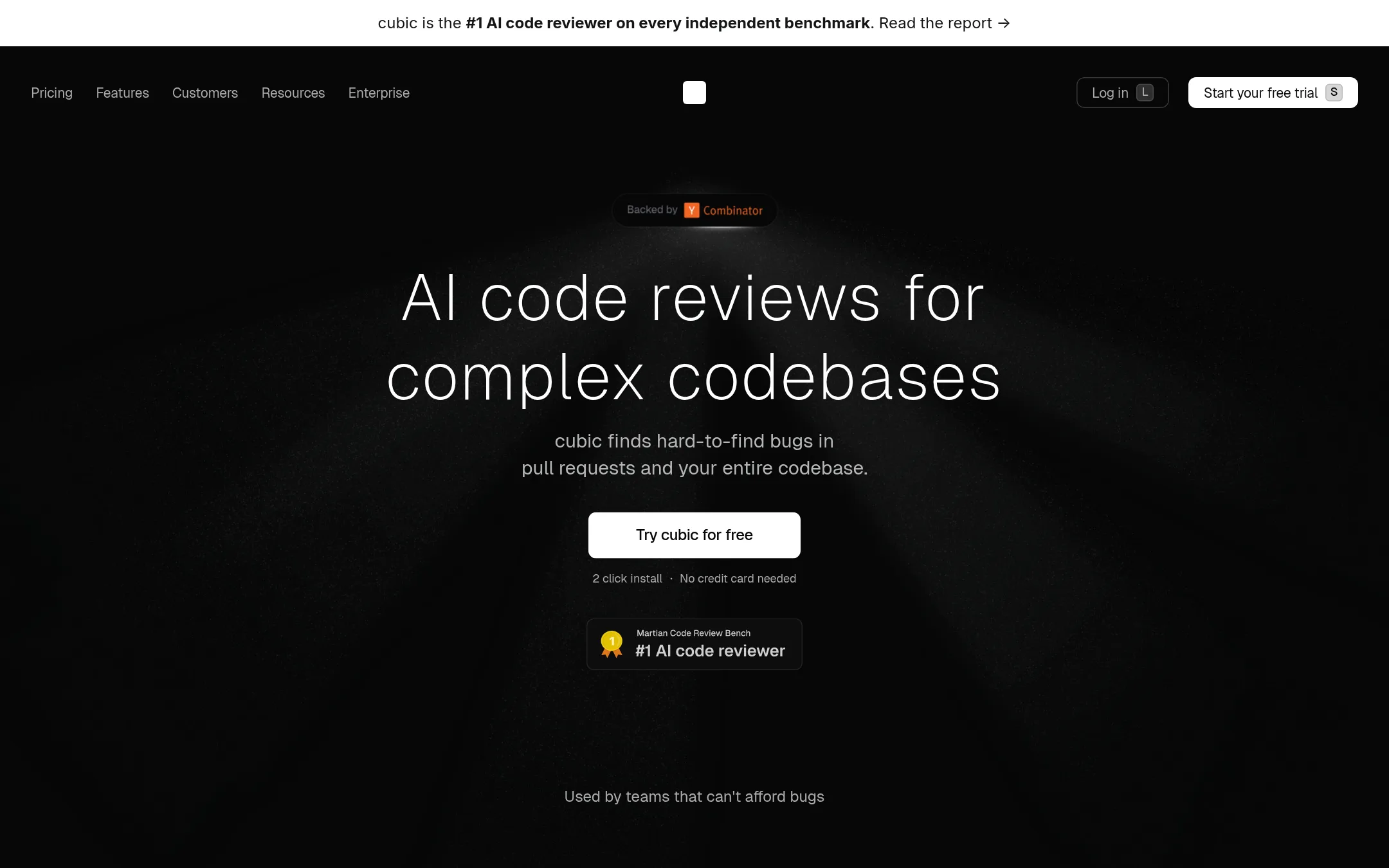
cubic reviews each pull request against your whole codebase and your team's rules, not just the diff, so it can flag a change that breaks code in another repo. It learns from your senior engineers' past review comments and turns them into rules that run on every PR. It also runs nightly codebase scans for bugs and security issues.
Where it is strong
- Checks each PR against the whole codebase, including changes that break code in other repos
- Turns senior engineers' past review comments into rules that run on every PR
- Auto-approves low-risk PRs and gives every PR a merge confidence score from 1 to 5
Where it falls short
- Usage is metered by reviewed lines, so heavy teams may hit limits and need Max or flex capacity
- Pro and Max require a seat for every developer who opens 15 or more PRs in 30 days, which adds cost for larger teams
- Pricing:
- Pricing is based on reviewed lines per developer, with a free Starter tier for 20 PR reviews a month, Team at 40,000 lines per developer, Pro at 80,000, and Max at 160,000 for each developer each month.
How to choose Code Review Tools
Start with pricing structure. Some tools charge per seat, some per contributor, some per reviewed line of code and some as a flat monthly fee for a team. Usage caps on free tiers can run out quickly on busy repositories, so estimate your monthly pull requests or changed lines before you commit.
Check who the product is built for. Some suit small teams running several AI agents, others suit large engineering organizations or product teams shipping to production. A tool built for leadership visibility will not necessarily help a team that mainly needs faster reviews on each pull request.
Confirm integrations with the tools you already use. Axolo works through GitHub and Slack, CodeClimate connects to GitHub, Bitbucket, Jira and Linear, and hoop.dev supports databases and APIs such as PostgreSQL, MySQL, SSH and HTTP. A tool that fits your stack will be easier to adopt.
Look closely at data access, security and compliance. CodeClimate states it is SOC 2 Type II and applies role-based access and SSO. Tools that sit in front of production databases or let AI agents act on live systems need clear controls over what they can read, mask, hold or block.
Finally, check support and contract terms. Some products rely on community support or Discord, and their maintenance status may change. Others publish service levels or require a sales conversation for enterprise pricing, so ask about support response, sunset plans and contract length before signing.
FAQ
Questions about Code Review Tools
What does a code review tool do?
A code review tool gives reviewers a structured way to examine proposed code changes before they are merged. It can flag bugs, security problems and style issues, and it keeps comments and approvals in one place. Some tools also check changes against the whole codebase or against team rules.
How is pricing usually structured for these tools?
Pricing varies across the list. Some products charge per seat or per contributor each month, such as Axolo and CodeClimate, while cubic bills based on reviewed lines per developer. Several offer free tiers with usage caps, and enterprise plans are often custom-quoted.
Can a code review tool work with Slack or other team tools?
Yes, some do. Axolo opens a dedicated Slack channel for each GitHub pull request and sends reminders for stale PRs, and CodeClimate connects to Jira and Linear. Check the integrations each tool supports before you choose one, since not all of them work with every chat or project tool.
Do code review tools handle AI-generated code?
Some do. Vibe Kanban lets teams comment on AI-generated changes from agents such as Claude Code, Codex and OpenCode before merging, and cubic reviews each pull request against the codebase and team rules. Tools differ in how deeply they target AI output, so confirm the specific capability you need.
Is a free tier enough to get started?
A free tier can be enough for trying a tool or for small projects. CodeClimate's free plan includes 1,000 analysis minutes per month, Axolo's includes up to 50 PR channels per month, and cubic's Starter tier covers 20 PR reviews a month. Busy teams usually outgrow these limits, so compare them against your actual volume.
Last updated November 6, 2026.