12 Best Construction Management Software in 2026
Updated November 7, 2026
The short answer
The best construction management software for most buyers in 2026 comes down to three strong picks. Procore suits general contractors, owners and specialty trades running multiple jobs who need one shared system with unlimited users. Fieldwire suits field-heavy general contractors and subcontractors whose crews need drawings, punch lists and inspections that work offline. STACK Construction Technologies suits contractors and estimating teams that spend heavy time on takeoffs and bids and want those numbers to carry into field management.
The shortlist, at a glance
Read the comparisons ↓ ProcoreCustom quoteGeneral contractors, owners, and specialty trades that run multiple jobs and need field and office teams working from one set of project data.
CoConstructNot publishedBuilders and general contractors who want clear profitability tracking and bill and expense management in their construction software.
 FieldwirePay per user, not listField-heavy general contractors and subcontractors who need foremen and project managers working from the same drawings and task lists.
PlangridNot publishedField-heavy GC and subcontractor teams that need plans and issue tracking on phones and tablets, and who can work within the Autodesk Build product.
 Stack Construction TechnologiesFrom $49/moContractors and estimating teams that spend heavy time on quantity takeoffs and bids and want those numbers to flow into field management.
 WeRenoNot publishedBusiness owners and homeowners who want an owner's representative to manage a construction or renovation project from planning through handover.
 PermitFlowNot publishedCommercial contractors, home builders, and developers who lose time waiting on permits and want one dashboard to track every permit's status and deadlines.
 CogramFrom $79/user/moArchitecture and engineering firms that spend hours each week on email filing, RFI logs, and meeting minutes and want those tasks automated inside their existing templates.
 Albiware Inc.Not publishedInsurance damage restoration contractors who run both office and field crews and want job, customer, and billing records in one system
PirrosCustom quoteArchitecture and engineering firms that work in Revit and want to find, reuse and standardize their existing details and families across projects.
 KarmenNot publishedPlanners and project managers at large, document-heavy construction firms who spend hours building and reworking schedules for bids and time impact analyses.
FrescoNot publishedGeneral contractors and subcontractors who bid on commercial jobs and need fast, accurate door, frame, and hardware takeoffs.
About Construction Management Software
Construction management software is the system a builder uses to run a project from planning to closeout. It holds plans, budgets, schedules, RFIs, submittals, daily logs, punch lists and photos, so the office and the field work from the same record. Good software reduces rework, keeps cost data current and gives owners and subcontractors a shared view of progress.
The products on this list differ in approach, scale and pricing. Procore is a full platform built for large general contractors and owners, with unlimited users on every plan. Fieldwire and PlanGrid focus on what happens on the jobsite, with mobile apps for plans and task tracking. STACK and Pirros lean toward estimating and design data, while Albiware, PermitFlow and Karmen each cover one narrower job such as restoration work, permits or schedules. Pricing models vary as well, from per-user tiers to annual fees based on construction volume, and several vendors do not publish prices at all.
The 12 best Construction Management Software, compared
- Custom quote
1.Procore
Best for: General contractors, owners, and specialty trades that run multiple jobs and need field and office teams working from one set of project data.
- Pricing
- Custom quote
- Category
- Productivity & Project Management
Procore is a construction management platform that links plans, budgets, and site work in one place, from preconstruction through closeout. It serves general contractors, owners, and subcontractors, and the listing reports 3 million+ projects run on it. Its unlimited-user model lets every party on a job work in the same system.
Where it is strong
- Unlimited users on every plan, so adding subcontractors and owners costs nothing extra
- Real-time cost and budget visibility tied to site progress
- Over 500 integrations in the Procore App Marketplace
Where it falls short
- Pricing depends on annual construction volume and chosen products, so small firms may find it hard to estimate cost upfront
- Full value comes from using several modules together, which can mean a larger rollout for a small team
- Pricing:
- Pricing is not published on the site, and it is quoted as an annual fee set by product and Annual Construction Volume.
- Not published
2.CoConstruct
Best for: Builders and general contractors who want clear profitability tracking and bill and expense management in their construction software.
- Pricing
- Not published
- Category
- Productivity & Project Management
CoConstruct is construction management software built around financial tools for builders, with a focus on showing profitability and tracking costs day to day. Its directory listing cites bill management with automatic scanning, real-time expense tracking and digital takeoffs. The homepage says CoConstruct is now transitioning into Buildertrend, so the product is moving toward a combined platform.
Where it is strong
- Financial focus, with tools for profitability and cost tracking
- Automatic bill scanning and receipt management
- Digital takeoffs and online payments in one product
Where it falls short
- The product is being folded into Buildertrend, so its future as a standalone tool is uncertain
- No public pricing, so you need to request a quote to compare costs
- Pricing:
- Pricing is not published on the site.
- Pay per user, not list
3.Fieldwire
Best for: Field-heavy general contractors and subcontractors who need foremen and project managers working from the same drawings and task lists.
- Pricing
- Pay per user, not list
- Category
- Productivity & Project Management
Fieldwire is jobsite management software that puts tasks, punch lists, inspections, and drawings in one place that field crews and the office both use. Its mobile app works offline, so markups and as-builts can be recorded on site and synced later. Hilti reports it is used on over 4 million projects, and named teams such as Webcor and EllisDon use it on large jobs.
Where it is strong
- Mobile apps work offline, so markups and as-builts can be recorded on site.
- Paid plans include unlimited projects and sheets, so per-user cost does not rise with usage.
- Tasks, punch lists, inspections, and RFIs can be tied to specific drawings.
Where it falls short
- Advanced features like BIM viewer, API access, and SSO are reserved for higher tiers or custom contracts.
- Full pricing requires a sales conversation, which can slow comparison for smaller teams.
- Pricing:
- Pricing is published by plan tier (Basic, Pro, Business, Business Plus) with pay-per-user pricing and unlimited projects on paid plans, but the page does not list dollar amounts.
- Not published
4.Plangrid
Best for: Field-heavy GC and subcontractor teams that need plans and issue tracking on phones and tablets, and who can work within the Autodesk Build product.
- Pricing
- Not published
- Category
- Productivity & Project Management
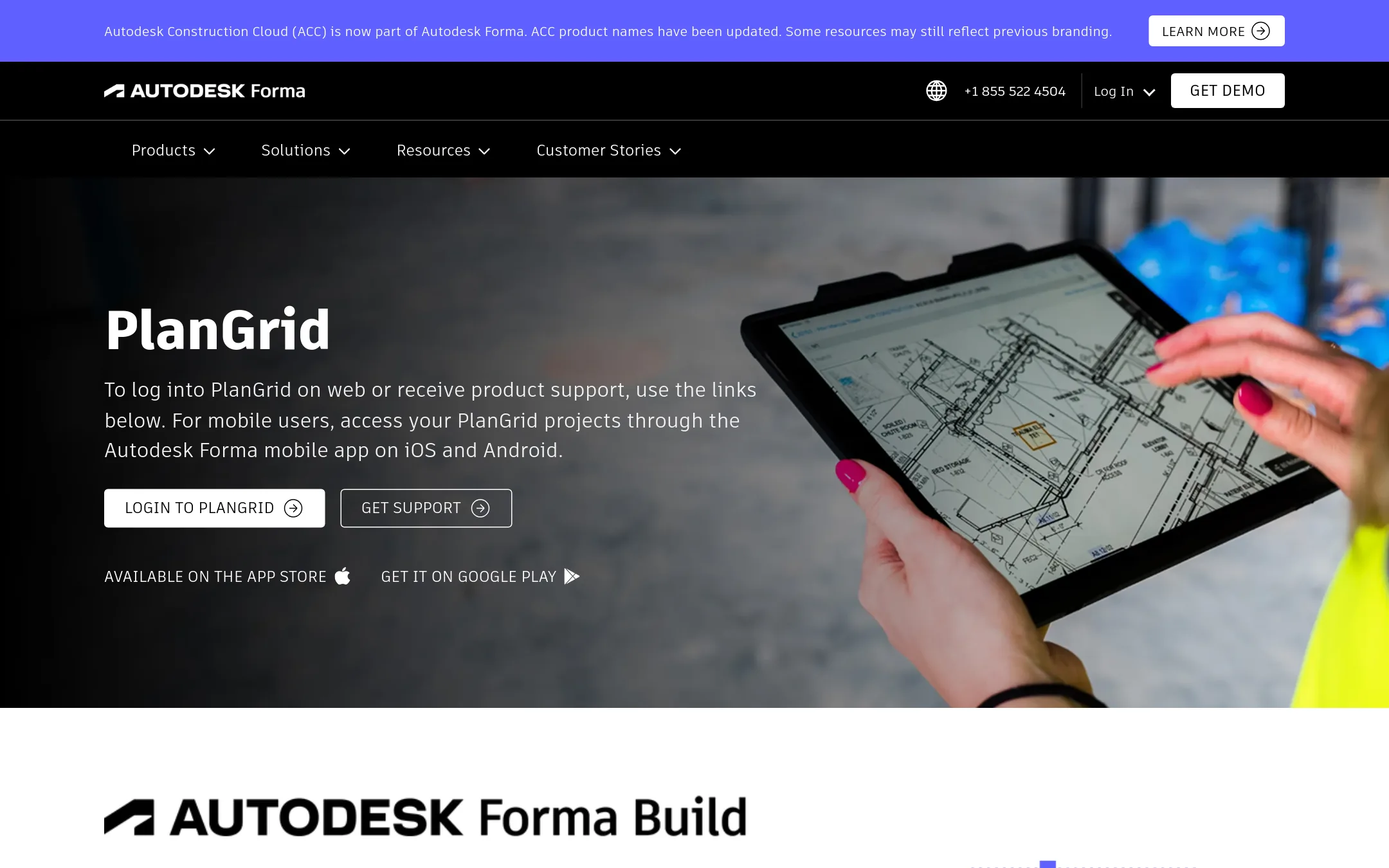
PlanGrid gives general contractors, subcontractors and owners real-time access to plans, issues, photos and forms from a cloud-based platform. Its features now sit inside Autodesk Build, which combines PlanGrid with BIM 360 functions such as RFIs, submittals, meeting minutes and schedules. Autodesk named it a Leader in the 2026 IDC MarketScape for construction management software.
Where it is strong
- Real-time access to plans, issues, photos and forms in the cloud
- Mobile apps on iOS and Android, plus a Windows desktop app
- Autodesk Build adds RFIs, submittals, meeting minutes, schedules and cost tools
Where it falls short
- PlanGrid itself is closed to new customers, so buyers are really evaluating Autodesk Build
- Pricing is not published, so budgeting requires a sales quote
- Pricing:
- Pricing is not published on the site, and PlanGrid is no longer sold to new customers, with access now going through Autodesk Forma Build.
- From $49/mo
5.Stack Construction Technologies
Best for: Contractors and estimating teams that spend heavy time on quantity takeoffs and bids and want those numbers to flow into field management.
- Pricing
- From $49/mo
- Category
- Productivity & Project Management
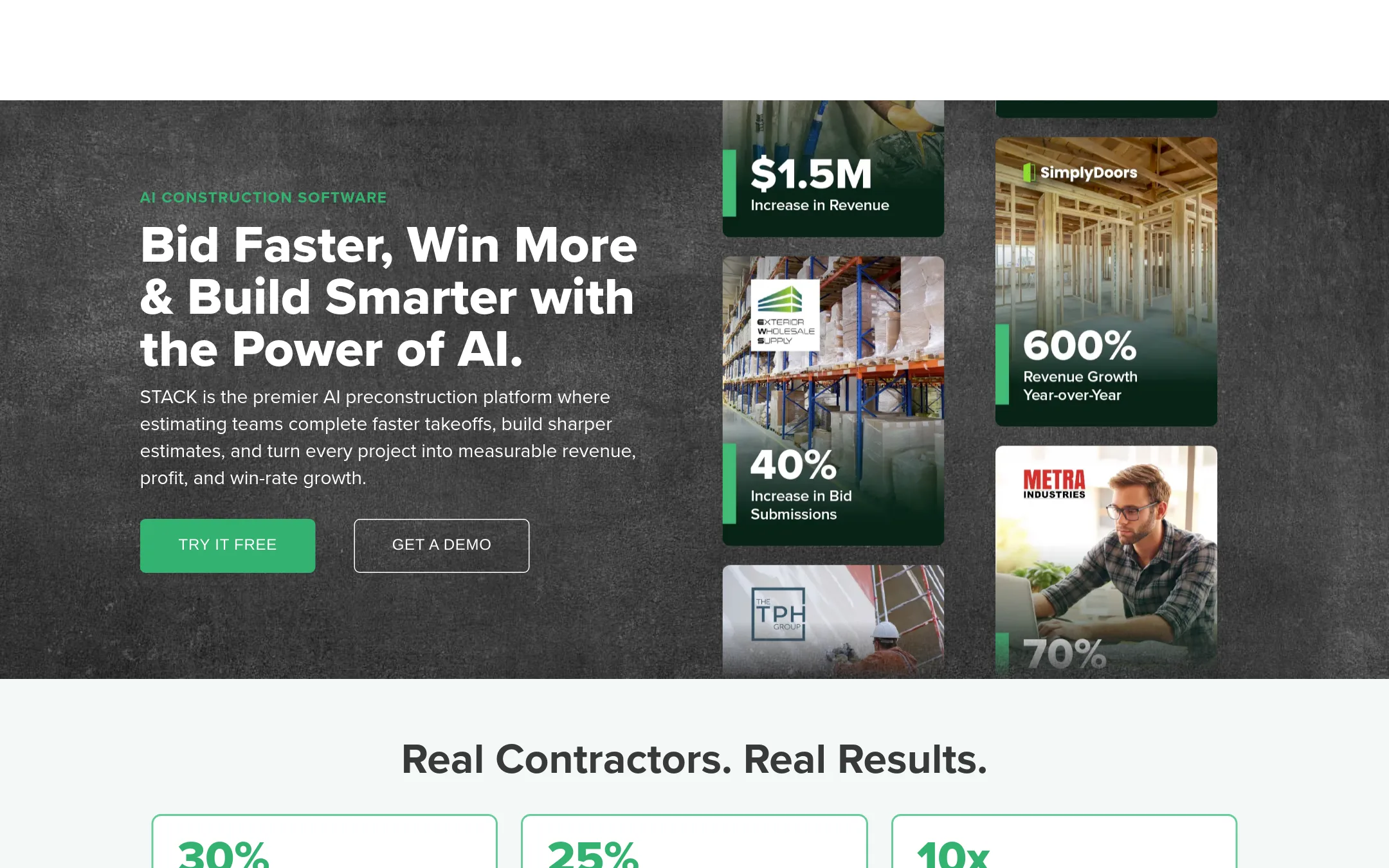
STACK is cloud-based construction software covering takeoff, estimating, and field management from bid decision through closeout. It reads uploaded plans and specs, auto-counts symbols, and feeds quantities straight into live estimates, so the same numbers carry from the office into the field. Its takeoff and estimating tools are the part it leads with, and the site says thousands of contractors, suppliers and owners use it.
Where it is strong
- AI reads plan sheets, auto-names pages, and flags revisions as they land.
- Estimates pull quantities from takeoff and can use regional item cost data.
- Unlimited viewer seats and cloud access from any device.
Where it falls short
- Pricing is split across three tiers, so the full platform costs more than either half alone.
- The site does not say how much of the estimating library or AI automation is included in each tier, so teams should confirm before buying.
- Pricing:
- The site lists $299 for Takeoff & Estimate, $49 for Build & Operate, and $348 for the full platform, with a free version of Takeoff & Estimate and a two-week free trial of Build & Operate.
- Not published
6.WeReno
Best for: Business owners and homeowners who want an owner's representative to manage a construction or renovation project from planning through handover.

- Pricing
- Not published
- Category
- Other
WeReno is an AI-native owner's rep platform that runs construction, renovation, and property maintenance projects using autonomous agents with human experts overseeing the work. Its AI copilot flags risks and tracks progress, and its predictive analytics forecast budget and schedule problems before they hit. It covers the full project from discovery and planning through handover, which makes it a credible pick for owners who want oversight rather than only a task tracker.
Where it is strong
- Covers the full project lifecycle, from discovery and planning through handover to facilities management.
- Predictive analytics flag potential budget and scheduling issues early.
- Real-time dashboard gives all parties access to project data in one place.
Where it falls short
- Pricing is not published, so you need to request a quote to compare costs.
- Its owner's rep model suits projects with enough scope to justify expert oversight, and it may be more than a small renovation needs.
- Pricing:
- Pricing is not published on the site.
- Not published
7.PermitFlow
Best for: Commercial contractors, home builders, and developers who lose time waiting on permits and want one dashboard to track every permit's status and deadlines.

- Pricing
- Not published
- Category
- Productivity & Project Management
PermitFlow is an AI platform that handles the permitting side of construction, from pulling project data out of your CRM and files to filing directly with the authority having jurisdiction and tracking inspections through close-out. It is a narrower tool than full project management suites, but it targets the paperwork step that often holds up starts. Its dataset is drawn from permitting records across many jurisdictions.
Where it is strong
- Pulls project data from your CRM and files to start permits with less re-entry
- Files permit forms directly with the authority having jurisdiction
- Gives one dashboard view of permit status, deadlines, and open actions
Where it falls short
- Covers pre-construction permitting, not scheduling, budgeting, or full project management
- Pricing is not listed, so you will need to request a quote to compare costs
- Pricing:
- Pricing is not published on the site.
- From $79/user/mo
8.Cogram
Best for: Architecture and engineering firms that spend hours each week on email filing, RFI logs, and meeting minutes and want those tasks automated inside their existing templates.

- Pricing
- From $79/user/mo
- Category
- AI & Machine Learning
Cogram is an AI platform built for architects, engineers, and contractors that automates project documentation such as email filing, RFI and submittal logs, meeting minutes, and field reports. It drafts outputs in a firm's own templates and connects to tools like Procore, Autodesk Construction Cloud, Microsoft Teams, and Deltek. Its SOC 2 Type II certification and optional private-cloud or on-prem storage give it credibility for firms with strict data policies.
Where it is strong
- Drafts meeting minutes and field reports in your own templates, so little reformatting is needed.
- Integrates with Procore, Autodesk Construction Cloud, Microsoft Teams, and Deltek or Unanet.
- SOC 2 Type II certified, supports SAML SSO, and offers optional private-cloud or on-prem data storage.
Where it falls short
- Team pricing is per seat and not published, so a firm must book a demo to see its total cost.
- Built specifically for architecture, engineering, and construction firms, so it is a poor fit for general project management needs outside t
- Pricing:
- Individuals pay $79 per month, with a 14-day free trial, and team and firm pricing is per seat and based on the modules chosen.
- Not published
9.Albiware Inc.
Best for: Insurance damage restoration contractors who run both office and field crews and want job, customer, and billing records in one system

- Pricing
- Not published
- Category
- Productivity & Project Management
Albiware is restoration management software for insurance damage repair contractors. It puts job management, customer records, and business operations in one platform, with mobile scheduling, photo documentation, and moisture mapping for field crews. The site reports a 7-minute average response time for same-day support.
Where it is strong
- Moisture mapping and photo documentation are built in for restoration jobs
- Mobile scheduler, timeclock, and e-signatures cover field work
- Support is reported at a 7-minute average response time
Where it falls short
- Pricing is hidden behind a password and a request form, so cost is unclear before a sales conversation
- Call tracking, analytics, and financial access sit in the Pro tier, not the base plan
- Pricing:
- Pricing is not published on the site.
- Custom quote
10.Pirros
Best for: Architecture and engineering firms that work in Revit and want to find, reuse and standardize their existing details and families across projects.

- Pricing
- Custom quote
- Category
- Other
Pirros is an AI project hub built for architects and engineers working in Revit. It makes a firm's details and families searchable with AI, without tags or manual setup, and it includes quality checks against codes and firm standards. The site says it is trusted by 400+ firms and is SOC 2 Type II certified, with no training on customer data.
Where it is strong
- AI search finds Revit details and families without manual tagging, and they can be loaded from inside Revit.
- Quality checks run projects against codes, firm standards and specs, with issues assigned and tracked.
- The site cites SOC 2 Type II, GDPR and CCPA compliance, private workspaces and no training on firm data.
Where it falls short
- No published prices, so a custom proposal call is needed before budgeting.
- Mira's metered usage and per-seat components can make the final cost harder to predict.
- Pricing:
- Pricing is custom and not published on the site: Detail and Family Management are priced per seat, the Quality Management review is metered on Mira units, and Mira for Revit is free to download.
- Not published
11.Karmen
Best for: Planners and project managers at large, document-heavy construction firms who spend hours building and reworking schedules for bids and time impact analyses.

- Pricing
- Not published
- Category
- Productivity & Project Management
Karmen is an AI scheduling co-pilot that reads project specs and drawings, then builds or edits CPM-linked schedules from plain-language instructions. It also exports to Primavera P6 and Microsoft Project, so teams can keep the scheduling tools they already use. It is a narrower tool than a full construction management suite, which is what makes it a focused pick for schedule work.
Where it is strong
- Builds logic-linked schedules from project documents and historic schedules
- Generates structured fragnets for time impact analyses as scope changes
- Exports directly to Primavera P6 and Microsoft Project
Where it falls short
- It focuses on scheduling, so it does not cover the full construction management workflow
- Pricing is not listed, so budgeting requires a sales conversation
- Pricing:
- Pricing is not published on the site.
- Not published
12.Fresco
Best for: General contractors and subcontractors who bid on commercial jobs and need fast, accurate door, frame, and hardware takeoffs.

- Pricing
- Not published
- Category
- Productivity & Project Management
Fresco automates Division 8 takeoffs, the door, frame, and hardware counts, by reconciling drawings, door schedules, and specs without manual counting. It is SOC 2 Type 2 certified, which matters when you upload bid documents. The site offers a free Division 8 takeoff, so you can test it on a real job before you commit.
Where it is strong
- Automates door, frame, and hardware counts from drawings and specs
- SOC 2 Type 2 certified for handling bid documents
- Free Division 8 takeoff lets you test it on your own job
Where it falls short
- Scope is narrow: it covers Division 8 takeoffs rather than full construction management
- Pricing is not published, so you will need to request a quote to compare costs
- Pricing:
- Pricing is not published on the site.
How to choose Construction Management Software
Start with how the product is priced, because it is the easiest thing to misjudge. Some vendors publish tiers, such as Fieldwire's per-user plans or STACK's three separate products, while others such as Procore quote an annual fee based on construction volume. Ask for a full quote that includes every module and seat count you expect to need, not just the entry price.
Check who the product is built for. A platform designed for large general contractors and owners, like Procore, can be heavier than a small trade crew needs. A field-first tool like Fieldwire or PlanGrid may not cover owner-side workflows. Match the tool to your role on the job, not the size of the company you hope to become.
Confirm integrations before you commit. Procore lists over 500 integrations in its marketplace, and Cogram connects to Procore, Autodesk Construction Cloud, Microsoft Teams and Deltek. If your accounting, scheduling or design tools are fixed, make sure the software you choose connects to them. Karmen exports to Primavera P6 and Microsoft Project, which matters if your schedulers already use those.
Look at data handling and compliance. Several products on this list hold SOC 2 Type II certification, including Cogram, Pirros and Fresco, and Pirros states that it does not train on customer data. If you upload bid documents, owner plans or project records, ask where the data is stored and who can access it.
Finally, weigh support and contract terms. Albiware reports a 7-minute average response time for same-day support, which matters when a crew is stuck mid-job. Ask about onboarding, the length of the contract, and whether you can run a free trial before you sign. Where a product is being folded into another, such as CoConstruct moving into Buildertrend or PlanGrid moving into Autodesk Build, check what happens to your data and your pricing.
FAQ
Questions about Construction Management Software
What does construction management software do?
It gives a project team one place to manage plans, budgets, schedules, RFIs, submittals, daily logs and photos. Office staff and field crews work from the same records, which reduces rework and keeps cost data current. Most products on this list cover several of these jobs, while others focus on one area such as estimating or permits.
How much does construction management software cost?
Costs vary widely. Fieldwire publishes per-user tiers and STACK publishes three separate prices, from $49 to $348, while Procore quotes an annual fee based on construction volume. Many vendors, including Albiware, Cogram team plans and WeReno, do not publish prices, so you will need to request a quote to compare.
Which construction management software is best for small contractors?
It depends on the work. Fieldwire suits field-heavy general contractors and subcontractors with crews on site, and its paid plans include unlimited projects. STACK's free Takeoff and Estimate version may suit a small estimating team, and Albiware fits restoration contractors who need job and billing records in one system.
Can construction management software integrate with other tools?
Many products do. Procore lists more than 500 integrations in its App Marketplace, and Cogram connects to Procore, Autodesk Construction Cloud, Microsoft Teams and Deltek. Karmen exports schedules to Primavera P6 and Microsoft Project. Check the integrations your accounting and design tools need before you buy.
Is construction management software secure?
Security varies by vendor. Cogram, Pirros and Fresco each hold SOC 2 certification, and Pirros states it does not train on customer data. Ask any vendor where your project data is stored, who can access it, and what certifications it holds before you upload bid documents or owner files.
Last updated November 7, 2026.