7 Best Digital Signage Software in 2026
Updated November 7, 2026
The short answer
The three strongest picks for digital signage software are Yodeck, OptiSigns, and NoviSign. Yodeck suits multi-location businesses that want remote updates without on-site staff, OptiSigns suits restaurants, retailers, and multi-location businesses that want non-technical staff to update screens, and NoviSign suits restaurants, schools, healthcare clinics, and corporate teams that want to manage many screens from one browser without a designer.
The shortlist, at a glance
Read the comparisons ↓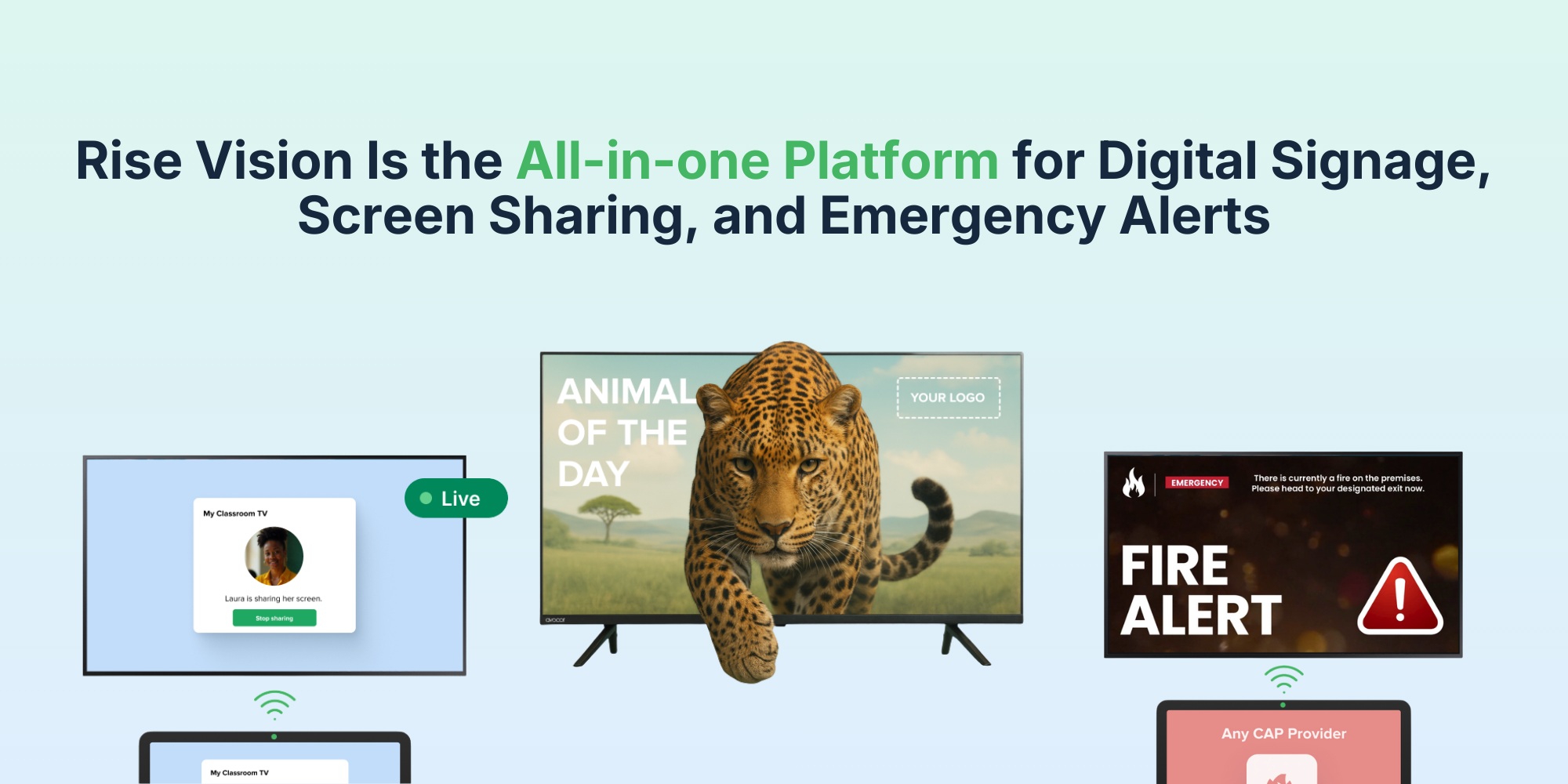 Rise VisionNot publishedSchools, school districts, and multi-site organizations that need digital signage and emergency alerts on the same screens.
 AppspaceFree, Express, EnterprCompanies that want screens, intranet, and office booking managed from one vendor, especially comms and facilities teams.
 OptiSignsFree plan, from $10/moRestaurants, retailers and multi-location businesses that want to update menus, promotions and announcements across several screens without a technical team.
 NoviSignFrom $14/screen/moRestaurants, schools, healthcare clinics and corporate teams that want to update many screens from one browser without hiring a designer
 ScreenCloudFrom $20/screen/moEnterprises and multi-site organisations that need to reach deskless and frontline staff with mission-critical communication across many screens.
 YodeckFrom $8/screen/moMulti-location businesses such as retailers, restaurants, offices, and hospitality operators that need to update screens remotely without on-site staff.
 ScalaNot publishedLarge retailers, quick-service restaurant chains and airports that run many screens and want marketing-led content tied to audience data
About Digital Signage Software
Digital signage software is a cloud platform for creating, scheduling, and pushing content to screens. Businesses use it for menus, promotions, announcements, wayfinding, and emergency alerts, and it lets a team update many displays from one dashboard without visiting each location.
The products on this list differ in approach, scale, and pricing. Some run on screens you already own, such as OptiSigns and Yodeck, while ScreenCloud and Scala sell their own hardware. Some are built for a single screen network, and others, like Appspace, bundle signage with an intranet and office booking. Pricing ranges from per-screen plans with published prices to models where the vendor only publishes a quote.
The 7 best Digital Signage Software, compared
- Not published
1.Rise Vision
Best for: Schools, school districts, and multi-site organizations that need digital signage and emergency alerts on the same screens.
- Pricing
- Not published
- Category
- Media & Entertainment
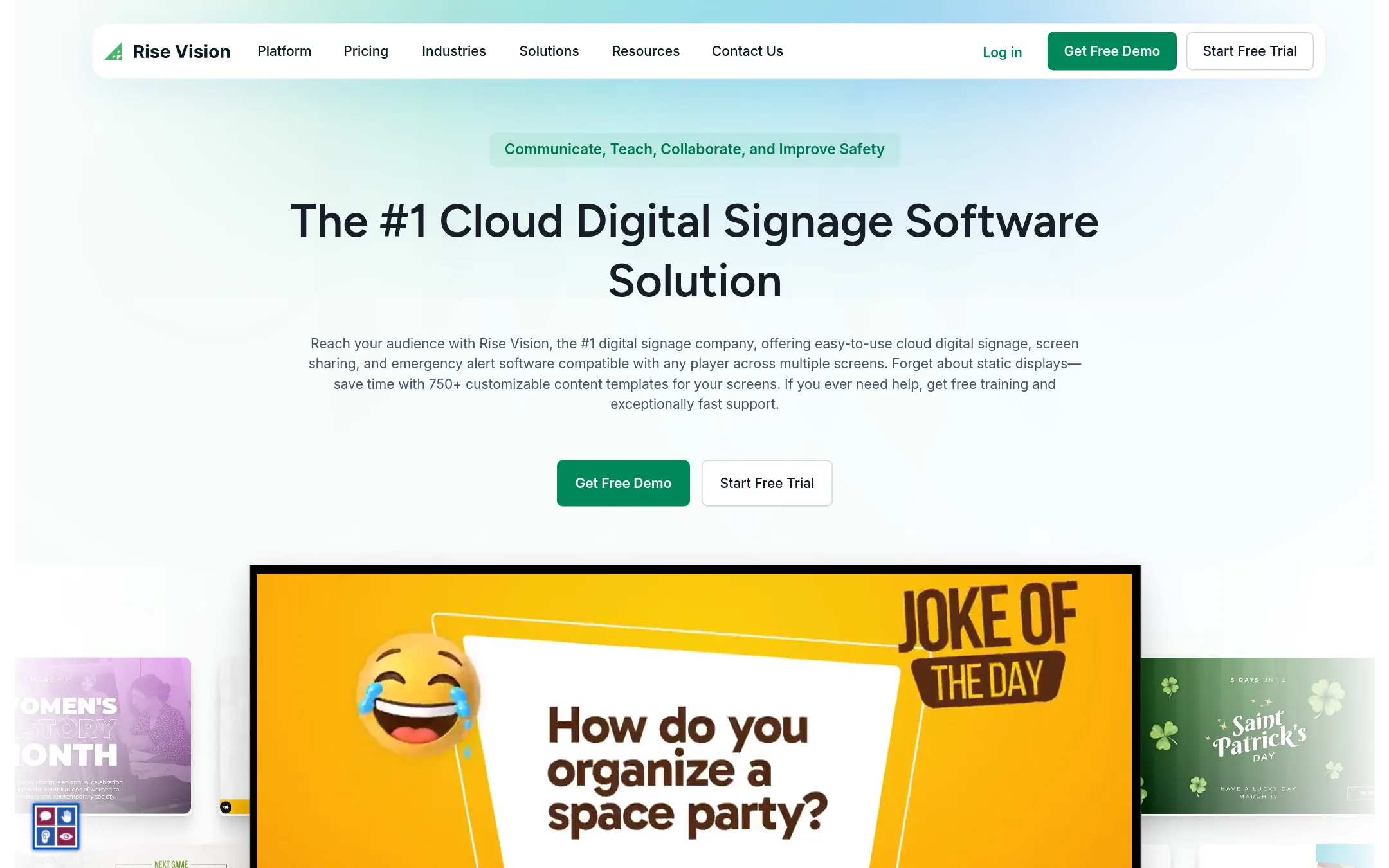
Rise Vision is a cloud platform for digital signage, screen sharing, and emergency alerts. It runs on any hardware and operating system, so teams can use displays they already own or buy the recommended Avocor screens. Its emergency alerts integrate with Common Alerting Protocol (CAP) systems, which is a specific detail that sets it apart for schools and organizations with safety requirements.
Where it is strong
- Runs on any hardware and operating system, so existing displays can be reused
- Emergency alerts integrate with CAP systems to push visual alerts to screens
- Includes 750+ customizable templates and an AI presentation design tool for creating content without design skills
Where it falls short
- Plan pricing is not published on the site, so budgeting requires contacting sales
- The Enterprise license is sold per school, so multi-school districts need one unlimited license for each school
- Pricing:
- Rise Vision lists Basic, Advanced, and Enterprise plans, with optional add-ons for interactive templates, touchscreen displays, and extra AI credits sold in increments of 600, but the site does not publish dollar amounts for these plans.
- Free, Express, Enterpr
2.Appspace
Best for: Companies that want screens, intranet, and office booking managed from one vendor, especially comms and facilities teams.
- Pricing
- Free, Express, Enterpr
- Category
- Media & Entertainment
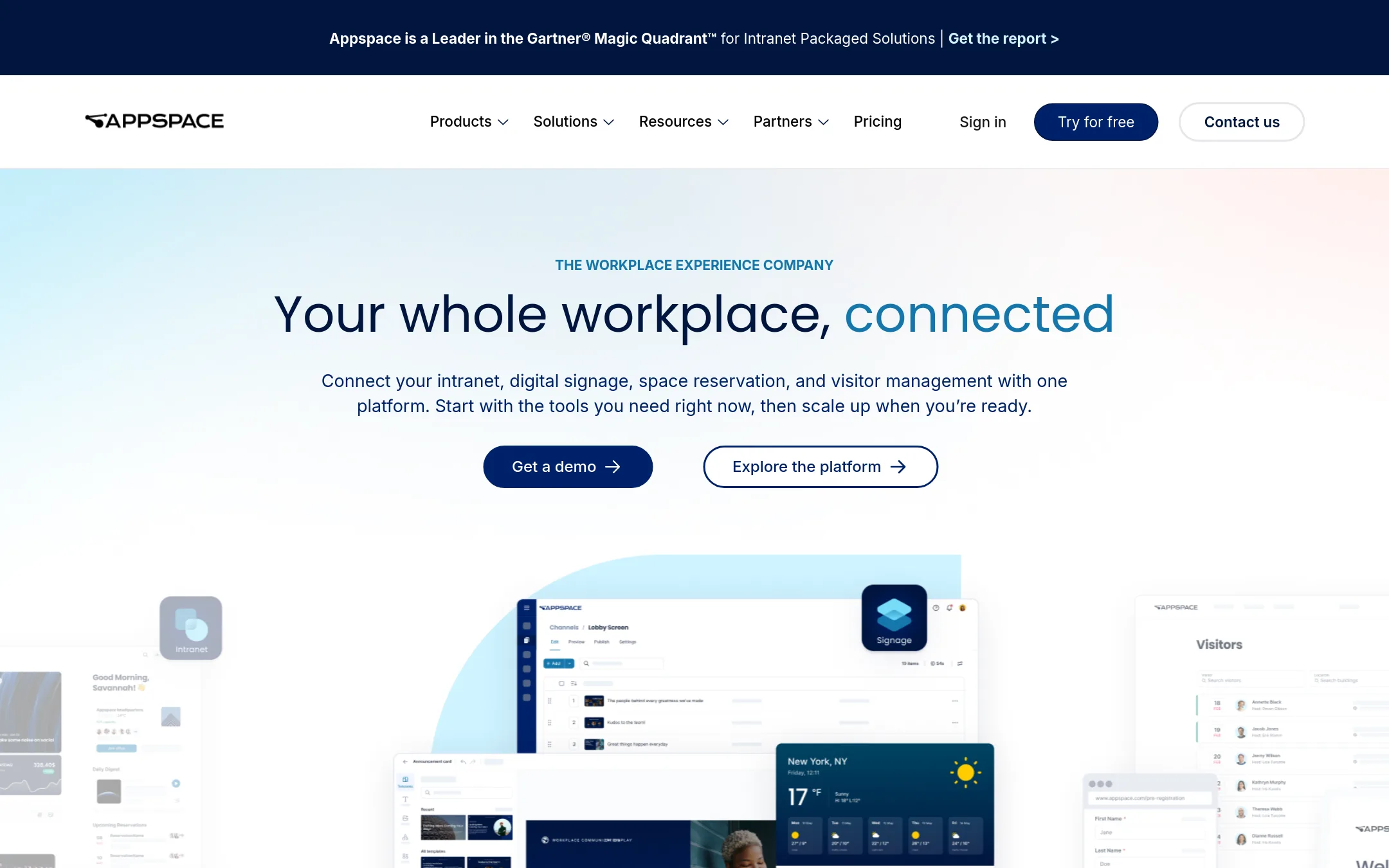
Appspace runs digital signage alongside an intranet, room and desk booking, and visitor management from one platform, so screens share a system with the rest of workplace communications. It is recognized as a Leader in the 2026 Gartner Magic Quadrant for Intranet Packaged Solutions, which gives buyers some independent validation. Its Signage product covers publishing and managing content across screens.
Where it is strong
- Digital signage sits alongside intranet and space booking in one platform
- Gartner Leader for intranet packaged solutions in 2026
- Integrates with Microsoft Teams, Slack, and Google Calendar
Where it falls short
- Pricing depends on users and devices, so buyers need a quote to know the real cost
- A full suite is more than a team that only needs screens may want to pay for
- Pricing:
- Pricing is based on users and devices, with Free, Express, and Enterprise plans, and the site does not publish specific dollar amounts.
- Free plan, from $10/mo
3.OptiSigns
Best for: Restaurants, retailers and multi-location businesses that want to update menus, promotions and announcements across several screens without a technical team.
- Pricing
- Free plan, from $10/mo
- Category
- Media & Entertainment
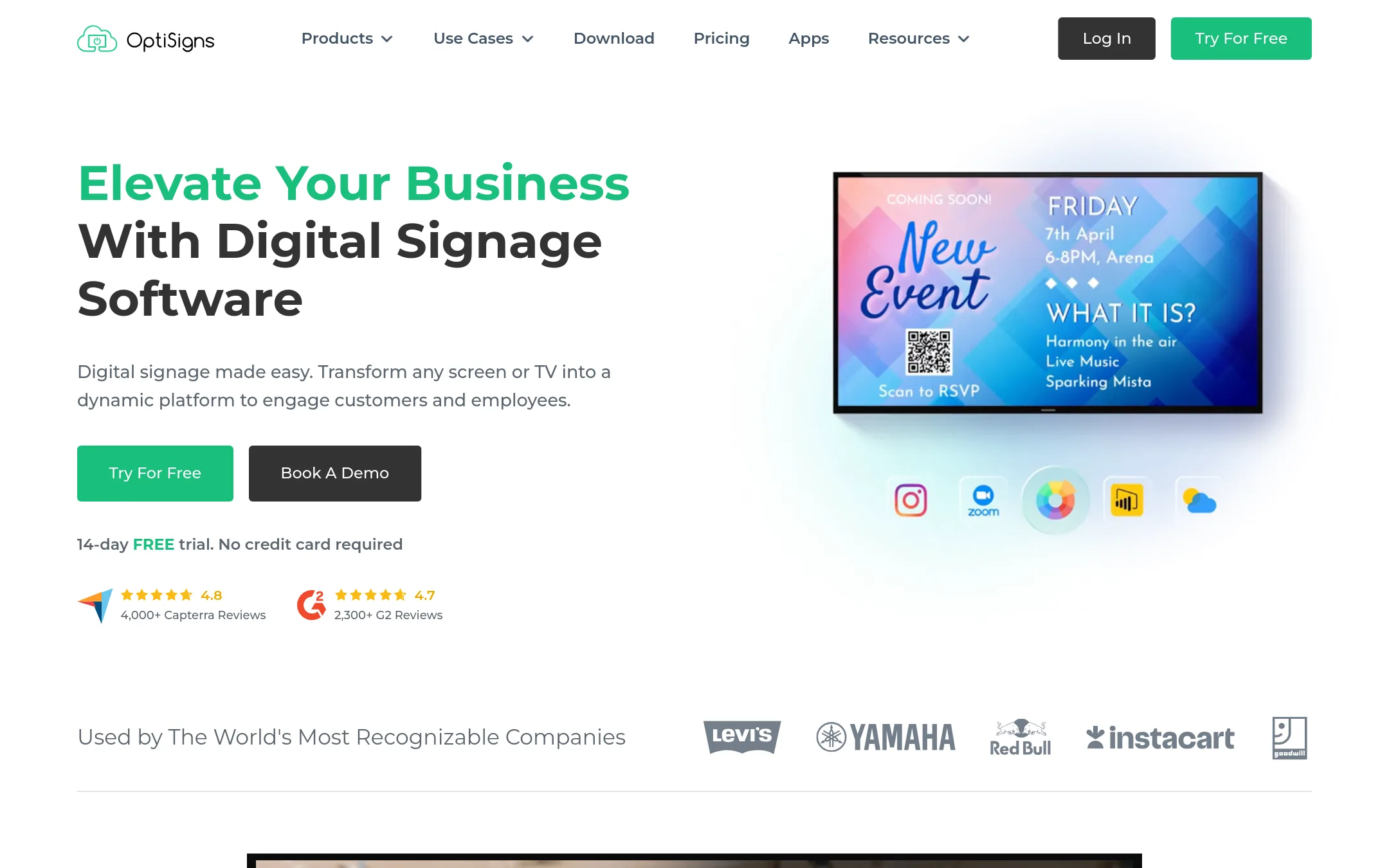
OptiSigns turns any screen or TV into a managed display, and it works on the hardware you already own. Its drag-and-drop CMS, templates and remote management let non-technical staff push updates to a screen or a whole network. Its security claims are concrete: SOC 2 Type II certification, GDPR compliance and single sign-on.
Where it is strong
- Works on any screen or TV, so you do not have to buy dedicated hardware.
- Over 140 app integrations, including Power BI, weather and Instagram.
- US-based support by email, phone and support system.
Where it falls short
- Advanced features such as approval workflows, SAML single sign-on and proof of play reporting sit in the higher-priced tiers.
- The free plan shows the OptiSigns logo on screens and is limited to 3 screens.
- Pricing:
- Pricing starts at $10 per month in USD for the entry plan, with a free plan for up to 3 screens, 25 basic apps and 1GB of storage, and higher tiers at $12.50, $15, $30 and $45 per month, billed by screen.
- From $14/screen/mo
4.NoviSign
Best for: Restaurants, schools, healthcare clinics and corporate teams that want to update many screens from one browser without hiring a designer
- Pricing
- From $14/screen/mo
- Category
- Media & Entertainment
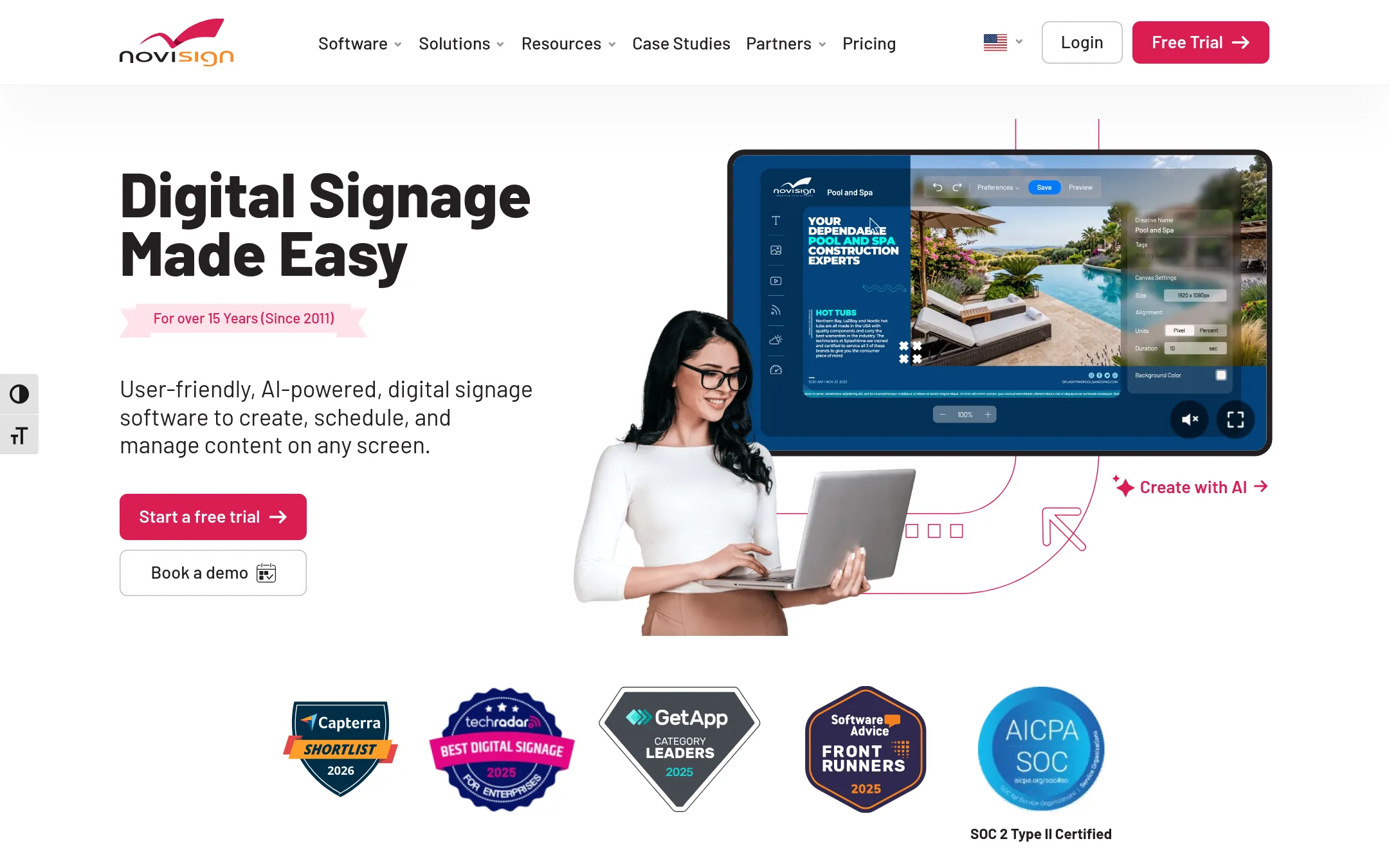
NoviSign is a cloud-based digital signage CMS that lets teams design, schedule and manage content on any screen from a browser. It runs on Android, Chrome, Windows, Samsung Tizen, Amazon Signage Stick and LG webOS, so you can often reuse hardware you already own. The company has served over 20,000 businesses since 2011 and holds SOC 2 Type II certification.
Where it is strong
- Hardware agnostic, so you can install the free player on existing Android, Windows or Chrome screens
- Drag-and-drop editor with 50+ widgets and a 500+ template library, so no design skills are needed
- Free setup assistance and training, with phone, chat and email support included
Where it falls short
- The 30-day trial caps cloud storage at 80 MB and file uploads at 16 MB, which is tight for video-heavy content
- AI tools, device management and data integrations such as Zapier and Power BI sit only on the higher Business Plus tier
- Pricing:
- The Business plan costs $14 per screen per month and Business Plus costs $17 per screen per month, both billed annually, and a 30-day free trial with no credit card is available.
- From $20/screen/mo
5.ScreenCloud
Best for: Enterprises and multi-site organisations that need to reach deskless and frontline staff with mission-critical communication across many screens.
- Pricing
- From $20/screen/mo
- Category
- Media & Entertainment
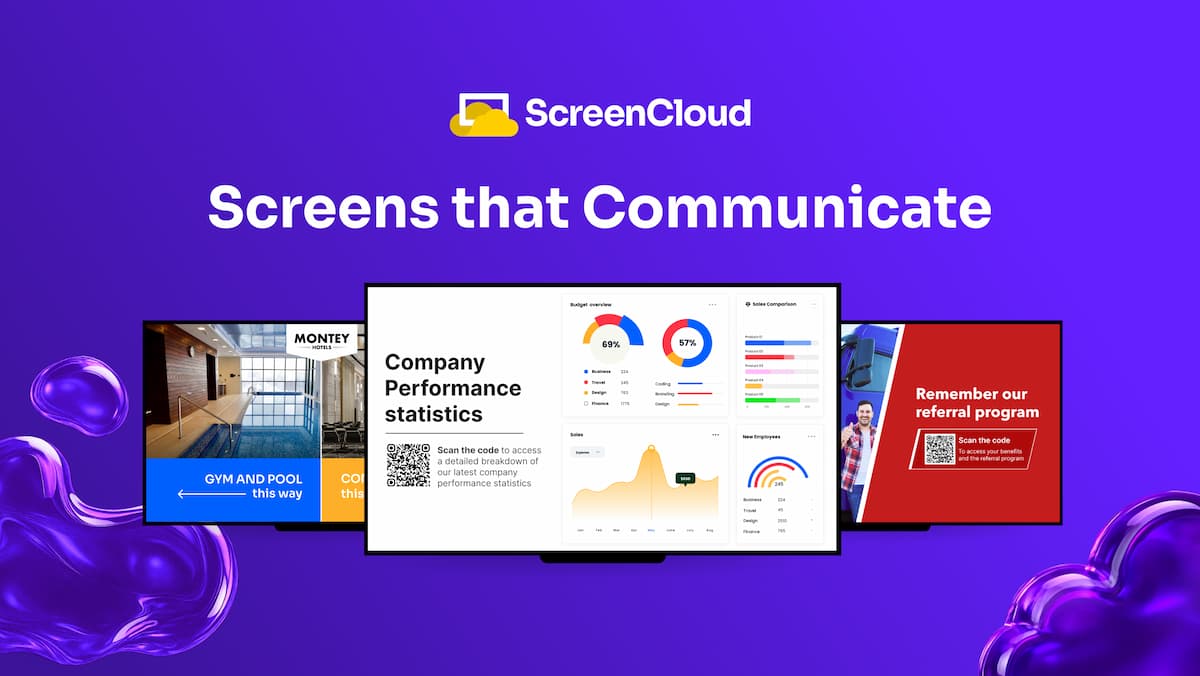
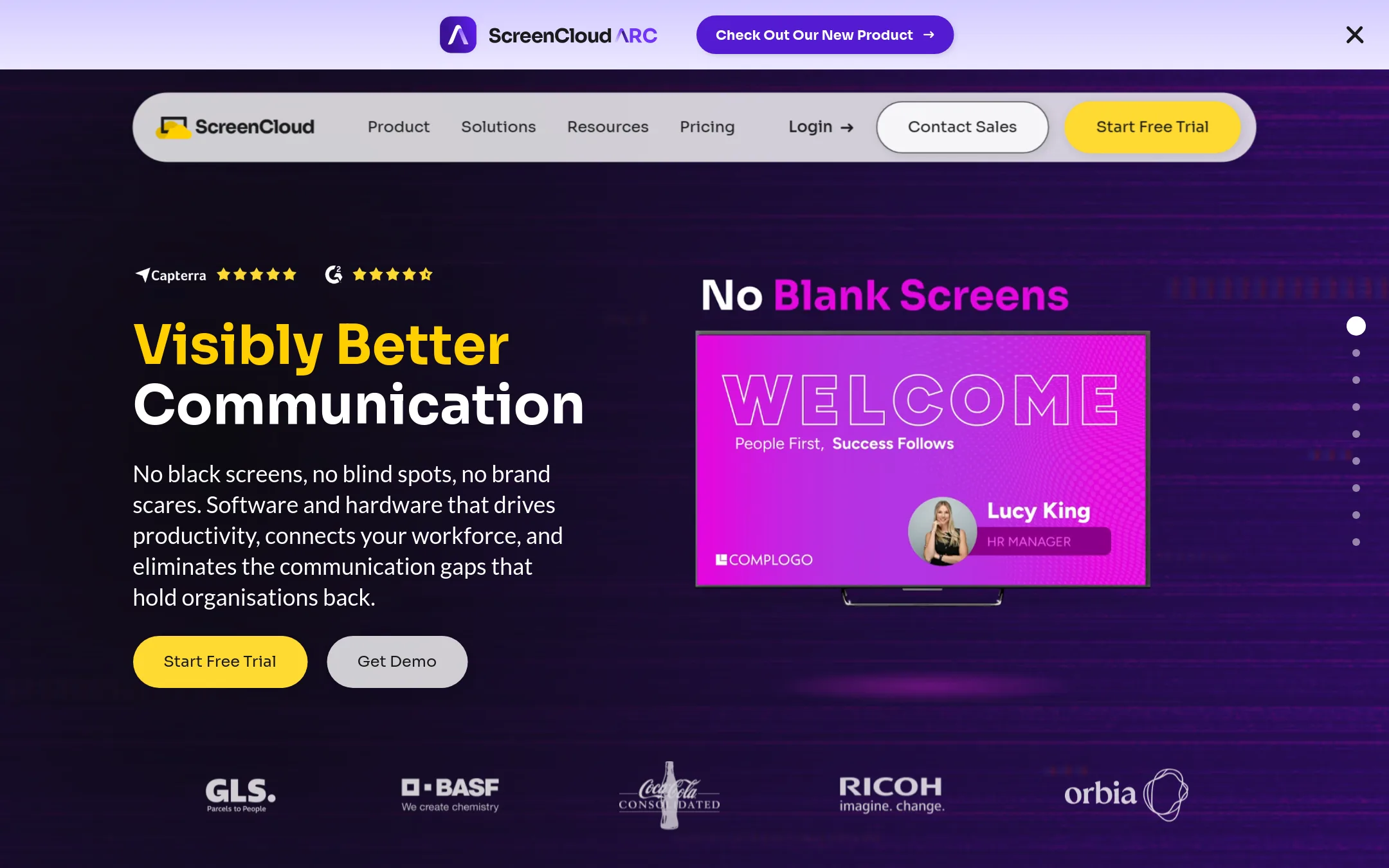
ScreenCloud sells both software and its own hardware, so one vendor covers the screens, the player and the content platform. Its PIXI player runs on Android and is sold at $95 per device, which lowers the setup work for teams without a technical staff. The platform includes proof of play reports showing what played on each screen and for how long.
Where it is strong
- Own PIXI player and hardware, sold at $95 per device
- Over 80 ready-to-go apps and integrations
- Proof of play reports and a full record of organisation activity
Where it falls short
- Pricing for the Enterprise plan is not published and requires a quote
- Smaller teams may find the Enterprise support tier and professional services more than they need
- Pricing:
- Core starts at $20 per screen per month billed annually, Pro at $30 per screen per month, and Enterprise pricing is custom, with a 14-day free trial and no credit card required.
- From $8/screen/mo
6.Yodeck
Best for: Multi-location businesses such as retailers, restaurants, offices, and hospitality operators that need to update screens remotely without on-site staff.
- Pricing
- From $8/screen/mo
- Category
- Media & Entertainment
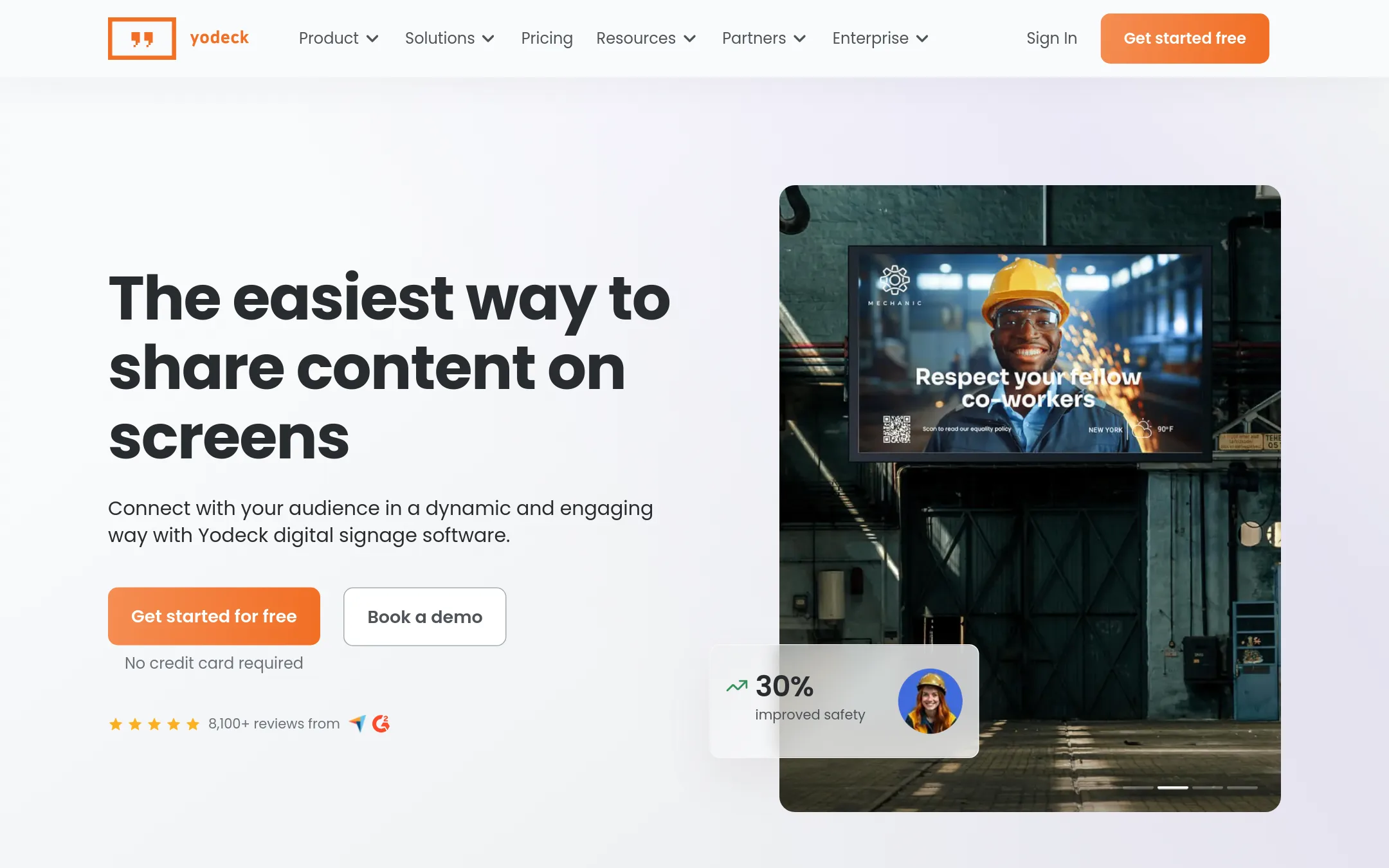
Yodeck is cloud-based digital signage software that lets you create, schedule, and push content to screens from one dashboard. It runs on a free pre-configured Raspberry Pi player included with annual plans, or on Android TVs and browsers you already own. Yodeck reports 65,000+ accounts and 350,000+ screens, which gives it a credible track record among signage tools.
Where it is strong
- Free Yodeck Player included with annual plans, so you avoid buying dedicated media hardware.
- Works on Android TVs and web browsers you may already own.
- Ships with 800+ free templates and 147+ app integrations to get screens live quickly.
Where it falls short
- Pricing is per screen, so costs grow quickly across a large estate.
- Advanced features such as Premium apps and enterprise security sit on higher-tier plans.
- Pricing:
- Plans start at $8 per screen per month for Basic, $12 per screen per month for Premium, and $16 per screen per month for Enterprise, with a free plan for a single screen and a 30-day full-feature trial for up to 5 screens.
- Not published
7.Scala
Best for: Large retailers, quick-service restaurant chains and airports that run many screens and want marketing-led content tied to audience data
- Pricing
- Not published
- Category
- Media & Entertainment
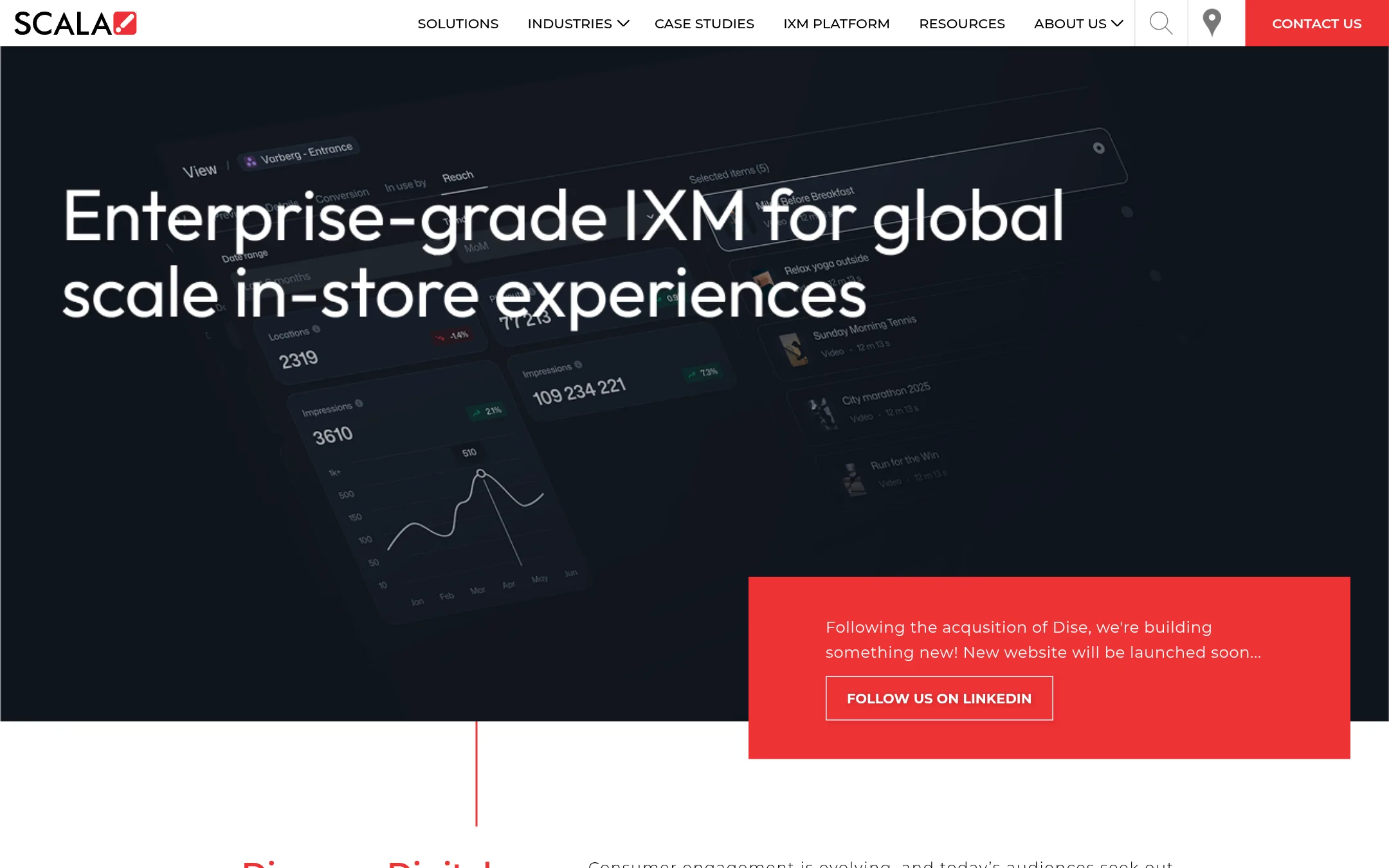
Scala builds digital signage networks for retailers, restaurants, airports, banks and corporate sites, with software and hardware sold together. Its pitch leans on turning each screen into a sensor, using audience data to change in-store content by shopper profile and location.
Where it is strong
- Covers software and hardware in one vendor relationship
- Audience intelligence can drive which content plays and where
- Industry-specific tools for retail, QSR, hospitality and banking
Where it falls short
- Pricing is not published, so budgeting needs a sales conversation
- The site says a new version is coming and the homepage is mid-redesign, so some details may shift
- Pricing:
- Pricing is not published on the site.
How to choose Digital Signage Software
Start with pricing structure. Several products charge per screen per month, which keeps small deployments cheap but grows quickly across a large estate. Others price by user and device, or only through a sales quote, so you may need a conversation before you know the real cost.
Check who the product is built for. Tools like OptiSigns and NoviSign are designed for teams without technical staff, with drag-and-drop editors and large template libraries. Enterprise platforms like ScreenCloud and Scala focus on large networks, frontline communication, and audience data.
Confirm that your hardware works with the software. Yodeck, OptiSigns, and NoviSign can run on existing screens and TVs, which can save money, while ScreenCloud pairs its platform with its own player and hardware.
Check which advanced features sit on higher tiers. Approval workflows, single sign-on, proof of play reporting, device management, and data integrations are often limited to the more expensive plans, so compare the tier you actually need.
Review security, compliance, and support terms. Look for certifications such as SOC 2 Type II and GDPR compliance where they matter to you, and confirm what support is included and whether a free trial is available before you commit.
FAQ
Questions about Digital Signage Software
What is digital signage software?
Digital signage software is a cloud platform that lets you create, schedule, and publish content to screens from a central dashboard. Teams use it to show menus, promotions, announcements, and other messages across one or many locations. Some products also handle emergency alerts or sit alongside intranet and booking tools.
Can I use my existing TVs and screens?
Several products on this list can, including OptiSigns, NoviSign, and Yodeck. NoviSign's player runs on Android, Windows, and Chrome screens, and Yodeck works on Android TVs and web browsers. ScreenCloud, by contrast, sells its own PIXI player and hardware.
How much does digital signage software cost?
Pricing varies widely. OptiSigns starts at $10 per month with a free plan for up to 3 screens, Yodeck starts at $8 per screen per month, and NoviSign's Business plan is $14 per screen per month. Appspace, Scala, Rise Vision, and ScreenCloud's Enterprise tier do not publish dollar amounts and require a quote.
Which digital signage software is best for a small business?
OptiSigns and NoviSign are both designed for teams without technical staff, and OptiSigns offers a free plan for up to 3 screens. Yodeck also includes a free single-screen plan and a 30-day trial for up to 5 screens. Compare the feature limits and tier restrictions against your needs before choosing.
What should I look for in digital signage software security?
Look for independent certifications and access controls that match your requirements. OptiSigns cites SOC 2 Type II certification, GDPR compliance, and single sign-on, though SAML single sign-on sits in its higher-priced tiers. NoviSign also holds SOC 2 Type II certification. Confirm which features are included on the plan you are considering.
Last updated November 7, 2026.