6 Best PCB Design Software in 2026
Updated October 31, 2026
The short answer
For most founders and operators, EasyEDA is the strongest free, browser-based pick with manufacturing integration, while Proteus suits engineers needing embedded simulation, and Cadence OrCAD fits small to medium teams wanting a complete toolchain with collaboration. DipTrace is the best choice for those who prefer a perpetual license and offline use.
The shortlist, at a glance
Read the comparisons ↓EasyEDAFree core, optional suStudents, educators, and small teams who want a free, browser-based PCB tool with manufacturing integration and optional paid layout services.
 ProteusNot publishedEngineers and educators who want to simulate embedded systems and design PCBs in one integrated environment.
 Cadence OrCADNot publishedSmall to medium engineering teams that need a complete PCB toolchain with simulation and collaboration, especially those working on quick-turn designs.
DipTraceNot publishedEngineers and small teams that want a perpetual license, offline use, and a full PCB design workflow without subscription costs.
CircuitMakerNot publishedOpen source hardware designers, makers, students, and hobbyists who want a professional-grade PCB tool without paying for a license.
 Zuken CR-8000Not publishedLarge engineering teams working on challenging high-speed PCB and IC package designs that need advanced 3D layout and signal integrity analysis.
About PCB Design Software
PCB design software is used to create the schematic and layout for printed circuit boards, the physical foundation of most electronic products. These tools handle everything from drawing the circuit diagram to placing components and generating the files needed for manufacturing.
The products on this list differ in approach, scale, and pricing model. EasyEDA and CircuitMaker are free and browser-based, aimed at hobbyists and small teams. Proteus and Cadence OrCAD offer integrated simulation and collaboration for professional engineers. DipTrace provides a perpetual license for offline use, while Zuken CR-8000 targets large enterprises with advanced high-speed design needs.
The 6 best PCB Design Software, compared
- Free core, optional su
1.EasyEDA
Best for: Students, educators, and small teams who want a free, browser-based PCB tool with manufacturing integration and optional paid layout services.

- Pricing
- Free core, optional su
- Category
- Design & Creative
EasyEDA is a free, browser-based PCB design tool with schematic capture, circuit simulation, and PCB layout in one interface. It supports large designs (over 500 sheets, 100,000 pins) and offers team collaboration with role-based access. A standout detail is the layout service at $0.5 per pin, with a 3000-pin project completed within 5 days.
Where it is strong
- Free core features with no download required, runs in the browser
- Supports large designs: over 500 schematic sheets and 5,000 components
- Integrated with JLCPCB and LCSC for one-click prototyping and parts ordering
Where it falls short
- Pricing details for paid plans are not published, only a vague 'few dollars' annual subscription
- Std Edition is limited to 300 devices or 1000 pads, which may be restrictive for complex projects
- Pricing:
- Core features are free for everyone. An annual subscription of a few dollars is optional to support development. Specific prices are not published on the site.
- Not published
2.Proteus
Best for: Engineers and educators who want to simulate embedded systems and design PCBs in one integrated environment.
- Pricing
- Not published
- Category
- Design & Creative
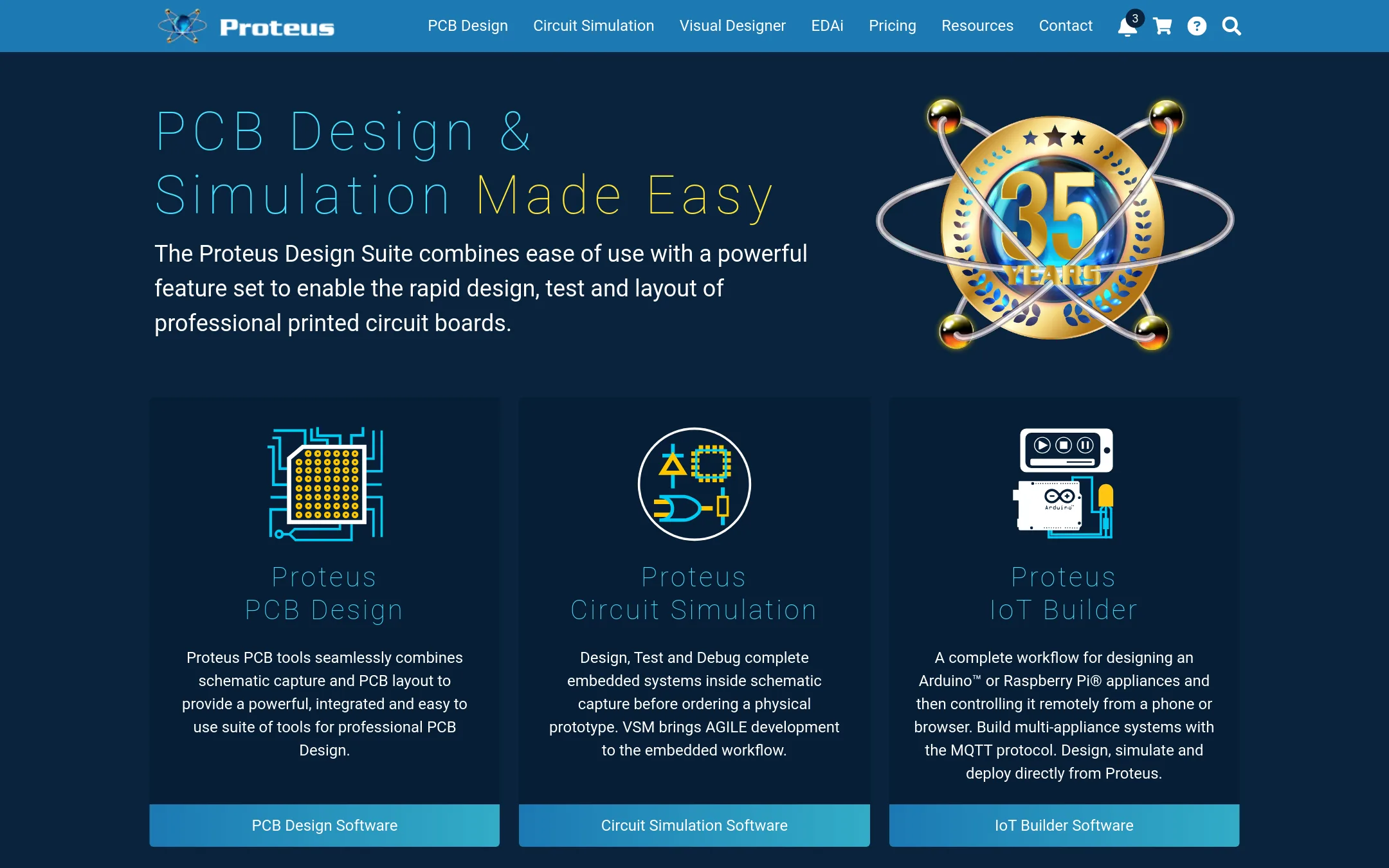
Proteus Design Suite combines schematic capture, PCB layout, and circuit simulation in one tool. It is known for simulating microcontrollers before you order a physical board, and it includes a library of over 15 million parts. The suite also offers AI-assisted library part creation and an IoT Builder for Arduino and Raspberry Pi projects.
Where it is strong
- Simulate microcontrollers and embedded systems before ordering a prototype.
- Access to over 15 million library parts.
- Perpetual licensing, not a subscription.
Where it falls short
- Pricing is not transparent on the website.
- The feature set may be more than needed for simple PCB-only projects.
- Pricing:
- Pricing is not published on the site. Packages include Enterprise, Platinum, and Custom, with Custom starting at a price not shown.
- Not published
3.Cadence OrCAD
Best for: Small to medium engineering teams that need a complete PCB toolchain with simulation and collaboration, especially those working on quick-turn designs.
- Pricing
- Not published
- Category
- Design & Creative
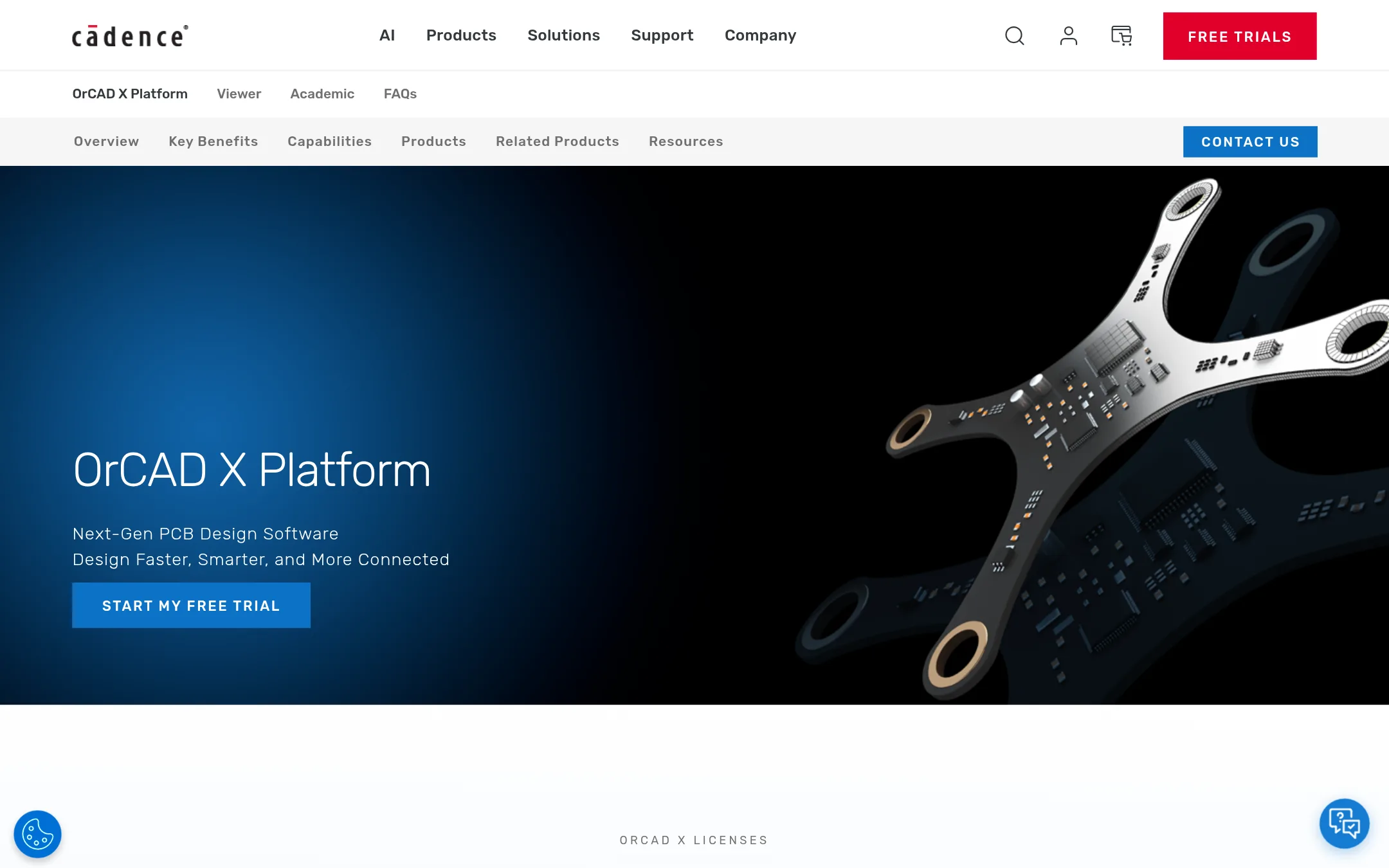
Cadence OrCAD X is a full PCB design suite covering schematic capture, simulation, layout, and manufacturing output. It includes built-in PSpice for analog and mixed-signal simulation, plus real-time collaboration and cloud-based data management. A concrete detail is the native Ultra Librarian integration with over 18 million verified components from 2,500 manufacturers.
Where it is strong
- Built-in PSpice for analog and mixed-signal simulation
- Real-time multi-engineer PCB layout collaboration
- Native access to 18M+ verified components via Ultra Librarian
Where it falls short
- Pricing not disclosed, likely enterprise-level
- May be overkill for simple or hobbyist PCB designs
- Pricing:
- Pricing is not published on the site.
- Not published
4.DipTrace
Best for: Engineers and small teams that want a perpetual license, offline use, and a full PCB design workflow without subscription costs.
- Pricing
- Not published
- Category
- Design & Creative
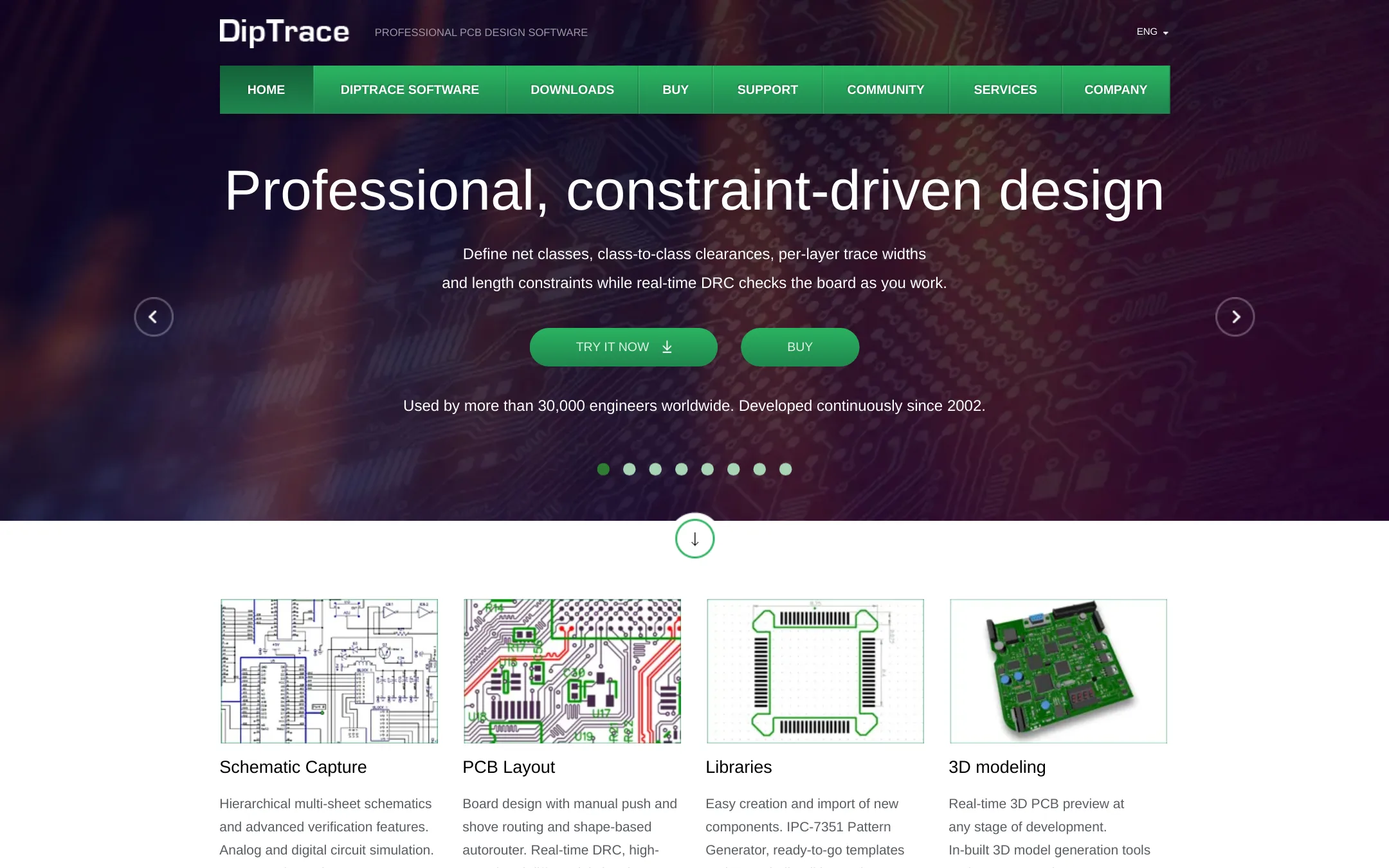
DipTrace is a PCB design tool that combines schematic capture, layout, and component editing in one interface. It offers push-and-shove routing, real-time DRC, and differential pair tuning, plus manufacturing outputs like Gerber and IPC-2581C. A perpetual license with no recurring fees and offline capability makes it a practical choice for engineers who want to own their software.
Where it is strong
- Perpetual license with no recurring fees
- Runs offline and saves projects in native XML for Git
- Includes 160,000 components and 11,000+ 3D models
Where it falls short
- Pricing details are not listed on the website
- May not suit teams needing cloud collaboration or browser-based access
- Pricing:
- Pricing is not published on the site.
- Not published
5.CircuitMaker
Best for: Open source hardware designers, makers, students, and hobbyists who want a professional-grade PCB tool without paying for a license.
- Pricing
- Not published
- Category
- Design & Creative
CircuitMaker is a free PCB design tool built on Altium Designer technology, aimed at open source hardware designers, makers, students, and hobbyists. It offers professional features like 16 signal layers plus 16 plane layers, no board size limits, and a community library backed by Octopart. The tool includes native 3D viewing, push-and-shove routing, and a topological autorouter, making it a credible pick for serious hobbyist projects.
Where it is strong
- Free to use with no commercial clause restrictions
- Unlimited layers and board dimensions
- Community library with Octopart integration and Altium 365 collaboration
Where it falls short
- Requires an Altium account and community membership to use
- One-click manufacturing is not yet available (coming soon)
- Pricing:
- Pricing is not published on the site.
- Not published
6.Zuken CR-8000
Best for: Large engineering teams working on challenging high-speed PCB and IC package designs that need advanced 3D layout and signal integrity analysis.
- Pricing
- Not published
- Category
- Design & Creative
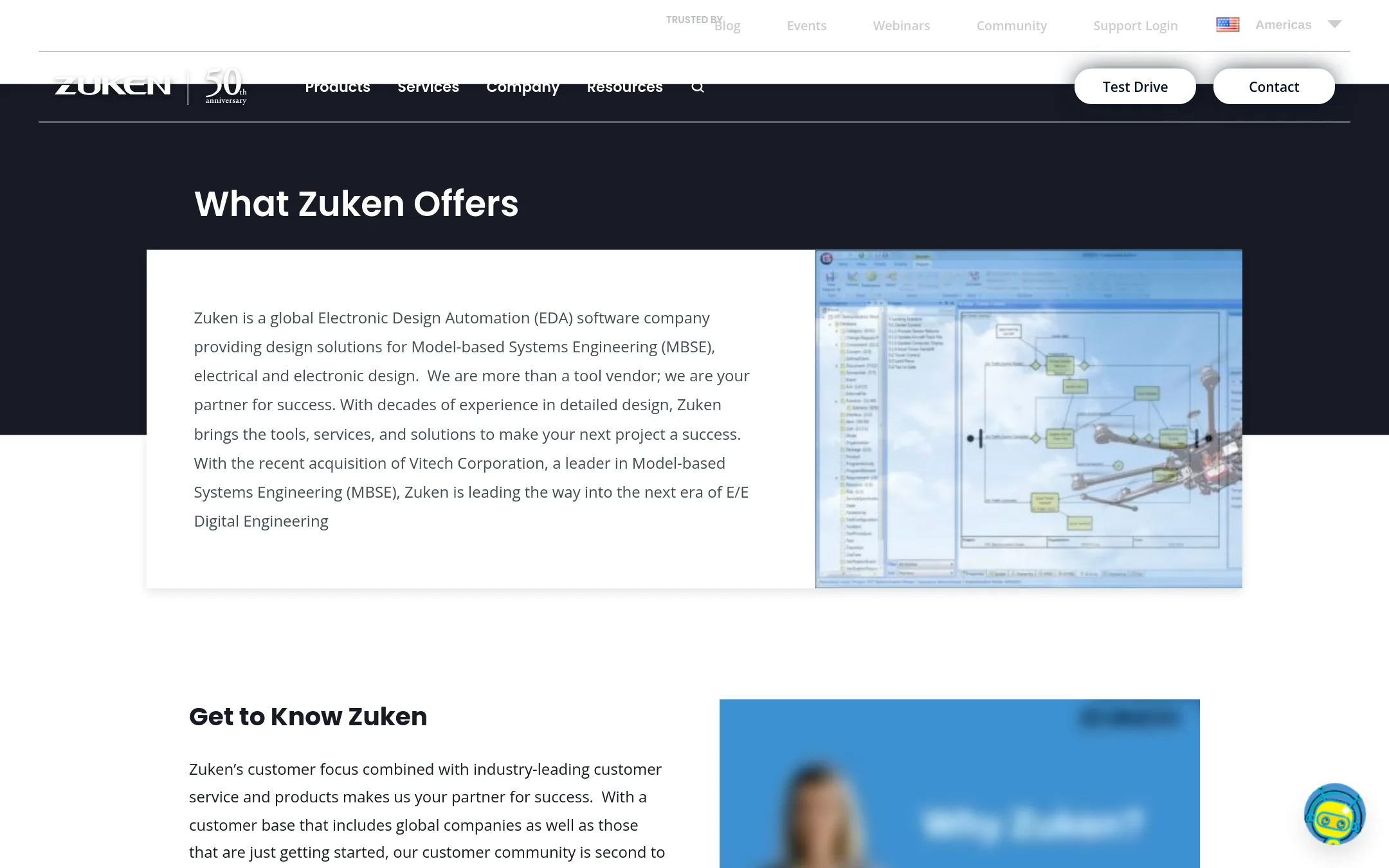
Zuken CR-8000 is an enterprise-grade PCB design platform that handles architecture design, 3D layout with MCAD integration, SI/PI analysis, and IC packaging co-design. It is a credible pick for complex, high-speed board designs because it covers the full subsystem design flow in one environment.
Where it is strong
- Advanced 3D PCB and IC package layout
- High-speed design and signal integrity tools
- Design-for-manufacturing support
Where it falls short
- Pricing is not published, so budgeting is unclear
- Positioned for complex designs, likely overkill for simple boards
- Pricing:
- Pricing is not published on the site.
How to choose PCB Design Software
Pricing structure is a key factor. EasyEDA and CircuitMaker are free, while DipTrace offers a perpetual license with no recurring fees. Proteus and Cadence OrCAD do not publish prices, suggesting enterprise-level costs. Consider whether a subscription or one-time payment fits your budget and cash flow.
Who the software is built for matters. EasyEDA targets students and small teams, CircuitMaker is for open source designers, and Zuken CR-8000 is for large engineering teams on complex boards. Choose a tool that matches your team's size and project complexity to avoid overpaying for features you won't use.
Integrations with manufacturing and parts services can save time. EasyEDA integrates with JLCPCB and LCSC for one-click prototyping, while Cadence OrCAD has native Ultra Librarian access to 18 million components. CircuitMaker uses Octopart for its community library. Check if the tool connects to your preferred suppliers.
Data and compliance are critical for regulated industries. Cadence OrCAD includes cloud-based data management and real-time collaboration, while DipTrace saves projects in native XML for Git, supporting version control. Zuken CR-8000 offers signal integrity analysis for high-speed designs. Verify that the tool meets your data security and design standards.
Support and contract terms vary. EasyEDA offers optional paid layout services, and Proteus provides perpetual licensing. CircuitMaker requires an Altium account and community membership. For enterprise tools like Cadence OrCAD and Zuken, expect custom contracts and dedicated support. Review these terms before committing.
FAQ
Questions about PCB Design Software
What is PCB design software?
PCB design software is a tool for creating the schematic and layout of a printed circuit board. It includes features for drawing circuits, placing components, routing traces, and generating manufacturing files. Examples on this list include EasyEDA, Proteus, and Cadence OrCAD.
Is there free PCB design software that is professional-grade?
Yes, EasyEDA and CircuitMaker are free options. EasyEDA runs in the browser and supports large designs, while CircuitMaker offers unlimited layers and board dimensions. Both are suitable for serious projects, though CircuitMaker requires an Altium account.
What should I consider when choosing PCB design software?
Consider the pricing model, such as free, subscription, or perpetual license. Think about who the tool is built for, like hobbyists versus large teams. Check integrations with parts libraries and manufacturing services, and ensure it meets your data and compliance needs.
Can I simulate my circuit before manufacturing?
Yes, Proteus and Cadence OrCAD include simulation capabilities. Proteus is known for simulating microcontrollers, while OrCAD has built-in PSpice for analog and mixed-signal simulation. This can save time and cost by catching errors before ordering a physical board.
How do I get manufacturing files from PCB design software?
Most tools generate standard manufacturing outputs like Gerber files. DipTrace supports Gerber and IPC-2581C, and EasyEDA integrates with JLCPCB for one-click prototyping. Check that the software can export the file formats your manufacturer requires.
Last updated October 31, 2026.