6 Best Scheduling Software in 2026
Updated November 14, 2026
The short answer
The strongest scheduling software picks on this list are SavvyCal, Reclaim.ai, and When I Work. SavvyCal suits founders, sales teams and consultants who book external calls and want to protect focus time. Reclaim.ai suits individuals and growing teams who lose focus time to meetings and want an AI calendar that defends it. When I Work suits hourly shift teams in restaurants, retail and field services that need scheduling, time clocks and messaging in one app.
The shortlist, at a glance
Read the comparisons ↓ SavvyCalFrom $10/user/moFounders, sales teams and consultants who book external calls and want to protect focus time while making scheduling easy for guests
 Reclaim.aiFree plan, from $10/moIndividuals and growing teams that lose focus time to meetings and want an AI calendar that protects deep work and scales to company-wide rollout.
 Axle HealthCustom quoteHome health and hospice agencies that want to cut clinician driving time and missed visits without replacing their EMR
 When I WorkFrom $2.50/user/moHourly shift teams in restaurants, retail, franchises, and field services that need scheduling, time clocks, and messaging in one app.
 VelaNot publishedProfessional services teams that coordinate meetings with clients, vendors and internal staff across several timezones.
 Untether LabsNot publishedDigital health clinics and hospital care teams that need schedules built around licenses, skills, and contract rules, and want to cut premium labor spend.
About Scheduling Software
Scheduling software lets people book meetings, appointments or shifts without the back-and-forth of email. Some tools handle external bookings with a shareable link, some manage a calendar and protect focus time, and some build staff rosters and track hours for hourly teams.
The products on this list differ in approach, scale and pricing. SavvyCal and Reclaim.ai work from a person's calendar, with SavvyCal focused on booking and Reclaim.ai focused on automatic planning. Axle Health and Untether Labs are built for healthcare staffing, and Vela uses an AI assistant that runs scheduling through email or text. When I Work covers shift scheduling for hourly teams. Pricing models range from published per-user monthly rates to quote-based pricing tied to an ROI analysis.
The 6 best Scheduling Software, compared
- From $10/user/mo
1.SavvyCal
Best for: Founders, sales teams and consultants who book external calls and want to protect focus time while making scheduling easy for guests
- Pricing
- From $10/user/mo
- Category
- Productivity & Project Management
SavvyCal lets people you invite overlay their own calendar on your booking link, so they can see where both schedules are free at a glance. Its week view shows every open option at once instead of the click-a-day, then click-a-time routine. Buffers, daily and weekly limits, and time blocking keep your calendar from filling up, and it is backed by a 2,000-plus customer base and a 30-day money-back guarantee.
Where it is strong
- Invitees can overlay their own calendar to find a mutual time quickly
- Buffers, daily, weekly and monthly limits, and time blocking protect focus time
- Team modes include collective, round robin and group scheduling
Where it falls short
- There is no self-serve free trial, only a 30-day money-back guarantee
- Custom domains, removal of SavvyCal branding and Stripe payments require the Premium plan
- Pricing:
- Basic is $10 per user per month billed annually or $12 billed monthly, and Premium is $17 per user per month billed annually or $20 billed monthly, with a 30-day money-back guarantee.
- Free plan, from $10/mo
2.Reclaim.ai
Best for: Individuals and growing teams that lose focus time to meetings and want an AI calendar that protects deep work and scales to company-wide rollout.
- Pricing
- Free plan, from $10/mo
- Category
- Productivity & Project Management
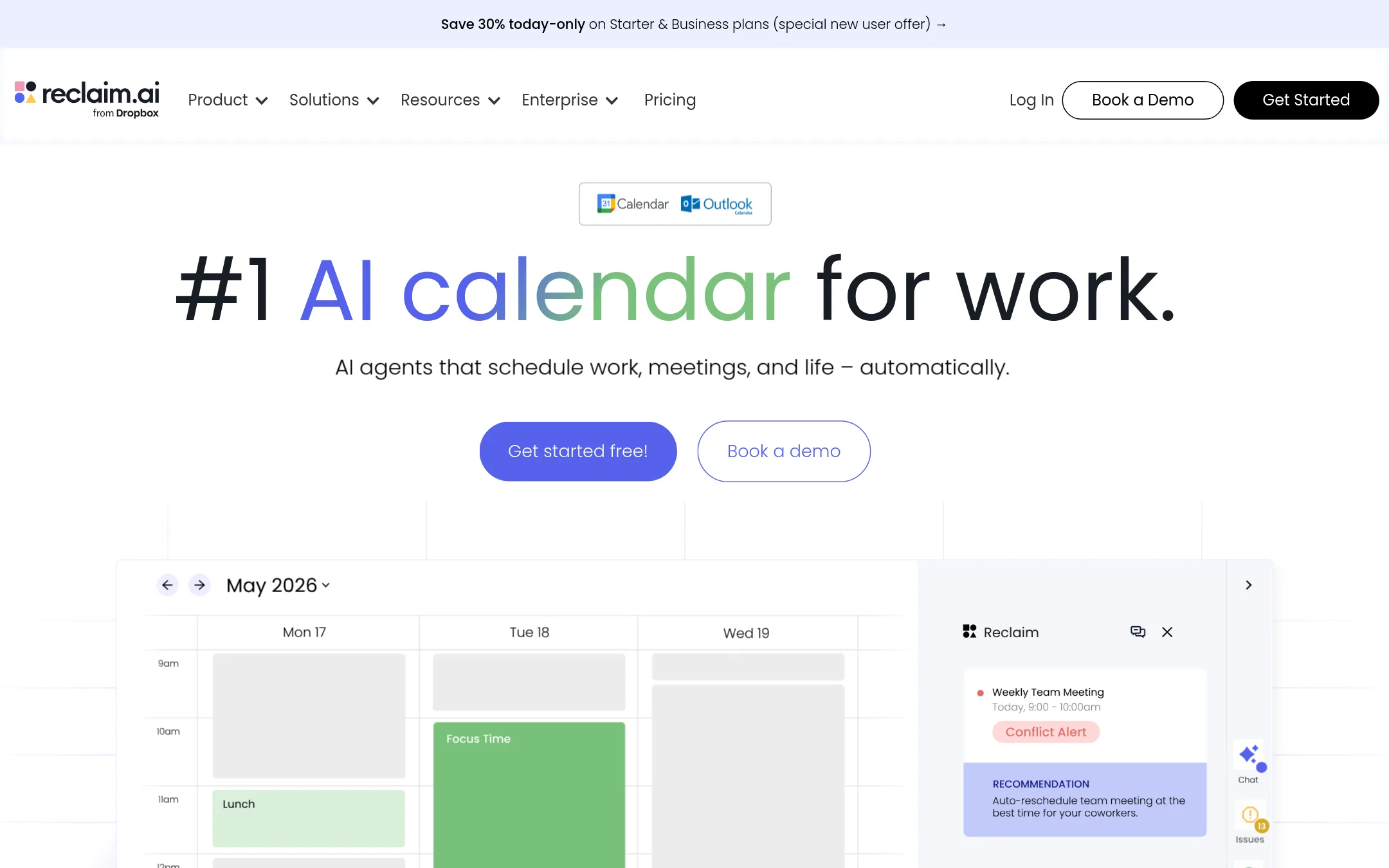
Reclaim.ai is an AI calendar that runs on Google Calendar or Outlook and automatically schedules focus time, tasks, habits, and meetings around existing events. Its main edge over basic booking tools is that it defends focus time and reshuffles the week as priorities change. Users in the supplied data report gaining about 7.6 hours of focus time per week.
Where it is strong
- Automatically schedules tasks, habits, and focus time around existing calendar events.
- Works with Google Calendar and Outlook, including syncing multiple calendars.
- Offers preview and approval controls before the AI applies calendar changes.
Where it falls short
- Full team and company features require paid plans that scale with team size.
- Its strongest value depends on connected calendars, so it fits less well for those who do not want an AI managing their calendar.
- Pricing:
- Pricing starts with a free Lite plan for one user, with paid tiers at $10, $15, and $22 (listed with $12 and $18 variants) and a 29% discount for annual billing.
- Custom quote
3.Axle Health
Best for: Home health and hospice agencies that want to cut clinician driving time and missed visits without replacing their EMR
- Pricing
- Custom quote
- Category
- Productivity & Project Management
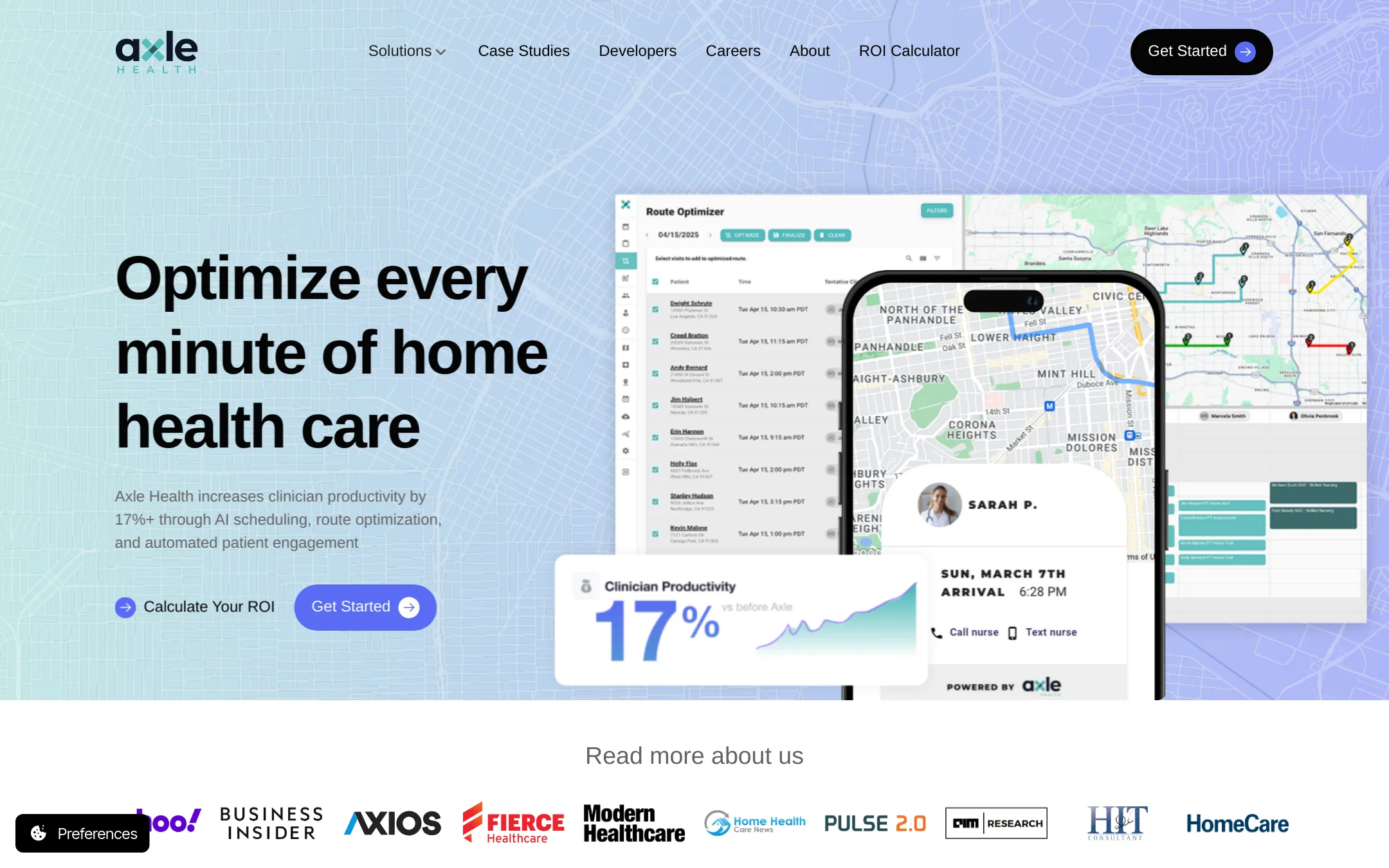
Axle Health is scheduling and workforce software built for home healthcare providers. It uses AI scheduling and route optimization to match each visit with the right clinician, and it shows who is available and where they are in real time. It connects to major EMR platforms without changing downstream EMR workflows, which makes it a practical pick if your records already live in an EMR.
Where it is strong
- Supports both office-led and clinician-led scheduling, so you can choose the workflow that fits your team
- Pre-built integrations with major EMR platforms, plus APIs for custom connections
- SOC 2 Type II and HIPAA compliance, with SSO/SAML support for 20+ identity providers
Where it falls short
- Pricing depends on a sales conversation and an ROI analysis, so you cannot budget from a published number
- The product is built for home health and hospice, so it is a poor fit for other kinds of appointment-based businesses
- Pricing:
- Pricing is not published on the site. Axle says its cost is based on estimated savings after an ROI analysis by its team.
- From $2.50/user/mo
4.When I Work
Best for: Hourly shift teams in restaurants, retail, franchises, and field services that need scheduling, time clocks, and messaging in one app.
- Pricing
- From $2.50/user/mo
- Category
- Productivity & Project Management
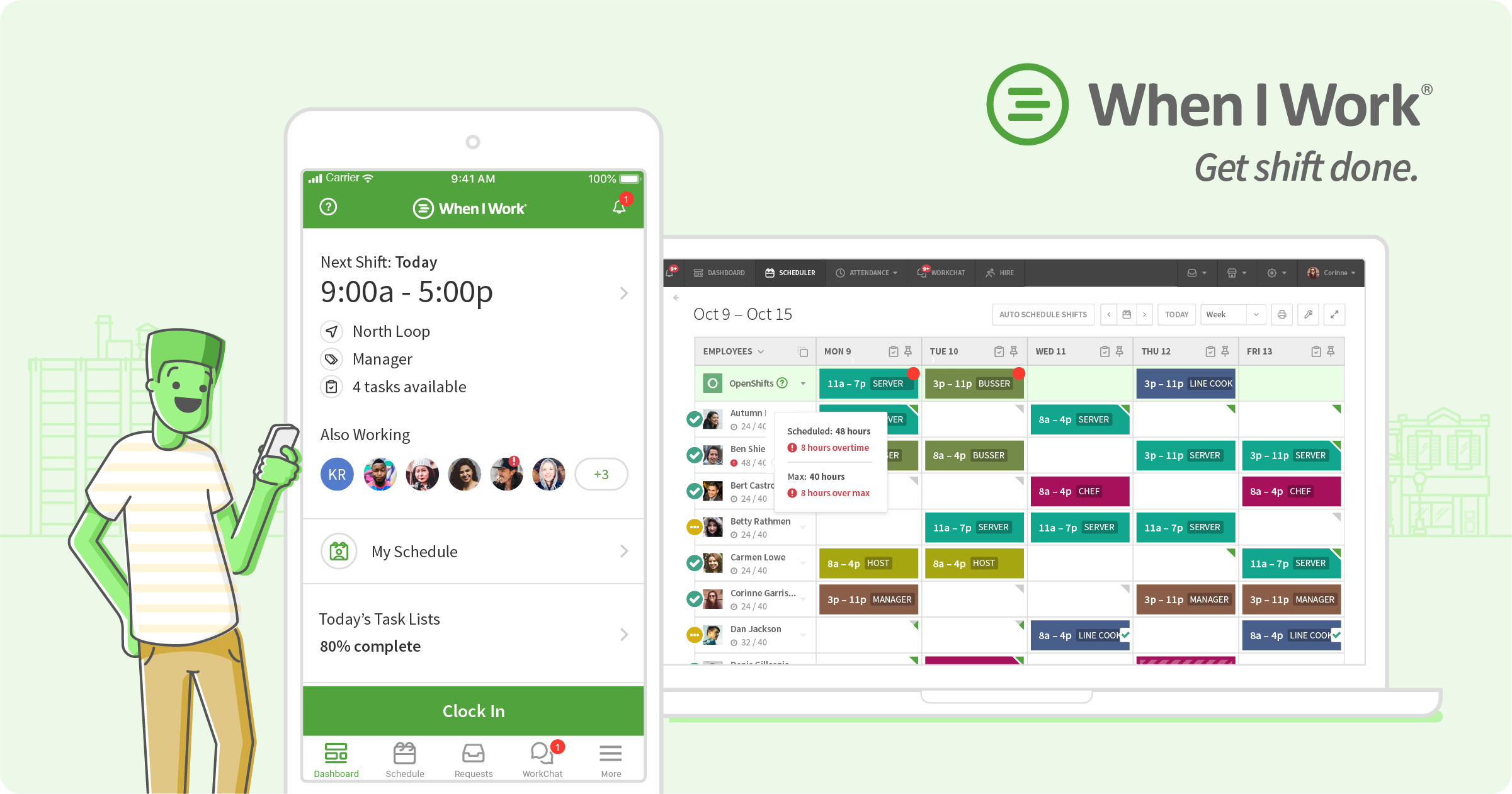
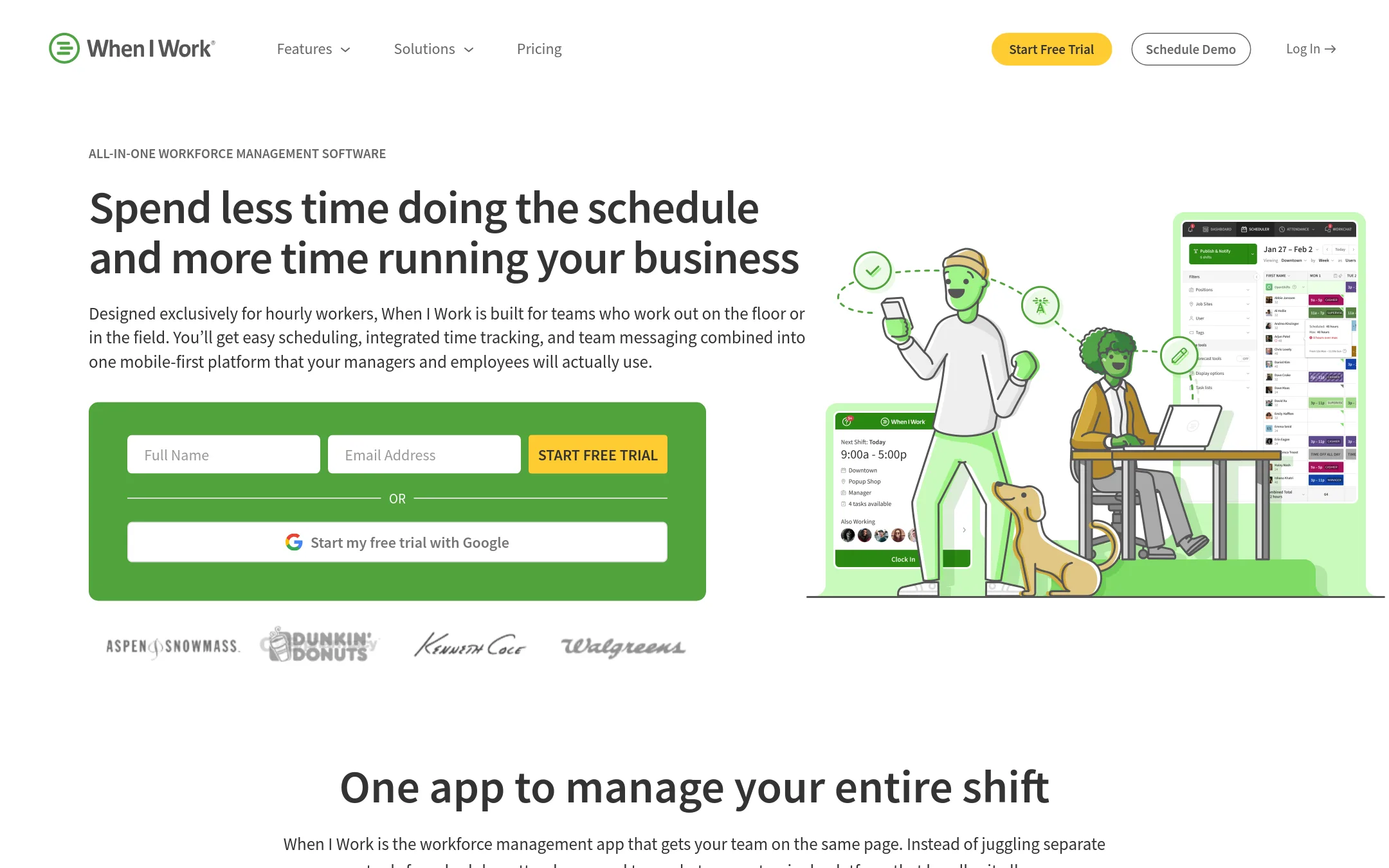
When I Work combines shift scheduling, time tracking, and team messaging for hourly teams in one mobile app. It includes GPS clock-ins with geofencing, so managers can check that staff are on site when they clock in. Its integrations with payroll tools like ADP, QuickBooks, and Gusto cut down on manual timesheet entry.
Where it is strong
- GPS clock-ins with geofencing verify where staff are when they punch in.
- Staff can swap shifts in the app, and managers only need to approve the swap.
- Integrations with ADP, QuickBooks, Gusto, and Rippling reduce manual payroll data entry.
Where it falls short
- Advanced features like scheduling rules, role permissions, and custom reporting sit in the Pro tier.
- API access, webhooks, and SAML/SSO are only available on Premium, which is priced separately and not listed on the site.
- Pricing:
- Pricing starts at $2.50 per user per month for single-location teams and $5 per user per month for multi-location businesses, with a 14-day free trial.
- Not published
5.Vela
Best for: Professional services teams that coordinate meetings with clients, vendors and internal staff across several timezones.
- Pricing
- Not published
- Category
- Productivity & Project Management
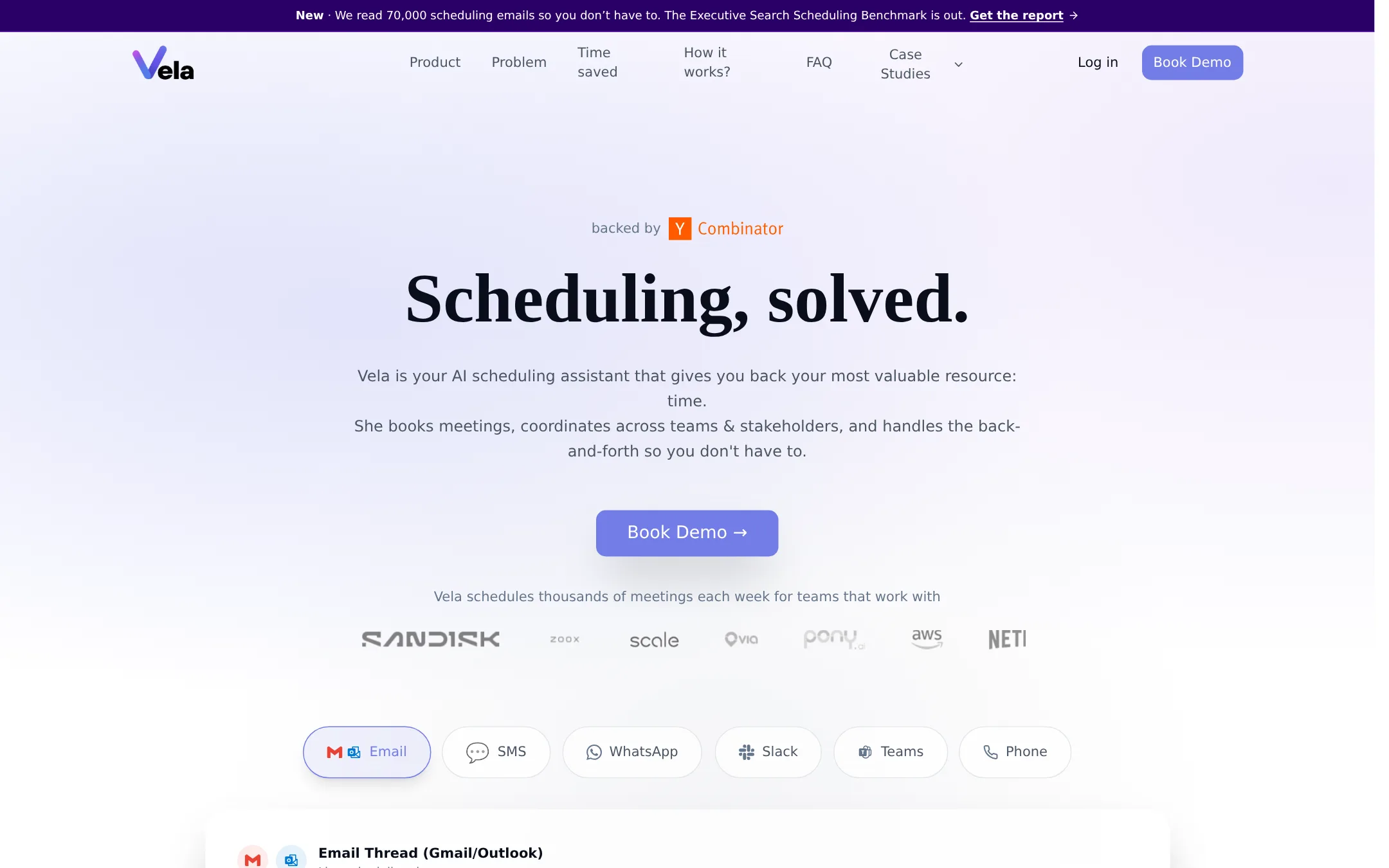
Vela is an AI assistant that takes over scheduling. You CC it on an email or text it over SMS or WhatsApp, and it reads your calendar, proposes times in each participant's timezone, books the meeting, and reschedules if conflicts come up. It also follows up automatically with anyone who has not replied, which is the part most people lose hours to.
Where it is strong
- Works from a simple CC on email or a text on SMS or WhatsApp, with no new tool to learn
- Handles timezone conversion for every attendee on its own
- Reschedules when conflicts arise and updates invites for all parties
Where it falls short
- Pricing is not published, so you will need to request a quote to compare costs
- The site does not list calendar integrations or an API setup, so check fit with your stack before committing
- Pricing:
- Pricing is not published on the site.
- Not published
6.Untether Labs
Best for: Digital health clinics and hospital care teams that need schedules built around licenses, skills, and contract rules, and want to cut premium labor spend.
- Pricing
- Not published
- Category
- Healthcare
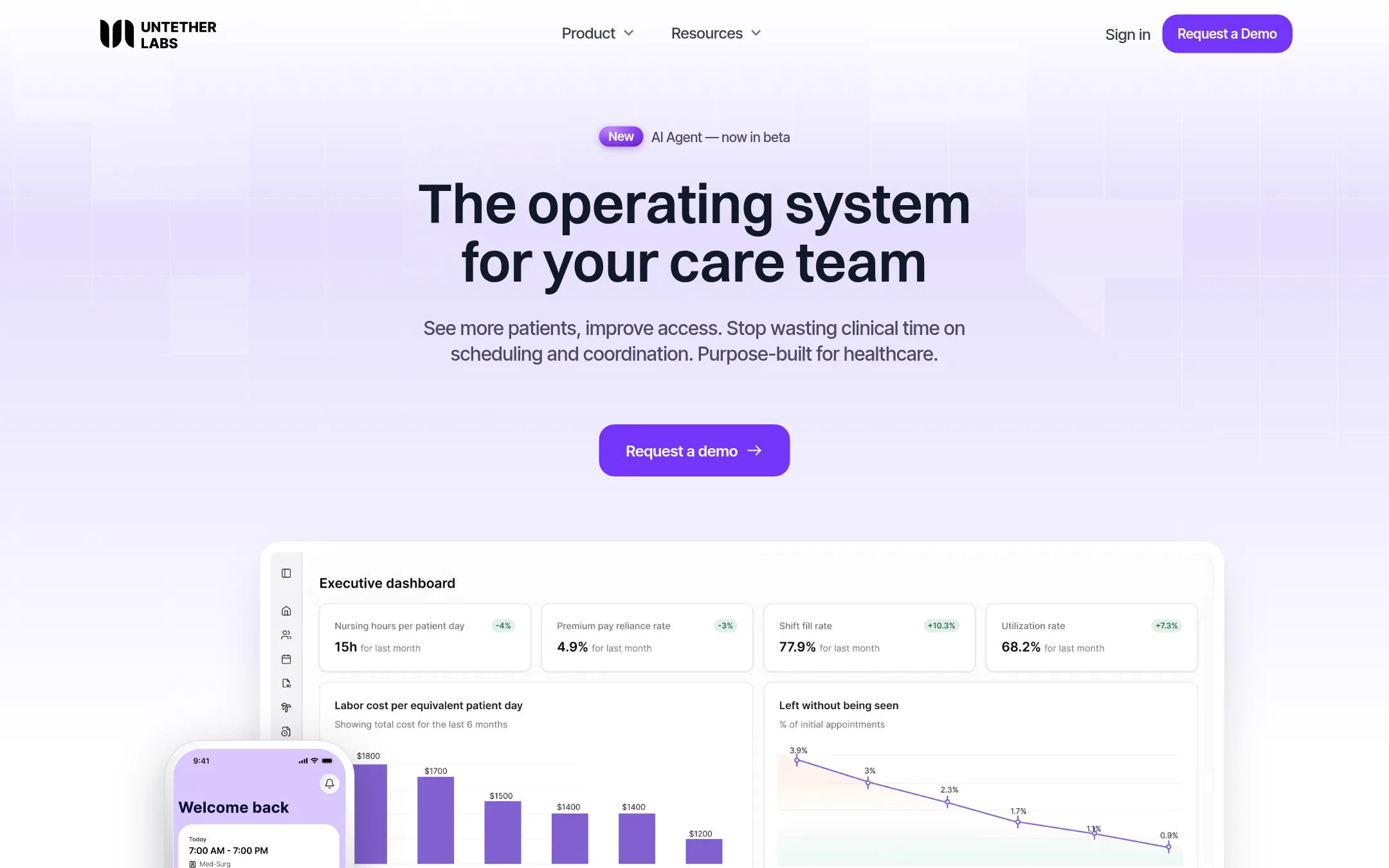
Untether Labs is scheduling software built for healthcare teams, including digital health clinics and hospitals. You describe what you need, and its AI agent builds a schedule around your costs, coverage targets, and rules for contracts, licenses, and skills. It also handles callouts and coverage gaps, which is where most scheduling tools leave the manual work to you.
Where it is strong
- Builds a full schedule from a plain-language request, respecting contracts, licenses, and skills.
- Handles callouts, coverage gaps, and float assignments without manual chasing.
- Gives care teams a mobile view of shifts, time tracking, PTO, and availability.
Where it falls short
- Pricing is not published, so you will need to request a quote to compare costs.
- Built specifically for healthcare, so it is not a fit for teams outside clinical staffing.
- Pricing:
- Pricing is not published on the site.
How to choose Scheduling Software
Start with pricing structure. Several tools charge per user per month, so the cost grows with headcount. SavvyCal lists $10 to $20 per user per month, When I Work starts at $2.50 for single-location teams, and Axle Health and Untether Labs do not publish prices, so you will need a quote to compare.
Next, check who the tool is built for. Healthcare scheduling tools such as Axle Health and Untether Labs are designed around clinical rules, licenses and contracts, and they fit poorly outside that setting. Shift tools like When I Work suit hourly teams, while SavvyCal and Reclaim.ai suit people who manage their own calendars.
Check integrations before you commit. Reclaim.ai works with Google Calendar and Outlook. When I Work connects to ADP, QuickBooks, Gusto and Rippling. Axle Health offers pre-built EMR integrations and APIs. Vela's site does not list calendar integrations or an API, so confirm fit with your stack first.
Consider data and compliance needs. Axle Health states SOC 2 Type II and HIPAA compliance with SSO/SAML support. When I Work limits SAML/SSO and API access to its Premium tier, so confirm which features you need before you pick a plan.
Finally, review support and contract terms. SavvyCal offers a 30-day money-back guarantee but no self-serve free trial. When I Work offers a 14-day free trial. Reclaim.ai has a free Lite plan for one user. Read the terms for each product, because several are quote-based and the details will be set during sales talks.
FAQ
Questions about Scheduling Software
What is scheduling software?
Scheduling software lets people book meetings, appointments or shifts without long email threads. Some tools share a booking link with external contacts, some protect focus time on a personal calendar, and some build staff rosters for hourly teams. The right type depends on whether you are booking clients or organizing employees.
Which scheduling software is best for founders and consultants?
SavvyCal suits founders, sales teams and consultants who book external calls. Its invitees can overlay their own calendar on a booking link, and buffers and limits protect focus time. Basic costs $10 per user per month billed annually.
Which scheduling software works for hourly shift teams?
When I Work combines shift scheduling, time tracking and team messaging for hourly teams in restaurants, retail and field services. It has GPS clock-ins with geofencing and integrations with payroll tools like ADP and Gusto. Pricing starts at $2.50 per user per month for single-location teams.
Do scheduling tools for healthcare publish their prices?
Axle Health and Untether Labs do not publish their pricing. Axle Health bases its cost on estimated savings after an ROI analysis, and Untether Labs also requires a quote. Expect a sales conversation before you can compare costs.
How should I choose between scheduling software options?
Compare pricing structure, who the product is built for, and which integrations you need with your calendar, payroll or EMR. Check compliance needs such as HIPAA or SOC 2, and read the trial and refund terms before you commit. Several products on this list offer free trials or money-back guarantees, while others require a quote first.
Last updated November 14, 2026.