9 Best Team Collaboration Software in 2026
1 verified · Updated October 15, 2026
The short answer
For most teams, Zoom Workplace is the strongest pick because it combines video meetings, chat, docs, and whiteboards in one platform. Slack is best for teams that rely heavily on third-party tools and want a central hub for chat and automation. Rocket.Chat is the top choice for defense, government, and critical infrastructure teams that need full data sovereignty and classified-level security.
The shortlist, at a glance
Read the comparisons ↓ Zoom WorkplaceFree, from $14.16/userDistributed teams that want to consolidate video meetings, chat, and document collaboration into one platform.
 PadletNot publishedTeams in education or creative fields that need simple, visual boards for brainstorming, lessons, or activities.
 SlackFree plan, paid tiersTeams that want a central hub for chat, project tracking, and automation, especially those using many third-party tools.
 MiroFree, paid tiersProduct teams that want to move from research to roadmap and launch in one visual workspace.
Microsoft TeamsNot publishedTeams that need a reliable desktop app and want to know which browser versions are officially supported before upgrading.
 Rocket.ChatNot publishedDefense, government, and critical infrastructure teams that need full data sovereignty and classified-level security.
 ZulipFree, from $6.67/user/Distributed teams that need structured, asynchronous conversations and want the option to self-host.
 MioCustom quote + $10K seLarge enterprises, especially those merging or avoiding vendor lock-in, that need cross-platform chat between Google Workspace, Microsoft 365, and Slack.
 VeltFree tier, usage-basedTeams building AI-native apps or products where users need to review and approve generated work before it ships.
About Team Collaboration Software
Team collaboration software helps people work together across distances. It covers messaging, video calls, shared documents, and project tracking. The job is to keep conversations and work in one place so nothing gets lost.
The products on this list differ in approach, scale, and pricing. Zoom Workplace bundles many tools into one subscription. Slack focuses on chat with thousands of integrations. Miro and Padlet are visual workspaces for brainstorming and planning. Rocket.Chat and Zulip offer self-hosting for data control. Mio connects existing chat apps instead of replacing them.
The 9 best Team Collaboration Software, compared
- Free, from $14.16/user
1.Zoom WorkplaceVerified
Best for: Distributed teams that want to consolidate video meetings, chat, and document collaboration into one platform.
- Pricing
- Free, from $14.16/user
- Category
- Communication & Collaboration
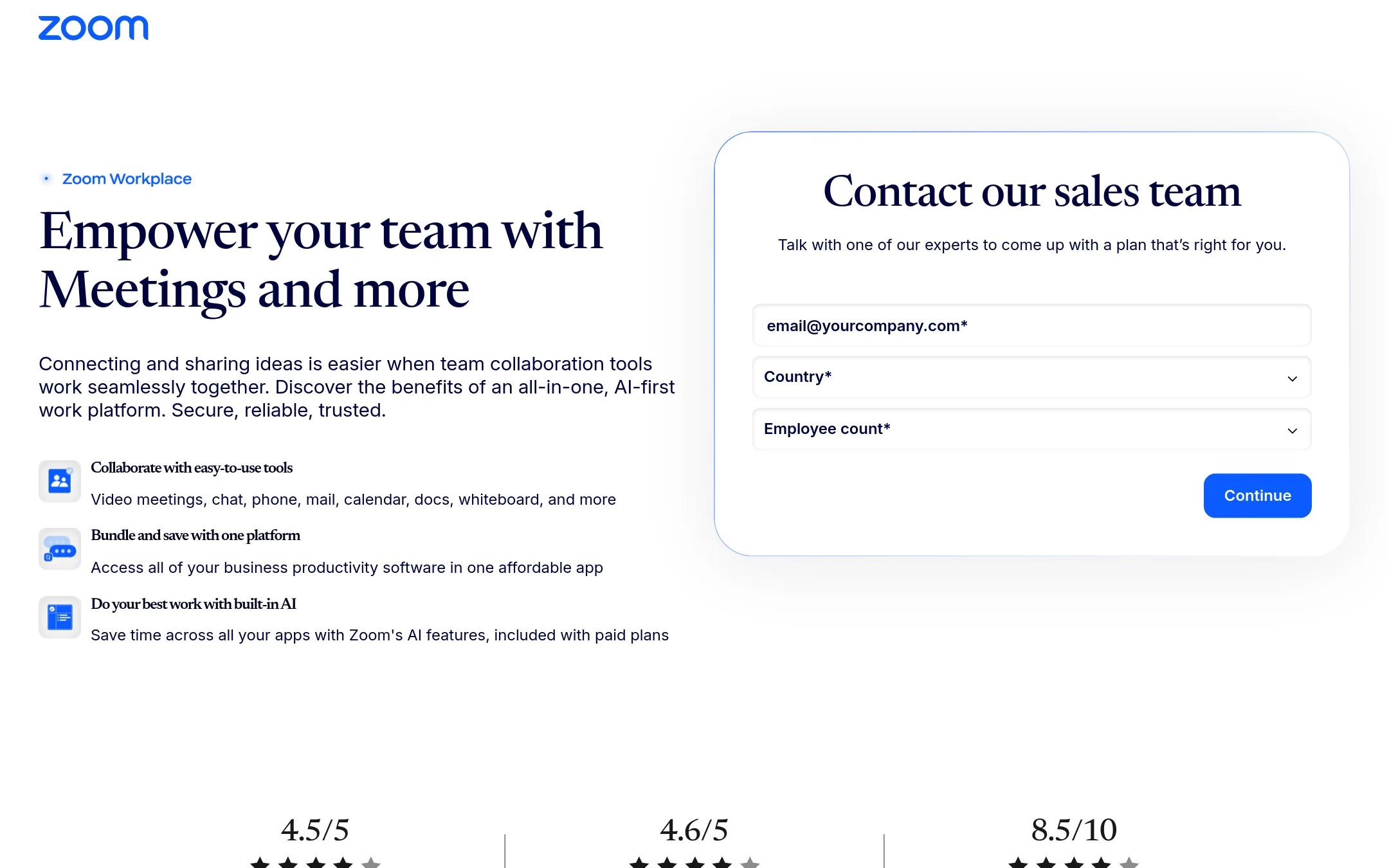
Zoom Workplace bundles video meetings, team chat, collaborative documents, and whiteboards into one platform. It is a credible pick because it replaces multiple separate tools, and its AI features for meeting notes and follow-up are included with paid plans. The free Basic plan supports up to 100 participants per meeting, making it easy to start.
Where it is strong
- Includes video meetings, chat, docs, whiteboard, and phone in one platform.
- AI features for meeting summaries and note-taking are included with paid plans.
- Free plan supports up to 100 participants per meeting.
Where it falls short
- Free plan limits meetings to 40 minutes and includes limited AI features.
- Enterprise features like full PBX and 1000 participants require custom pricing.
- Pricing:
- Basic is free with 40-minute meetings and 100 participants. Pro starts at $14.16 per user per month billed annually, Business at $18.33 per user per month billed annually, and Enterprise pricing is custom.
- Not published
2.Padlet
Best for: Teams in education or creative fields that need simple, visual boards for brainstorming, lessons, or activities.
- Pricing
- Not published
- Category
- Productivity & Project Management
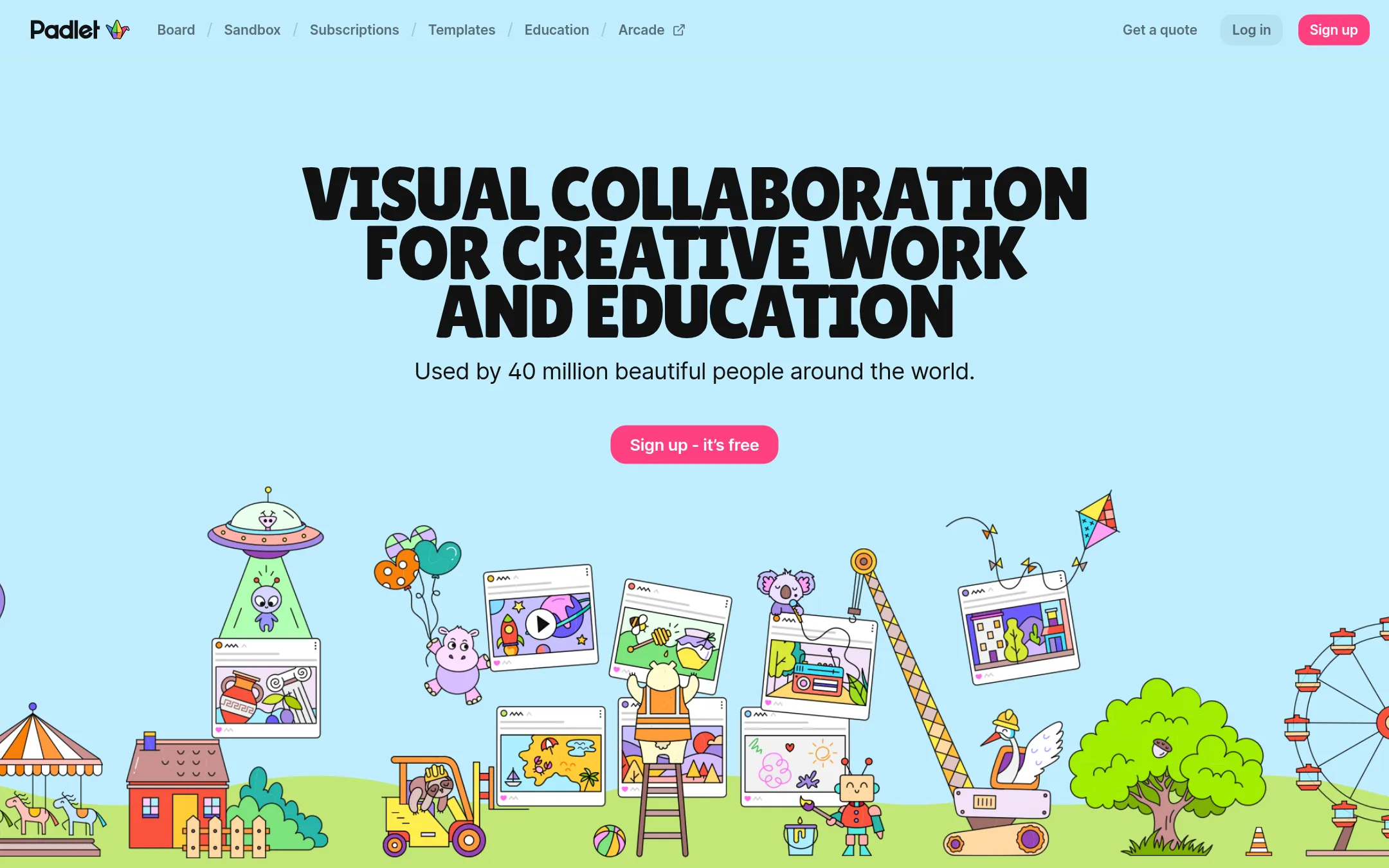
Padlet is a visual collaboration tool for creative work and education. It lets people collect, organize, and share thoughts on boards, or use digital canvases for whiteboards, lessons, and activities. With 40 million users worldwide and high ratings on G2, App Store, Capterra, and Google Play, it is a credible pick for teams that think visually.
Where it is strong
- Free to sign up, takes about 10 seconds
- Boards and sandboxes cover two distinct use cases
- High user ratings across G2, App Store, and Capterra
Where it falls short
- Pricing details are not available on the site
- May lack advanced project management features for complex workflows
- Pricing:
- Pricing is not published on the site.
- Free plan, paid tiers
3.Slack
Best for: Teams that want a central hub for chat, project tracking, and automation, especially those using many third-party tools.
- Pricing
- Free plan, paid tiers
- Category
- Communication & Collaboration
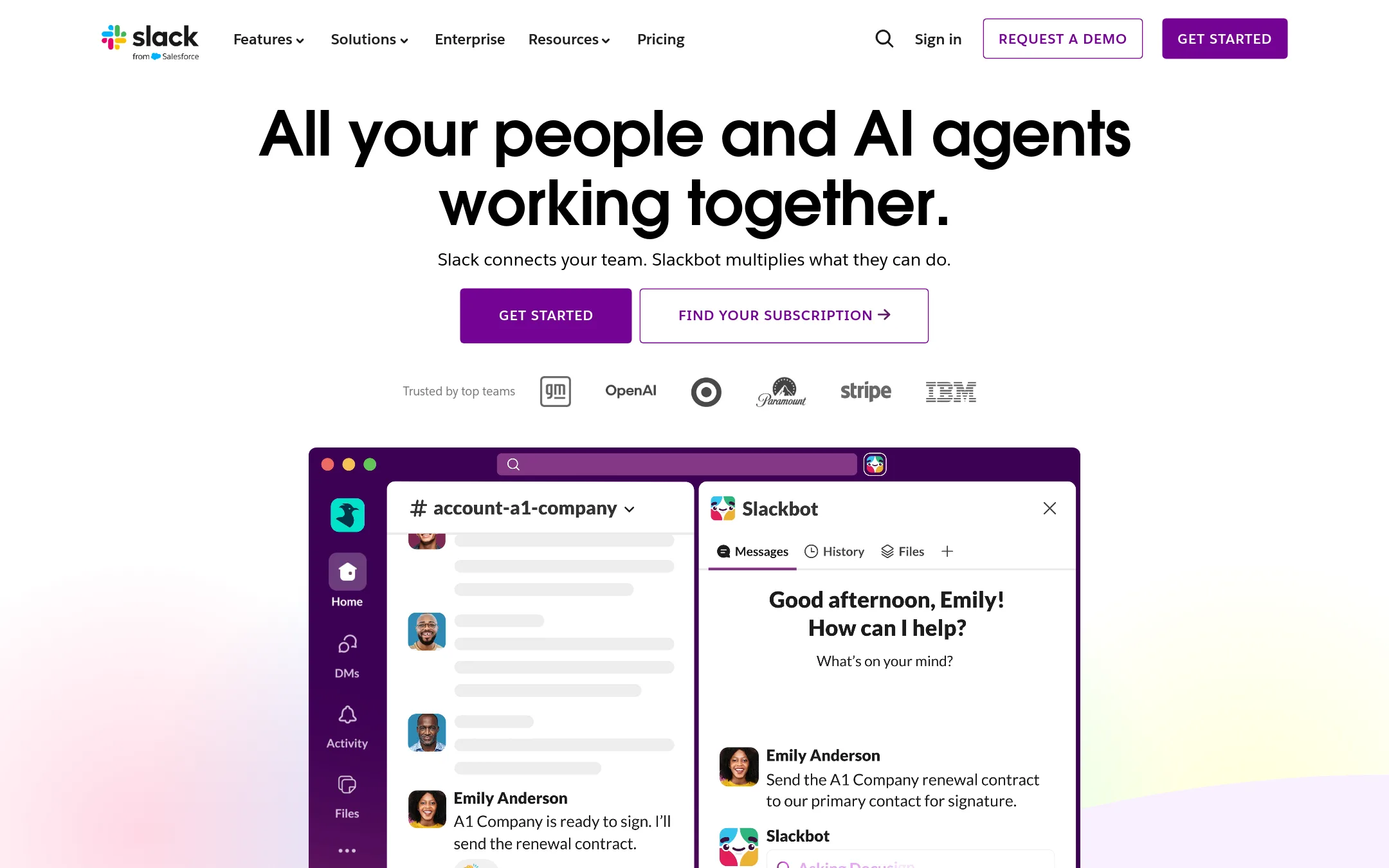
Slack is a team collaboration platform that combines messaging, project management, and automation. It is credible because it offers over 2,600 app integrations and includes AI features like Slackbot for summarizing conversations and generating workflows. Trusted by companies like MrBeast and Rivian, it is a widely adopted choice.
Where it is strong
- Over 2,600 app integrations including Salesforce, Jira, and Google Drive.
- AI features like Slackbot, channel summaries, and workflow generation.
- Slack Connect allows secure collaboration with external partners.
Where it falls short
- Free plan limits message history to 90 days.
- AI features may require additional subscription limits.
- Pricing:
- Free plan available. Pro and Business+ plans have paid tiers, but specific prices are not listed on the site.
- Free, paid tiers
4.Miro
Best for: Product teams that want to move from research to roadmap and launch in one visual workspace.
- Pricing
- Free, paid tiers
- Category
- Communication & Collaboration
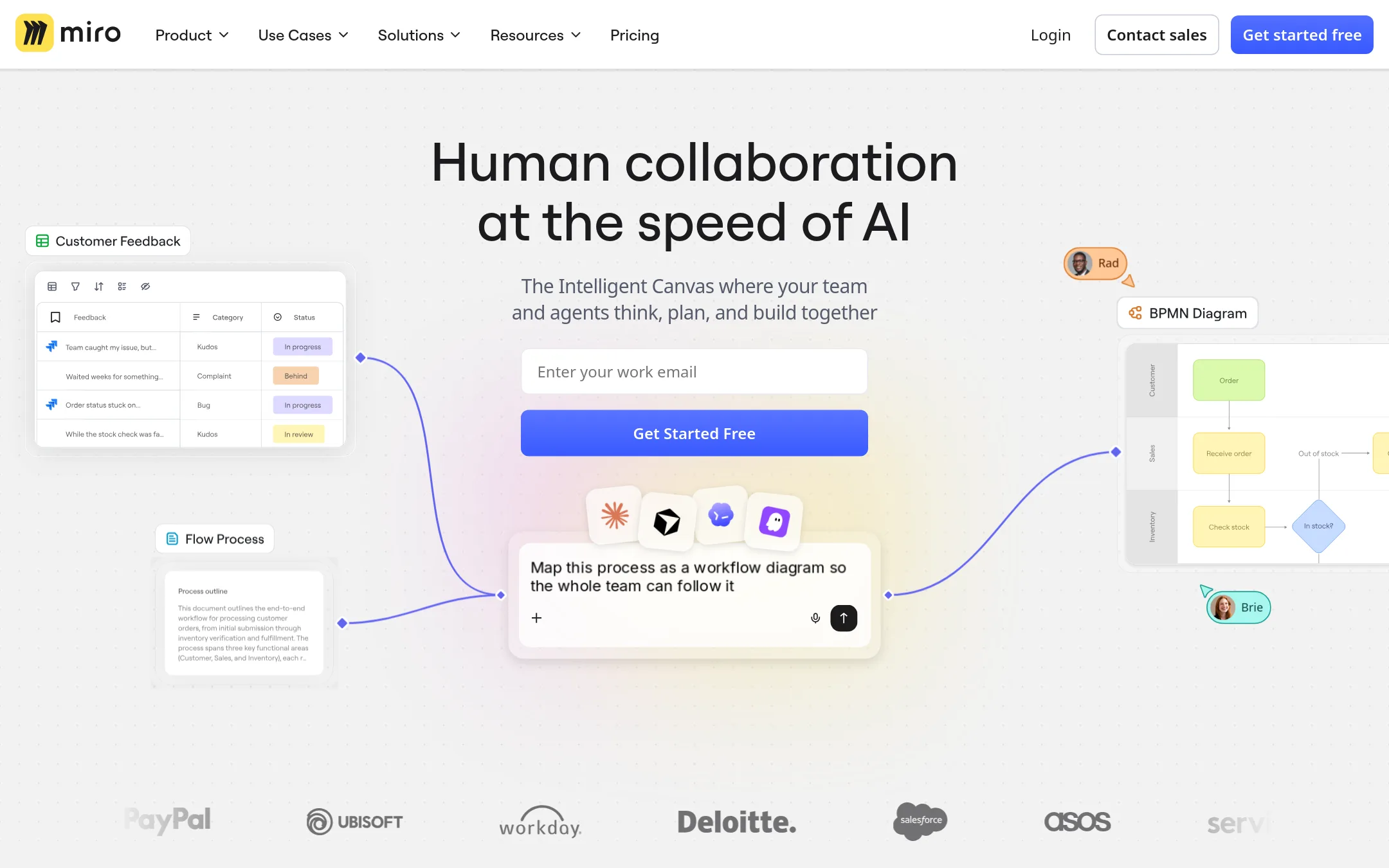
Miro is an AI-powered visual workspace where teams can plan, diagram, and run workshops on a shared canvas. It pulls in research from tools like Claude and NotebookLM, and flows insights back into roadmaps or specs. With over 250,000 companies using it, it is a credible pick for teams that want a central place for product development.
Where it is strong
- Free plan includes 3 editable boards and AI feature trials.
- 250+ integrations with tools like Claude and NotebookLM.
- Enterprise plan adds SCIM, audit logs, and data residency options.
Where it falls short
- AI credits reset monthly and do not roll over.
- Free plan limits you to 3 editable boards, which may be too few for active teams.
- Pricing:
- Free plan with 3 editable boards. Starter and Business plans have tiered pricing. Enterprise starts at custom pricing for 30+ members.
- Not published
5.Microsoft Teams
Best for: Teams that need a reliable desktop app and want to know which browser versions are officially supported before upgrading.
- Pricing
- Not published
- Category
- Communication & Collaboration
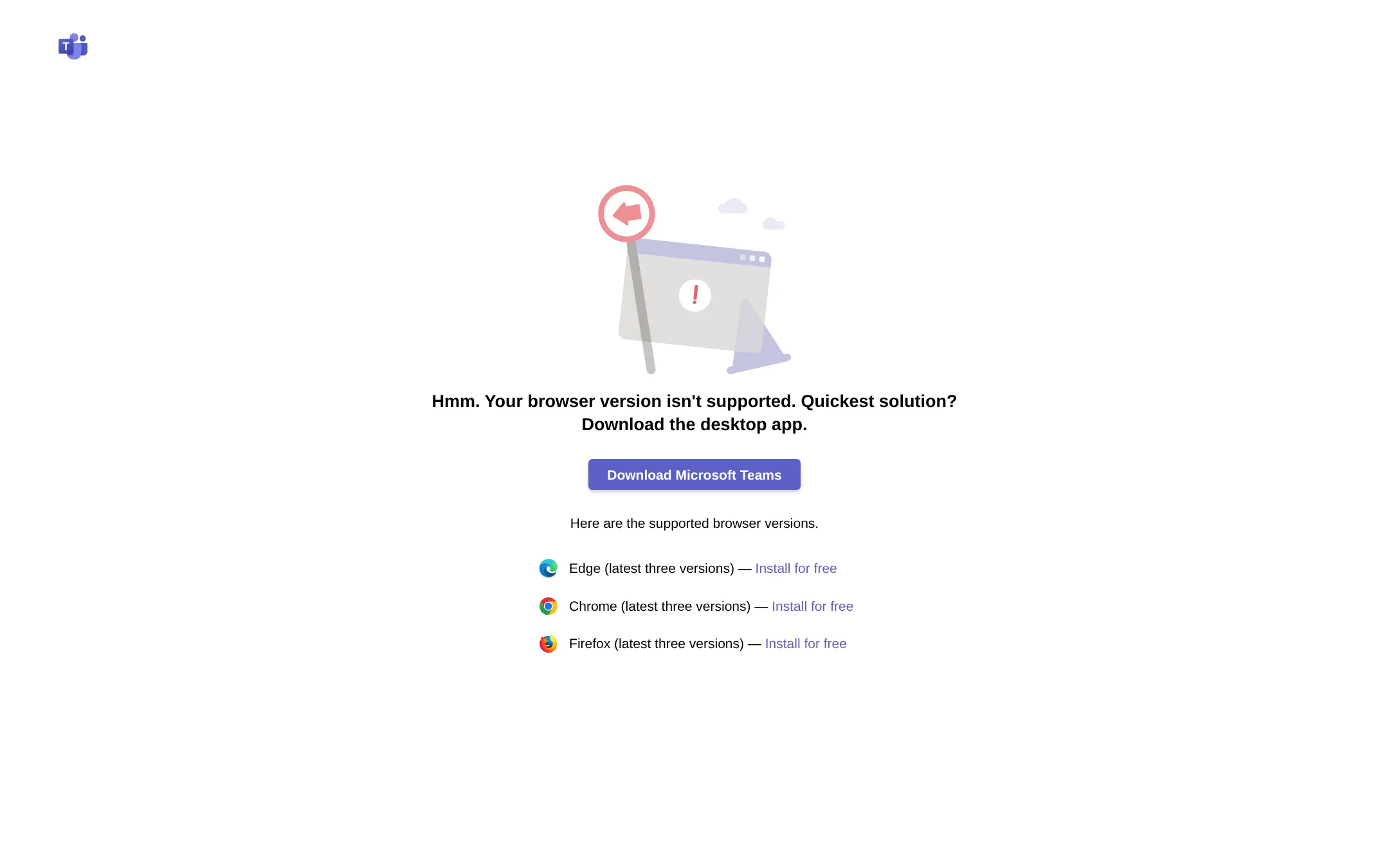
Microsoft Teams is a communication and collaboration tool, but this specific page only appears when your browser is unsupported. It tells you to download the desktop app for full functionality. The page lists the exact supported browser versions, which is useful if you're troubleshooting access issues.
Where it is strong
- Lists exact supported browser versions (Edge, Chrome, Firefox, Safari)
- Free to install the desktop app
- Clear guidance on the quickest fix for unsupported browsers
Where it falls short
- No feature details or collaboration capabilities described
- Only useful for troubleshooting, not for evaluating the product
- Pricing:
- Pricing is not published on the site.
- Not published
6.Rocket.Chat
Best for: Defense, government, and critical infrastructure teams that need full data sovereignty and classified-level security.
- Pricing
- Not published
- Category
- Communication & Collaboration
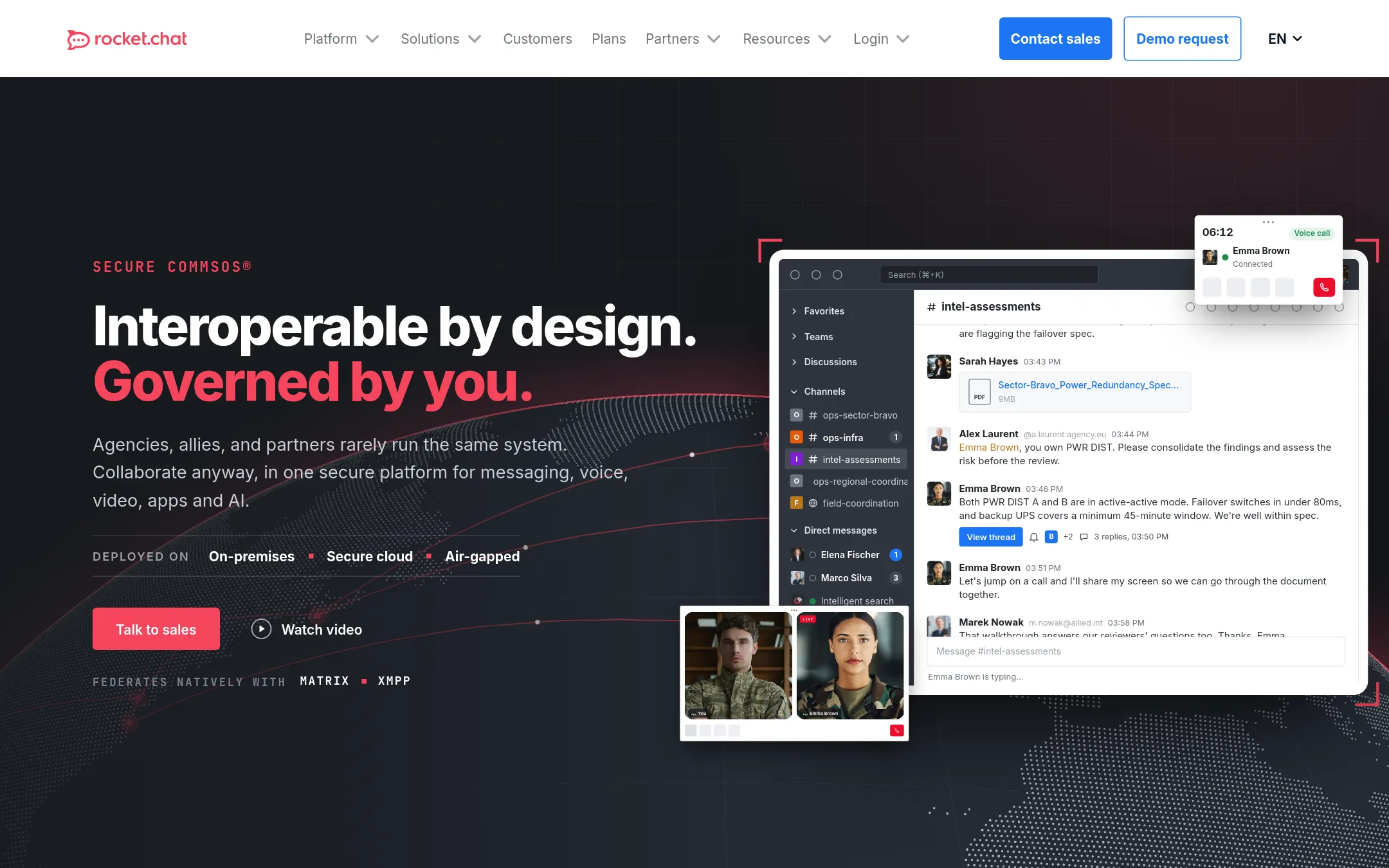
Rocket.Chat is a secure communications platform for messaging, voice, video, and AI, built for mission-critical operations. It supports self-hosted, air-gapped, or sovereign cloud deployments, with native Matrix and XMPP federation so partners don't have to switch systems. It holds a DoD ATO up to IL6, making it credible for defense, government, and critical infrastructure teams.
Where it is strong
- Native Matrix and XMPP federation, no bridges needed
- Deploy on-prem, air-gapped, or in a sovereign cloud
- Post-quantum encryption and zero-trust security up to IL6
Where it falls short
- Pricing is not transparent and requires sales contact
- Heavyweight for small teams that don't need classified-level security
- Pricing:
- Pricing is not published on the site. Enterprise plans are available for Commercial, Government, and Defense.
- Free, from $6.67/user/
7.Zulip
Best for: Distributed teams that need structured, asynchronous conversations and want the option to self-host.
- Pricing
- Free, from $6.67/user/
- Category
- Communication & Collaboration
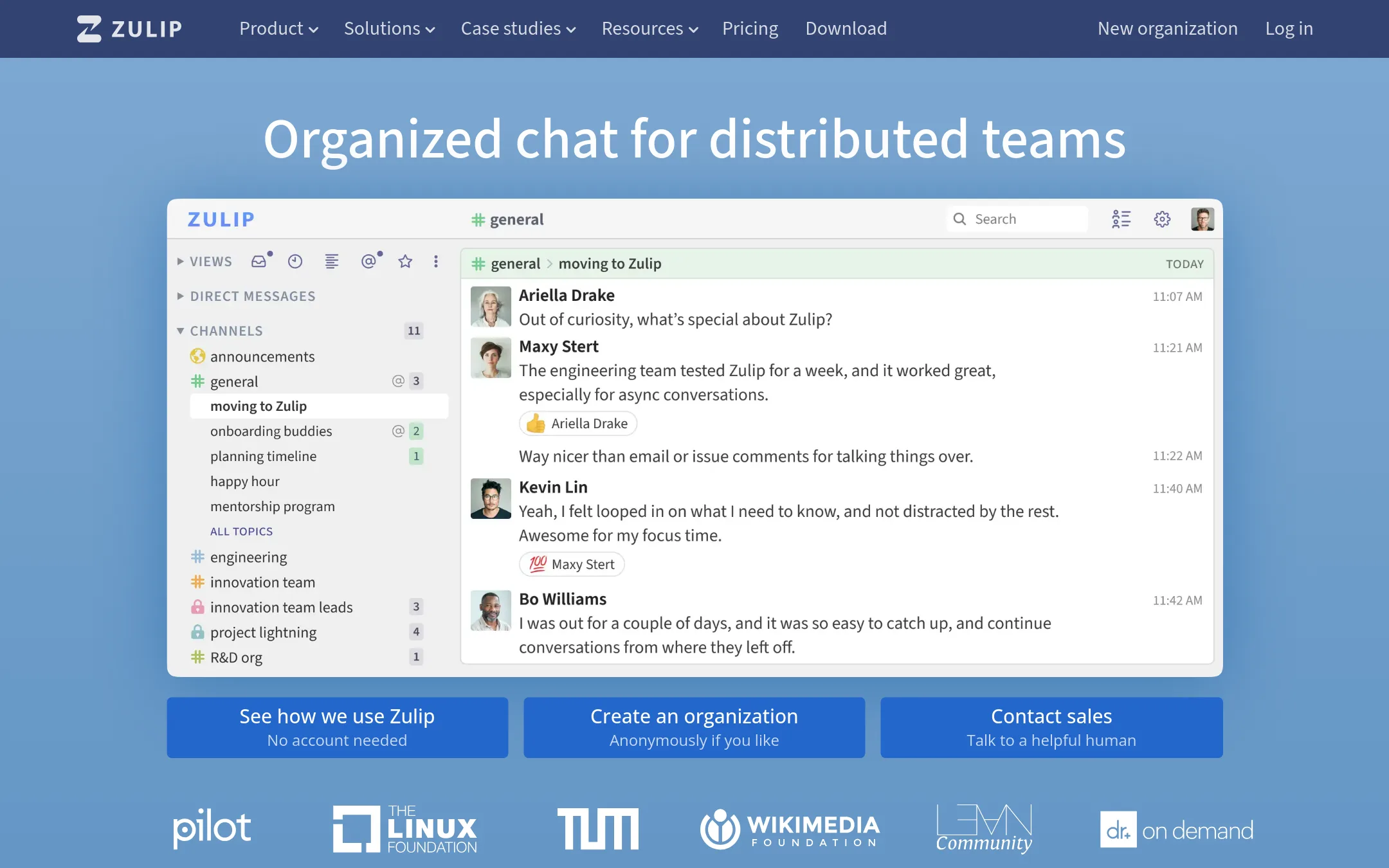
Zulip organizes chat into topics, so you can follow many conversations without losing context. It is credible because it is 100% open source and offers self-hosting for full data control, plus cloud plans with a free tier.
Where it is strong
- Topic-based threading keeps conversations organized
- Free plan includes 10,000 messages of search history
- Self-hosting option for full data ownership
Where it falls short
- Plus plan requires a 10-user minimum
- Self-hosted Basic lacks unlimited mobile notifications
- Pricing:
- Cloud plans start free with 10,000 messages of search history. Standard is $6.67/user/month billed annually or $8 billed monthly. Plus is $10/user/month billed annually or $12 billed monthly. Self-hosted Basic is $3.50/user/month billed monthly. Business and E
- Custom quote + $10K se
8.Mio
Best for: Large enterprises, especially those merging or avoiding vendor lock-in, that need cross-platform chat between Google Workspace, Microsoft 365, and Slack.

- Pricing
- Custom quote + $10K se
- Category
- Communication & Collaboration
Mio connects workplace chat apps so teams on Google Workspace, Microsoft 365, and Slack can talk to each other without leaving their platform. It syncs users, chat, and files through API-based middleware, giving a native feel on each side. As Google's official interoperability partner, it's a credible pick for enterprises with mixed chat environments.
Where it is strong
- Native experience on each platform, not a separate app
- License only the users who need cross-platform chat
- Directory, chat, file, and external chat sync included
Where it falls short
- Requires a $10,000 implementation fee, which may be steep for small teams
- Pricing is not transparent. You must contact sales for a quote
- Pricing:
- Pricing is per user per month with a 1-year minimum, plus a flat $10,000 implementation fee. Only users who need cross-platform chat require a license, and you need a custom quote.
- Free tier, usage-based
9.Velt
Best for: Teams building AI-native apps or products where users need to review and approve generated work before it ships.

- Pricing
- Free tier, usage-based
- Category
- Communication & Collaboration
Velt is an SDK that embeds review and approval workflows directly into your product. It lets AI agents propose changes as comments, and humans approve them before anything ships, with a permanent audit trail. It is a credible pick because it includes comments, approvals, review agents, memory, and audit trails in one package, and integrates in under 30 minutes on average.
Where it is strong
- Includes comments, approvals, review agents, and audit trails in one SDK.
- Agents propose changes as comments. Humans approve via webhook with a permanent record.
- Supports React, Next.js, Angular, Vue, and vanilla JS. 15+ first-party integrations.
Where it falls short
- Pricing is usage-based on monthly active documents, which may be hard to predict.
- Self-hosting and HIPAA support are only on the Enterprise plan.
- Pricing:
- Usage-based pricing on monthly active documents (MADs), with a free Hacker tier for dev environments and contract-based Growth and Enterprise plans.
How to choose Team Collaboration Software
Pricing structure matters. Some tools like Zoom Workplace have clear per-user tiers. Others like Slack and Rocket.Chat hide prices and require sales contact. Mio charges a flat implementation fee plus per-user licenses. Velt uses usage-based pricing on monthly active documents. Know your budget and whether you can predict usage.
Consider who the tool is built for. Zoom Workplace suits distributed teams that need meetings and chat. Padlet is for education and creative teams. Miro is for product teams moving from research to launch. Rocket.Chat is for defense and government. Choose a tool that matches your team's primary work.
Integrations affect daily workflow. Slack has over 2,600 app integrations. Miro offers 250+ integrations. Zoom Workplace includes its own docs and whiteboard. If your team uses many third-party tools, check that the collaboration software connects to them.
Data and compliance are critical for some industries. Rocket.Chat supports air-gapped and sovereign cloud deployments with post-quantum encryption. Miro's enterprise plan adds SCIM and audit logs. Zulip offers self-hosting for full data ownership. If you handle sensitive data, verify the tool's security certifications and deployment options.
Support and contract terms vary. Some tools like Zoom Workplace have annual billing options. Mio requires a 1-year minimum and a $10,000 implementation fee. Velt's enterprise plan includes self-hosting and HIPAA support. Read the fine print on minimums, fees, and what support you get.
FAQ
Questions about Team Collaboration Software
What is the best team collaboration software for a small team?
Zoom Workplace's free plan supports up to 100 participants per meeting, though meetings are limited to 40 minutes. Zulip offers a free cloud plan with 10,000 messages of search history. Both are good starting points for small teams.
Can I self-host team collaboration software?
Yes. Zulip is 100% open source and offers self-hosting for full data control. Rocket.Chat also supports on-prem, air-gapped, or sovereign cloud deployments. Self-hosting gives you ownership of data but requires technical expertise.
How do I choose between Slack and Microsoft Teams?
Slack is known for its 2,600+ app integrations and AI features like Slackbot. Microsoft Teams is part of the Microsoft 365 ecosystem, but its page only lists supported browsers, not features. If you use many third-party tools, Slack might be better. If you live in Microsoft 365, Teams could integrate more naturally.
What are the hidden costs in team collaboration software?
Some tools hide pricing and require sales contact, like Slack and Rocket.Chat. Mio charges a $10,000 implementation fee. Velt uses usage-based pricing that can be unpredictable. Always check for minimums, annual commitments, and extra fees for advanced features.
Is there a free plan for team collaboration software?
Yes. Zoom Workplace has a free Basic plan with 100 participants per meeting. Slack has a free plan with 90 days of message history. Miro offers a free plan with 3 editable boards. Zulip's free cloud plan includes 10,000 messages of search history.
Last updated October 15, 2026.