
Clearspace alternatives
6 products compared · Updated November 4, 2026
The short answer
The three strongest alternatives to Clearspace are Freedom, Cold Turkey Blocker, and One Sec. Freedom suits teams and individuals needing cross-platform blocking across all devices. Cold Turkey Blocker is best for desktop users who want a tough, unbypassable blocker. One Sec appeals to those wanting a research-backed habit interrupter on phones and browsers.
Your shortlist, at a glance
Read the comparisons ↓- FFreedomFree. $39.99/yrTeams and individuals who need distraction blocking across Mac, Windows, iOS, Android, Chromebook, and Linux in a single session.
- CCold Turkey BlockerOne-time feePeople who need a tough, unbypassable blocker on their desktop to stop doomscrolling, gaming, or impulse purchases.
- FFocusNot publishedTeams or individuals who need a reliable, currently accessible app for managing screen time and blocking distractions.
- OOne SecNot publishedPeople who want a research-backed, cross-device way to break compulsive app and website opening habits.
OPALNot publishedTeams building authorization systems that need real-time policy and data synchronization across services.
- FForestNot publishedStudents, remote workers, and ADHD focusers who want a gamified pomodoro timer with app blocking and real-tree planting.
About Clearspace and its alternatives
Clearspace is a phone-focused app that helps you fight digital distraction with screen time controls and mindful moments. It reports 86% daily success, 25M+ hours saved, and 97% user satisfaction. The product is designed to align your intentions with your usage, reducing compulsive phone use.
When comparing alternatives in this category, weigh pricing structure (subscription vs one-time), supported platforms (mobile, desktop, or both), integration with other tools, customer support quality, and contract terms like free tiers or money-back guarantees. Some tools focus on gamification, others on strict blocking, and some on habit interruption.
Explore the alternatives
- FFree. $39.99/yr
1.Freedom
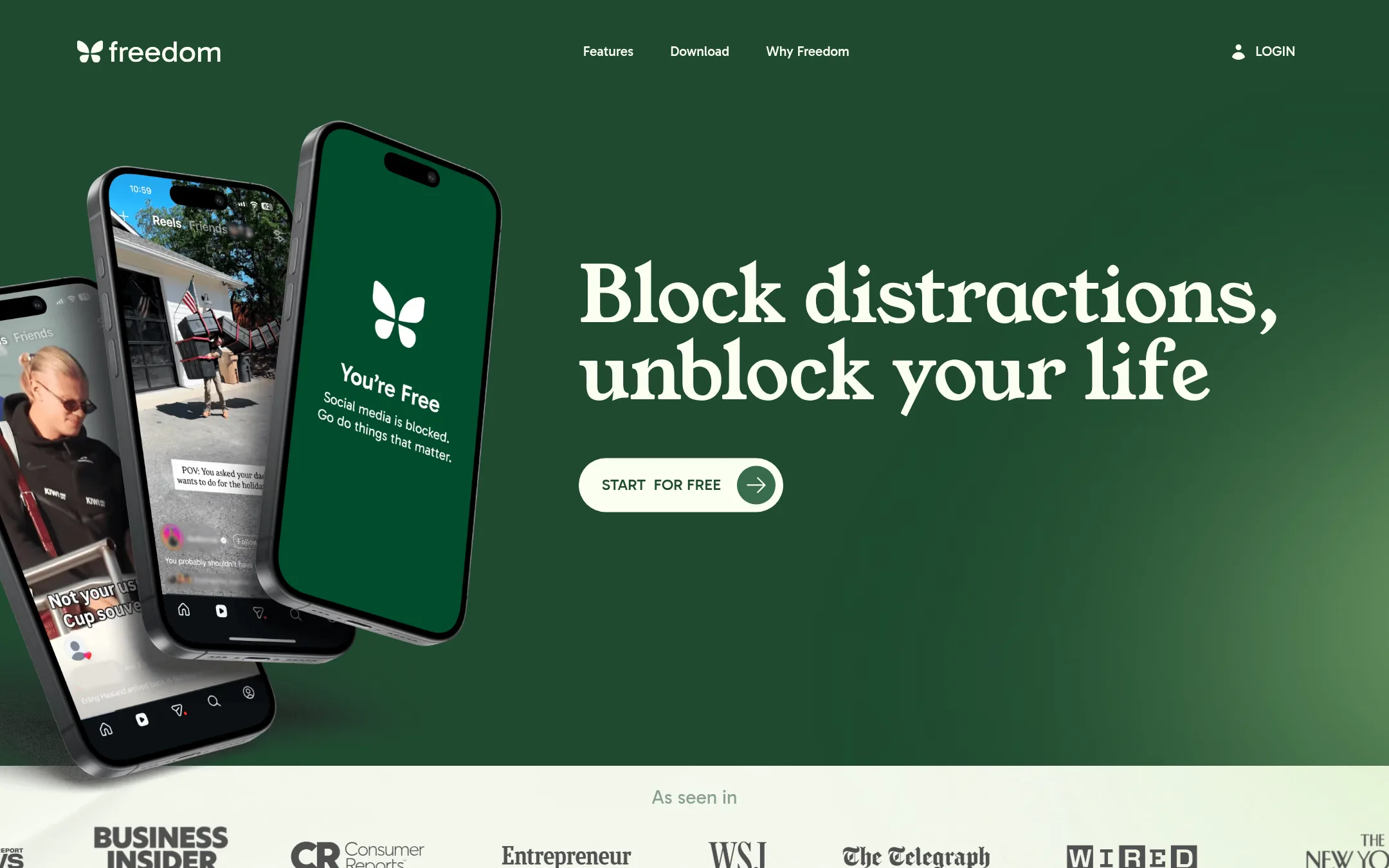
Best for: Teams and individuals who need distraction blocking across Mac, Windows, iOS, Android, Chromebook, and Linux in a single session.
- Pricing
- Free. $39.99/yr
- Category
- Other
Freedom blocks distracting apps, websites, and the entire internet across all your devices in one synchronized session. Choose it over Clearspace if you need cross-platform blocking on desktop and mobile, not just phone-focused screen time controls.
Where it is strong
- Syncs blocking sessions across all devices at once
- Blocks apps, websites, or the entire internet
- No tracking of personal activity
Where it falls short
- Website exceptions are only on Mac and Windows
- Free plan has limited features
- Pricing:
- Freedom is free with limited features. Premium costs $39.99 per year.
- Switching from Clearspace:
- Moving from Clearspace to Freedom means setting up blocklists and sessions on each device, since Freedom's approach is cross-device rather than phone-only.
- COne-time fee
2.Cold Turkey Blocker
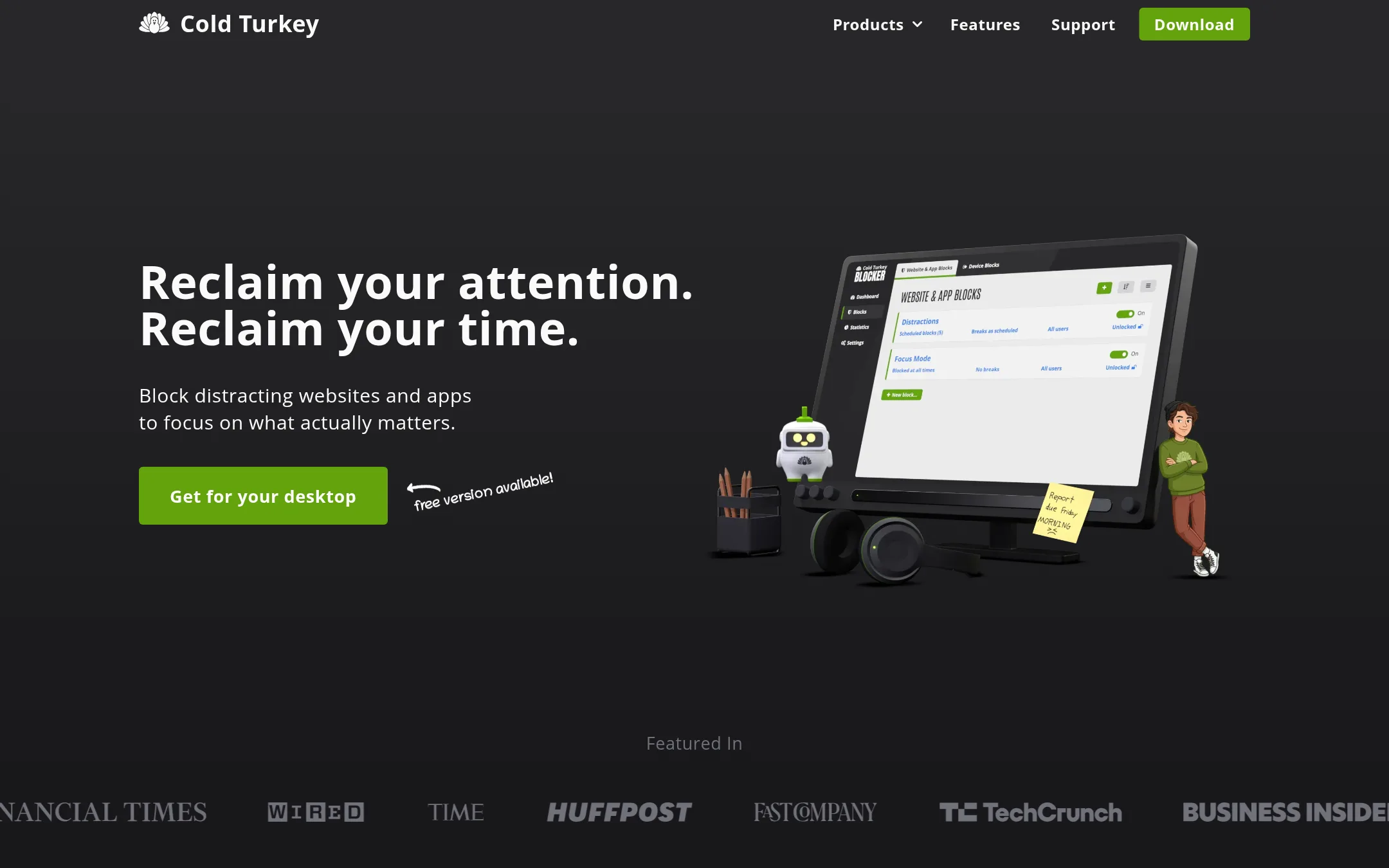
Best for: People who need a tough, unbypassable blocker on their desktop to stop doomscrolling, gaming, or impulse purchases.
- Pricing
- One-time fee
- Category
- Other
Cold Turkey Blocker is a strict website and app blocker for Windows and macOS that makes it nearly impossible to bypass blocks once they're locked. You'd choose it over Clearspace if you need hard enforcement on your computer, not just phone-focused mindfulness tools.
Where it is strong
- Blocks websites, apps, YouTube channels, keyword searches, or the entire internet
- Lock blocks in place so you can't uninstall or bypass them
- No subscription. Pay once and own forever, with free updates
Where it falls short
- Only supports Windows and macOS, not Linux, ChromeOS, Android, or iOS
- Free version lacks scheduling, app blocking, and locking features
- Pricing:
- Blocker Free includes basic website blocking with a 7-day trial of Pro. Blocker Pro is a one-time purchase for lifetime access, with a 30-day money-back guarantee.
- Switching from Clearspace:
- Moving from Clearspace means switching from phone-focused screen time controls to a desktop-first blocker, so you'll need to set up blocks on your computer separately.
- FNot published
3.Focus
Best for: Teams or individuals who need a reliable, currently accessible app for managing screen time and blocking distractions.
- Pricing
- Not published
- Category
- Other
Focus is a website that could not be reached during review, so there is no product information to compare with Clearspace. Choose Clearspace if you need a working tool to reduce phone distractions.
Where it is strong
- Clearspace reports 86% daily success and 25M+ hours saved.
- It offers mindful moments and screen time controls.
- User satisfaction is cited at 97%.
Where it falls short
- Focus's site is unreachable, so no features can be verified.
- No pricing or product details are available for Focus.
- Pricing:
- Pricing is not published on the site.
- ONot published
4.One Sec
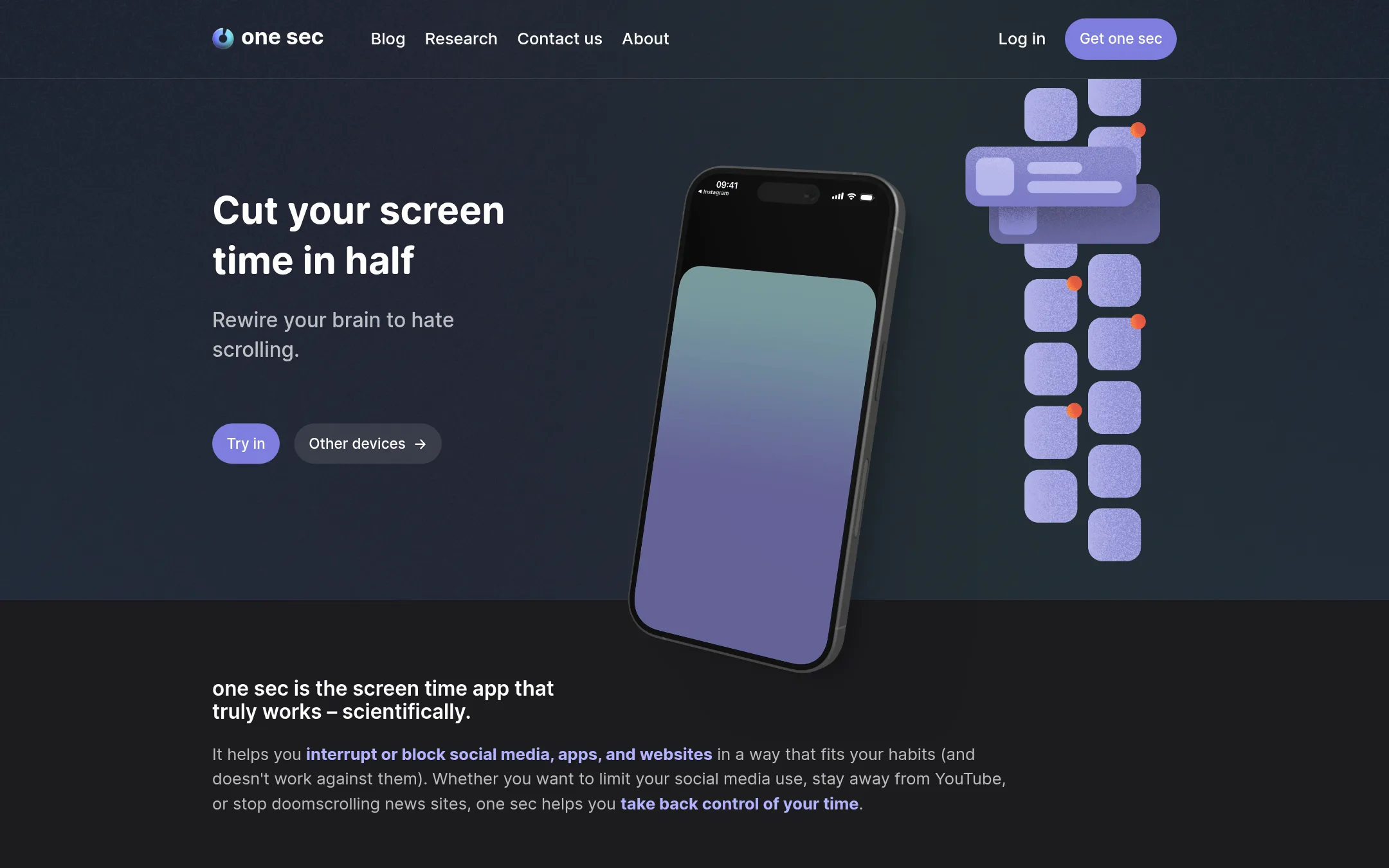
Best for: People who want a research-backed, cross-device way to break compulsive app and website opening habits.
- Pricing
- Not published
- Category
- Other
One Sec interrupts the automatic opening of distracting apps with a pause or breathing exercise, backed by peer-reviewed studies. Choose it over Clearspace if you want a scientifically tested habit interrupter that works on both phones and browsers.
Where it is strong
- Interruptions like deep breath or mirror before opening apps
- Works on iOS, Android, and browser extensions for Windows, macOS, Linux
- Team licenses available from 83ct per user per month
Where it falls short
- Pricing not transparent on the site
- No mention of detailed screen time analytics like Clearspace
- Pricing:
- Pricing is not published on the site.
- Not published
5.OPAL
Best for: Teams building authorization systems that need real-time policy and data synchronization across services.
- Pricing
- Not published
- Category
- Other
OPAL is an open-source administration layer for policy engines like OPA and Cedar. It keeps authorization policies and data in sync across your services in real time. Choose it over Clearspace if you need live policy updates for your backend, not phone distraction blocking.
Where it is strong
- Real-time policy and data updates to agents
- Works with OPA and AWS Cedar
- Available as Python packages and Docker images
Where it falls short
- No phone distraction features
- Requires self-hosting or integration effort
- Pricing:
- Pricing is not published on the site.
- FNot published
6.Forest
Best for: Students, remote workers, and ADHD focusers who want a gamified pomodoro timer with app blocking and real-tree planting.
- Pricing
- Not published
- Category
- Other
Forest is a gamified focus timer that grows a virtual tree for every completed focus session, and kills the tree if you leave the app. It also includes app blocking, screen time scheduling, and mindful breaks. Choose it over Clearspace if you want a playful, visual approach to focus with real-world tree planting, rather than a pure phone addiction intervention.
Where it is strong
- Free tier includes the core focus timer, app blocking, and group focus rooms.
- Over 2 million real trees planted through Trees for the Future since 2014.
- Works offline for core focus sessions, timer, and stats.
Where it falls short
- Pricing for Plus is not published on the site.
- Tree death mechanic may feel harsh if you accidentally switch apps.
- Pricing:
- Pricing is not published on the site.
See more comparisons in Productivity & Project Management alternatives.
FAQ
Questions about Clearspace alternatives
What is the main difference between Clearspace and Freedom?
Clearspace focuses on phone-specific screen time controls and mindful moments. Freedom blocks distracting apps, websites, and the entire internet across all devices in one synchronized session. Choose Freedom if you need cross-platform blocking on desktop and mobile.
Which alternative is best for someone who wants a strict, unbypassable blocker?
Cold Turkey Blocker is the best choice for strict blocking on Windows and macOS. It locks blocks in place so you can't uninstall or bypass them. It's a one-time purchase with a 30-day money-back guarantee.
Are there any free alternatives to Clearspace?
Forest has a free tier that includes the core focus timer, app blocking, and group focus rooms. Freedom is free with limited features. Cold Turkey Blocker offers a free version with basic website blocking and a 7-day trial of Pro.
Which alternative is backed by scientific research?
One Sec is backed by peer-reviewed studies. It interrupts the automatic opening of distracting apps with a pause or breathing exercise. It works on iOS, Android, and browser extensions.
Do any alternatives offer team licenses?
One Sec offers team licenses from 83ct per user per month. Freedom is suitable for teams and individuals. Forest also has group focus rooms, though pricing for Plus is not published.
Last updated November 4, 2026.