
Conceptboard alternatives
9 products compared · Updated October 31, 2026
The short answer
For founders and operators comparing Conceptboard alternatives, the strongest options are Miro for AI-powered product development workflows, Mural for structured facilitation and AI-driven workshops, and FigJam for design teams already using Figma. Padlet suits lightweight brainstorming, while Stormboard and Lucidspark serve teams needing deep integrations with Jira or Lucidchart.
Your shortlist, at a glance
Read the comparisons ↓ MiroCustom quoteProduct teams and growing organizations that want an AI-powered visual workspace for end-to-end workflows, from ideation to launch.
 MuralNot publishedTeams that want AI-driven collaboration and structured facilitation for workshops, product development, sales, and marketing.
Microsoft Azure CycleCloudPay as you goResearch and engineering teams that need to spin up and manage HPC clusters on Azure for batch jobs and simulations.
LucidsparkFrom £10/user/moTeams already using Lucidchart or Lucid's suite that want a virtual whiteboard for ideation and collaboration.
 StormboardNot publishedAgile product teams that want to connect whiteboard sessions directly to their backlog and produce structured reports.
 Explain EverythingNot publishedTeachers and educators who need a whiteboard for live lessons, recorded tutorials, and interactive presentations.
Canva WhiteboardsNot publishedDesign and marketing teams that want a whiteboard attached to their existing Canva assets and templates.
 FigJamFrom $3/seat/moProduct and design teams already using Figma who want a whiteboard that lives alongside their design files.
 PadletNot publishedTeachers, facilitators, and small teams that want a lightweight, visual space for collecting ideas and running interactive sessions.
About Conceptboard and its alternatives
Conceptboard is an online whiteboard that combines visual collaboration with task management. It is known for GDPR compliance, German hosting, and features like Kanban workflows and board approval processes, making it a fit for public sector and enterprise teams.
When comparing alternatives, weigh pricing structure (per seat vs. flat), regional data residency options, integrations with your existing tools, support quality, and contract terms. Some tools hide pricing behind sales calls, while others offer transparent per-seat plans. Check whether the tool supports your team size and whether it offers free tiers for testing.
Explore the alternatives
- Custom quote
1.Miro
Best for: Product teams and growing organizations that want an AI-powered visual workspace for end-to-end workflows, from ideation to launch.
- Pricing
- Custom quote
- Category
- Communication & Collaboration
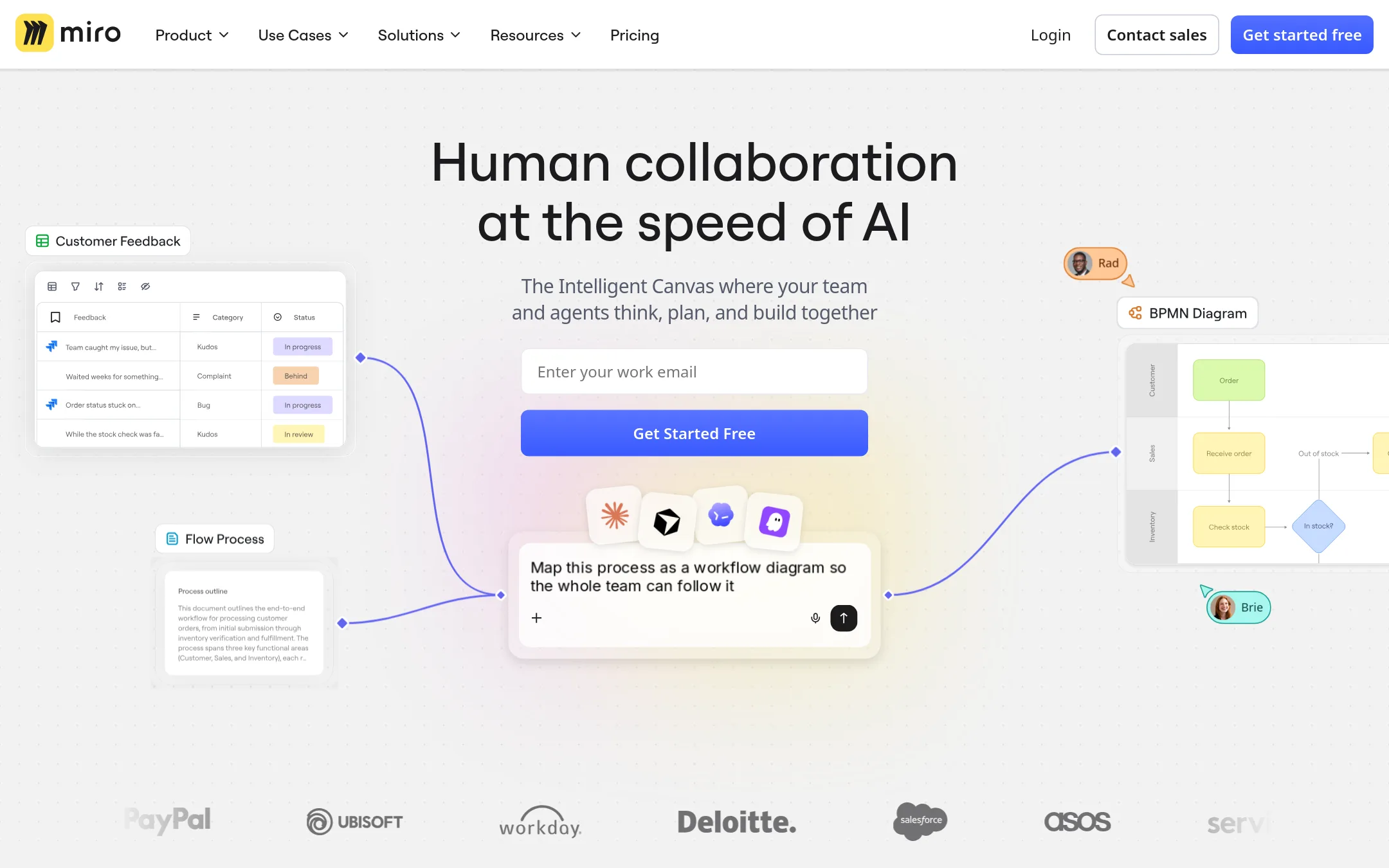
Miro is a visual workspace for team collaboration and product development, with AI features for content generation and workflow automation. Choose it over Conceptboard if your team needs a broader platform for product innovation, not just whiteboarding and task management.
Where it is strong
- AI suite for content generation and synthesis
- Unlimited boards on paid plans
- Deep two-way integrations
Where it falls short
- Pricing not transparent without contacting sales
- Free plan limited to 3 editable boards
- Pricing:
- Pricing is not published on the site. Plans start with a free tier, then Starter, Business, and Enterprise with custom pricing from 30 members.
- Not published
2.Mural
Best for: Teams that want AI-driven collaboration and structured facilitation for workshops, product development, sales, and marketing.
- Pricing
- Not published
- Category
- Communication & Collaboration
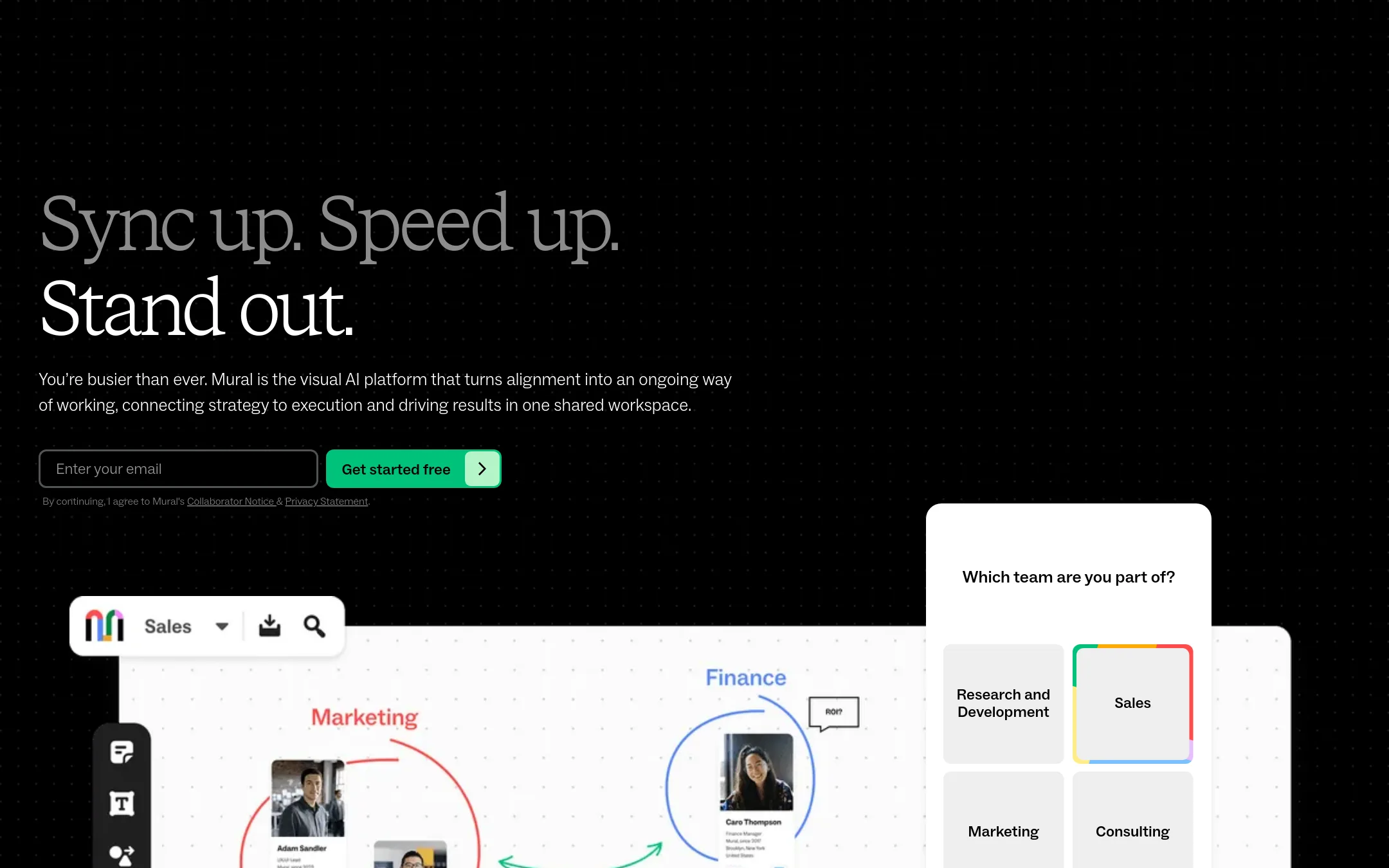
Mural is an AI-powered visual workspace that helps teams align on strategy and execution. Choose it over Conceptboard if you want AI-assisted brainstorming, feedback analysis, and a strong focus on structured facilitation methods like LUMA.
Where it is strong
- AI features for brainstorming and feedback analysis
- Unlimited editable murals on paid plans
- Strong facilitation tools like voting, timer, and private mode
Where it falls short
- Pricing not transparent for paid plans
- No built-in task management like Conceptboard's board-based workflows
- Pricing:
- Pricing is not published on the site. Only a free plan is listed, with paid plans requiring contact for pricing.
- Switching from Conceptboard:
- Moving from Conceptboard means adapting to Mural's canvas-based approach, which lacks native task management, so you may need to pair it with a separate project tool.
- Pay as you go
3.Microsoft Azure CycleCloud
Best for: Research and engineering teams that need to spin up and manage HPC clusters on Azure for batch jobs and simulations.
- Pricing
- Pay as you go
- Category
- Developer Tools
Microsoft Azure CycleCloud is an HPC orchestration tool for creating and managing compute clusters on Azure. You would choose it instead of Conceptboard when you need to run large-scale simulations, rendering, or other compute-heavy workloads, not visual collaboration.
Where it is strong
- Scales clusters automatically based on workload
- Integrates with Azure services and scheduling tools
- Supports common HPC schedulers like Slurm and PBS
Where it falls short
- Requires Azure expertise to set up and manage
- No built-in visual collaboration or whiteboard features
- Pricing:
- In the United States, pricing is consumption-based. You pay only for the cloud resources you use, with options like reservations and savings plans for compute.
- From £10/user/mo
4.Lucidspark
Best for: Teams already using Lucidchart or Lucid's suite that want a virtual whiteboard for ideation and collaboration.
- Pricing
- From £10/user/mo
- Category
- Communication & Collaboration
Lucidspark is a virtual whiteboard for brainstorming and turning ideas into action. It fits teams that already use Lucidchart or want a whiteboard that connects tightly with diagramming and enterprise tools. Choose it over Conceptboard if you need deep integrations with Lucid's ecosystem and AI-assisted diagramming.
Where it is strong
- Includes Lucid AI for generating diagrams and whiteboards from prompts.
- Integrates with 100+ tools like Slack, Jira, and Microsoft Teams.
- Enterprise plan includes Lucidspark and advanced security features.
Where it falls short
- Pricing for the whiteboard alone is not clearly separated from Lucidchart.
- Advanced features like versioning and integrations require the Team plan or higher.
- Pricing:
- Pricing is not published on the site. The Team plan is listed at £10 per user per month, but Enterprise pricing requires contacting sales.
- Switching from Conceptboard:
- Moving from Conceptboard to Lucidspark means adapting to Lucid's ecosystem, where whiteboarding is bundled with diagramming and AI features, and you may need to migrate boards manually.
- Not published
5.Stormboard
Best for: Agile product teams that want to connect whiteboard sessions directly to their backlog and produce structured reports.
- Pricing
- Not published
- Category
- Communication & Collaboration
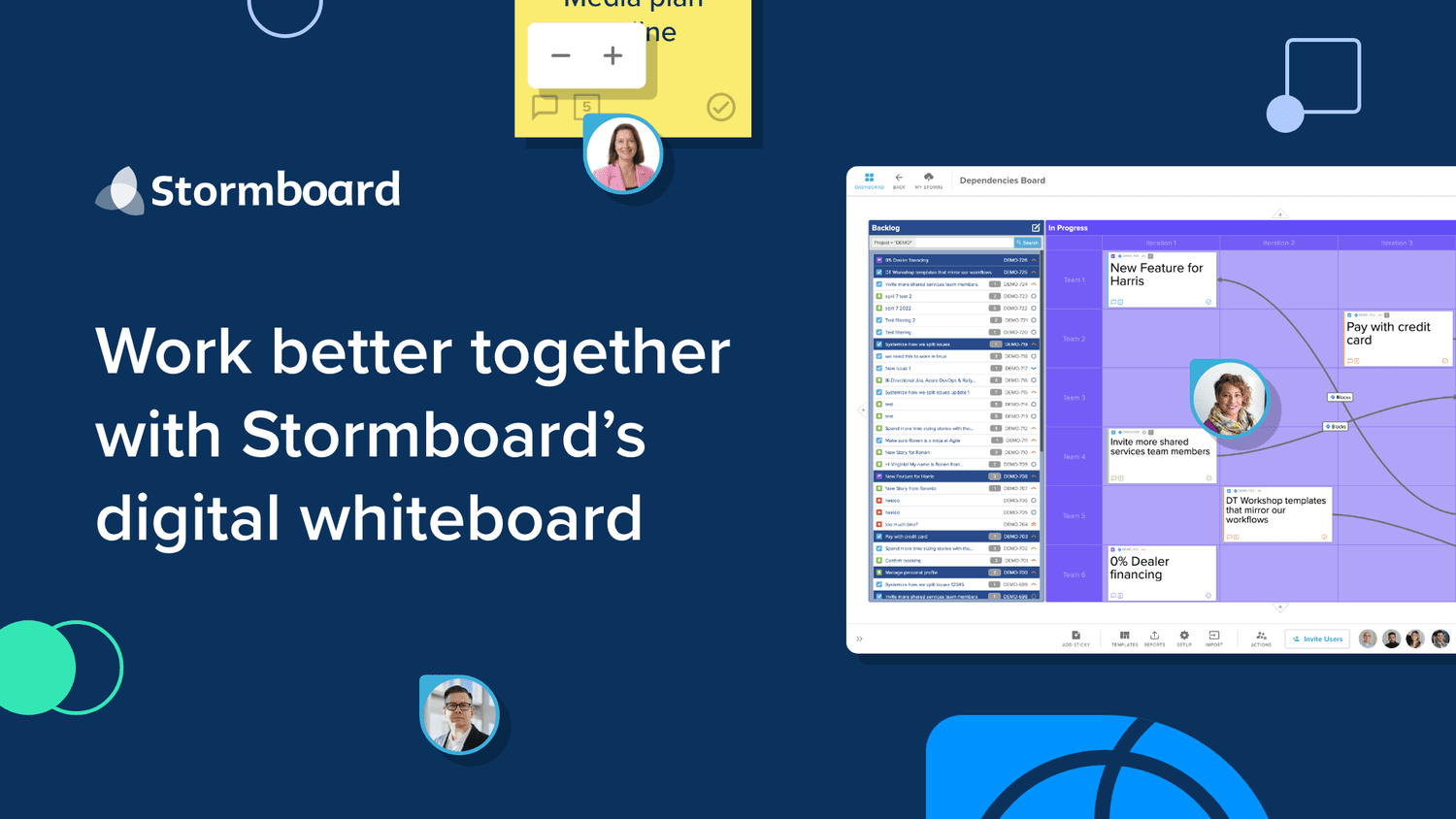
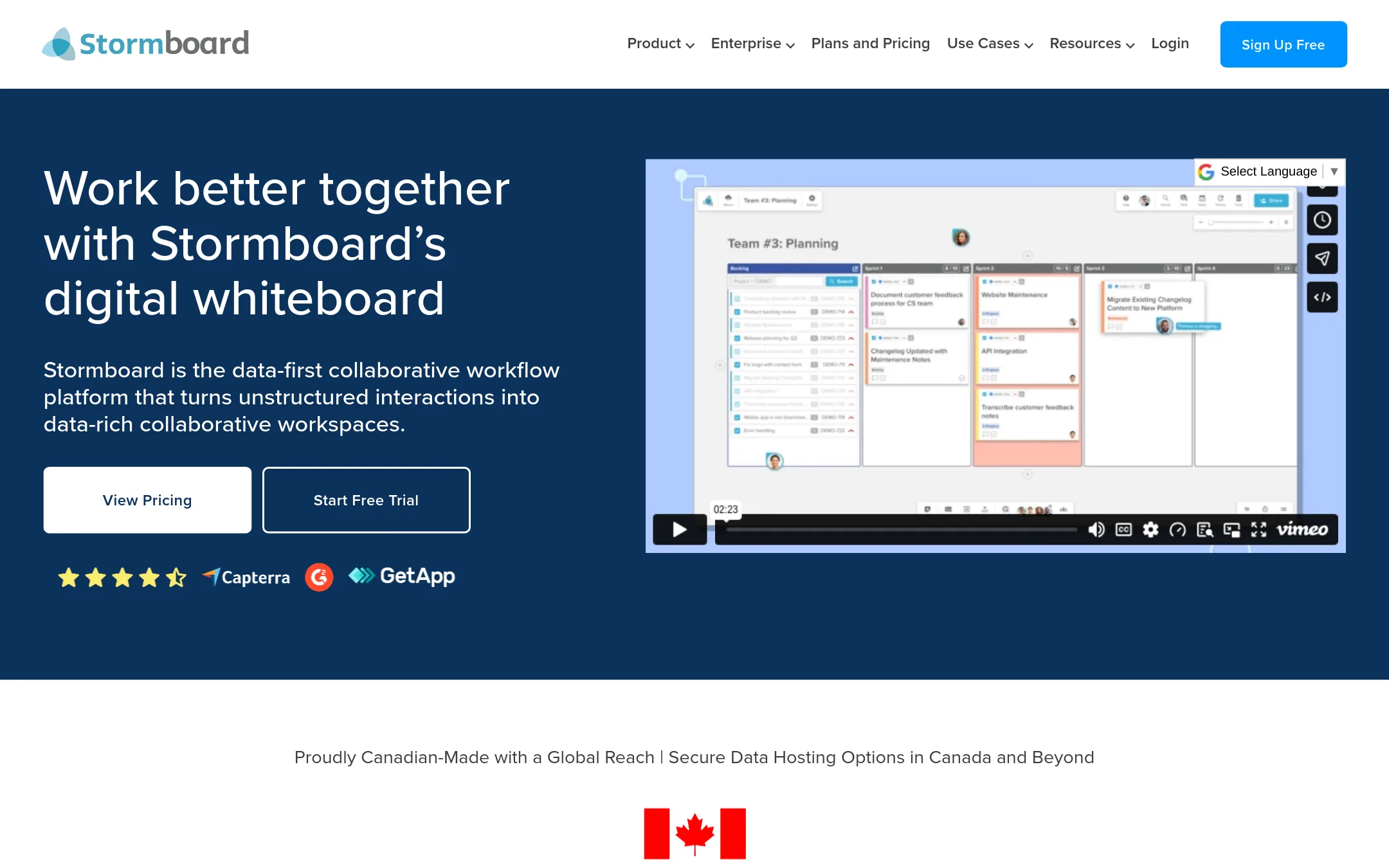
Stormboard is a data-first digital whiteboard that turns sticky notes into structured data. It has live two-way integrations with Jira, Rally, and Azure DevOps, and can export detailed reports to Word, PowerPoint, and Excel. Choose it over Conceptboard if your team needs to turn brainstorming into trackable work items and generate reports from whiteboard sessions.
Where it is strong
- Live two-way integrations with Jira, Rally, and Azure DevOps
- Exports to Word, PowerPoint, Excel, and Google Docs
- StormAI adds AI assistance to brainstorming and planning
Where it falls short
- No published pricing, so you must contact sales
- Less focus on built-in task management compared to Conceptboard
- Pricing:
- Pricing is not published on the site.
- Not published
6.Explain Everything
Best for: Teachers and educators who need a whiteboard for live lessons, recorded tutorials, and interactive presentations.
- Pricing
- Not published
- Category
- Education
Explain Everything is an online whiteboard built for teaching. It lets you record video tutorials and create interactive presentations. Choose it over Conceptboard when your main need is education and lesson delivery rather than task management and project workflows.
Where it is strong
- Record video tutorials directly on the whiteboard.
- Create interactive presentations for students.
- Free tier available for basic use.
Where it falls short
- No task management or project workflow features like Conceptboard.
- Pricing details are not listed publicly.
- Pricing:
- Pricing is not published on the site.
- Not published
7.Canva Whiteboards
Best for: Design and marketing teams that want a whiteboard attached to their existing Canva assets and templates.
- Pricing
- Not published
- Category
- Communication & Collaboration
Canva Whiteboards is a visual collaboration space built inside Canva's design platform. Choose it instead of Conceptboard when your team already lives in Canva for design work and wants to brainstorm, sketch, and comment without leaving that ecosystem.
Where it is strong
- Native integration with Canva's design tools and asset library
- Familiar interface for teams already using Canva
- Real-time collaboration with comments and reactions
Where it falls short
- No task management or workflow features on the board
- Less suited for structured project execution compared to Conceptboard
- Pricing:
- Pricing is not published on the site.
- From $3/seat/mo
8.FigJam
Best for: Product and design teams already using Figma who want a whiteboard that lives alongside their design files.
- Pricing
- From $3/seat/mo
- Category
- Communication & Collaboration
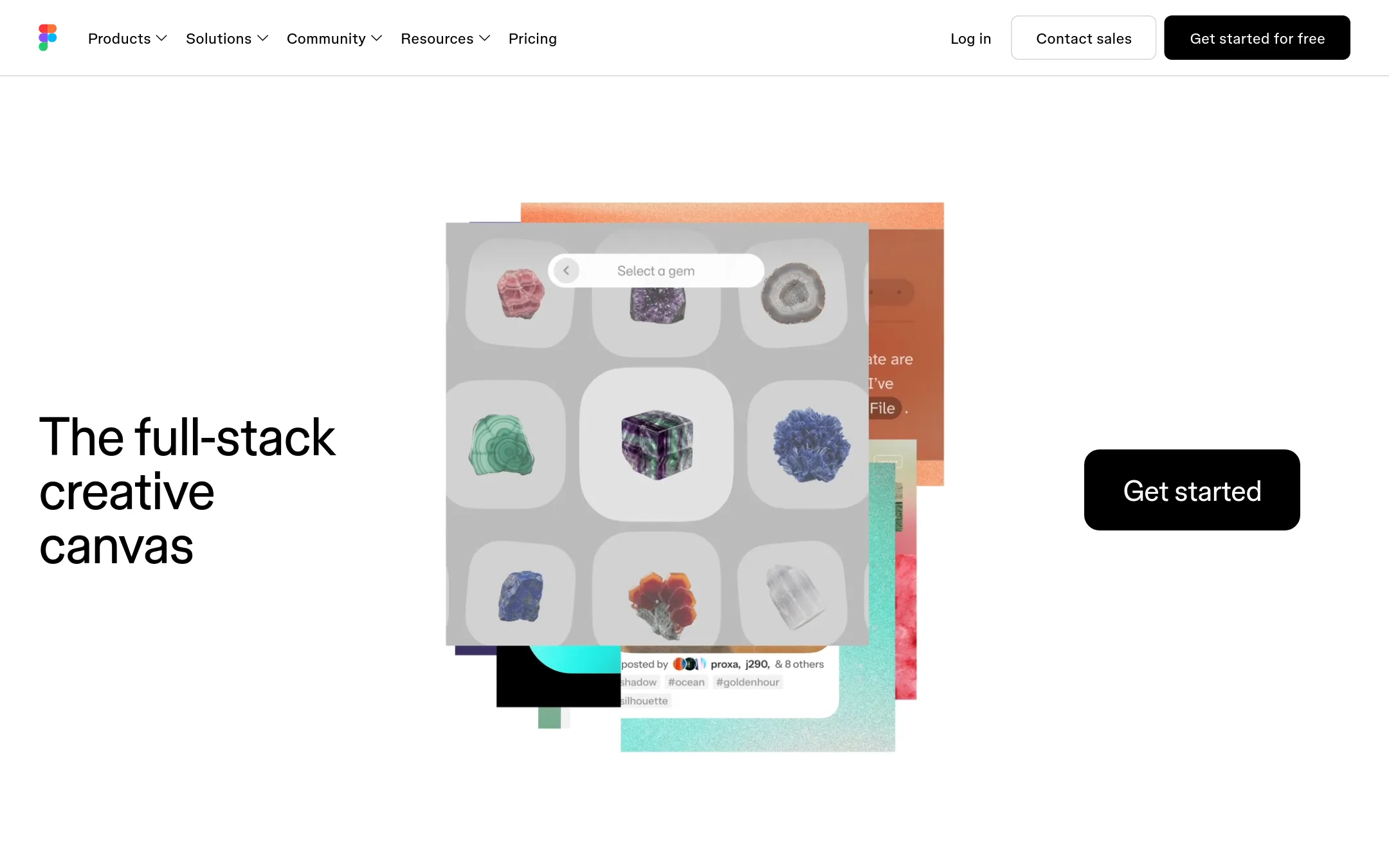
FigJam is Figma's digital whiteboard for brainstorming, diagramming, and team workshops. Choose it over Conceptboard if your team already works in Figma for design and product work, so you can keep whiteboarding and design files in one place.
Where it is strong
- Native integration with Figma design files
- Free Starter plan available
- Built-in templates and community resources
Where it falls short
- Task management features are lighter than Conceptboard's
- Pricing is per seat, which can add up for large teams
- Pricing:
- FigJam is included in Figma plans: Starter is free, Professional is $3 per seat per month billed annually, Organization is $5 per seat per month billed annually, and Enterprise is $35 per seat per month billed annually.
- Not published
9.Padlet
Best for: Teachers, facilitators, and small teams that want a lightweight, visual space for collecting ideas and running interactive sessions.
- Pricing
- Not published
- Category
- Productivity & Project Management
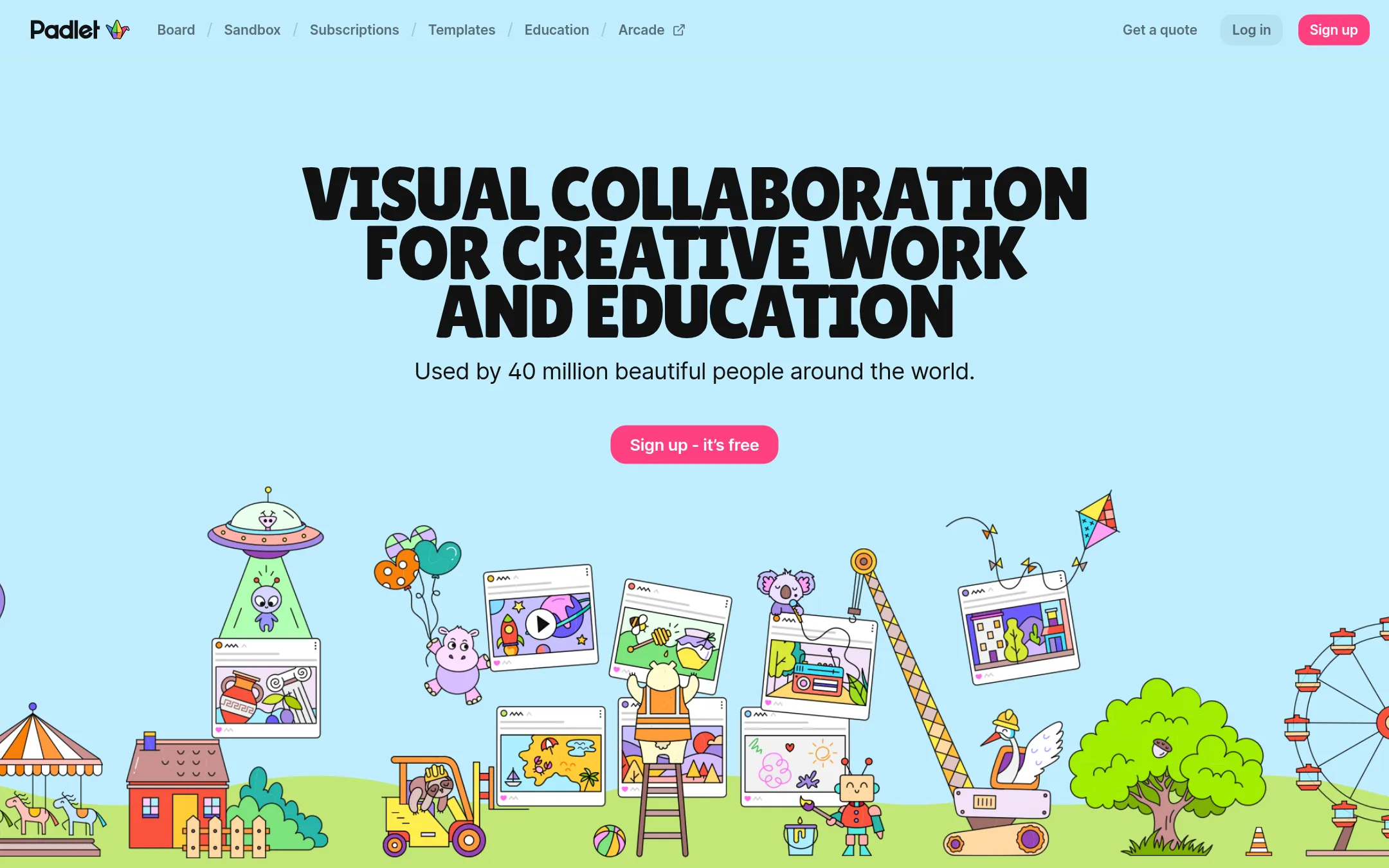
Padlet is a visual collaboration tool for collecting, organizing, and sharing ideas on boards or sandboxes. You would choose it instead of Conceptboard when you need a simpler, more flexible canvas for brainstorming, lessons, or quick team activities, and you don't need built-in task management or advanced project tracking.
Where it is strong
- Simple to set up and use, with a free tier
- Flexible board and sandbox formats for many use cases
- Widely adopted, with high ratings on G2 and app stores
Where it falls short
- No built-in task management or Kanban workflows
- Limited admin controls and enterprise features compared to Conceptboard
- Pricing:
- Pricing is not published on the site.
See more comparisons in Communication & Collaboration alternatives.
FAQ
Questions about Conceptboard alternatives
Which alternative is best for a small team that wants a simple whiteboard without task management?
Padlet is the strongest choice for small teams needing a lightweight, flexible canvas for brainstorming and quick activities. It has a free tier and is easy to set up, but lacks built-in task management. Canva Whiteboards is another option if your team already uses Canva for design.
Which tool offers the most transparent pricing?
FigJam has the most transparent pricing, with Starter free, Professional at $3 per seat per month, Organization at $5, and Enterprise at $35, all billed annually. Miro, Mural, and Stormboard do not publish paid plan pricing and require contacting sales.
Which alternative integrates best with Jira for agile teams?
Stormboard offers live two-way integrations with Jira, Rally, and Azure DevOps, making it ideal for turning whiteboard sessions into backlog items. Miro also has deep two-way integrations, but Stormboard's focus on structured data and reporting is stronger for agile workflows.
Which tool is best for design teams already using Figma?
FigJam is the best fit because it natively integrates with Figma design files, keeping whiteboarding and design work in one place. It has a free Starter plan and built-in templates, though task management features are lighter than Conceptboard's.
Which alternative has the strongest AI features?
Miro and Mural both offer AI suites. Miro's AI generates content and automates workflows, while Mural's AI assists with brainstorming and feedback analysis. Mural also includes structured facilitation methods like LUMA, which is useful for workshops.
Last updated October 31, 2026.