GoToMeeting alternatives
12 products compared · Updated October 30, 2026
The short answer
For most teams, Zoom Meetings is the strongest GoToMeeting alternative because it offers a free plan, higher participant limits, and built-in AI features. Google Meet suits teams already using Google Workspace, with deep integration into Docs, Sheets, and Slides. Microsoft Teams is the best fit for organizations on Microsoft 365, combining chat, meetings, and files in one hub.
Your shortlist, at a glance
Read the comparisons ↓Zoom MeetingsFrom $14.16/user/moTeams that need a scalable video meeting tool with a free plan and integrated chat, phone, and AI capabilities.
Microsoft Azure CycleCloudNot publishedResearch and engineering teams that need to orchestrate and scale HPC clusters on Azure for compute-intensive workloads.
- CCisco WebexSee websiteEnterprise collaboration platform by Cisco
- RRecordBookNot publishedSmall business owners and solo operators who need a simple mobile-first database for tracking records, not a meeting tool.
- BBlueJeansNot publishedTeams that already have a Verizon contract and need a video conferencing tool, but only if they can access it through Verizon's sales channels.
 LifesizeNot publishedBusinesses that want to integrate video conferencing into their existing meeting platforms and also need a contact center solution.
 ScreenleapFrom $15/moSales teams and support reps who need instant, installation-free screen sharing for demos and remote assistance.
 AnyDeskNot publishedIT support teams and individuals who need fast remote access and control of devices.
DiscordNot publishedGaming communities, hobby groups, and informal teams that want persistent voice and text channels instead of scheduled meetings.
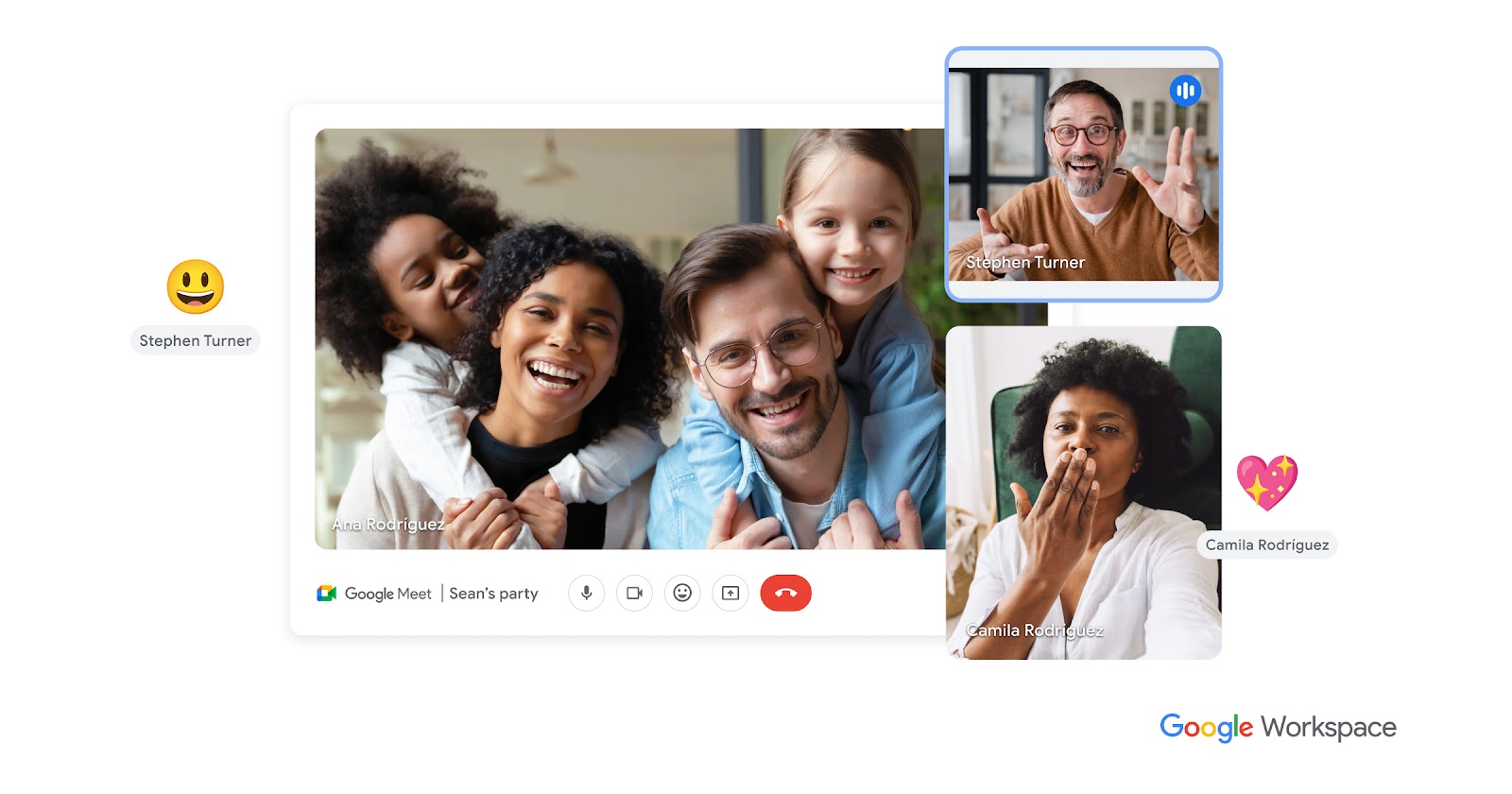 Google MeetNot publishedTeams already using Google Workspace that want video calls, recordings, and AI meeting notes in one place.
 Join.meContact salesTeams already using Join.me who want to move to a more secure and reliable platform without changing vendors.
Microsoft TeamsNot publishedTeams already using Microsoft 365 that want chat, meetings, and files in one place.
About GoToMeeting and its alternatives
GoToMeeting is a web conferencing tool from GoTo that provides HD video, screen sharing, breakout rooms, and cloud recording. It is known for enterprise-grade security, high uptime, and support for up to 250 attendees, with meetings available in over 190 countries.
When comparing alternatives, weigh pricing structure, including free tiers and per-user costs, against your meeting size and duration needs. Consider regional availability, integrations with your existing tools, support options, and contract terms like annual billing or sales-required quotes.
Explore the alternatives
- From $14.16/user/mo
1.Zoom Meetings
Best for: Teams that need a scalable video meeting tool with a free plan and integrated chat, phone, and AI capabilities.
- Pricing
- From $14.16/user/mo
- Category
- Other
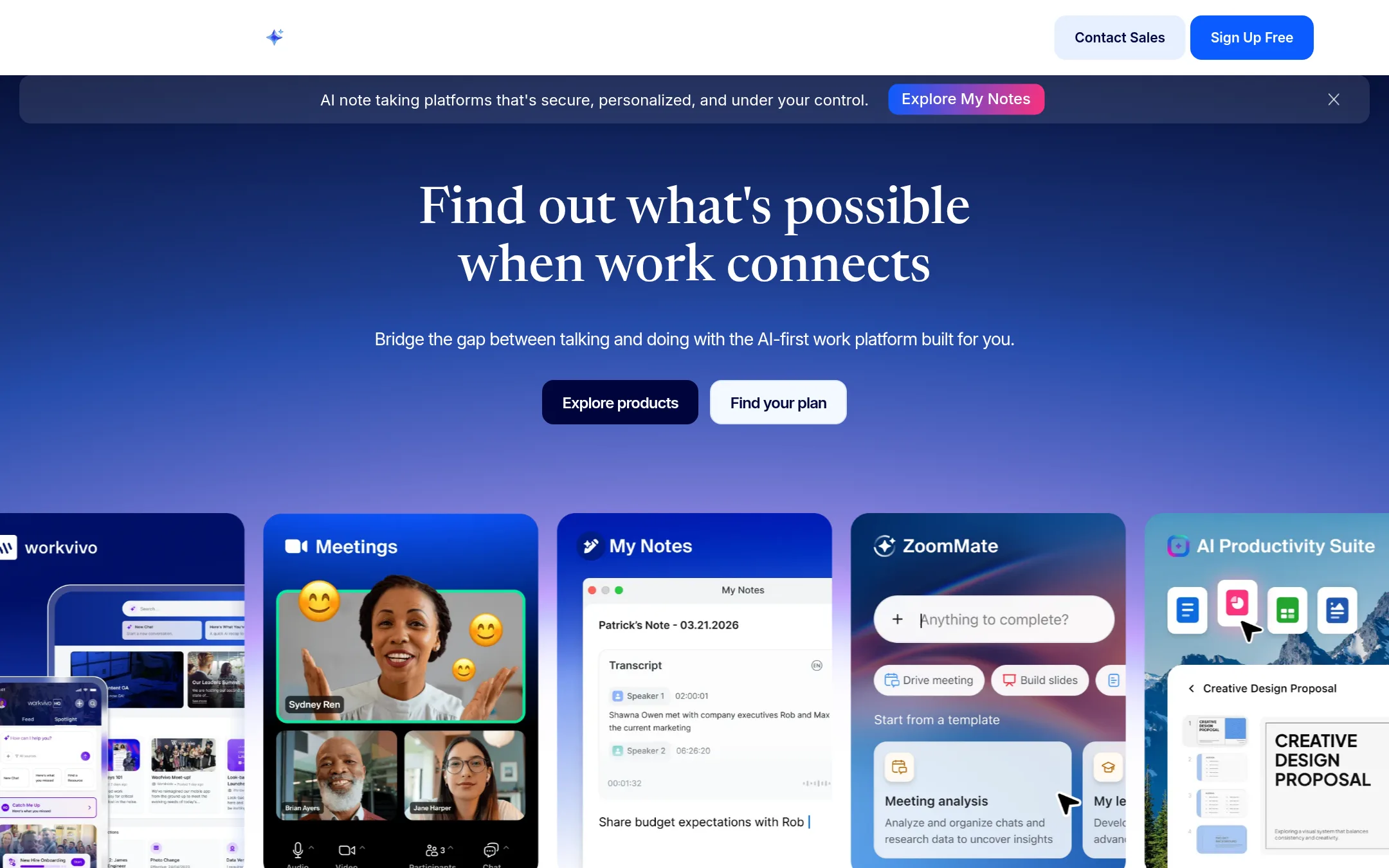
Zoom Meetings is a full video conferencing platform that also includes chat, phone, and AI features. Choose it over GoToMeeting if you want a broader collaboration suite with more participants and a free tier, or if your team already uses Zoom for other workflows.
Where it is strong
- Free plan supports up to 100 participants and 40-minute meetings.
- Paid plans allow up to 300 or 1,000 participants, exceeding GoToMeeting's 250 limit.
- Built-in AI features like meeting summaries and note-taking are included on paid plans.
Where it falls short
- Free plan meeting duration is limited to 40 minutes, which may be restrictive for longer sessions.
- Telephone dial-in is toll-based on paid plans, so participants may incur charges.
- Pricing:
- Pricing starts at $16.99 per user per month billed monthly, or $14.16 per user per month billed annually. A free Basic plan is available with 40-minute meetings and 100 participants.
- Switching from GoToMeeting:
- Moving from GoToMeeting to Zoom is straightforward: export your recordings and contacts, then recreate your meeting links and schedules in Zoom.
- Not published
2.Microsoft Azure CycleCloud
Best for: Research and engineering teams that need to orchestrate and scale HPC clusters on Azure for compute-intensive workloads.
- Pricing
- Not published
- Category
- Developer Tools
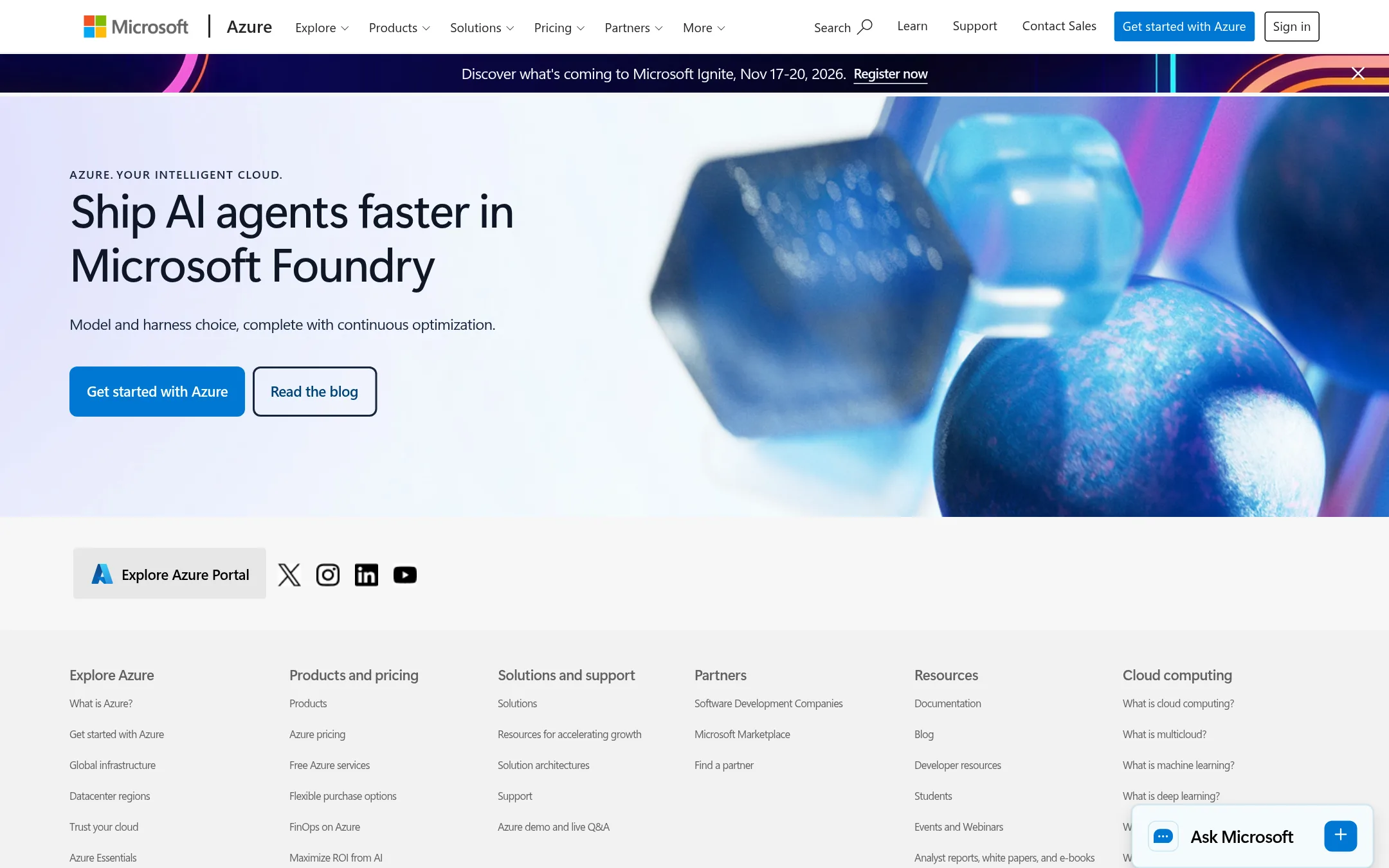
Microsoft Azure CycleCloud is an orchestration tool for managing high-performance computing (HPC) clusters on Azure. It is designed for teams that need to run complex simulations, render jobs, or other compute-heavy workloads, not for hosting meetings. You would choose it over GoToMeeting when your core need is scalable cluster management and job scheduling, not video conferencing.
Where it is strong
- Orchestrates and scales HPC clusters on Azure
- Integrates with Azure services and schedulers
- Supports Linux and Windows workloads
Where it falls short
- Not a meeting or collaboration tool
- Requires Azure expertise to set up and manage
- Pricing:
- Pricing is not published on the site.
- CSee website
3.Cisco Webex
Communication & Collaboration
A secure web conferencing solution offering video, screen sharing, and meeting recording.
- RNot published
4.RecordBook
Best for: Small business owners and solo operators who need a simple mobile-first database for tracking records, not a meeting tool.
- Pricing
- Not published
- Category
- Productivity & Project Management
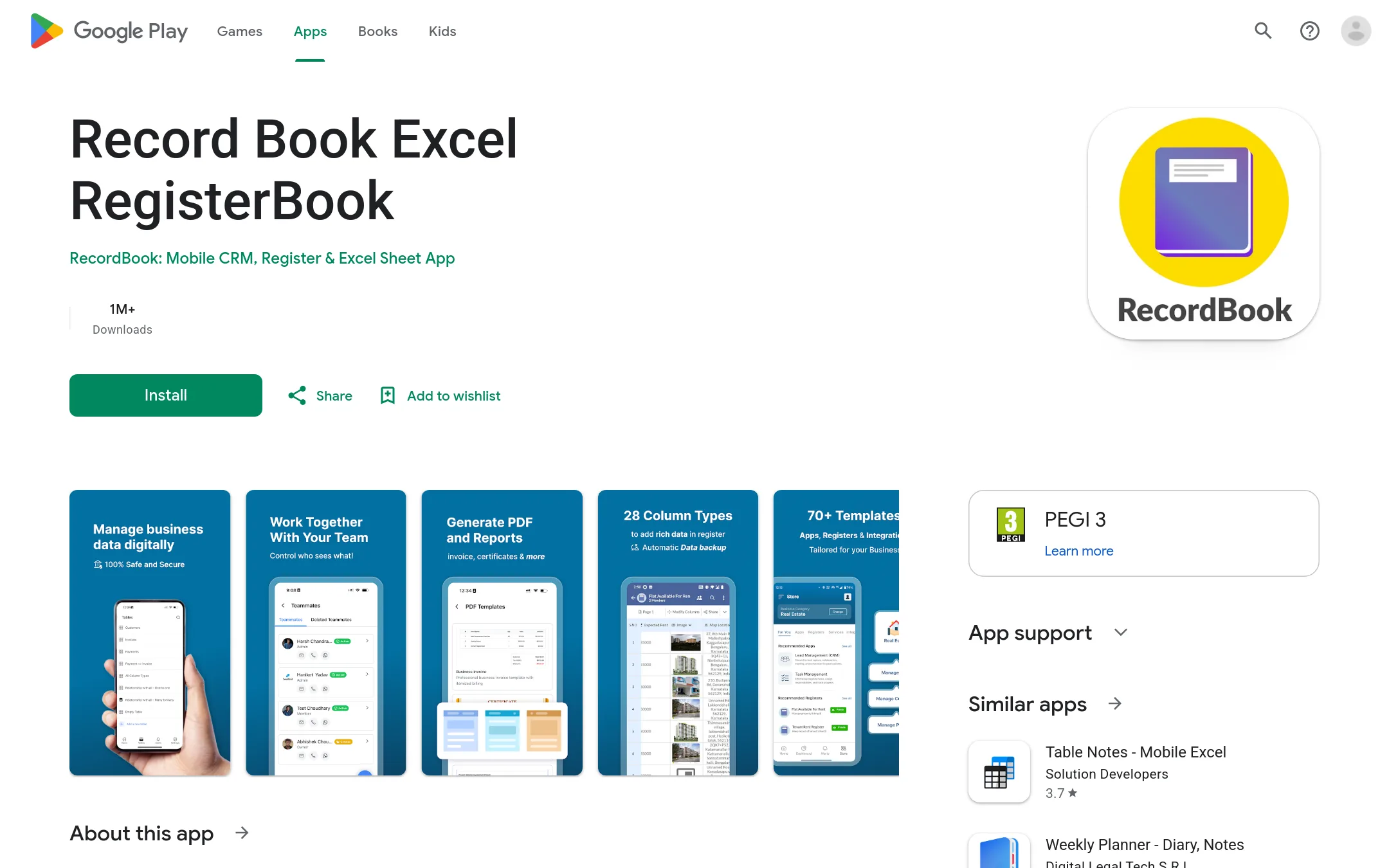
RecordBook is a mobile app that acts like Airtable for small businesses, letting you organize records and data without a full desktop platform. Choose it over GoToMeeting when your team needs a lightweight, on-the-go database tool rather than video conferencing. It suits founders who manage inventory, customers, or projects from their phone.
Where it is strong
- Mobile-first design works on Android devices.
- Airtable-like flexibility for custom records.
- Free to download from the Google Play Store.
Where it falls short
- No desktop or web version mentioned.
- Lacks video meeting features like screen sharing or breakout rooms.
- Pricing:
- Pricing is not published on the site.
- BNot published
5.BlueJeans
Best for: Teams that already have a Verizon contract and need a video conferencing tool, but only if they can access it through Verizon's sales channels.
- Pricing
- Not published
- Category
- Other
BlueJeans is a video conferencing platform that was acquired by Verizon. Its website is currently unreachable, so we cannot verify its features or pricing. If you are considering it, you would need to contact Verizon or check other sources, but GoToMeeting is a more reliable choice right now.
Where it is strong
- Part of Verizon's enterprise portfolio.
- Historically known for reliable video quality.
- Integrates with Verizon's communication services.
Where it falls short
- Website is down, so no current information.
- No self-service signup or trial available.
- Pricing:
- Pricing is not published on the site.
- Not published
6.Lifesize
Best for: Businesses that want to integrate video conferencing into their existing meeting platforms and also need a contact center solution.
- Pricing
- Not published
- Category
- Other
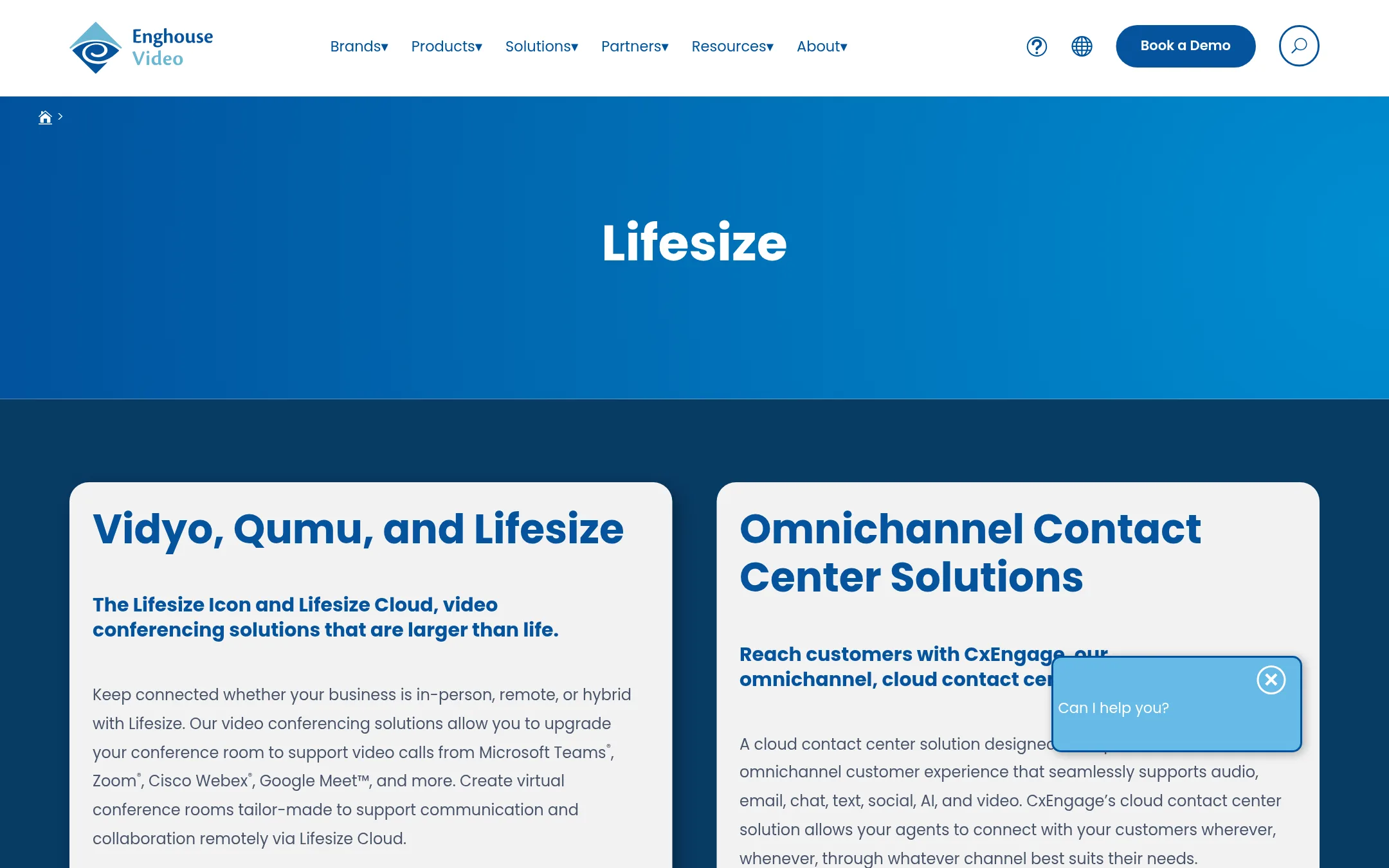
Lifesize is a video conferencing solution that works with Microsoft Teams, Zoom, Cisco Webex, and Google Meet, making it a good fit for companies that already use those platforms and want to upgrade their conference rooms. It also offers an omnichannel contact center product, so it suits organizations that need both video meetings and customer support in one place.
Where it is strong
- Works with major video platforms like Teams, Zoom, Webex, and Google Meet
- Offers hardware (Icon) and cloud-based meeting solutions
- Includes an omnichannel contact center with video support
Where it falls short
- Pricing not disclosed, so budgeting is unclear
- No built-in meeting features like breakout rooms or transcription mentioned
- Pricing:
- Pricing is not published on the site.
- From $15/mo
7.Screenleap
Best for: Sales teams and support reps who need instant, installation-free screen sharing for demos and remote assistance.
- Pricing
- From $15/mo
- Category
- Communication & Collaboration
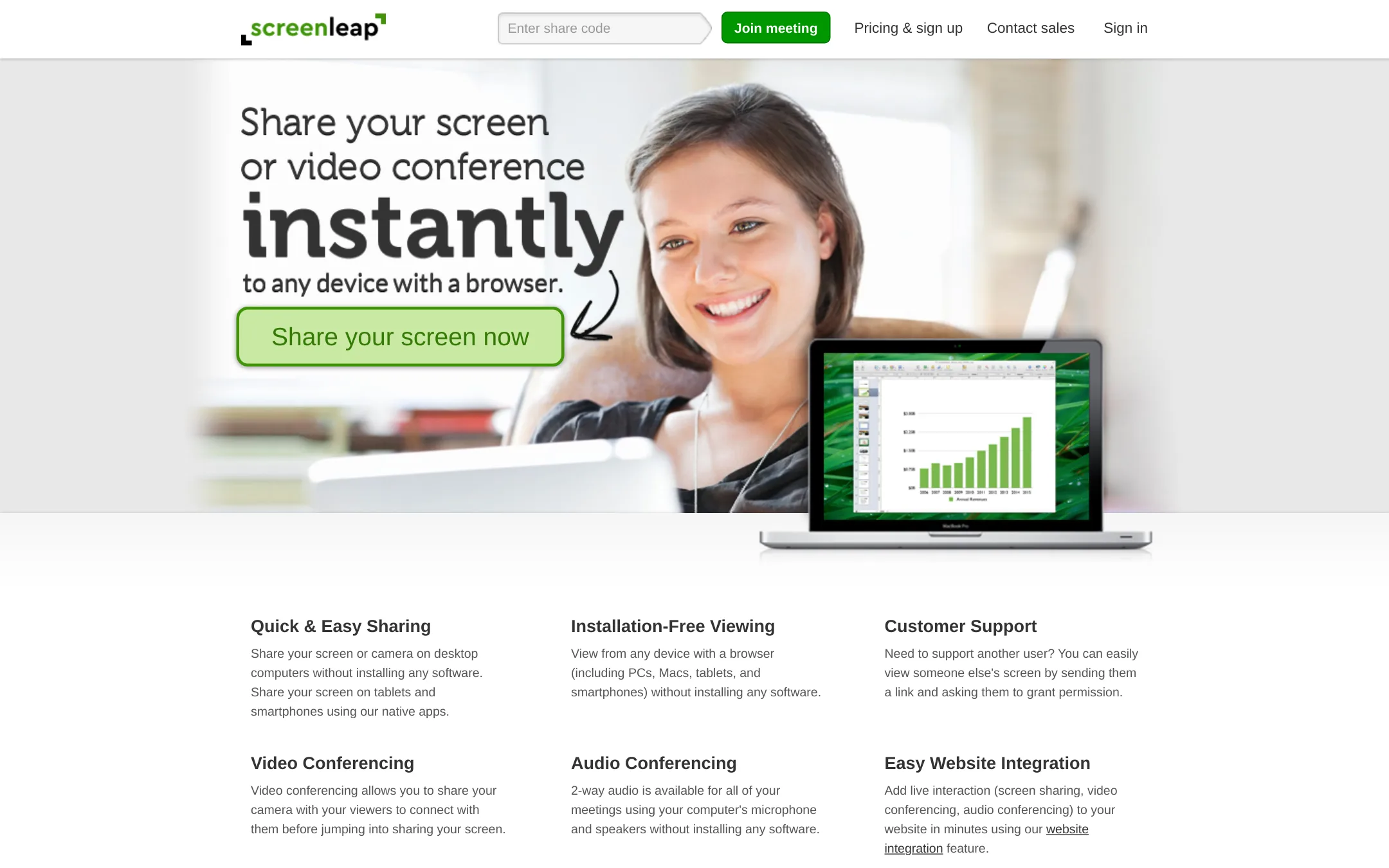
Screenleap is a screen sharing tool that lets you share your screen or camera without installing software, and viewers can join from any browser. It's a good choice if you need quick, frictionless screen sharing for demos or support sessions, and you don't need the full meeting suite that GoToMeeting offers.
Where it is strong
- Viewers can join from any browser without installing anything.
- Share control of your screen for real-time collaboration.
- Record meetings and export viewer registration info to your CRM.
Where it falls short
- Free plan limits you to 20 minutes per day and 150 viewers.
- No built-in breakout rooms or meeting scheduling features like GoToMeeting.
- Pricing:
- Pricing starts at $15/month for the Basic plan, $31/month for Pro, and $39/month for Premium, with a 20% discount for annual billing.
- Switching from GoToMeeting:
- Moving from GoToMeeting to Screenleap is straightforward: you just share a link or a 9-digit code, and viewers join in a browser without downloads.
- Not published
8.AnyDesk
Best for: IT support teams and individuals who need fast remote access and control of devices.
- Pricing
- Not published
- Category
- Communication & Collaboration
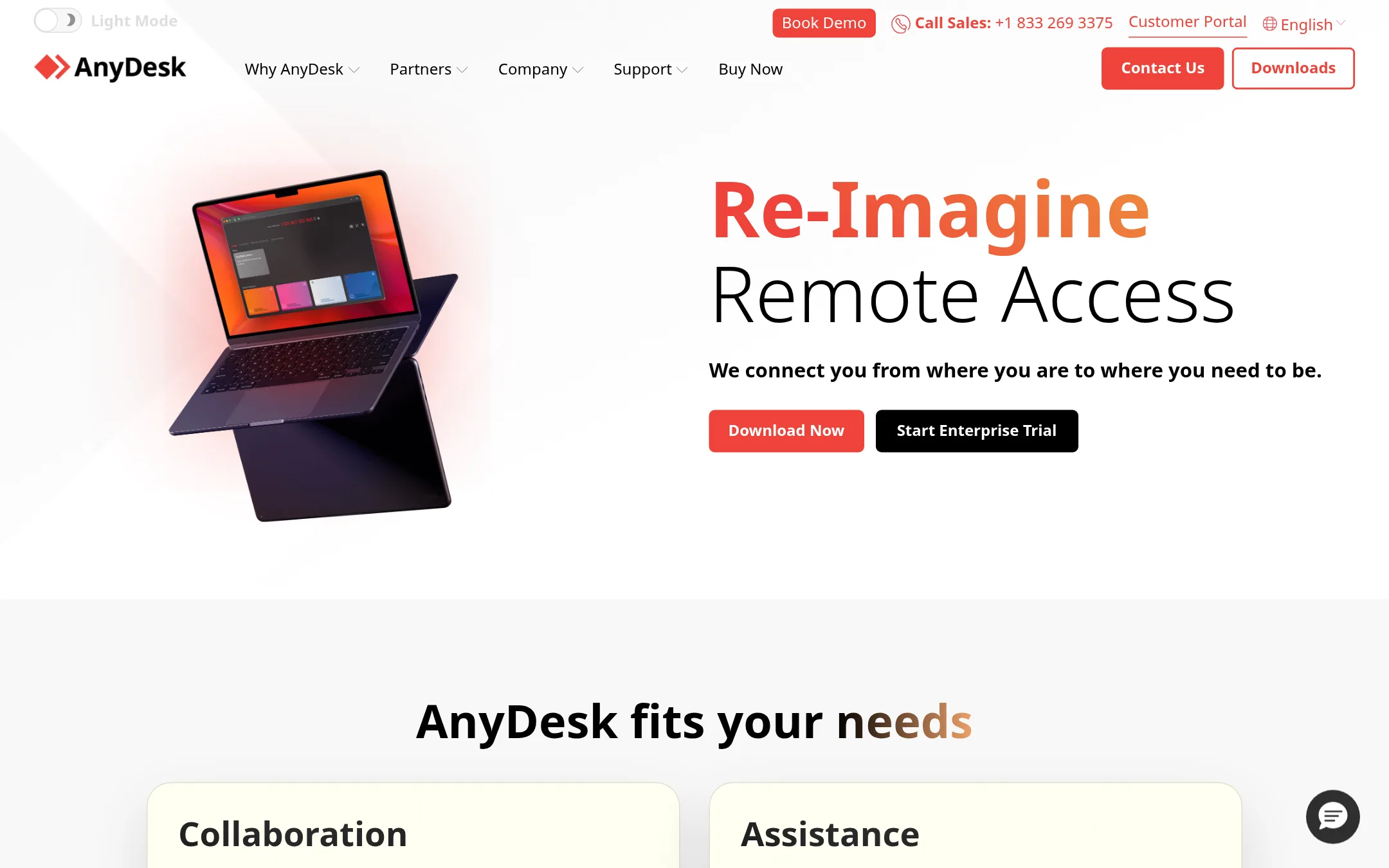
AnyDesk is a remote desktop tool focused on fast, secure access to devices, not a meeting platform. Choose it when you need to control a computer remotely for support or access, rather than host collaborative video meetings. It's a better fit for IT help desks and remote administration than for team webinars.
Where it is strong
- Fast and lightweight remote desktop performance.
- Supports cloud or on-premises deployment for security control.
- Includes session recording and chat for collaboration during support.
Where it falls short
- No built-in meeting scheduling or calendar integration like GoToMeeting.
- Pricing is not transparent. Requires contacting sales for quotes.
- Pricing:
- Pricing is not published on the site.
- Switching from GoToMeeting:
- Moving from GoToMeeting to AnyDesk means shifting from a meeting-centric tool to a remote access tool, so you'll need separate software for video conferencing.
- Not published
9.Discord
Best for: Gaming communities, hobby groups, and informal teams that want persistent voice and text channels instead of scheduled meetings.
- Pricing
- Not published
- Category
- Communication & Collaboration
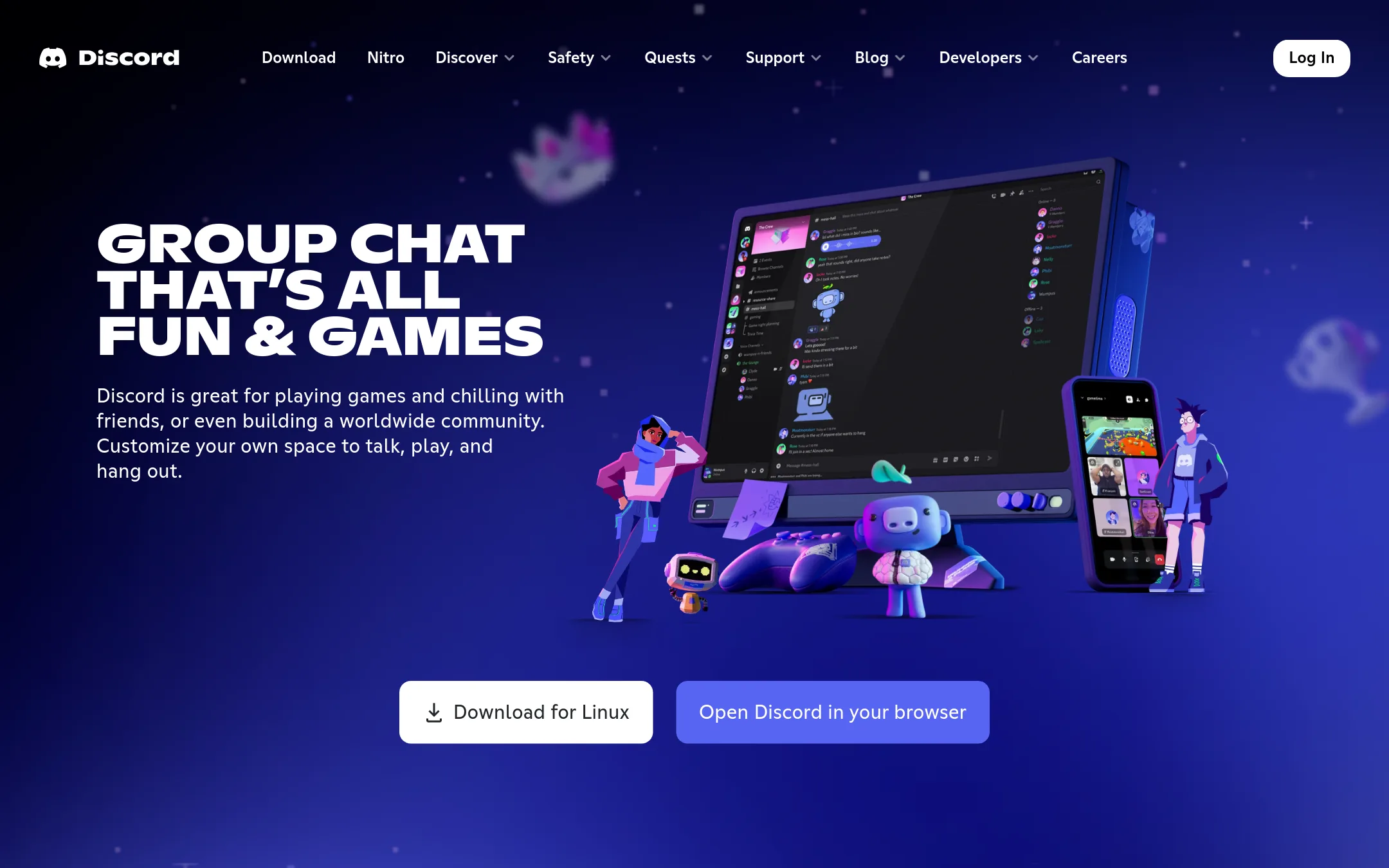
Discord is a group chat platform built around persistent voice and text channels, not scheduled meetings. It works well for communities or teams that want an always-on space to talk, share screens, and stream, rather than booking formal webinars or client calls. Choose Discord over GoToMeeting if your group lives in chat and needs low-latency voice for casual or ongoing collaboration.
Where it is strong
- Persistent voice channels you can hop in and out of without scheduling
- Low-latency streaming and screen share for real-time collaboration
- Free to use with no meeting duration limits
Where it falls short
- No built-in meeting scheduling or calendar invites
- Lacks enterprise features like SSO and meeting recording for compliance
- Pricing:
- Pricing is not published on the site.
- Not published
10.Google Meet
Best for: Teams already using Google Workspace that want video calls, recordings, and AI meeting notes in one place.
- Pricing
- Not published
- Category
- Communication & Collaboration
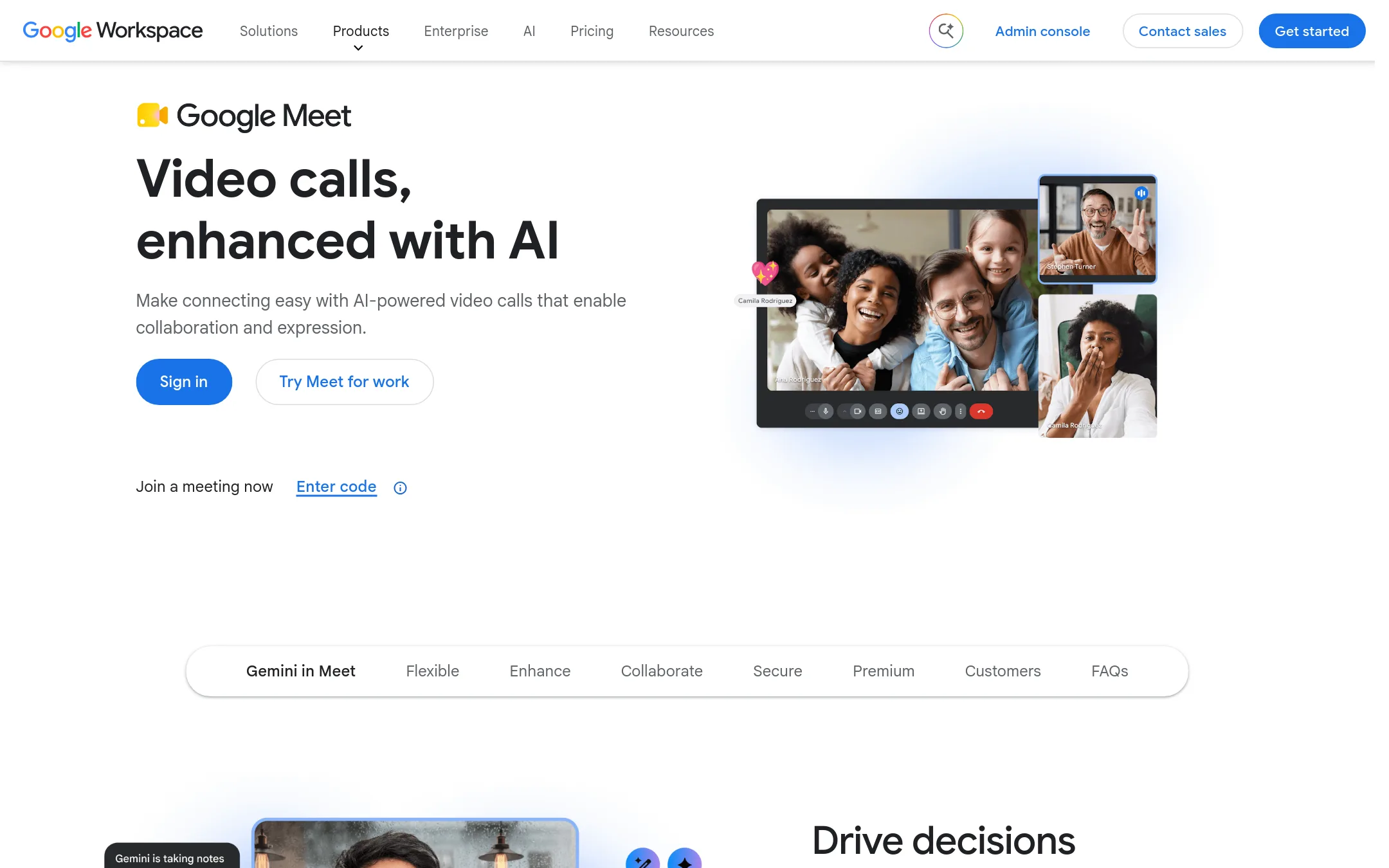
Google Meet is a secure video conferencing tool built into Google Workspace, with AI features like automatic notes and live captions. Choose it over GoToMeeting if your team already lives in Google Docs, Sheets, and Slides and wants meetings to start directly from those apps.
Where it is strong
- Up to 1000 participants and 24-hour group calls
- AI-powered noise reduction and live captions
- Join directly from Google Docs, Sheets, and Slides
Where it falls short
- Free version limits meetings to 60 minutes
- Premium features require Google Workspace or Google One plans
- Pricing:
- Pricing is not published on the site.
- Switching from GoToMeeting:
- Moving from GoToMeeting is straightforward: you can import contacts and schedules from Google Calendar, and invite participants with a link, no downloads needed.
- Contact sales
11.Join.me
Best for: Teams already using Join.me who want to move to a more secure and reliable platform without changing vendors.
- Pricing
- Contact sales
- Category
- Communication & Collaboration
Join.me is now part of GoTo Meeting, so choosing it means you get the same secure web conferencing with no-download access and enterprise reliability. Pick this if you want the familiar Join.me experience but with GoTo's current feature set and support. It's a direct upgrade path for existing Join.me users.
Where it is strong
- No download needed for participants
- Up to 250 attendees per meeting
- Enterprise-grade security with encryption
Where it falls short
- Pricing not transparent, requires sales contact
- No standalone Join.me product. It's now GoTo Meeting
- Pricing:
- Pricing is not published on the site. Plans are available by contacting sales.
- Switching from GoToMeeting:
- Moving from GoToMeeting to Join.me is essentially a rebrand, so you'll keep the same features and may need to update bookmarks and app names.
- Not published
12.Microsoft Teams
Best for: Teams already using Microsoft 365 that want chat, meetings, and files in one place.
- Pricing
- Not published
- Category
- Communication & Collaboration
Microsoft Teams is a full collaboration hub that combines chat, meetings, and file sharing in one app. Choose it over GoToMeeting when your team already lives in Microsoft 365 and needs persistent conversations alongside video calls.
Where it is strong
- Deep integration with Office apps like Word, Excel, and SharePoint.
- Persistent chat channels for ongoing team communication.
- Supports up to 10,000 meeting participants (Microsoft's published limit).
Where it falls short
- Can feel cluttered with too many channels and tabs.
- Requires a Microsoft 365 subscription for full features.
- Pricing:
- Pricing is not published on the site.
See more comparisons in Communication & Collaboration alternatives.
FAQ
Questions about GoToMeeting alternatives
Which alternative has a free plan?
Zoom Meetings offers a free Basic plan with 100 participants and 40-minute meetings. Google Meet also has a free version, but it limits group calls to 60 minutes. Discord is free with no meeting duration limits, but it lacks scheduling features.
Which tool supports the most participants?
Microsoft Teams supports up to 10,000 meeting participants, and Zoom paid plans allow up to 1,000. GoToMeeting caps at 250 attendees. Google Meet supports up to 1,000 participants on paid Workspace plans.
Are there alternatives with transparent pricing?
Screenleap lists pricing starting at $15 per month, and Zoom starts at $16.99 per user monthly. Many others, including AnyDesk, Lifesize, and Microsoft Teams, do not publish pricing and require contacting sales.
Which alternative integrates best with existing office tools?
Google Meet integrates directly with Google Docs, Sheets, and Slides. Microsoft Teams works deeply with Office apps like Word and Excel. Lifesize works with multiple platforms including Teams, Zoom, and Webex, but has no built-in meeting features like breakout rooms.
What should I consider for remote support or screen sharing?
Screenleap is ideal for instant, browser-based screen sharing without installation, starting at $15 per month. AnyDesk offers fast remote desktop control for IT support, but pricing is not transparent. Both lack GoToMeeting's scheduling and breakout room features.
Last updated October 30, 2026.