Join.me alternatives
12 products compared · Updated October 30, 2026
The short answer
For teams needing a straightforward, secure meeting tool with no-download joining, GoToMeeting (the rebranded Join.me) is the strongest choice. If you want AI-assisted meetings and deep Google Workspace integration, Google Meet is best. For a broader collaboration suite with chat, phone, and whiteboard, Zoom Meetings is the most scalable option.
Your shortlist, at a glance
Read the comparisons ↓Zoom MeetingsFrom $14.16/user/moTeams that want a single platform for video meetings, chat, and phone, with room to grow from small to enterprise scale.
Microsoft Azure CycleCloudNot publishedResearch teams and engineering orgs that need to spin up and manage HPC clusters on Azure for compute-heavy jobs.
- CCisco WebexSee websiteEnterprise collaboration platform by Cisco
- RRecordBookNot publishedSmall businesses that need a simple, mobile-first way to manage records and inventory without a full project management suite
GoTo MeetingContact salesTeams already using GoTo's phone system or contact center who need integrated video meetings with up to 250 participants.
- BBlueJeansNot publishedLarge enterprises that need reliable video conferencing with hardware interoperability and advanced audio quality.
 ScreenleapFrom $15/moSales teams and support agents who need instant, no-install screen sharing for demos and remote assistance.
 AnyDeskNot publishedIT support teams and individuals who need fast, reliable remote control of desktops and servers, with options for cloud or on-premises deployment.
DiscordNot publishedGaming communities, hobby groups, and small teams that want a persistent, low-latency voice and text space instead of scheduled online meetings.
 GoToMeetingContact salesTeams that already use GoTo products or need a straightforward, secure meeting platform with global reach and no-download joining.
 Google MeetNot publishedTeams already using Google Workspace that want AI-assisted meetings and deep integration with Google's productivity apps.
Microsoft TeamsNot publishedTeams inside Microsoft 365 that want chat, meetings, and file sharing in one place
About Join.me and its alternatives
Join.me is a web conferencing tool that offers secure, no-download access to meetings, with features like HD video, screen sharing, and breakout rooms. It is known for its ease of use and enterprise reliability, supporting up to 250 attendees in over 190 countries.
When comparing alternatives, weigh pricing structure (some tools require contacting sales), regional availability, integrations with your existing productivity suite, and the level of support and contract terms. Consider whether you need a full meeting platform, a collaboration hub, or just screen sharing.
Explore the alternatives
- From $14.16/user/mo
1.Zoom Meetings
Best for: Teams that want a single platform for video meetings, chat, and phone, with room to grow from small to enterprise scale.
- Pricing
- From $14.16/user/mo
- Category
- Other
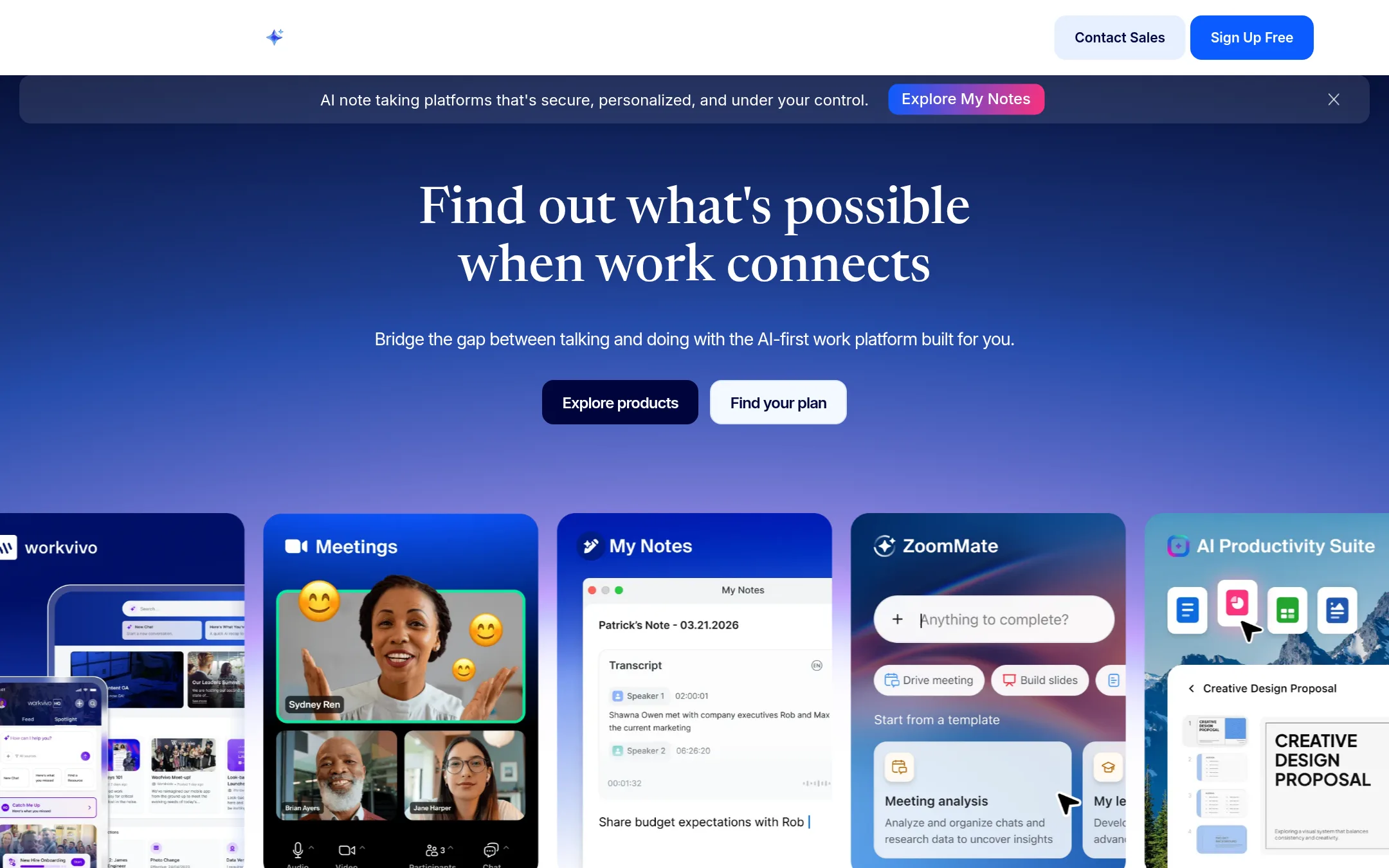
Zoom Meetings is a full-featured video conferencing platform that goes beyond Join.me's web conferencing focus, adding team chat, phone, whiteboard, and AI note-taking. Choose it if you need a broader collaboration suite that scales from small teams to large enterprises, with more advanced meeting controls and integrations.
Where it is strong
- Free plan supports up to 100 participants for 40-minute meetings
- Pro plan includes unlimited meeting summaries and AI queries
- Business plan adds SSO, managed domains, and 300 participants
Where it falls short
- Basic plan has a 40-minute meeting limit, unlike Join.me's unlimited meetings
- Cloud recording storage is capped at 10 GB per user on Pro and Business plans
- Pricing:
- Pricing starts at $16.99 per user per month billed monthly, or $14.16 per user per month billed annually, with a free Basic plan limited to 40-minute meetings.
- Switching from Join.me:
- Moving from Join.me to Zoom is straightforward: you can import contacts and schedule meetings from your calendar, but you'll need to re-set up any custom meeting templates or integrations.
- Not published
2.Microsoft Azure CycleCloud
Best for: Research teams and engineering orgs that need to spin up and manage HPC clusters on Azure for compute-heavy jobs.
- Pricing
- Not published
- Category
- Developer Tools
Microsoft Azure CycleCloud is an HPC orchestration tool for managing and scaling compute clusters on Azure. Choose it instead of Join.me when your work is about running simulations, rendering, or other high-performance computing workloads, not online meetings.
Where it is strong
- Orchestrates HPC clusters on Azure, scaling compute resources as needed
- Integrates with Azure services like storage and networking
- Supports common schedulers and workload managers
Where it falls short
- Requires Azure expertise to set up and manage
- No meeting, video, or collaboration features
- Pricing:
- Pricing is not published on the site. Azure uses a consumption-based model where you pay only for the resources you use.
- Switching from Join.me:
- Moving from Join.me means adopting a completely different tool for a different purpose, so there is no direct migration path.
- CSee website
3.Cisco Webex
Communication & Collaboration
An enterprise-grade web conferencing tool offering secure video meetings, screen sharing, and large attendee capacity.
- RNot published
4.RecordBook
Best for: Small businesses that need a simple, mobile-first way to manage records and inventory without a full project management suite
- Pricing
- Not published
- Category
- Productivity & Project Management
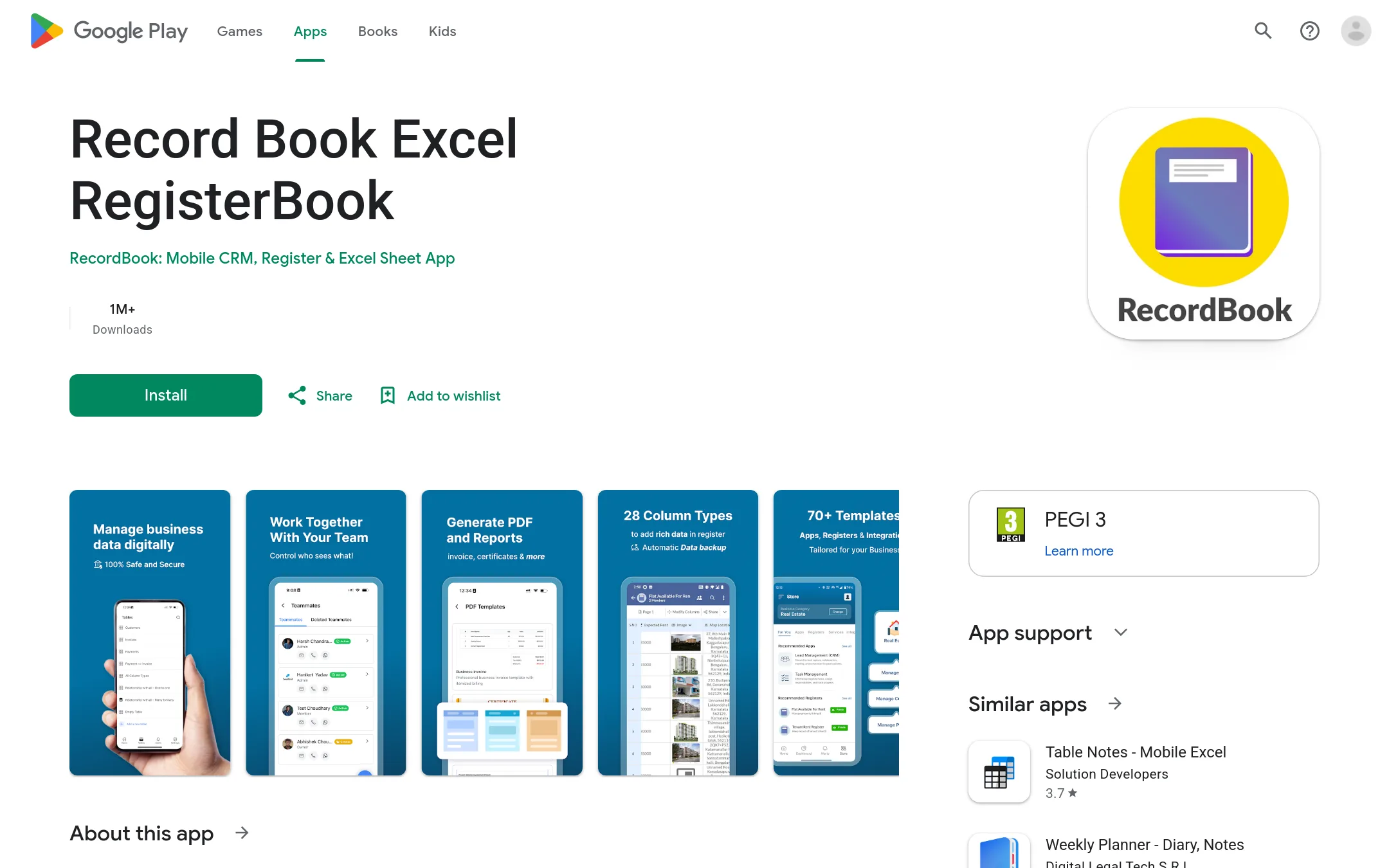
RecordBook is a mobile database app for small businesses that need to organize records, inventory, or workflows without building custom software. You would choose it instead of Join.me when your priority is data management and tracking, not video meetings.
Where it is strong
- Mobile-first design for on-the-go record keeping
- Flexible data structures for various business needs
- Free to use on Android devices
Where it falls short
- No web or desktop version, only Android app
- No built-in video conferencing or screen sharing
- Pricing:
- Pricing is not published on the site.
- Contact sales
5.GoTo Meeting
Best for: Teams already using GoTo's phone system or contact center who need integrated video meetings with up to 250 participants.
- Pricing
- Contact sales
- Category
- Other
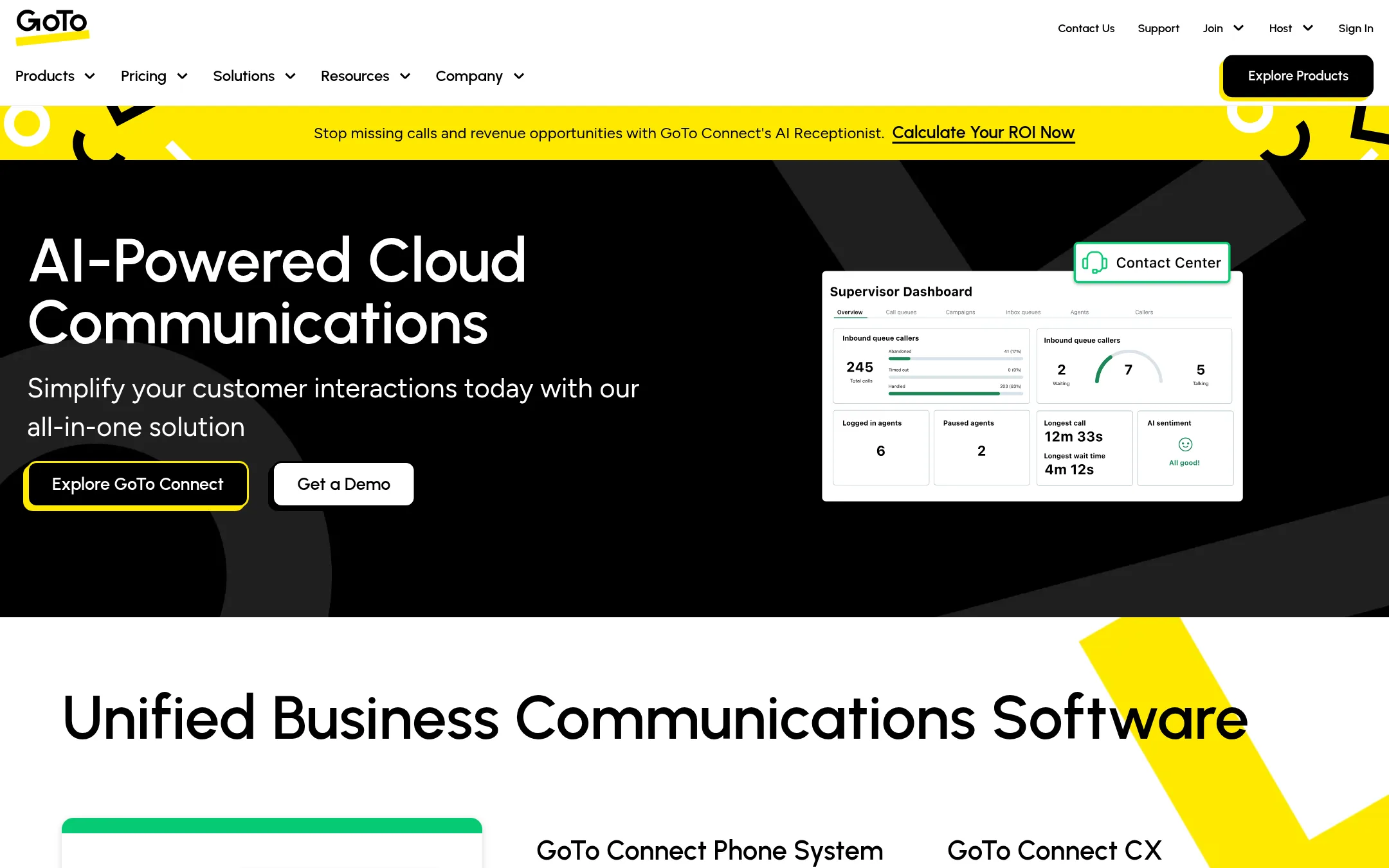
GoTo Meeting is the same product as Join.me, now rebranded under the GoTo umbrella. It offers secure web conferencing with no-download access, HD video, screen sharing, and breakout rooms. Choose it if you already use GoTo's phone or contact center products and want meetings in the same ecosystem.
Where it is strong
- No download needed for participants
- Up to 250 attendees per meeting
- End-to-end encryption and meeting lock
Where it falls short
- Pricing not transparent, requires sales contact
- No standalone meeting plans listed, only bundled with phone system
- Pricing:
- Pricing is not published on the site. Plans require contacting sales.
- Switching from Join.me:
- If you are moving from Join.me, your account and meeting links can carry over because GoTo Meeting is the direct successor, but you will need to contact GoTo sales to set up the new plan.
- BNot published
6.BlueJeans
Best for: Large enterprises that need reliable video conferencing with hardware interoperability and advanced audio quality.

- Pricing
- Not published
- Category
- Other
BlueJeans is a video conferencing platform that supports meetings, webinars, and events. You would choose it instead of Join.me if you need a dedicated enterprise-grade solution with features like Dolby voice and interoperability with SIP/H.323 systems, which Join.me does not emphasize.
Where it is strong
- Dolby voice for clear audio
- Interoperability with SIP/H.323 systems
- Supports meetings, webinars, and events
Where it falls short
- Pricing is not transparent
- Site was unreachable at the time of review
- Pricing:
- Pricing is not published on the site.
- From $15/mo
7.Screenleap
Best for: Sales teams and support agents who need instant, no-install screen sharing for demos and remote assistance.
- Pricing
- From $15/mo
- Category
- Communication & Collaboration
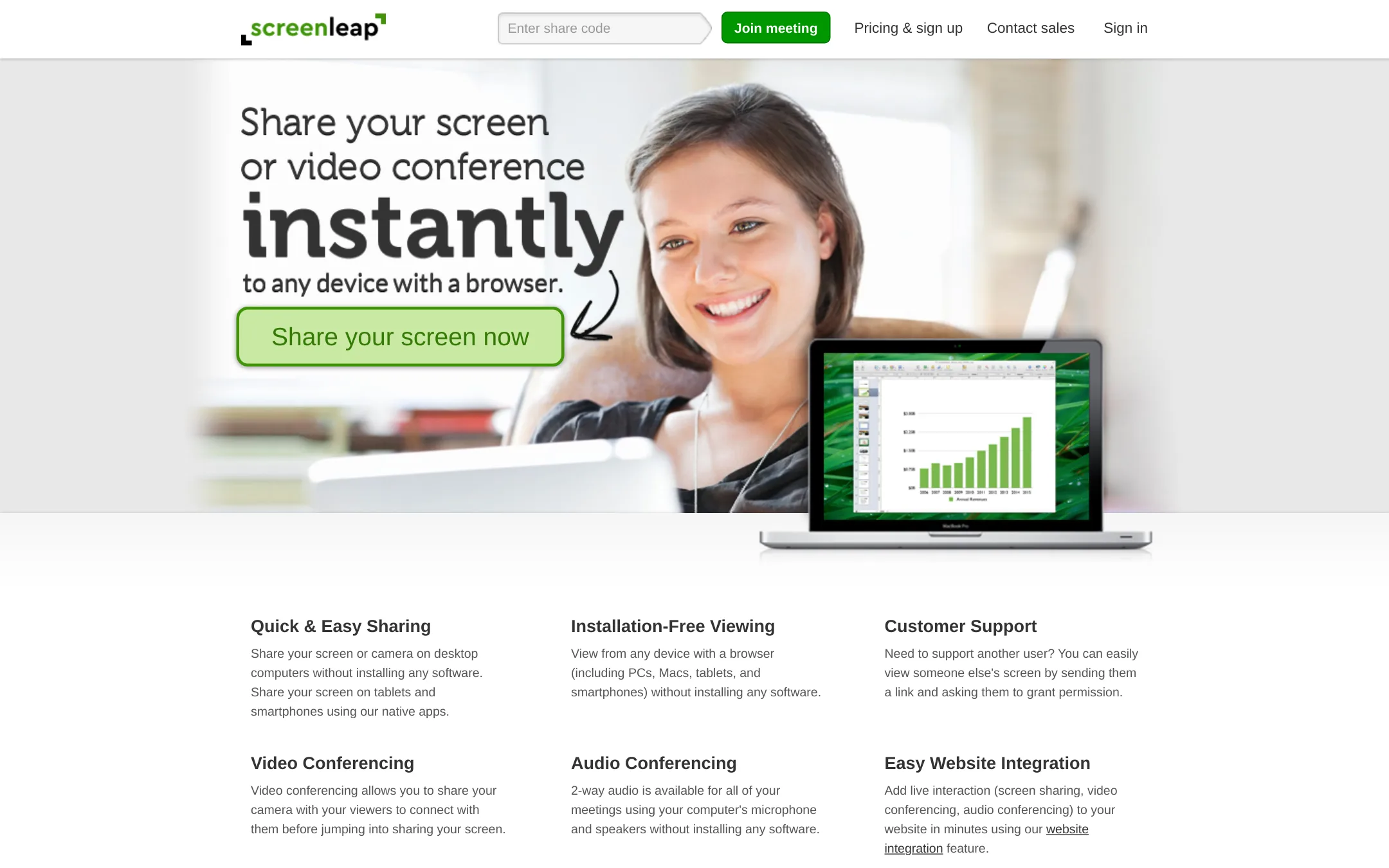
Screenleap is a screen sharing tool that works without any downloads for the presenter or viewers. It is a good fit if you need quick, low-friction screen sharing for demos or support, and you do not need the full meeting feature set of Join.me.
Where it is strong
- No software installation for presenter or viewers
- Works on any device with a browser
- Includes 2-way audio and video conferencing
Where it falls short
- Free plan limited to 20 minutes per day
- Control sharing and viewer mouse require an add-on app
- Pricing:
- Pricing starts at $15/month for the Basic plan, $31/month for Pro, and $39/month for Premium, with annual billing saving 20%.
- Switching from Join.me:
- Moving from Join.me is straightforward: you share a link instead of scheduling a meeting, and viewers join through a browser without downloading anything.
- Not published
8.AnyDesk
Best for: IT support teams and individuals who need fast, reliable remote control of desktops and servers, with options for cloud or on-premises deployment.
- Pricing
- Not published
- Category
- Communication & Collaboration
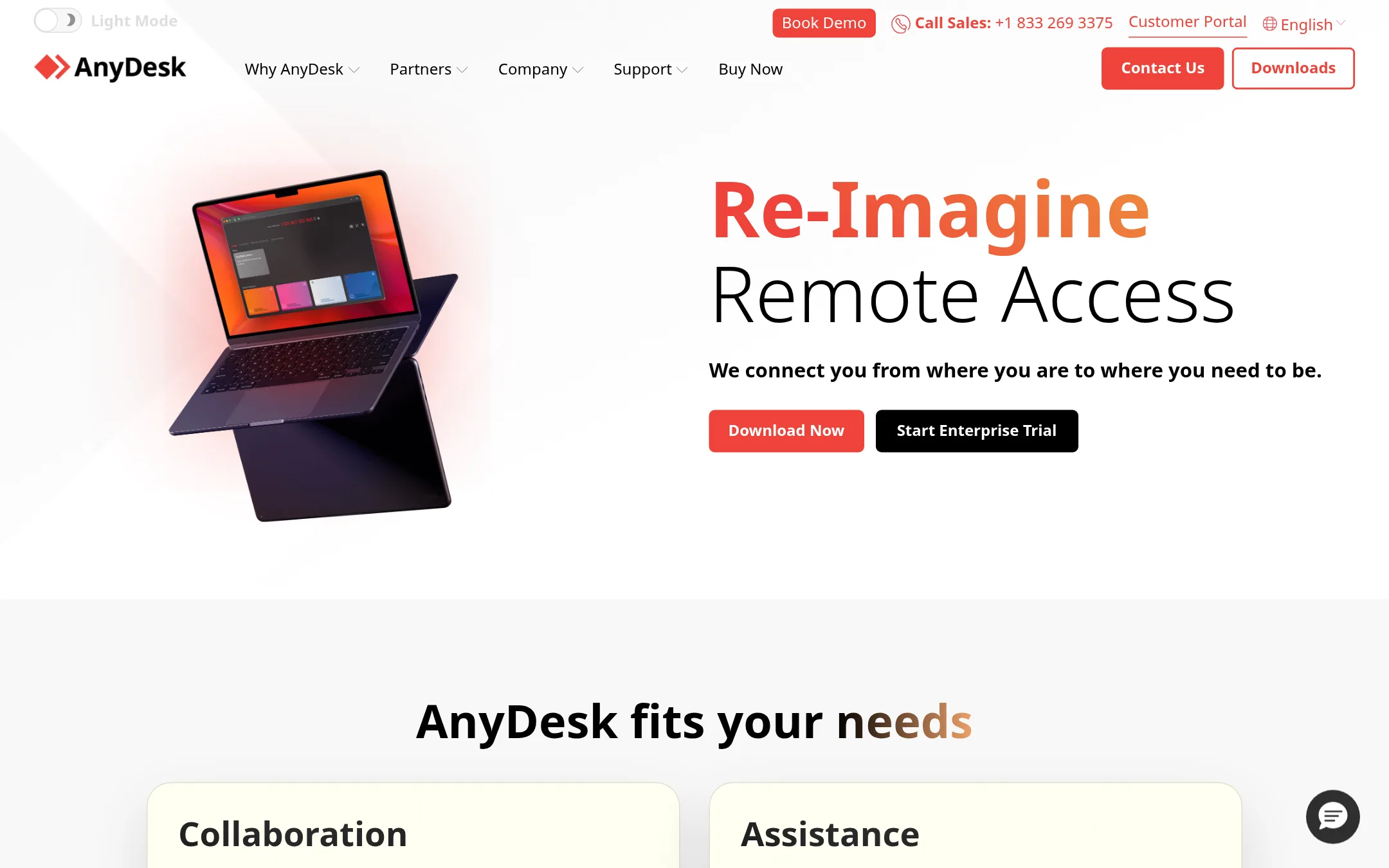
AnyDesk is a remote desktop tool focused on fast, secure access to computers and devices, not a web conferencing platform. Choose it when you need to control a remote machine, provide IT support, or access your own desktop from anywhere, rather than run team meetings or webinars.
Where it is strong
- Fast remote desktop performance with low latency
- Cloud or on-premises deployment options
- Mobile support for controlling devices from smartphones or tablets
Where it falls short
- No built-in meeting features like breakout rooms or webinars
- Pricing not publicly listed, requires contacting sales
- Pricing:
- Pricing is not published on the site.
- Not published
9.Discord
Best for: Gaming communities, hobby groups, and small teams that want a persistent, low-latency voice and text space instead of scheduled online meetings.
- Pricing
- Not published
- Category
- Communication & Collaboration
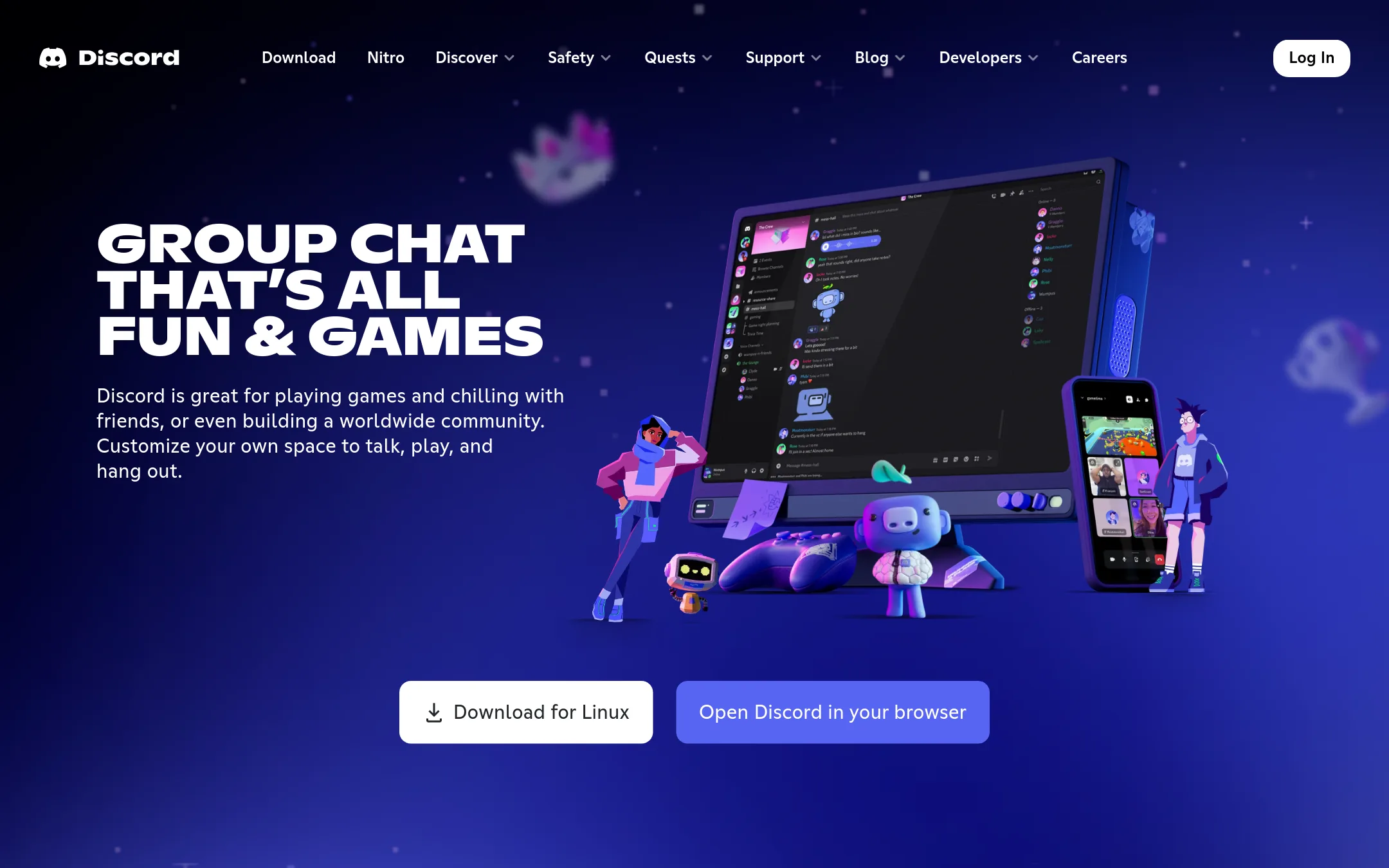
Discord is a group chat platform built around persistent servers with voice, video, and text channels. You would choose it over Join.me if you need an always-on space for a community or team to hang out, stream, and chat informally, rather than scheduling formal web meetings.
Where it is strong
- Persistent voice and text channels that stay open without scheduling
- Low-latency streaming and screen sharing for real-time collaboration
- Free to use with no download required for basic features
Where it falls short
- No built-in meeting scheduling or calendar integration
- Limited enterprise features like recording or transcription compared to Join.me
- Pricing:
- Pricing is not published on the site.
- Contact sales
10.GoToMeeting
Best for: Teams that already use GoTo products or need a straightforward, secure meeting platform with global reach and no-download joining.
- Pricing
- Contact sales
- Category
- Communication & Collaboration
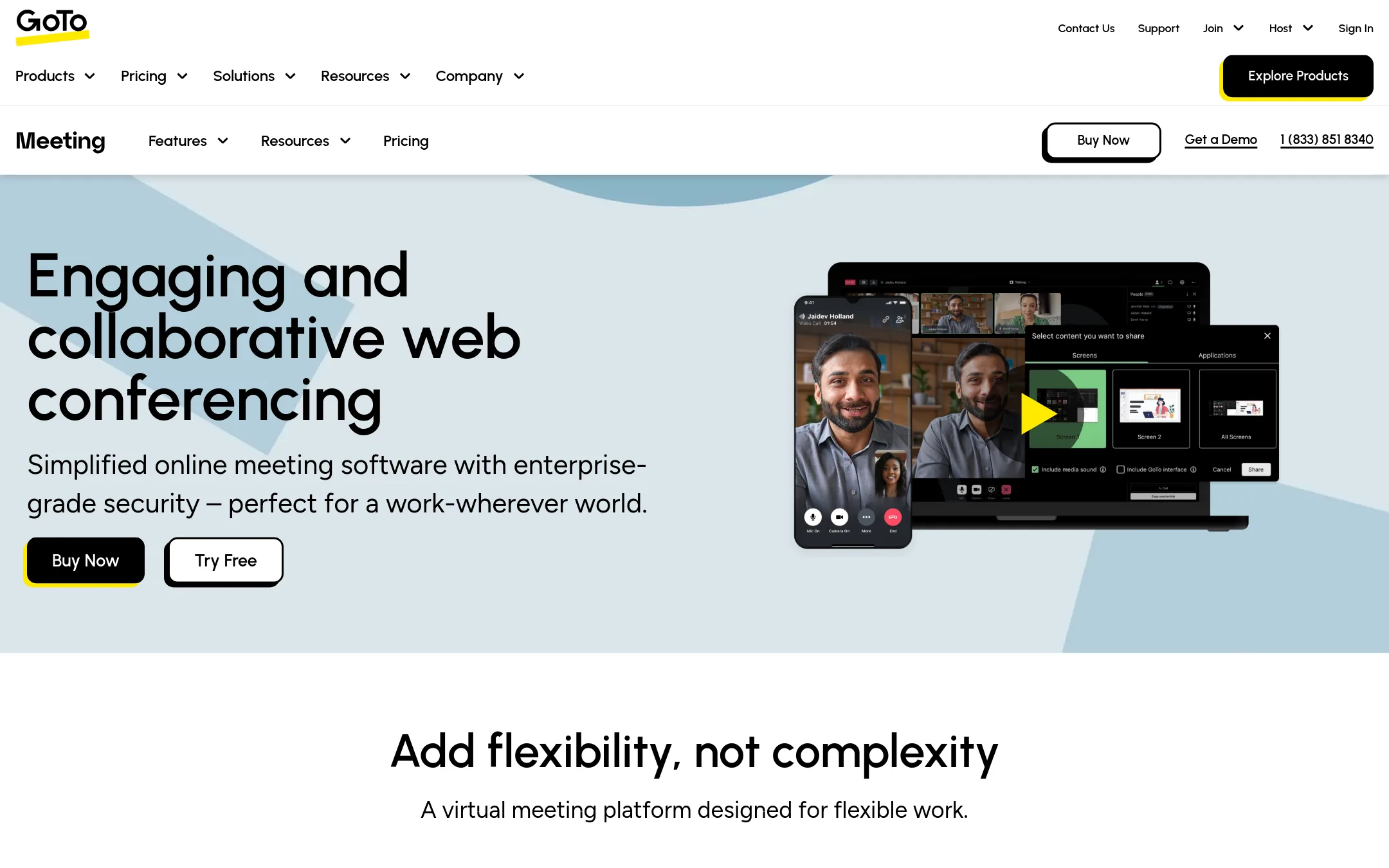
GoToMeeting is the same product as Join.me, now rebranded under the GoTo family. It offers secure web conferencing with no-download access, HD video, screen sharing, and breakout rooms. Choose it if you need a reliable, enterprise-grade meeting tool that works in 190+ countries and supports up to 250 attendees.
Where it is strong
- No download needed for attendees, which lowers friction for joining meetings.
- Includes breakout rooms, drawing tools, and keyboard/mouse sharing for interactive sessions.
- Strong security features: end-to-end encryption, meeting lock, and single sign-on.
Where it falls short
- Pricing is not transparent. You must contact sales for a quote.
- The site focuses on GoTo's phone and contact center products, so meeting-specific details are buried.
- Pricing:
- Pricing is not published on the site. Plans require contacting sales.
- Switching from Join.me:
- Since GoToMeeting is the successor to Join.me, moving is mostly a rebrand. Your existing workflows and meeting links should carry over with minimal disruption.
- Not published
11.Google Meet
Best for: Teams already using Google Workspace that want AI-assisted meetings and deep integration with Google's productivity apps.
- Pricing
- Not published
- Category
- Communication & Collaboration
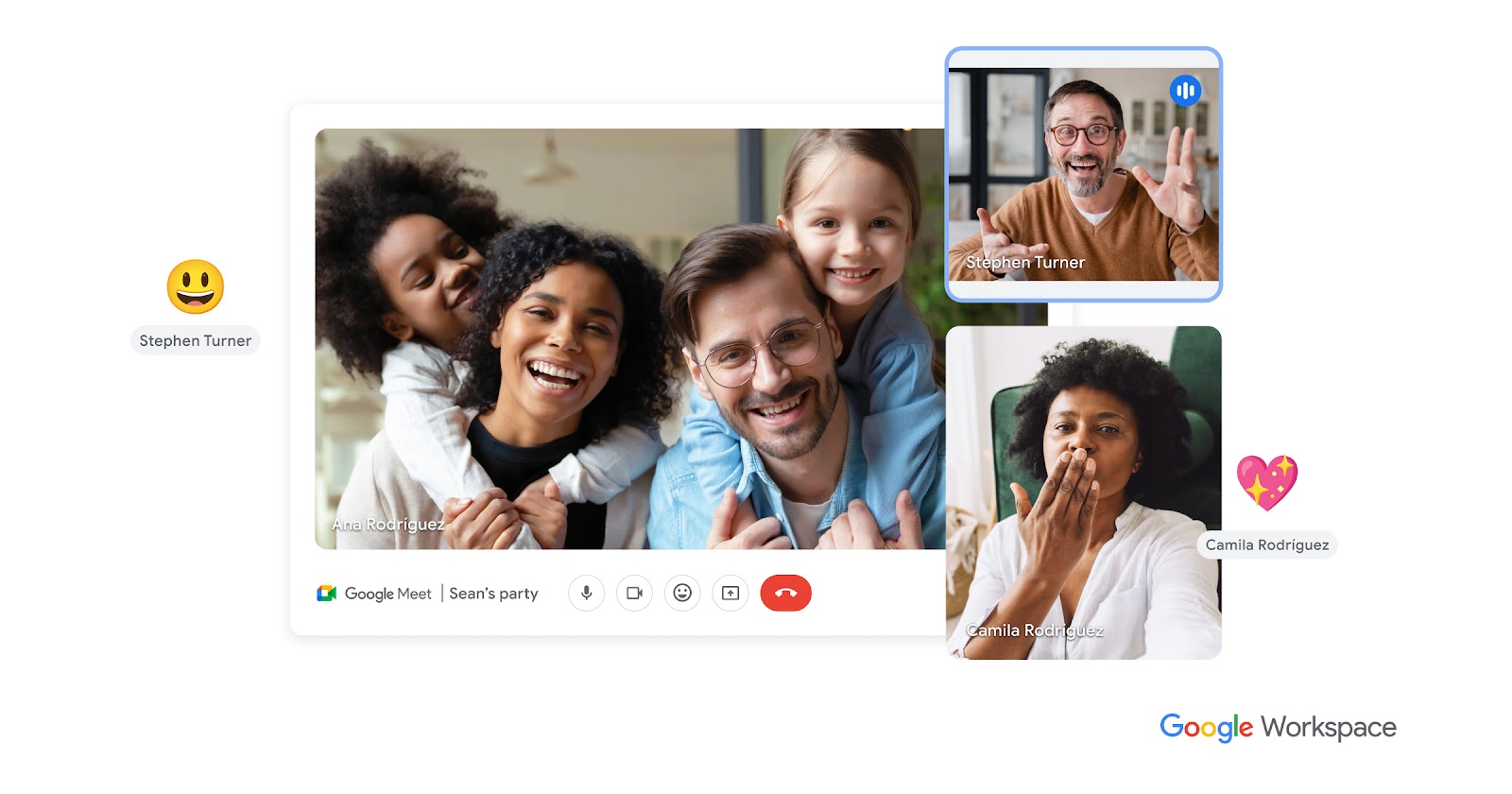
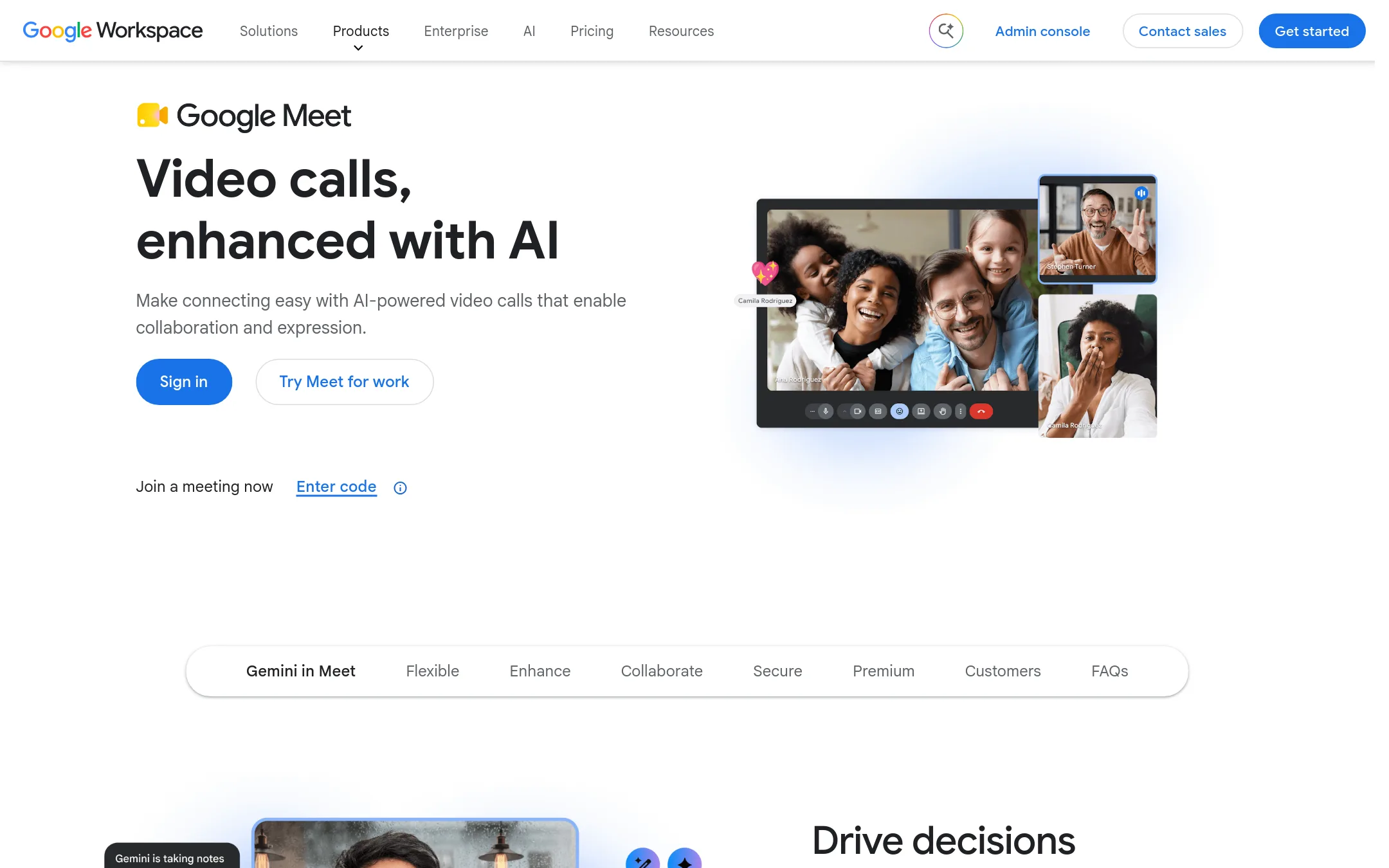
Google Meet is a video conferencing tool built into Google Workspace, with AI features like automatic notes and translations. Choose it if your team already lives in Google Docs, Sheets, and Slides and wants meetings that connect directly to those workflows.
Where it is strong
- AI note-taking and summaries with Gemini
- Up to 1,000 participants in a meeting
- Works from any device without installing software
Where it falls short
- Pricing not listed publicly, requires contacting sales
- Some premium features are limited to certain Workspace plans
- Pricing:
- Pricing is not published on the site.
- Not published
12.Microsoft Teams
Best for: Teams inside Microsoft 365 that want chat, meetings, and file sharing in one place
- Pricing
- Not published
- Category
- Communication & Collaboration
Microsoft Teams is a full collaboration hub that combines chat, meetings, files, and apps in one workspace. Choose it over Join.me when your team already lives in Microsoft 365 and needs persistent channels and document co-authoring, not just scheduled webinars.
Where it is strong
- Deep integration with Microsoft 365 apps like Word, Excel, and SharePoint
- Persistent chat channels that keep conversations and files organized
- Supports up to 10,000 meeting participants in org-wide town halls
Where it falls short
- Browser support is limited to the latest versions of Edge, Chrome, Firefox, and Safari
- Full features require the desktop app, which is a heavier install than Join.me's no-download access
- Pricing:
- Pricing is not published on the site.
See more comparisons in Communication & Collaboration alternatives.
FAQ
Questions about Join.me alternatives
What is the best alternative to Join.me for a team already using Google Workspace?
Google Meet is the best fit. It integrates deeply with Google Docs, Sheets, and Slides, and offers AI note-taking and summaries with Gemini. It supports up to 1,000 participants and works from any device without installation.
Which alternative offers the most transparent pricing?
Screenleap and Zoom Meetings publish their pricing. Screenleap starts at $15 per month, while Zoom Meetings starts at $16.99 per user per month with a free Basic plan. Other tools like GoToMeeting and Microsoft Teams require contacting sales for quotes.
Is there a free option among the alternatives?
Yes, Zoom Meetings has a free Basic plan that supports up to 100 participants for 40-minute meetings. Discord is also free to use with basic features, and RecordBook is free on Android. However, free plans often have limitations like meeting duration or missing features.
Which alternative is best for large enterprises needing hardware interoperability?
BlueJeans is designed for large enterprises, offering Dolby voice for clear audio and interoperability with SIP/H.323 systems. It supports meetings, webinars, and events, making it suitable for complex organizational needs.
Can I replace Join.me with a tool that also handles remote desktop support?
AnyDesk is a remote desktop tool that provides fast, secure access to computers, ideal for IT support. It does not offer meeting features like breakout rooms or webinars, so it is best if your primary need is remote control, not team meetings.
Last updated October 30, 2026.