
Loom alternatives
12 products compared · Updated November 1, 2026
The short answer
For sales and marketing teams, Vidyard offers CRM integrations and viewer analytics. For internal comms and HR, Spokn provides branded video creation tools. For marketing teams needing lead capture and analytics, Wistia is a strong choice.
Your shortlist, at a glance
Read the comparisons ↓- SScreenPalNot publishedEducators, schools, and training teams that need screen recording, editing, hosting, and interactive video features in one tool.
- SScreencast-O-MaticNot publishedTeachers, schools, and training teams that need screen recording, editing, and interactive quizzes in one tool.
- CCamtasiaNot publishedLearning and development teams, IT trainers, and customer education groups that need to create and maintain detailed how-to videos and software walkthroughs.
- OOBS StudioFreeStreamers, educators, and teams that need professional-grade live production or highly customizable local recordings without per-seat costs.
 VimeoNot publishedVideo pros, marketing teams, and content businesses that need ad-free hosting, advanced privacy, live streaming, and monetization tools.
WistiaFrom $79/moMarketing teams and businesses that need video hosting with lead capture, analytics, and marketing automation integrations.
ClipchampFree / M365 subTeams already on Microsoft 365 who want a free, browser-based video editor with recording and AI features for creating polished videos, not just quick screen shares.
- DDubbNot publishedSales teams in real estate, insurance, mortgage, coaching, consulting, and software that want video plus automated pipeline actions.
 CluesoSee websiteCreate beautiful videos & docs for any product or process in minutes
 HeraSee websiteAI Motion Designer
Hippo VideoSee websiteAutomate Video Creation with Agentic AI – Scalable, Multilingual Video Pitches
 SpoknNot publishedInternal Comms and HR teams that need to create branded, engaging employee videos in minutes without editing experience.
About Loom and its alternatives
Loom is a free AI-powered screen recorder for async video messaging and collaboration. It is known for screen and camera recording, easy sharing, and video privacy controls, used by millions across 400,000 companies.
When comparing alternatives, weigh pricing structure, regional availability, integrations, support, and contract terms. Some tools offer free tiers with limits, while others require contacting sales for quotes. Consider which features matter most, such as editing, analytics, or live streaming.
Explore the alternatives
- SNot published
1.ScreenPal
Best for: Educators, schools, and training teams that need screen recording, editing, hosting, and interactive video features in one tool.

- Pricing
- Not published
- Category
- Other
ScreenPal is a screen recorder and video editor with a strong focus on education and training. It includes interactive quizzes, AI translation, and a content management platform. Choose it over Loom if you need a more complete video creation suite for teaching, training, or internal knowledge sharing, rather than just quick async messaging.
Where it is strong
- Free plan available with core recording and editing features
- Interactive video tools like quizzes and polls for engagement
- AI-powered translation into 100+ languages for global reach
Where it falls short
- Pricing details are not listed on the site, so you must contact sales
- Less focused on quick async messaging than Loom. More of a full video creation platform
- Pricing:
- Pricing is not published on the site.
- SNot published
2.Screencast-O-Matic
Best for: Teachers, schools, and training teams that need screen recording, editing, and interactive quizzes in one tool.

- Pricing
- Not published
- Category
- Other
Screencast-O-Matic, now ScreenPal, is a screen recorder and video editor with built-in hosting, quizzes, and AI transcription. Choose it over Loom if you need a more education-focused tool with editing and interactive video features.
Where it is strong
- Includes a video editor and image editor, not just recording
- Interactive quizzes and polls can be added to videos
- AI-generated transcripts, captions, chapters, and summaries
Where it falls short
- No pricing details on the site, so you must contact sales or sign up to learn costs
- Lacks the deep integrations with Slack, Jira, and Gmail that Loom offers
- Pricing:
- Pricing is not published on the site.
- CNot published
3.Camtasia
Best for: Learning and development teams, IT trainers, and customer education groups that need to create and maintain detailed how-to videos and software walkthroughs.
- Pricing
- Not published
- Category
- Other
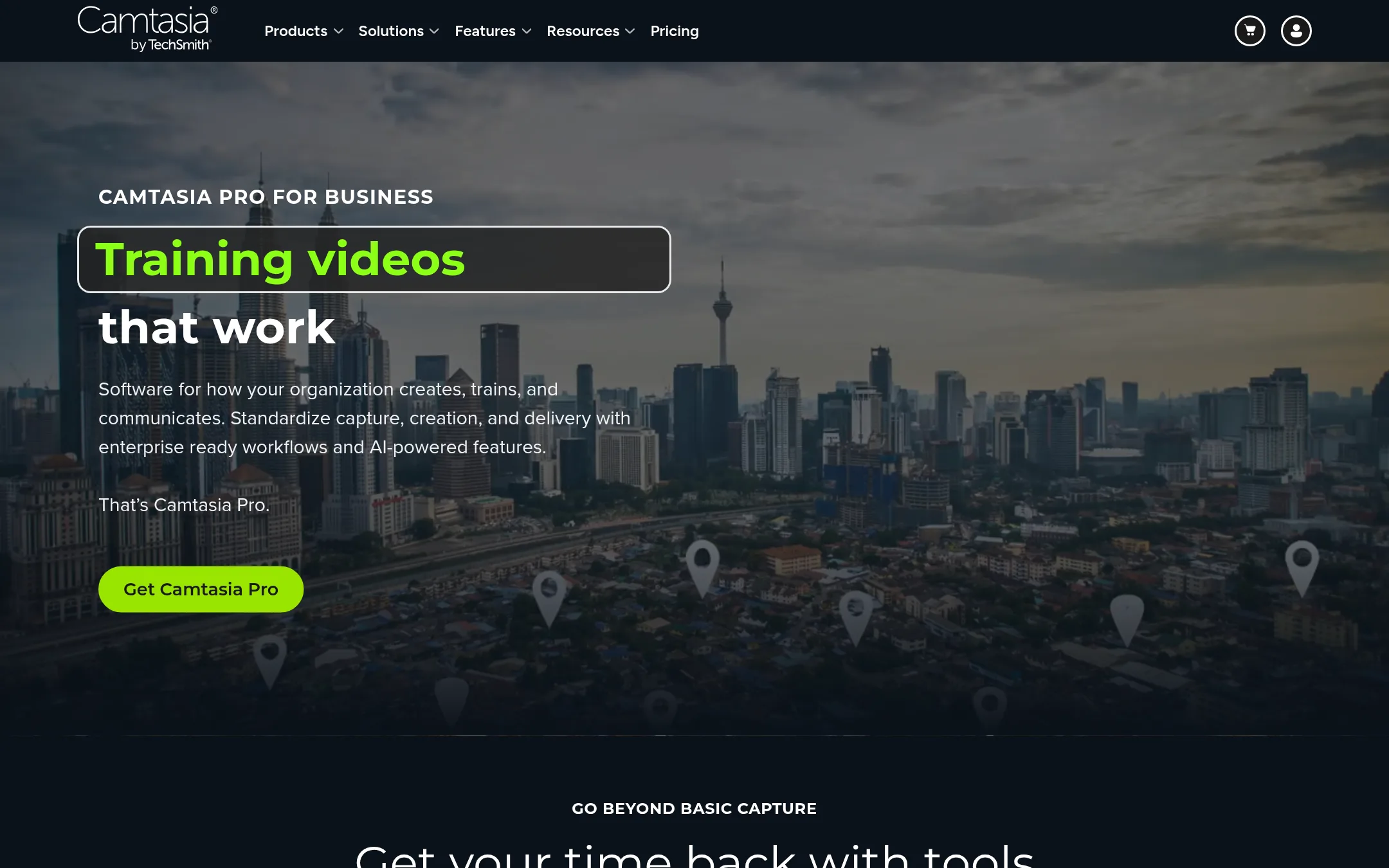
Camtasia is a full screen recorder and video editor, not just a quick async messaging tool. Choose it when you need to produce polished training videos, software tutorials, or step-by-step guides with multi-track editing, cursor effects, and background removal. It is a better fit for teams that want to turn internal knowledge into reusable, edited video content.
Where it is strong
- Multi-track recording captures screen, camera, and audio as separate layers.
- Text-based editing lets you update a video like a document instead of re-recording.
- Includes Snagit for step-by-step image guides and Audiate for AI avatars and translation.
Where it falls short
- No free tier or published pricing. You must contact sales for a quote.
- Heavier focus on editing than on quick async sharing, so it is slower for casual video messages.
- Pricing:
- Pricing is not published on the site.
- Switching from Loom:
- Moving from Loom means adopting a desktop editor workflow. You will record in Camtasia, edit the timeline, and then share via Screencast or your own hosting, rather than sending a link instantly.
- OFree
4.OBS Studio
Best for: Streamers, educators, and teams that need professional-grade live production or highly customizable local recordings without per-seat costs.
- Pricing
- Free
- Category
- Other
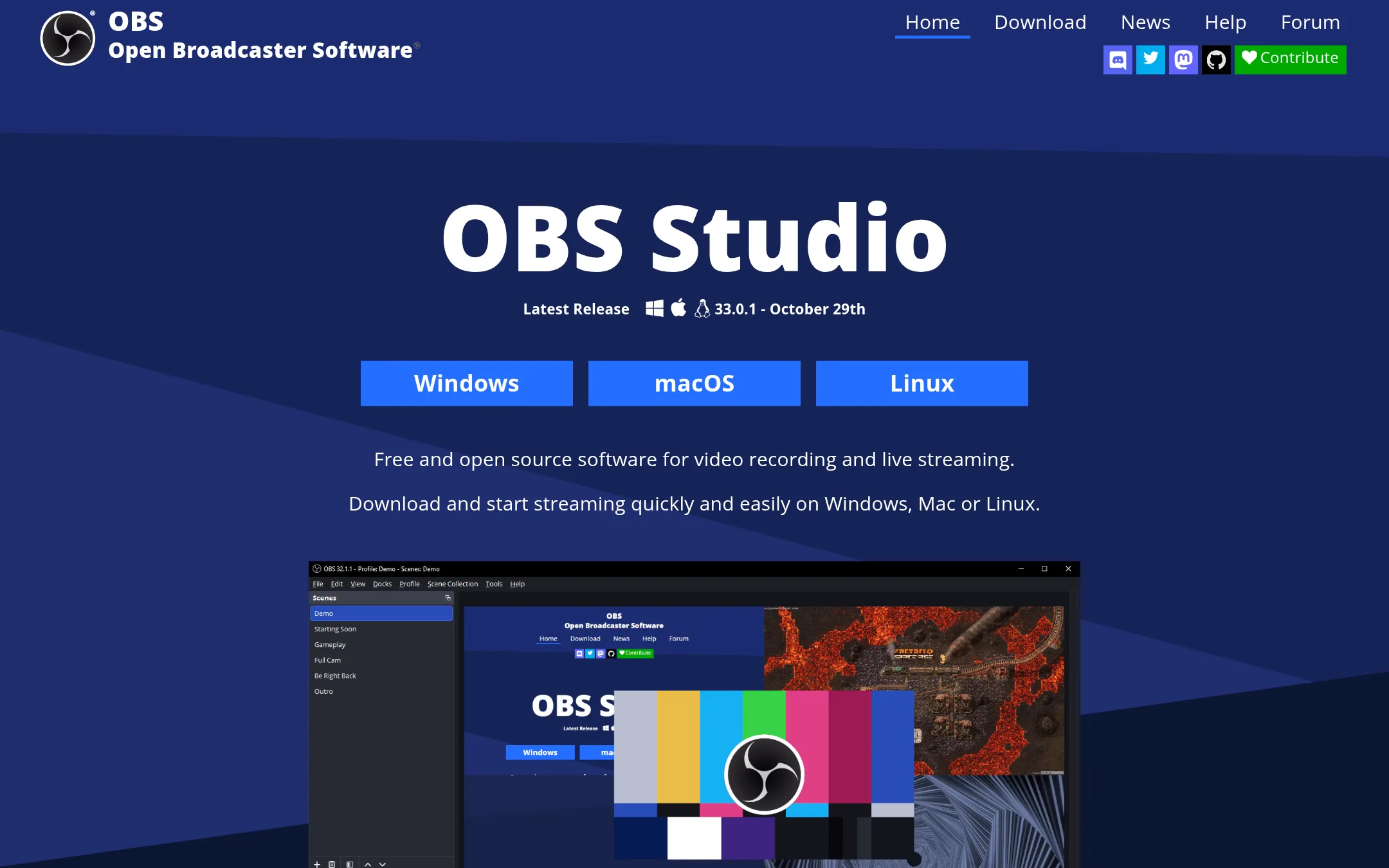
OBS Studio is a free, open-source tool for video recording and live streaming. Choose it over Loom when you need deep control over scenes, sources, and audio, or when you want to broadcast live to platforms like Twitch or YouTube.
Where it is strong
- Free and open source with no video limits
- Supports live streaming to Twitch, YouTube, and more
- Unlimited scenes, sources, and custom transitions
Where it falls short
- Steeper learning curve than Loom for simple async videos
- No built-in hosting, sharing, or viewer analytics
- Pricing:
- Pricing is not published on the site.
- Switching from Loom:
- Moving from Loom means you'll need to set up your own recording workflow and use external storage or streaming platforms for sharing.
- Not published
5.Vimeo
Best for: Video pros, marketing teams, and content businesses that need ad-free hosting, advanced privacy, live streaming, and monetization tools.
- Pricing
- Not published
- Category
- Media & Entertainment
Vimeo is a full video platform for hosting, editing, streaming, and monetizing high-quality video, with strong privacy controls and enterprise security. Choose it over Loom when you need a professional video hub for marketing, training, or content businesses, not just quick async screen recordings.
Where it is strong
- Ad-free, high-resolution video hosting
- Granular privacy controls and SSO for enterprise
- AI-powered translation, editing, and SEO tools
Where it falls short
- No free tier mentioned for screen recording
- Pricing not transparent on the site
- Pricing:
- Pricing is not published on the site.
- From $79/mo
6.Wistia
Best for: Marketing teams and businesses that need video hosting with lead capture, analytics, and marketing automation integrations.
- Pricing
- From $79/mo
- Category
- Marketing & Sales
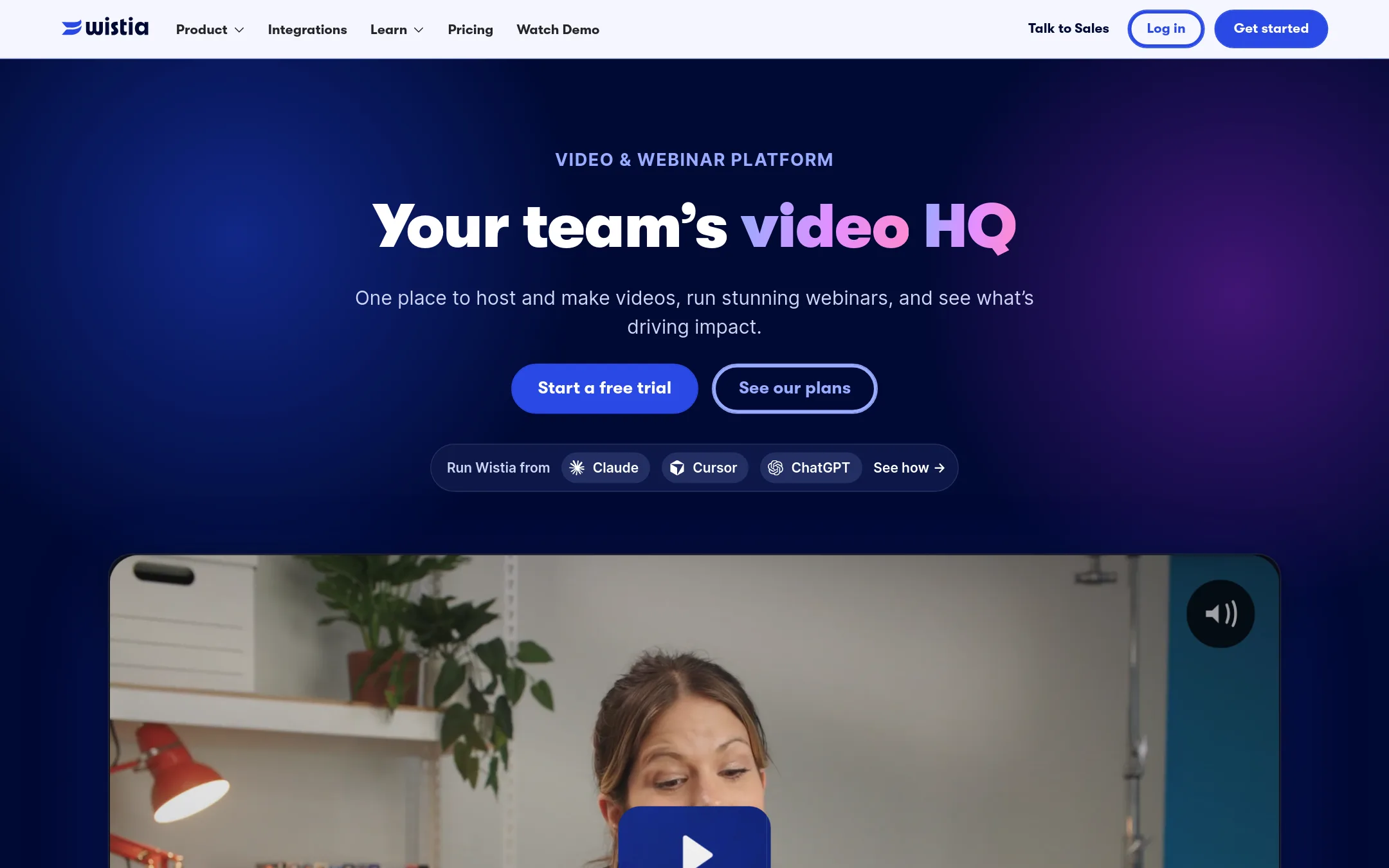
Wistia is a video hosting and marketing platform built for businesses that need to track viewer engagement, capture leads, and measure video ROI. Choose it over Loom when your priority is professional, ad-free video hosting with marketing automation integrations rather than quick async screen recordings.
Where it is strong
- Ad-free, customizable video player with branding options
- Advanced analytics including heatmaps and engagement graphs
- Signals add-on connects video data to marketing platforms like HubSpot
Where it falls short
- No free screen recorder with unlimited video length like Loom's Starter plan
- Marketing focus may be overkill for simple internal async communication
- Pricing:
- Free plan with 25 GB storage and 3,000+ lifetime credits. Business plan at $79/mo billed annually. Business + Signals at $329/mo billed annually. Enterprise custom.
- Switching from Loom:
- Moving from Loom means shifting from a quick recording tool to a more structured video marketing workflow, with a learning curve around analytics and lead capture.
- Free / M365 sub
7.Clipchamp
Best for: Teams already on Microsoft 365 who want a free, browser-based video editor with recording and AI features for creating polished videos, not just quick screen shares.
- Pricing
- Free / M365 sub
- Category
- Other
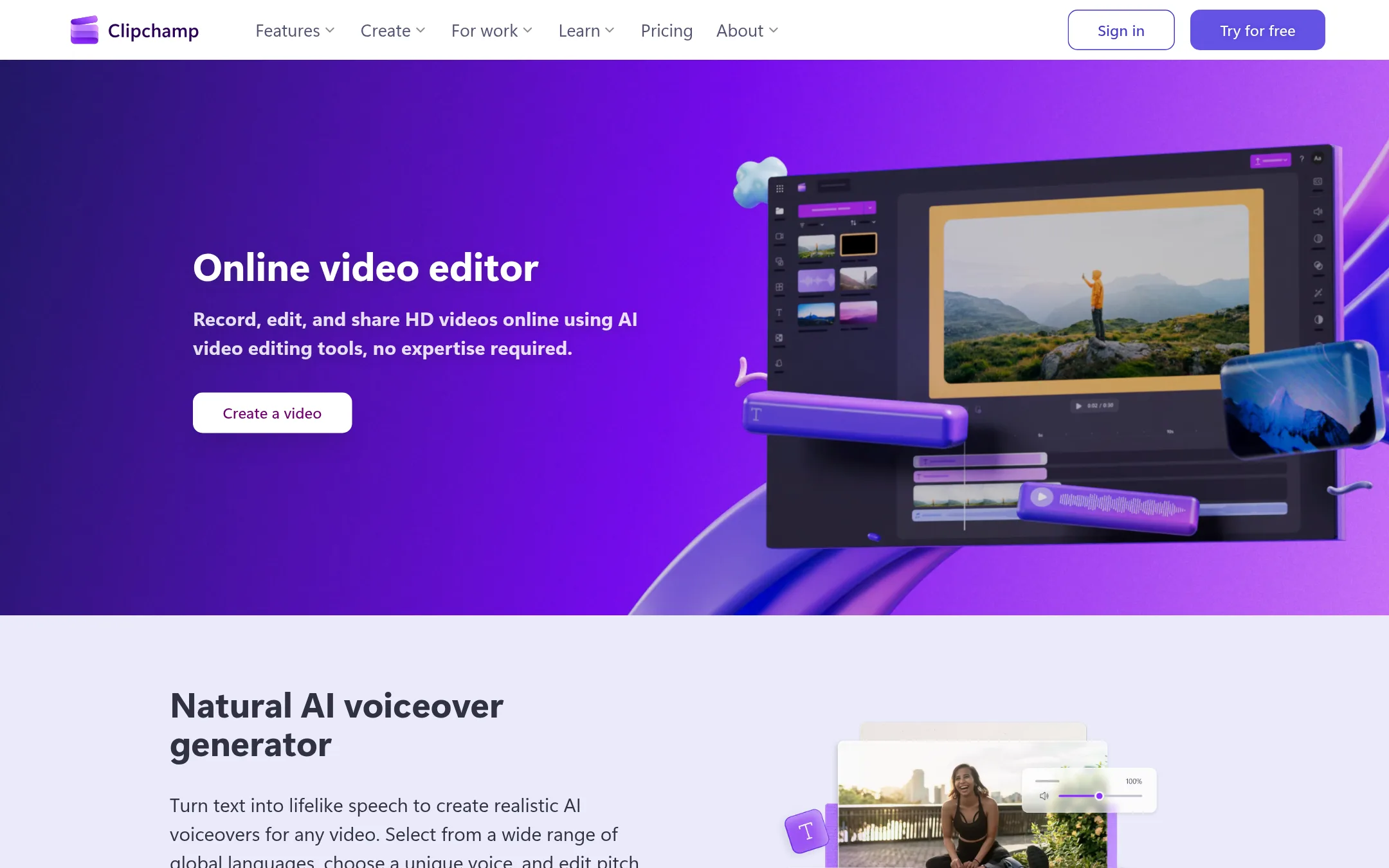
Clipchamp is a browser-based video editor from Microsoft that includes screen, camera, and voice recording, plus AI tools for subtitles, voiceovers, and audio cleanup. You would choose it over Loom if you need a full video editor with stock assets and templates, not just async messaging, and you are comfortable with Microsoft's ecosystem.
Where it is strong
- Free plan exports unlimited videos in 1080p with no watermarks
- AI subtitles in over 80 languages and AI voiceover generator
- Includes screen, camera, and voice recorder with unlimited retakes
Where it falls short
- Premium features require a Microsoft 365 subscription, not a standalone plan
- No native viewer insights or video privacy controls like Loom's workspace features
- Pricing:
- The free plan includes unlimited exports up to 1080p with no watermarks. Premium features like 4K export and brand kit come with a Microsoft 365 Personal or Family subscription.
- DNot published
8.Dubb
Best for: Sales teams in real estate, insurance, mortgage, coaching, consulting, and software that want video plus automated pipeline actions.
- Pricing
- Not published
- Category
- Other
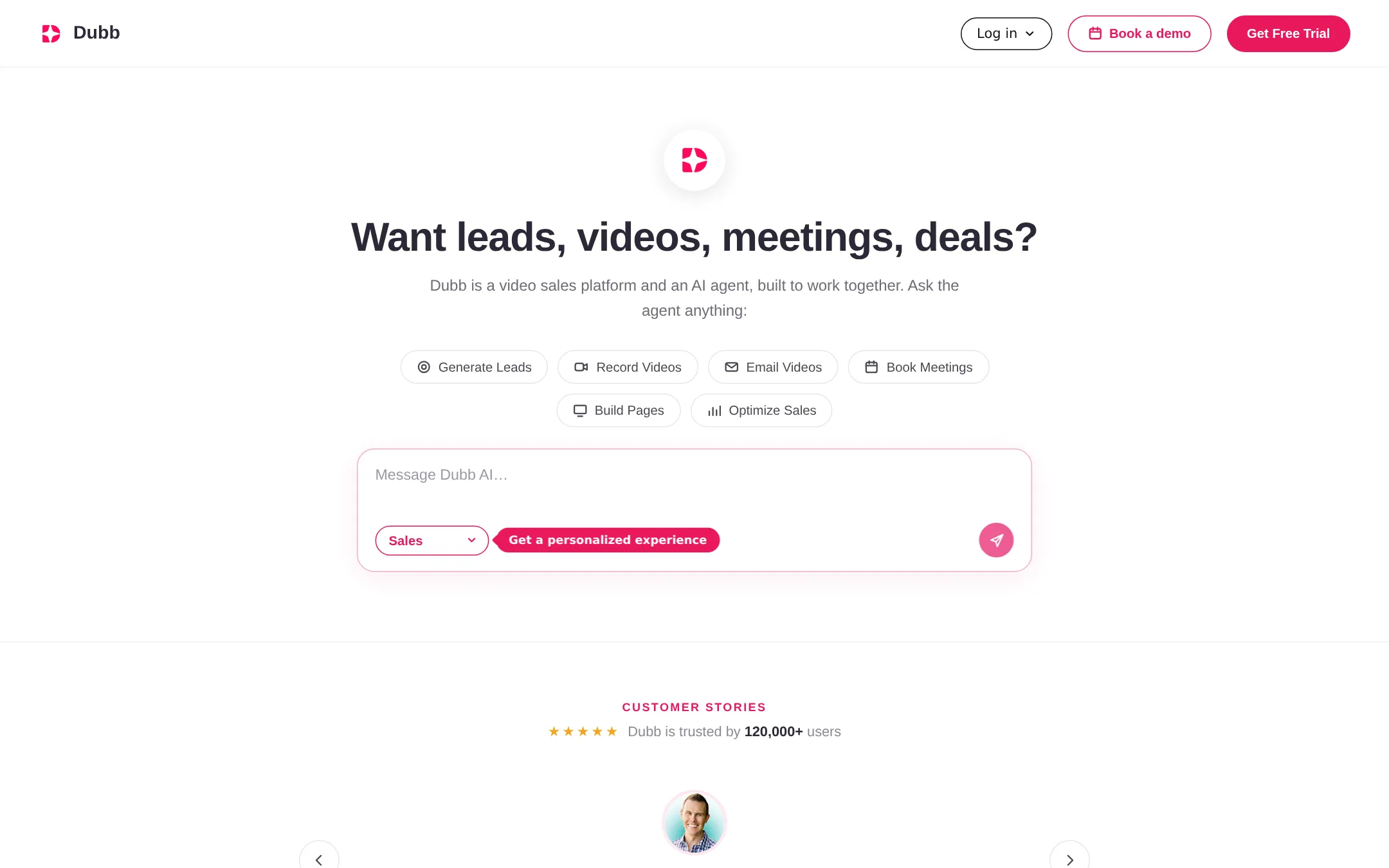
Dubb is a video sales platform with an AI agent that handles lead generation, video recording, emailing, meeting booking, and page building from Slack. Choose it over Loom if you need a tool that actively works your sales pipeline, not just async video messaging.
Where it is strong
- AI agent works the pipeline from Slack
- 3,000+ integrations
- Includes lead generation, meetings, and deals
Where it falls short
- No free tier mentioned
- Focused on sales, not general async communication
- Pricing:
- Pricing is not published on the site.
- See website
9.Clueso
Media & Entertainment
Create beautiful videos & docs for any product or process in minutes
- See website
10.Hera
Design & Creative
AI Motion Designer
- See website
11.Hippo Video
Marketing & Sales
Automate Video Creation with Agentic AI – Scalable, Multilingual Video Pitches
- Not published
12.Spokn
Best for: Internal Comms and HR teams that need to create branded, engaging employee videos in minutes without editing experience.
- Pricing
- Not published
- Category
- Communication & Collaboration
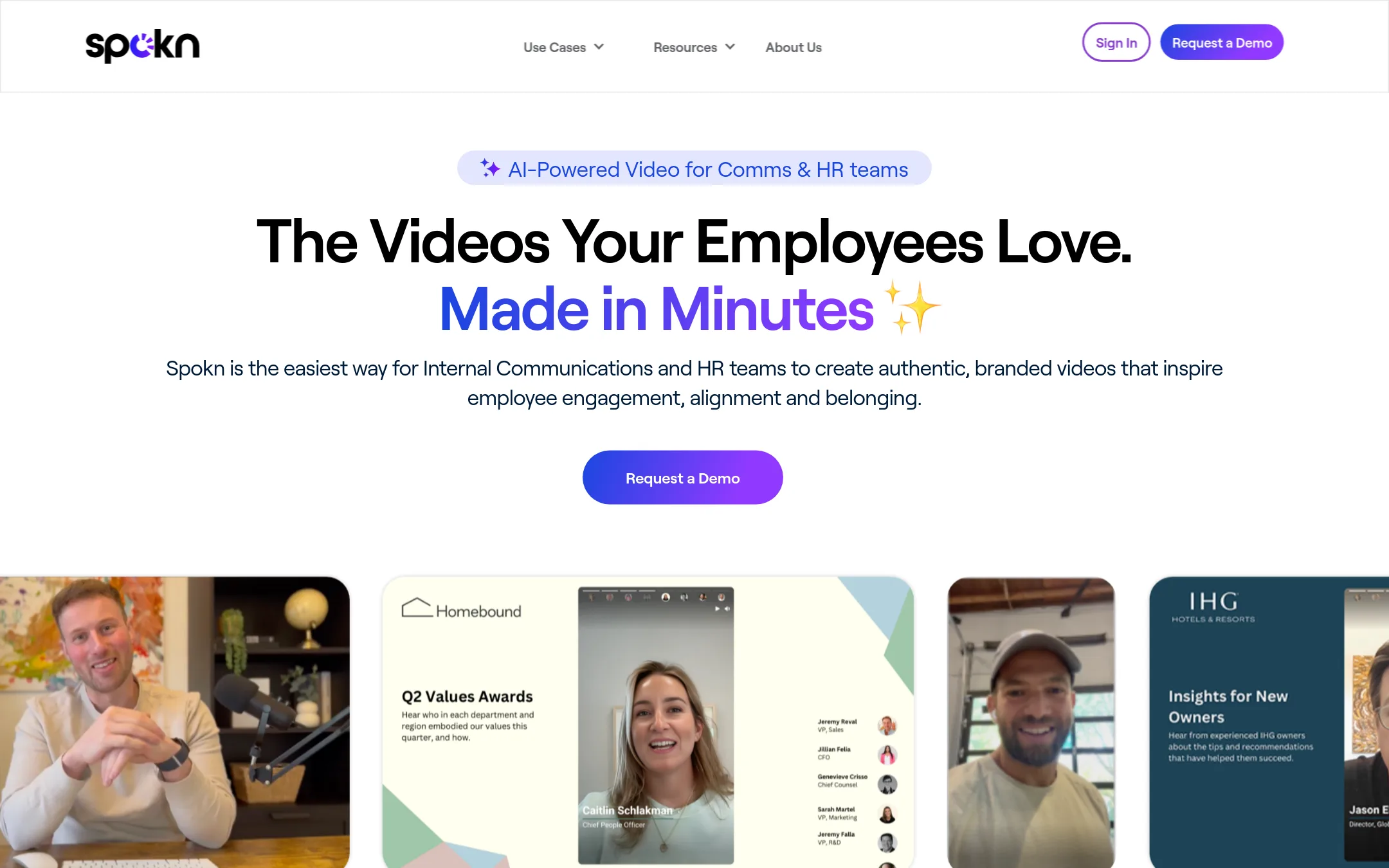
Spokn is a video creation platform built specifically for Internal Communications and HR teams. It helps you collect, edit, and brand employee videos quickly, without needing production skills. Choose it over Loom when you need polished, on-brand internal videos for announcements, recognition, or learning, rather than quick async screen recordings.
Where it is strong
- Built-in video collection from employees with approvals
- Branding tools for logos, animations, and colors
- AI enhancements for captions and video quality
Where it falls short
- Pricing not published, likely requires a sales conversation
- Not designed for quick personal screen recordings like Loom
- Pricing:
- Pricing is not published on the site.
See more comparisons in Communication & Collaboration alternatives.
FAQ
Questions about Loom alternatives
Which alternative is best for sales teams?
Vidyard is built for sales and marketing teams, with CRM integrations and viewer-level analytics. Dubb also targets sales with an AI agent for pipeline actions. Choose Vidyard for personalized outreach and Dubb for automated pipeline work.
Are there free options?
Yes, Wistia offers a free plan with 25 GB storage, and Clipchamp has a free plan with unlimited 1080p exports. Loom's Starter plan is free with 25 videos per person. Others like Vidyard and ScreenPal have free tiers but with limits.
Which tool is best for internal communications?
Spokn is specifically designed for Internal Comms and HR teams, with branding tools and employee video collection. It helps create polished, on-brand videos without editing experience. Loom is more for quick async messages, not branded internal videos.
Do these tools integrate with Slack or Jira?
Loom integrates with Slack, Jira, and Gmail. Vidyard integrates with Salesloft, Salesforce, and HubSpot. Screencast-O-Matic lacks deep integrations with Slack and Jira. Check each tool's integration list for your stack.
Which tool is best for video editing?
Camtasia is a full video editor with multi-track recording and text-based editing. Clipchamp offers browser-based editing with AI subtitles and voiceovers. Loom has basic editing like trimming and stitching, but not advanced features.
Last updated November 1, 2026.