
Lucidspark alternatives
10 products compared · Updated October 31, 2026
The short answer
For most teams, Miro is the strongest all-around alternative to Lucidspark, offering AI-assisted collaboration across ideation and workflow management. FigJam is the best choice for design and product teams already using Figma, while Conceptboard suits European teams needing GDPR-compliant hosting and built-in task management. Mural is also strong for facilitated workshops, and Whimsical is a solid pick for product teams wanting quick diagrams and wireframes.
Your shortlist, at a glance
Read the comparisons ↓ MiroNot publishedProduct teams and growing organizations that want AI-assisted visual collaboration across ideation, design, and workflow management.
 FigJamFree / $12–$90 per useDesign and product teams already working in Figma who want whiteboarding, design, and prototyping in one place.
- WWhimsicalFrom $10/editor/moProduct teams that need quick diagrams, wireframes, and mind maps in a single collaborative canvas.
- CCreatelyFree. Pro/Business cusTeams that want to plan orgs, map processes, or document cloud architecture from their own data, with AI assistance and approval workflows.
- CCacooNot publishedTeams that need a simple, collaborative diagramming tool with enterprise security controls.
Canva WhiteboardsNot publishedDesign-led teams that want to brainstorm and create visual content in one tool without switching between apps.
 ConceptboardFrom 5€/user/moEuropean teams and public-sector organizations that need a secure whiteboard with built-in task management and German data residency.
 MuralFree + custom tiersTeams that run facilitated workshops and need structured collaboration tools with AI assistance.
 PadletNot publishedEducators, facilitators, and small teams that need quick, visual boards for brainstorming and sharing ideas.
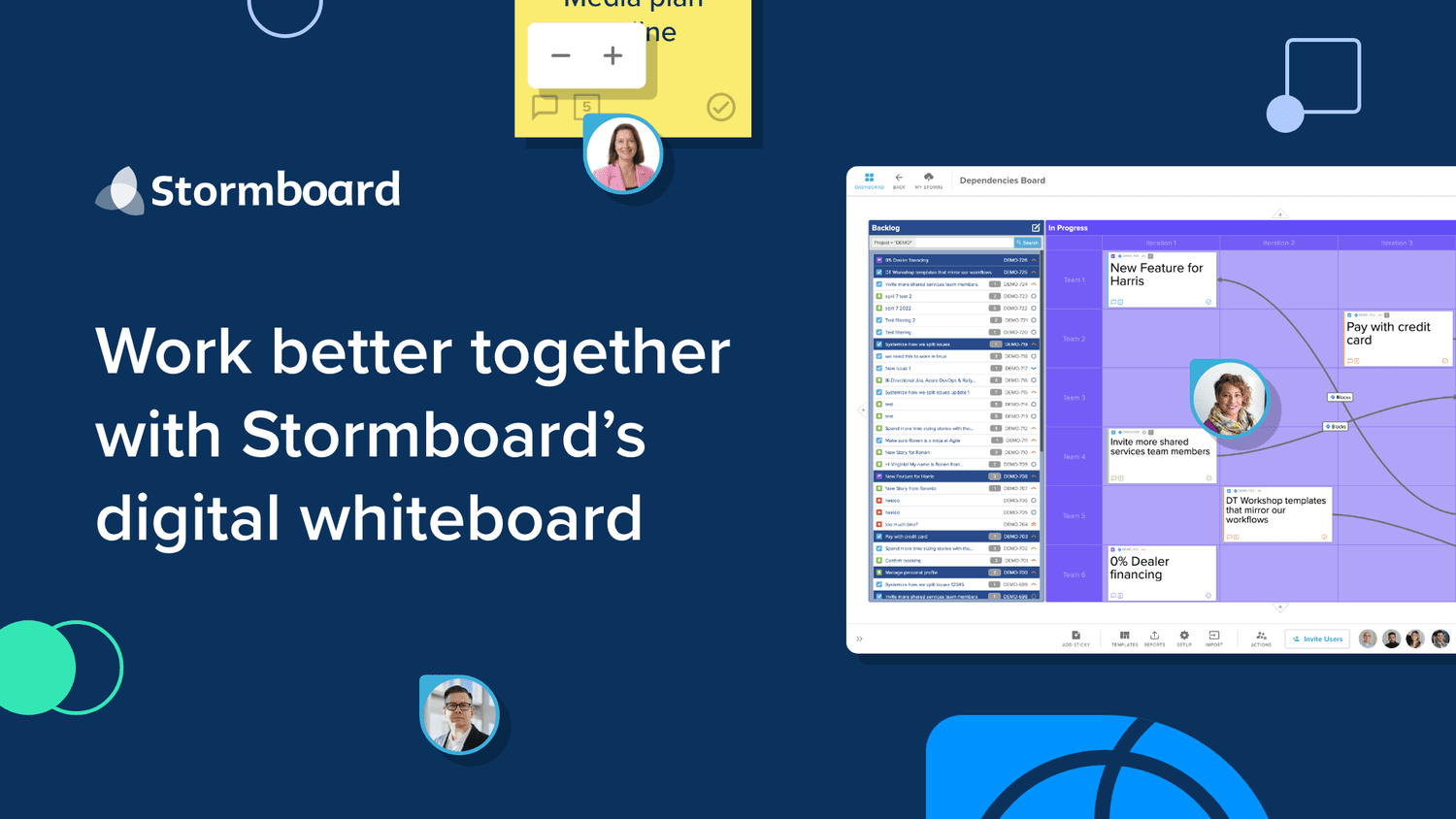 StormboardNot publishedAgile teams that need live two-way integration with Jira, Rally, or Azure DevOps and want to export structured reports from their whiteboards.
About Lucidspark and its alternatives
Lucidspark is a virtual whiteboarding tool from Lucid, known for team collaboration, ideation, and moving from brainstorming to action. It integrates with over 100 apps and includes AI features for generating diagrams and flowcharts.
When comparing alternatives, weigh pricing structure (free tiers, per-user costs, annual vs. monthly), regional data residency options, integrations with your existing stack, support and security certifications, and contract terms like minimums or enterprise requirements.
Explore the alternatives
- Not published
1.Miro
Best for: Product teams and growing organizations that want AI-assisted visual collaboration across ideation, design, and workflow management.
- Pricing
- Not published
- Category
- Communication & Collaboration
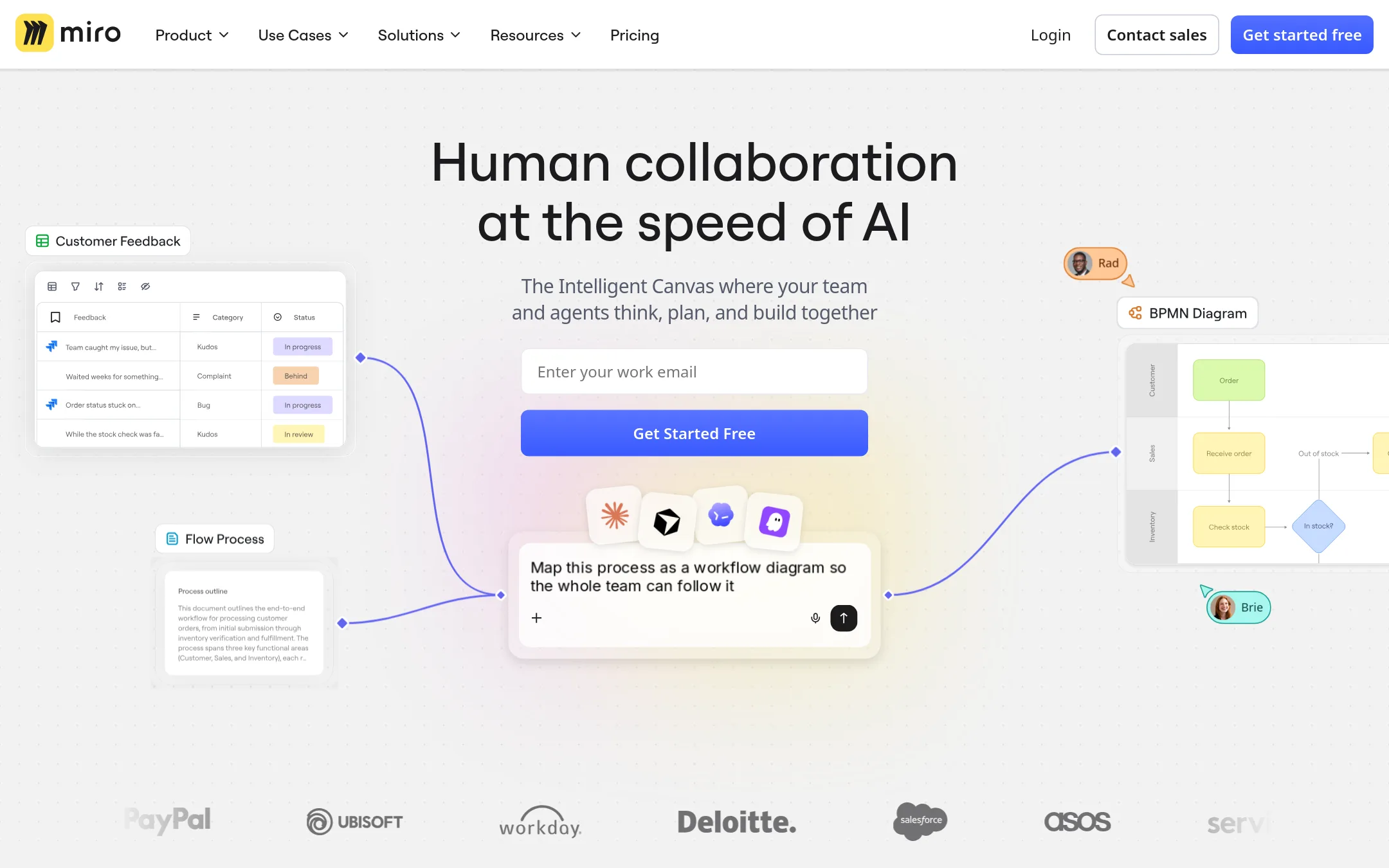
Miro is a visual workspace for team collaboration and product development. It covers ideation, diagramming, and project workflows with AI features. Choose Miro if you want a broader collaboration platform that goes beyond whiteboarding into product innovation and process design.
Where it is strong
- Free plan includes 3 editable boards and AI features to try
- Starter plan adds unlimited boards and visitor access
- Enterprise plan offers advanced security, compliance, and data residency options
Where it falls short
- Pricing details are not listed publicly, so you must contact sales
- AI credits are pooled and reset monthly, which may limit heavy usage
- Pricing:
- Pricing is not published on the site.
- Free / $12–$90 per use
2.FigJam
Best for: Design and product teams already working in Figma who want whiteboarding, design, and prototyping in one place.
- Pricing
- Free / $12–$90 per use
- Category
- Communication & Collaboration
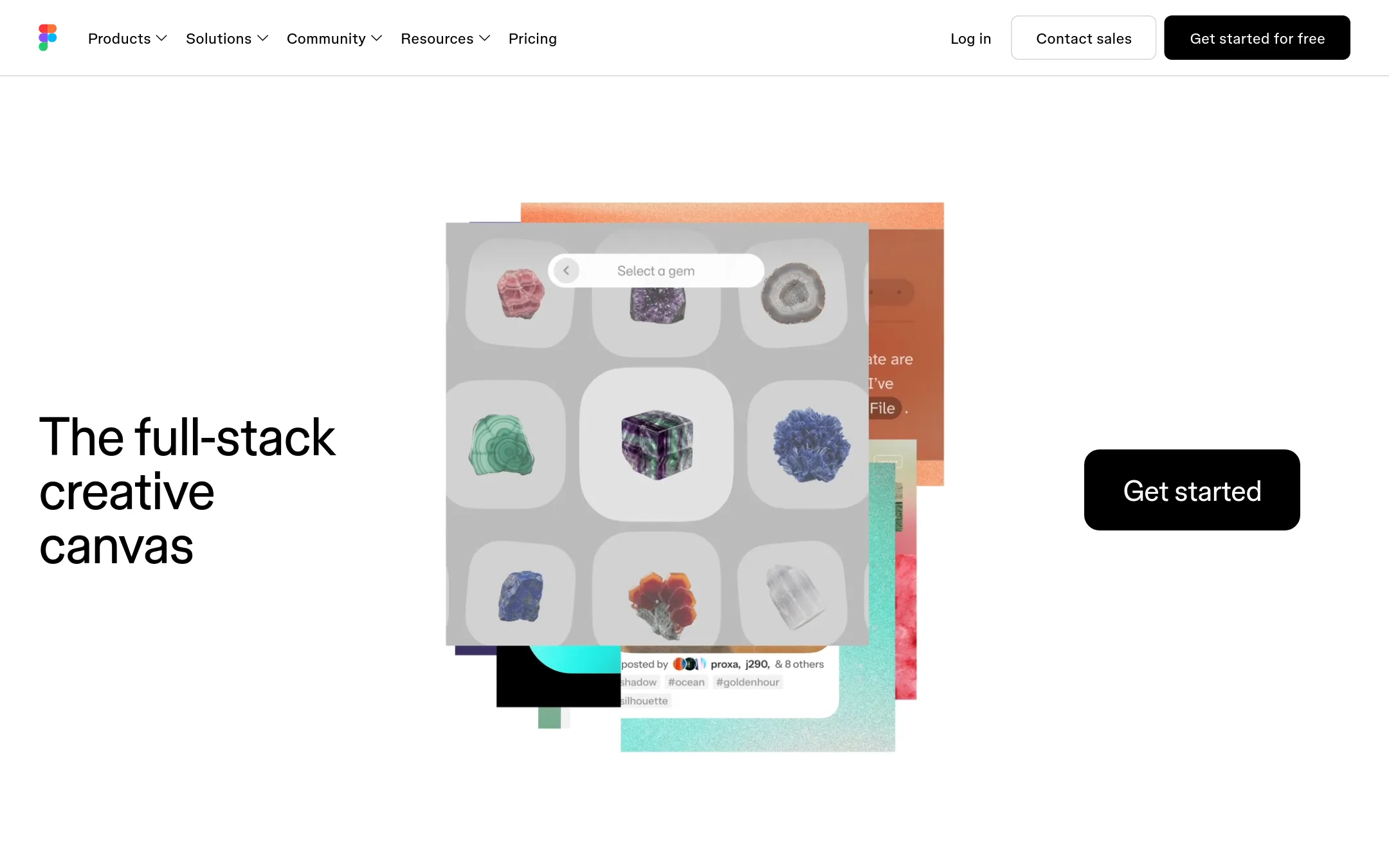
FigJam is a digital whiteboard built into the Figma ecosystem, so it's a natural fit for design and product teams already using Figma. You'd choose it over Lucidspark when you want whiteboarding tightly connected to your design files and prototypes, with the same collaborative canvas.
Where it is strong
- Native integration with Figma design files and prototypes
- AI credits included on paid plans for generating content
- Generous free tier with unlimited drafts
Where it falls short
- Whiteboarding features are less extensive than Lucidspark's dedicated tooling
- Best value only if you're already in the Figma ecosystem
- Pricing:
- Starter is free. Professional is $16 per user per month billed monthly or $12 billed annually. Organization is $55 per user per month billed annually. Enterprise is $90 per user per month billed annually.
- Switching from Lucidspark:
- Moving from Lucidspark to FigJam means recreating boards manually, since there's no direct import from Lucidspark.
- WFrom $10/editor/mo
3.Whimsical
Best for: Product teams that need quick diagrams, wireframes, and mind maps in a single collaborative canvas.
- Pricing
- From $10/editor/mo
- Category
- Other
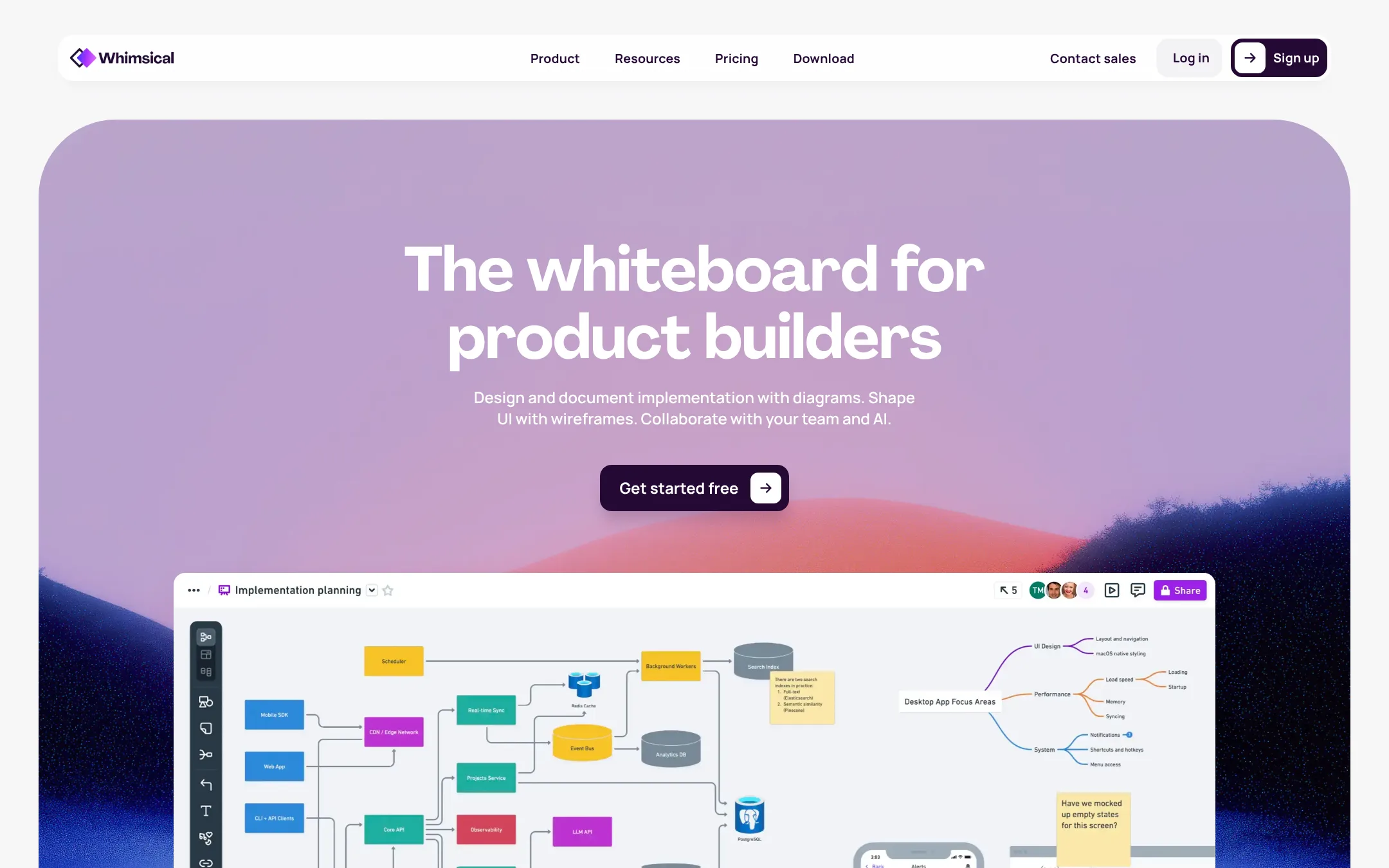
Whimsical is a fast, multiplayer whiteboard for product builders. It covers diagrams, wireframes, and mind maps in one canvas. Choose it over Lucidspark when your team wants a simpler, speed-focused tool for product design and flow documentation.
Where it is strong
- Real-time multiplayer editing keeps momentum going.
- Built-in templates for flowcharts, mind maps, and wireframes.
- Version history lets you restore earlier board states.
Where it falls short
- Free plan limits board objects to 50 per month.
- No dedicated virtual whiteboarding features like sticky notes or voting beyond basic comments.
- Pricing:
- Free plan includes 50 board objects per month and watermarked exports. Pro is $10 per editor per month with unlimited objects and 90-day version history. Business is $20 per editor per month with SAML SSO and unlimited version history.
- Switching from Lucidspark:
- Moving from Lucidspark is straightforward: export your boards as images or PDFs, then recreate them in Whimsical using its templates and drag-and-drop components.
- CFree. Pro/Business cus
4.Creately
Best for: Teams that want to plan orgs, map processes, or document cloud architecture from their own data, with AI assistance and approval workflows.
- Pricing
- Free. Pro/Business cus
- Category
- Other
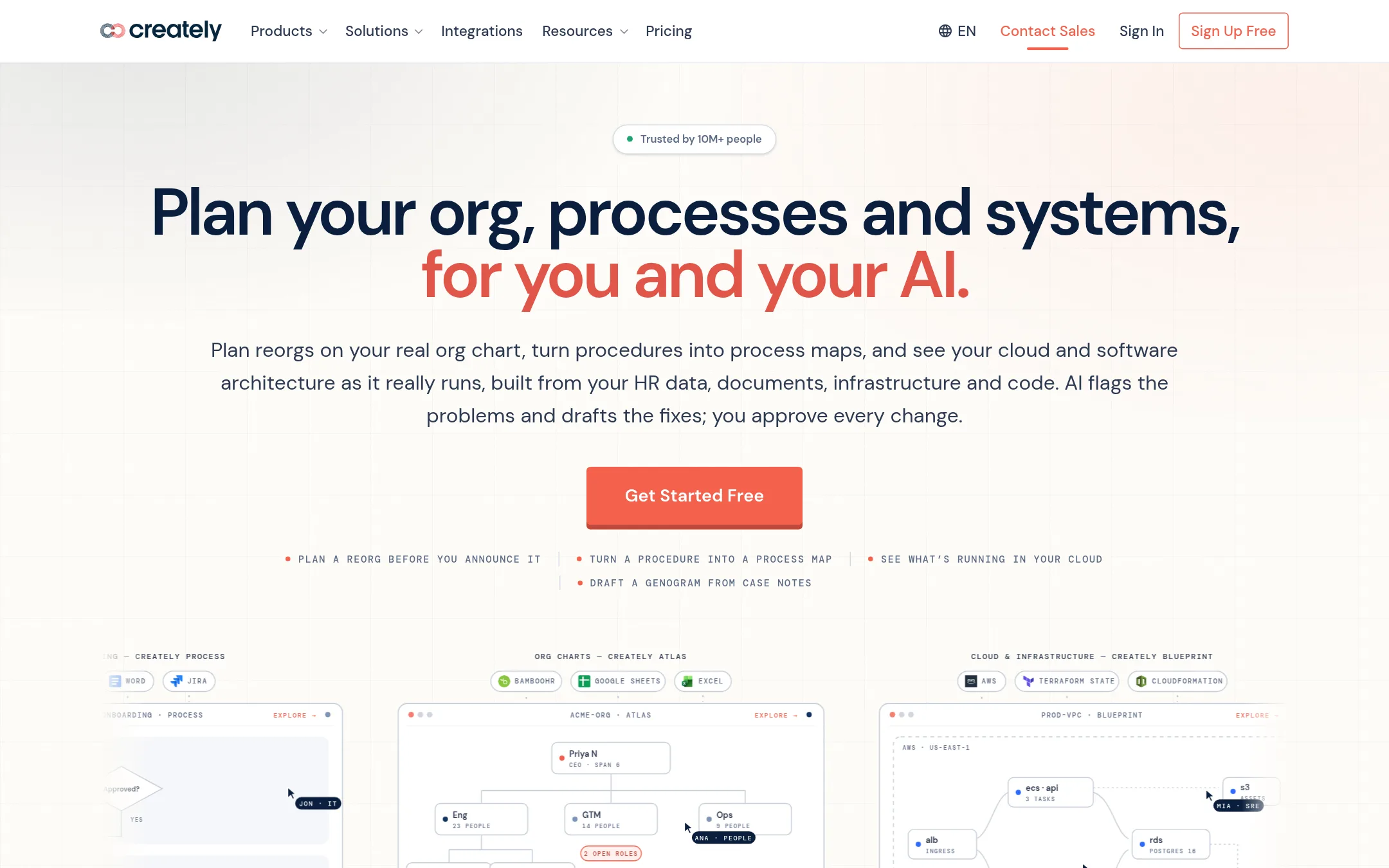
Creately is a diagramming and whiteboarding tool that also turns your existing data into org charts, process maps, and cloud diagrams. Choose it over Lucidspark when you need to start from real HR data, procedure documents, or an AWS account, not just a blank canvas. It suits teams that want AI to draft and flag issues, with human approval before anything changes.
Where it is strong
- Starts from your data: upload a spreadsheet or document, or connect AWS, and Creately builds the diagram for you.
- AI flags problems and drafts fixes, but nothing changes until you approve it.
- One subscription covers six products: org planning, process mapping, clinical genograms, cloud architecture, compliance, and diagramming.
Where it falls short
- Pro and Business pricing is not published, so you must contact sales to get a quote.
- Advanced features like SAML SSO and data residency are only on the Enterprise plan, which may be overkill for small teams.
- Pricing:
- Free forever plan with basic features and AI tools. Pro and Business plans have no published prices. Enterprise requires an annual agreement with custom terms.
- Switching from Lucidspark:
- Moving from Lucidspark means getting used to Creately's data-driven approach, where diagrams are built from your files and systems rather than drawn from scratch, and where AI suggestions require your approval before they apply.
- CNot published
5.Cacoo
Best for: Teams that need a simple, collaborative diagramming tool with enterprise security controls.
- Pricing
- Not published
- Category
- Other
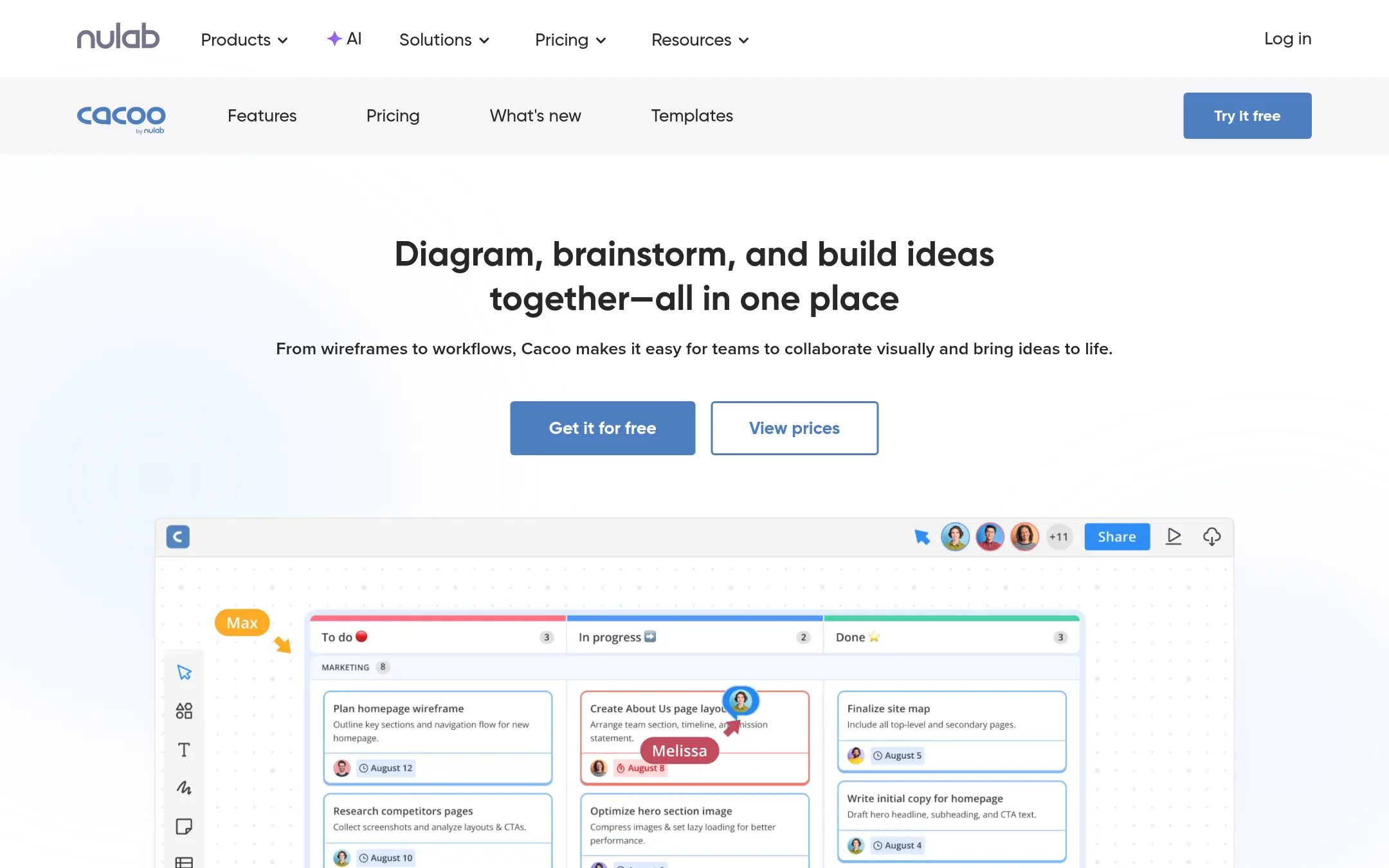
Cacoo is an online diagramming tool for creating flowcharts, wireframes, and other visual documents. It suits teams that want a straightforward diagramming tool with enterprise security features like SAML and private server hosting. Choose it over Lucidspark if your main need is structured diagramming rather than open-ended whiteboarding.
Where it is strong
- Easy to create flowcharts and quick prototypes
- Enterprise-grade security with SAML and private hosting
- Integrates with Nulab products and other tools
Where it falls short
- No pricing details on the site
- Less focused on freeform whiteboarding than Lucidspark
- Pricing:
- Pricing is not published on the site.
- Not published
6.Canva Whiteboards
Best for: Design-led teams that want to brainstorm and create visual content in one tool without switching between apps.
- Pricing
- Not published
- Category
- Communication & Collaboration
Canva Whiteboards is a visual collaboration tool built into Canva's design platform. It suits teams that already use Canva for design and want to brainstorm, map ideas, and create diagrams in the same workspace. Choose it over Lucidspark if you prioritize design flexibility and a familiar Canva interface over deep diagramming features.
Where it is strong
- Integrates with Canva's design tools and asset library.
- Simple, intuitive interface for quick brainstorming.
- Real-time collaboration with comments and reactions.
Where it falls short
- Lacks advanced diagramming features like Lucidspark's AI and data linking.
- Limited integrations compared to Lucidspark's 100+ custom connections.
- Pricing:
- Pricing is not published on the site.
- From 5€/user/mo
7.Conceptboard
Best for: European teams and public-sector organizations that need a secure whiteboard with built-in task management and German data residency.
- Pricing
- From 5€/user/mo
- Category
- Communication & Collaboration
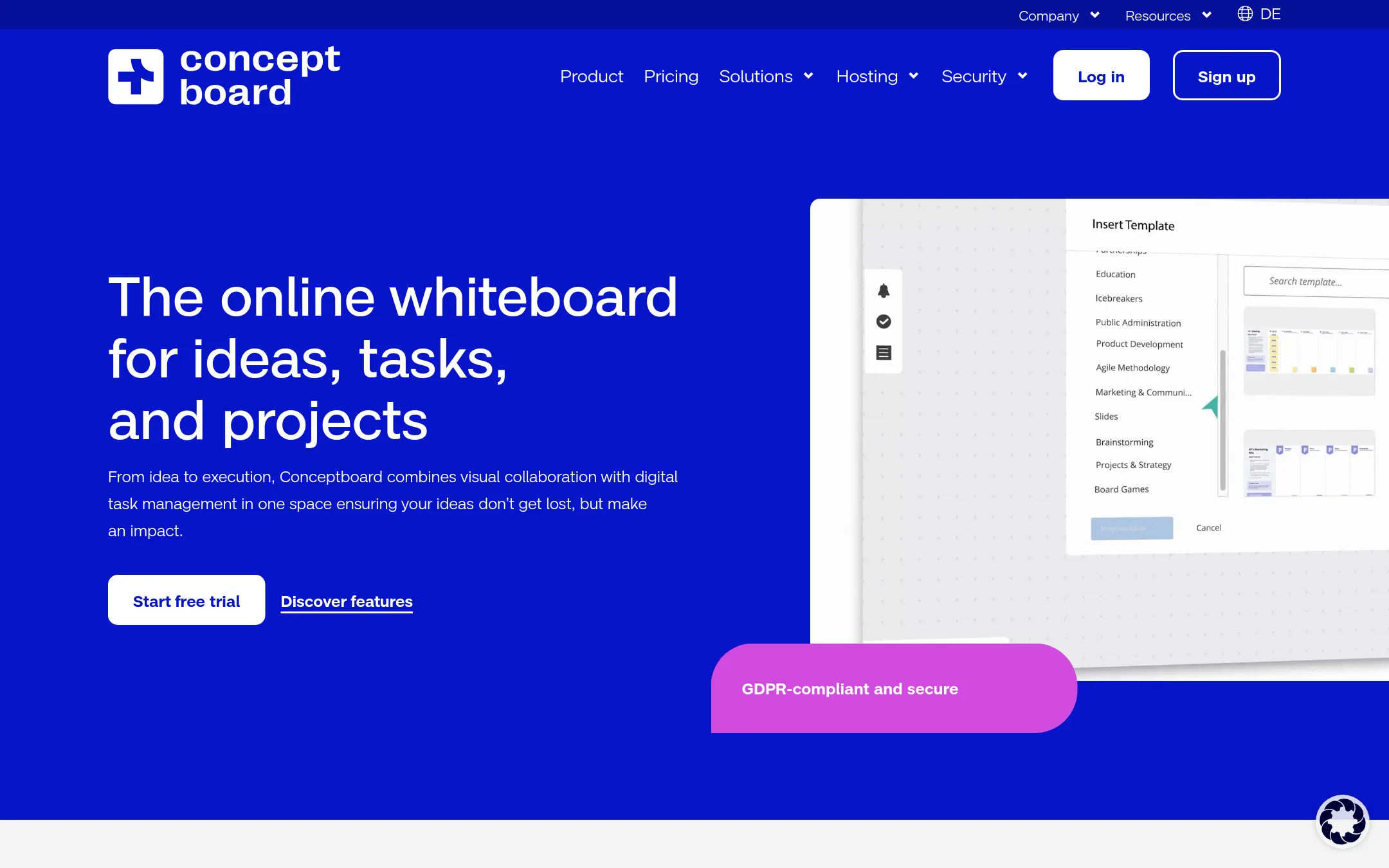
Conceptboard combines a real-time whiteboard with task management, so you can turn sticky notes into assigned tasks without leaving the board. It is a good fit if you want to keep ideas and execution in one place, especially for teams that need GDPR-compliant hosting in Germany.
Where it is strong
- Built-in task management and Kanban workflows on the board
- GDPR-compliant with hosting in Germany and ISO certification
- Tiered plans include free trial and options for public sector procurement
Where it falls short
- Advanced features like SSO require higher-tier plans or an additional fee
- File upload limits are lower than some competitors (10 MB on Starter)
- Pricing:
- Starter costs 5€ per user per month, Advanced starts at 10€ per user per month, and Corporate & Government starts at 14€ per user per month. All prices are subject to VAT.
- Free + custom tiers
8.Mural
Best for: Teams that run facilitated workshops and need structured collaboration tools with AI assistance.
- Pricing
- Free + custom tiers
- Category
- Communication & Collaboration
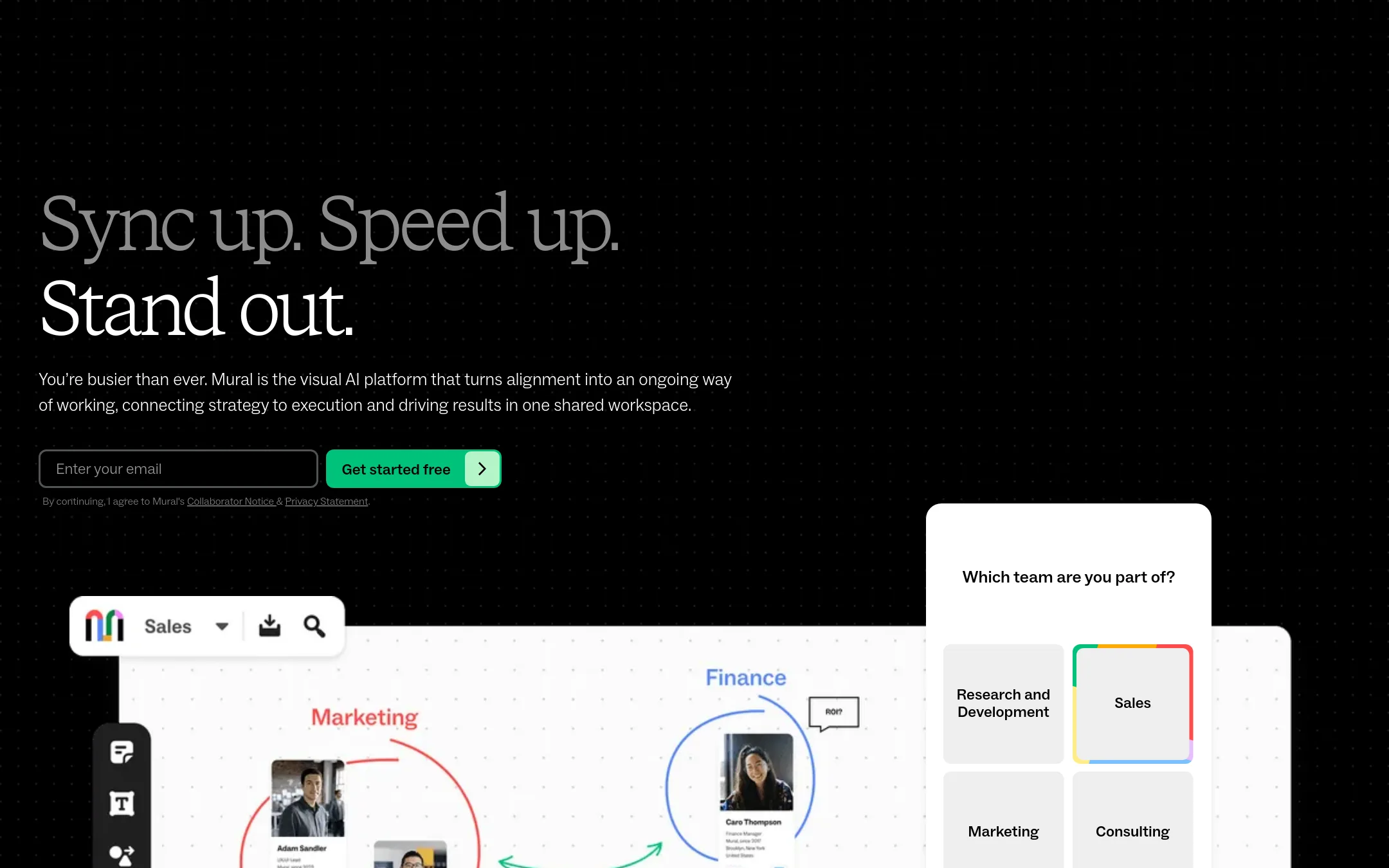
Mural is an AI-powered visual workspace for team collaboration, offering real-time whiteboards, templates, and facilitation tools. Choose it over Lucidspark if your team needs structured facilitation features like voting, timers, and private mode, or if you want a platform with strong enterprise security certifications.
Where it is strong
- Facilitation features like voting, timers, and private mode
- AI-powered workflows for brainstorming and insights
- SOC 2 Type 2, ISO 27001, and Microsoft 365 certifications
Where it falls short
- Pricing for paid plans is not transparent
- May have a steeper learning curve for simple whiteboarding
- Pricing:
- Pricing is not published on the site. Plans start with a Free tier for unlimited members, then Team+, Business, and Enterprise (contact for pricing).
- Not published
9.Padlet
Best for: Educators, facilitators, and small teams that need quick, visual boards for brainstorming and sharing ideas.
- Pricing
- Not published
- Category
- Productivity & Project Management
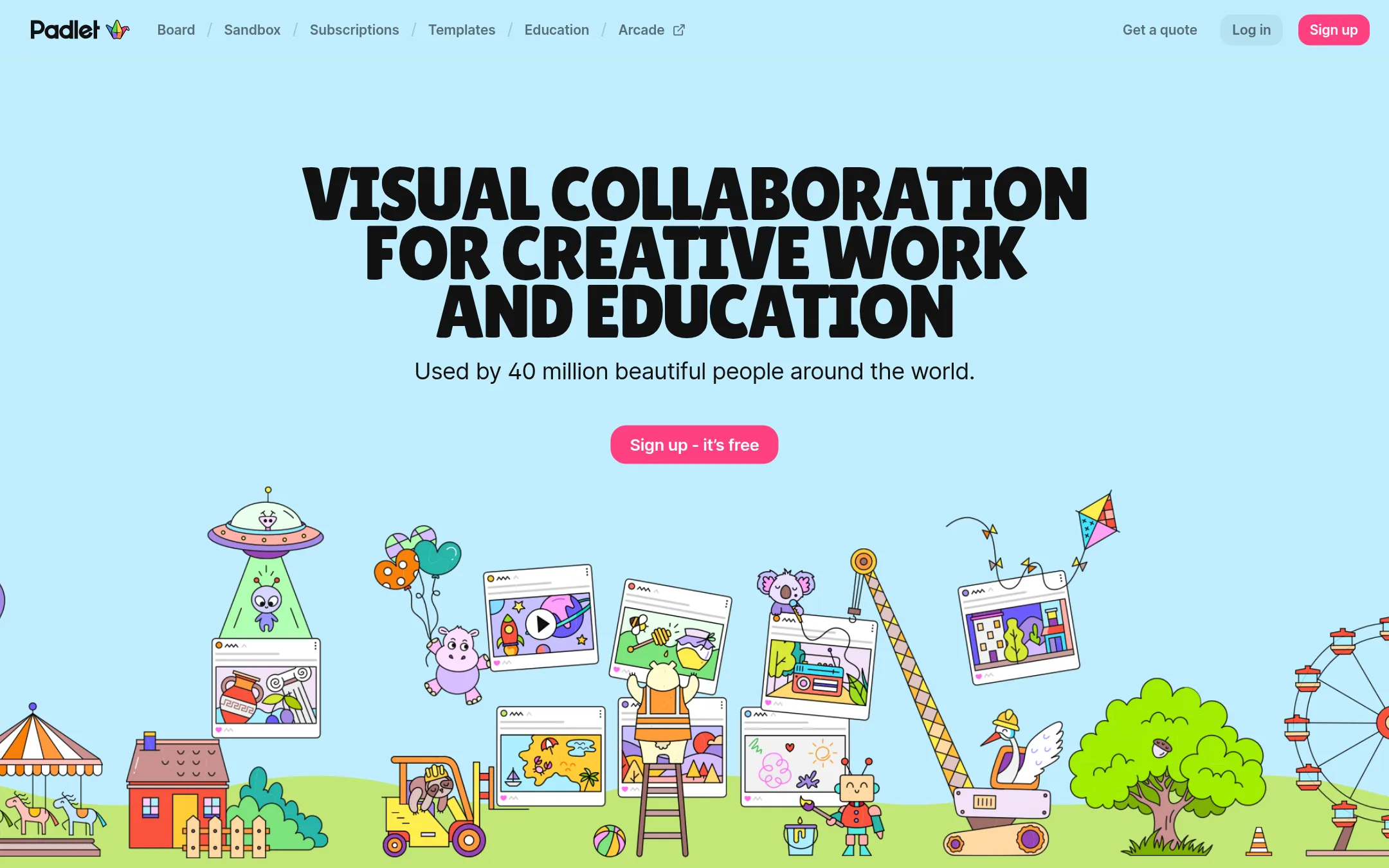
Padlet is a visual collaboration tool for collecting, organizing, and sharing thoughts on boards and canvases. It is a good choice for teams that want a simple, flexible space for brainstorming, lessons, or activities without the diagramming and process-mapping features of Lucidspark.
Where it is strong
- Used by 40 million people worldwide, so it is widely adopted and familiar.
- Offers both boards and sandboxes for different types of visual work.
- High ratings on G2, App Store, and Google Play (4.6-4.9).
Where it falls short
- No diagramming or process-mapping features like Lucidspark's flowchart generation.
- Lacks the enterprise integrations and AI capabilities that Lucidspark offers.
- Pricing:
- Pricing is not published on the site.
- Not published
10.Stormboard
Best for: Agile teams that need live two-way integration with Jira, Rally, or Azure DevOps and want to export structured reports from their whiteboards.
- Pricing
- Not published
- Category
- Communication & Collaboration
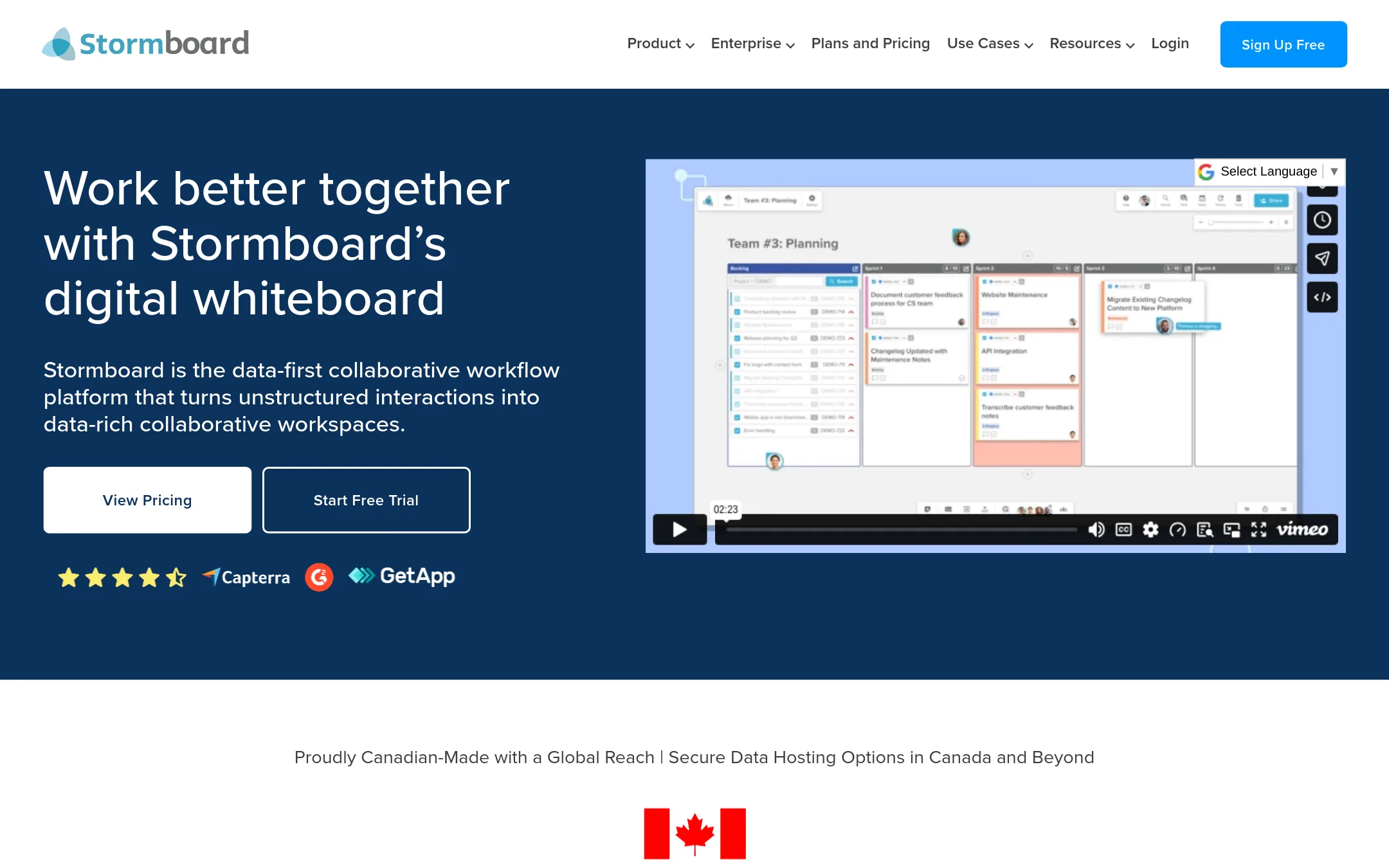
Stormboard is a digital whiteboard that turns sticky notes into structured data. It is a good fit for teams that want to move from brainstorming to actionable tasks and reports without manual re-entry. Choose it over Lucidspark if you need live two-way sync with Jira, Rally, or Azure DevOps, or if you want to export detailed summaries instead of just images.
Where it is strong
- Live two-way integrations with Jira, Rally, and Azure DevOps mirror changes automatically.
- One-click exports to Word, PowerPoint, Excel, and Google formats, not just images.
- StormAI adds AI assistance for brainstorming and action planning.
Where it falls short
- Pricing is not transparent. You must contact sales or book a demo.
- No mention of a free tier or self-serve signup, which may be a barrier for small teams.
- Pricing:
- Pricing is not published on the site.
- Switching from Lucidspark:
- Moving from Lucidspark to Stormboard is straightforward for basic whiteboarding, but you will need to set up the live integrations and re-create any custom templates.
See more comparisons in Communication & Collaboration alternatives.
FAQ
Questions about Lucidspark alternatives
Which alternative is best for a small team on a tight budget?
FigJam offers a free Starter plan with unlimited drafts, and Whimsical has a free plan with 50 board objects per month. Conceptboard starts at 5€ per user per month, which is lower than many competitors. Padlet and Miro also have free tiers, but pricing for paid plans is not published.
Which tool has the strongest enterprise security features?
Mural holds SOC 2 Type 2, ISO 27001, and Microsoft 365 certifications. Conceptboard is GDPR-compliant with hosting in Germany and ISO certification. Cacoo offers SAML and private server hosting. Miro's Enterprise plan includes advanced security and compliance options, but pricing is not public.
Can I integrate these tools with Jira or other project management software?
Stormboard offers live two-way sync with Jira, Rally, and Azure DevOps. Lucidspark integrates with Jira and Asana, but among alternatives, Stormboard is the most explicit. Miro and Mural also have integrations, but details are not listed on their pricing pages.
Which tool is best for design teams?
FigJam is built into the Figma ecosystem, so it's ideal for design teams already using Figma. Canva Whiteboards suits design-led teams that want to brainstorm and create visual content in one tool. Whimsical is also good for product teams needing wireframes and diagrams.
Are there any tools with transparent pricing?
FigJam and Whimsical publish their prices clearly. Conceptboard also lists starting prices per plan. Others like Miro, Mural, Padlet, Stormboard, Canva Whiteboards, and Cacoo do not publish pricing, so you must contact sales.
Last updated October 31, 2026.