
Noloco alternatives
12 products compared · Updated October 15, 2026
The short answer
For engineering teams that need code-level control, Retool is the strongest alternative. For teams that want to turn spreadsheets into mobile apps quickly, Glide is the best fit. For regulated industries needing compliance and unlimited users, Caspio is the top choice.
Your shortlist, at a glance
Read the comparisons ↓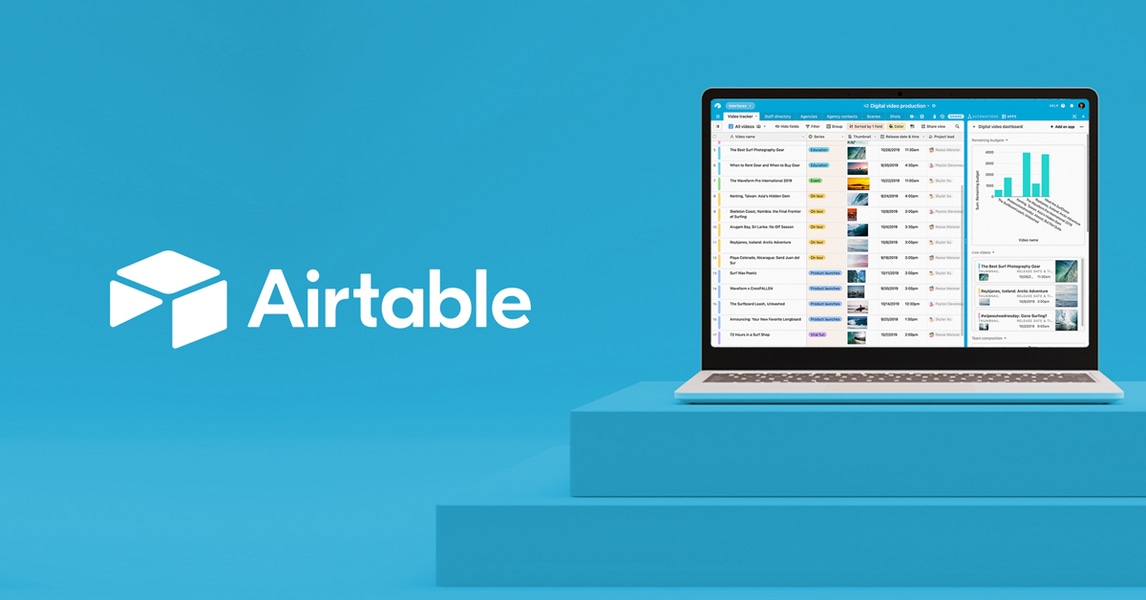 Airtable AutomationsNot publishedTeams at scale that need enterprise security, AI-powered workflows, and deep integrations across departments.
SoftrNot publishedTeams that need to quickly build client portals or internal tools on top of existing Airtable, Google Sheets, or Notion data without writing code.
 BubbleFrom $29/mo (annual)Founders and agencies building custom web or mobile apps that need full control over design, database, and logic without writing code.
GlideFree, then paid tiersTeams that already run their operations in spreadsheets and want to turn them into mobile apps for field staff, customers, or partners without writing code.
Monday.comFrom $9/seat/moTeams that want an AI-driven work platform to manage projects, automate workflows, and build custom apps across multiple departments.
 NotionFrom $10/user/moTeams that want a single, flexible workspace for internal docs, wikis, and project tracking without building client portals.
 CaspioFrom $300/moHealthcare, government, and financial services teams that need compliant, custom-built applications with AI capabilities and unlimited users.
 KnackFrom $19/moTeams in healthcare, construction, or government that need compliant, custom internal tools and customer portals without code.
 DronaHQFrom $0.002/taskEngineering teams that need to build secure internal tools and admin panels with deep enterprise integrations.
 AppsmithFrom $15/user/moEngineering teams that want to build custom internal tools with code-level control and Git workflows.
 RetoolFrom €9/user/moEngineering and IT teams that need to build custom internal tools with full control over code and data connections.
 Zoho MeetingNot publishedTeams that already use Zoho apps and need integrated video meetings and webinars.
About Noloco and its alternatives
Noloco is an AI portal builder for teams running complex operations. It lets non-technical users build client portals, internal tools, and workflows with no code, using its AI assistant Nola. It is known for granular permissions, integrations with existing tools, and a free plan with limited features.
When comparing alternatives, weigh pricing structure, especially per-seat versus unlimited users. Consider which regions and data sources you need, and whether the platform supports client-facing portals or just internal tools. Check support quality and contract terms, like annual billing or free trials.
Explore the alternatives
- Not published
1.Airtable Automations
Best for: Teams at scale that need enterprise security, AI-powered workflows, and deep integrations across departments.
- Pricing
- Not published
- Category
- Productivity & Project Management
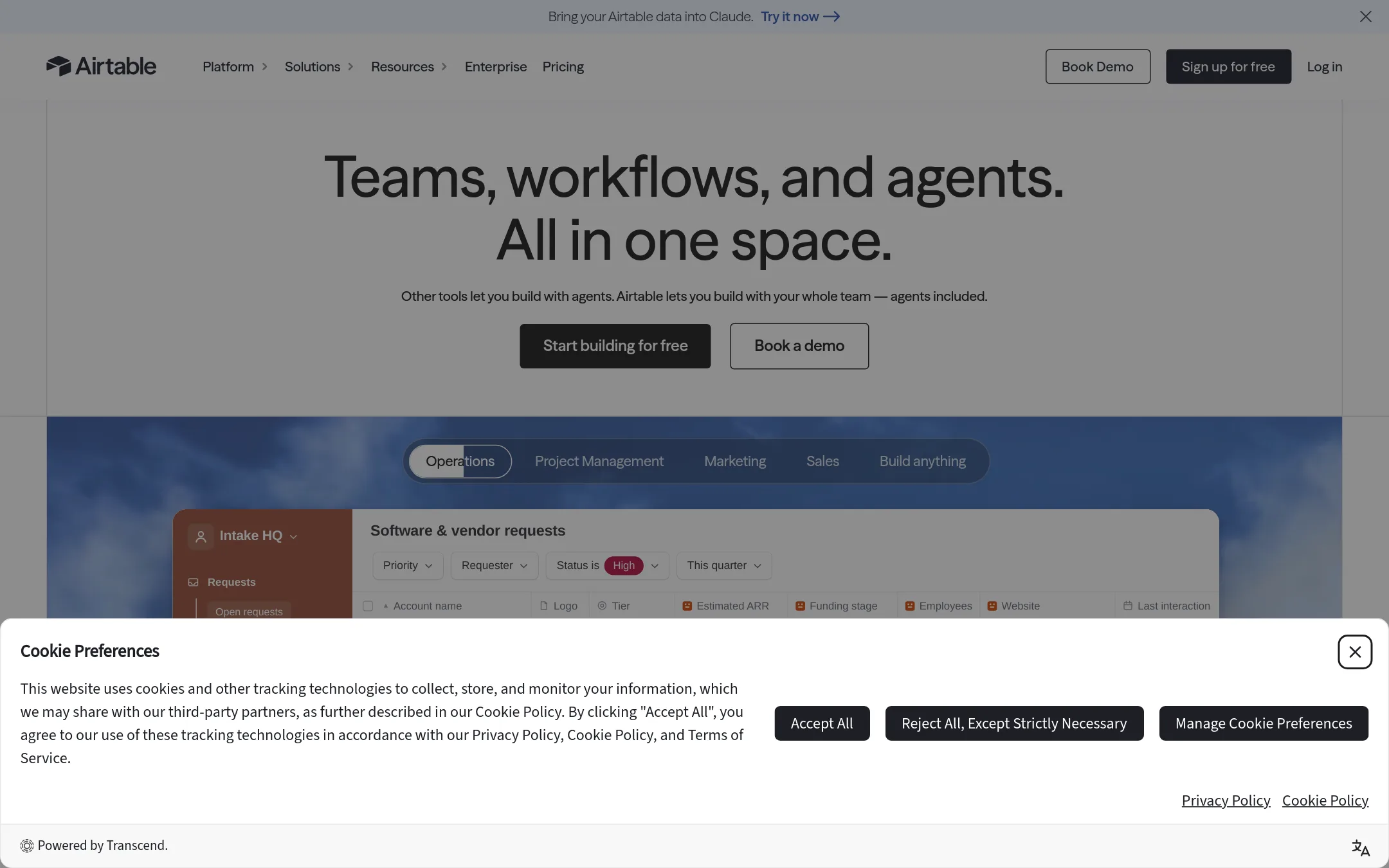
Airtable Automations is a no-code platform for building custom apps and automating workflows, trusted by over 500,000 teams. Choose it over Noloco if you need enterprise-grade security, AI agents, and the ability to scale to tens of thousands of users, especially in larger organizations.
Where it is strong
- Enterprise-grade security with ISO, HIPAA, SOC 2 compliance
- AI agents that work across thousands of records
- Scales to tens of thousands of users
Where it falls short
- Pricing not transparent, likely higher for enterprise features
- Steeper learning curve for complex automations compared to Noloco
- Pricing:
- Pricing is not published on the site.
- Not published
2.Softr
Best for: Teams that need to quickly build client portals or internal tools on top of existing Airtable, Google Sheets, or Notion data without writing code.
- Pricing
- Not published
- Category
- AI & Machine Learning
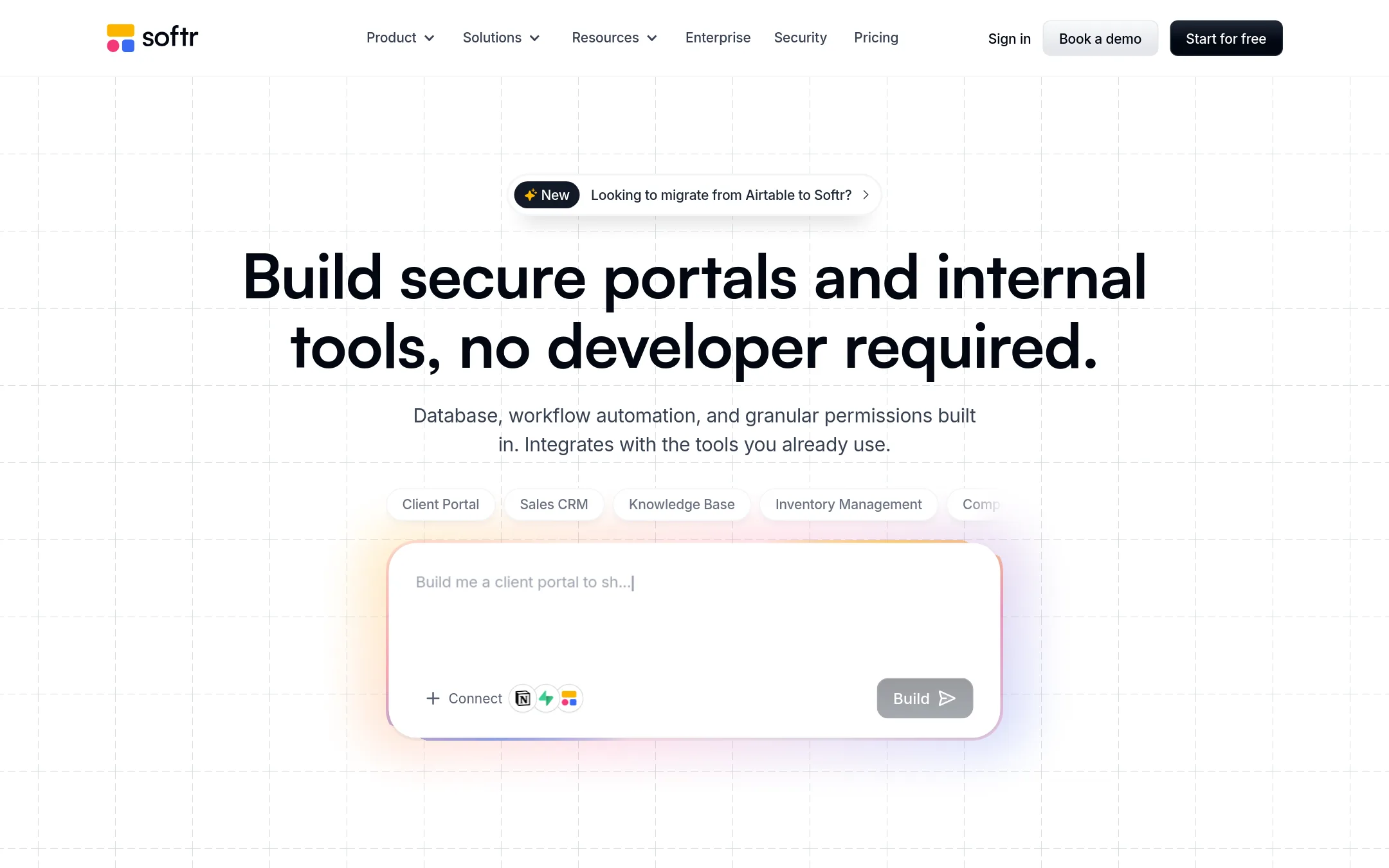
Softr is a no-code platform for building custom portals, internal tools, and business apps on top of data sources like Airtable, Google Sheets, and Notion. It includes built-in databases, workflow automation, and granular permissions. Choose Softr over Noloco if you want a broader range of data source integrations and a strong focus on AI-assisted app building.
Where it is strong
- Connects to 21+ external data sources, including Airtable, Notion, Google Sheets, and REST API.
- AI co-building lets you describe what you need and Softr generates the interface, database, and workflows.
- Granular permissions and SSO support for secure external-facing portals.
Where it falls short
- Pricing details are not shown publicly, so you must contact sales or start free to see costs.
- Some advanced data sources like HubSpot and SQL databases are only on higher-tier plans.
- Pricing:
- Pricing is not published on the site.
- From $29/mo (annual)
3.Bubble
Best for: Founders and agencies building custom web or mobile apps that need full control over design, database, and logic without writing code.
- Pricing
- From $29/mo (annual)
- Category
- AI & Machine Learning
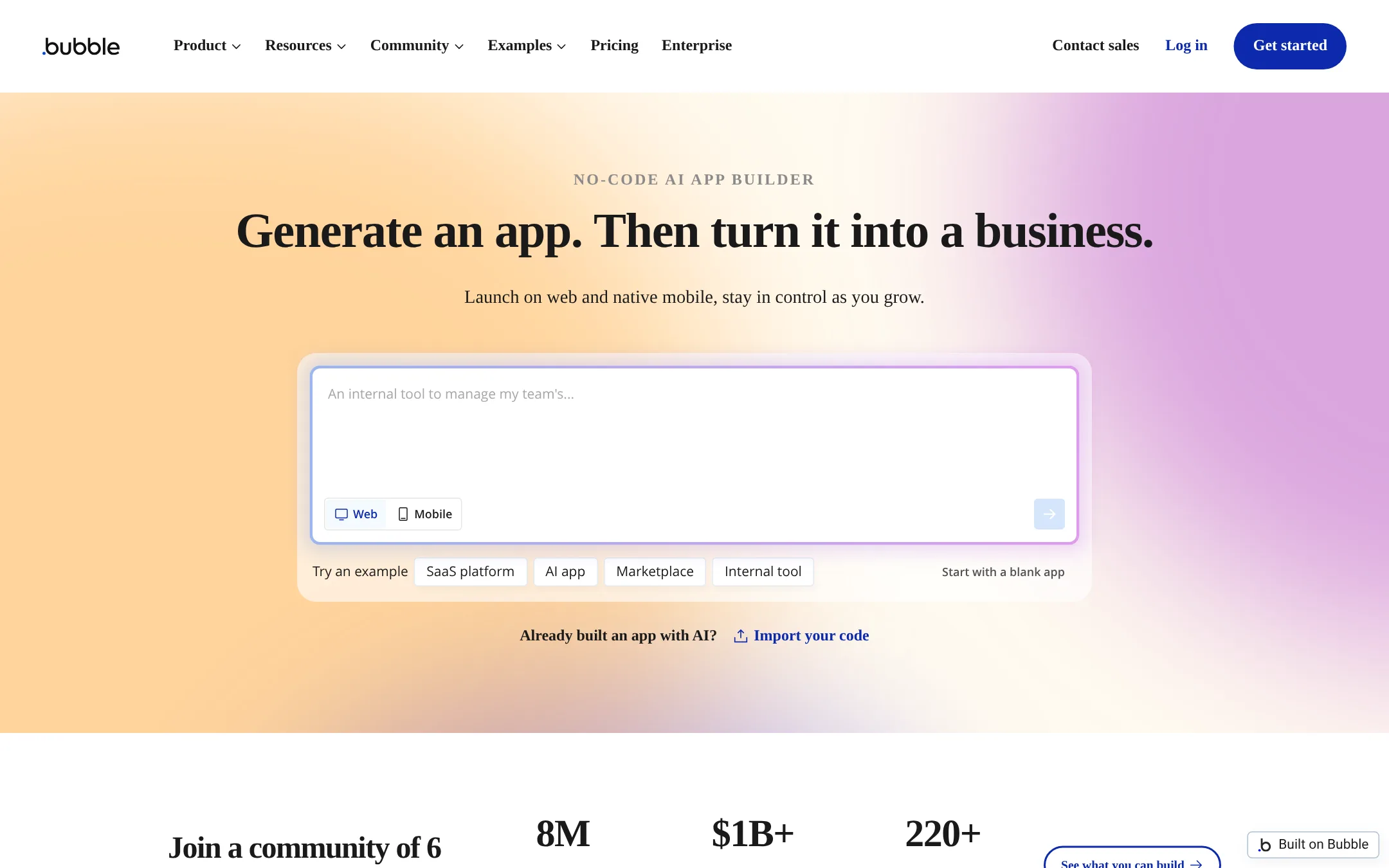
Bubble is a general-purpose no-code platform for building web and mobile apps from scratch, with AI-assisted design and logic. You would choose it over Noloco when you need a fully custom, consumer-facing application rather than an internal operations portal with pre-built client management features.
Where it is strong
- Build web, iOS, and Android apps from one codebase
- AI agent and page generation speed up development
- Usage-based pricing scales with app workload
Where it falls short
- Steeper learning curve than Noloco for non-technical teams
- No built-in client portal features like permissions or client seats
- Pricing:
- Free plan includes 500 AI credits and 50K workload units per month. Paid plans start at $29 per month billed annually for Starter, $119 for Growth, and $349 for Team. Enterprise pricing is custom.
- Switching from Noloco:
- Moving from Noloco means rebuilding your portal from scratch in Bubble, including data models, workflows, and client-facing pages.
- Free, then paid tiers
4.Glide
Best for: Teams that already run their operations in spreadsheets and want to turn them into mobile apps for field staff, customers, or partners without writing code.
- Pricing
- Free, then paid tiers
- Category
- Productivity & Project Management
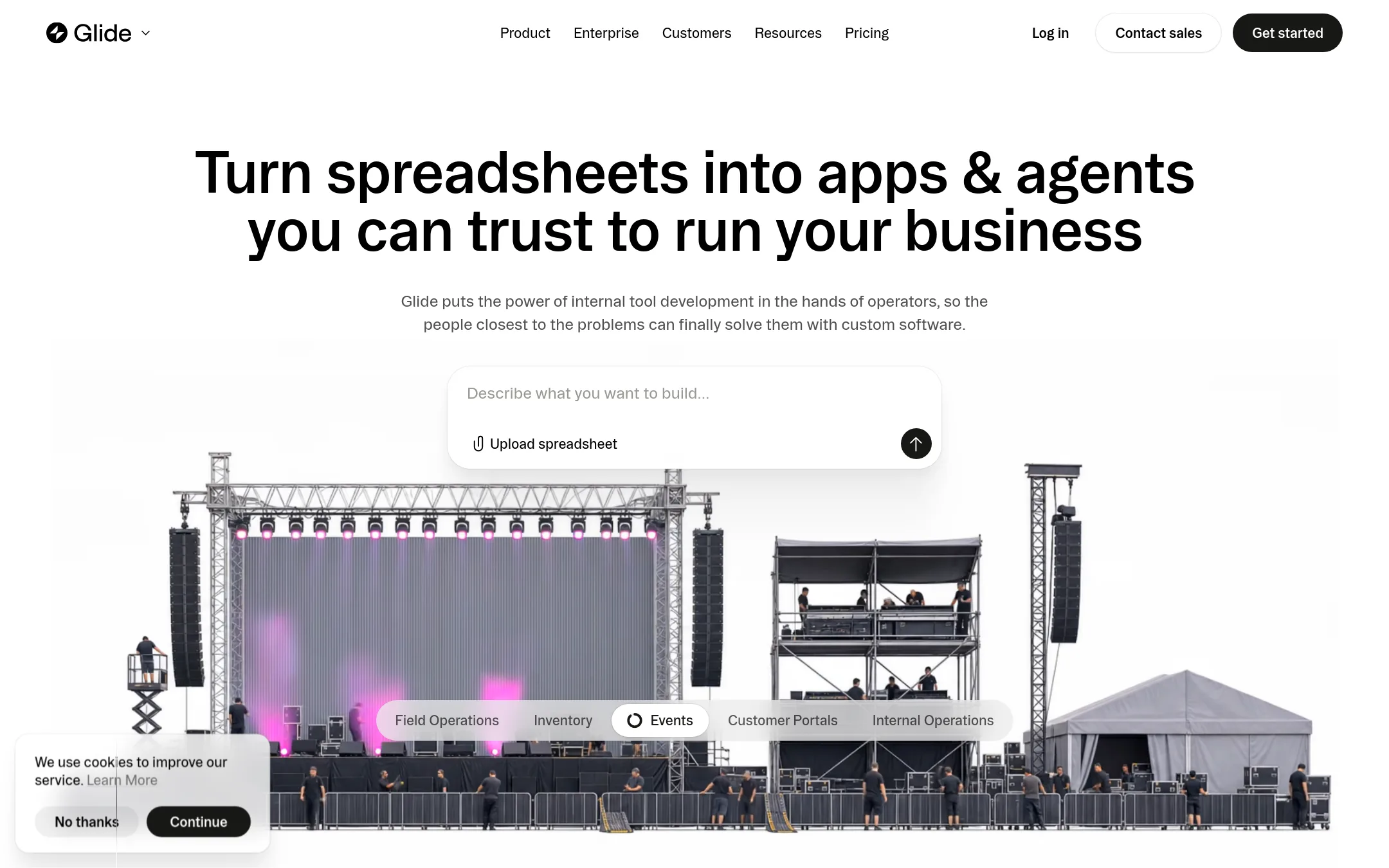
Glide turns spreadsheets into internal business apps and portals, with AI-assisted building from a prompt or file. Choose it over Noloco when your starting point is a spreadsheet and you want a quick, mobile-friendly app for field teams or customer portals. It is a standalone product, separate from Glide Classic, with its own plans and pricing.
Where it is strong
- Turns spreadsheets into apps in minutes
- AI can build apps from a prompt or file
- Apps work on desktop and mobile with live data
Where it falls short
- GlideOS is separate from Glide Classic, so existing Glide users need a new subscription
- Free plan limits you to 2 team members and 10 projects
- Pricing:
- Pricing starts with a Free plan for 2 team members and 10 projects. Paid plans begin at Basic, then Plus, then Pro starting at 5 team members with 50 credits included per member, and Enterprise with custom team size and SSO.
- Switching from Noloco:
- Moving from Noloco means rebuilding your app in GlideOS, since it is a separate platform with its own data sources and workflows.
- From $9/seat/mo
5.Monday.com
Best for: Teams that want an AI-driven work platform to manage projects, automate workflows, and build custom apps across multiple departments.
- Pricing
- From $9/seat/mo
- Category
- Productivity & Project Management
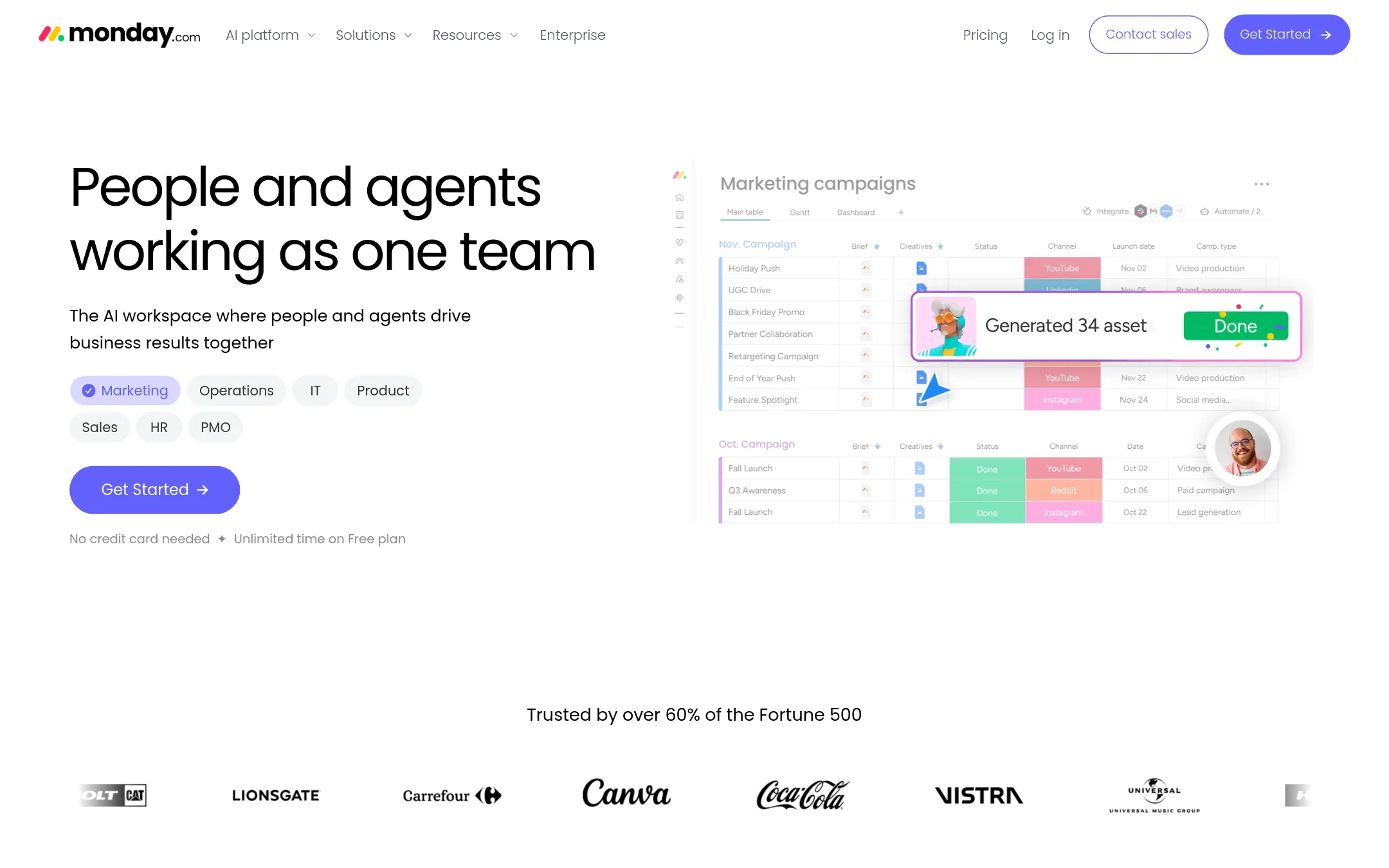
Monday.com is a general-purpose work operating system with AI agents that automate tasks across marketing, sales, IT, and HR. Choose it over Noloco when you need a broad team-wide platform with built-in AI agents rather than a client portal builder for complex operations.
Where it is strong
- AI agents handle repetitive tasks like lead qualification and meeting prep
- Strong automation and workflow builder with 200+ templates
- Enterprise-grade security and compliance recognized by Gartner
Where it falls short
- AI features require additional credits beyond base subscription
- Not specialized for client-facing portals with granular permissions like Noloco
- Pricing:
- Free plan for up to 2 seats. Paid plans start at $9 per seat per month billed annually, with AI credits sold separately.
- Switching from Noloco:
- Moving from Noloco means rebuilding your client portal structure in Monday.com's board-based system, which may require rethinking workflows and permissions.
- From $10/user/mo
6.Notion
Best for: Teams that want a single, flexible workspace for internal docs, wikis, and project tracking without building client portals.
- Pricing
- From $10/user/mo
- Category
- Productivity & Project Management
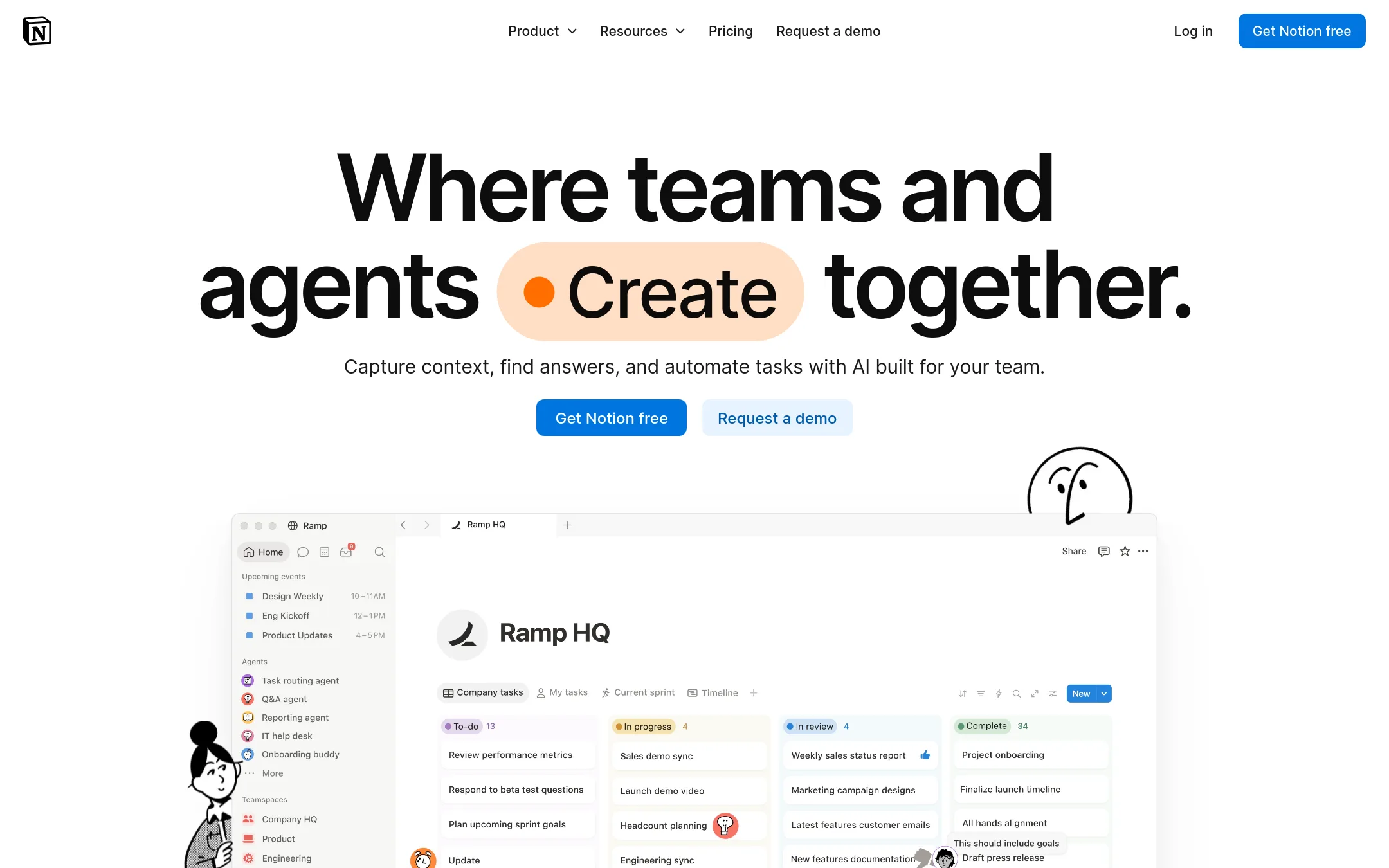
Notion is a general-purpose workspace for notes, docs, wikis, and simple databases. Choose it over Noloco when you need a flexible internal knowledge base and project tracker, not a client-facing portal with granular permissions and custom workflows.
Where it is strong
- Very flexible page and database structure for many use cases.
- Strong AI features for search, writing, and meeting notes.
- Huge ecosystem of templates and integrations.
Where it falls short
- No built-in client portal with per-record permissions like Noloco.
- Granular access controls and audit logs only on Business and Enterprise plans.
- Pricing:
- In the United States, the Free plan is $0, Plus is $10 per user per month, Business is $15 per user per month billed annually, and Enterprise is custom.
- Switching from Noloco:
- Moving from Noloco means rebuilding client-facing workflows and permission structures from scratch, as Notion is not designed for external portals.
- From $300/mo
7.Caspio
Best for: Healthcare, government, and financial services teams that need compliant, custom-built applications with AI capabilities and unlimited users.
- Pricing
- From $300/mo
- Category
- Other
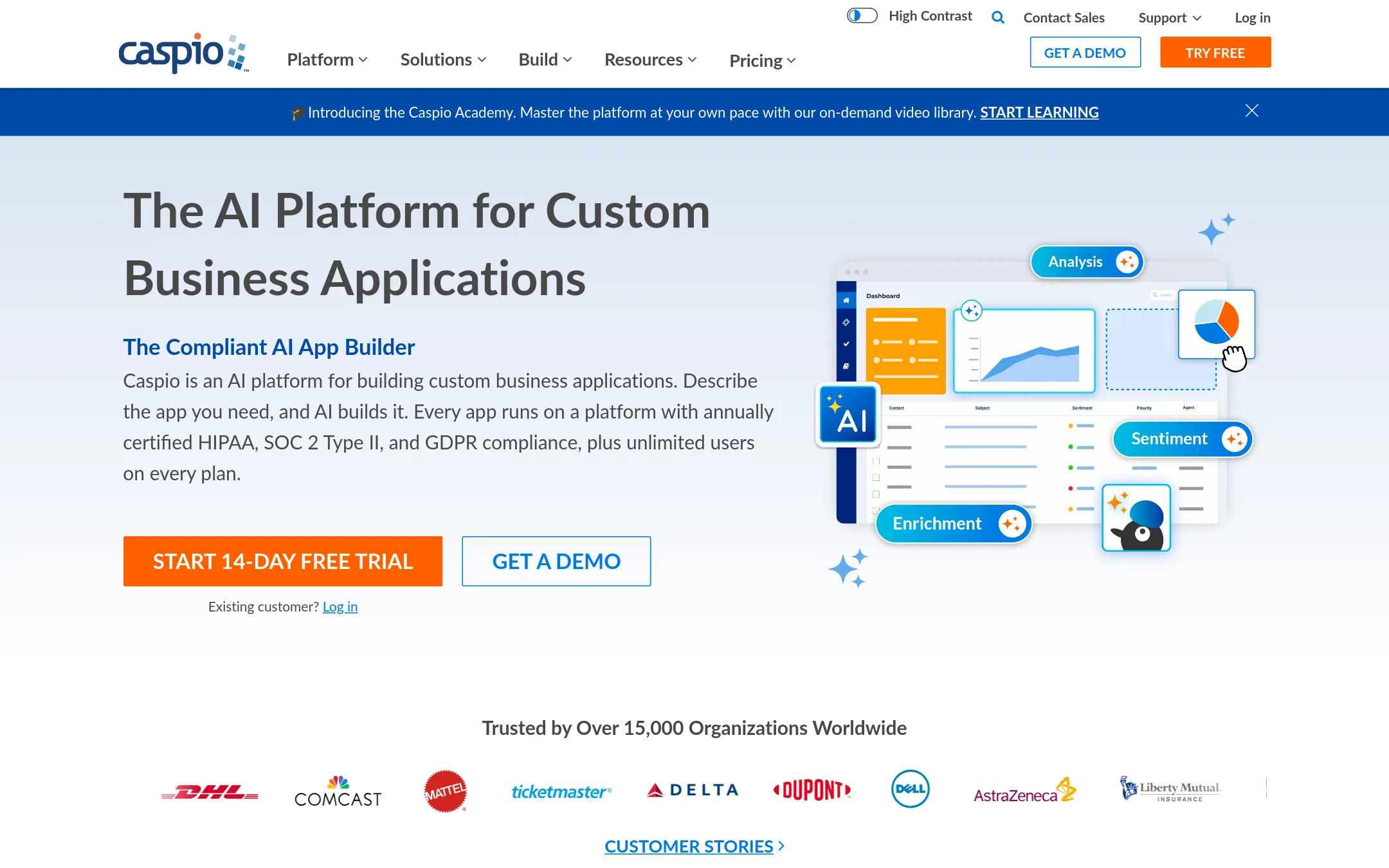
Caspio is a low-code platform for building custom database applications with AI assistance, aimed at teams that need compliance certifications like HIPAA, SOC 2, and GDPR. Choose it over Noloco if you operate in a regulated industry and require a governed, auditable environment with unlimited end users on every plan.
Where it is strong
- Annually certified HIPAA, SOC 2 Type II, and GDPR compliance on all plans
- Unlimited users on every paid plan, no per-seat fees
- AI app builder and chat agent included across all plan tiers
Where it falls short
- No free plan, only a 14-day trial
- Higher starting price than Noloco's Build plan, which may be overkill for small teams
- Pricing:
- Plans start at $300/month (or $270/month billed annually) for the Team plan, with unlimited users. The Business plan is $600/month, and Enterprise pricing is available on request.
- Switching from Noloco:
- Moving from Noloco means rebuilding your app in Caspio's visual builder and re-creating workflows, automations, and permissions from scratch, as the platforms are not directly compatible.
- From $19/mo
8.Knack
Best for: Teams in healthcare, construction, or government that need compliant, custom internal tools and customer portals without code.
- Pricing
- From $19/mo
- Category
- Other
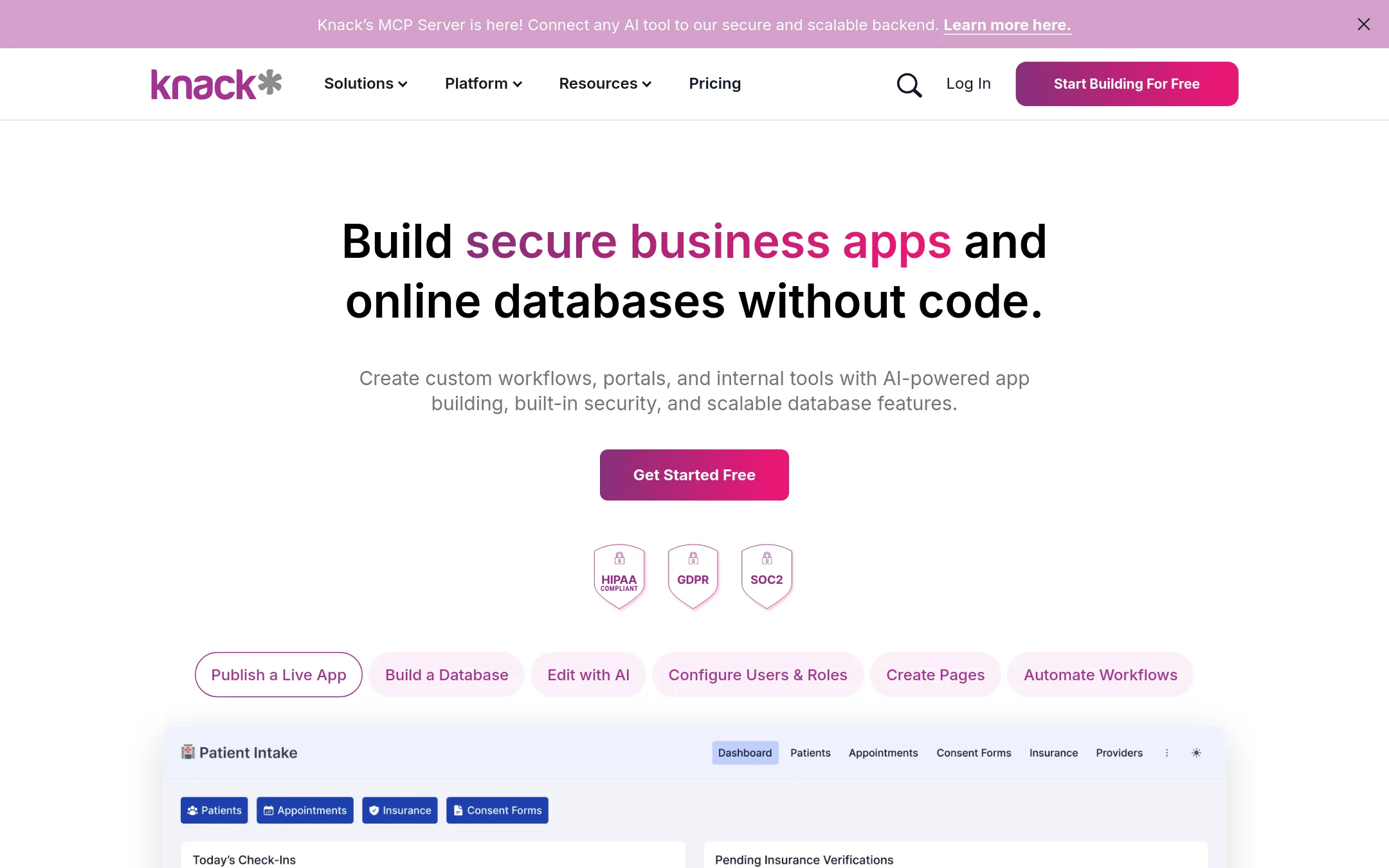
Knack is a no-code platform for building custom business apps and online databases. You would choose it over Noloco if you need a more traditional database-centric app builder with strong compliance features like HIPAA and SOC 2, and you want unlimited users without per-seat pricing.
Where it is strong
- Unlimited users on all paid plans, no per-seat cost
- Built-in HIPAA and GDPR compliance options
- AI app builder that generates production-ready apps from a prompt
Where it falls short
- Starter plan has a 20k record limit, which may be low for growing data
- Advanced SSO and higher record volumes require Corporate or Enterprise plans
- Pricing:
- Starter is $19 per month for the first 3 months, then $59 per month, with 20k records and 25 AI credits. Pro adds branding removal and custom domains. Corporate and Enterprise are higher tiers with more records and security features.
- Switching from Noloco:
- Moving from Noloco means rebuilding your app structure in Knack's database model, which may take time if you rely on Noloco's AI builder and client portal features.
- From $0.002/task
9.DronaHQ
Best for: Engineering teams that need to build secure internal tools and admin panels with deep enterprise integrations.
- Pricing
- From $0.002/task
- Category
- Other
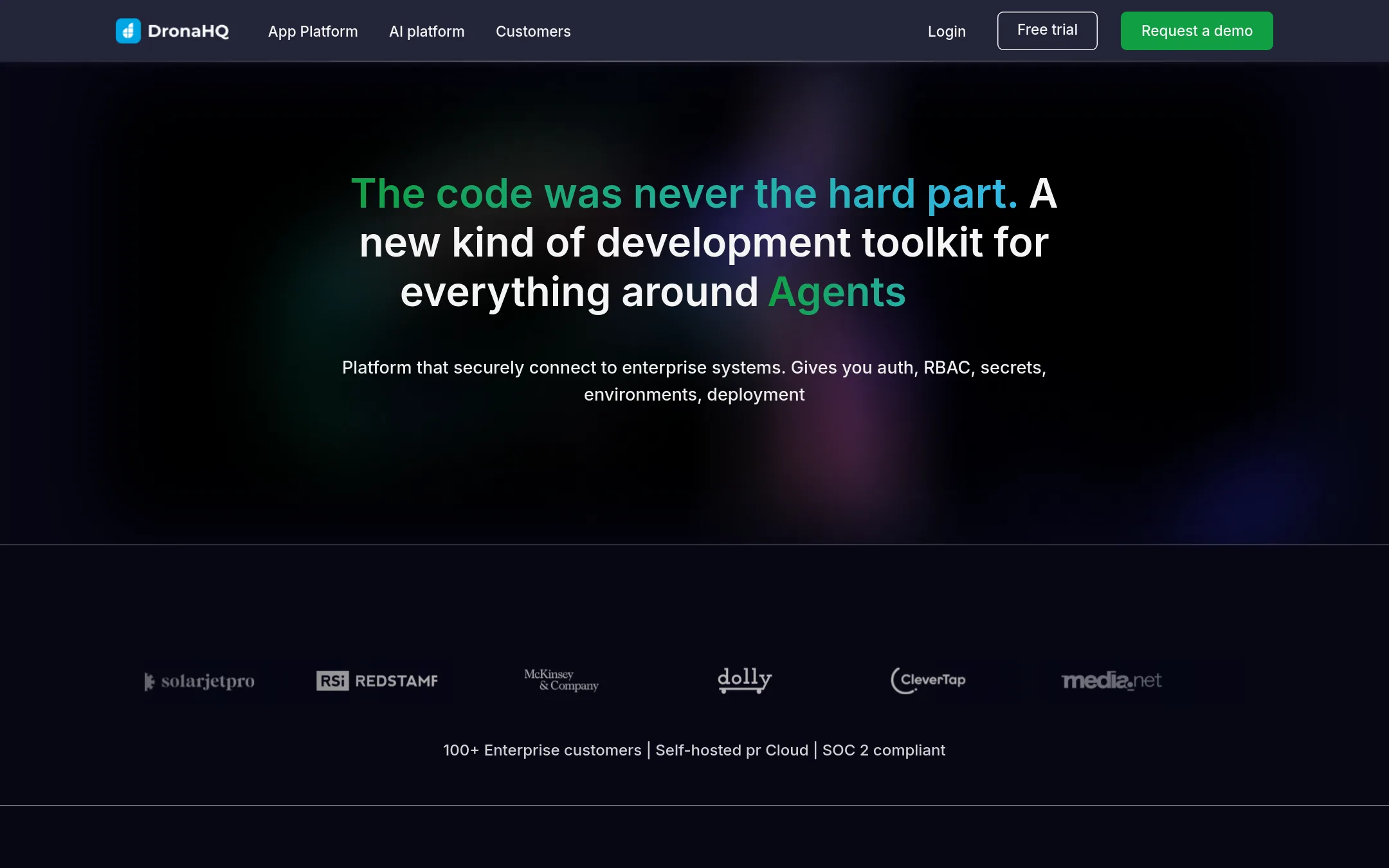
DronaHQ is a low-code platform for building internal tools, admin panels, and AI agents. It is a good fit for engineering teams that need to ship custom apps quickly and connect to many backend systems. Choose it over Noloco when your priority is developer speed and enterprise-grade controls rather than client-facing portals for non-technical teams.
Where it is strong
- Unlimited apps and connectors on the Starter plan
- SOC 2 and ISO 27001 certified, with self-hosted options for HIPAA
- Supports building both internal apps and AI agents on one platform
Where it falls short
- Pricing for Business and Enterprise plans is not published and requires engineering calls
- Aimed at developers, so non-technical teams may find it harder to use than Noloco
- Pricing:
- Starter plan includes 300 AI credits, unlimited apps and connectors, with pay-as-you-go top-ups at $0.002 per task. Business plan starts from 10 engineering calls. Enterprise plan is custom.
- Switching from Noloco:
- Moving from Noloco means rebuilding your portals in DronaHQ's studio, which requires more technical skill, and reconnecting your data sources through its connector system.
- From $15/user/mo
10.Appsmith
Best for: Engineering teams that want to build custom internal tools with code-level control and Git workflows.
- Pricing
- From $15/user/mo
- Category
- Developer Tools
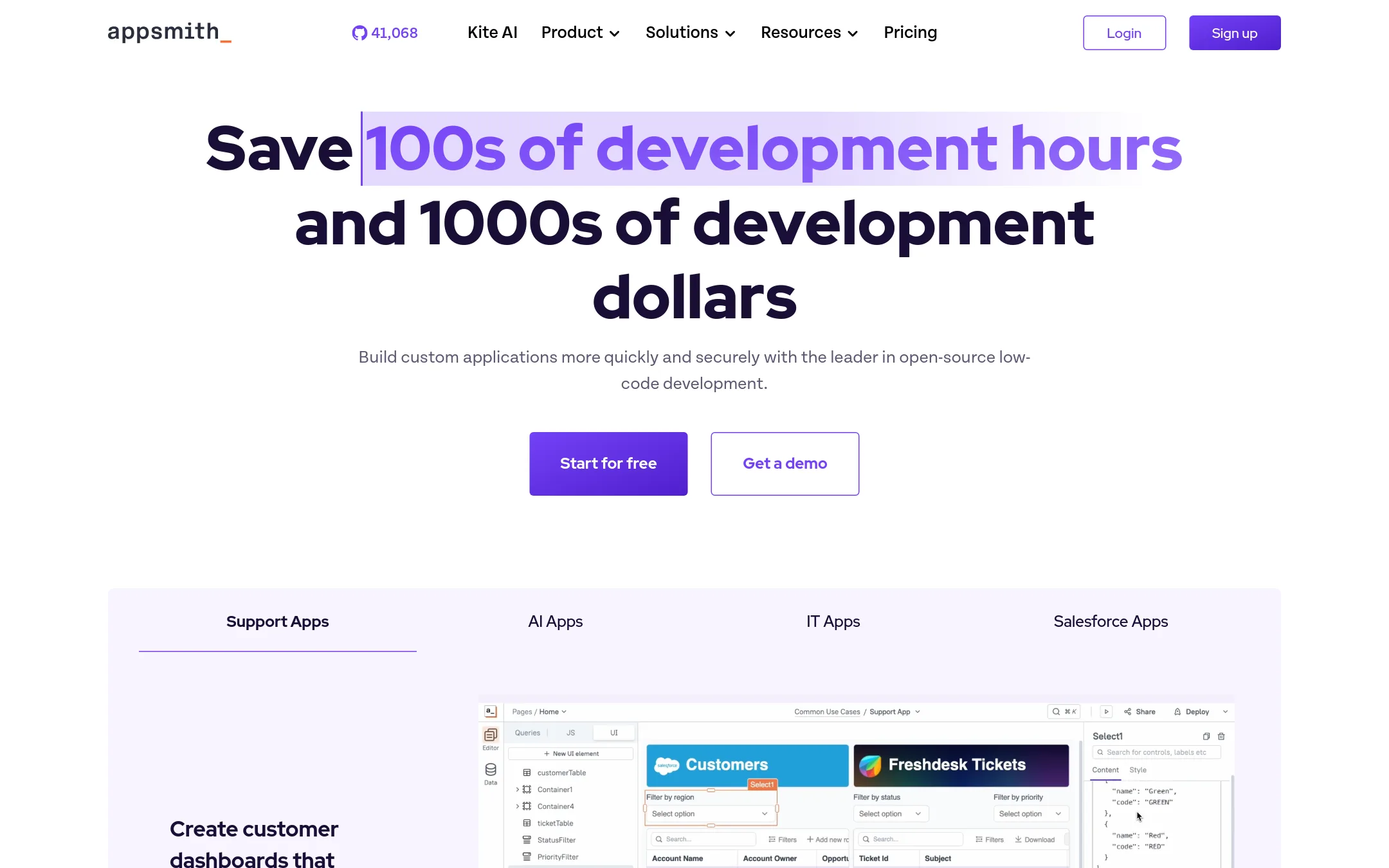
Appsmith is an open-source low-code platform for building custom internal tools with full JavaScript control and Git-based versioning. Choose it over Noloco when your team is developer-led and needs to connect to many data sources, self-host, or embed apps inside existing systems.
Where it is strong
- Open-source with Apache 2.0 license, self-hosting and air-gapped options.
- Full JavaScript customization and centralized IDE with auto-complete and debugging.
- Git integration for version control, branch protection, and CI/CD deployment.
Where it falls short
- Requires coding skills for full customization, not no-code friendly for non-technical teams.
- No built-in client portal features like Noloco's client-facing pages and permissions.
- Pricing:
- Free for up to 5 users on cloud, Business at $15 per user per month, Enterprise at $2,500 per month for 100 users.
- Switching from Noloco:
- Moving from Noloco means rebuilding your app in Appsmith's IDE, which is more developer-oriented and lacks Noloco's AI builder and client portal templates.
- From €9/user/mo
11.Retool
Best for: Engineering and IT teams that need to build custom internal tools with full control over code and data connections.
- Pricing
- From €9/user/mo
- Category
- Productivity & Project Management
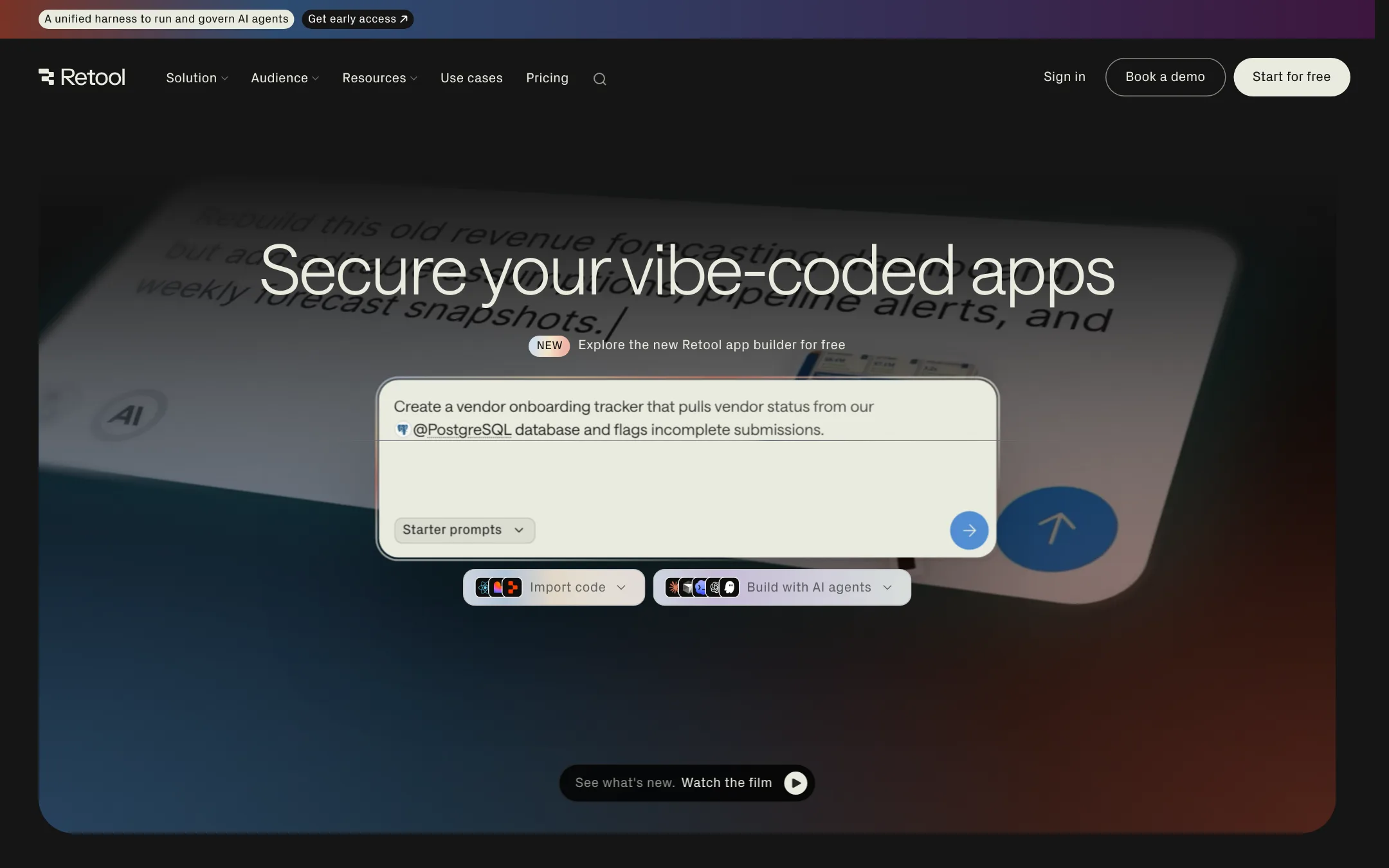
Retool is a platform for building internal tools and admin panels that connect directly to your databases and APIs. Choose it over Noloco if your team is comfortable with code and needs deep customization, or if you're deploying AI-generated apps with enterprise-grade security and governance.
Where it is strong
- Connects to any database or API with existing permissions.
- Built-in auth, access controls, and audit logs for production apps.
- Supports AI app generation via MCP, CLI, or importing from other platforms.
Where it falls short
- Requires technical skills to build and maintain apps.
- External users and embedded apps only available on Business plan and above.
- Pricing:
- In Europe, the Team plan is €9 per user per month billed annually, and the Business plan is €46 per user per month billed annually. The Free plan includes up to 5 users and 250 AI credits per month.
- Switching from Noloco:
- Moving from Noloco to Retool means rebuilding your portals as custom code-based apps, which is a significant shift for non-technical teams.
- Not published
12.Zoho Meeting
Best for: Teams that already use Zoho apps and need integrated video meetings and webinars.
- Pricing
- Not published
- Category
- Communication & Collaboration
Zoho Meeting is a video conferencing and online meeting tool from the Zoho suite, which also includes CRM, mail, and custom app builders. Choose it over Noloco if your main need is reliable communication and collaboration, not building custom client portals or complex operational workflows.
Where it is strong
- Part of the broader Zoho ecosystem, so it integrates with Zoho CRM, Mail, and other apps.
- Built with a strong privacy stance. Zoho does not sell your data.
- Suitable for businesses of all sizes, from startups to enterprises.
Where it falls short
- No pricing details are listed, so you must contact sales for a quote.
- Lacks the custom portal and workflow building capabilities that Noloco offers.
- Pricing:
- Pricing is not published on the site.
See more comparisons in Productivity & Project Management alternatives.
FAQ
Questions about Noloco alternatives
Which alternative is best for non-technical teams?
Glide and Softr are both no-code and easy to use. Glide is best if you start with spreadsheets, while Softr connects to many data sources like Airtable and Notion. Noloco itself is also designed for non-technical users, so compare these three based on your data source.
Which alternative has the lowest starting price?
Glide has a free plan for 2 team members and 10 projects. Notion also has a free plan, and Appsmith is free for up to 5 users on cloud. Paid plans start at $9 per seat for Monday.com and $10 per user for Notion in the US.
Which alternative supports client-facing portals with permissions?
Softr and Knack both support external-facing portals with granular permissions. Noloco itself is built for this, so compare those three. Retool and Appsmith are more for internal tools, though Retool can embed apps on higher plans.
Which alternative is best for regulated industries?
Caspio is the strongest, with HIPAA, SOC 2, and GDPR certifications on all plans. Knack also offers HIPAA and GDPR compliance options. Airtable Automations has enterprise-grade security with ISO, HIPAA, and SOC 2 compliance, but pricing is not transparent.
Which alternative has transparent pricing?
Retool, Glide, Monday.com, Notion, Bubble, Appsmith, and Knack all publish pricing. Zoho Meeting, Airtable Automations, Softr, and DronaHQ do not, so you must contact sales. Caspio publishes starting prices but not full details for enterprise.
Last updated October 15, 2026.