
RescueTime alternatives
8 products compared · 1 verified · Updated November 3, 2026
The short answer
For most teams, Toggl Track is the strongest RescueTime alternative if you need billable time tracking and capacity planning. Clockify is the best free option for simple timesheets and project budgets. Timely suits agencies that want automatic, privacy-first time capture for client billing.
Your shortlist, at a glance
Read the comparisons ↓ Toggl TrackNot publishedAgencies, software teams, and professional services that need to track billable time and plan capacity.
- CClockifyFrom $5.49/seat/moTeams and freelancers who need a free, simple time tracker for billable hours, timesheets, and project budgets.
- TTimelyFrom $5/person add-onAgencies and consultancies that need automatic, privacy-first time tracking for accurate client billing and profitability analysis.
- AActivityWatchFree (open source)Privacy-conscious individuals and teams on Linux or other platforms who want a free, open-source alternative to RescueTime.
- WWakaTimeNot publishedSoftware teams and engineering leaders who want to measure AI tool ROI and coding productivity directly from their editors.
- QQbserveNot publishedIndividual macOS users who want private, local time tracking with a one-time payment
 AtrackerFreemiumProfessional tracker for media buying and paid traffic
 DayflowSee websiteGenerate a detailed log of everything you've worked on, automatically.
About RescueTime and its alternatives
RescueTime is an automatic time tracking tool that combines Focus for personal productivity and distraction blocking with Timesheets for automated project and client tracking. It is known for its automatic app and website tracking, goal setting, and detailed reports on how you spend your time.
When comparing alternatives, weigh the pricing structure, since some tools publish prices and others require contacting sales. Consider whether you need automatic tracking or manual timers, team features like capacity planning and invoicing, and the level of privacy, such as local-only data storage. Also check integrations with your existing tools and whether support and contract terms match your needs.
Explore the alternatives
- Not published
1.Toggl Track
Best for: Agencies, software teams, and professional services that need to track billable time and plan capacity.
- Pricing
- Not published
- Category
- Other
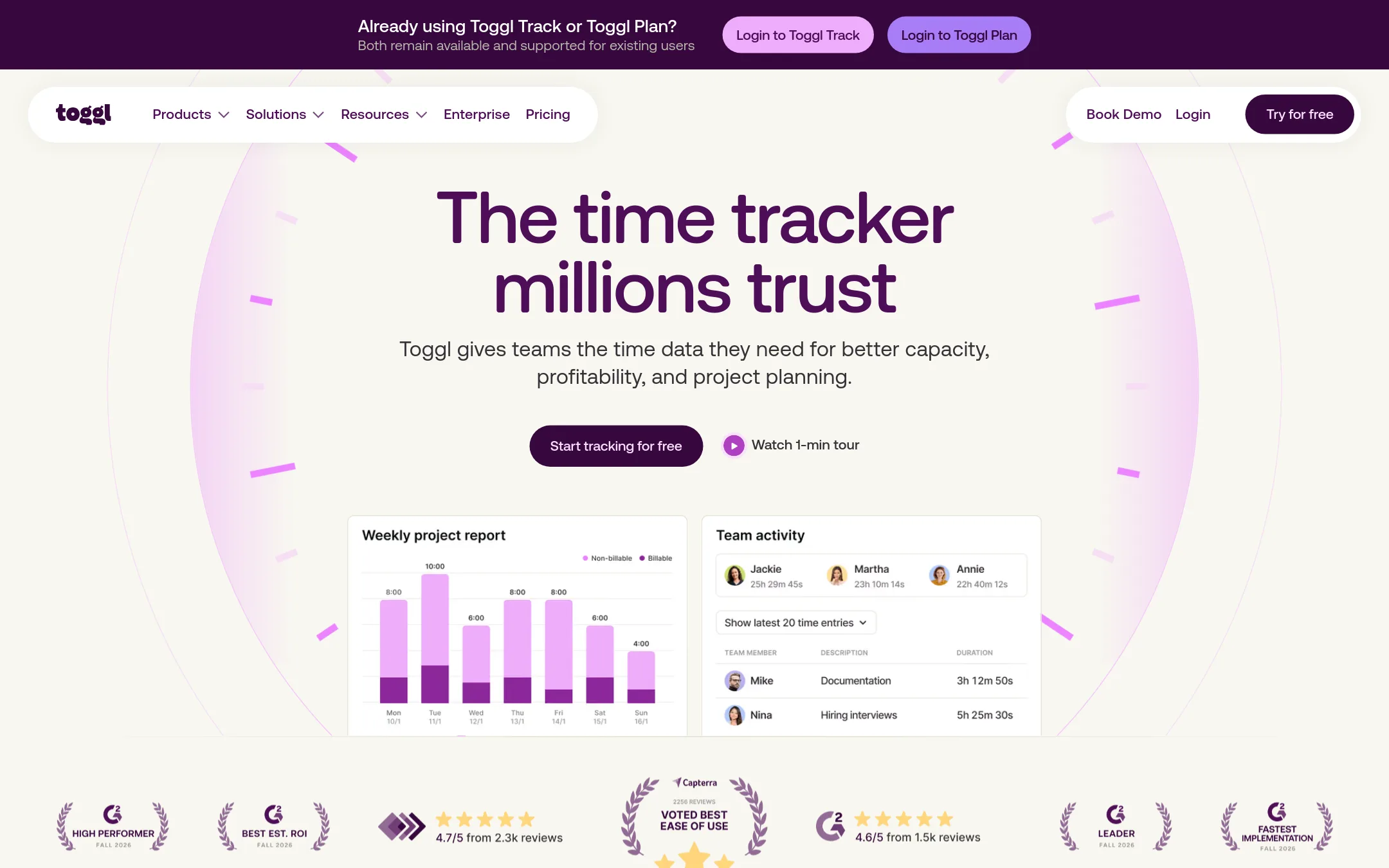
Toggl Track is a time tracking tool that also includes capacity planning and project planning. It is a good choice if you need to track billable hours and also plan team workload, compare estimated vs actual time, and see profitability. RescueTime focuses on personal productivity and distraction blocking, while Toggl Track is more about team time tracking and project management.
Where it is strong
- Tracks time manually or with real-time timers, plus calendar integrations.
- Includes capacity planning with PTO and public holidays.
- Offers profitability reports and estimated vs actual time comparisons.
Where it falls short
- No automatic app and website tracking like RescueTime.
- Pricing is not published, so you must contact sales or sign up to see costs.
- Pricing:
- Pricing is not published on the site.
- Switching from RescueTime:
- Moving from RescueTime means switching from automatic tracking to manual timers or real-time tracking, and you will lose the distraction blocking and focus session features.
- CFrom $5.49/seat/mo
2.Clockify
Best for: Teams and freelancers who need a free, simple time tracker for billable hours, timesheets, and project budgets.
- Pricing
- From $5.49/seat/mo
- Category
- Other
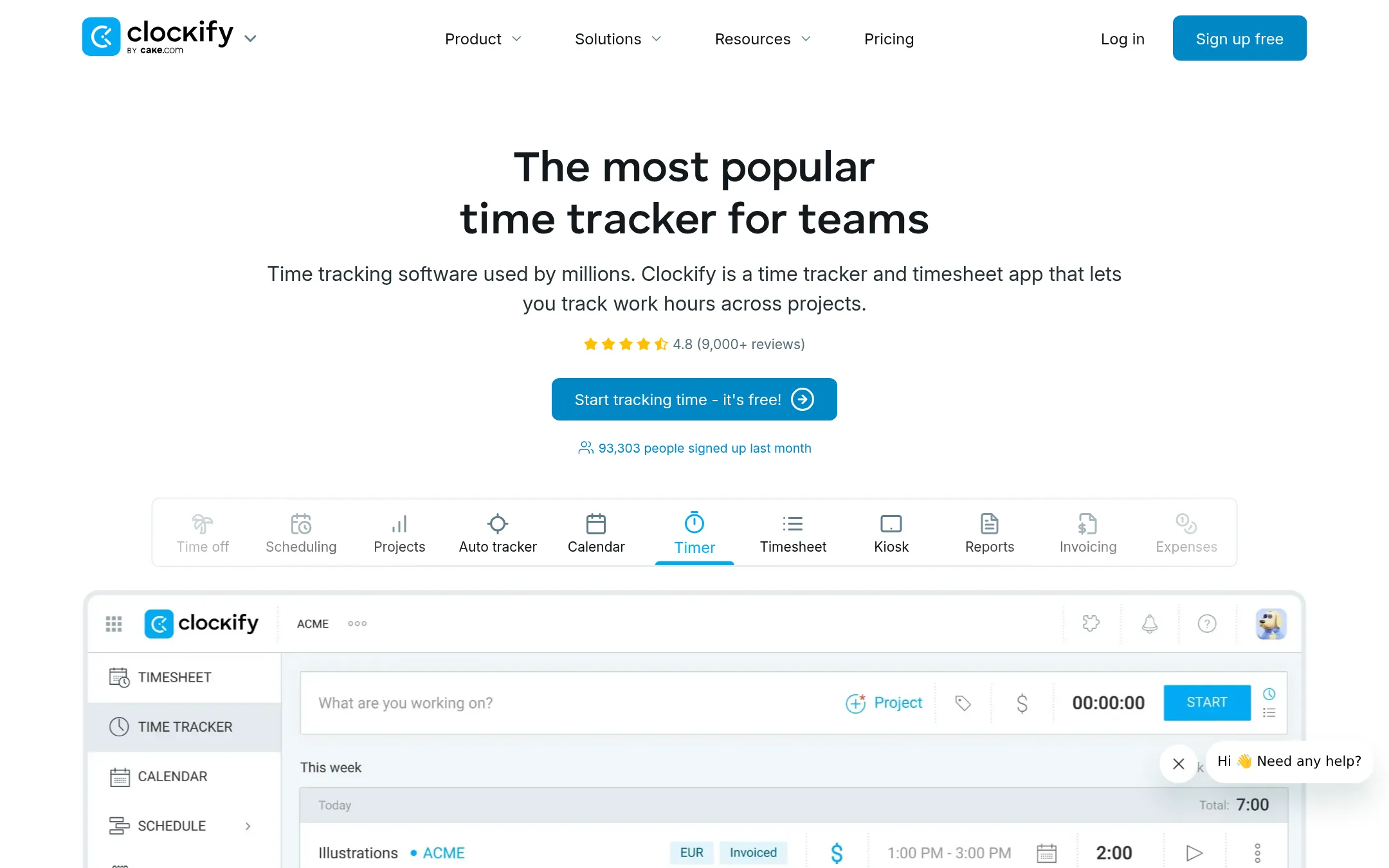
Clockify is a straightforward time tracker and timesheet app that lets you log hours manually or with a timer, plus track projects, expenses, and invoicing. Choose it over RescueTime if you need a free, team-friendly tool for billable hours and attendance, rather than automatic app and website tracking.
Where it is strong
- Free plan with unlimited users and projects
- Built-in invoicing, expenses, and time-off management
- Works across web, desktop, and mobile with syncing
Where it falls short
- Automatic app/website tracking only on paid plans
- No automatic time capture by default. Requires manual timer or timesheet entry
- Pricing:
- Basic plan starts at $5.49 per seat per month billed annually ($6.99 monthly), with a free tier available.
- Switching from RescueTime:
- Moving from RescueTime means switching from automatic tracking to manual or timer-based logging, and you may need to recreate projects and clients.
- TFrom $5/person add-on
3.Timely
Best for: Agencies and consultancies that need automatic, privacy-first time tracking for accurate client billing and profitability analysis.
- Pricing
- From $5/person add-on
- Category
- Other
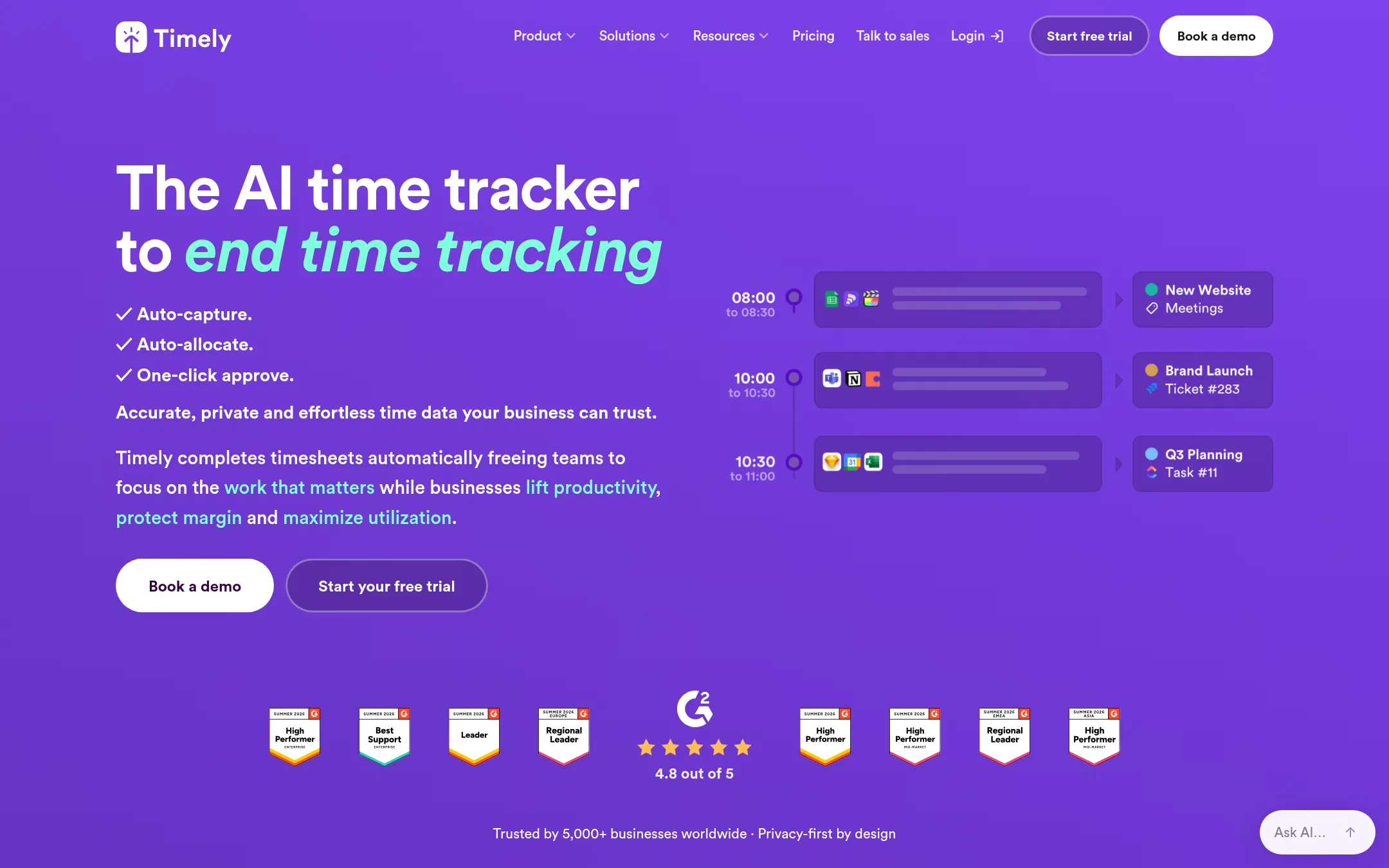
Timely automatically captures time spent in apps and websites, then uses AI to draft timesheet entries that users approve with one click. It is built for agencies, consultancies, and SaaS businesses that need accurate billable hours and project profitability data without manual timers. Choose Timely over RescueTime if your priority is automated client billing and utilization tracking rather than personal focus and distraction blocking.
Where it is strong
- AI drafts timesheet entries automatically, reducing manual entry
- Privacy-first design: no keystroke logging, screenshots, or surveillance
- Integrates with web and desktop apps without timers
Where it falls short
- Full pricing not published. Requires contacting sales for team plans
- Focuses on business time tracking, not personal productivity or distraction blocking like RescueTime
- Pricing:
- Pricing is not fully published on the site. Add-ons like Tasks start at $5 per person, and a 14-day free trial is available.
- Switching from RescueTime:
- Moving from RescueTime involves setting up Timely's auto-capture and AI approval workflow, and you'll need to export historical data from RescueTime if you want to keep it.
- AFree (open source)
4.ActivityWatch
Best for: Privacy-conscious individuals and teams on Linux or other platforms who want a free, open-source alternative to RescueTime.
- Pricing
- Free (open source)
- Category
- Other
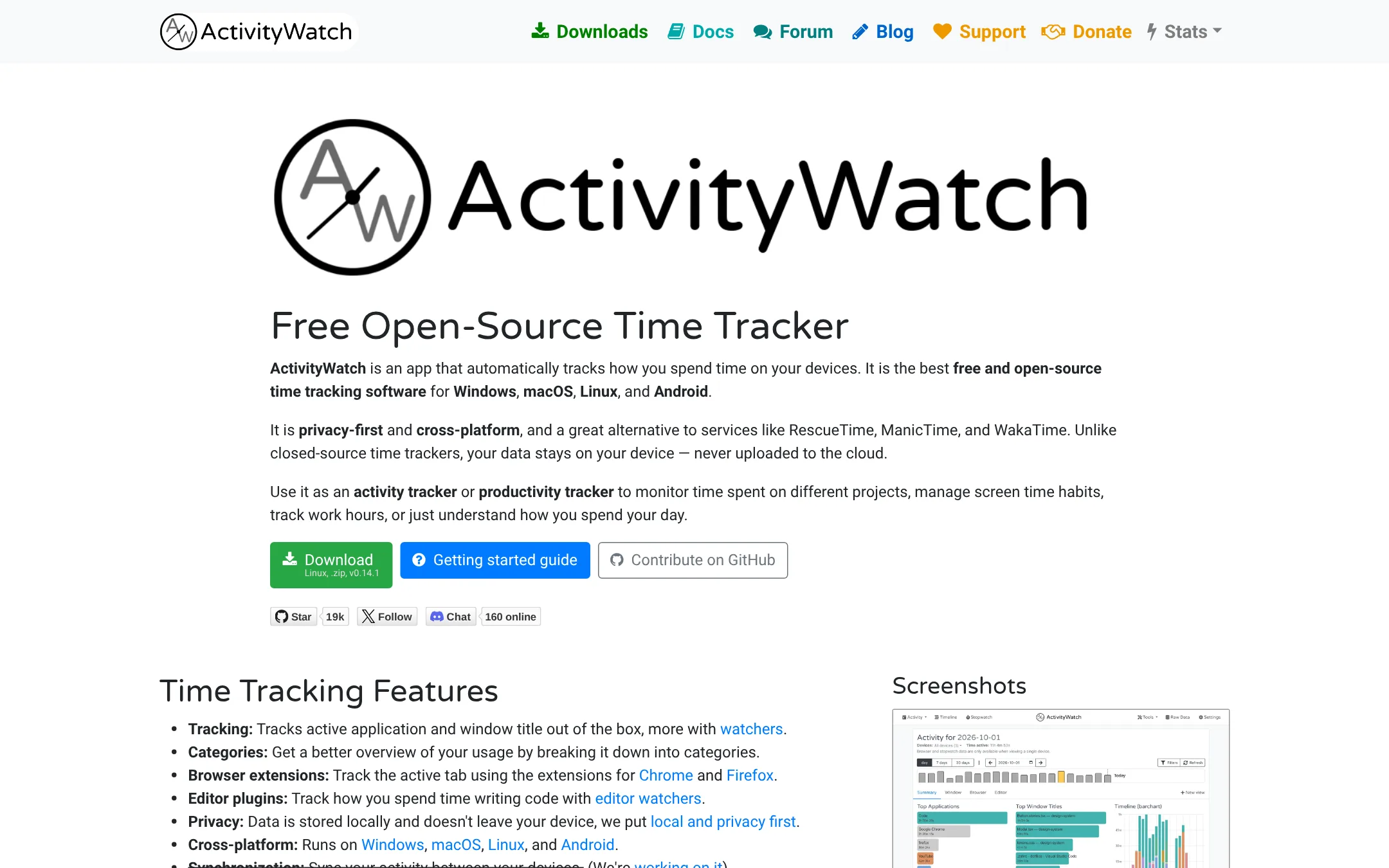
ActivityWatch is a free, open-source time tracker that runs locally on your device, so your data never leaves your machine. Choose it over RescueTime if you want full privacy, support for Linux, or you prefer to self-host and customize your tracking.
Where it is strong
- All data stays on your device, no cloud upload
- Works on Windows, macOS, Linux, and Android
- Free and open source with no feature gates
Where it falls short
- No built-in timesheets or client billing features
- Development is volunteer-run, so updates can be slow
- Pricing:
- Pricing is not published on the site.
- Switching from RescueTime:
- Switching from RescueTime means moving from cloud-based tracking to a local-first setup, and you'll lose automatic timesheet and invoicing features unless you add them separately.
- WNot published
5.WakaTime
Best for: Software teams and engineering leaders who want to measure AI tool ROI and coding productivity directly from their editors.
- Pricing
- Not published
- Category
- Other
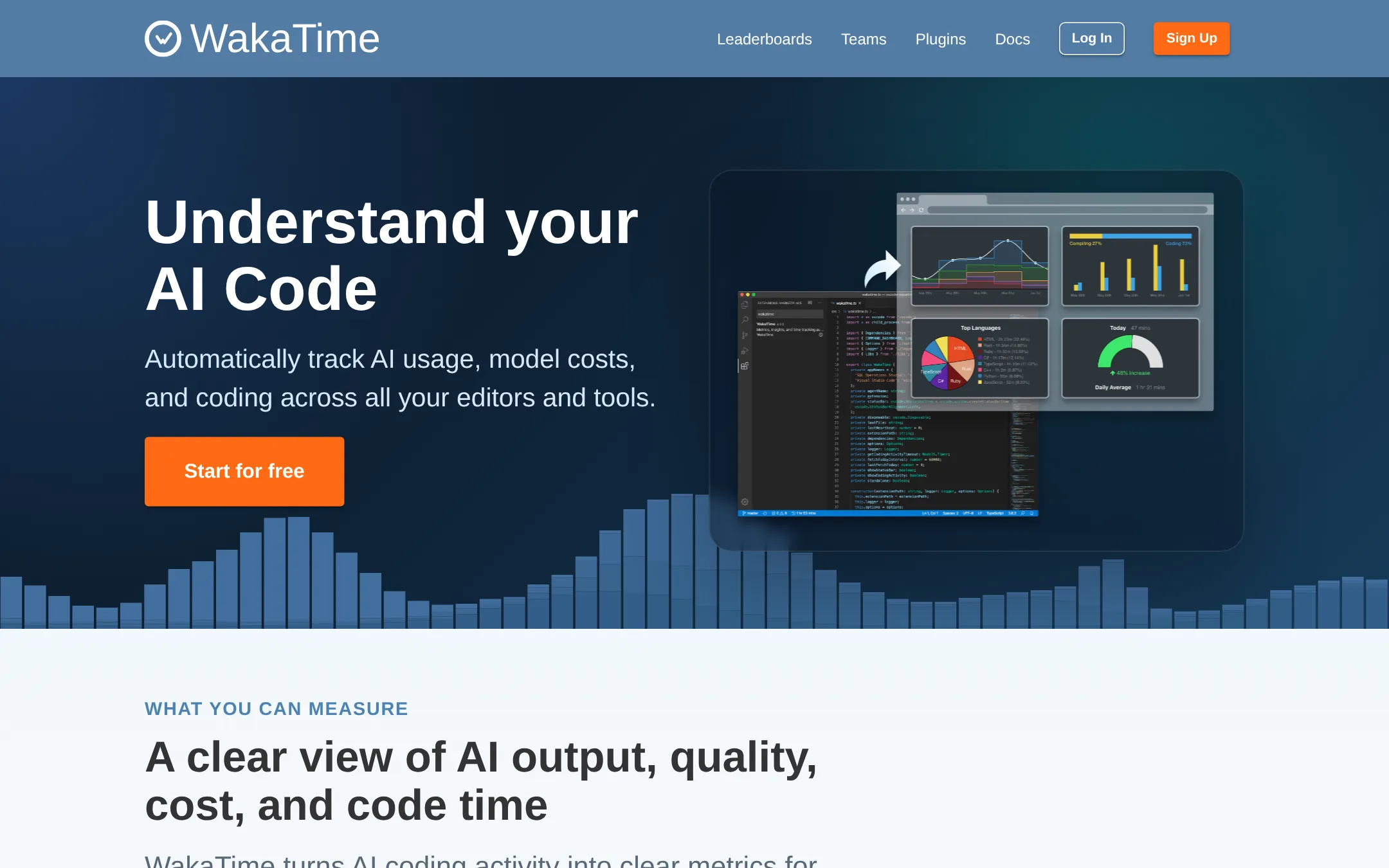
WakaTime is a developer-focused time tracker that automatically logs coding activity and AI usage across editors. Choose it over RescueTime if you need deep metrics on AI-generated code, model costs, and per-developer AI adoption, which RescueTime doesn't offer.
Where it is strong
- Tracks AI usage, model costs, and AI-generated vs human-written code
- Works with many editors and tools via open source plugins
- Free plan available with unlimited projects and weekly reports
Where it falls short
- Pricing is not transparent on the website
- Focused on coding, so it won't track non-dev apps or websites like RescueTime
- Pricing:
- Free plan includes 1 week of dashboard history. Premium and Basic plans are available for individuals, with Team and Business plans for companies. Specific prices are not published on the site.
- Switching from RescueTime:
- Moving from RescueTime to WakaTime means switching from general time tracking to editor-specific coding metrics, so you'll need to install plugins and adjust to a different reporting view.
- QNot published
6.Qbserve
Best for: Individual macOS users who want private, local time tracking with a one-time payment
- Pricing
- Not published
- Category
- Other
Qbserve is a macOS-only automatic time tracker that runs locally on your Mac. It tracks apps, websites, and offline time without sending data to the cloud. Choose it if you want a one-time purchase and full privacy control, and you don't need RescueTime's team features or cloud sync.
Where it is strong
- Runs fully offline on your Mac
- Tracks offline time like meetings and calls
- One-time purchase, no subscription
Where it falls short
- Only works on macOS
- No team or cloud features
- Pricing:
- Pricing is not published on the site.
- Freemium
7.AtrackerVerified
Marketing & Sales
Professional tracker for media buying and paid traffic
- See website
8.Dayflow
Productivity & Project Management
Generate a detailed log of everything you've worked on, automatically.
See more comparisons in Productivity & Project Management alternatives.
FAQ
Questions about RescueTime alternatives
Which alternative is the closest match to RescueTime's automatic tracking?
Timely is the closest match because it automatically captures time in apps and websites and uses AI to draft timesheet entries. RescueTime also tracks automatically, but Timely focuses on client billing and profitability rather than personal distraction blocking.
Is there a free alternative to RescueTime?
Clockify has a free plan with unlimited users and projects, making it a strong free option for basic time tracking and timesheets. ActivityWatch is also free and open source, but it lacks team features and runs locally on your device.
Which tool is best for agencies that need to bill clients accurately?
Toggl Track and Timely are both strong for agencies. Toggl Track offers profitability reports and estimated vs actual time comparisons, while Timely provides automatic, privacy-first tracking with AI-drafted entries for accurate client billing.
Do any of these alternatives offer automatic tracking without a subscription?
Qbserve is a one-time purchase for macOS and runs fully offline, so no subscription is needed. ActivityWatch is also free and open source, but both lack team features and cloud sync.
Which alternative is best for software developers?
WakaTime is built for developers, tracking coding activity and AI usage directly from editors. It provides metrics on AI-generated code and model costs, which RescueTime does not offer.
Last updated November 3, 2026.