
Twinmotion alternatives
12 products compared · Updated November 1, 2026
The short answer
For construction coordination, Resolve and Revizto are the strongest alternatives, while Enscape is best for architects who want real-time rendering inside their CAD tools. Resolve suits construction teams needing a fast BIM viewer, Revizto suits AECO teams focused on clash detection and issue tracking, and Enscape suits architecture and engineering teams that want to visualize without leaving Revit, SketchUp, or Rhino.
Your shortlist, at a glance
Read the comparisons ↓- LLumionNot publishedArchitects and design teams who need fast, high-quality renders from CAD/BIM models with built-in AI tools and cloud review.
 EnscapeFrom €538.80/yrArchitecture and engineering teams that need real-time rendering and VR directly inside Revit, SketchUp, Rhino, Archicad, or Vectorworks.
- UUnreal EngineNot publishedGame developers and interactive 3D teams that need a complete engine with source code access and royalty-based licensing.
- BBlenderFree (open source)Artists and small studios that need a complete 3D creation tool without licensing costs.
- SSketchUpFrom $10.75/moArchitects, interior designers, and construction teams that need precise 3D modeling and documentation, not just visualization.
- DD5 RenderNot publishedArchitecture and interior design teams that want live-sync with SketchUp, Revit, or Rhino and cloud collaboration.
 ResolveNot publishedConstruction teams that need a fast, enterprise-ready BIM viewer tailored to their existing workflows.
- AAutodesk Construction CloudCustom quoteGeneral contractors, specialty contractors, and owners who need a single platform to manage construction projects from design to closeout.
- BBIM TrackNot publishedBIM coordination teams that need a shared issue log across multiple disciplines and software tools.
 Bluebeam RevuNot publishedAEC teams that need to manage construction documents, run design reviews, and collaborate on markups in real time.
 ProcoreCustom quoteGeneral contractors, owners, and subcontractors who need a central platform for project, cost, and resource management.
ReviztoCustom quoteAECO teams that need to coordinate models, detect clashes, and track issues across stakeholders in a single platform.
About Twinmotion and its alternatives
Twinmotion is a real-time 3D visualization tool for architecture, design, and more. It is known for intuitive tools, powerful results, and seamless interoperability with other software. It offers a free version for individuals and small businesses under $1 million in revenue, and paid access for larger companies.
When comparing alternatives, weigh pricing structure, regions, integrations, support, and contract terms. Some tools publish transparent pricing, while others require a sales quote. Consider whether the tool integrates with your existing CAD or BIM software, and whether it supports your team's collaboration and review workflows.
Explore the alternatives
- LNot published
1.Lumion
Best for: Architects and design teams who need fast, high-quality renders from CAD/BIM models with built-in AI tools and cloud review.

- Pricing
- Not published
- Category
- Other
Lumion is a real-time rendering tool built specifically for architects and designers who work with CAD and BIM models. It focuses on speed and ease of use, with a large asset library and AI-assisted tools for materials and image enhancement. You would choose it over Twinmotion if you want a rendering workflow that stays closely tied to your architectural modeling tools and includes cloud-based review and approval features.
Where it is strong
- LiveSync plugin keeps CAD/BIM model and visualization in sync without re-importing.
- 10,000+ assets, materials, lighting, and effects included for scene building.
- Lumion Cloud is free with all plans and supports commenting, version comparison, and approvals.
Where it falls short
- Pricing is not transparent on the site, so you need to contact sales for a quote.
- Primarily aimed at architecture and design, so it may be less suited for other industries like film or product visualization.
- Pricing:
- Pricing is not published on the site.
- From €538.80/yr
2.Enscape
Best for: Architecture and engineering teams that need real-time rendering and VR directly inside Revit, SketchUp, Rhino, Archicad, or Vectorworks.
- Pricing
- From €538.80/yr
- Category
- Productivity & Project Management
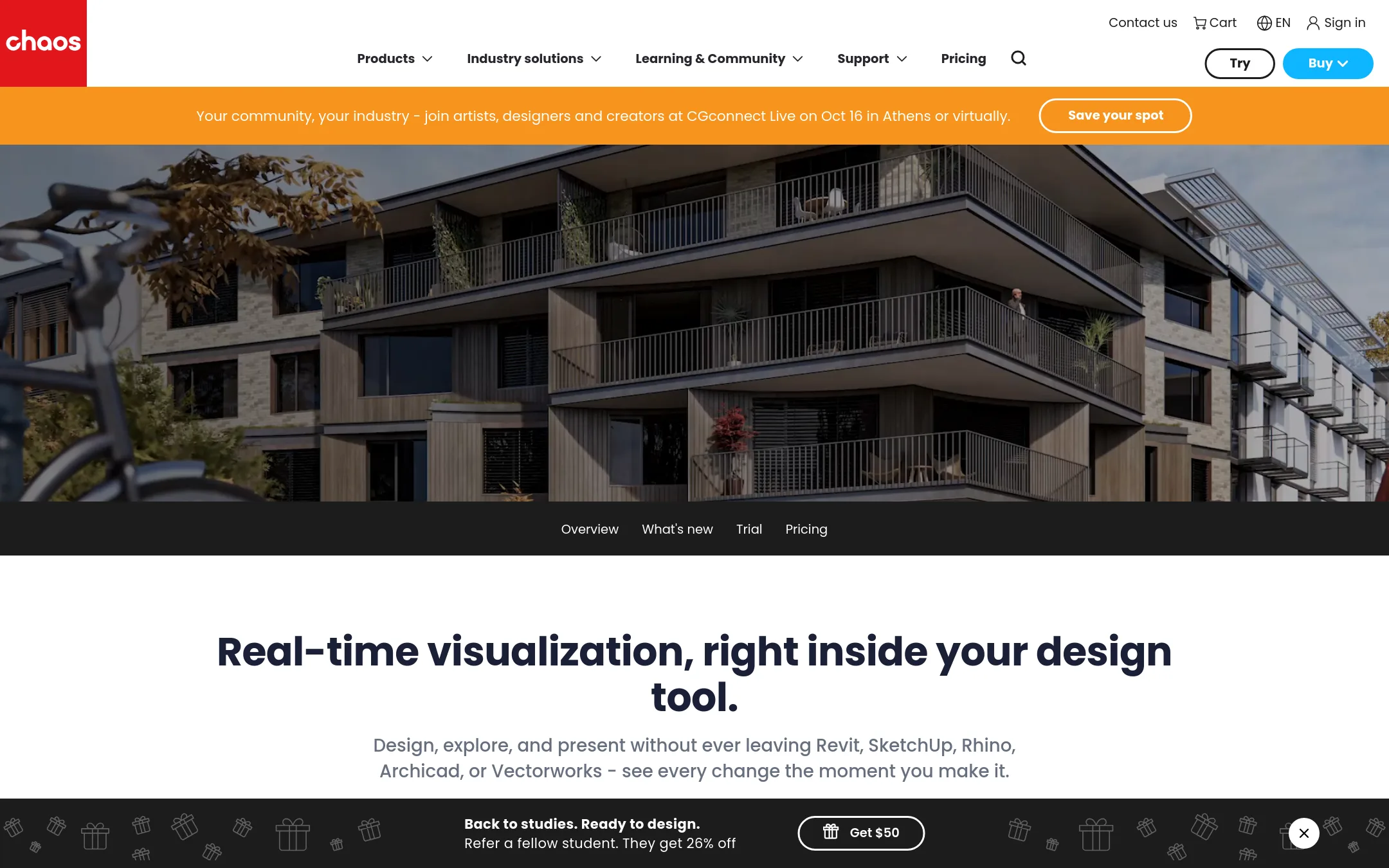
Enscape is a real-time rendering plugin that works inside Revit, SketchUp, Rhino, Archicad, and Vectorworks. You would choose it over Twinmotion if your team already designs in those CAD/BIM tools and wants to visualize without leaving the model. It is built for AEC workflows, with direct BIM integration and AI-assisted design exploration via Veras.
Where it is strong
- Renders inside your CAD/BIM tool with one click, so no file export is needed
- Includes AI-powered image and video generation through Veras in paid plans
- Adds sustainability analysis with Enscape Impact on the top tier
Where it falls short
- Requires a paid license. There is no free tier for commercial use
- Tied to Chaos ecosystem, so you need a Chaos account and may need extra credits for cloud rendering
- Pricing:
- Pricing starts at €538.80 per license billed annually, with higher tiers at €622.80 and €694.80 that add AI image/video credits, more Chaos Cosmos assets, and Enscape Envision or Impact.
- UNot published
3.Unreal Engine
Best for: Game developers and interactive 3D teams that need a complete engine with source code access and royalty-based licensing.
- Pricing
- Not published
- Category
- Other
Unreal Engine is a full real-time 3D creation tool used for games, film, and interactive experiences. Choose it over Twinmotion when you need deeper control over gameplay, animation, or custom logic, not just architectural visualization.
Where it is strong
- Full source code access for developers under $1M revenue
- Royalty model only after $1M gross product revenue
- Supports all platforms and features without seat fees for games
Where it falls short
- Steeper learning curve than Twinmotion for simple visualizations
- Seat license fee required for commercial use over $1M revenue
- Pricing:
- Pricing is not published on the site.
- BFree (open source)
4.Blender
Best for: Artists and small studios that need a complete 3D creation tool without licensing costs.
- Pricing
- Free (open source)
- Category
- Other
Blender is a free, open-source 3D creation suite that covers modeling, sculpting, animation, VFX, and rendering. Choose it over Twinmotion if you need a full 3D pipeline rather than just real-time visualization, and if you prefer a tool that is free and community-driven.
Where it is strong
- Free and open source, with no revenue-based licensing.
- Includes modeling, sculpting, animation, VFX, and rendering in one tool.
- Large ecosystem of add-ons and community support.
Where it falls short
- Steeper learning curve for beginners compared to Twinmotion.
- No built-in real-time visualization features like Twinmotion's direct import from CAD.
- Pricing:
- Pricing is not published on the site.
- SFrom $10.75/mo
5.SketchUp
Best for: Architects, interior designers, and construction teams that need precise 3D modeling and documentation, not just visualization.
- Pricing
- From $10.75/mo
- Category
- Other
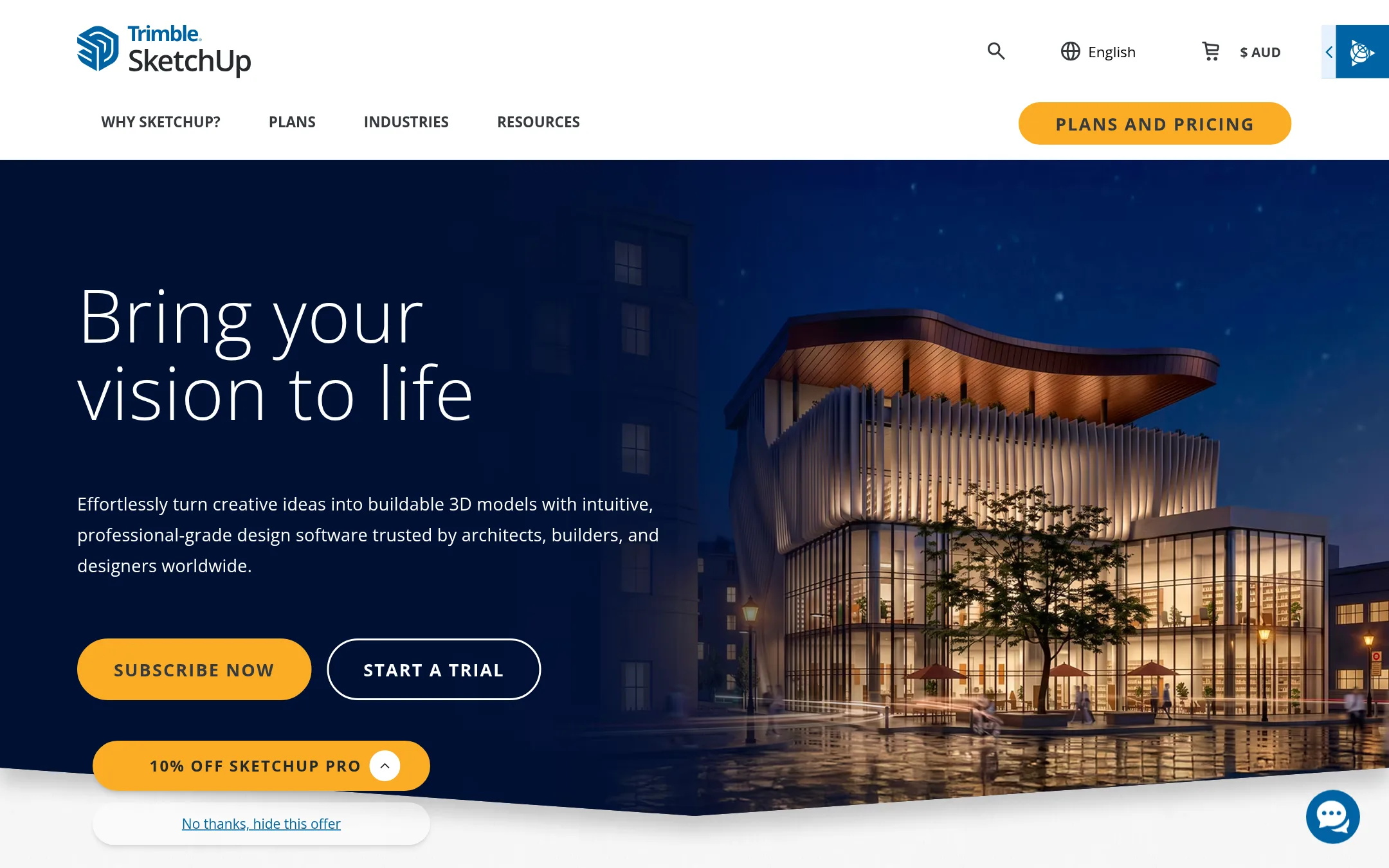
SketchUp is a 3D modeling tool for architects, builders, and designers who need to create buildable models from concept to construction. Choose it over Twinmotion when your priority is precise, non-destructive modeling and documentation rather than real-time visualization. It offers a full ecosystem with extensions, a 3D warehouse, and Trimble Connect for collaboration.
Where it is strong
- Intuitive, user-friendly interface that is easy to learn.
- Extensive ecosystem with 600+ extensions and millions of pre-built models.
- Non-destructive modeling in the 2027 version for faster iteration.
Where it falls short
- Not focused on real-time rendering or visualization like Twinmotion.
- Studio and Pro Scan plans are Windows-only, limiting Mac users.
- Pricing:
- Go Annual is $10.75 per user per month billed annually, Pro Annual is $33.25, Studio Annual is $71.58, and Pro Scan is $41.58. Student plans are $55 per user per year, and university plans range from $30 to $50 per user per year.
- DNot published
6.D5 Render
Best for: Architecture and interior design teams that want live-sync with SketchUp, Revit, or Rhino and cloud collaboration.
- Pricing
- Not published
- Category
- Other
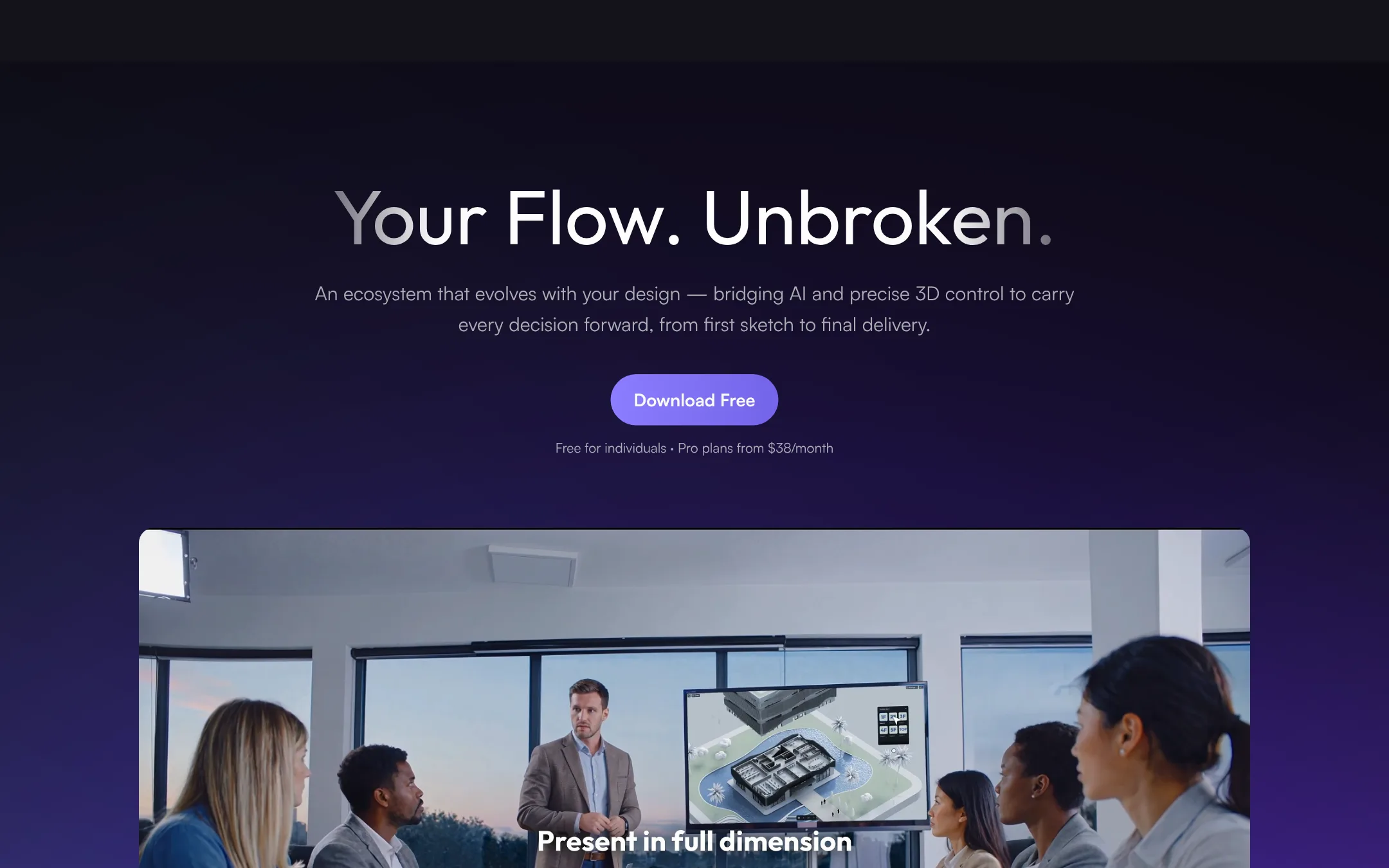
D5 Render is a real-time 3D visualization platform with AI features, live-sync with modeling tools, and cloud collaboration. Choose it over Twinmotion if you need a broader ecosystem that includes AI-assisted design and team-based cloud workflows.
Where it is strong
- Live-sync with SketchUp, Revit, Rhino, and more
- Cloud collaboration for team projects
- AI-native features for design and rendering
Where it falls short
- Pricing not transparent on the site
- May require more setup for non-architectural use cases
- Pricing:
- Pricing is not published on the site.
- Not published
7.Resolve
Best for: Construction teams that need a fast, enterprise-ready BIM viewer tailored to their existing workflows.
- Pricing
- Not published
- Category
- Productivity & Project Management
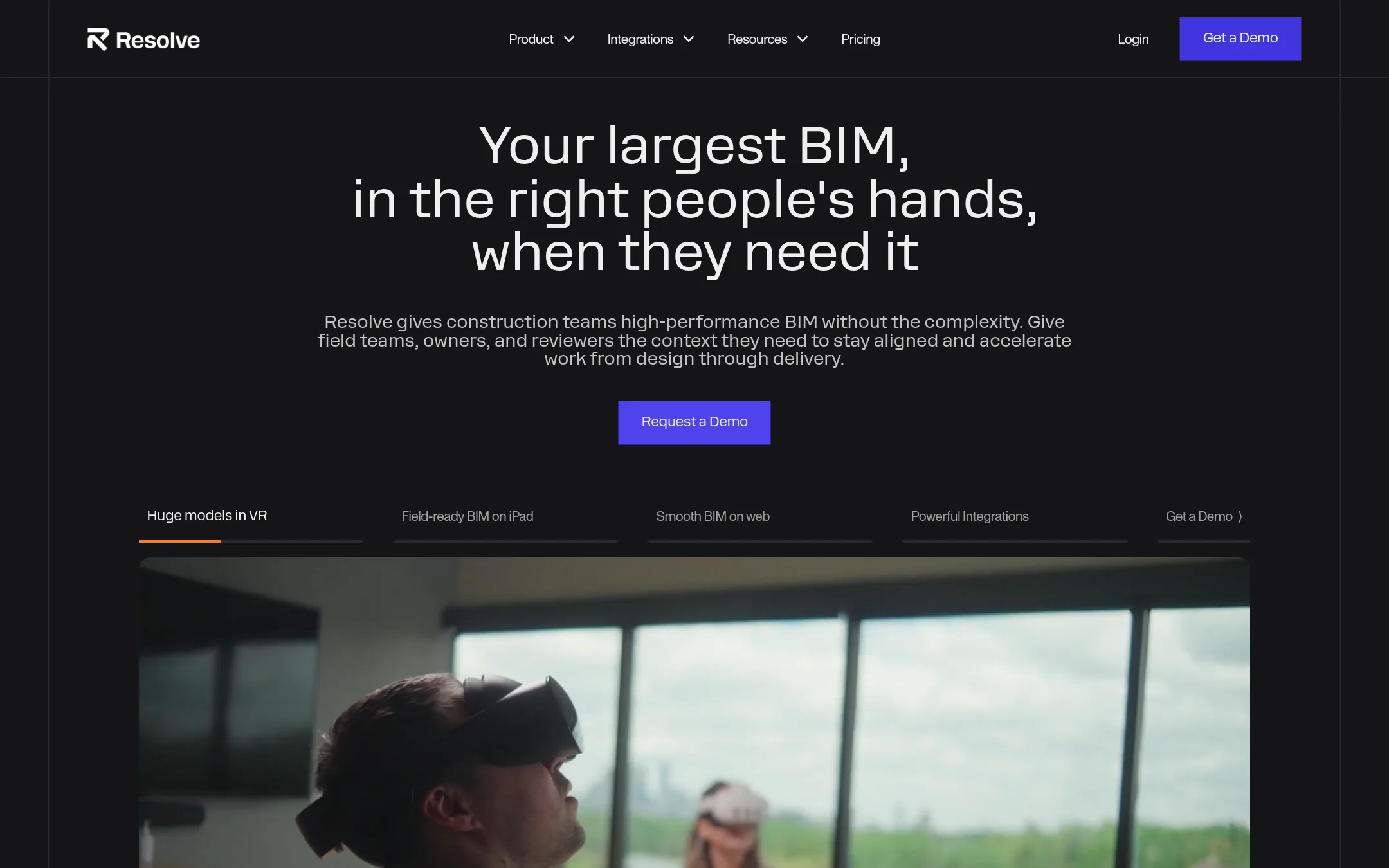
Resolve is a real-time BIM viewer for construction teams that need to open complex models and connect spatial data across office and field workflows. Choose it over Twinmotion when your focus is construction coordination and data-driven decision-making, not architectural visualization.
Where it is strong
- Opens complex BIM models with smooth performance.
- Connects to your existing systems to surface relevant data.
- Built for organization-wide adoption with security and scalability.
Where it falls short
- No public pricing, so budgeting is harder.
- Focused on BIM data, not on creating visual presentations or marketing renders.
- Pricing:
- Pricing is not published on the site.
- ACustom quote
8.Autodesk Construction Cloud
Best for: General contractors, specialty contractors, and owners who need a single platform to manage construction projects from design to closeout.
- Pricing
- Custom quote
- Category
- Productivity & Project Management
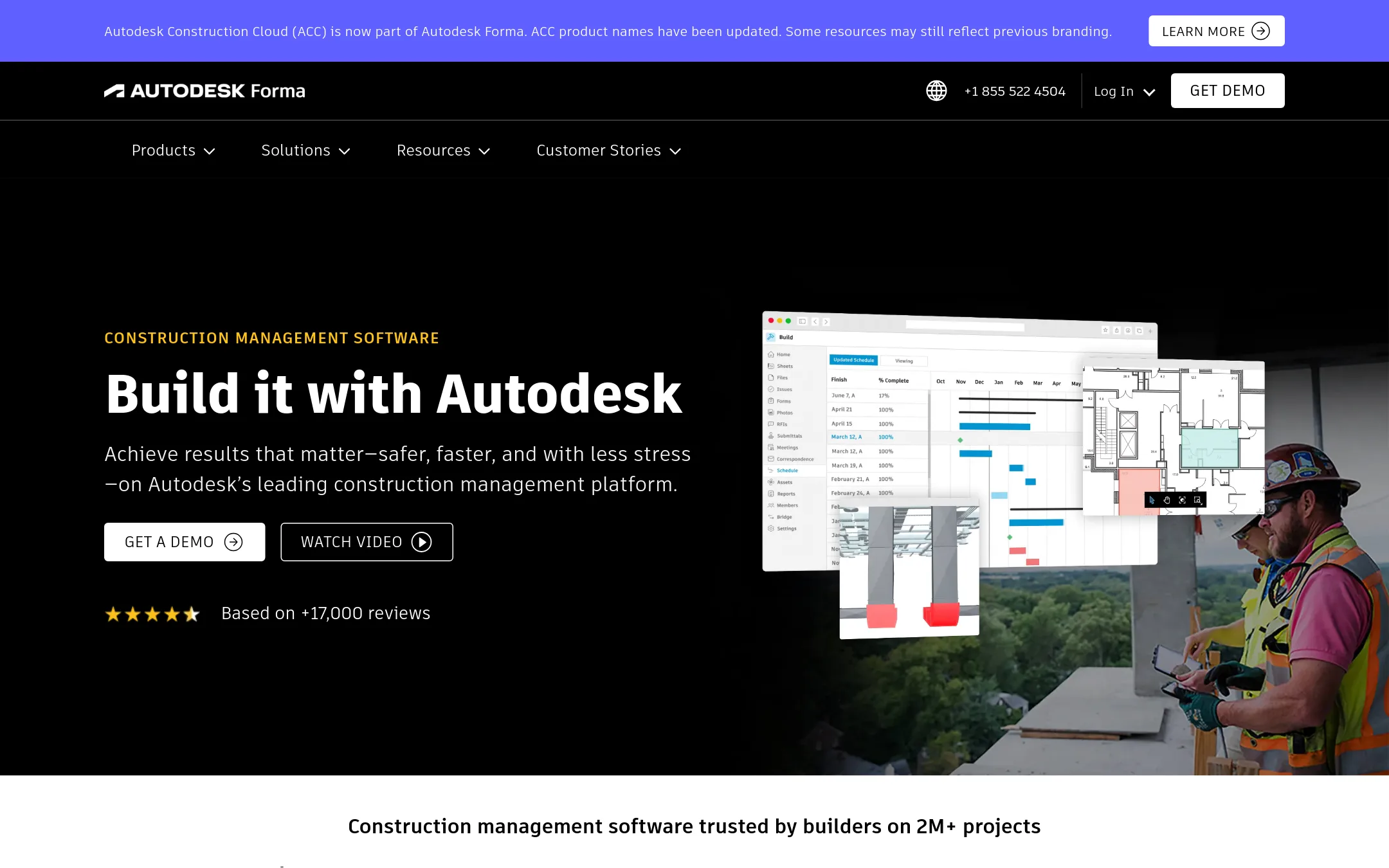
Autodesk Construction Cloud is a construction management platform that connects project teams across design, preconstruction, and field operations. Choose it instead of Twinmotion when your focus is on managing construction workflows, cost, schedules, and collaboration rather than real-time 3D visualization.
Where it is strong
- Centralizes documents, RFIs, submittals, and daily reports in one place
- Includes model coordination and clash detection to reduce rework
- Over 400 pre-built integrations with ERPs, CRMs, and analytics tools
Where it falls short
- No real-time 3D visualization or rendering capabilities like Twinmotion
- Pricing is quote-based, so cost transparency is limited
- Pricing:
- Pricing is not published on the site. You must request a quote.
- BNot published
9.BIM Track
Best for: BIM coordination teams that need a shared issue log across multiple disciplines and software tools.

- Pricing
- Not published
- Category
- Productivity & Project Management
BIM Track is a collaboration and issue tracking platform for BIM workflows. If your team needs to manage coordination issues across models rather than produce real-time visualizations, BIM Track is a practical choice. It is not a 3D visualization tool like Twinmotion, so choose it when your focus is on tracking and resolving design clashes.
Where it is strong
- Centralizes issue tracking for BIM coordination
- Works across common BIM authoring tools
- Provides a shared platform for multiple disciplines
Where it falls short
- Site was unreachable at the time of review
- No real-time 3D visualization or rendering capabilities
- Pricing:
- Pricing is not published on the site.
- Not published
10.Bluebeam Revu
Best for: AEC teams that need to manage construction documents, run design reviews, and collaborate on markups in real time.
- Pricing
- Not published
- Category
- Productivity & Project Management
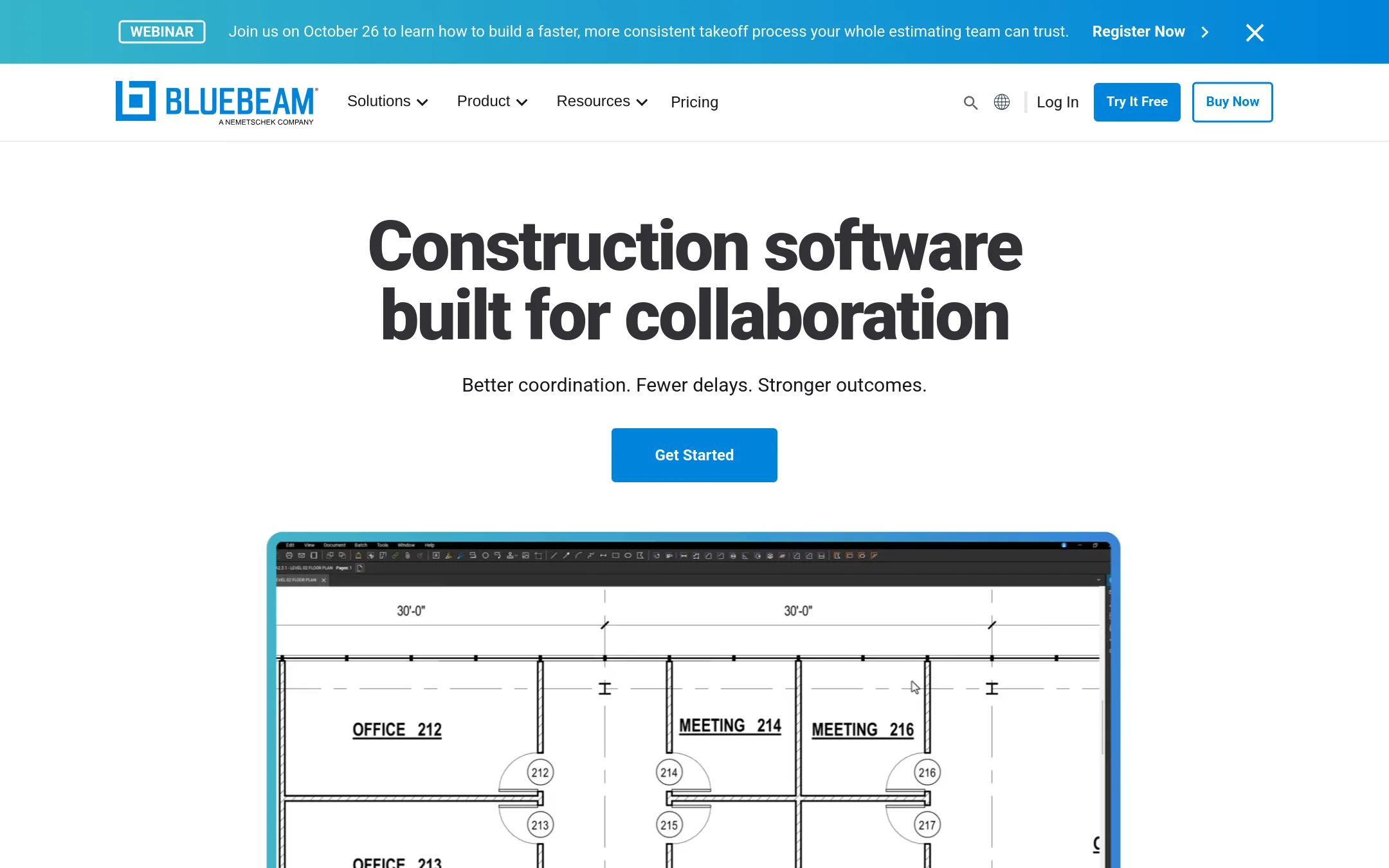
Bluebeam Revu is a document management and collaboration tool for construction teams, not a 3D visualization tool. You would choose it instead of Twinmotion when your work is centered on reviewing, marking up, and coordinating 2D drawings and PDFs across an AEC project. It replaces the need for a separate visualization tool if your primary output is coordinated documentation rather than real-time 3D scenes.
Where it is strong
- Purpose-built markup and measurement tools for 2D and 3D PDFs.
- Real-time collaboration on desktop, web, and mobile.
- Integrates with CAD and Excel for automated workflows.
Where it falls short
- No real-time 3D visualization or rendering capabilities.
- Windows-only desktop app, limiting Mac users.
- Pricing:
- Pricing is not published on the site.
- Custom quote
11.Procore
Best for: General contractors, owners, and subcontractors who need a central platform for project, cost, and resource management.
- Pricing
- Custom quote
- Category
- Productivity & Project Management
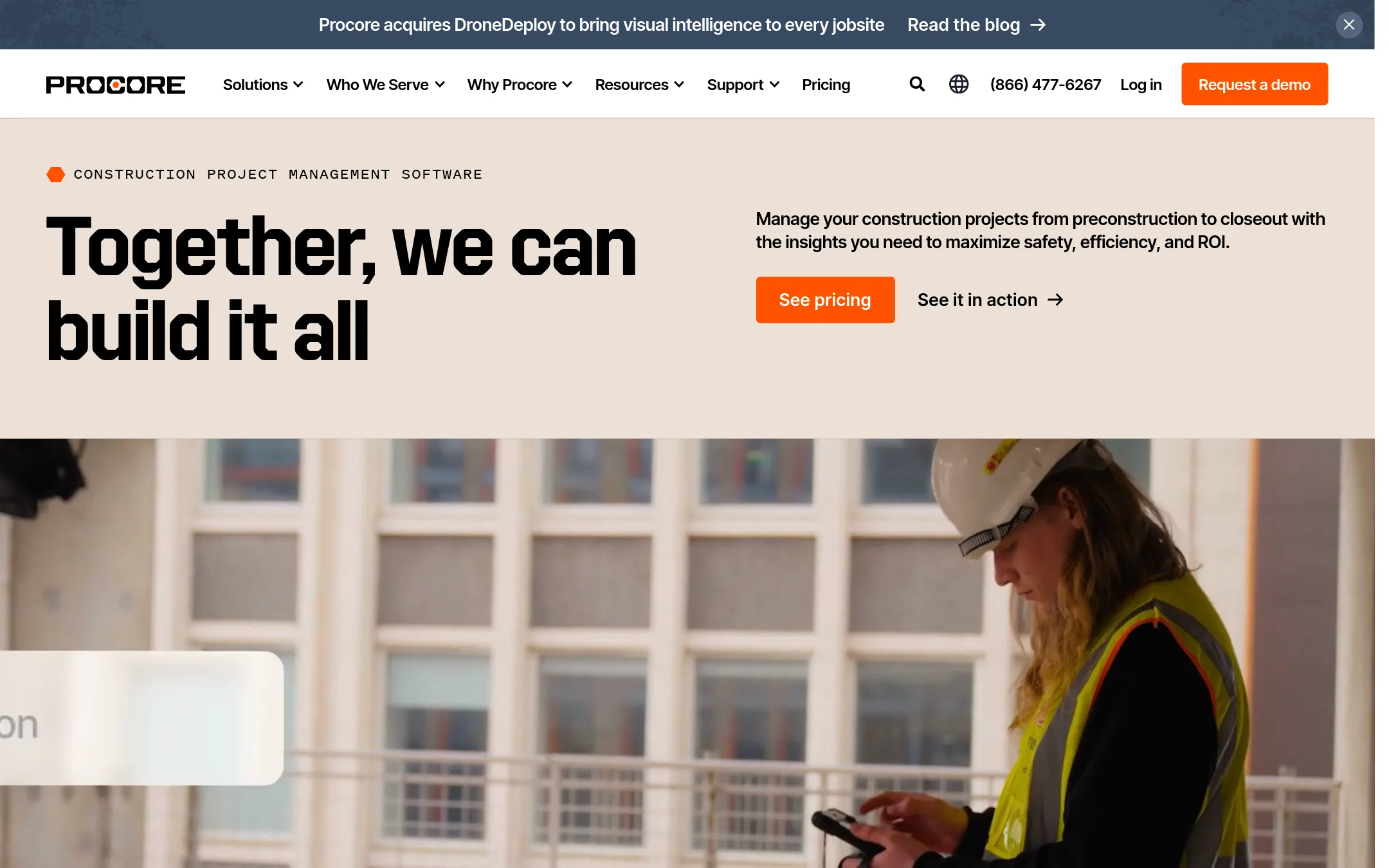
Procore is a construction management platform that connects plans, costs, and field execution. Choose it over Twinmotion when you need to manage the entire construction project lifecycle, not just create visualizations.
Where it is strong
- Unlimited users, data, and 24/7 support included.
- Over 500 integrations via the App Marketplace.
- Cloud-based, so no on-premise servers needed.
Where it falls short
- Pricing is not transparent. Requires a custom quote.
- Field Productivity product is priced separately based on FTE.
- Pricing:
- Pricing is not published on the site. It is based on a custom quote determined by products and annual construction volume.
- Custom quote
12.Revizto
Best for: AECO teams that need to coordinate models, detect clashes, and track issues across stakeholders in a single platform.
- Pricing
- Custom quote
- Category
- Productivity & Project Management
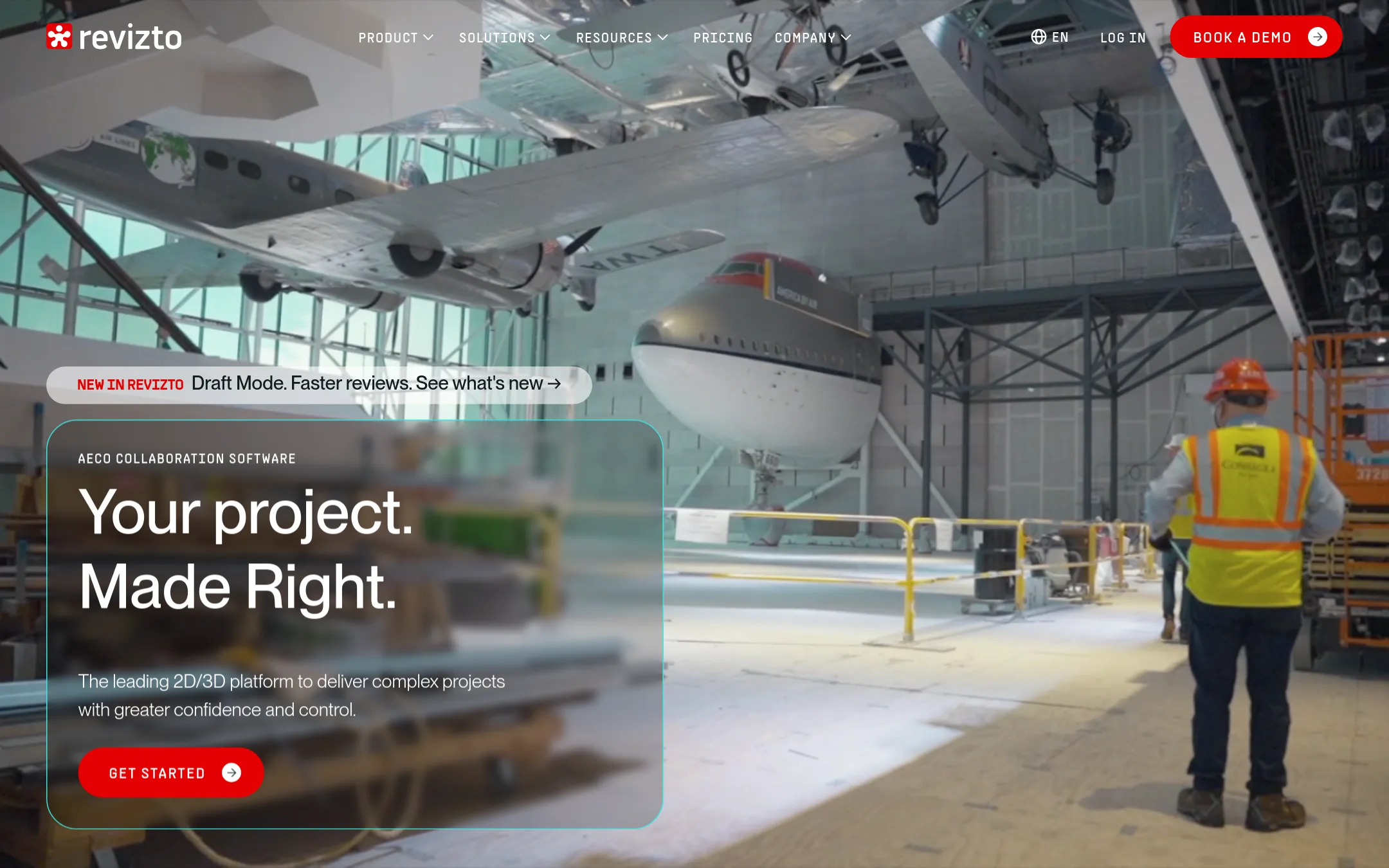
Revizto is a BIM collaboration platform for architecture, engineering, construction, and operations teams. It combines 2D drawings and 3D models in one workspace, with clash detection and issue management tied to spatial locations. Choose it over Twinmotion when your focus is project coordination and resolving design conflicts, not just producing visualizations.
Where it is strong
- Unified 2D/3D environment with overlay and splitview for full project context.
- Automated clash detection with dynamic groupings and visual analysis.
- Issue management synced to exact spatial locations, accessible from any device.
Where it falls short
- Pricing is not transparent. Requires a sales conversation.
- Heavier focus on coordination than on high-end real-time rendering, so it may not suit pure visualization needs.
- Pricing:
- Pricing is not published on the site. You must talk to sales for a quote.
- Switching from Twinmotion:
- Moving from Twinmotion to Revizto involves shifting from a visualization tool to a coordination platform, so you'd need to import BIM models and set up issue workflows rather than just scenes.
See more comparisons in Productivity & Project Management alternatives.
FAQ
Questions about Twinmotion alternatives
What is the best alternative to Twinmotion for construction teams?
Resolve and Revizto are strong choices. Resolve is a fast BIM viewer for construction coordination, while Revizto combines 2D and 3D models with clash detection and issue management. Both focus on data and coordination, not just visualization.
Which alternative is best for architects who want real-time rendering?
Enscape is the best fit. It renders inside Revit, SketchUp, Rhino, Archicad, and Vectorworks with one click, so you don't need to export files. It also includes AI-assisted design tools and sustainability analysis on higher tiers.
Are there free alternatives to Twinmotion?
Blender is free and open-source, covering modeling, animation, and rendering. Unreal Engine is free for games under $1 million revenue, but has a seat license fee for commercial use above that. Twinmotion itself has a free version for small businesses under $1 million revenue.
Which alternatives have transparent pricing?
SketchUp and Enscape publish pricing. SketchUp starts at $10.75 per user per month for Go, and Enscape starts at €538.80 per license per year. Most other tools, like Resolve, Autodesk Construction Cloud, and Procore, require a sales quote.
Which alternatives integrate with CAD and BIM tools?
Enscape and Lumion integrate with Revit, SketchUp, Rhino, and Archicad. D5 Render live-syncs with SketchUp, Revit, and Rhino. Revizto and BIM Track work across common BIM authoring tools for coordination.
Last updated November 1, 2026.