
WorkFlowy alternatives
11 products compared · Updated October 15, 2026
Your shortlist, at a glance
Read the comparisons ↓ NotionFrom $10/mo per seatTeams that want a shared workspace with databases, wikis, and custom pages instead of a single outliner
EvernoteNot publishedTeams and individuals who want a versatile second brain with notes, tasks, and calendar integration in one place.
 Roam ResearchNot publishedResearchers, writers, and knowledge workers who need to link and resurface ideas across a growing body of notes.
 ObsidianFree. Sync $4/moResearchers, writers, and knowledge workers who want a private, plugin-extensible note system with linked notes and a graph view.
 DynalistNot publishedIndividuals and small teams who want a free, unlimited outliner with tags, dates, and collaboration without hitting node caps.
 TodoistFree / $4/moIndividuals and teams who want a straightforward to-do list with due dates, recurring tasks, and shared projects
TrelloFree, $6, $12.50, $210Teams that prefer visual kanban boards and need built-in automation and integrations with tools like Slack and Google Drive.
- AAsanaNot publishedTeams that need shared project tracking with timelines, dashboards, and AI-assisted workflows
LogseqNot publishedStudents, academics, writers, and developers who want a private, local-first knowledge base with linked notes and flashcards.
 BearFrom $100/moEnterprises and frontier labs that need reliable AI agents grounded in real workflow data
 RemNoteSee websiteStudy Faster with AI Flashcards, Quizzes & Summaries
About WorkFlowy and its alternatives
People searching for WorkFlowy alternatives often want a tool that keeps note-taking and task management extremely lightweight without the feature overload found in most modern apps. WorkFlowy delivers exactly that by boiling everything down to one infinite bullet list where indentation creates structure on demand. Users who value speed and clarity over databases, wikis or elaborate dashboards frequently discover that WorkFlowy removes the noise that slows them down in more complex platforms. Its long-standing focus on pure outlining makes it ideal for thinkers who need to capture ideas quickly, zoom into details, and maintain a clear mental model without constant context switching or visual clutter. If you have tried other tools and felt they added unnecessary complexity, WorkFlowy remains a strong minimalist choice for daily thinking and project organization.
Explore the alternatives
- From $10/mo per seat
1.Notion
Best for: Teams that want a shared workspace with databases, wikis, and custom pages instead of a single outliner
- Pricing
- From $10/mo per seat
- Category
- Productivity & Project Management
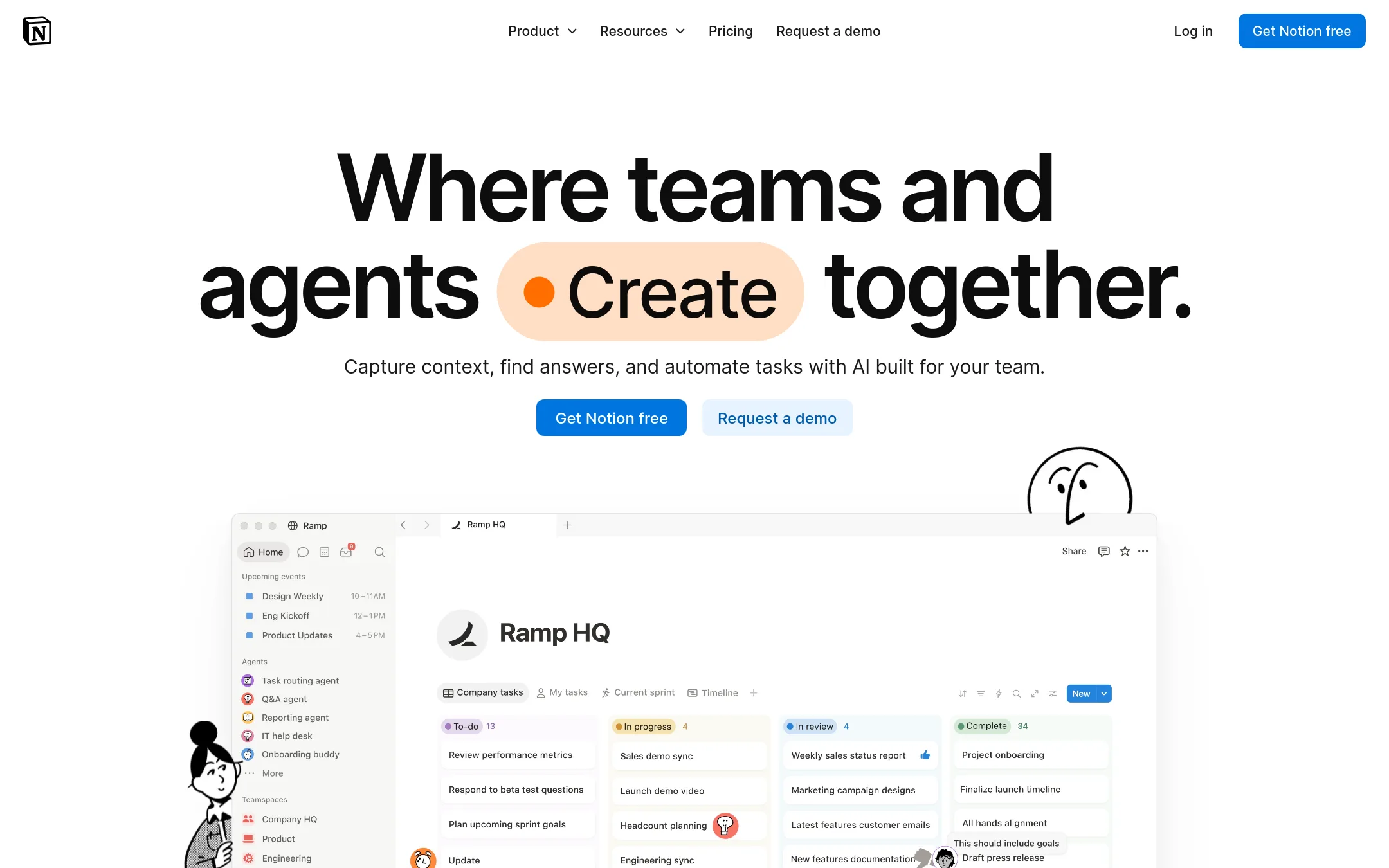
Notion is a flexible workspace where you can build pages, databases, and wikis for almost any kind of work. It suits teams that need a shared hub for notes, projects, and documentation, while WorkFlowy is a single bullet list for personal outlining.
Where it is strong
- Flexible pages and databases for many use cases
- Strong collaboration with comments and shared views
- AI features are built into the workspace
Where it falls short
- Steeper learning curve than WorkFlowy's simple list
- Free plan limits blocks and file uploads
- Pricing:
- In the United States, the Free plan includes basic forms and sites. Plus is $10 per month per seat billed annually, Business is $20 per month per seat billed annually, and Enterprise is custom.
- Switching from WorkFlowy:
- Moving from WorkFlowy means recreating your outline as pages and databases, which can take time if you rely on nested bullets.
- Not published
2.Evernote
Best for: Teams and individuals who want a versatile second brain with notes, tasks, and calendar integration in one place.
- Pricing
- Not published
- Category
- Productivity & Project Management
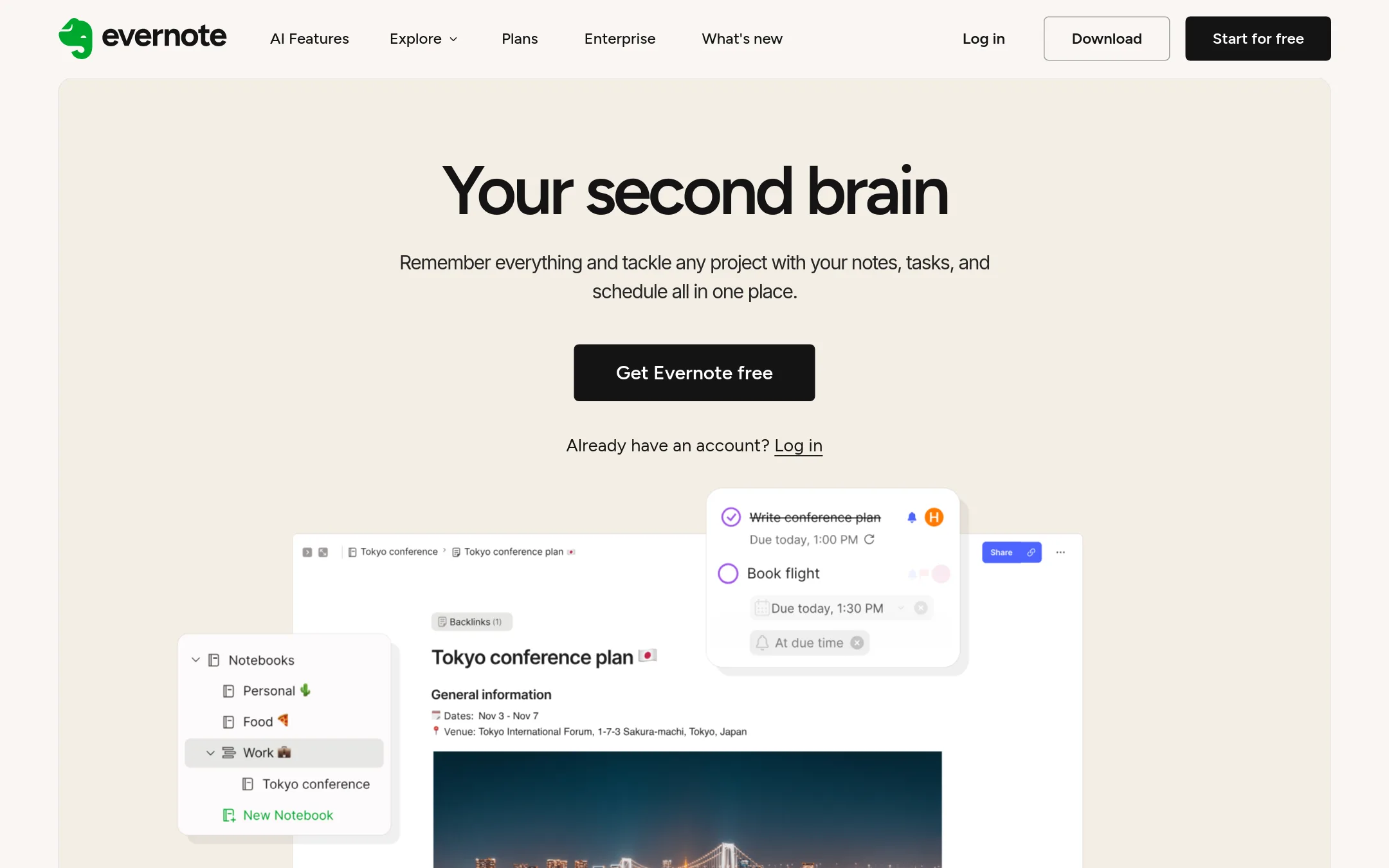
Evernote is a full-featured note-taking app with tasks, calendar, and AI tools. Choose it over WorkFlowy if you need rich formatting, attachments, and collaboration in a traditional notebook structure rather than an outliner.
Where it is strong
- Rich formatting, attachments, and web clipping for varied content types.
- Integrated tasks, calendar, and AI features like semantic search and transcription.
- Real-time collaboration with comments and task assignment.
Where it falls short
- Free plan limited to 1 device and 1GB storage, unlike WorkFlowy's unlimited devices.
- Pricing not transparent on the site, making cost comparison difficult.
- Pricing:
- Pricing is not published on the site. Plans include Free, Starter, Advanced, Flexible, and Unlimited, but no dollar amounts are listed.
- Switching from WorkFlowy:
- Moving from WorkFlowy means adapting from a bullet-list outliner to a notebook-based structure. You can import notes but will need to reorganize your hierarchy.
- Not published
3.Roam Research
Best for: Researchers, writers, and knowledge workers who need to link and resurface ideas across a growing body of notes.
- Pricing
- Not published
- Category
- Productivity & Project Management
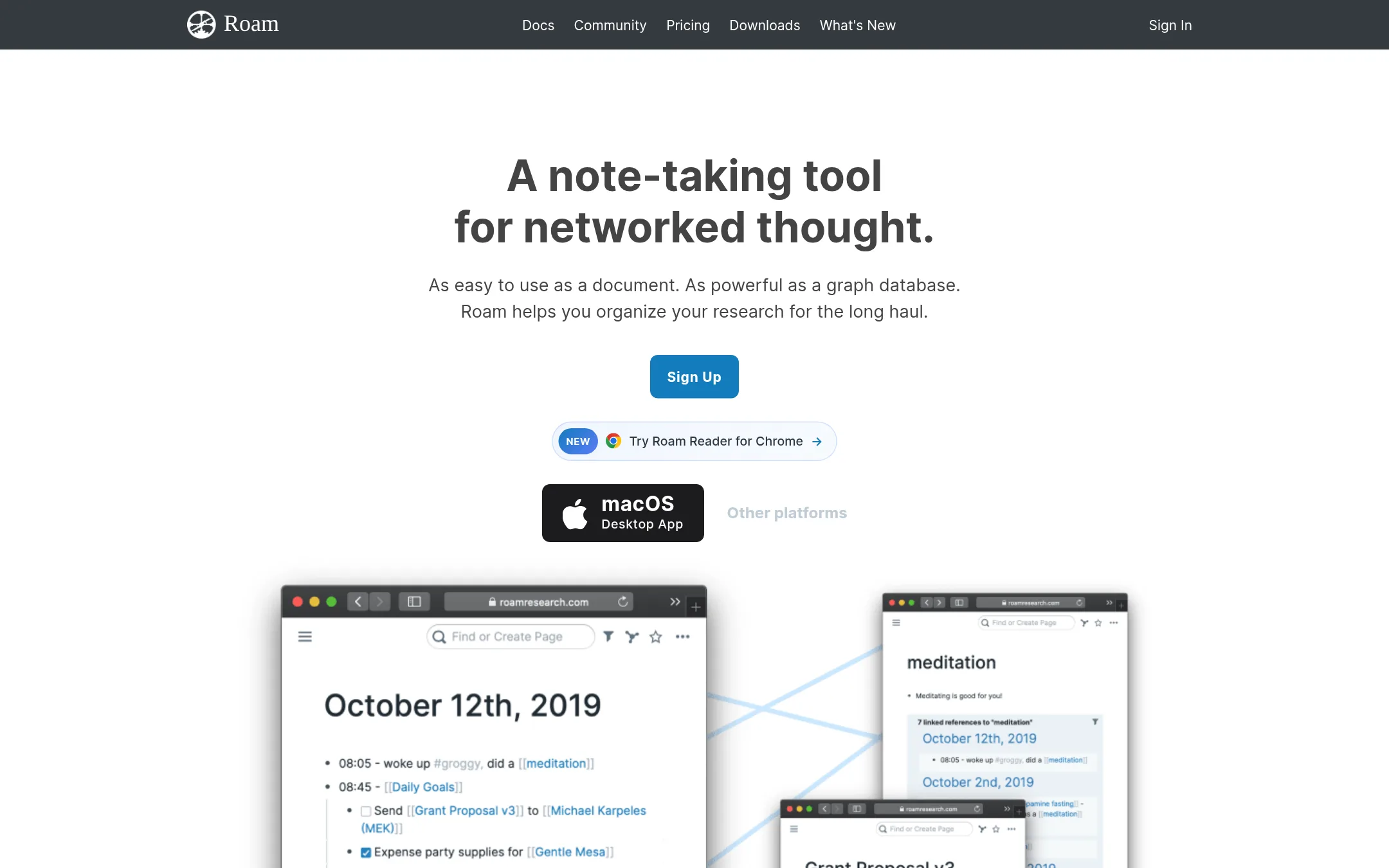
Roam Research is a note-taking tool built around networked thought, where every bullet can be linked and backlinked to create a web of ideas. Choose it instead of WorkFlowy if your work depends on connecting concepts across notes, not just organizing them in a hierarchy.
Where it is strong
- Bi-directional links make it easy to connect related notes and see how ideas relate.
- Daily notes with automatic backlinks help you capture thoughts without deciding where they go.
- Real-time collaboration and local data storage options are available.
Where it falls short
- No free tier or published pricing, so you can't evaluate cost before committing.
- Steeper learning curve than WorkFlowy's simple bullet list, especially for non-technical users.
- Pricing:
- Pricing is not published on the site.
- Switching from WorkFlowy:
- Moving from WorkFlowy means adapting to a non-hierarchical structure, so you'll need to rework how you organize notes and learn the linking workflow.
- Free. Sync $4/mo
4.Obsidian
Best for: Researchers, writers, and knowledge workers who want a private, plugin-extensible note system with linked notes and a graph view.

- Pricing
- Free. Sync $4/mo
- Category
- Productivity & Project Management
Obsidian is a local-first note app that stores your notes as plain Markdown files, so you own your data and can access it offline. It is a good choice if you want deep customization through plugins and a visual graph of your ideas, rather than WorkFlowy's single bullet list. You would pick Obsidian when you prefer building a personal knowledge base over a simple outliner.
Where it is strong
- Notes are stored locally as plain Markdown files, so you own your data and can access them offline.
- Thousands of plugins and themes let you tailor the app to your workflow.
- End-to-end encrypted Sync with version history for collaboration across devices.
Where it falls short
- No built-in real-time collaboration unless you pay for Sync and set up a shared vault.
- Steeper learning curve than WorkFlowy for those who just want a simple outliner.
- Pricing:
- The app is free with no limits. Optional paid services: Sync is $4 per user per month billed annually ($5 monthly), Publish is $8 per site per month billed annually ($10 monthly). Commercial license is $50 per user per year.
- Switching from WorkFlowy:
- Moving from WorkFlowy involves exporting your outline as text or Markdown and then importing it into Obsidian, but you will need to reorganize your bullets into separate notes to take advantage of Obsidian's linking features.
- Not published
5.Dynalist
Best for: Individuals and small teams who want a free, unlimited outliner with tags, dates, and collaboration without hitting node caps.
- Pricing
- Not published
- Category
- Productivity & Project Management
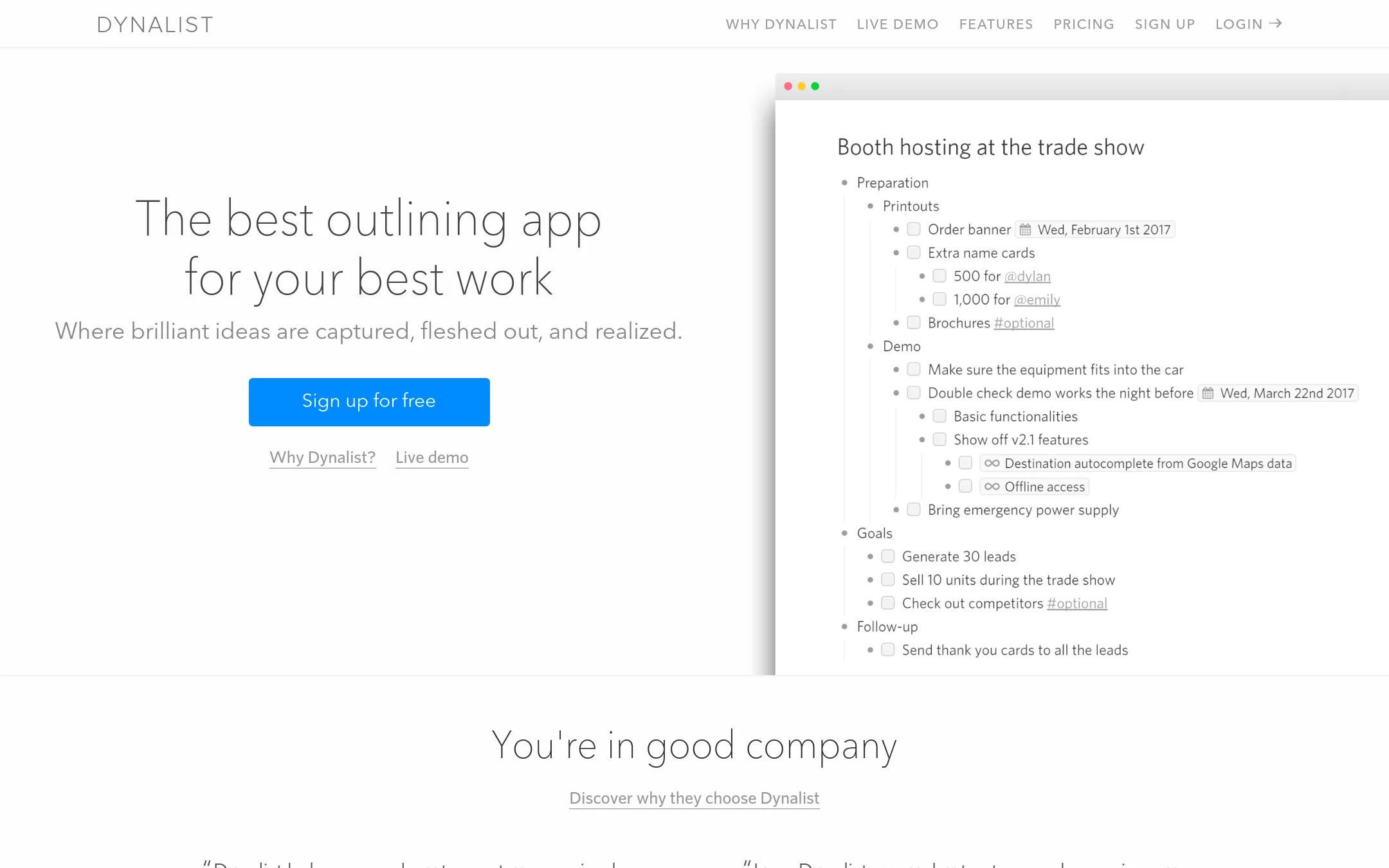
Dynalist is a dedicated outliner that handles unlimited items and documents even on its free plan, with features like tags, dates, and checklists built in. You would choose it over WorkFlowy if you need a free tool with no node limits and want more structured list features without paying.
Where it is strong
- Unlimited items and documents on the free plan
- Built-in tags, dates, and checklists for structured lists
- Supports sharing and collaboration
Where it falls short
- Pricing details are not shown on the site, so you must contact them
- Lacks some WorkFlowy features like AI and Teams plans
- Pricing:
- Pricing is not published on the site. The pricing page shows plan names but no dollar amounts.
- Switching from WorkFlowy:
- Moving from WorkFlowy is straightforward: you can export your WorkFlowy data as OPML and import it into Dynalist, then reapply any tags or dates you used.
- Free / $4/mo
6.Todoist
Best for: Individuals and teams who want a straightforward to-do list with due dates, recurring tasks, and shared projects
- Pricing
- Free / $4/mo
- Category
- Productivity & Project Management
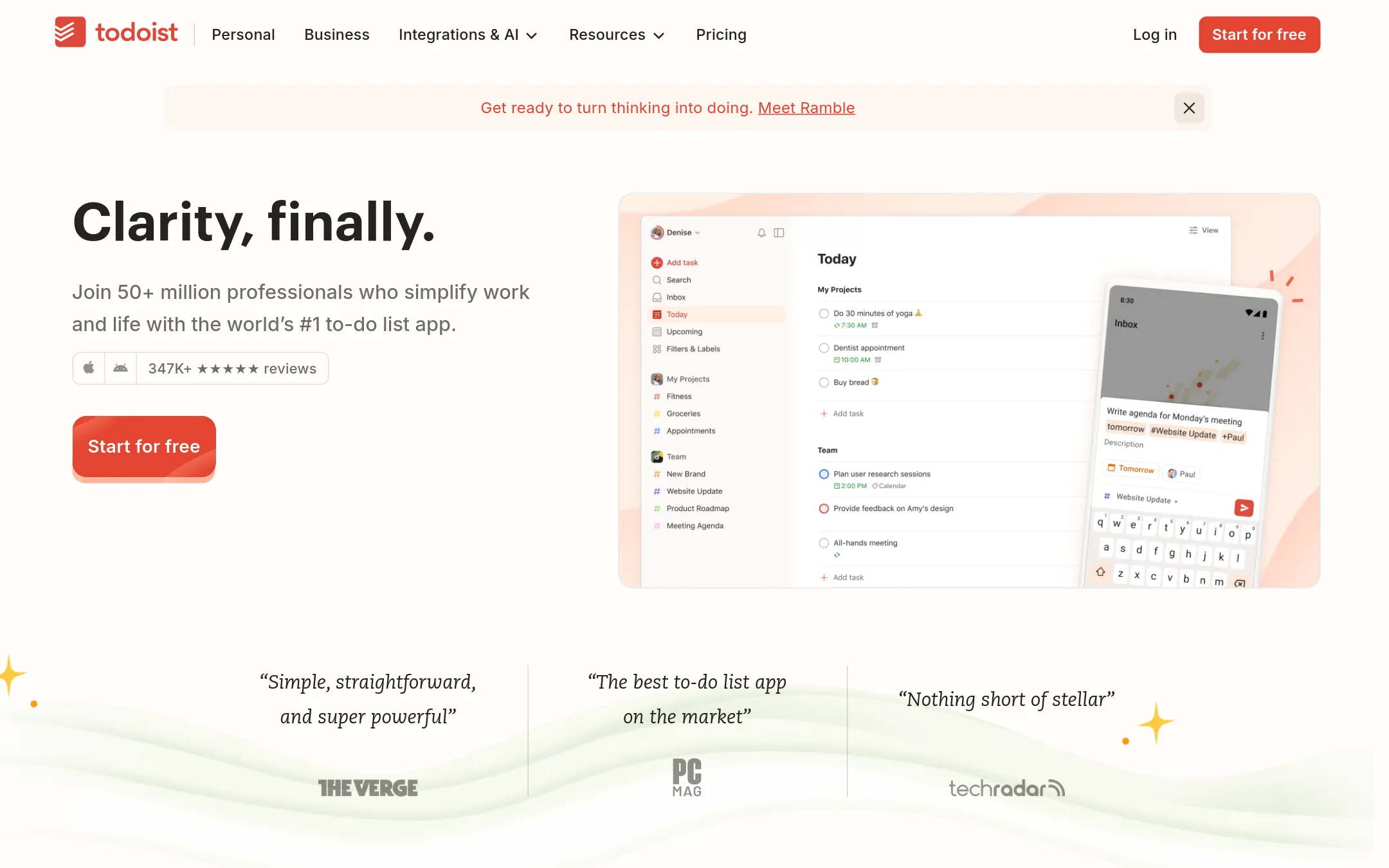
Todoist is a task manager built around due dates, priorities, and recurring tasks, while WorkFlowy is an infinite bullet list for free-form notes and outlines. Choose Todoist when you need deadlines, reminders, and team assignments rather than a flexible canvas for capturing and structuring thoughts.
Where it is strong
- Natural language quick add captures tasks fast
- Shared projects with assignments and comments for team work
- Works across phone, tablet, watch, desktop, and web
Where it falls short
- Free plan caps at 5 personal projects and 3 filter views
- File uploads limited to 5 MB on free and 100 MB on Pro
- Pricing:
- Beginner is free with 5 personal projects. Pro is $4 per month billed annually, and Business is $6 per member per month billed annually.
- Switching from WorkFlowy:
- Moving from WorkFlowy means converting your nested bullets into tasks with due dates and projects, which works well if your lists are action-oriented but loses the free-form outlining feel.
- Free, $6, $12.50, $210
7.Trello
Best for: Teams that prefer visual kanban boards and need built-in automation and integrations with tools like Slack and Google Drive.
- Pricing
- Free, $6, $12.50, $210
- Category
- Productivity & Project Management
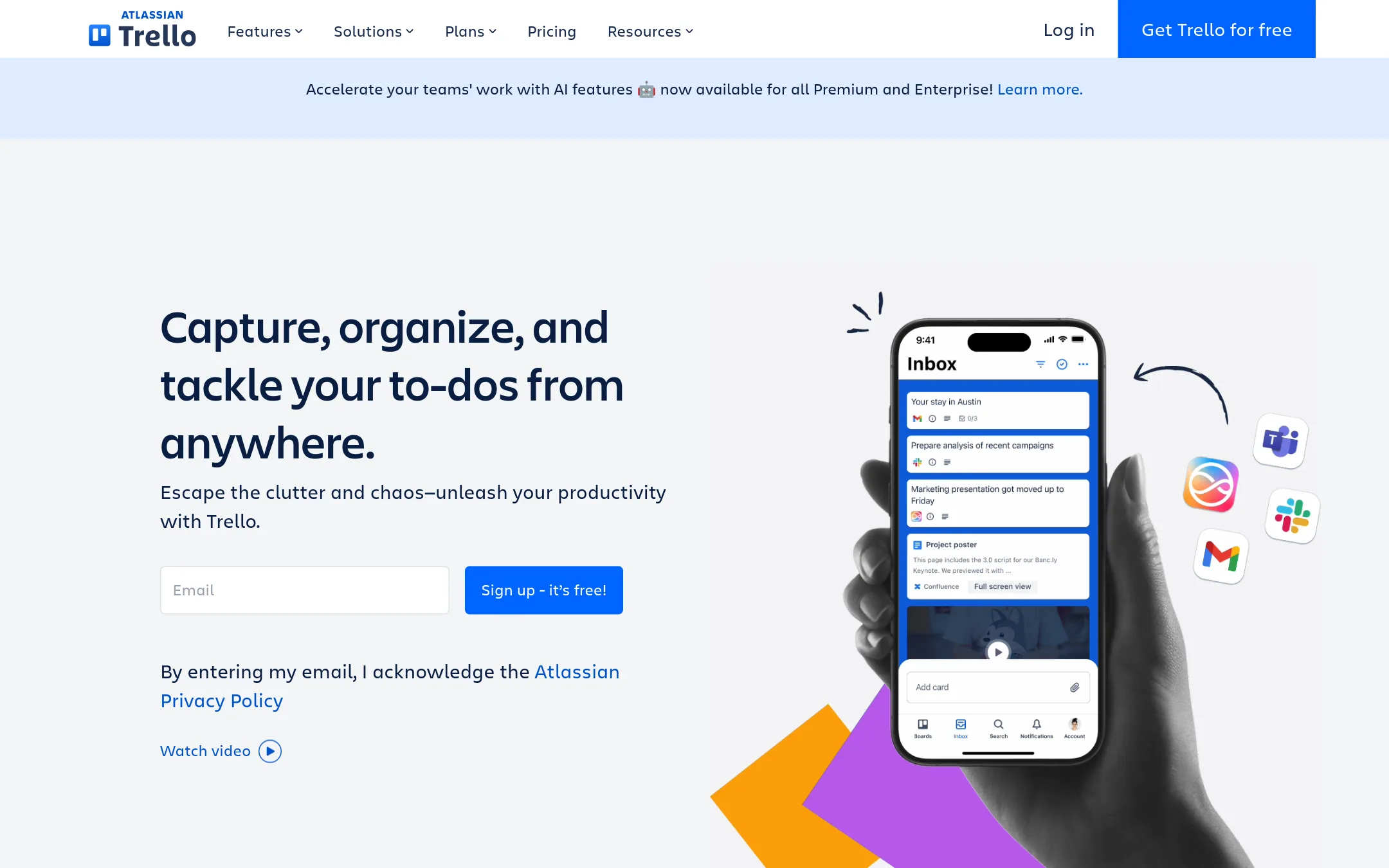
Trello organizes work on visual boards with cards, lists, and built-in automation. Choose it over WorkFlowy when your team needs a kanban-style workflow with drag-and-drop cards, rather than a hierarchical bullet list. It suits collaborative project tracking where multiple people move tasks through stages.
Where it is strong
- Visual boards and cards make task progress clear at a glance.
- Built-in automation and 200+ Power-Ups for integrations.
- Free plan supports up to 10 collaborators per Workspace.
Where it falls short
- Hierarchical note-taking is less flexible than WorkFlowy's infinite bullet list.
- Free plan limits you to 10 boards per Workspace.
- Pricing:
- Free for up to 10 collaborators per Workspace. Standard is $6 per user/month billed annually. Premium is $12.50 per user/month billed annually. Enterprise is $210.00 annual price per user.
- Switching from WorkFlowy:
- Moving from WorkFlowy means shifting from a bullet-list hierarchy to cards and boards, which may require reorganizing your notes into discrete tasks.
- ANot published
8.Asana
Best for: Teams that need shared project tracking with timelines, dashboards, and AI-assisted workflows
- Pricing
- Not published
- Category
- Productivity & Project Management
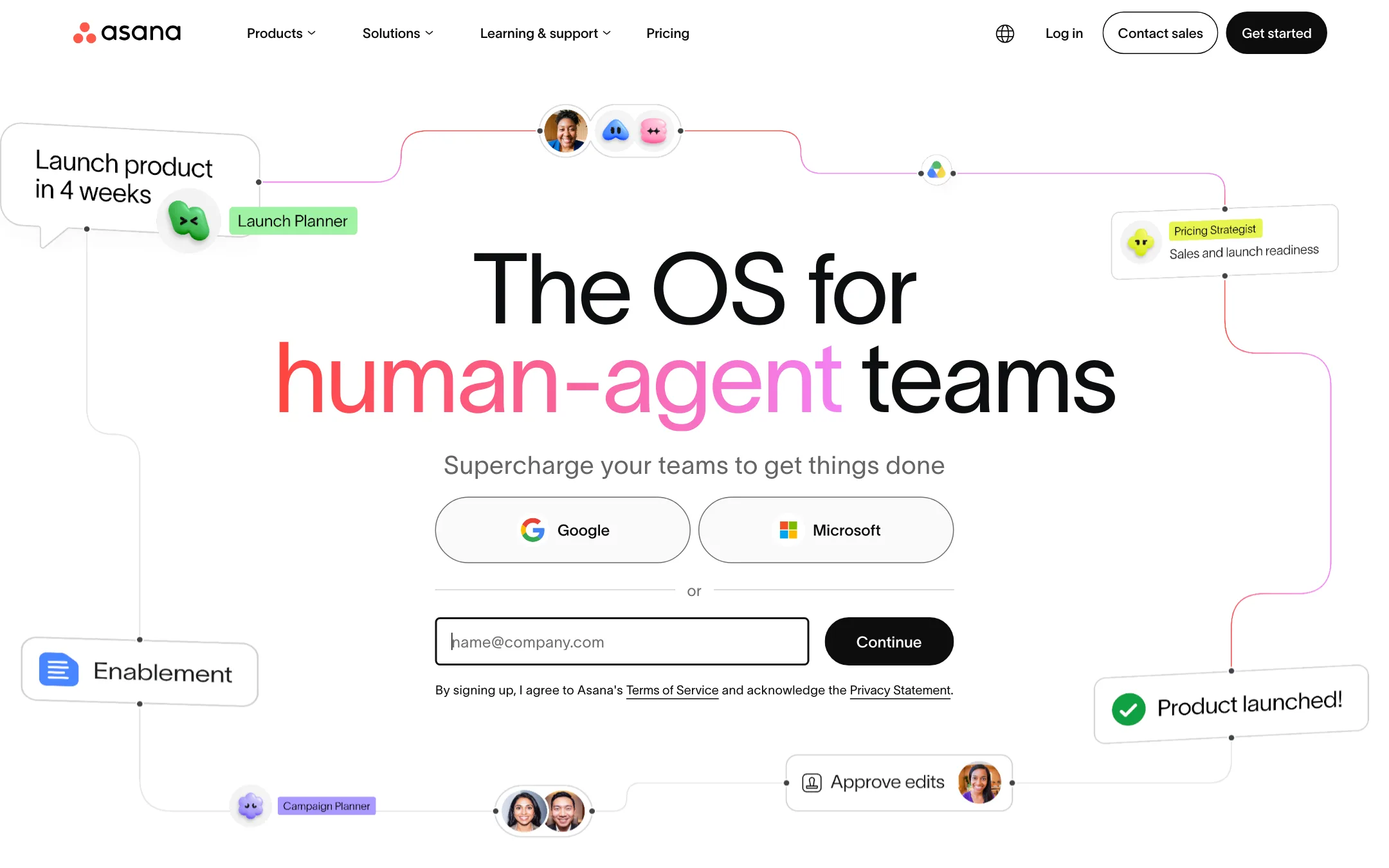
Asana is a full project management platform for teams that need task tracking, timelines, and reporting. Choose it over WorkFlowy when you manage work with multiple people and need structured projects, dependencies, and dashboards.
Where it is strong
- Unlimited tasks and projects on the free plan
- Multiple views: list, board, calendar, timeline, Gantt
- Built-in AI Teammates and automations
Where it falls short
- Free plan limited to 2 users
- No outliner-style nested bullets like WorkFlowy
- Pricing:
- Pricing is not published on the site. The page shows plan tiers but no specific prices.
- Switching from WorkFlowy:
- Moving from WorkFlowy means adopting a task-based structure with projects and assignments, rather than a single nested list.
- Not published
9.Logseq
Best for: Students, academics, writers, and developers who want a private, local-first knowledge base with linked notes and flashcards.
- Pricing
- Not published
- Category
- Productivity & Project Management
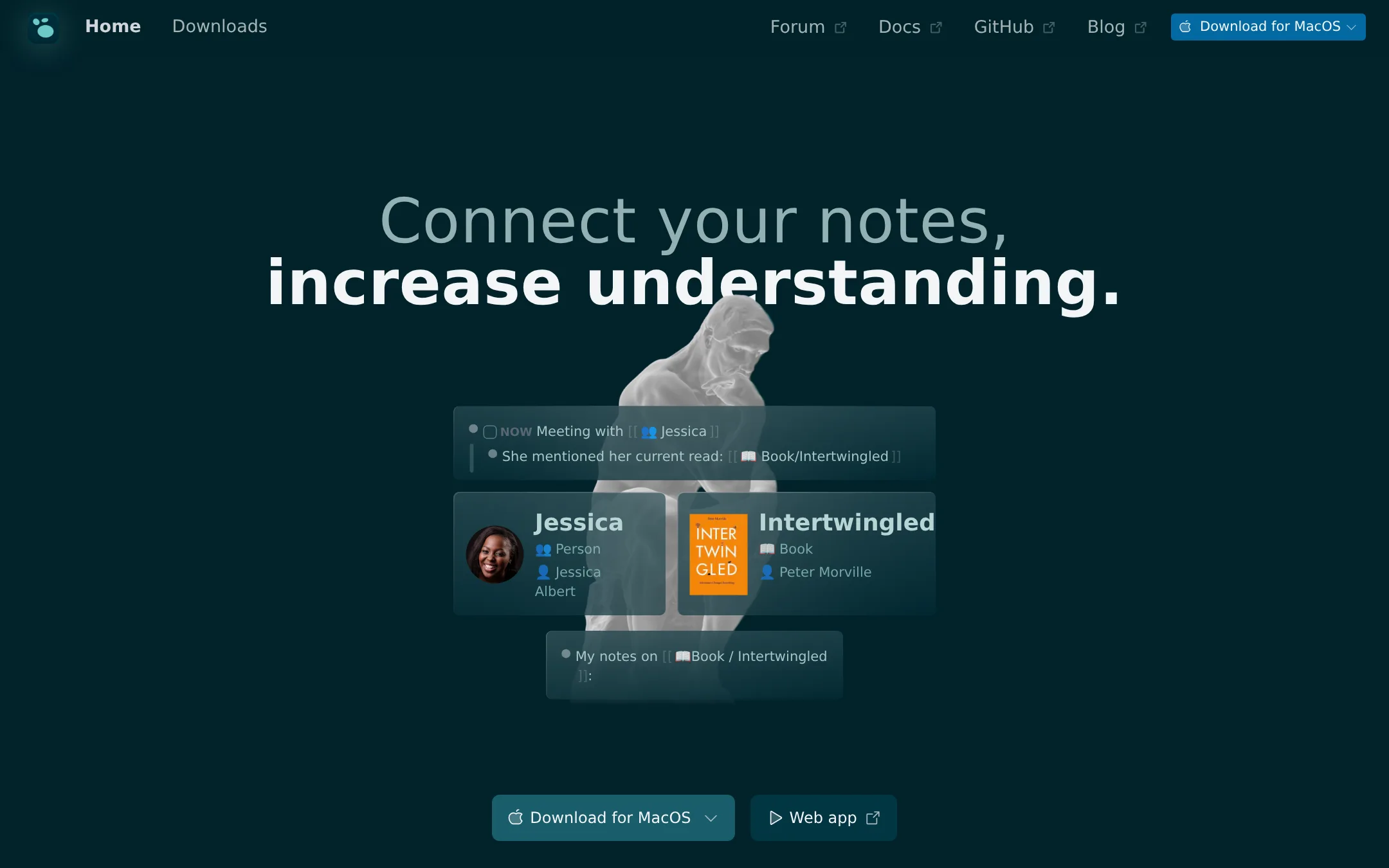
Logseq is a privacy-first, open-source knowledge base that stores your notes as local Markdown files. You would choose it over WorkFlowy if you want full ownership of your data, offline access, and the ability to link notes and build a personal knowledge graph. It's especially suited for people who prefer a local-first, extensible tool over a cloud-based outliner.
Where it is strong
- Open source and free forever for personal use.
- You own your data locally as Markdown files, so you can open them in other tools.
- Includes features like PDF annotations, flashcards, and 150+ plugins.
Where it falls short
- No official pricing page, so costs for sync or advanced features are unclear.
- Steeper learning curve than WorkFlowy if you want to use linked references and queries.
- Pricing:
- Pricing is not published on the site.
- Switching from WorkFlowy:
- Moving from WorkFlowy means getting used to a block-based editor and local file storage, but you can import your outlines as Markdown.
- From $100/mo
10.Bear
Best for: Enterprises and frontier labs that need reliable AI agents grounded in real workflow data
- Pricing
- From $100/mo
- Category
- Marketing & Sales
Bear turns real workflows into datasets for building domain-grounded AI agents, aimed at enterprises and frontier labs. Choose it over WorkFlowy when you need to track AI prompts, generate blogs, or run email outreach, not organize personal notes.
Where it is strong
- Tracks GPT-5 and other AI models for prompt monitoring
- Includes blog generation and email outreach workflows
- Enterprise plan offers custom integrations and Slack support
Where it falls short
- Basic plan limits prompt tracking to 30 per month
- No public pricing for enterprise tier
- Pricing:
- Pricing starts at $100 per month for Basic, which includes tracking GPT-5, up to 30 prompts, and 2 blogs per month. Enterprise pricing is custom.
- See website
11.RemNote
Productivity & Project Management
Study Faster with AI Flashcards, Quizzes & Summaries
See more comparisons in Productivity & Project Management alternatives.
FAQ
Questions about WorkFlowy alternatives
What makes WorkFlowy different from Notion for simple outlining?
WorkFlowy uses a single bullet list with instant indentation instead of Notion's databases, pages and blocks, delivering faster focus and fewer distractions for users who only need hierarchical notes.
Is WorkFlowy still worth using in 2024 compared to newer apps?
Yes, its 14-year track record of extreme simplicity and reliable syncing continues to appeal to users who want to avoid the feature bloat common in newer productivity tools.
How does WorkFlowy pricing compare to Evernote or Roam Research?
WorkFlowy offers a generous free tier and low-cost Pro at $6.99 monthly billed annually while many competitors require paid plans from day one or charge more for similar unlimited outlining.
Can WorkFlowy replace Todoist or Trello for task management?
WorkFlowy handles tasks through indented bullets and tags but lacks due dates and boards, making it better for fluid thinking than strict project tracking.
Does WorkFlowy work well for students or researchers?
Its clean outlining supports building large knowledge structures without folders, suiting users who prefer linear, zoomable notes over folder-based or graph systems.
What are the main limitations of WorkFlowy versus Obsidian or Logseq?
WorkFlowy does not support local markdown files, plugins or offline graphs, trading those advanced features for a simpler, faster cloud-synced experience.
Last updated October 15, 2026.