6 Best AI Model Software in 2026
Updated November 7, 2026
The short answer
The best AI model software for most teams is Hugging Face for finding, fine-tuning and deploying open models, Ollama for running models locally or paying per token, and Sapling.ai for writing assistance inside support and CRM tools. Hugging Face suits engineering teams building on open models, Ollama suits developers and privacy-focused teams, and Sapling.ai suits support and CRM teams. Guide Labs and Dream3D are also worth a look for teams that need explainability or simulation, though their pricing is not published.
The shortlist, at a glance
Read the comparisons ↓ Hugging FaceFrom $20/user/moEngineering teams and founders who build on open models and need to find, test, fine-tune and deploy them without starting from scratch
 OllamaFrom $0 (local runs)Developers and privacy-focused teams that want to run open models locally or pay per token for cloud models.
 Sapling.aiFree, $12-$25/mo, API Support and CRM teams that want writing assistance and autocomplete inside Zendesk, Salesforce or similar tools
 Dream3DNot publishedResearch and engineering teams that want foundation models for interactive simulation and generative world-building.
 Guide LabsNot publishedTeams in regulated or high-stakes settings that need to explain and audit why an AI model produced a given output
 dmodelNot publishedAI safety and interpretability teams, or frontier labs, that want research partnerships or hires focused on steerable and explainable models.
About AI Model Software
AI model software gives teams access to machine learning models and the tools to run, test, fine-tune and deploy them. Some products host and serve models, some let you run open models on your own hardware, and others apply language models to a specific job such as writing support or auditing outputs.
The products on this list differ in approach, scale and pricing. Hugging Face is a large community hub with open libraries and pay-as-you-go GPU compute. Ollama runs models on your own machine for free or charges per token for cloud models. Sapling.ai is a focused writing tool sold as a subscription with enterprise seat pricing. Guide Labs, Dream3D and dmodel are earlier-stage or research-led, and none publishes pricing.
The 6 best AI Model Software, compared
- From $20/user/mo
1.Hugging Face
Best for: Engineering teams and founders who build on open models and need to find, test, fine-tune and deploy them without starting from scratch
- Pricing
- From $20/user/mo
- Category
- AI & Machine Learning
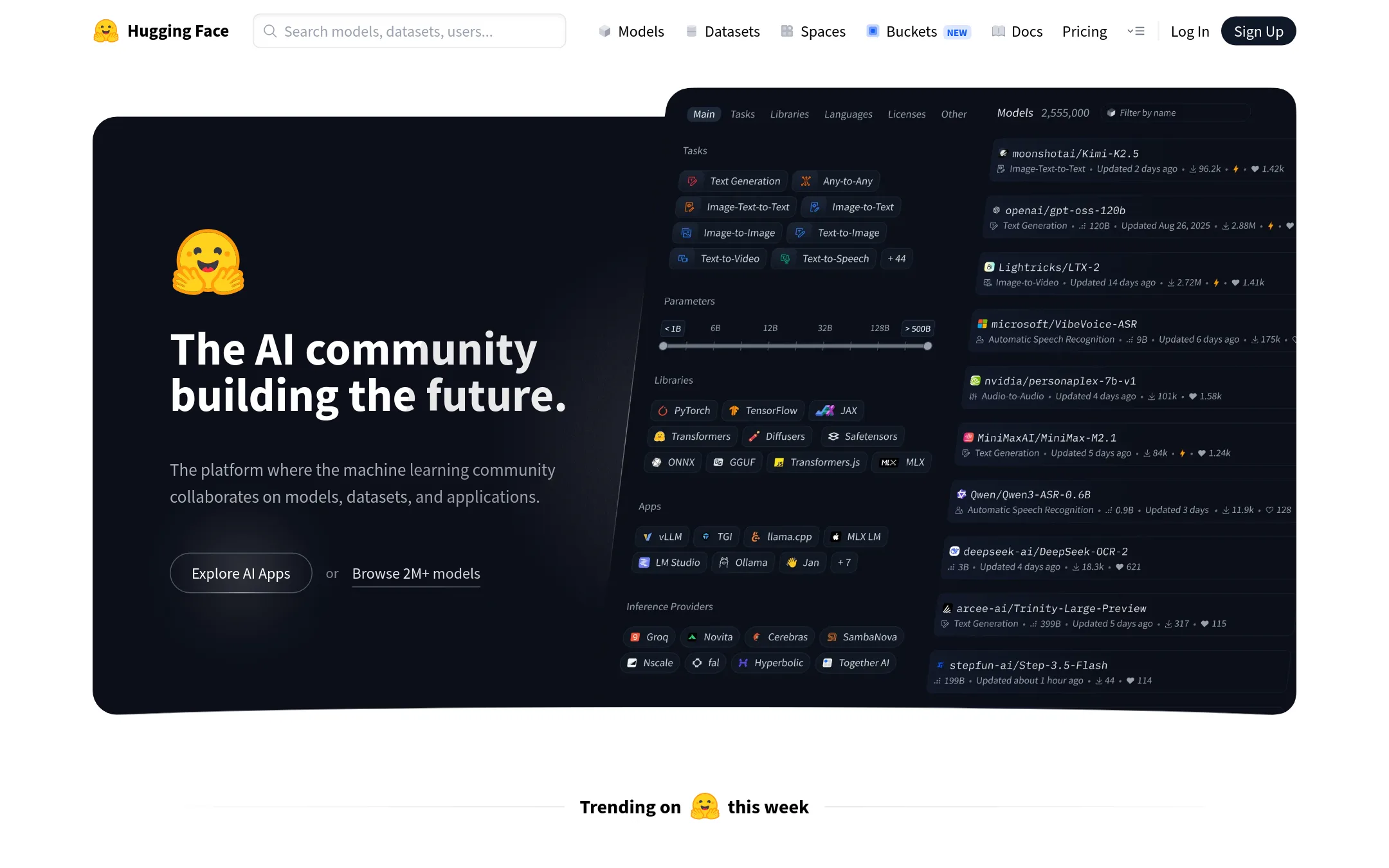
Hugging Face is the hub where the machine learning community publishes and shares models, datasets and demo apps, with Git-based collaboration built in. It also maintains widely used open-source libraries such as Transformers, Diffusers and PEFT, and offers Inference Endpoints and GPU Spaces for running models. The directory listing cites more than 2M models and 500k+ datasets, which gives it unusual depth for model discovery.
Where it is strong
- Large public catalog of models, datasets and Spaces demos to evaluate before building
- Open-source libraries like Transformers and PEFT are widely used and free to adopt
- Pay-as-you-go GPU and dedicated inference with a wide range of hardware, from CPU to Nvidia B200
Where it falls short
- Hardware and inference costs can climb quickly at the high end, with 8x GPU options running into thousands per month
- Enterprise features such as SSO, audit logs and private datasets sit behind the paid Team & Enterprise tier
- Pricing:
- Team & Enterprise plans start at $20/user/month, GPU Spaces start at $0.40/hour for an Nvidia T4, and PRO is $9/month, with dedicated inference from $0.033/hour and storage priced per TB.
- From $0 (local runs)
2.Ollama
Best for: Developers and privacy-focused teams that want to run open models locally or pay per token for cloud models.
- Pricing
- From $0 (local runs)
- Category
- AI & Machine Learning
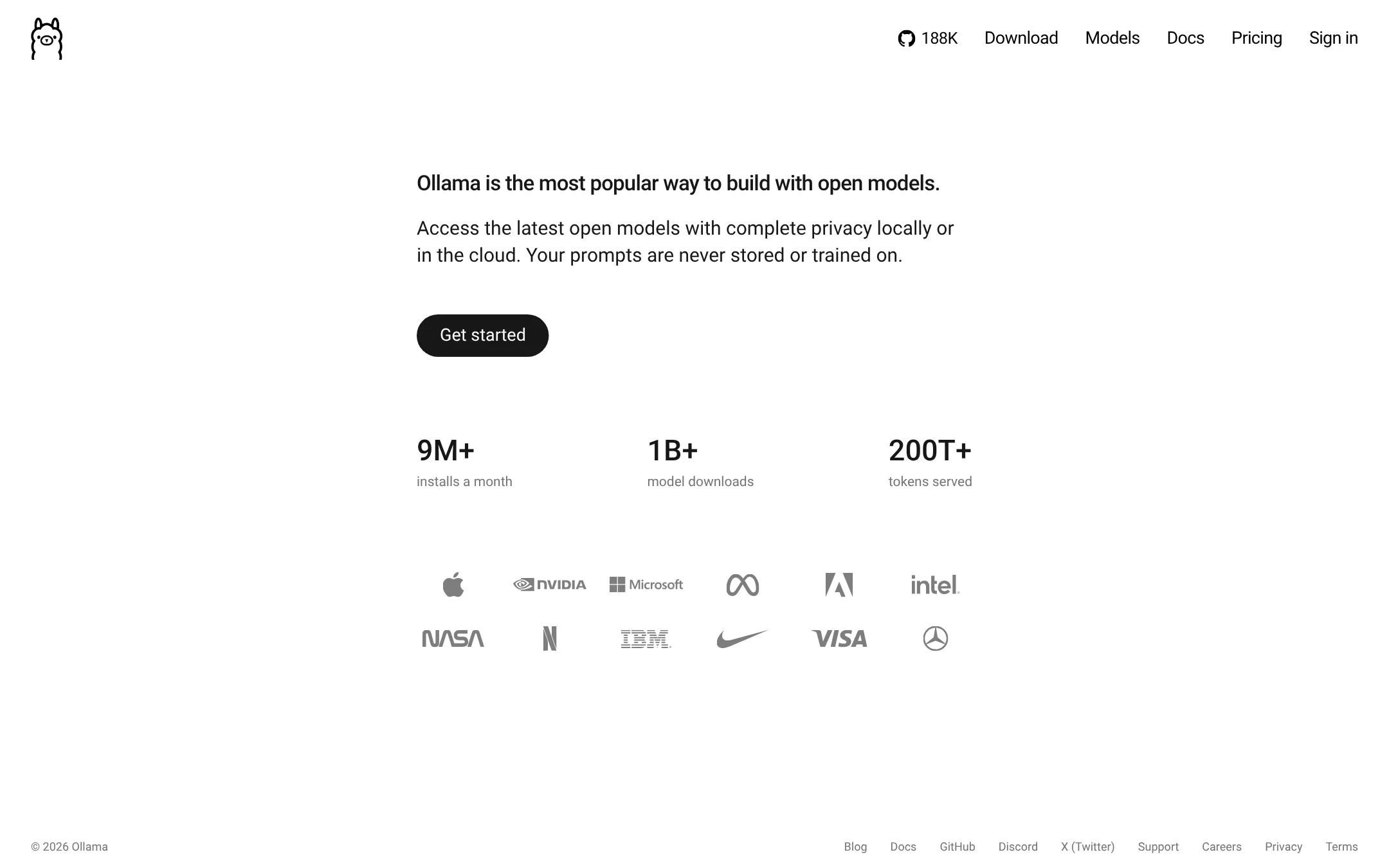
Ollama runs open AI models on your own macOS, Windows, or Linux machine, or in the cloud, and the model library includes cloud-enabled models such as gpt-oss and DeepSeek. It is a credible pick because running models locally is always unlimited and free, and the site states that prompts are never stored or trained on. Its installs and model downloads are published as more than 9 million installs a month and over 1 billion model downloads.
Where it is strong
- Running models on your own hardware is free and unlimited.
- Prompts are never stored or trained on, according to the site.
- Pay-as-you-go cloud pricing has no subscription, and Off-peak rates apply on weekday and weekend hours outside 12:00 to 18:00 UTC.
Where it falls short
- Cloud usage is metered by token, so costs can climb for heavy workloads on higher-priced models.
- Some listed cloud models, such as Kimi-K3 and mistral-large-3, have higher per-token rates than the rest of the list.
- Pricing:
- Pay as you go is per token with no subscription, Pro and Max add monthly usage credits, Team starts at $500 per month with $1,000 of shared credits, and cloud model rates run from $0.014 to $10.00 per million output tokens depending on the model.
- Free, $12-$25/mo, API
3.Sapling.ai
Best for: Support and CRM teams that want writing assistance and autocomplete inside Zendesk, Salesforce or similar tools
- Pricing
- Free, $12-$25/mo, API
- Category
- AI & Machine Learning
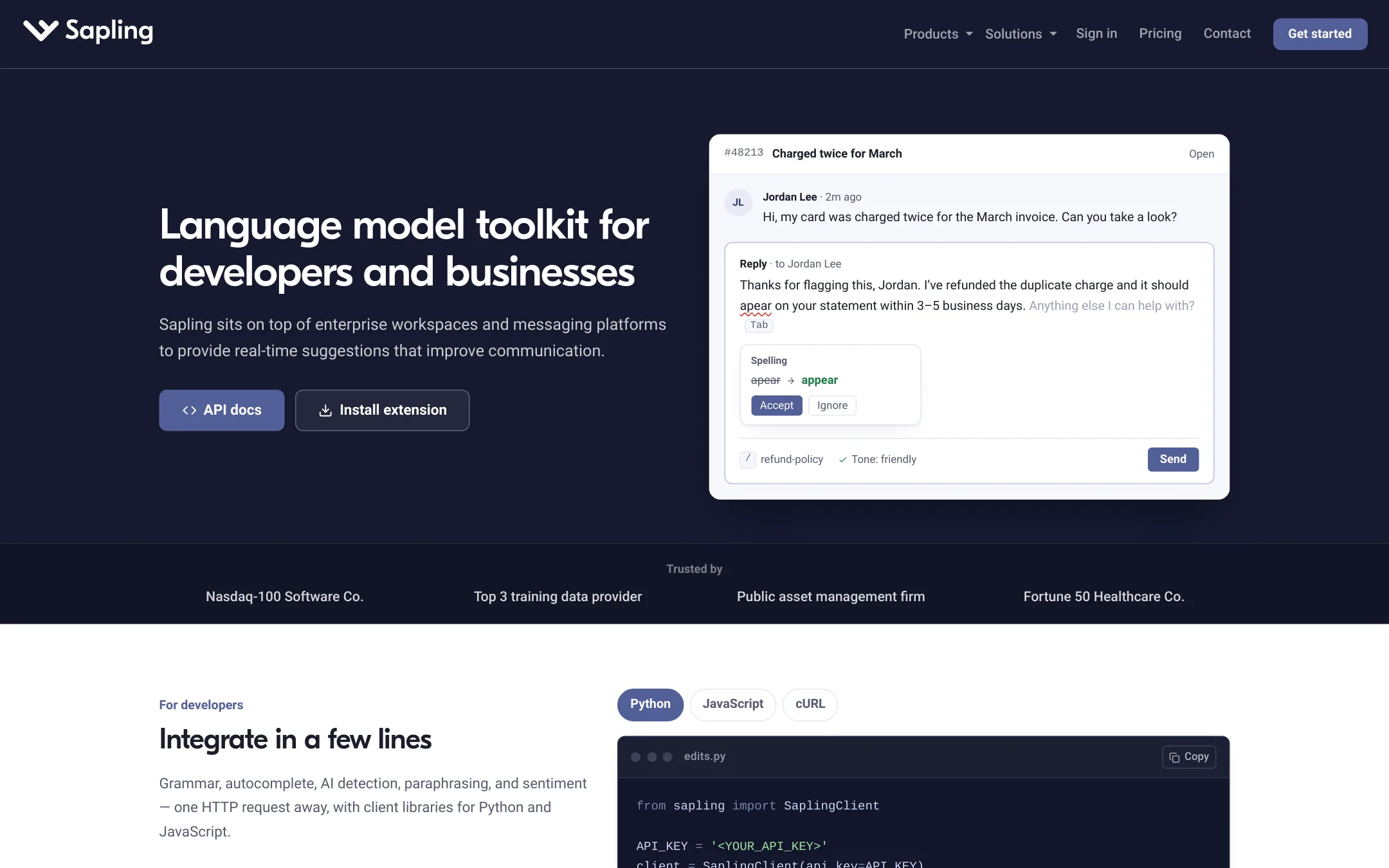
Sapling gives developers and business teams language tools through a REST API, an SDK, a browser extension, or an MCP server, covering grammar checks, autocomplete, AI detection, paraphrasing and sentiment analysis. It sits inside messaging and CRM tools such as Zendesk, Salesforce and ServiceNow. Its AI detector returns an overall score plus per-sentence predictions, which is a concrete check many teams want.
Where it is strong
- AI detection gives an overall score plus per-sentence predictions
- Ready integrations with Zendesk, Salesforce, ServiceNow and Twilio Flex
- Enterprise security includes SSO, SCIM, MFA, AES-256 encryption and self-hosted deployment
Where it falls short
- Custom enterprise pricing is quoted per seat and requires contacting sales, with a 10-seat minimum
- Free plan is limited to 2,000 characters per AI detector check and basic suggestions, so heavier use needs a paid plan
- Pricing:
- Free plan covers basic suggestions and AI detector checks up to 2,000 characters, Pro is $25 per month or $12 per month billed annually for checks up to 100,000 characters, and the API is metered with a one-time $5 minimum.
- Not published
4.Dream3D
Best for: Research and engineering teams that want foundation models for interactive simulation and generative world-building.
- Pricing
- Not published
- Category
- AI & Machine Learning
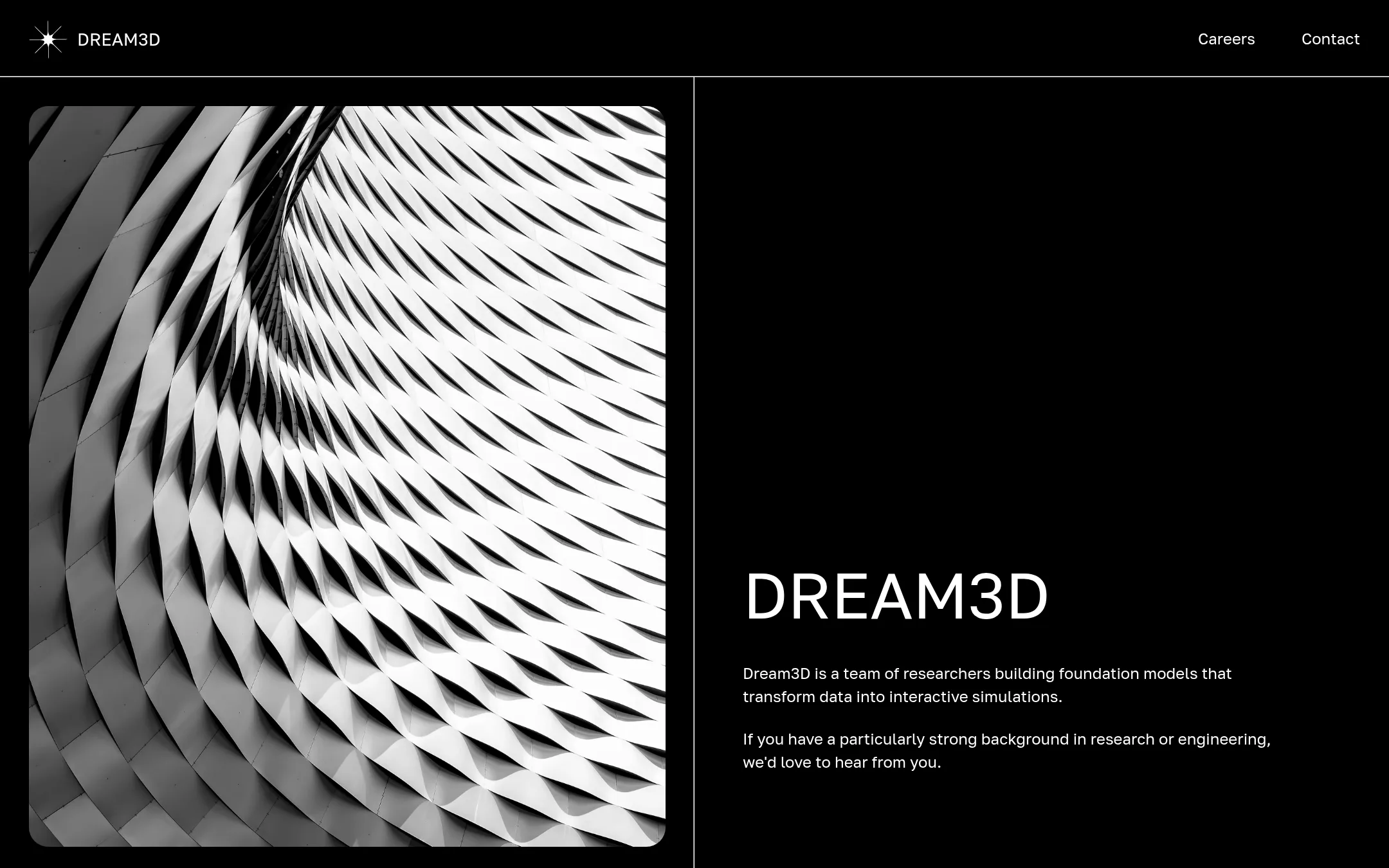
Dream3D is a research-driven startup building foundation models that turn data into interactive simulations. Its focus is generative AI for world-building, which sets it apart from general-purpose model vendors. The listing is not verified, and the public material describes the team and its goals rather than a shipped product.
Where it is strong
- Focused on generative world-building and interactive simulation
- Built by a team of researchers developing frontier models
- Trains models to turn raw data into simulations
Where it falls short
- No public pricing, plans or product tiers to compare
- The listing is not verified, and the site gives little detail on a usable product
- Pricing:
- Pricing is not published on the site.
- Not published
5.Guide Labs
Best for: Teams in regulated or high-stakes settings that need to explain and audit why an AI model produced a given output
- Pricing
- Not published
- Category
- AI & Machine Learning
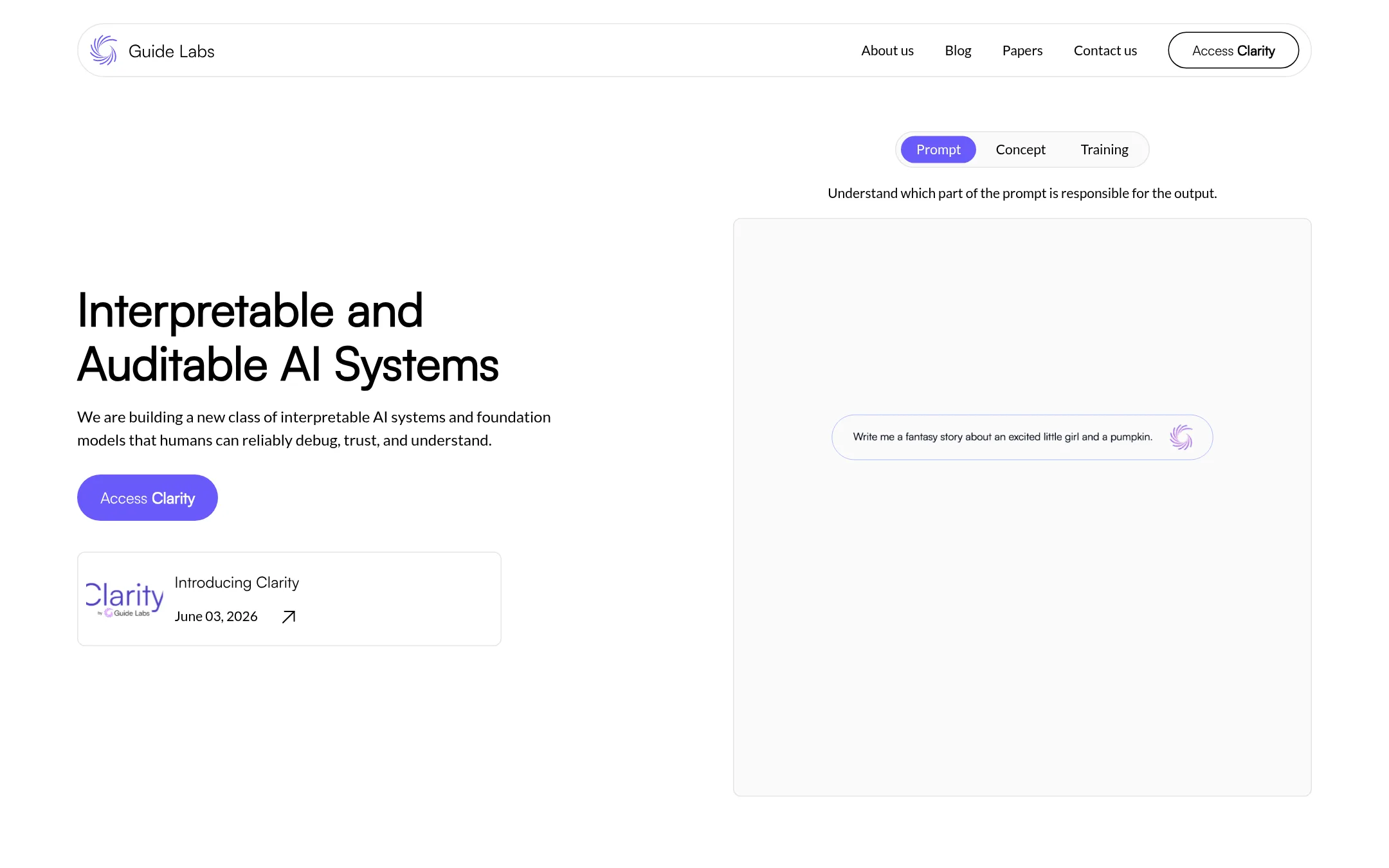
Guide Labs builds AI models that people can inspect, not just use. Its Clarity platform shows which part of a prompt is responsible for an output, which helps teams debug and audit results. The founders have published over 24 interpretability papers and say they built the first interpretable generative diffusion model and LLM.
Where it is strong
- Clarity shows which prompt parts drive an output
- Founders have 20+ years in interpretable machine learning
- Backed by leading investors and built on 24+ published papers
Where it falls short
- Pricing and plan details are not listed on the site
- Listing is not verified, so buyers should confirm capabilities directly with the vendor
- Pricing:
- Pricing is not published on the site.
- Not published
6.dmodel
Best for: AI safety and interpretability teams, or frontier labs, that want research partnerships or hires focused on steerable and explainable models.
- Pricing
- Not published
- Category
- AI & Machine Learning
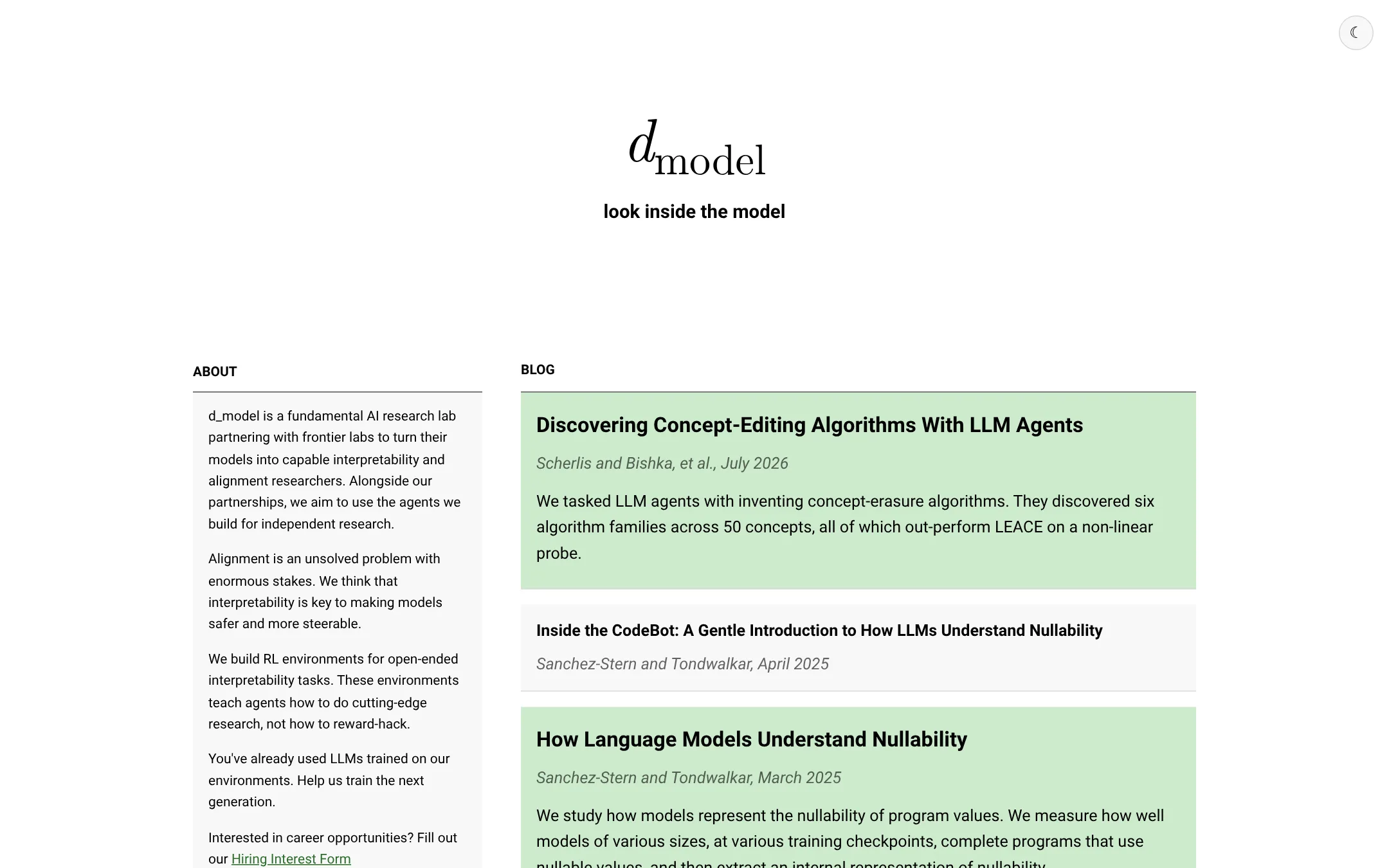
dmodel is a research lab, not a software product you can buy. It partners with frontier AI labs to build reinforcement learning environments for interpretability tasks, which teach agents to do research instead of gaming rewards. Its blog covers concrete work such as discovering concept-editing algorithms with LLM agents and explaining how language models understand nullability.
Where it is strong
- Publishes concrete research, including posts on concept-editing and steering characters with interpretability
- Partners directly with frontier labs on alignment and interpretability work
- Has a hiring interest form for people seeking AI safety research roles
Where it falls short
- Offers no self-serve software or product you can purchase or trial
- The site lists no pricing, plans, or customer details to evaluate it against other tools
- Pricing:
- Pricing is not published on the site.
How to choose AI Model Software
Start with pricing structure. Some products charge per token, some per GPU hour, some per seat and some by subscription. Hugging Face bills GPU and dedicated inference by the hour and storage per terabyte, while Ollama charges per token for cloud models and nothing for local use. Estimate your monthly volume before comparing headline prices, because heavy workloads on higher-priced models can climb quickly.
Check who the product is built for. Hugging Face and Ollama suit developers who want to work directly with models, while Sapling.ai is designed for support and CRM teams who need writing help inside tools they already use. A product built for engineers may take more setup than a team without technical staff can manage.
Look at integrations. Sapling.ai connects to Zendesk, Salesforce, ServiceNow and Twilio Flex, and offers a REST API, SDK, browser extension and MCP server. Hugging Face offers Git-based collaboration and open libraries. Confirm that a tool fits the systems you already run before committing.
Review data handling and compliance. Ollama states that prompts are never stored or trained on, and Sapling.ai lists SSO, SCIM, MFA, AES-256 encryption and self-hosted deployment on its enterprise tier. Hugging Face keeps SSO, audit logs and private datasets behind its paid Team and Enterprise plans, so check that these features are included at the tier you need.
Finally, consider support and contract terms. Enterprise pricing on Sapling.ai is quoted per seat and requires contacting sales, with a 10-seat minimum. For products without published pricing, such as Guide Labs, Dream3D and dmodel, ask the vendor directly about plans, support levels and whether a trial is available.
FAQ
Questions about AI Model Software
What is AI model software?
AI model software lets teams access, run, test, fine-tune and deploy machine learning models. Some products host models in the cloud, some run them on your own hardware, and others apply language models to specific tasks such as writing assistance.
Is there a free option for running AI models?
Ollama lets you run open models on your own macOS, Windows or Linux machine for free and without limits. Its cloud models are billed per token with no subscription. Hugging Face has a free tier, while GPU Spaces and dedicated inference are paid.
How is AI model software usually priced?
Pricing varies by product. Hugging Face charges per user for Team and Enterprise plans and per hour for GPUs and dedicated inference. Ollama charges per token for cloud models, and Sapling.ai uses monthly subscriptions and per-seat enterprise pricing.
Which tool fits a support or CRM team?
Sapling.ai is built for this use case, offering grammar checks, autocomplete and AI detection inside Zendesk, Salesforce and ServiceNow. Its free plan covers basic suggestions and checks up to 2,000 characters, and paid plans increase that limit.
Why choose an interpretable AI model?
Interpretable models let teams see which part of an input drives an output, which helps with debugging and auditing. Guide Labs builds tools for this purpose through its Clarity platform, but it does not publish pricing, so buyers should confirm capabilities directly with the vendor.
Last updated November 7, 2026.