6 Best CAD Software in 2026
Updated October 15, 2026
The short answer
The best CAD software for most teams is Onshape, a cloud-native platform with built-in PDM and real-time collaboration, priced at $1,500 per year for individuals. For engineering teams that need to automate 2D drawings from 3D models, Draftaid and REV1 are strong picks, with Draftaid integrating with SolidWorks and Inventor and REV1 generating ASME Y14.5 compliant drawings. Hestus is the choice for Autodesk Fusion users who want to speed up 2D sketching with AI suggestions.
The shortlist, at a glance
Read the comparisons ↓DraftaidNot publishedEngineering and manufacturing teams that need to produce many 2D fabrication drawings from existing 3D models without manual drafting.
 Hestus, Inc.Not publishedEngineers who use Autodesk Fusion and want to speed up 2D sketching with fewer clicks.
 AdamNot publishedHardware teams that want to offload recurring CAD and documentation work without migrating from their current tools.
 REV1Not publishedHardware engineering teams that want to cut drawing time and reduce errors before sending parts to production.
 Aurorin CADNot publishedHardware engineers who are frustrated with slow rebuilds and want a fast, AI-native CAD tool on Mac or Windows.
 OnshapeFrom $1,500/yrEngineering teams that want cloud-based CAD with built-in PDM and real-time collaboration across locations.
About CAD Software
CAD software is used to create, modify, and document 3D models and 2D drawings for engineering and manufacturing. The tools on this list range from full-featured cloud platforms to AI copilots that automate specific tasks like drafting or sketching.
Onshape is a complete cloud-based CAD system with built-in data management, while Draftaid, Hestus, REV1, and Adam are AI tools that work alongside existing CAD software to speed up repetitive work. Aurorin CAD is a new standalone tool built for speed on modern hardware. Pricing varies from free plans to annual subscriptions, and some tools require a demo to get a quote.
The 6 best CAD Software, compared
- Not published
1.Draftaid
Best for: Engineering and manufacturing teams that need to produce many 2D fabrication drawings from existing 3D models without manual drafting.
- Pricing
- Not published
- Category
- Design & Creative
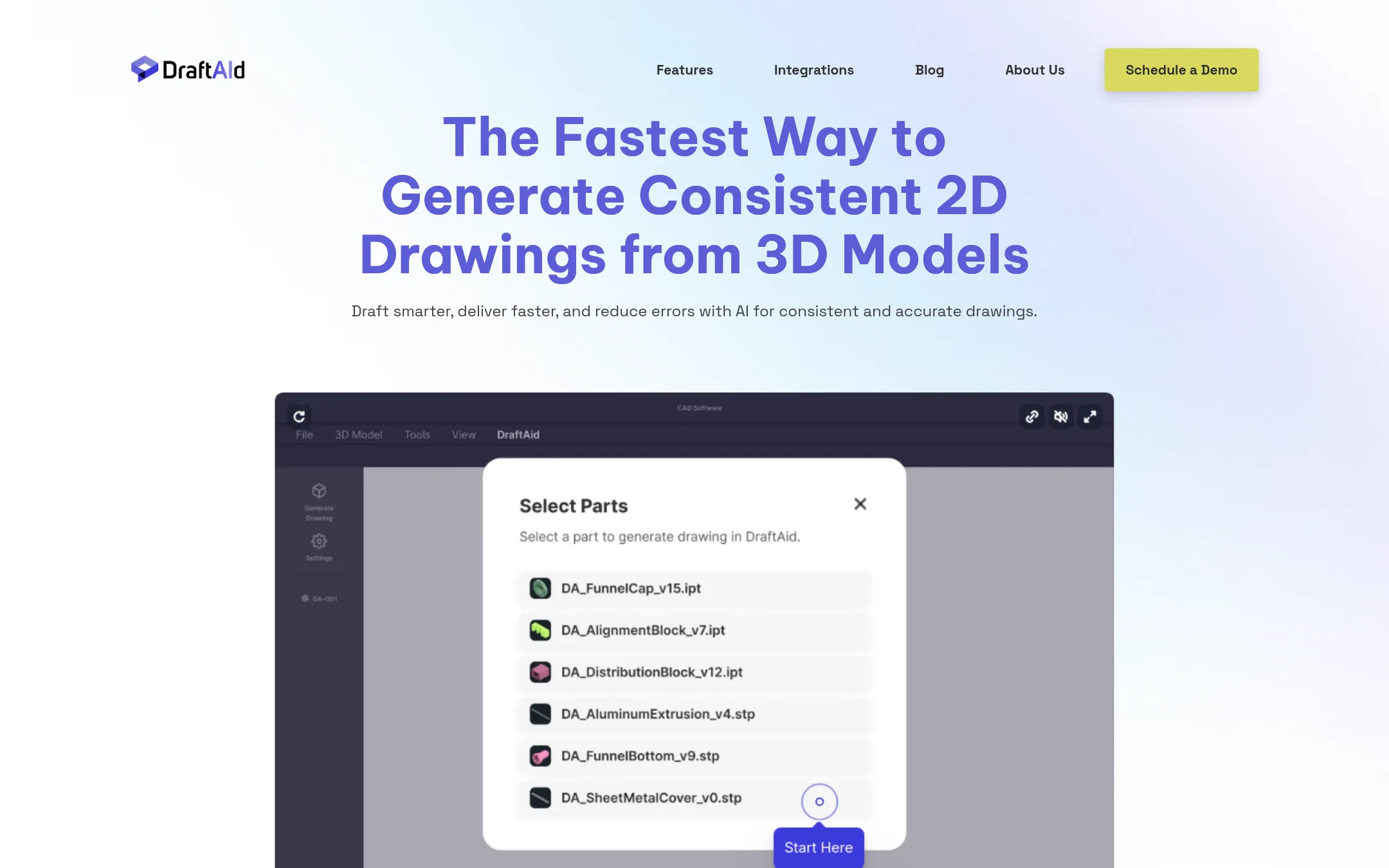
Draftaid uses AI to turn 3D models into 2D fabrication drawings, automating dimensioning and annotations. It adapts to your company's templates and standards, and integrates with SolidWorks and Inventor. One user reported a 3x speedup in drawing time, which makes it a credible pick for teams drowning in repetitive drafting work.
Where it is strong
- Generates 2D drawings from 3D models automatically
- Adapts to your templates and standards
- Integrates with SolidWorks and Inventor
Where it falls short
- Pricing not listed, requires a demo call
- AI output may need initial tuning to match your requirements
- Pricing:
- Pricing is not published on the site. You book a demo instead.
- Not published
2.Hestus, Inc.
Best for: Engineers who use Autodesk Fusion and want to speed up 2D sketching with fewer clicks.
- Pricing
- Not published
- Category
- Design & Creative
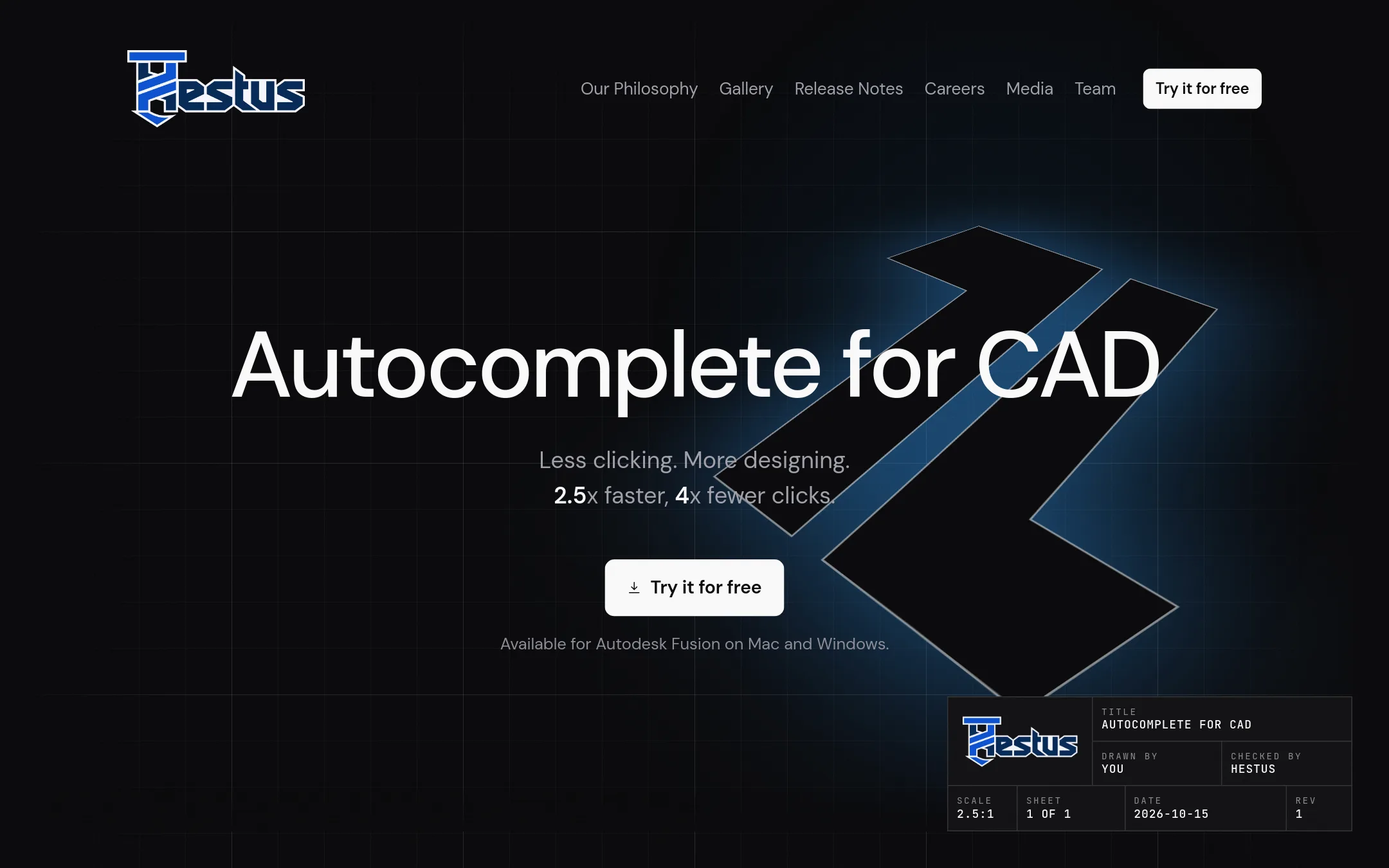
Hestus is an AI copilot that runs inside Autodesk Fusion, reading your sketch as you draw and suggesting centerlines, constraints, dimensions, and cleanup. It accepts suggestions with a single keypress, and you can cycle through alternatives or ignore them, which reduces clicks and speeds up sketching. It is credible because it is used by 5,000 engineers and works on Mac and Windows.
Where it is strong
- Suggests centerlines and constraints with one keypress
- Cycles through multiple suggestions or lets you ignore them
- Runs inside Autodesk Fusion, so no new software to learn
Where it falls short
- Only works with Autodesk Fusion, not other CAD tools
- Pricing is not listed, so cost is unclear
- Pricing:
- Pricing is not published on the site.
- Not published
3.Adam
Best for: Hardware teams that want to offload recurring CAD and documentation work without migrating from their current tools.
- Pricing
- Not published
- Category
- Design & Creative
Adam is an AI CAD copilot that connects to your existing CAD, PLM, and supplier tools, then reads geometry, BOMs, drawings, and revisions in real time. You message it from Slack or email with plain-language requests, and it returns finished work like model edits, reconciled BOMs, updated drawings, or render sets. It is built for both industrial designers and mechanical engineers, and it keeps your data in your own accounts.
Where it is strong
- Edits CAD models while respecting history and references
- Reconciles BOMs and flags part-number, quantity, and revision mismatches
- Works across Slack, email, and OAuth-connected tools
Where it falls short
- Pricing details are not published, so cost is unclear
- Requires connecting your CAD, PLM, and communication tools to get full value
- Pricing:
- Pricing is offered in Personal, Teams, and Enterprise plans, but specific numbers are not listed on the site.
- Not published
4.REV1
Best for: Hardware engineering teams that want to cut drawing time and reduce errors before sending parts to production.
- Pricing
- Not published
- Category
- Design & Creative
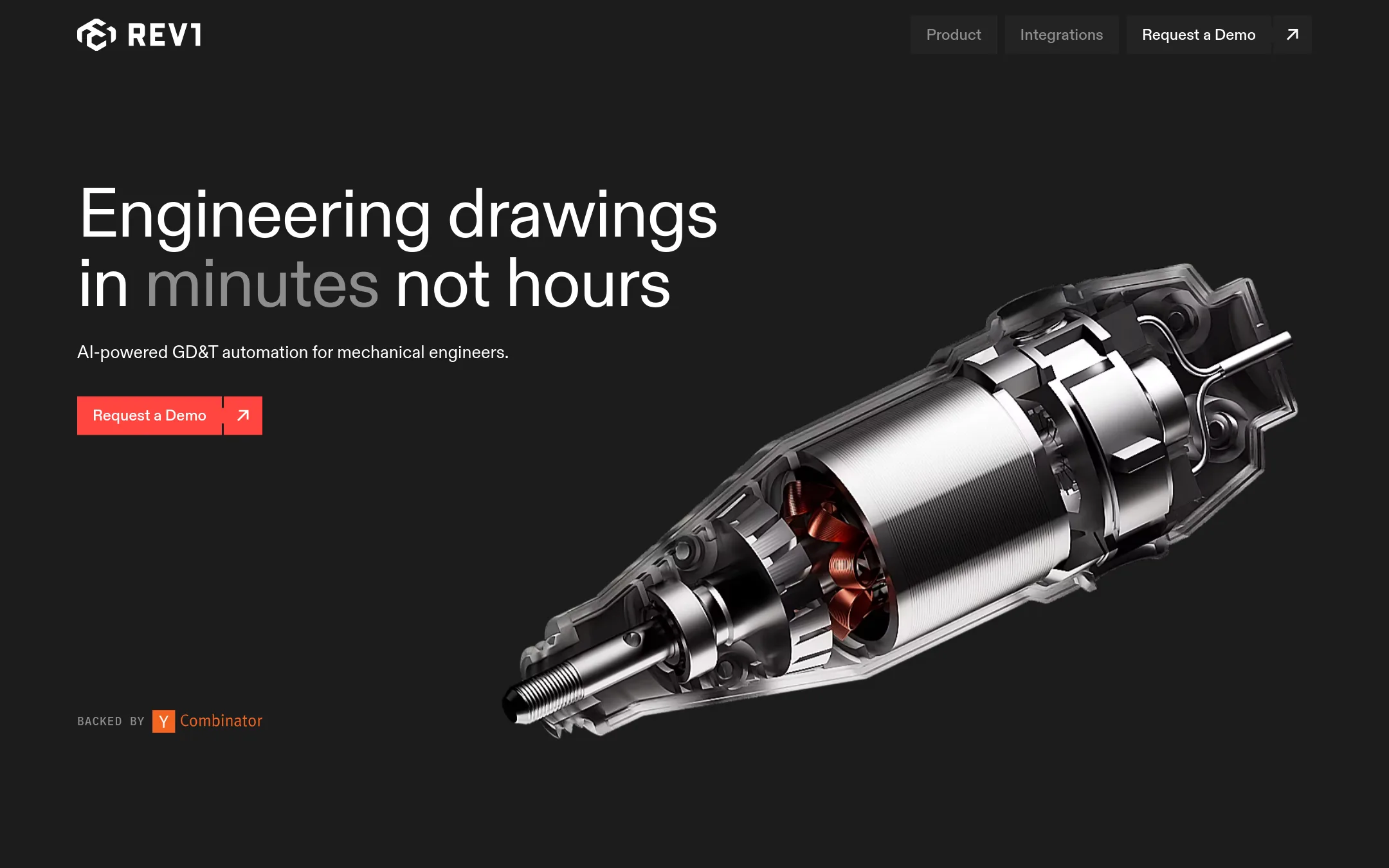
REV1 automates the tedious post-CAD work of turning 3D models into production-ready 2D drawings. It identifies functional intent in assemblies and selects geometric controls and tolerance values, so you can approve and refine instead of starting from scratch. Drawings comply with ASME Y14.5 standards, which is a concrete detail that matters for manufacturing.
Where it is strong
- Generates ASME Y14.5 compliant 2D drawings automatically
- Identifies functional intent in assemblies on its own
- Works directly inside your existing CAD software
Where it falls short
- Pricing is not listed, so budgeting requires a demo
- Aimed at hardware engineers, not general-purpose CAD users
- Pricing:
- Pricing is not published on the site.
- Not published
5.Aurorin CAD
Best for: Hardware engineers who are frustrated with slow rebuilds and want a fast, AI-native CAD tool on Mac or Windows.
- Pricing
- Not published
- Category
- Design & Creative
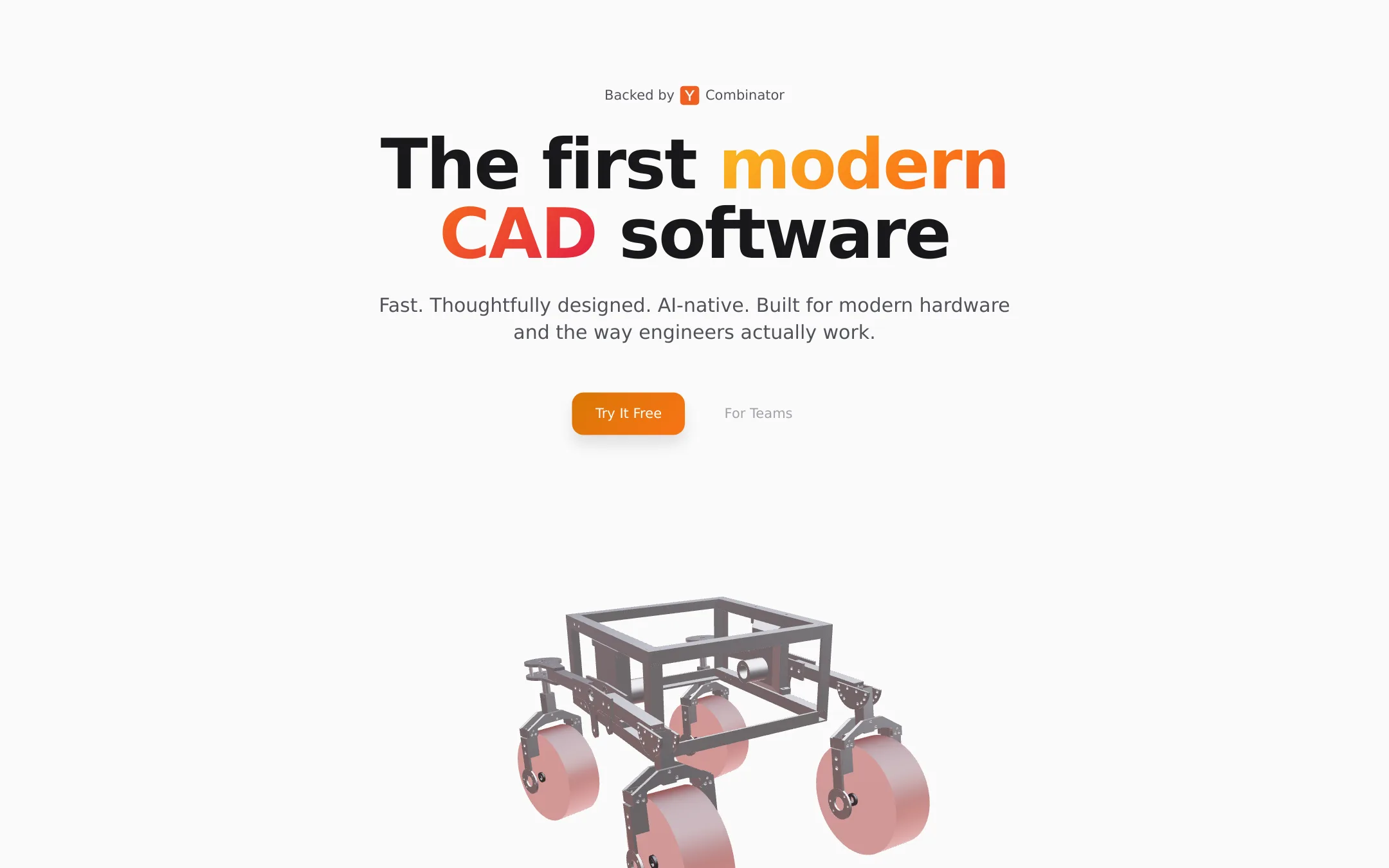
Aurorin CAD is a new CAD system built from the ground up for engineers designing hardware like satellites, robots, and cars. It focuses on speed by using modern CPUs and GPUs, so complex parts open instantly instead of making you wait. It is AI-native from day one, with a chat interface for direct editing, which is a different approach from older tools.
Where it is strong
- Opens complex parts instantly using modern CPUs and GPUs
- AI-native chat interface for direct editing
- Free download on Mac and Windows
Where it falls short
- Pricing is not published, so team costs are unclear
- No mention of integrations or file format compatibility with existing CAD tools
- Pricing:
- Pricing is not published on the site.
- From $1,500/yr
6.Onshape
Best for: Engineering teams that want cloud-based CAD with built-in PDM and real-time collaboration across locations.
- Pricing
- From $1,500/yr
- Category
- Design & Creative
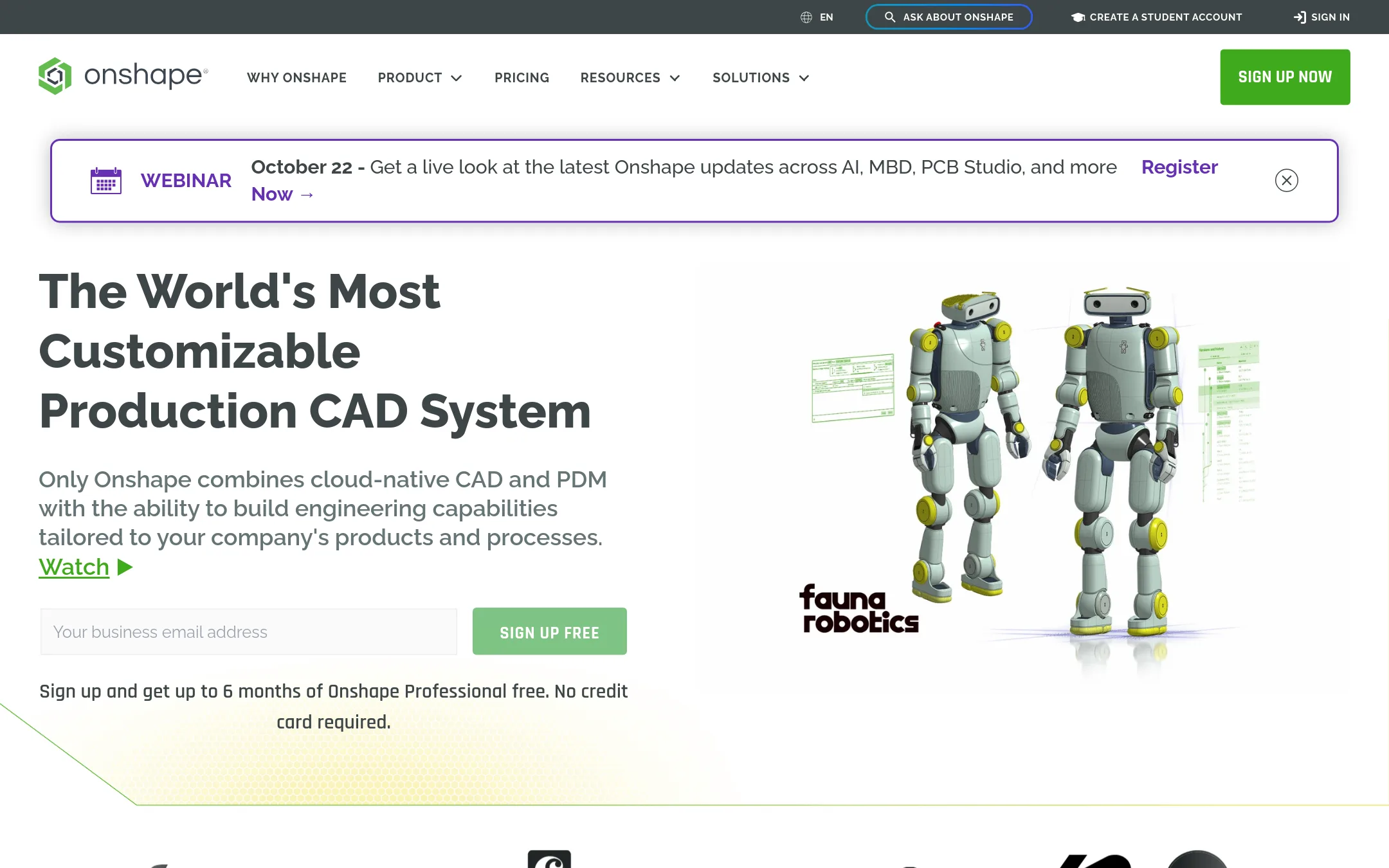
Onshape is a cloud-native CAD platform that combines 3D modeling, PDM, and collaboration in one browser-based tool. It eliminates file-based workflows with branching and merging, and runs on any device without crashes or data loss. Updates ship every three weeks, and it includes CAM, simulation, and MBD.
Where it is strong
- Runs on any browser or mobile device, no installs
- Built-in PDM with branching and merging
- Real-time multi-user editing and chat
Where it falls short
- Annual pricing may be steep for solo designers
- No offline mode, requires internet connection
- Pricing:
- Free plan with unlimited public storage. Standard plan is $1,500 per year for individuals. Professional plan is $2,500 per year for teams. Enterprise pricing is custom.
How to choose CAD Software
Pricing structure matters. Onshape has a free plan and clear annual pricing, while Draftaid, Hestus, REV1, Adam, and Aurorin CAD do not publish prices, so you must book a demo or contact sales. If you need predictable costs, choose a tool with published pricing.
Consider who the tool is built for. Onshape suits teams that want collaboration and PDM in one place. Draftaid and REV1 are for engineering teams that produce many 2D drawings from 3D models. Hestus is for Autodesk Fusion users who sketch in 2D. Adam is for hardware teams that want to offload CAD and documentation work across multiple tools.
Integrations are key. Draftaid works with SolidWorks and Inventor, Hestus runs inside Autodesk Fusion, and Adam connects to your existing CAD, PLM, and supplier tools. Onshape is standalone but includes CAM, simulation, and MBD. Aurorin CAD does not list integrations, so check compatibility with your current files.
Data and compliance matter. Onshape keeps data in the cloud with no offline mode, while Adam keeps your data in your own accounts. REV1 generates ASME Y14.5 compliant drawings, which is important for manufacturing. If you have strict data policies, verify where your files are stored.
Support and contract terms vary. Onshape offers a free plan and updates every three weeks. Other tools require demos and may have custom enterprise terms. For long-term use, confirm contract length, support availability, and whether you can cancel or scale.
FAQ
Questions about CAD Software
What is the best CAD software for teams that need collaboration?
Onshape is the strongest pick because it is cloud-native with real-time multi-user editing, built-in PDM, and runs on any browser or mobile device. It has a free plan and clear annual pricing, making it easy to adopt across locations.
Which CAD software automates 2D drawings from 3D models?
Draftaid and REV1 both automate 2D drawing generation. Draftaid integrates with SolidWorks and Inventor and adapts to your templates, while REV1 generates ASME Y14.5 compliant drawings and identifies functional intent in assemblies.
Is there a free CAD software option?
Onshape offers a free plan with unlimited public storage. Other tools like Draftaid, Hestus, REV1, Adam, and Aurorin CAD do not list free plans, and most require a demo to get pricing.
Can AI CAD tools work with my existing software?
Yes. Hestus runs inside Autodesk Fusion, Draftaid integrates with SolidWorks and Inventor, and Adam connects to your existing CAD, PLM, and supplier tools. REV1 works directly inside your existing CAD software, though the specific platforms are not listed.
What should I consider about data security in CAD software?
Onshape stores data in the cloud and requires an internet connection, so check your data policies. Adam keeps your data in your own accounts, which may be better for strict compliance. For manufacturing, REV1 ensures drawings meet ASME Y14.5 standards, which is a data quality requirement.
Last updated October 15, 2026.