6 Best Email Clients in 2026
Updated November 15, 2026
The short answer
For email clients, the three strongest picks are Upstream, Stamp and Pally. Upstream suits founders and small teams who live in Gmail and want AI drafts with approval before anything is sent. Stamp suits founders and small teams with heavy inboxes who want an AI assistant to draft replies and handle scheduling. Pally suits founders and operators who manage their email from their phone and want an assistant that works over text messages.
The shortlist, at a glance
Read the comparisons ↓ Mod AICustom quoteFinance teams running accounts payable on an ERP such as SAP Business ByDesign or Epicor that want invoice processing automated without replacing their system
 MailTimeNot publishedFounders and operators who answer a high volume of short emails and want a faster, chat-style inbox.
 UpstreamFree plan, $20/moFounders and small teams who live in Gmail and want AI drafts and follow-up reminders without switching providers
 ZeroNot publishedPower users and operators who process high email volume and want keyboard-driven triage with AI-drafted replies.
StampFrom $20/moFounders and small teams with heavy inbox loads who want to delegate replies and scheduling to an AI secretary
 PallyFree, Cloud Mac $95/moFounders and operators who run their inbox, calendar and personal logistics from their phone and want an assistant that texts back.
About Email Clients
Email clients are the apps and services people use to read, sort, write and send email. The job is to get messages in front of the right person at the right time and to keep replies from falling through the cracks. Some clients add AI to draft responses, summarize threads and set follow-up reminders.
The products on this list differ in approach, scale and pricing. Some run inside an existing mailbox, such as Upstream on Gmail. Others replace the inbox with a new interface, such as MailTime's chat-style view or Zero's keyboard-driven workflow. Some are priced per account, as Stamp is, while others use a flat annual price for unlimited users, as Mod AI does.
The 6 best Email Clients, compared
- Custom quote
1.Mod AI
Best for: Finance teams running accounts payable on an ERP such as SAP Business ByDesign or Epicor that want invoice processing automated without replacing their system
- Pricing
- Custom quote
- Category
- Finance & Accounting
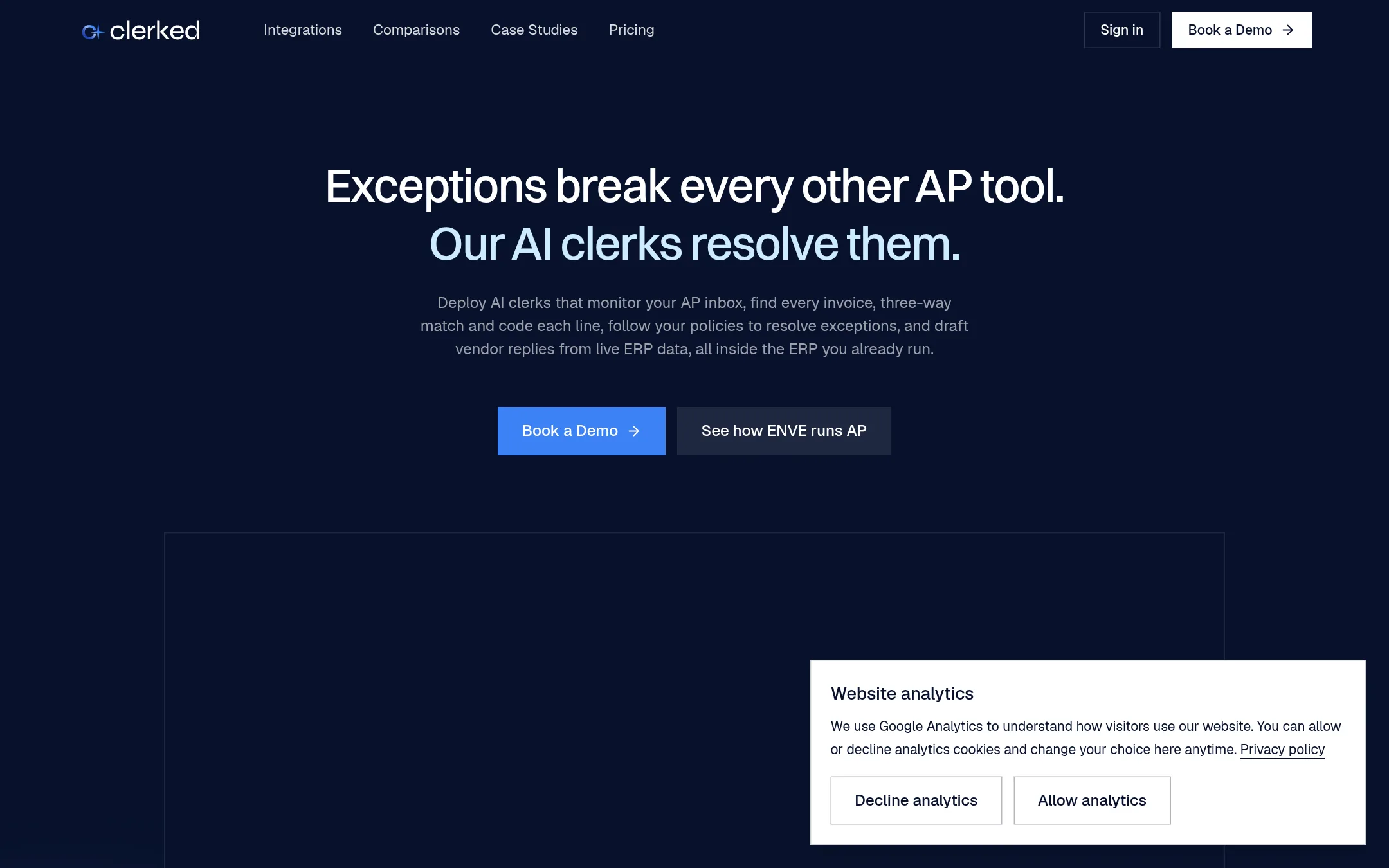
Clerked deploys AI clerks that watch an AP inbox, find invoices in any format, and three-way match and code each line inside the ERP the team already runs. It resolves exceptions by following policy and drafting vendor replies from live ERP data, and it flags duplicates and charges nobody approved before payment.
Where it is strong
- Works inside the existing ERP, so nobody has to log into a separate platform
- Finds invoices in any format, including spreadsheets, screenshots and scanned notes
- Unlimited users under one annual price, with no per-seat or per-invoice fees
Where it falls short
- Exact pricing is not published, so budgeting requires a sales conversation
- Advanced reporting, custom agents and multi-company features sit in the Enterprise plan
- Pricing:
- Pricing is one annual price with unlimited users, and the exact figure is not published on the site.
- Not published
2.MailTime
Best for: Founders and operators who answer a high volume of short emails and want a faster, chat-style inbox.
- Pricing
- Not published
- Category
- Communication & Collaboration
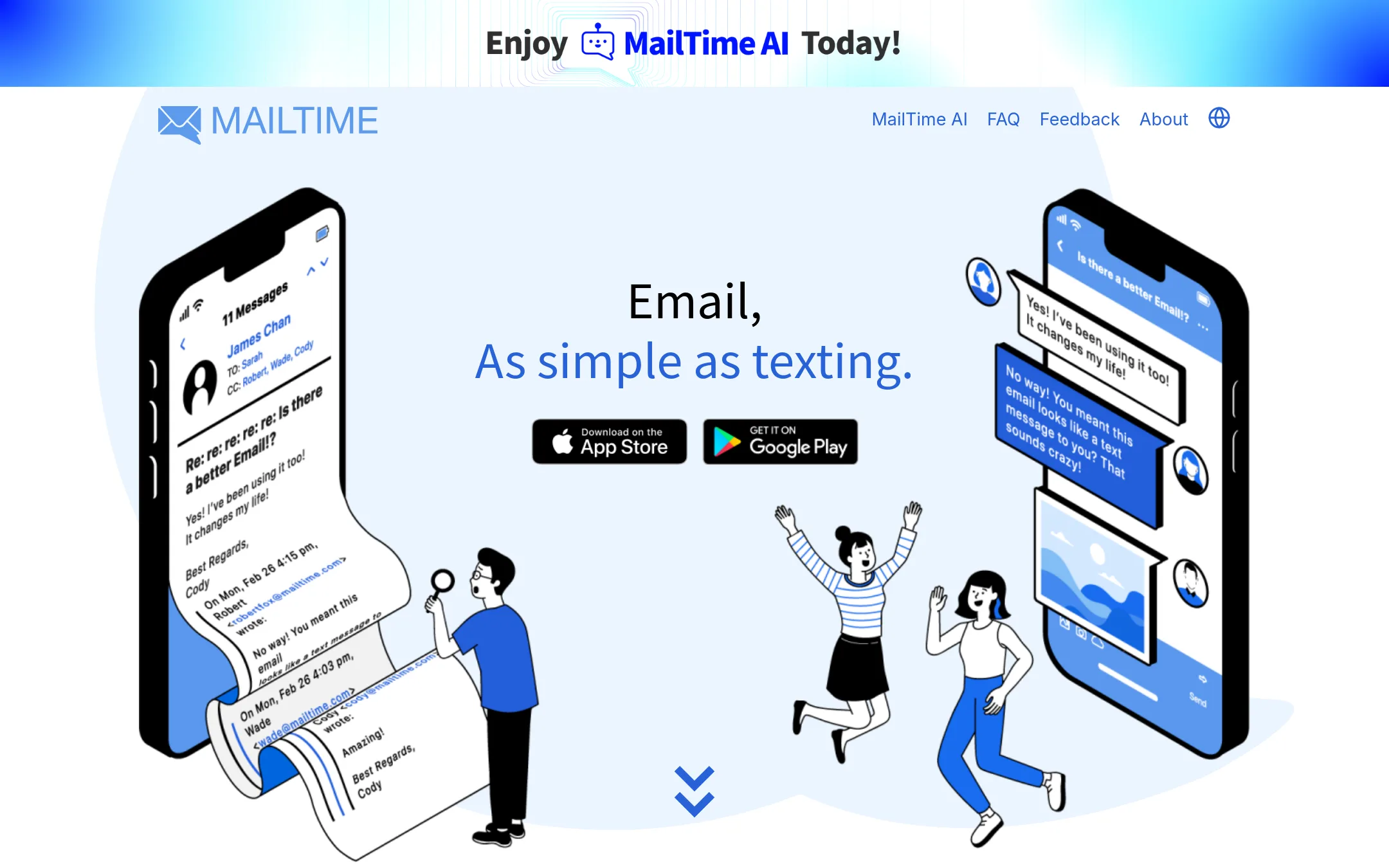
MailTime presents email as a messenger, so messages feel more like a chat thread than a stack of formal letters. Its homepage positions it as an upgrade to standard email messaging, aimed at people who want to send and read mail as fast as they send a text.
Where it is strong
- Messenger-style interface built around quick back-and-forth replies
- Aimed at speed, with the goal of matching texting for email
- Simple positioning that is easy to understand at a glance
Where it falls short
- The listing is not verified, and the site gives little detail beyond its tagline
- No pricing or plan information is available to compare against other clients
- Pricing:
- Pricing is not published on the site.
- Free plan, $20/mo
3.Upstream
Best for: Founders and small teams who live in Gmail and want AI drafts and follow-up reminders without switching providers
- Pricing
- Free plan, $20/mo
- Category
- Communication & Collaboration
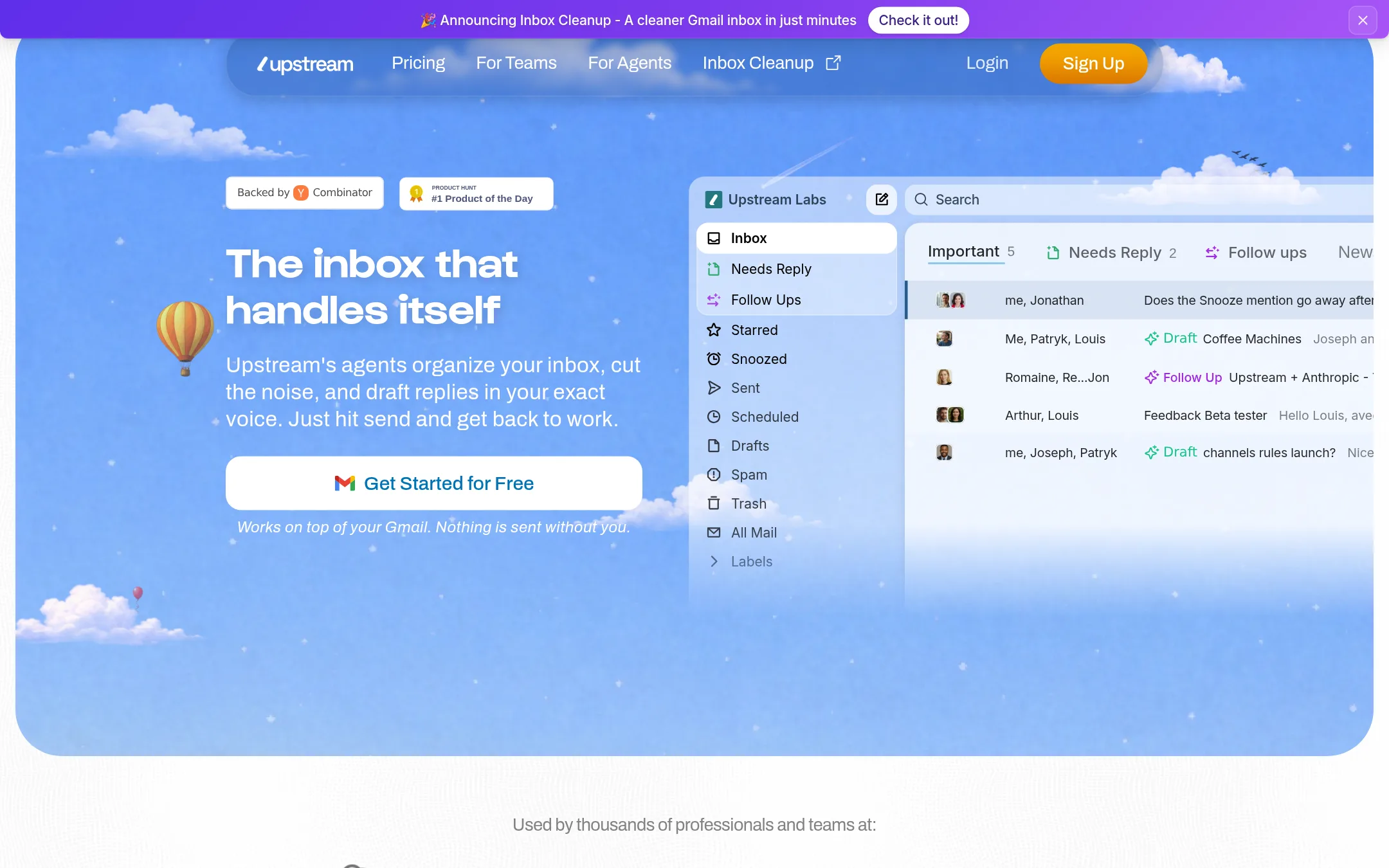
Upstream is an AI email client that runs on top of Gmail. Its agents sort your inbox, cut the noise, and draft replies in a voice you set for up to three audiences. Nothing is sent until you approve it, which makes it a careful pick for anyone who wants AI help without losing control of outgoing mail.
Where it is strong
- AI drafts replies in a voice you define, with up to 3 audiences
- Smart follow-ups and snooze help you keep track of threads that need a response
- Free plan includes split inboxes, team comments, and up to 5 team seats
Where it falls short
- Free plan caps AI drafts at 7 per week and smart follow-ups at 3 per week
- Advanced AI controls, unlimited channels, and private channels require the $20 Pro plan
- Pricing:
- The Core plan is free forever, Pro costs $20 per member per month billed yearly with a free trial, and Max is $60 with a demo request required.
- Not published
4.Zero
Best for: Power users and operators who process high email volume and want keyboard-driven triage with AI-drafted replies.
- Pricing
- Not published
- Category
- Productivity & Project Management
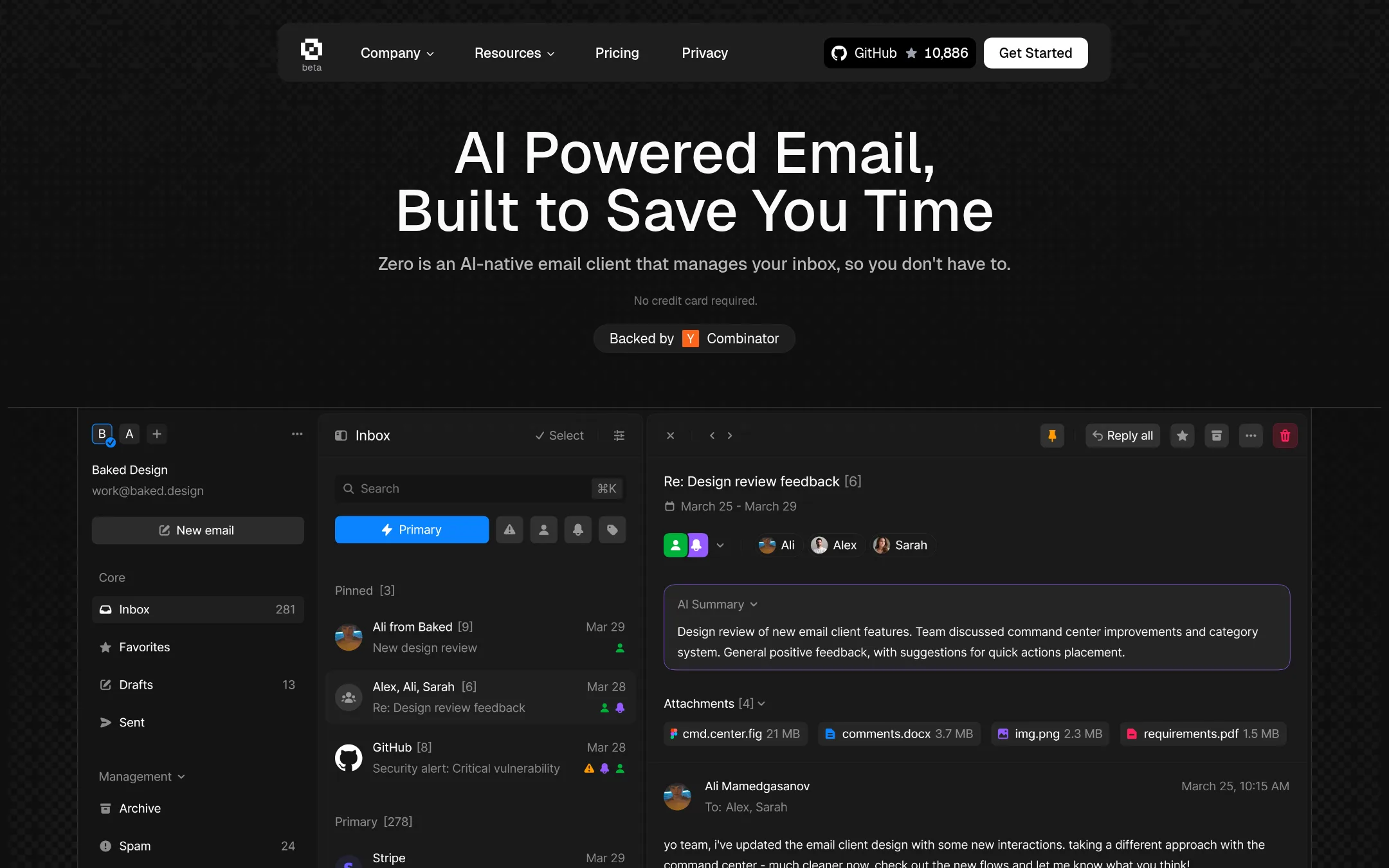
Zero is an AI-native email client that handles inbox triage, drafts replies, and summarizes long threads. It can be navigated entirely from the keyboard, which suits people who need to clear hundreds of messages quickly. It is open source and positions privacy and safety as core priorities.
Where it is strong
- Keyboard-only navigation for fast inbox processing
- AI drafts replies and extracts action items from threads
- Open source, with privacy as a stated priority
Where it falls short
- Pricing is not published, so cost has to be confirmed directly
- Its listing is not verified on this directory, so check current features before committing
- Pricing:
- Pricing is not published on the site.
- From $20/mo
5.Stamp
Best for: Founders and small teams with heavy inbox loads who want to delegate replies and scheduling to an AI secretary
- Pricing
- From $20/mo
- Category
- Communication & Collaboration
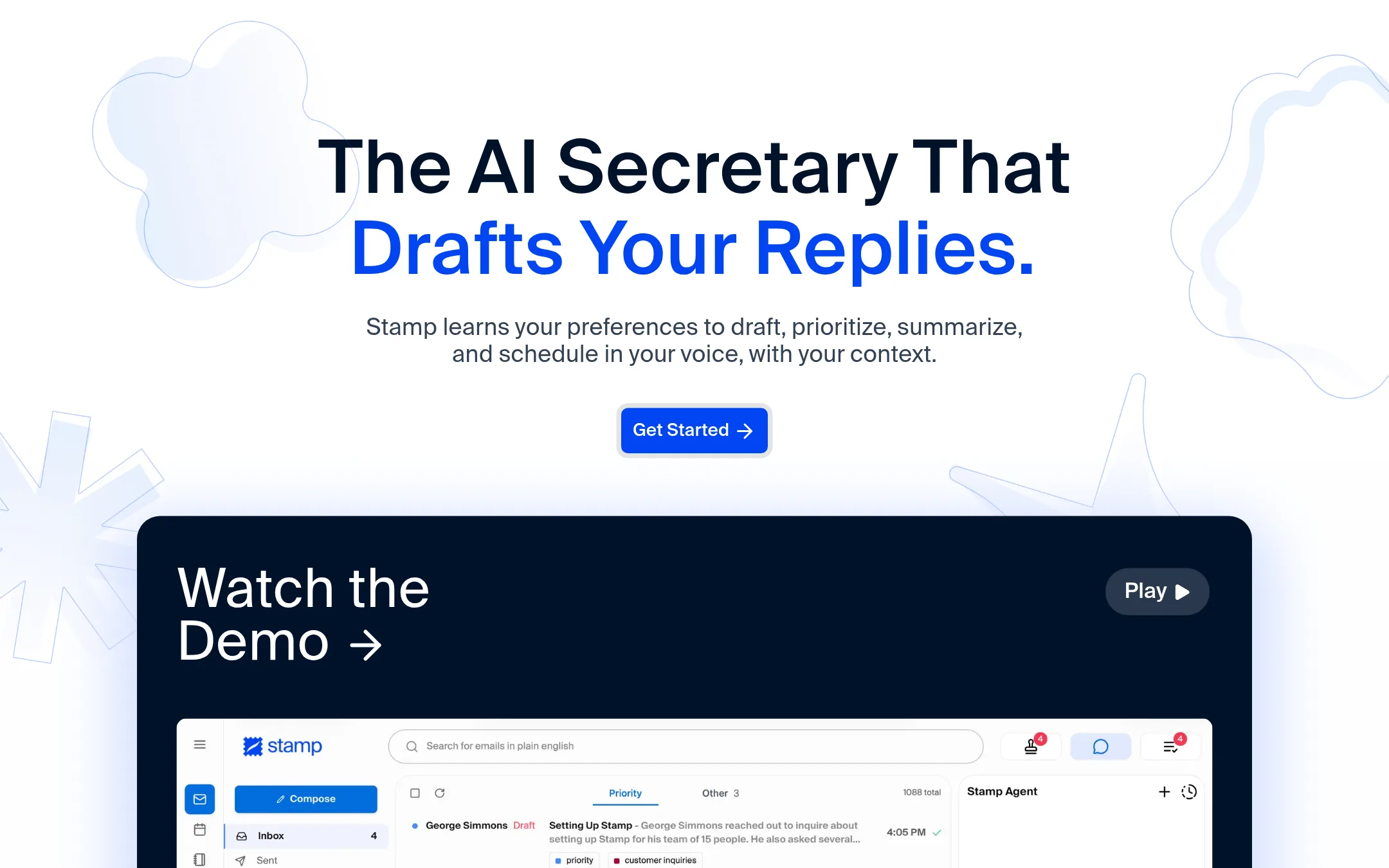
Stamp is an AI email client that drafts replies, prioritizes and categorizes messages, and schedules calendar events. It learns your preferences through memories, plain-English AI labels, and search across your inbox and calendar, so drafts can match your writing style and availability. The mobile app lets you review drafts and delegate tasks on the go.
Where it is strong
- Drafts replies in your voice using memories and past emails
- AI labels let you set handling rules in plain English
- Mobile app and voice mode let you review drafts and delegate hands-free
Where it falls short
- Pricing is per account, so teams with many inboxes pay more quickly
- Support for any email provider is listed only on the Enterprise plan
- Pricing:
- Stamp's Personal plan costs $20 per month for up to 2 connected email accounts, the Business plan costs $50 per month for up to 5 accounts, and Enterprise is by custom contact.
- Free, Cloud Mac $95/mo
6.Pally
Best for: Founders and operators who run their inbox, calendar and personal logistics from their phone and want an assistant that texts back.
- Pricing
- Free, Cloud Mac $95/mo
- Category
- Communication & Collaboration
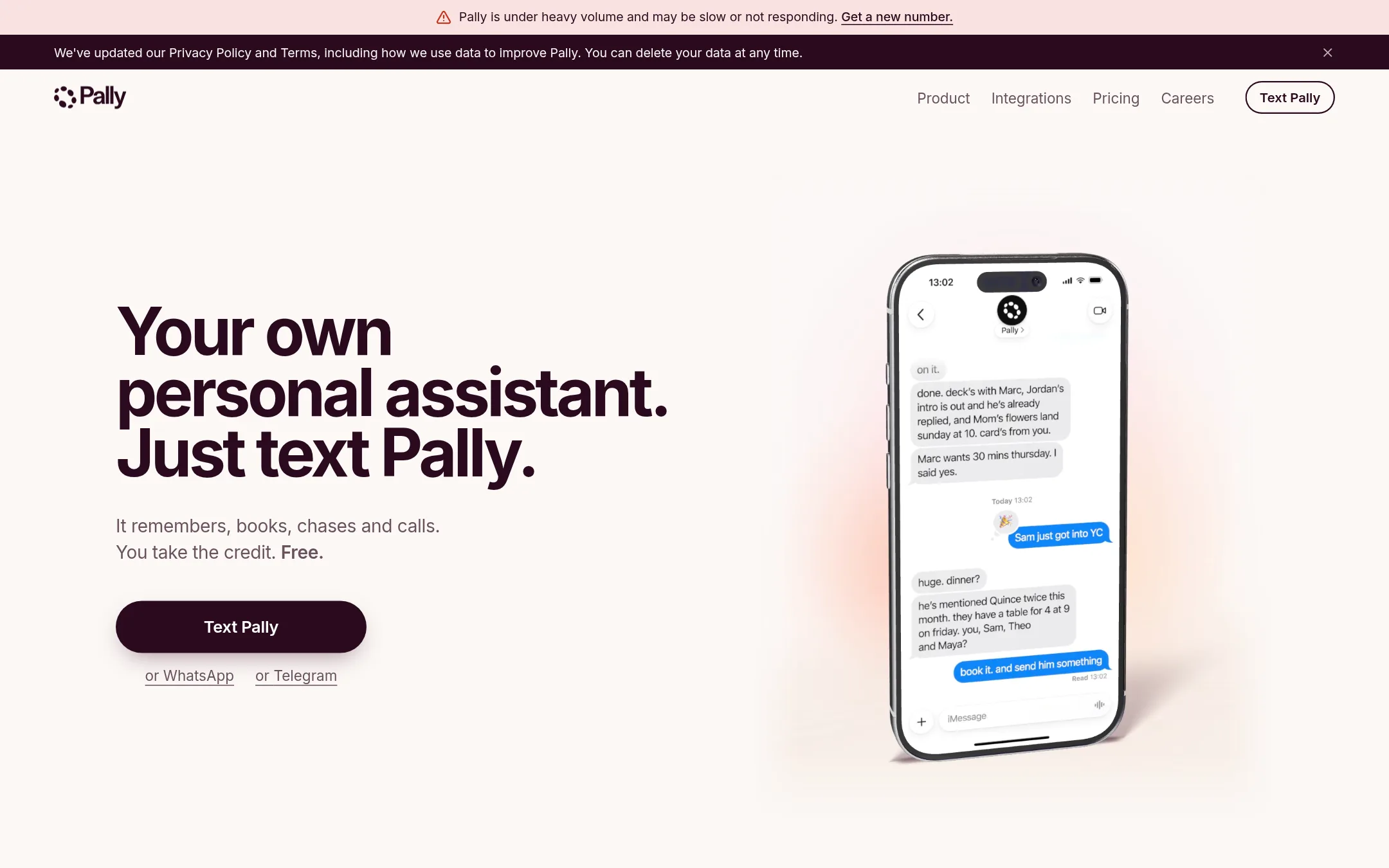
Pally is a text-based AI assistant that handles email, calendar, reminders and errands through iMessage, RCS, WhatsApp or Telegram, with no app to install. It remembers people and plans from your messages, and it can call businesses to book tables or chase quotes. The free plan includes connections to Gmail, Outlook and Google Calendar, which makes it a credible option for founders who live in their texts.
Where it is strong
- Works over iMessage, RCS, WhatsApp or Telegram with no app to install
- Connects to Gmail, Outlook, Slack and Google Calendar on the free plan
- Makes phone calls to book, chase and get quotes on your behalf
Where it falls short
- Usage is almost unlimited but refills weekly, so heavy users may hit a limit
- Cloud Mac at $95 a month is needed if you want it to run when your own Mac is off, and the first setup can take a few hours
- Pricing:
- Pally is free with almost unlimited usage, and the Cloud Mac add-on costs $95 a month.
How to choose Email Clients
Start with pricing structure. Some products charge per account or per member, which rises as a team grows. Others charge one annual price with unlimited users. Check whether the free tier or trial limits the features you need, since Upstream caps AI drafts and follow-ups on its free plan.
Consider who the product is built for. Mod AI targets finance teams running accounts payable on an ERP, while Stamp and Upstream focus on founders and small teams with heavy inboxes. A tool built for a different job can add cost and friction without much gain.
Check integrations before you commit. Upstream works on top of Gmail, Pally connects to Gmail, Outlook and Google Calendar, and Mod AI works inside an existing ERP. Confirm that the mailbox and calendar you already use are supported on the plan you are considering.
Look closely at data handling and control. Upstream sends nothing until you approve it, which matters if you want AI help without losing control of outgoing mail. Zero states that privacy is a core priority and is open source, but its listing is not verified here, so confirm its data practices directly.
Compare support and contract terms. Several listings here do not publish pricing, so you will need a sales conversation to budget. Ask about enterprise features, minimum commitments and what happens to your data if you leave.
FAQ
Questions about Email Clients
What is an email client?
An email client is the software you use to read, organize, write and send email. Some are standard mailboxes with added features, and others are new interfaces built around speed or AI. The right one depends on how much email you handle and where it lives.
Which email client is best for founders on Gmail?
Upstream is built to run on top of Gmail and uses AI to sort your inbox and draft replies in a voice you set. Its free Core plan includes split inboxes and up to five team seats. Advanced AI controls require the $20 per member Pro plan.
How do AI email clients handle replies?
Stamp drafts replies using your memories and past emails so the drafts can match your writing style and availability. Upstream also drafts replies, but it sends nothing until you approve it. Check each product's approval steps before you let it reply on your behalf.
How is pricing usually structured for email clients?
Pricing varies. Stamp charges per connected account, with a Personal plan at $20 per month for up to two accounts and a Business plan at $50 per month for up to five. Mod AI uses one annual price with unlimited users, and the exact figure is not published on its site.
Can an email client work without a separate app?
Yes. Pally works through iMessage, RCS, WhatsApp or Telegram, so there is no app to install. It connects to Gmail, Outlook and Google Calendar on its free plan, though heavy users may hit a weekly usage limit.
Last updated November 15, 2026.