12 Best Project Management Software in 2026
Updated October 15, 2026
The short answer
For most teams, ClickUp is the strongest pick because it combines project management, chat, docs, and AI in one free-forever workspace. For software development teams, GitHub Projects is the best choice because it integrates tracking directly with code and pull requests. For field operations in infrastructure or construction, Sytex or Constructable are the top options, depending on whether you need AI quality checks or flat pricing with financial management.
The shortlist, at a glance
Read the comparisons ↓AcunoteNot publishedTeams that want a fast Scrum tool with honest progress tracking and analytics across the whole company.
 GitHub ProjectsFree, from $4/user/moSoftware development teams that want project tracking integrated with their code, pull requests, and CI/CD.
ClickUpFree, $7/user/mo, $12/Teams that want to replace multiple tools with a single workspace for projects, chat, docs, and AI assistance.
 BasecampFree plan, from $15/usSmaller businesses and client-facing teams that want a simple, flat-priced tool with built-in client collaboration and no per-user fees.
JiraNot publishedSoftware development and IT teams that need agile workflows and deep integration with Atlassian tools.
 WrikeNot publishedEnterprises and large teams that need AI-assisted work management with deep visibility across marketing, product, PMO, and operations.
 MotionFrom $19/seat/moTeams that want AI to handle task prioritization, project creation, and meeting follow-ups so people can focus on the work itself.
 Matidor.comFrom $395/mo (annual)Field operations teams managing multiple sites that need live budget alerts and offline data capture.
 DartFree plan, custom tierTeams that want to integrate AI agents into their project workflows and need a tool that treats agents as first-class team members.
 SytexNot publishedField infrastructure teams in telecom, energy, construction, and oil and gas that need to plan, execute, and automate rollouts, maintenance, and audits.
CladCustom quoteInfrastructure and construction teams that want production tracking tied directly to billing and vendor management.
 ConstructableFrom $850/moGeneral contractors and subcontractors who want construction-specific project management with AI assistance and predictable flat pricing.
About Project Management Software
Project management software helps teams plan, track, and deliver work. It replaces scattered emails, spreadsheets, and status meetings with a single place to see tasks, deadlines, and progress. The tools on this list range from general-purpose platforms like ClickUp and Basecamp to specialized ones for software development, field operations, or construction. They differ in approach: some use AI agents, some focus on agile workflows, and others emphasize offline mobile capture. Pricing models vary from free tiers and flat monthly fees to per-user or per-project costs, so the right choice depends on your team size, workflow, and budget.
The 12 best Project Management Software, compared
- Not published
1.Acunote
Best for: Teams that want a fast Scrum tool with honest progress tracking and analytics across the whole company.
- Pricing
- Not published
- Category
- Productivity & Project Management
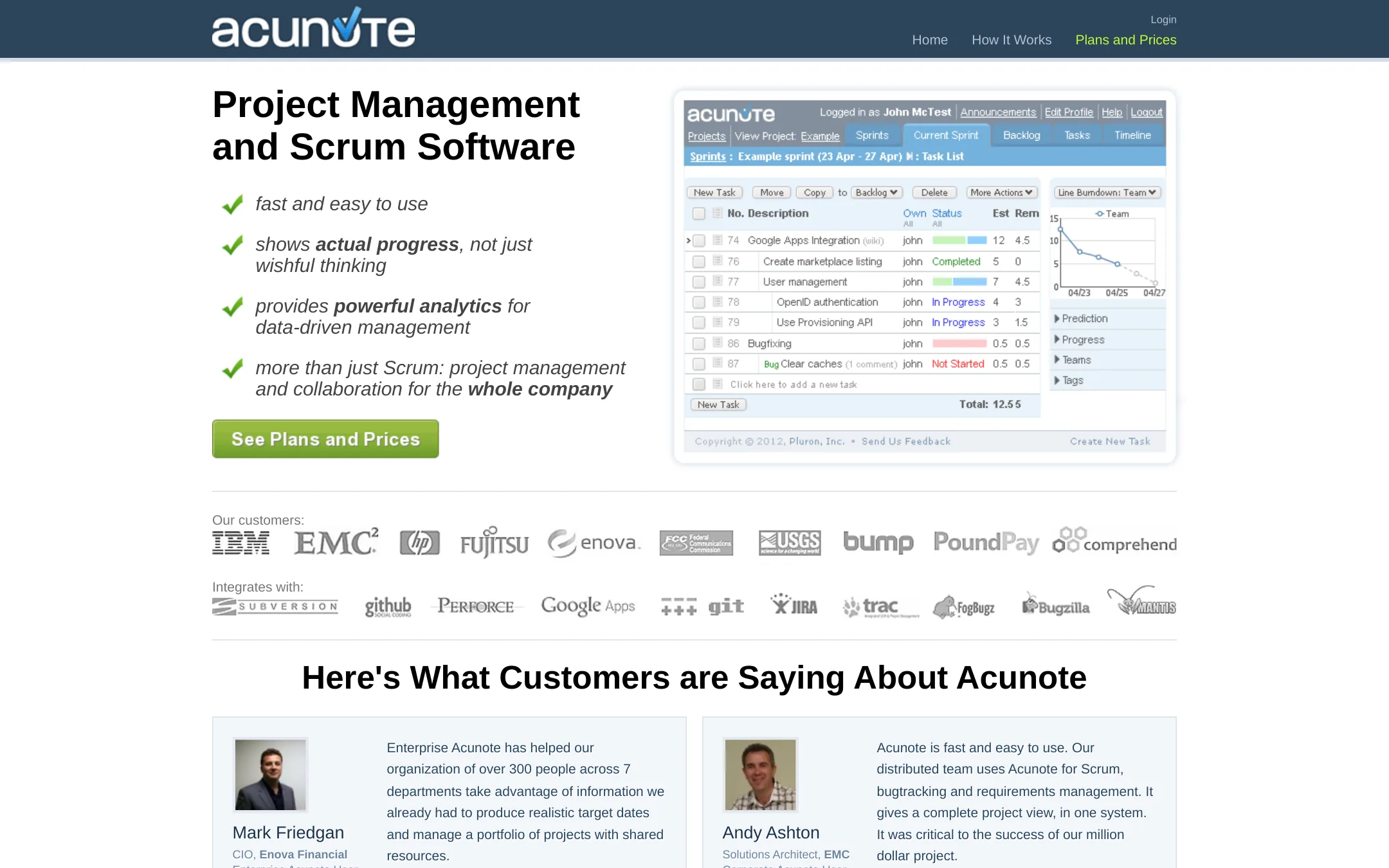
Acunote is an agile project management and Scrum tool that tracks actual execution data through daily use, so burndown charts reflect real progress instead of estimates. It scales from small teams to enterprises of 100,000 people and integrates with Google Apps, source control systems, and bugtrackers like JIRA and Trac. The analytics roll up from individual workers to the whole company, which supports data-driven decisions at every level.
Where it is strong
- Fast and easy for both technical and non-technical users
- Shows actual progress via burndown charts, not estimates
- Integrates with Google Apps, GitHub, JIRA, and other tools
Where it falls short
- Pricing is not transparent on the website
- Advanced analytics and multi-department features require higher-tier plans
- Pricing:
- Pricing is not published on the site. All plans include a 30-day free trial with no credit card required, and a Free plan is available after the trial.
- Free, from $4/user/mo
2.GitHub Projects
Best for: Software development teams that want project tracking integrated with their code, pull requests, and CI/CD.
- Pricing
- Free, from $4/user/mo
- Category
- Productivity & Project Management
GitHub Projects lets software teams plan and track work directly alongside their code using Issues. It is credible because it is part of the world's most widely adopted developer platform, with features like assigning tasks to Copilot and managing projects from mobile. The free tier includes Issues and Projects, making it a low-risk starting point for any dev team.
Where it is strong
- Tasks live next to code and pull requests
- Copilot can be assigned tasks
- Free tier includes project management
Where it falls short
- Best for code-centric workflows, not general business projects
- Advanced features require paid Team plan
- Pricing:
- Free plan includes Issues and Projects. Team plan is $4 per user per month for the first 12 months.
- Free, $7/user/mo, $12/
3.ClickUp
Best for: Teams that want to replace multiple tools with a single workspace for projects, chat, docs, and AI assistance.
- Pricing
- Free, $7/user/mo, $12/
- Category
- Productivity & Project Management
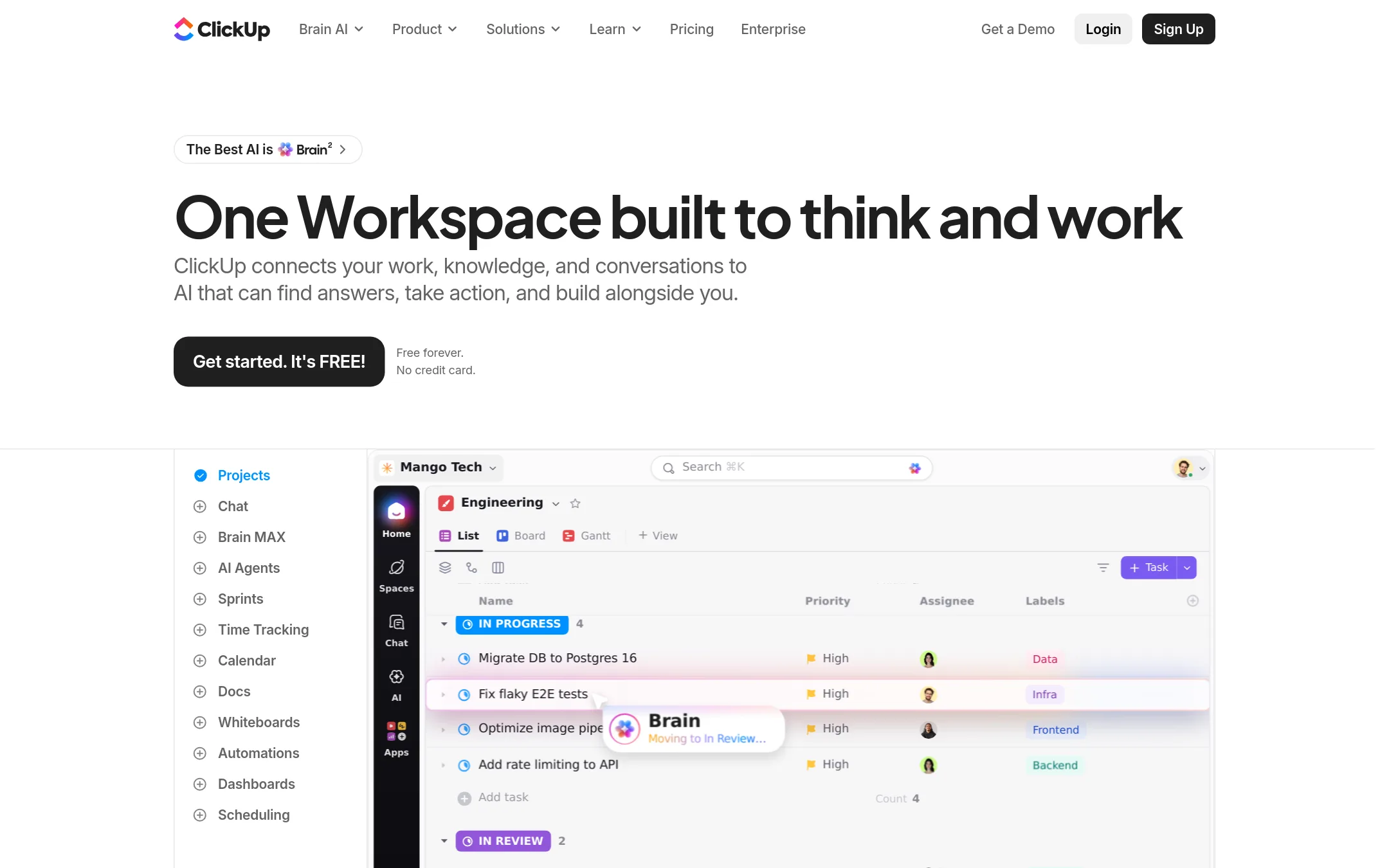
ClickUp combines project management with chat, docs, whiteboards, time tracking, and AI agents in one workspace. It is credible because it offers a free forever plan with unlimited tasks and native integrations, plus a wide range of views like Gantt, board, and workload. The platform is designed to reduce context loss by keeping all work tools in one place.
Where it is strong
- Free plan includes unlimited tasks and 100 automations per month
- 20+ tools like docs, whiteboards, and chat in one workspace
- AI features include unlimited chat with Claude, ChatGPT, and Gemini on paid plans
Where it falls short
- Free plan limits spaces to 5 and lists per space to 200
- Advanced features like HIPAA compliance and custom SAML require Enterprise pricing
- Pricing:
- Free forever plan, Unlimited at $7 per user per month, Business at $12 per user per month, Enterprise with custom pricing.
- Free plan, from $15/us
4.Basecamp
Best for: Smaller businesses and client-facing teams that want a simple, flat-priced tool with built-in client collaboration and no per-user fees.
- Pricing
- Free plan, from $15/us
- Category
- Productivity & Project Management
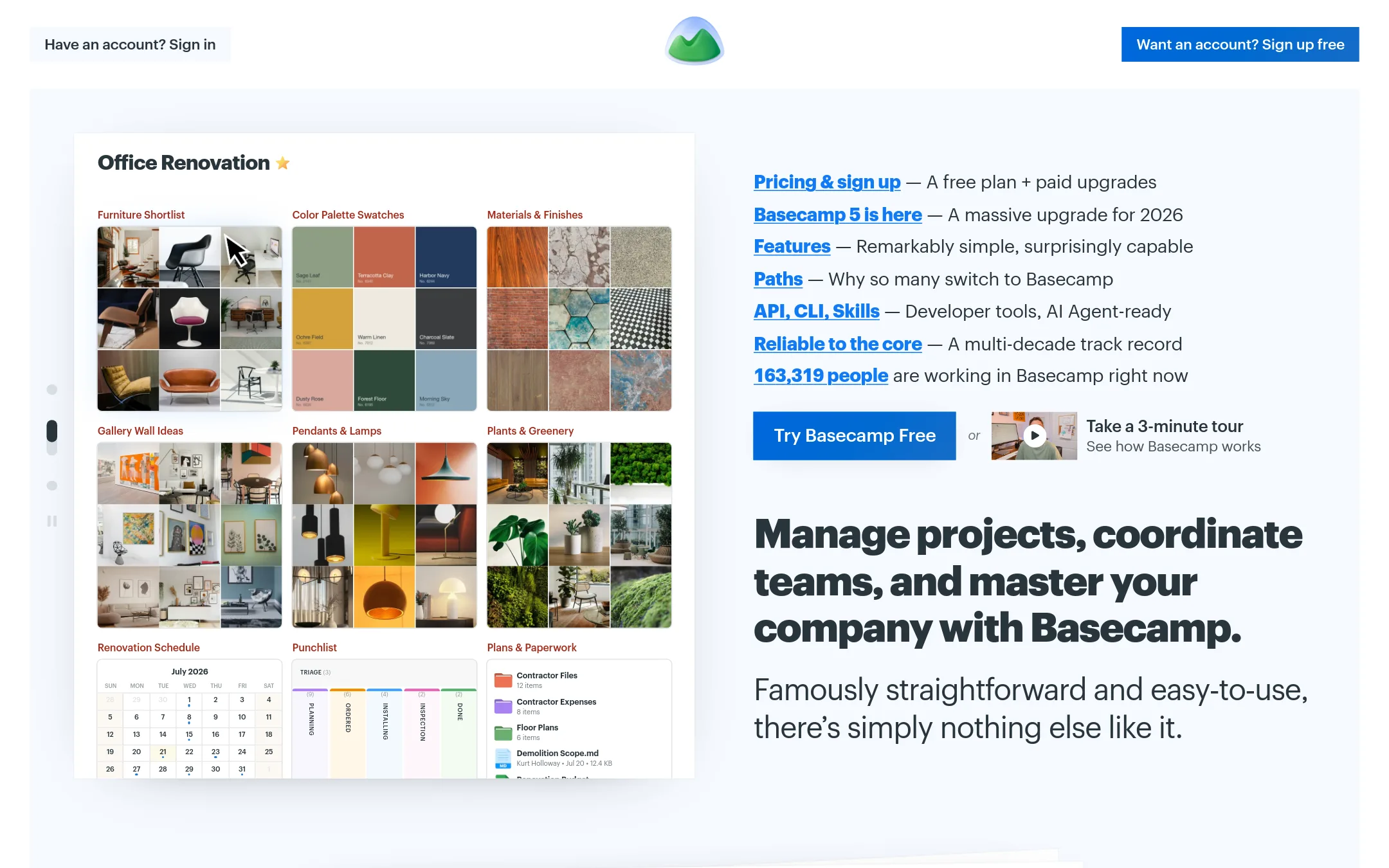
Basecamp is a project management tool from 37signals that keeps projects, discussions, files, and decisions in one place. It has a 21-year track record and a 99.99% historical uptime, making it a reliable choice for teams that want a straightforward system without per-user fees. The home screen organizes projects, assignments, and events, while projects hold tasks, discussions, and deliverables in a tidy structure.
Where it is strong
- Flat pricing with no per-user fees on paid plans
- Includes client collaboration with approvals and feedback
- 99.99% historical uptime and a 21-year track record
Where it falls short
- Free plan is limited to one project and five users
- Active project limits on lower tiers may feel restrictive for larger portfolios
- Pricing:
- The free plan includes 1 project, 1 GB storage, and 5 users. Paid plans start with the Basecamp plan at $15/user/month (billed annually) for up to 3 active projects, 5 GB storage, and 20 users. The Unlimited Edition is $299/month for unlimited projects, 1000 G
- Not published
5.Jira
Best for: Software development and IT teams that need agile workflows and deep integration with Atlassian tools.
- Pricing
- Not published
- Category
- Productivity & Project Management
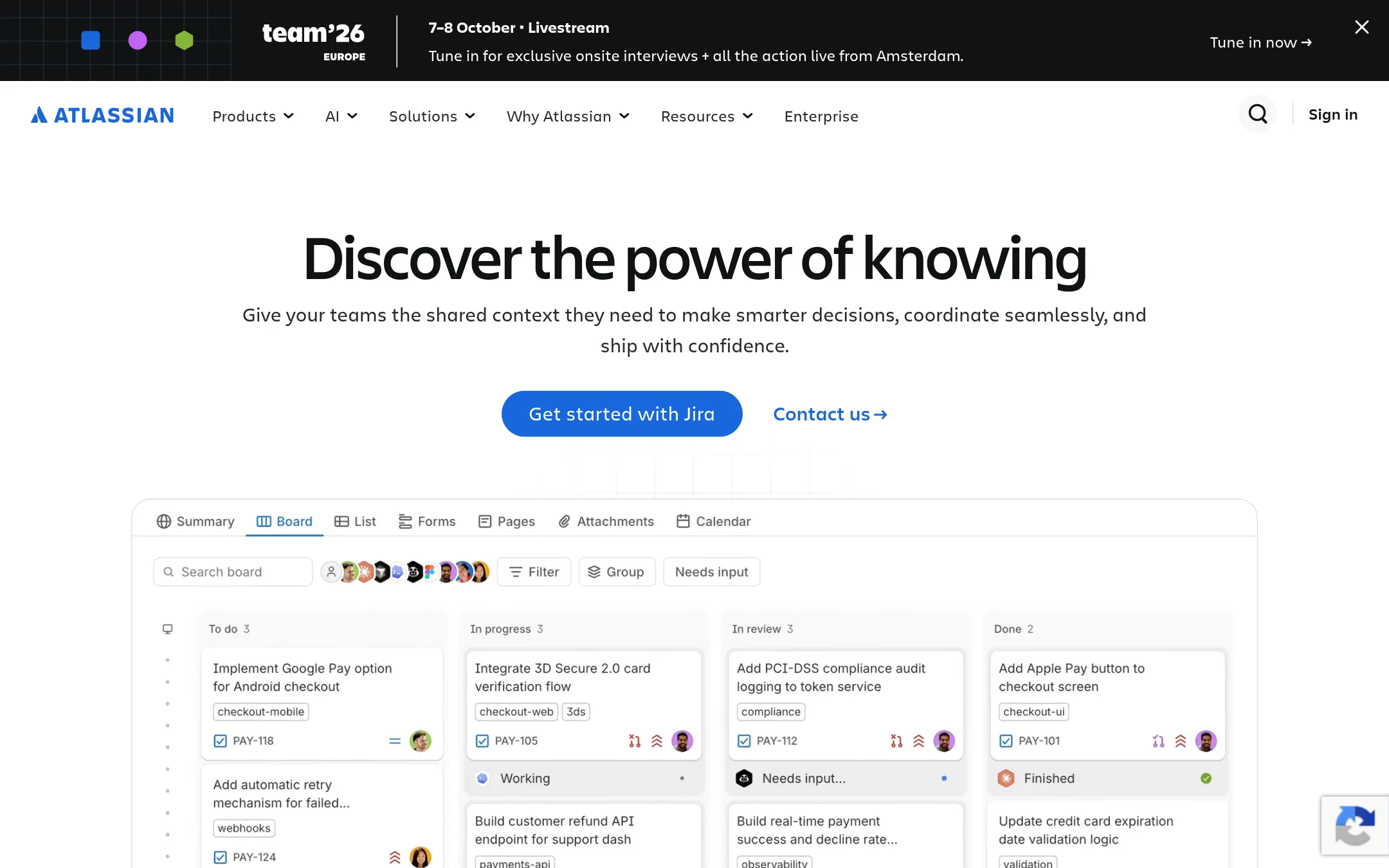
Jira is a flexible project management tool from Atlassian built for software, IT, and business teams. It supports planning, tracking, and delivery at scale, with integrations to Confluence, Bitbucket, and Rovo AI. Its strength is in agile and software development workflows, making it a credible pick for teams that need structured issue tracking and enterprise-scale planning.
Where it is strong
- Flexible project management for software, IT, and business teams
- Integrates with Confluence, Bitbucket, and Rovo AI
- Enterprise-scale planning and strategy features
Where it falls short
- Steep learning curve for new users
- Can be complex for simple, non-technical projects
- Pricing:
- Pricing is not published on the site.
- Not published
6.Wrike
Best for: Enterprises and large teams that need AI-assisted work management with deep visibility across marketing, product, PMO, and operations.
- Pricing
- Not published
- Category
- Productivity & Project Management
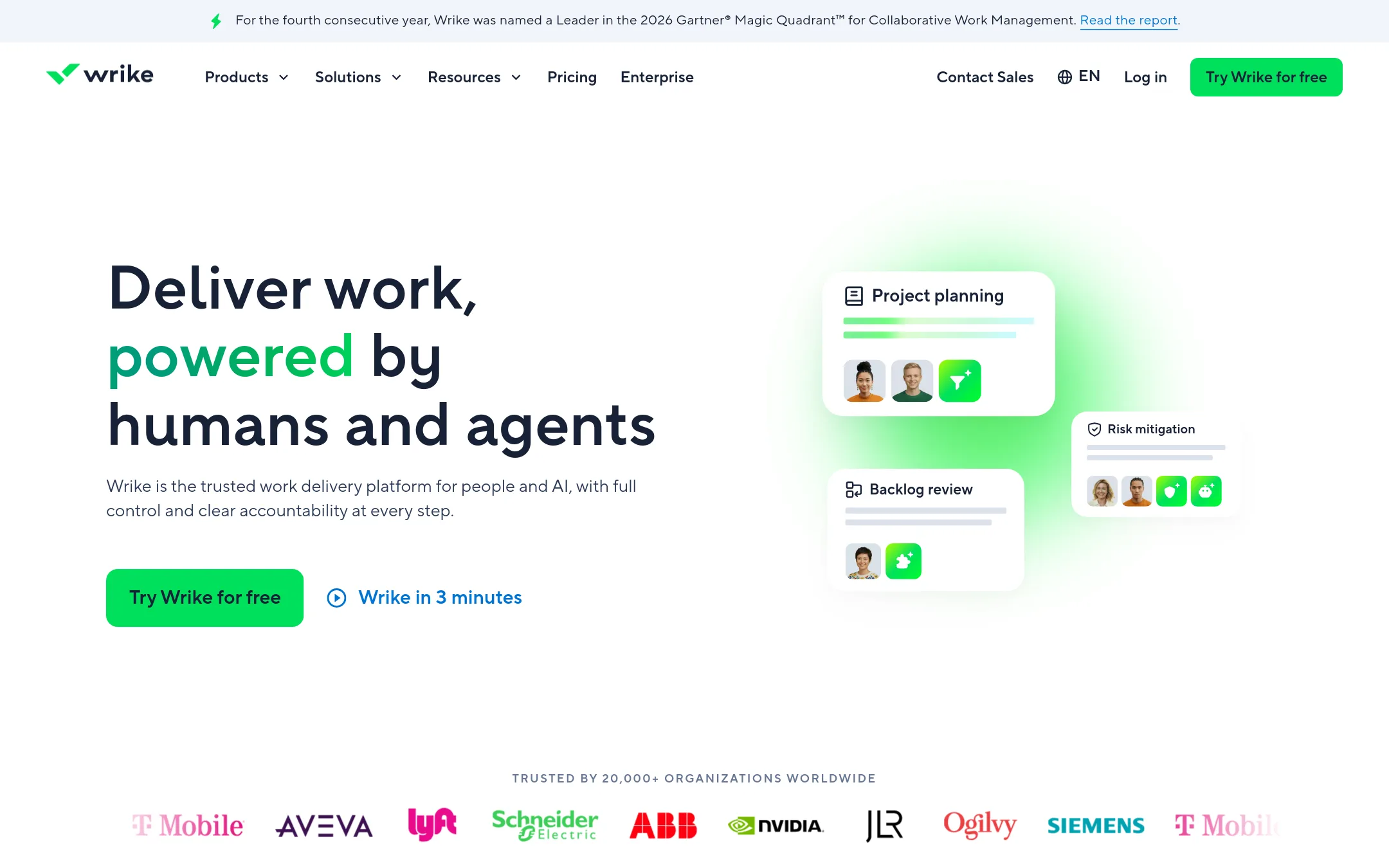
Wrike is an AI-powered work management platform for enterprises that need visibility across complex workflows. It combines human and agent intelligence, with features like AI agents, Wrike Copilot, Gantt charts, resource management, and automation. It's trusted by 30,000+ organizations, making it a credible pick for large teams managing diverse projects.
Where it is strong
- AI agents execute workflows autonomously
- Wrike Copilot provides instant answers to questions
- Includes Gantt charts, resource management, and automation
Where it falls short
- Pricing is not transparent on the site
- May be heavy for small teams or simple projects
- Pricing:
- Pricing is not published on the site.
- From $19/seat/mo
7.Motion
Best for: Teams that want AI to handle task prioritization, project creation, and meeting follow-ups so people can focus on the work itself.
- Pricing
- From $19/seat/mo
- Category
- Productivity & Project Management
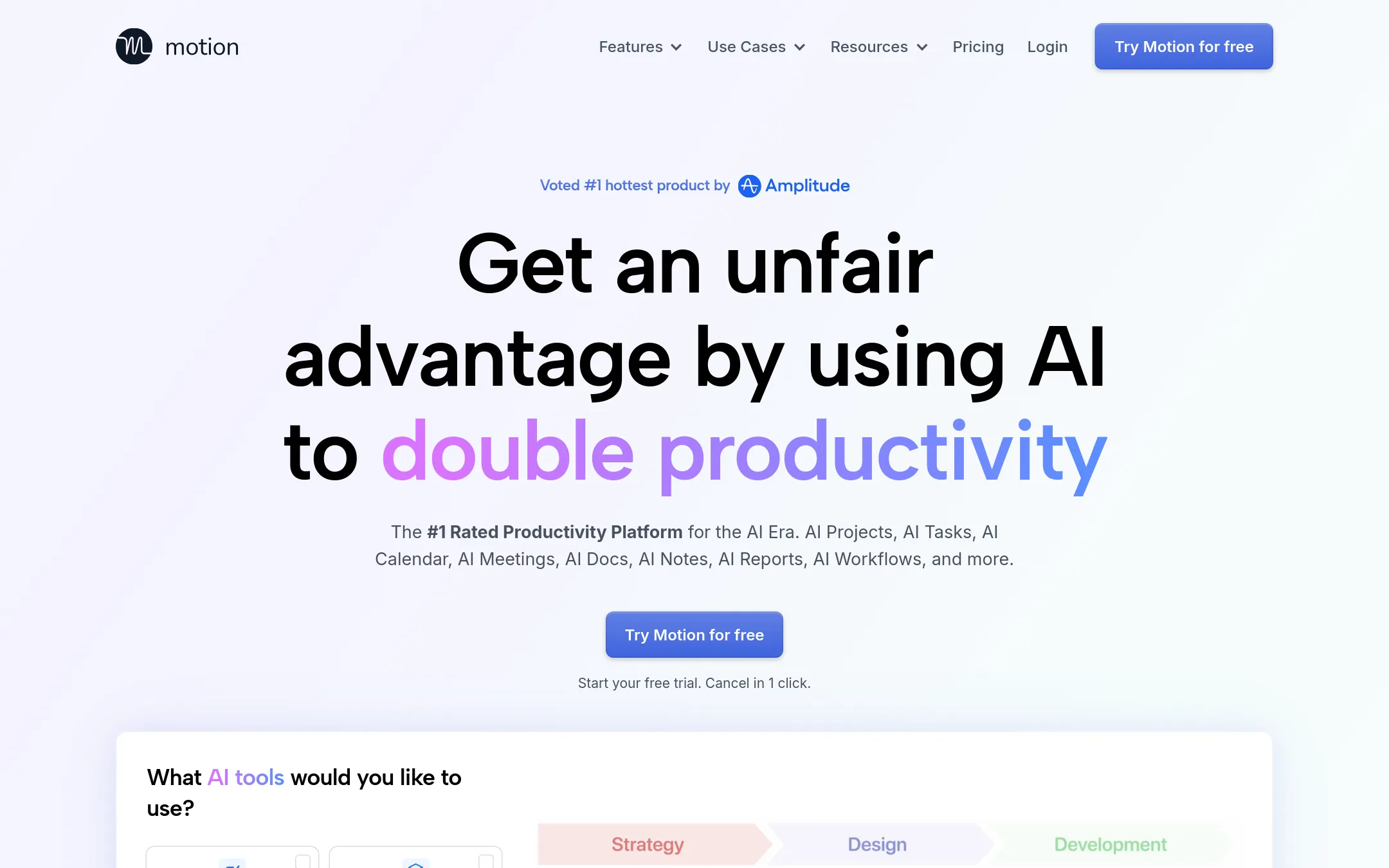
Motion combines project planning, task scheduling, calendar management, meeting notes, and docs in one AI-driven tool. It builds entire projects from a description and auto-prioritizes tasks, which can save hours of manual planning. With over 1 million users, it has real traction across solo pros and large teams.
Where it is strong
- AI builds projects and tasks from a simple description
- Auto-prioritizes work and warns about at-risk deadlines
- Meeting notes, action items, and follow-up emails are generated automatically
Where it falls short
- AI credits are capped per seat per month, with extra credits costing extra
- No free plan is mentioned, only a trial
- Pricing:
- Pricing starts at $19 per seat per month for the Pro AI plan, and $29 per seat per month for the Business plan with advanced features like capacity planning and time tracking.
- From $395/mo (annual)
8.Matidor.com
Best for: Field operations teams managing multiple sites that need live budget alerts and offline data capture.

- Pricing
- From $395/mo (annual)
- Category
- Productivity & Project Management
Matidor is a project management platform that puts projects on a live map, built for field-intensive teams in environmental services, oil and gas, and vegetation management. It combines real-time budget tracking with offline mobile data capture, so field and office teams stay in sync without chasing emails or spreadsheets. The platform is credible because it offers a 14-day free trial with full access and no credit card required.
Where it is strong
- Live map shows every project with status and location context.
- Real-time budget alerts catch overruns before month-end.
- Offline mobile app syncs data automatically when reconnected.
Where it falls short
- Starter plan caps at 5 users and 50 active projects.
- Accounting integrations like QuickBooks Online only on Professional and up.
- Pricing:
- Starter costs $395/month billed annually ($4,740/year) or $495/month billed monthly, for up to 5 users and 50 active projects. Professional and Enterprise are priced based on user count, with most Professional teams investing $800 to $2,000/month.
- Free plan, custom tier
9.Dart
Best for: Teams that want to integrate AI agents into their project workflows and need a tool that treats agents as first-class team members.

- Pricing
- Free plan, custom tier
- Category
- Productivity & Project Management
Dart is a project management tool built around AI agents, letting teams bring their own agents like Codex or Claude Code into a shared workspace. A lead agent can break down goals and coordinate specialist agents, with people stepping in when needed. It handles tasks, docs, and agent orchestration in one place, and over 100,000 teams use it.
Where it is strong
- Native AI agent orchestration with lead and specialist agents
- Connects to coding agents like Codex and Claude Code
- Free plan for up to four teammates
Where it falls short
- Pricing for paid tiers is not published
- May be overkill for teams that don't use AI agents
- Pricing:
- Free Personal plan for up to four teammates. Premium and Business tiers add more features, but prices are not listed on the site.
- Not published
10.Sytex
Best for: Field infrastructure teams in telecom, energy, construction, and oil and gas that need to plan, execute, and automate rollouts, maintenance, and audits.

- Pricing
- Not published
- Category
- Productivity & Project Management
Sytex is an AI field-operations platform built for infrastructure teams in telecom, energy, construction, and oil and gas. It combines a visual workflow builder with offline mobile capture and AI quality checks at the moment work is recorded, so issues are caught on site. The platform is backed by Y Combinator and used by teams at Ericsson/OFG, IHS, and Atis Group across 9+ countries.
Where it is strong
- Offline mobile app for iOS and Android captures photos, readings, and signatures
- AI quality checks at capture time catch issues before they become costly
- Natural-language assistant Alfred lets you query field data without SQL
Where it falls short
- Pricing is not transparent, requires a demo call
- Built specifically for field infrastructure, not general project management
- Pricing:
- Pricing is not published on the site. Interested teams can request a demo.
- Custom quote
11.Clad
Best for: Infrastructure and construction teams that want production tracking tied directly to billing and vendor management.

- Pricing
- Custom quote
- Category
- Productivity & Project Management
Clad is project management software built specifically for infrastructure and construction work. It links field data collection to production tracking and billing, so invoices are generated directly from what is reported on site. The tool also handles vendor invoices, ERP sync, and even AI for 811 locate tickets, making it a credible pick for teams that need finance and field operations in one place.
Where it is strong
- Field data collection linked to quantities for faster reporting
- Invoices generated from production data, with AR sync to ERP
- AI for 811 locate tickets and vendor compliance tracking
Where it falls short
- No published pricing, so you must book a demo to get a quote
- Built for infrastructure, so general or creative agencies may find it too specialized
- Pricing:
- Pricing is not published on the site. Custom plans are available through a demo.
- From $850/mo
12.Constructable
Best for: General contractors and subcontractors who want construction-specific project management with AI assistance and predictable flat pricing.

- Pricing
- From $850/mo
- Category
- Productivity & Project Management
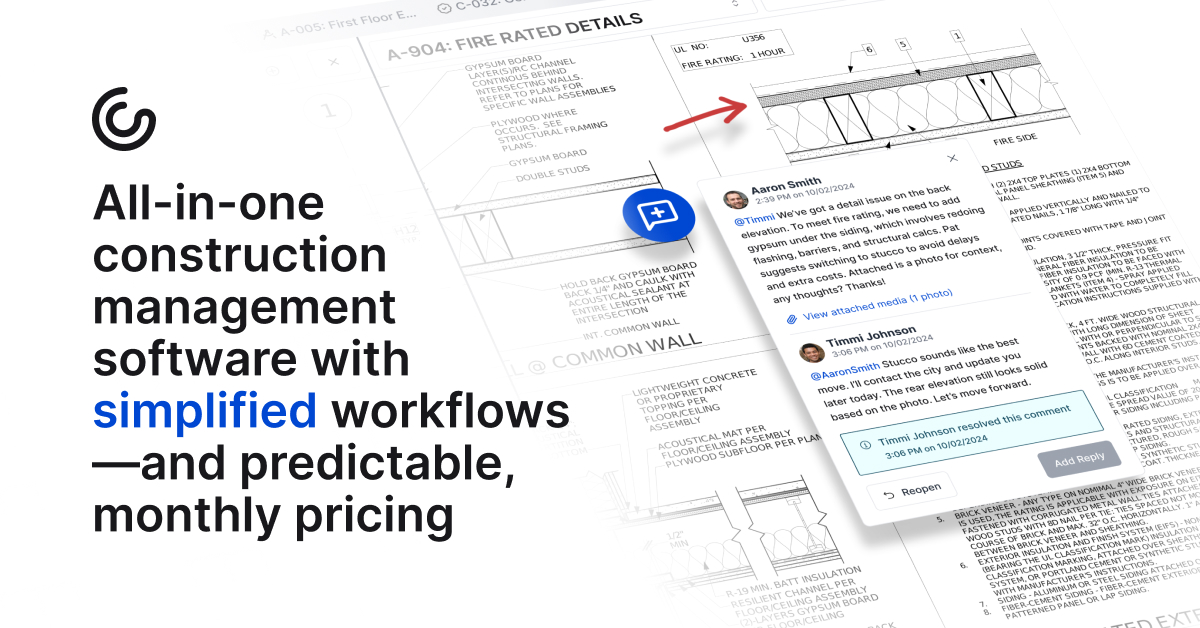
Constructable is construction management software for general contractors and subcontractors, covering bidding, drawings, RFIs, submittals, change orders, and financials. It uses AI to automate drawing reviews, invoice imports, and spec checks, and offers flat monthly pricing instead of volume-based fees. Free data migration in days makes switching from tools like Procore practical.
Where it is strong
- Flat monthly pricing, not based on construction volume
- AI drawing review and revision comparison
- Free data migration in days
Where it falls short
- No mobile apps mentioned in the available facts
- Pricing jumps significantly between tiers
- Pricing:
- Plans start at $850/mo for Field Management, $2,000/mo for Field and Project Management, and $3,500/mo for Field, Project, and Financial Management. Under $20M annual volume, small-team pricing scales from $5,000/year at $0 volume up to the listed plan price a
How to choose Project Management Software
Pricing structure matters. Some tools like Basecamp charge a flat monthly rate, while others like ClickUp charge per user. For field teams, Matidor and Constructable use tiered pricing based on features or volume, so check if your team size or project count fits within a plan. Free plans, like GitHub Projects or ClickUp's free tier, are good for small teams but may limit features like advanced analytics or integrations.
FAQ
Questions about Project Management Software
What is the best project management software for small teams?
For small teams, ClickUp's free forever plan offers unlimited tasks and 100 automations per month, making it a strong choice. Basecamp's free plan supports up to 5 users and 1 project, which is good for very small teams. GitHub Projects is also free and works well for dev teams.
How much does project management software cost?
Costs vary widely. ClickUp starts at $7 per user per month, while Motion starts at $19 per seat per month. Basecamp offers a flat $299/month for unlimited projects, and Constructable starts at $850/month. Some tools like Acunote and Jira do not publish pricing, so you need to contact sales.
Can project management software integrate with other tools?
Yes, most tools integrate with common apps. GitHub Projects integrates with code repositories and CI/CD, while ClickUp has native integrations with many apps. Field tools like Matidor integrate with QuickBooks on higher tiers. Check each tool's integration list to ensure it fits your stack.
Is there free project management software?
Yes, several tools offer free plans. ClickUp has a free forever plan with unlimited tasks, GitHub Projects includes Issues and Projects for free, and Basecamp offers a free plan for up to 5 users and 1 project. Motion does not have a free plan, only a trial.
What is the best project management software for construction?
Constructable is built for general contractors and subcontractors, with AI drawing review and flat pricing. Clad links field data to billing and vendor management. Sytex is also strong for field infrastructure teams, but it requires a demo for pricing. Choose based on your specific needs like financial management or offline capture.
Last updated October 15, 2026.