6 Best Video Conferencing Software in 2026
Updated November 6, 2026
The short answer
The strongest video conferencing software picks on this list are Google Meet, GoToMeeting and Whereby. Google Meet suits teams already running on Google Workspace who want meetings tied to their calendar and documents. GoToMeeting suits businesses running client-facing or large group meetings that need reliable screen sharing, breakout rooms and encrypted sessions. Whereby suits product teams and telehealth or eLearning platforms that want to embed video calls into their own software through an API and SDK.
The shortlist, at a glance
Read the comparisons ↓ GatherFree trial, USD/memberDistributed teams that want casual, spontaneous conversations without scheduling a call first
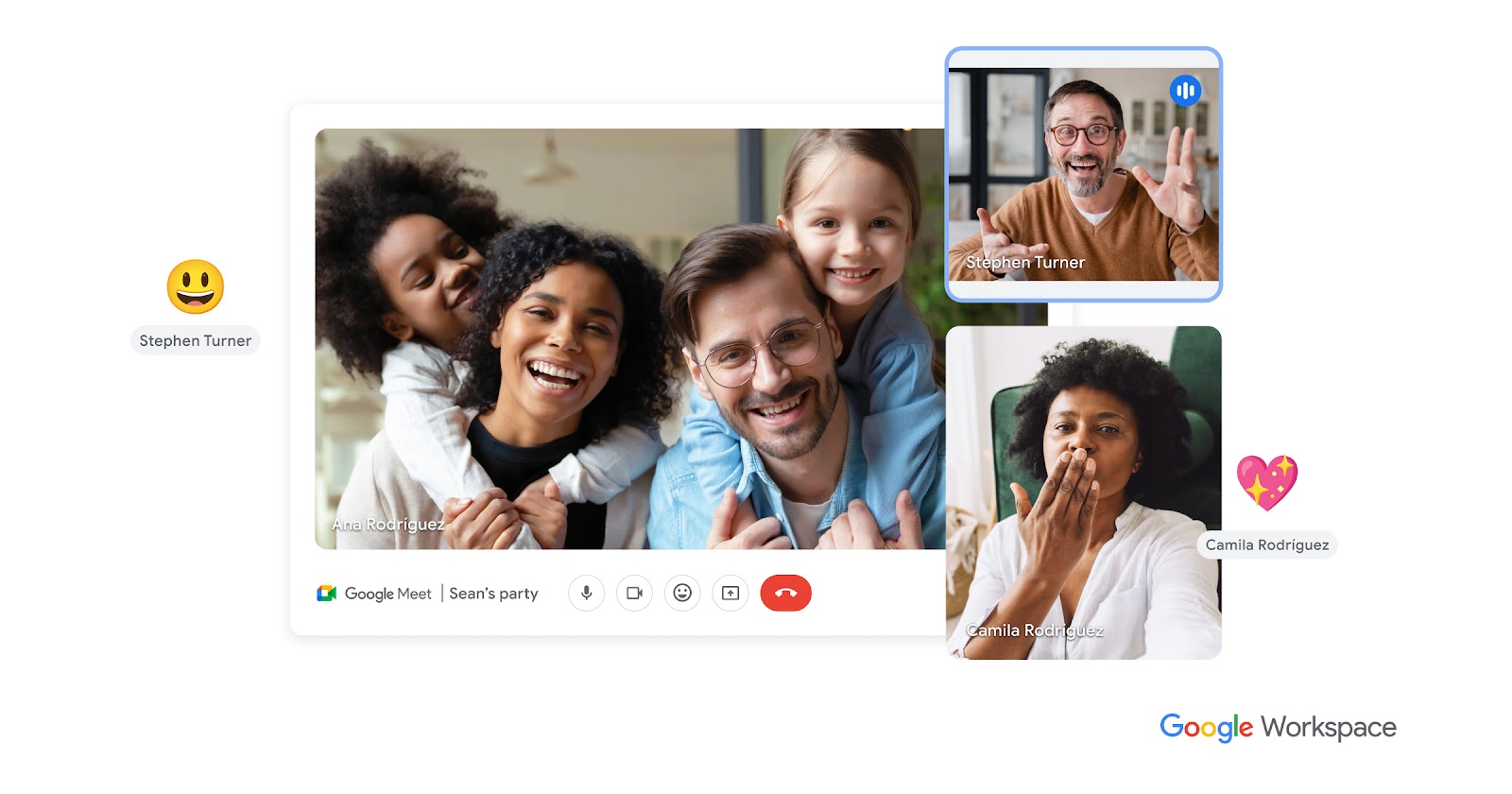 Google MeetNot publishedTeams already working in Google Workspace who want meetings tied to their calendar, documents and chat without adding another tool
 RallyNot publishedRemote teams and community groups that want to host social events, happy hours or networking nights online
 GoToMeetingNot publishedBusinesses and teams that run client-facing or large group meetings and need reliable screen sharing, breakout rooms, and encrypted sessions.
 Join.meNot publishedTeams that host client calls, training sessions or webinars and need no-download access for outside guests
 WherebyFrom $10.99/moProduct teams and telehealth or eLearning platforms that want to embed video calls into their own software using an API and SDK
About Video Conferencing Software
Video conferencing software lets people hold live video and audio calls, usually with screen sharing, chat and recording. Teams use it for scheduled meetings, client calls, training sessions, webinars and informal conversations between colleagues who work apart.
The products on this list differ in approach, scale and pricing model. Gather and Rally take a social, room-based approach, with Gather using a virtual office floor plan and Rally focused on events. GoToMeeting and Join.me, which is now part of GoTo Meeting, aim at larger client-facing meetings with attendee caps of up to 250. Google Meet is bundled into Google Workspace, and Whereby is built to be embedded in other products through its API. Pricing models vary as well, from per-member subscriptions to per-minute usage, and several vendors do not publish prices.
The 6 best Video Conferencing Software, compared
- Free trial, USD/member
1.Gather
Best for: Distributed teams that want casual, spontaneous conversations without scheduling a call first
- Pricing
- Free trial, USD/member
- Category
- Communication & Collaboration
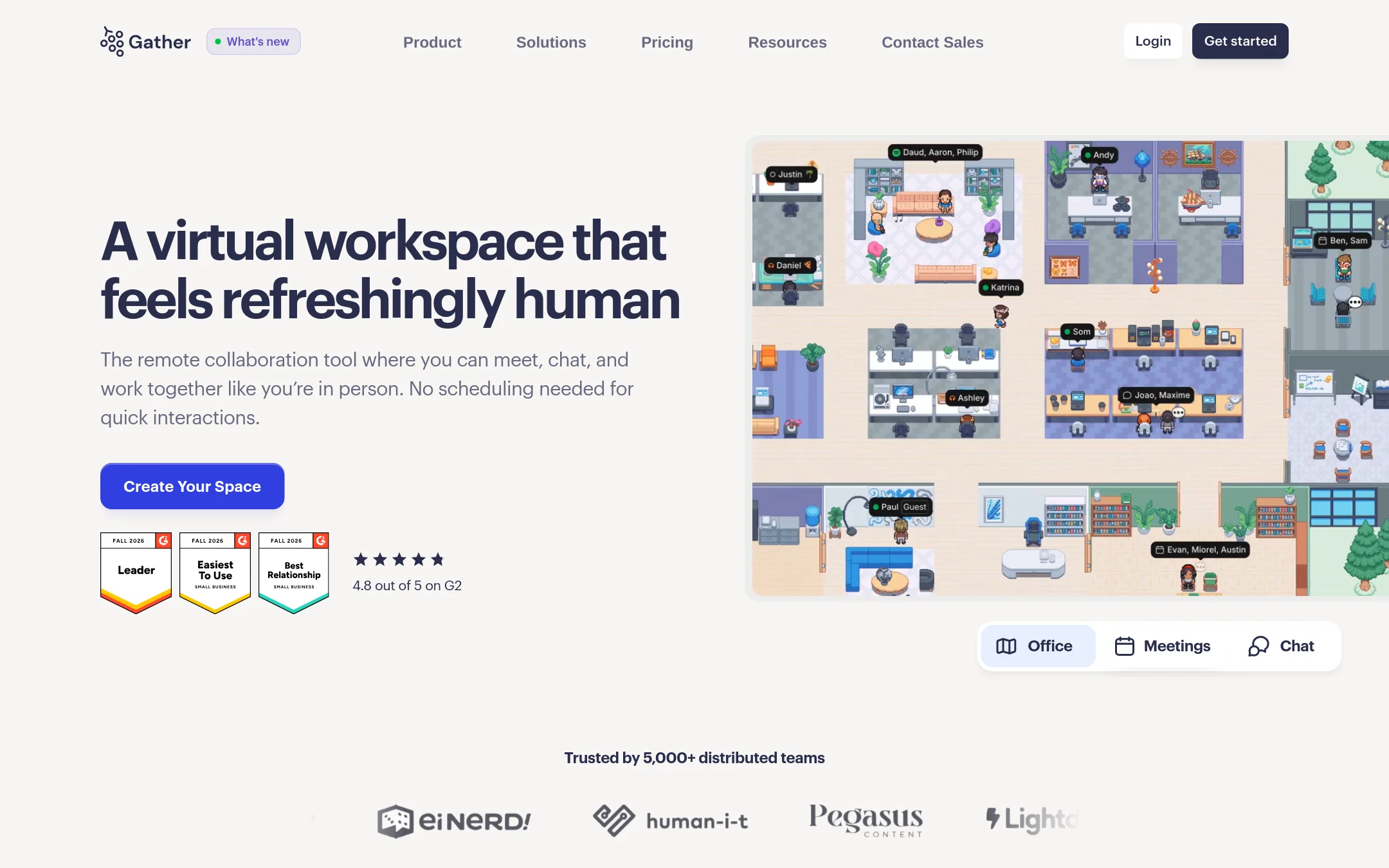
Gather is a virtual office where teammates appear as avatars on a shared floor plan, so you can see who is free and walk over to start a call without sending a meeting link. Its presence controls let you set yourself as busy, mute conversations and hear only nearby talk, which suits teams that miss casual hallway contact. It is rated 4.8 out of 5 on G2 and is used by more than 5,000 distributed teams.
Where it is strong
- Shows which teammates are free, focused or in meetings
- Walk up and talk without sending a meeting link
- Mute, lock or hear only nearby conversations
Where it falls short
- Teams that only need scheduled video calls may not need the virtual office layout
- Enterprise features such as Single Sign-On and regional pricing require a custom quote
- Pricing:
- Gather lists USD per member per month pricing on a yearly or monthly basis, with a 30-day free trial, but the exact per-member figures are not shown in the supplied page text.
- Not published
2.Google Meet
Best for: Teams already working in Google Workspace who want meetings tied to their calendar, documents and chat without adding another tool
- Pricing
- Not published
- Category
- Communication & Collaboration
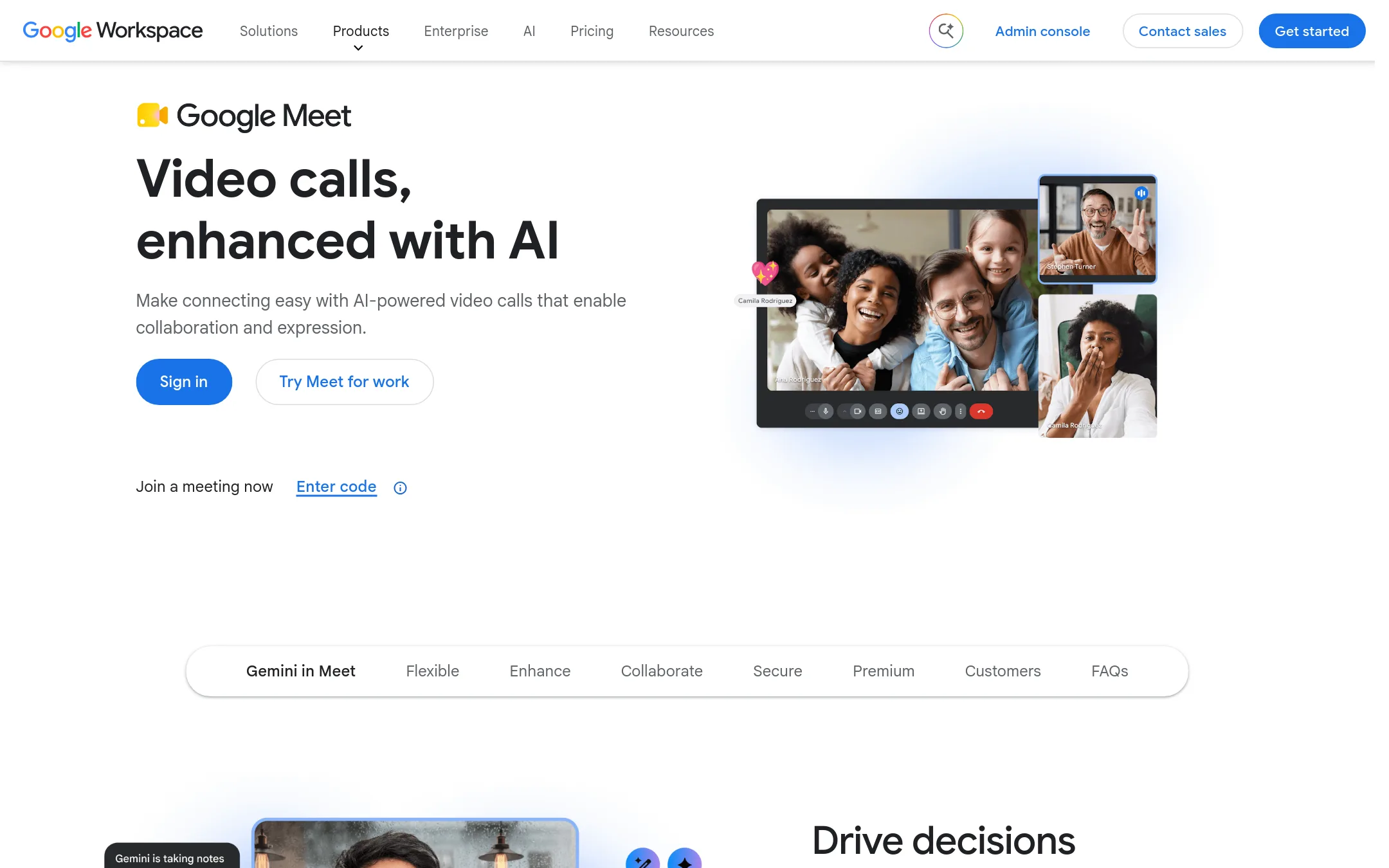
Google Meet is a video conferencing service built into Google Workspace, so it sits alongside Gmail, Calendar, Drive and Docs. Calls are encrypted by default, and the free plan allows up to 100 participants in meetings of up to 60 minutes. Teams that already run on Google accounts can join from a browser with no software to install.
Where it is strong
- Joins from a browser or the mobile app without installing software
- Meeting links sit inside Calendar and Gmail invites
- Live captions and AI note-taking are available on paid Workspace plans
Where it falls short
- Longer meetings, recording and dial-in numbers require paid plans
- Video quality up to 1080p and advanced features depend on specific subscriptions
- Pricing:
- Pricing is not published on the site.
- Not published
3.Rally
Best for: Remote teams and community groups that want to host social events, happy hours or networking nights online

- Pricing
- Not published
- Category
- Communication & Collaboration
Rally is a video platform built for social events, such as happy hours, networking nights and team get-togethers, rather than formal meetings. Its breakout rooms let guests move between groups with one click, which keeps conversations flowing the way they do in a real room. Rooms hold 35 to 50 people, and no download is needed to join.
Where it is strong
- Breakout rooms can be entered with one click, so guests can mingle between groups
- Spatial audio and stage broadcasting to an audience make events feel more like a room
- No download is required, so guests can join from a browser
Where it falls short
- Rooms are capped at 35 to 50 people, which rules out large all-hands or webinars
- Built for social events, so it is a weaker fit for formal meetings and document sharing
- Pricing:
- Pricing is not published on the site.
- Not published
4.GoToMeeting
Best for: Businesses and teams that run client-facing or large group meetings and need reliable screen sharing, breakout rooms, and encrypted sessions.
- Pricing
- Not published
- Category
- Communication & Collaboration
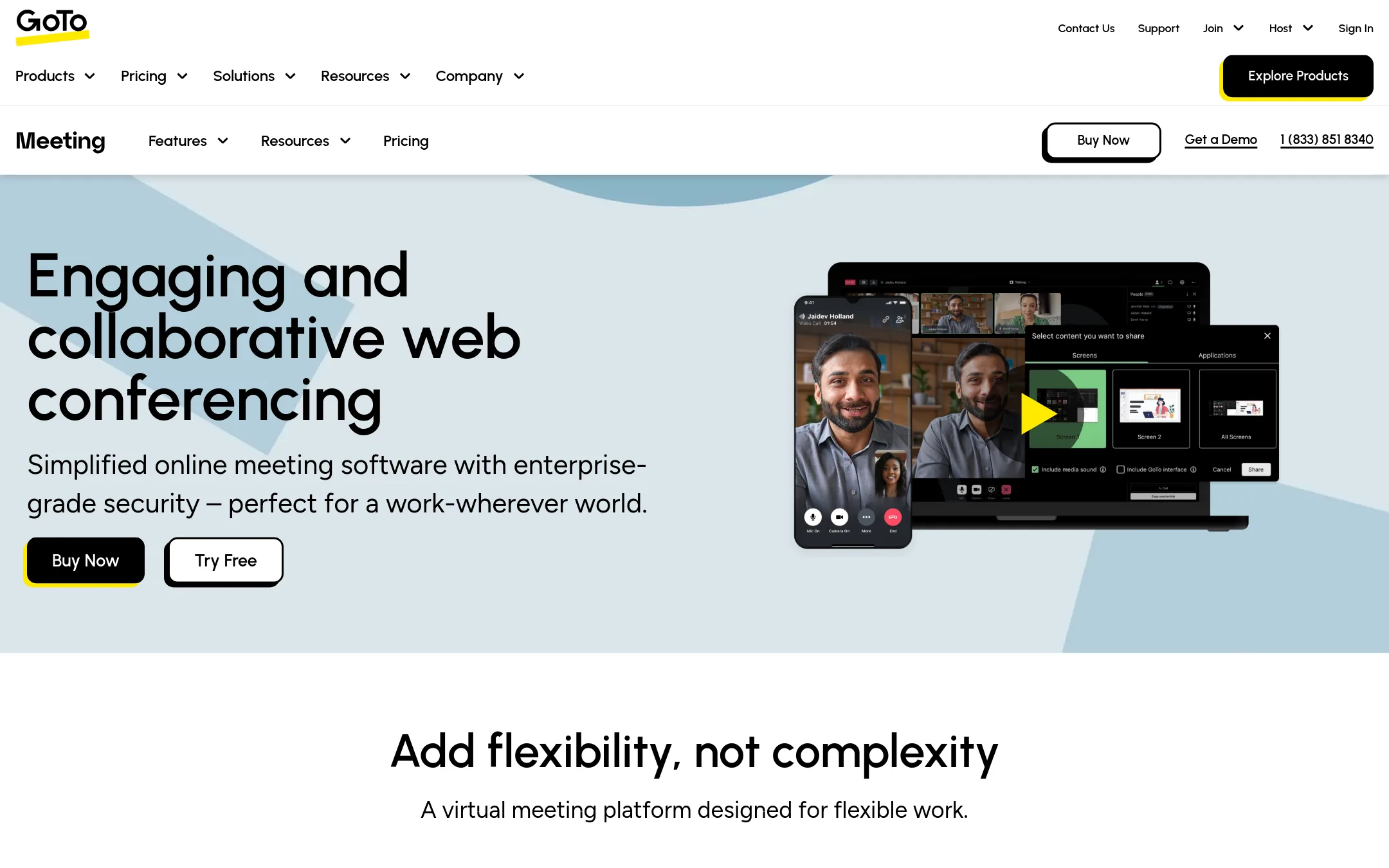
GoToMeeting is a web conferencing tool built around HD video, screen sharing, and breakout rooms, with attendees able to join without downloading anything. It supports up to 250 attendees and offers cloud recording and meeting transcriptions, plus single sign-on and end-to-end encryption for teams that need tighter security.
Where it is strong
- Attendees join from a browser or mobile app with no download needed.
- Background noise suppression and crystal-clear audio help calls stay usable on weak connections.
- Single sign-on and end-to-end encryption cover common security requirements.
Where it falls short
- Pricing is not published, so you need to request a quote to compare costs.
- Many of the advanced phone and contact center features sit in higher-priced bundles that go well beyond plain meetings.
- Pricing:
- Pricing is not published on the site.
- Not published
5.Join.me
Best for: Teams that host client calls, training sessions or webinars and need no-download access for outside guests
- Pricing
- Not published
- Category
- Communication & Collaboration
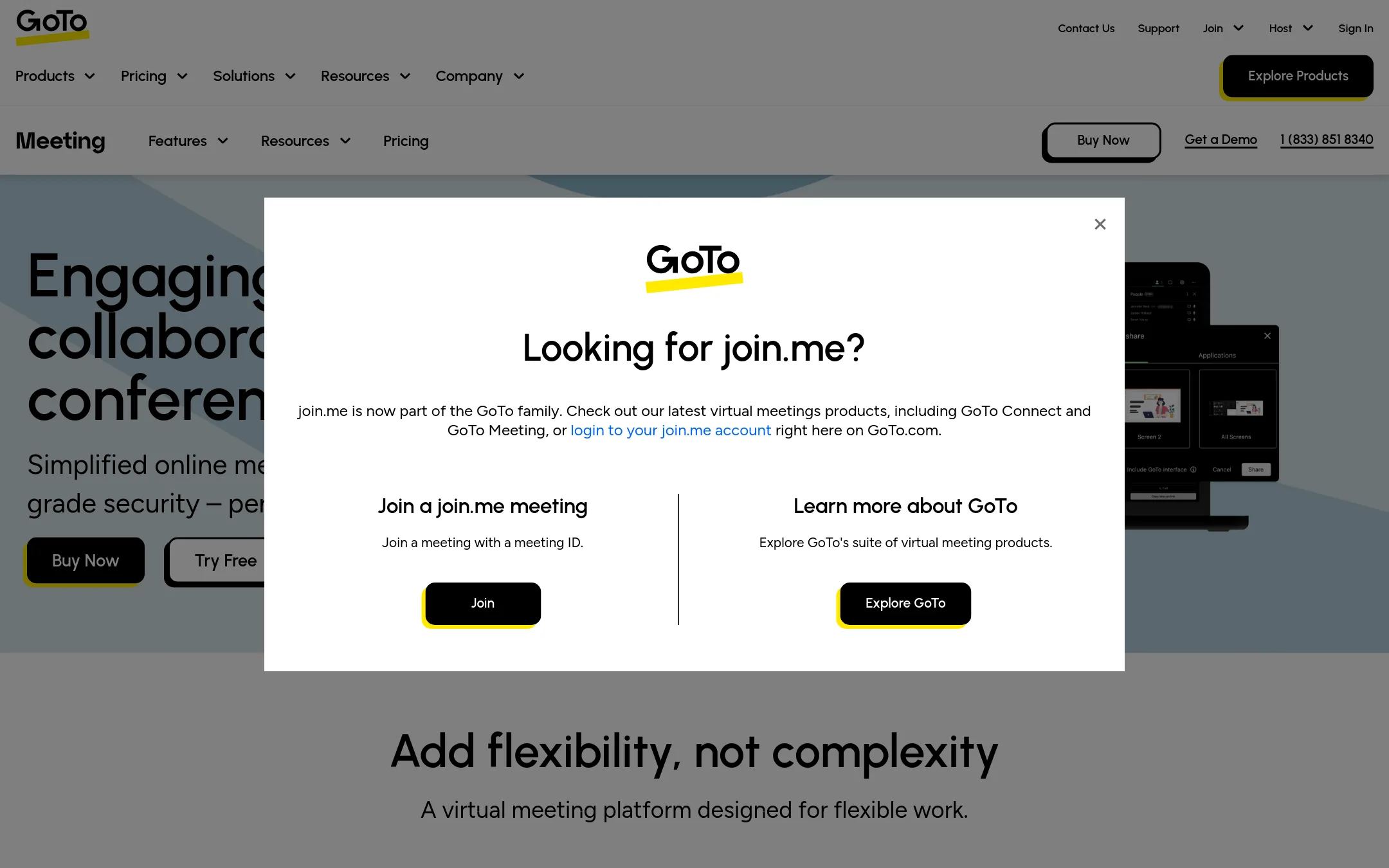
Join.me is now part of GoTo Meeting, and it runs secure web conferencing that guests can join without downloading anything. The platform handles up to 250 attendees, offers HD video, screen sharing and breakout rooms, and records meetings to the cloud with transcriptions. GoTo publishes 99.999% uptime for its phone and meeting services, which is the kind of reliability number worth checking against your own needs.
Where it is strong
- Guests join with no download needed
- Cloud recording and meeting transcriptions are included in the feature list
- Supports up to 250 attendees, with single sign-on and end-to-end encryption
Where it falls short
- Pricing is not published, so you need to contact sales to compare costs
- The site leads heavily with its phone system and contact center products, so the standalone meeting plan is harder to find
- Pricing:
- Pricing is not published on the site.
- From $10.99/mo
6.Whereby
Best for: Product teams and telehealth or eLearning platforms that want to embed video calls into their own software using an API and SDK

- Pricing
- From $10.99/mo
- Category
- Communication & Collaboration
Whereby is a European-owned video calling service built around privacy, with instant meetings and permanent room links for everyday use. It also offers an API and SDK so product teams can embed video calls into their own apps, with programmatic room creation and session transcriptions.
Where it is strong
- Free tier includes 2,000 participant minutes per month for testing
- Instant meetings and permanent room links suit everyday calls without a developer setup
- HIPAA compliance is available for healthcare use, at $16.99 per month
Where it falls short
- The free tier limits meetings to 30 minutes, which rules it out for longer sessions
- Cloud recording, session transcriptions and HIPAA add costs on top of the base plan
- Pricing:
- The Build plan starts at $10.99 per month with $0.0042 per participant minute beyond 2,000 included minutes, a free Explore tier caps meetings at 30 minutes, and Enterprise pricing is custom.
How to choose Video Conferencing Software
Start with pricing structure. Some products list per-member monthly rates, others charge per participant minute beyond an included allowance, and several keep prices off the public site and require a quote. Compare the total cost for your typical meeting length and headcount, not just the base plan.
Consider who the product is built for. A virtual office like Gather suits teams that want casual, spontaneous conversation, while a meeting tool like GoToMeeting suits scheduled client calls. Matching the product to your main use case matters more than the feature count.
Check integrations with the tools you already use. Google Meet fits most naturally into Google Workspace, while Whereby's API and SDK matter if you plan to build video into your own product. Look at whether calendar links, chat and document tools connect without extra work.
Review data and compliance needs. GoToMeeting offers single sign-on and end-to-end encryption, and Whereby offers HIPAA compliance at an added cost. If you handle regulated data, confirm these features are included at the plan level you are considering.
Finally, check support and contract terms. Several products on this list require contacting sales for enterprise features or pricing, so ask about support levels, trial length and how the contract can change before you commit.
FAQ
Questions about Video Conferencing Software
What is video conferencing software?
Video conferencing software lets people hold live video and audio calls with others, usually including screen sharing, chat and recording. Teams use it for meetings, client calls, training and informal conversations across distances.
Which video conferencing tool is best for large meetings?
GoToMeeting and Join.me both support up to 250 attendees, with HD video, screen sharing and breakout rooms. Both are aimed at client-facing meetings, webinars and training sessions.
Do attendees need to download software to join?
Several products on this list let guests join from a browser with no download. GoToMeeting, Join.me, Rally and Google Meet all offer browser-based or no-download access, which makes it easier to include outside participants.
Which option is good for building video into my own app?
Whereby offers an API and SDK so product teams can embed video calls into their own software, with programmatic room creation and session transcriptions. It suits telehealth and eLearning platforms in particular.
Is there a free plan?
Google Meet has a free plan that allows up to 100 participants in meetings of up to 60 minutes. Whereby has a free Explore tier with a 30-minute meeting limit, and Gather offers a 30-day free trial.
Last updated November 6, 2026.