8 Best AI Coding Agents in 2026
Updated November 7, 2026
The short answer
The strongest AI coding agent picks on this list are Capy, Nuanced and Cognition Devin. Capy suits engineering teams with large backlogs that want agents to triage, fix and merge tickets in parallel. Nuanced suits founders and small teams that want to settle design decisions in writing before any code is written. Cognition Devin suits engineering teams with large, complex codebases that want to hand off well-defined repetitive work to an autonomous agent.
The shortlist, at a glance
Read the comparisons ↓ Cognition DevinNot publishedEngineering teams with large, complex codebases that want to hand off well-defined repetitive engineering work to an autonomous agent.
 Double – Coding CopilotNot publishedIndividual developers and small engineering teams who want AI help inside their everyday editor workflow
 RelaceFrom $0.007/M tokensTeams running coding agents at high token volume that want to cut inference costs on open-weight models.
 NuancedNot publishedFounders and small engineering teams on Mac, Windows, or Linux who want to settle design decisions in writing before an agent writes any code.
 ManaflowNot publishedDevelopers and small engineering teams who already run AI coding agents and want a terminal built for that workflow.
 CapyFrom $20/mo, unlimitedEngineering teams with large backlogs or many bug tickets that want agents to triage, fix, and merge work in parallel.
 MacadamiaNot publishedIndustrial engineering firms that spend heavy time on AutoCAD drafting, P&ID checks and technical documentation review
 InspectorFree (not confirmed)Front-end developers and small teams who already pay for Claude Code, Codex, or Cursor and want to run several agents on separate git worktrees in one window.
About AI Coding Agents
AI coding agents are software tools that use AI models to carry out programming work. Some write and edit code inside an editor, some plan a change against a codebase, and some run autonomously to build, test and open pull requests. The products on this list cover that range, from autonomous engineers that ship code to terminals and browsers built to run several agents at once.
The products differ in approach, scale and pricing. Some are full autonomous agents aimed at large engineering organizations, while others are editor copilots or developer tools for individuals and small teams. Pricing models vary as well, from published monthly tiers to per-token API billing and quote-only enterprise plans.
The 8 best AI Coding Agents, compared
- Not published
1.Cognition Devin
Best for: Engineering teams with large, complex codebases that want to hand off well-defined repetitive engineering work to an autonomous agent.
- Pricing
- Not published
- Category
- AI & Machine Learning
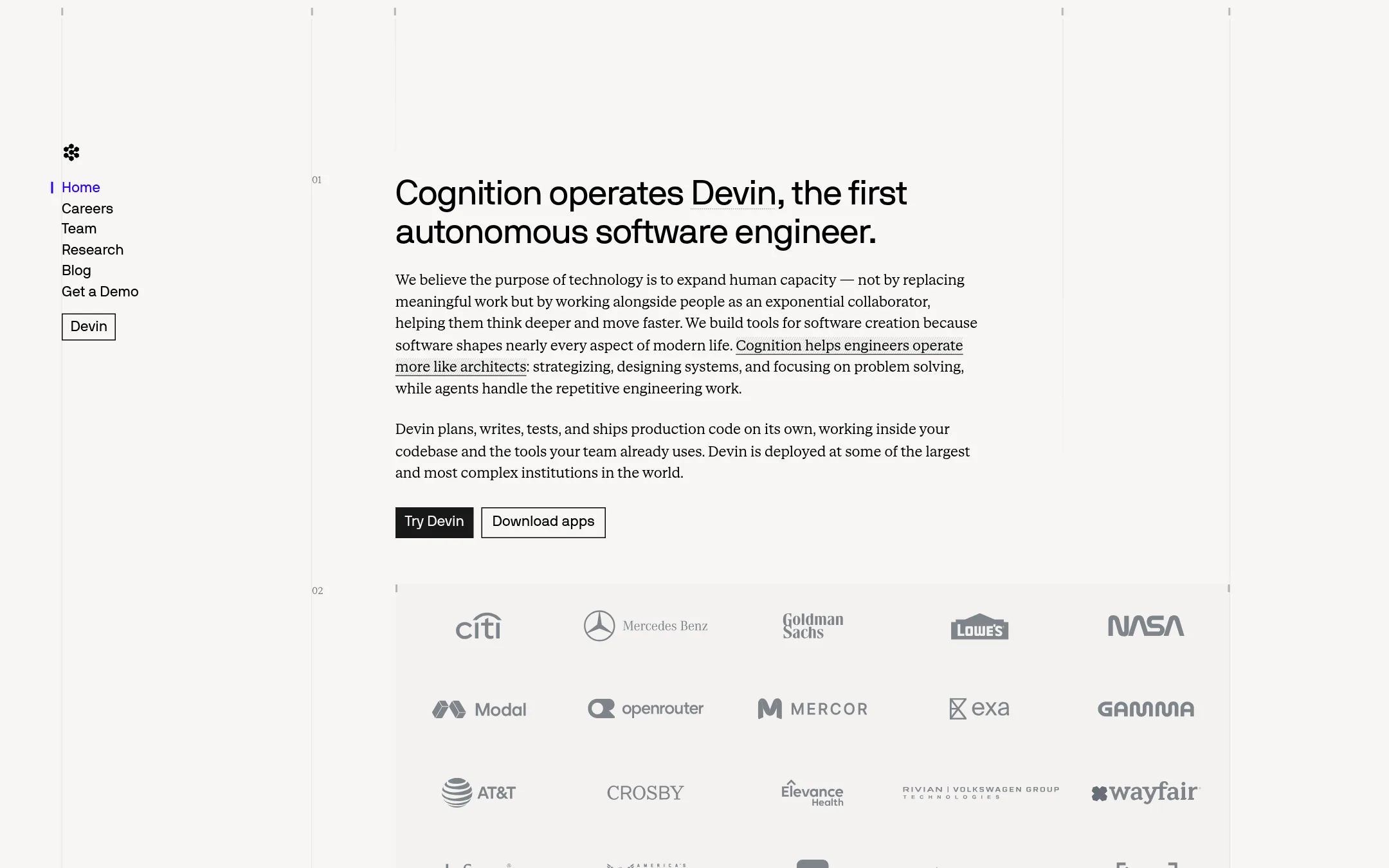
Devin is an autonomous software engineer from Cognition that plans, writes, tests and ships production code on its own. It works inside your existing codebase and the tools your team already uses, so it fits into current workflows rather than replacing them. Cognition says Devin is deployed at some of the largest and most complex institutions in the world.
Where it is strong
- Plans, writes, tests and ships code without step-by-step prompting
- Works inside your existing codebase and team tools
- Deployed at large, complex institutions according to Cognition
Where it falls short
- Pricing is not published, so cost has to be confirmed with the vendor
- Listing is not verified on Startup OG, so details should be checked directly with Cognition
- Pricing:
- Pricing is not published on the site.
- Not published
2.Double – Coding Copilot
Best for: Individual developers and small engineering teams who want AI help inside their everyday editor workflow
- Pricing
- Not published
- Category
- Developer Tools
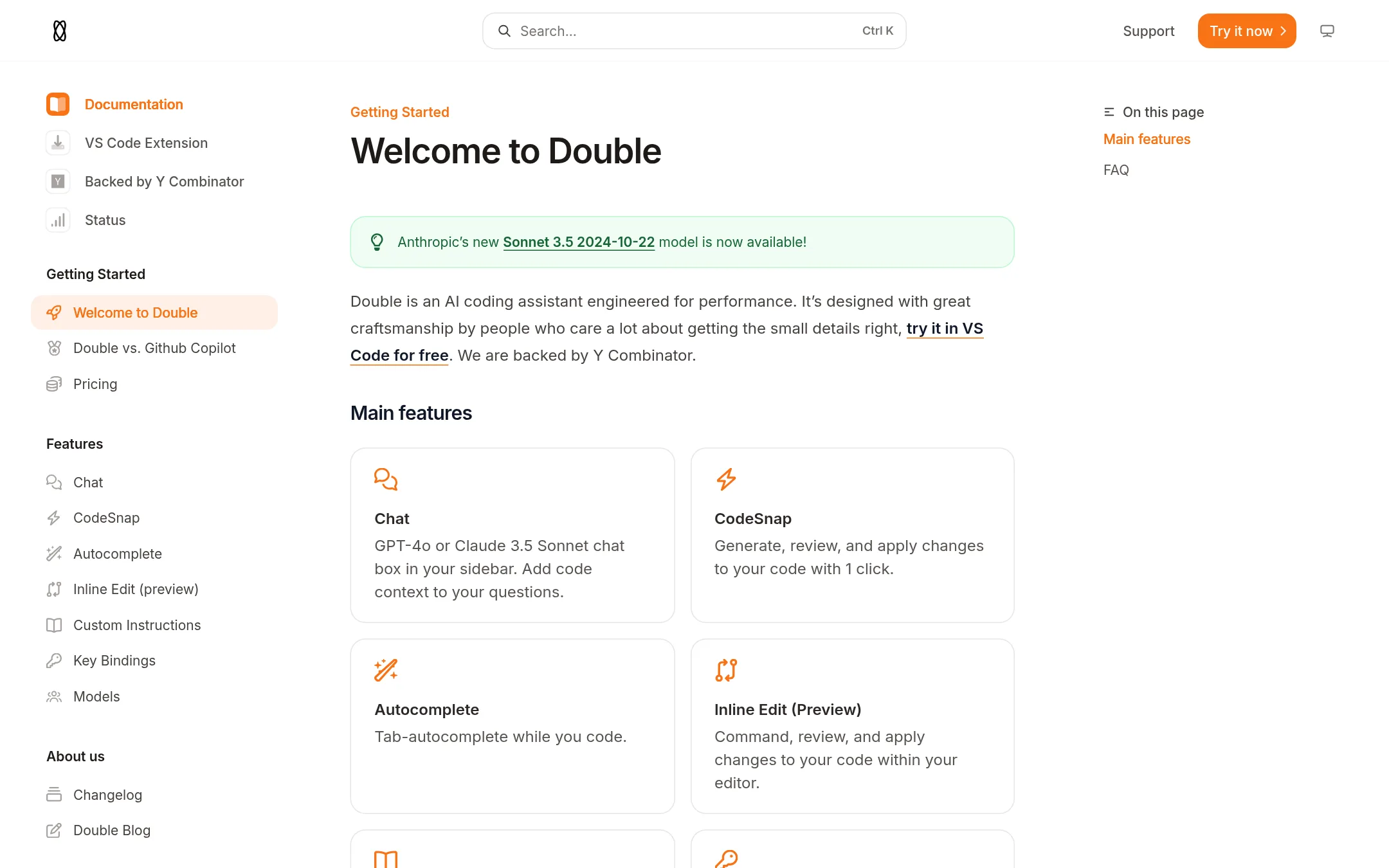
Double is an AI coding copilot that runs inside your editor, with a chat panel for asking questions about your code plus autocomplete and an inline edit feature still in preview. You can set custom instructions, change key bindings and choose which model it uses, so it fits into how your team already codes. The site also offers enterprise options by request.
Where it is strong
- Chat panel for asking questions about your code
- Custom instructions and configurable key bindings
- Lets you choose which model it uses
Where it falls short
- The inline edit feature is still in preview
- Exact prices are not listed, so you need to check the plans or contact the team for enterprise quotes
- Pricing:
- Plans include unlimited access for heavy users, one trial per customer and 20% off annual billing, but the exact price figures are not listed in the published text.
- From $0.007/M tokens
3.Relace
Best for: Teams running coding agents at high token volume that want to cut inference costs on open-weight models.
- Pricing
- From $0.007/M tokens
- Category
- AI & Machine Learning
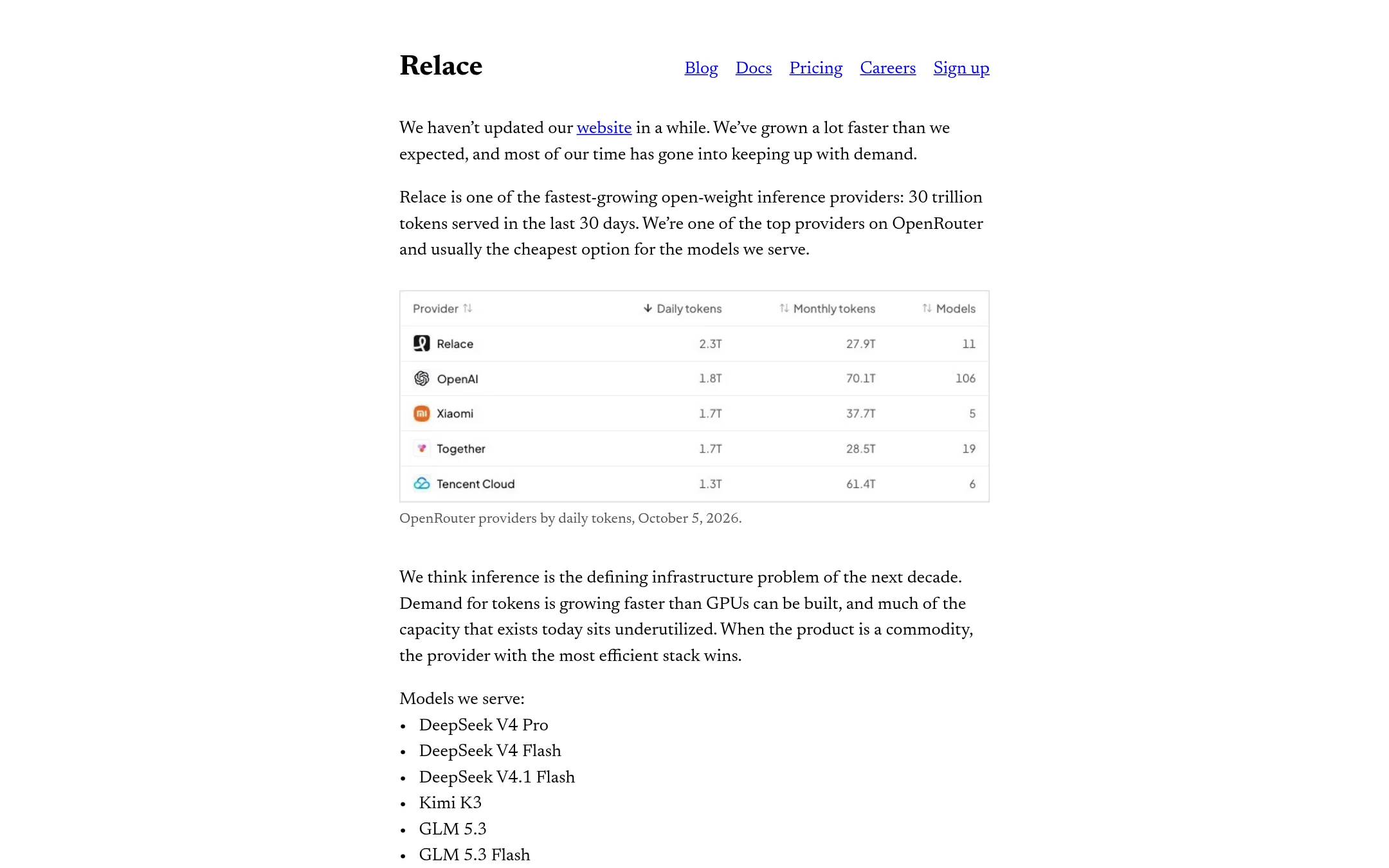
Relace is an inference provider that serves open-weight models such as DeepSeek V4 Pro, Kimi K3 and GLM 5.3 over a per-token API. It reports serving 30 trillion tokens in the last 30 days and says it is usually the cheapest option on OpenRouter for the models it hosts. For a coding agent, that makes it a provider to compare on cost per token rather than a finished coding tool.
Where it is strong
- Per-token billing with no subscription or minimum
- Serves several current open-weight coding models, including DeepSeek, Kimi and GLM
- Volume pricing is available by email
Where it falls short
- Relace is an inference provider, not a coding agent you can use out of the box
- Output prices vary widely by model, so cost depends heavily on which model you pick
- Pricing:
- Pricing is per token with no subscription or minimum, for example DeepSeek V4 Flash at $0.07 input and $0.14 output per million tokens, while Kimi K3 is $0.30 input and $14.00 output.
- Not published
4.Nuanced
Best for: Founders and small engineering teams on Mac, Windows, or Linux who want to settle design decisions in writing before an agent writes any code.
- Pricing
- Not published
- Category
- Developer Tools
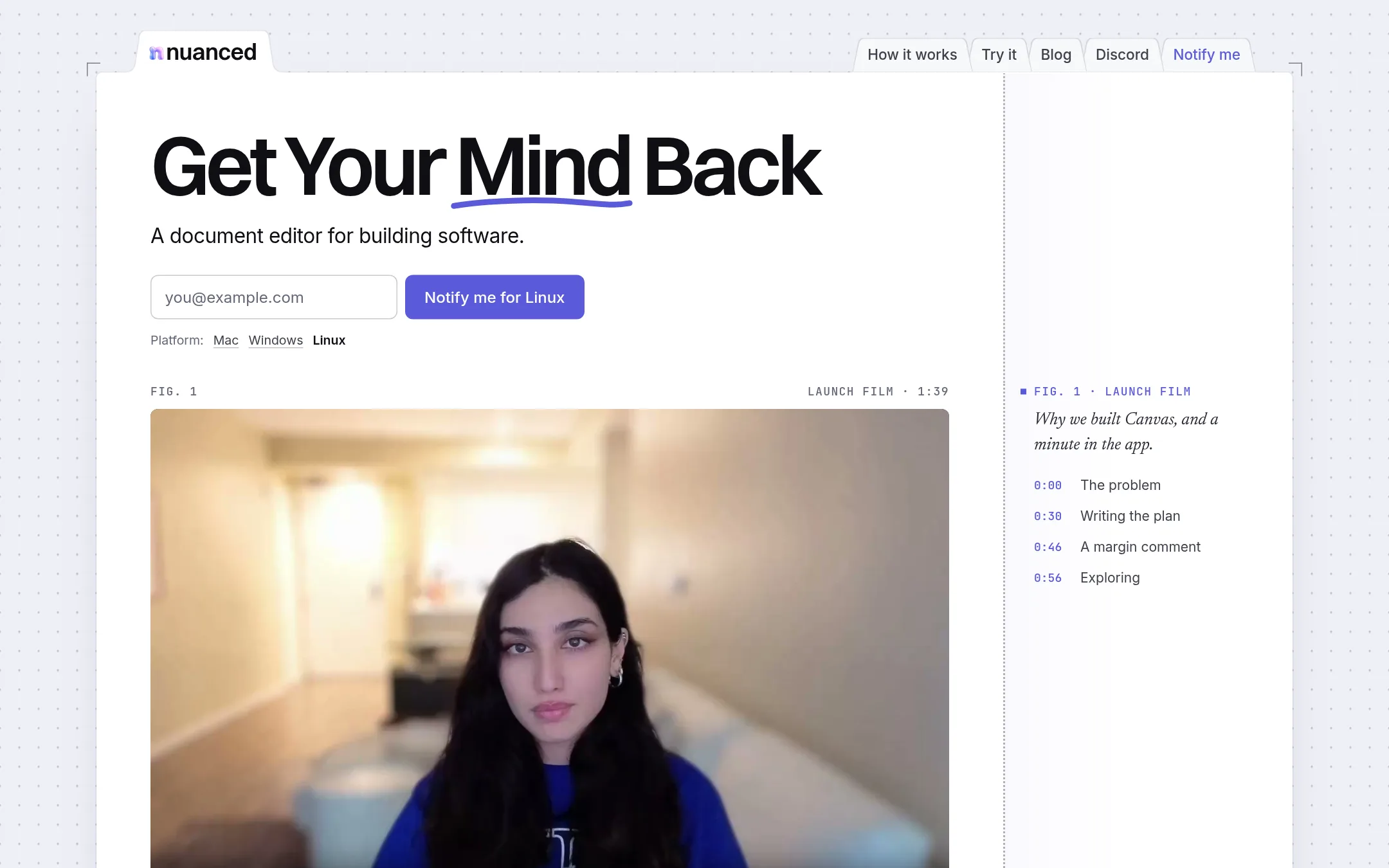
Nuanced Canvas is a document editor for planning software before the code is written. You describe what you want built in plain words, and agents read that plan against your codebase and leave comments where it needs work. When you are ready, the agent builds your chosen approach in its own Git worktree, so you review a pull request rather than a chat log.
Where it is strong
- Plans live in documents, with comments, explorations, and builds kept together for easy return.
- Compares approaches to an open decision side by side before you commit to one.
- Builds happen in a separate Git worktree and finish as a pull request you review.
Where it falls short
- Pricing is not published, so cost has to be checked directly with the vendor.
- The workflow is built around writing plans first, which may feel slower for quick, one-off coding tasks.
- Pricing:
- Pricing is not published on the site.
- Not published
5.Manaflow
Best for: Developers and small engineering teams who already run AI coding agents and want a terminal built for that workflow.
- Pricing
- Not published
- Category
- Developer Tools
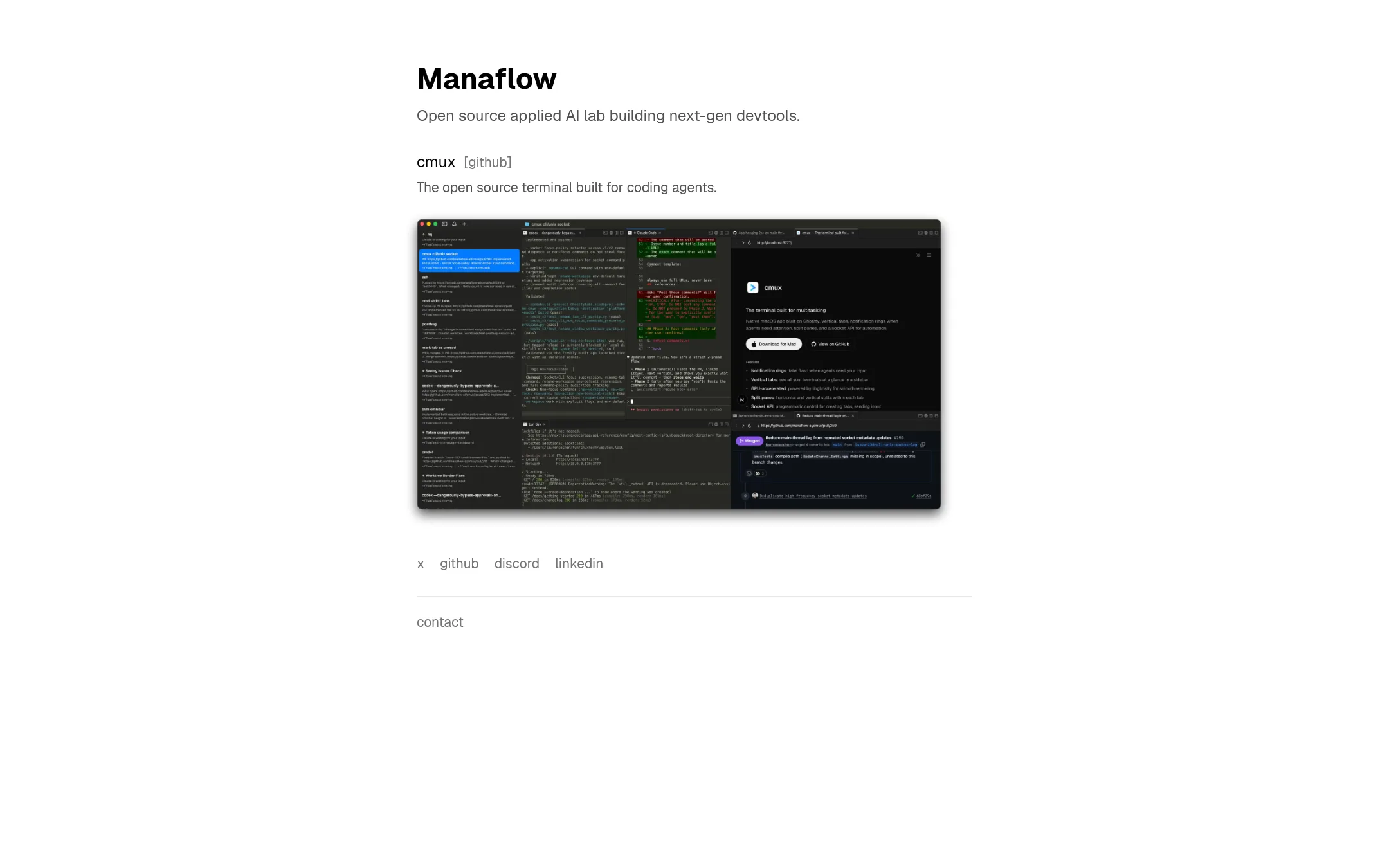
Manaflow is an open source applied AI lab that builds developer tools for AI coding agents. Its main product is cmux, which the site describes as an open source terminal built specifically for coding agents. The code is public on GitHub, so teams can inspect it before adopting it.
Where it is strong
- Open source, with the code available on GitHub
- Built specifically for coding agents rather than general terminal use
- Active community channels on Discord and LinkedIn
Where it falls short
- Pricing and plan details are not published, so cost is unclear
- The listing does not describe specific features beyond the terminal, so the scope of the product is hard to judge from the site alone
- Pricing:
- Pricing is not published on the site.
- From $20/mo, unlimited
6.Capy
Best for: Engineering teams with large backlogs or many bug tickets that want agents to triage, fix, and merge work in parallel.
- Pricing
- From $20/mo, unlimited
- Category
- Developer Tools
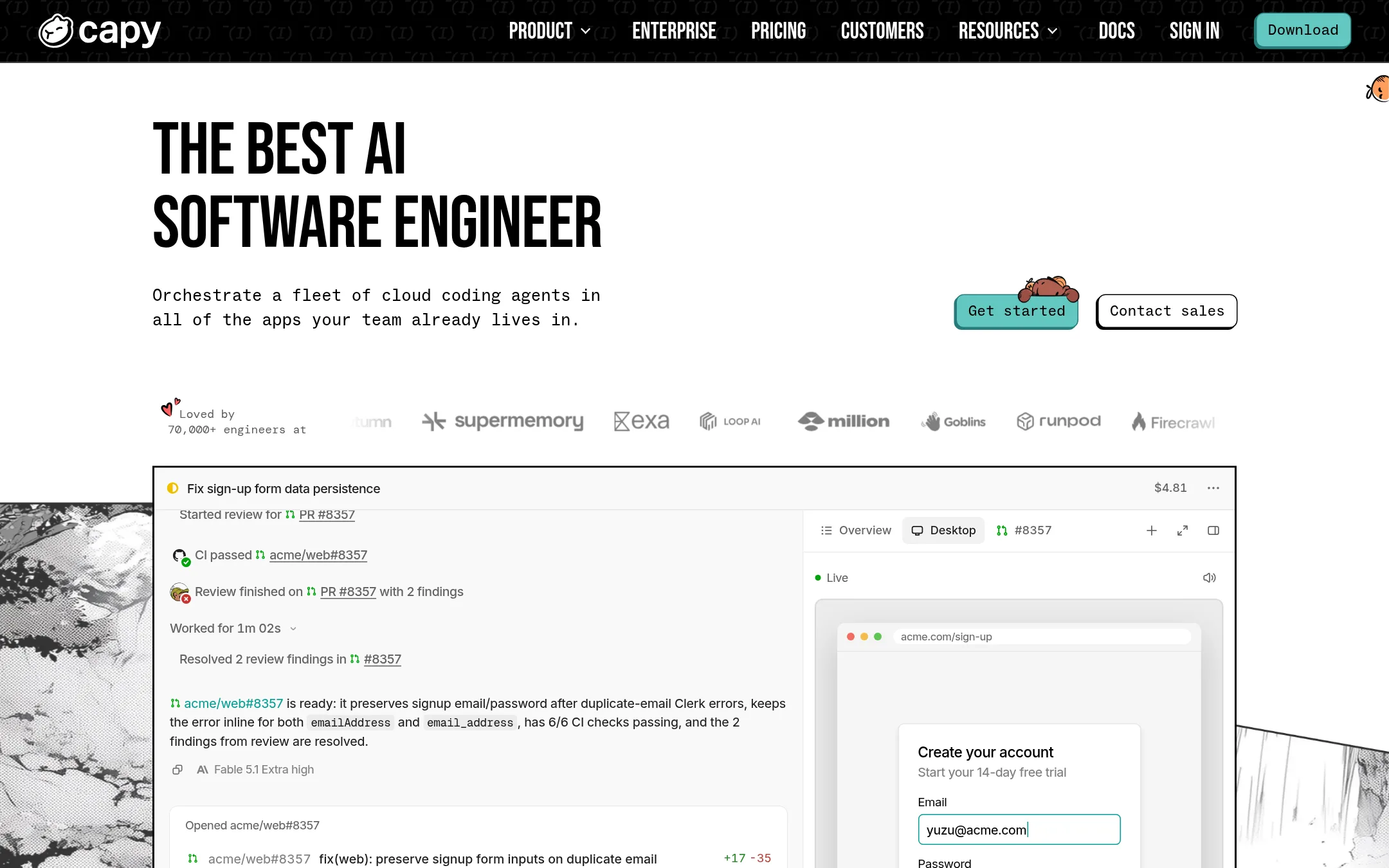
Capy runs a fleet of cloud coding agents that take a task from plan through build to a merged pull request. It plugs into Slack, Linear, and GitHub, so a team can start a fix from a Slack message or Linear issue and see progress in the same place. Its built-in review agent runs on every PR.
Where it is strong
- Agents run in parallel and can work through many tickets or migrations at once
- Works inside Slack, Linear, and GitHub, with a native PR review UI
- Supports all major models and lets you bring your own Codex, Copilot, or SuperGrok subscription
Where it falls short
- Cloud machine capacity and included credits rise sharply on higher tiers, so heavy parallel use means paying for Pro or Max
- SSO, audit logging, and custom invoicing sit only in the Enterprise plan, so smaller teams that need them will have to talk to sales
- Pricing:
- Capy Lite is $20/mo ($16/mo billed annually) with a 7-day trial for $1, Capy Pro is $100/mo ($80/mo annual), and Capy Max runs from $200 to $1,000/mo in $100 steps, with unlimited members on every plan.
- Not published
7.Macadamia
Best for: Industrial engineering firms that spend heavy time on AutoCAD drafting, P&ID checks and technical documentation review
- Pricing
- Not published
- Category
- AI & Machine Learning
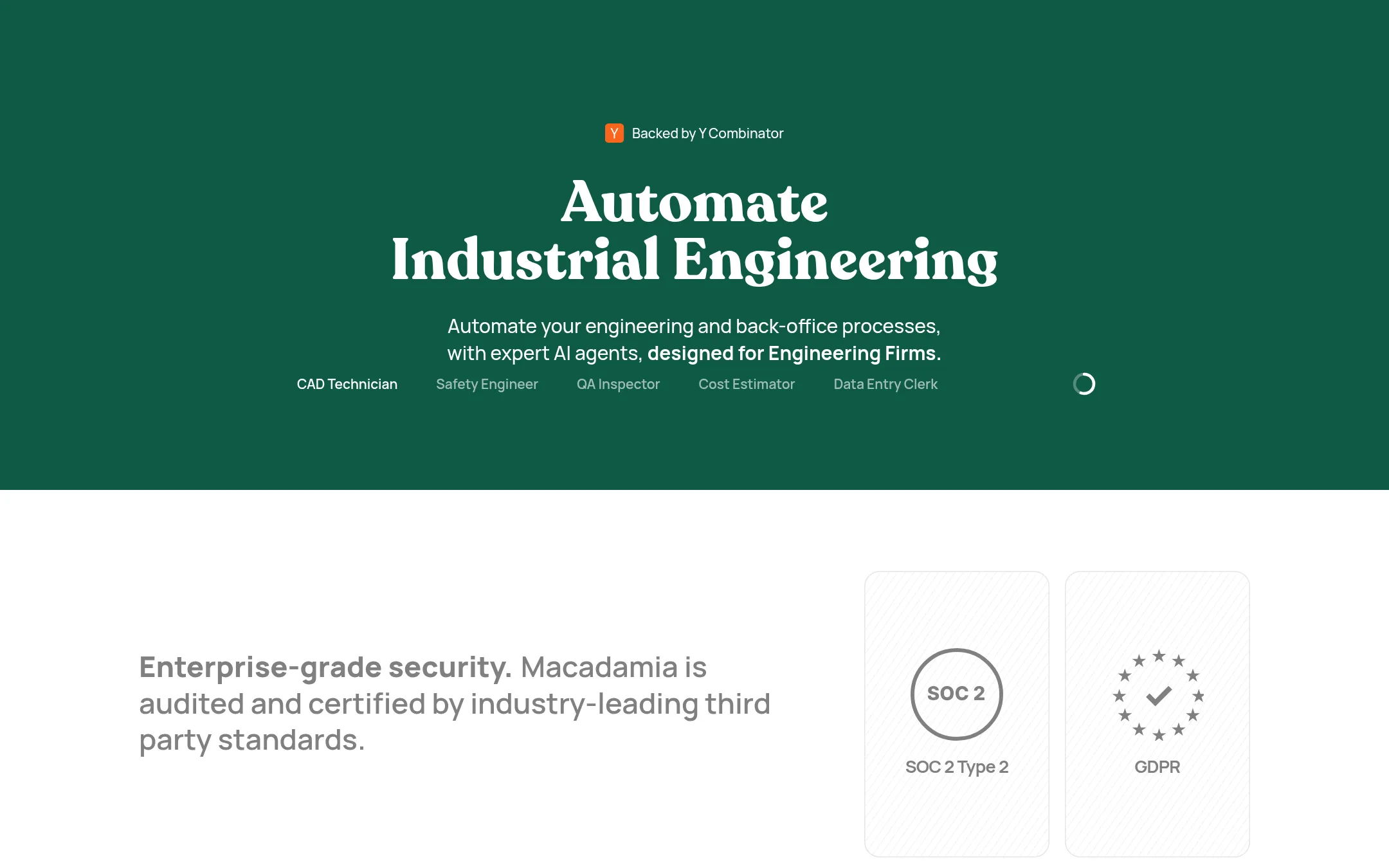
Macadamia runs AI agents for industrial engineering firms, covering CAD work such as generating AutoCAD designs and cross-referencing P&IDs against equipment lists. It also flags inconsistencies in technical documentation. The product is SOC 2 Type 2 certified and GDPR compliant, which matters when engineering data is sensitive.
Where it is strong
- Generates AutoCAD designs and exports DWG files
- Cross-checks P&IDs against equipment lists to catch mismatches
- SOC 2 Type 2 certified and GDPR compliant
Where it falls short
- Pricing is not published, so you will need to request a quote to compare costs
- Built for industrial engineering, so it is a poor fit for general software teams
- Pricing:
- Pricing is not published on the site.
- Free (not confirmed)
8.Inspector
Best for: Front-end developers and small teams who already pay for Claude Code, Codex, or Cursor and want to run several agents on separate git worktrees in one window.
- Pricing
- Free (not confirmed)
- Category
- Developer Tools
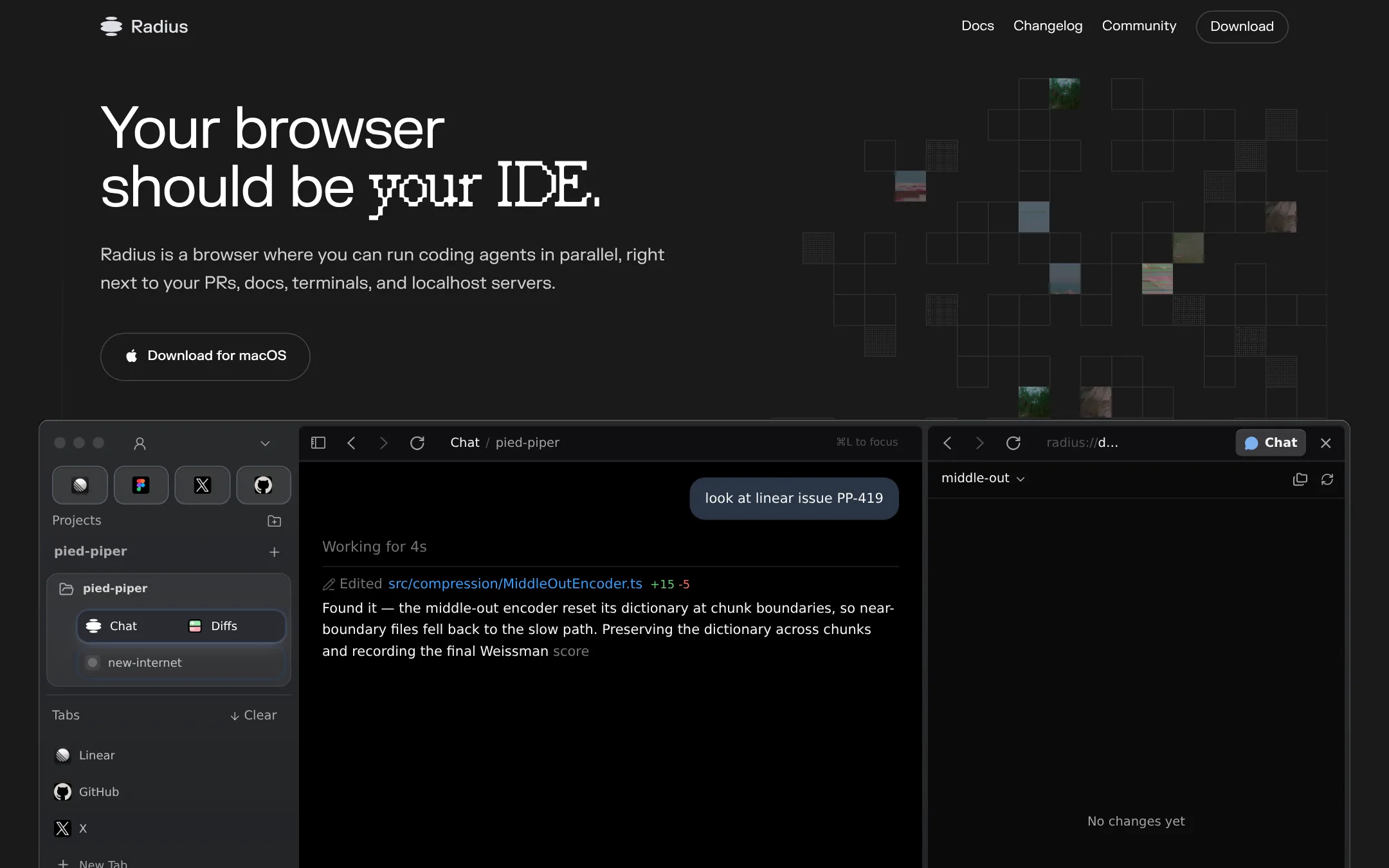
Radius is a free macOS browser built to run coding agents, with Claude Code, Codex, and Cursor Agent each running in its own tab alongside terminals, diffs, PRs, and localhost servers. It creates a space for each project and groups tabs by worktree, and its setup can be scripted through the Radius CLI. Agents sign in to their providers directly, so you use the subscription you already have.
Where it is strong
- Runs Claude Code, Codex, and Cursor Agent in parallel tabs without a new subscription
- Groups worktrees into tab groups and creates a space per project automatically
- Stores worktrees, sessions, and keys locally, with analytics you can opt out of
Where it falls short
- Available only on macOS, with no Windows or Linux version listed
- Requires you to already hold an account with Claude, OpenAI, or Cursor to use the agents
- Pricing:
- Pricing is not published on the site, though the site says Radius is free and adds no subscription beyond the agent account you already have.
How to choose AI Coding Agents
Start with pricing structure. Some products publish monthly tiers, some bill per token with no subscription, and several list no prices at all. Compare the total cost at your expected usage, not just the entry price, since cloud capacity and included credits can rise sharply on higher tiers.
Next, check who the product is built for. Some suit individual developers, others small teams, and others large engineering organizations or specific industries such as industrial engineering. A tool built for one kind of work may be a poor fit for general software teams.
Consider integrations. Check whether the product works with the tools your team already uses, such as Slack, Linear, GitHub or your existing editor, and whether it needs a separate account or subscription with a model provider.
Review data handling and compliance. If your code or engineering data is sensitive, look for certifications such as SOC 2 and GDPR compliance, and ask where code and credentials are stored.
Finally, look at support and contract terms. Confirm which features, such as SSO and audit logging, appear only on enterprise plans, and ask about trials and annual discounts before committing.
FAQ
Questions about AI Coding Agents
What is an AI coding agent?
An AI coding agent is a tool that uses AI models to carry out programming work. Some agents write and edit code inside an editor, while others plan changes, run autonomously, and open pull requests for review.
How are AI coding agents priced?
Pricing varies across the list. Capy publishes monthly tiers, Relace bills per token with no subscription, and several products, including Cognition Devin and Nuanced, do not publish prices and require a direct conversation with the vendor.
Which AI coding agent is best for a small team?
Nuanced suits founders and small engineering teams that want to plan software in writing before an agent builds it. Double suits individual developers and small teams who want AI help inside their everyday editor.
Do AI coding agents work with GitHub and Slack?
Capy works inside Slack, Linear and GitHub, so a team can start a fix from a Slack message or Linear issue and follow progress in the same place. Other products on the list do not describe the same integrations on their sites.
Are AI coding agents safe for sensitive code?
Safety depends on the vendor, so check certifications and data handling before you commit. Macadamia is SOC 2 Type 2 certified and GDPR compliant, while several other products do not list compliance details on their sites.
Last updated November 7, 2026.