9 Best AI Data Analysis Tools in 2026
Updated November 8, 2026
The short answer
The strongest AI data analysis tools on this list are Julius, MinusX, and BitBoard. Julius suits founders and small teams that want to analyze data and turn results into decks, reports, or dashboards in one workspace. MinusX suits founders and small teams that want an open source BI platform with an AI agent, either self-hosted or on a managed cloud. BitBoard suits operators and data-light teams that need traceable answers to business questions and want recurring reports as shared dashboards.
The shortlist, at a glance
Read the comparisons ↓JuliusFree plan, paid tiersFounders and small teams that need to analyze data and then turn the results into decks, reports, or dashboards without switching tools
 KlarityNot publishedFinance and operations leaders at large companies who need a current map of close, approvals, and exception handling before deciding what to automate.
 InconvoNot publishedDevelopers and product teams who want to add a plain-language data assistant to a customer-facing application.
 AftercareCustom quoteResearch and insights teams that run open-ended surveys and need follow-up questions and automatic coding of text answers.
 camelAIFree plan, $10/moSmall teams without a data engineer that want an AI-built dashboard on their own warehouse data
MinusXFree tier, from FoundeFounders and small teams that want a BI tool with an AI agent and can either self-host or use a managed cloud.
SchemeFlowNot publishedEngineering and environmental consultancies that spend heavy hours drafting technical reports such as transportation studies and Phase I ESAs.
 Dartboard EnergyNot publishedField service teams whose technicians need to finish paperwork on site instead of back at the office
 BitBoardFlat rate, no usage feOperators and data-light teams that need trustworthy answers from business data without writing queries from scratch, and want recurring reports turned into shared dashboards.
About AI Data Analysis Tools
AI data analysis tools let you ask questions of your data in plain language, run analyses, and get charts or summaries back without writing every query yourself. Some also turn results into dashboards, reports, or presentations, and some connect directly to warehouses such as Snowflake, BigQuery, or Postgres.
The products on this list differ in approach, scale, and pricing. Julius is a general workspace that covers analysis through to presentations. MinusX and camelAI lean toward building dashboards and BI on your own data, with MinusX open source and camelAI offering a builder for apps. BitBoard focuses on traceable answers for business teams, while Inconvo is built for developers who want to embed a data assistant in their own product. Pricing ranges from free tiers and flat rates to usage credits and custom enterprise quotes.
The 9 best AI Data Analysis Tools, compared
- Free plan, paid tiers
1.Julius
Best for: Founders and small teams that need to analyze data and then turn the results into decks, reports, or dashboards without switching tools
- Pricing
- Free plan, paid tiers
- Category
- AI & Machine Learning
Julius is an AI workspace that analyzes files, runs analyses, visualizes results, and returns answers with citations. It also turns that work into presentations, reports, and dashboards in the same place, which matters if your analysis has to reach a board or investor audience. Data connectors cover Google Drive, OneDrive, and SharePoint on every plan, with Snowflake, BigQuery, and Postgres added on higher tiers.
Where it is strong
- Analyses come back with citations, so you can check where answers came from.
- One workspace covers analysis, presentations, reports, dashboards, and images.
- Paid tiers add Snowflake, BigQuery, and Postgres connectors for data already in a warehouse.
Where it falls short
- Credits are the unit of usage, so heavy work on the free plan will run out fast and the exact credit cost of each task is not spelled out he
- Team features like shared workspaces, audit logs, and single sign-on sit on the Business tier, so smaller teams may pay for more than they n
- Pricing:
- Julius has a free plan with daily credits, then Plus, Pro, and Business paid tiers that add monthly credits and access to more models, but the site does not list the dollar amounts in the material provided.
- Not published
2.Klarity
Best for: Finance and operations leaders at large companies who need a current map of close, approvals, and exception handling before deciding what to automate.
- Pricing
- Not published
- Category
- AI & Machine Learning
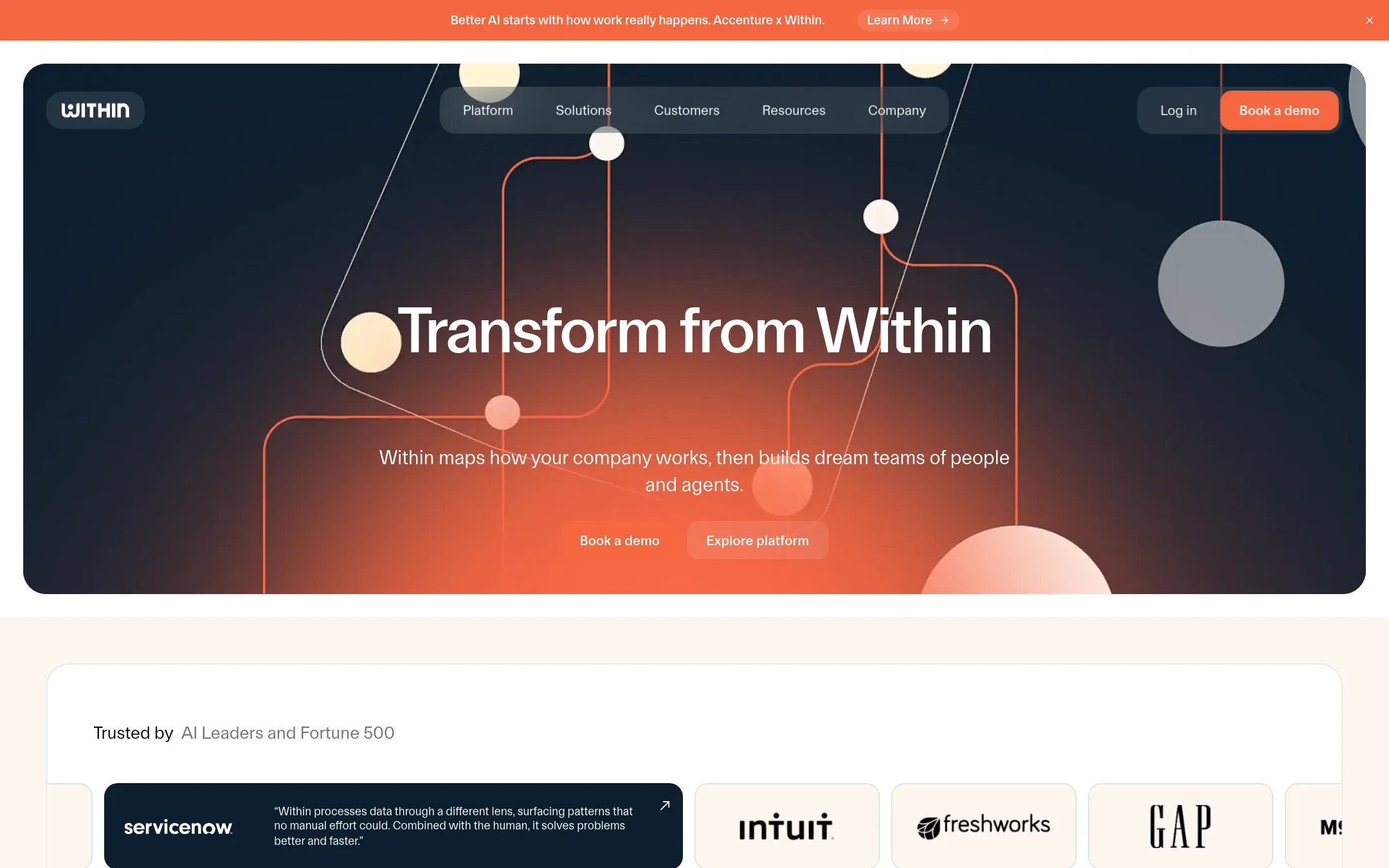
Klarity maps how work actually happens across any application without integrations, then structures that knowledge into a living Work Brain of activities, handoffs, and approvals. It is built from observing work rather than workers, so the map stays current as people work. The site cites DoorDash using it to score 300 transformation requests by value.
Where it is strong
- Works across any application with no integrations required
- Anonymized by design, with the site stating it observes work, not workers
- Flags rework, exceptions, and agent-ready workflows in one view
Where it falls short
- Pricing is not published, so you must book a demo to learn cost
- The site's examples are mostly large enterprises, so smaller teams may find less relevant detail
- Pricing:
- Pricing is not published on the site.
- Not published
3.Inconvo
Best for: Developers and product teams who want to add a plain-language data assistant to a customer-facing application.
- Pricing
- Not published
- Category
- AI & Machine Learning
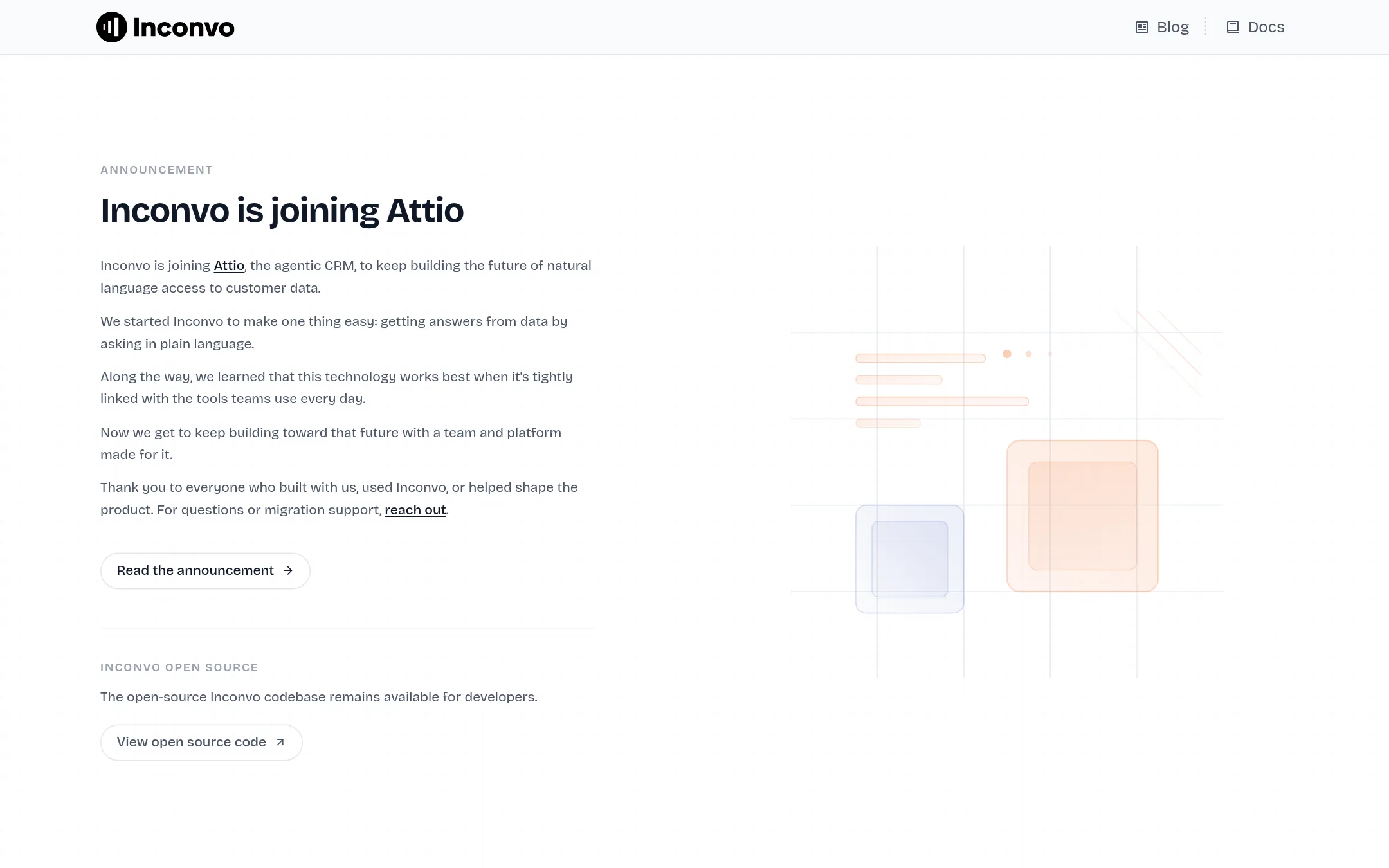
Inconvo builds chat-with-data agents, so users of a customer-facing application can get answers from data by asking in plain language. It is aimed at developers who want to add natural language interfaces to their own products. The open-source codebase stays available, which lets teams inspect and build on the technology directly.
Where it is strong
- Lets end users ask questions of their data in plain language
- Built for developers adding natural language interfaces to their own apps
- Open-source codebase remains available for developers
Where it falls short
- The company is joining Attio, so its future as a standalone product is uncertain
- Pricing and migration details are not published, so teams need to contact the company
- Pricing:
- Pricing is not published on the site.
- Custom quote
4.Aftercare
Best for: Research and insights teams that run open-ended surveys and need follow-up questions and automatic coding of text answers.
- Pricing
- Custom quote
- Category
- Marketing & Sales
Aftercare adds conversational AI to surveys, asking follow-up questions based on open-ended answers and sorting those responses into categories automatically. Its drag-and-drop workflow builder lets teams set branching paths and view the whole survey flow at once. It also plugs into an existing survey stack, so teams do not have to move everything to a new tool.
Where it is strong
- AI follow-up questions probe open-ended answers for deeper detail
- Automatic categorization and summaries cut manual coding of text responses
- Drag-and-drop branching logic with a visual view of the full respondent path
Where it falls short
- Pricing is only available through a sales call, with no published plan tiers
- Teams with simple closed-ended surveys may not need the AI features
- Pricing:
- Pricing is custom and based on your volume, with a free trial and white-glove onboarding offered.
- Free plan, $10/mo
5.camelAI
Best for: Small teams without a data engineer that want an AI-built dashboard on their own warehouse data
- Pricing
- Free plan, $10/mo
- Category
- Analytics & Data
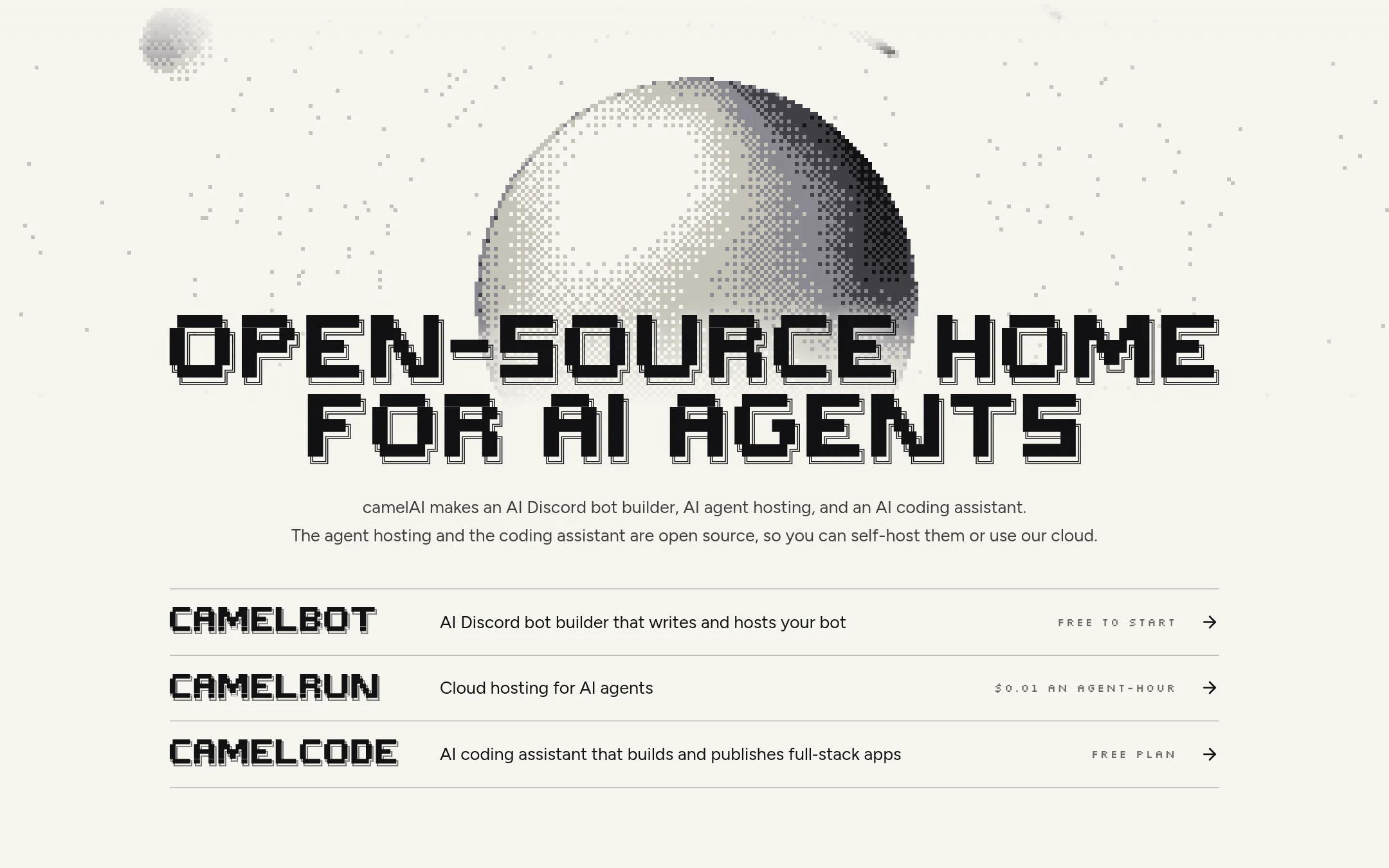
camelAI makes three products, and the one that fits data analysis is camelCode, an open-source AI coding assistant that builds full-stack apps and publishes them to a live URL. The site lists dashboards built on your own Postgres, Snowflake, or BigQuery data as a use case, and its workspace keeps your files and data between sessions. Its code is on GitHub, so you can read it before you commit.
Where it is strong
- Connects to Postgres, Snowflake, or BigQuery for dashboards on your own data
- Keeps files and data between sessions, so you can keep changing an app after it goes live
- Open-source code on GitHub and a self-hosting option with Docker Compose
Where it falls short
- The site does not describe a dedicated analysis or natural-language query feature, so it is a builder more than a BI tool
- Model credits on paid plans cover only $10 a month at the Pro entry level, which may be tight for heavy use
- Pricing:
- camelCode has a free plan with your own API key and no credit card, and paid plans start at $10 a month with model credits included.
- Free tier, from Founde
6.MinusX
Best for: Founders and small teams that want a BI tool with an AI agent and can either self-host or use a managed cloud.
- Pricing
- Free tier, from Founde
- Category
- Analytics & Data
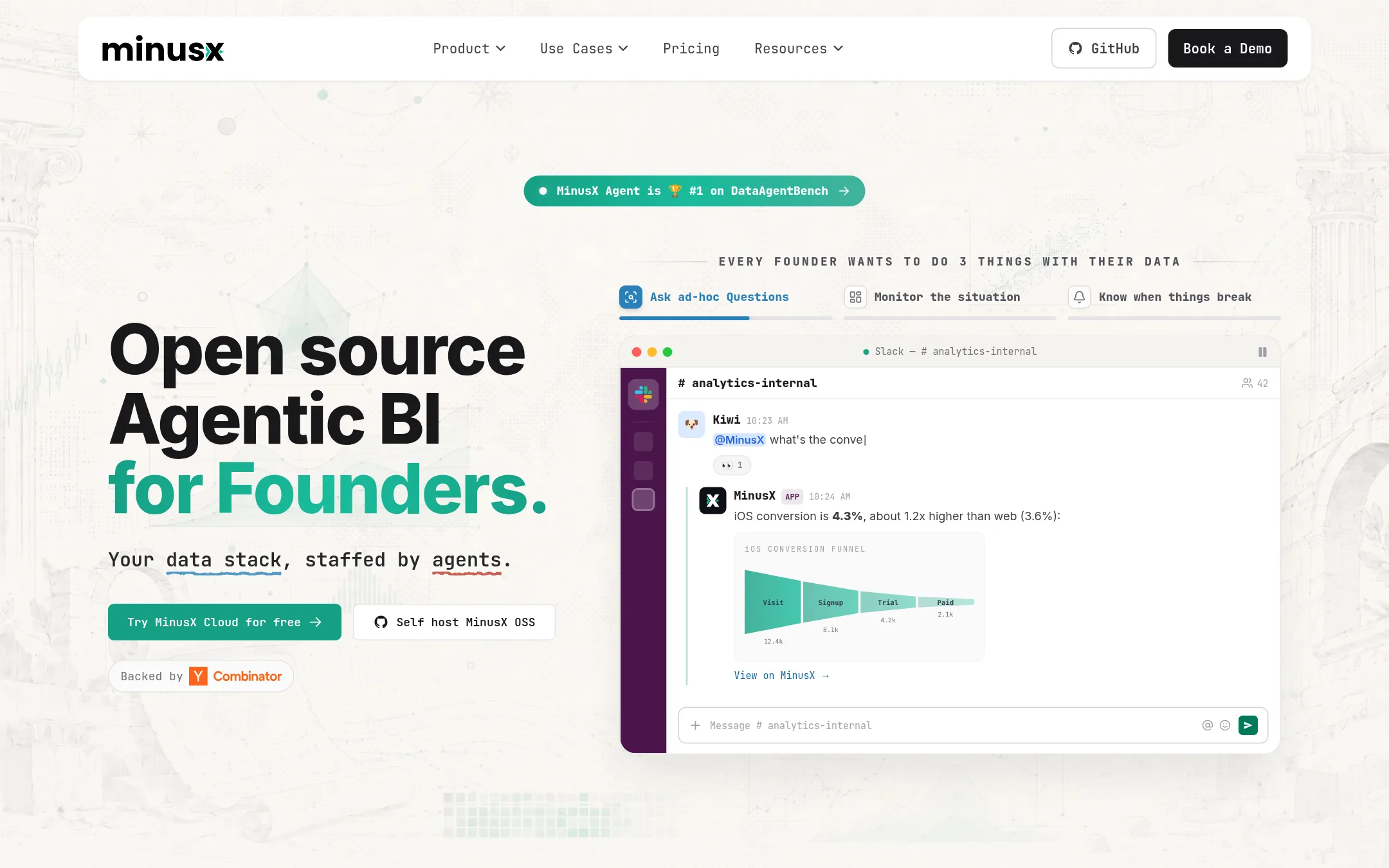
MinusX is an open source agentic BI platform. Its data agent learns company context such as how ARR or active users are defined, then builds on that with dashboards, slides, and alerts. It ranked #1 on DataAgentBench, a benchmark for data tasks from UC Berkeley's EPIC lab, which gives it more weight than a plain text-to-SQL chatbot.
Where it is strong
- Open source under Apache 2.0, so you can self-host and inspect the code
- Connects to Postgres, BigQuery, CSVs, and Google Sheets, and works from Slack or an MCP server
- Turns analyses into slides and data stories, and sends scheduled reports and threshold alerts
Where it falls short
- Cloud usage is metered in agent credits, so heavy use means more cost that is harder to predict
- Founders plan limits are per user, so teams beyond 20 users move to a custom Enterprise quote
- Pricing:
- The Open Source tier is free forever for self-hosting with your own LLM keys, the Founders plan has no platform fee and includes 500 agent credits per user per month, and Team includes 20 users with 10k pooled credits, while Enterprise is quoted individually.
- Not published
7.SchemeFlow
Best for: Engineering and environmental consultancies that spend heavy hours drafting technical reports such as transportation studies and Phase I ESAs.
- Pricing
- Not published
- Category
- Other
SchemeFlow is an AI tool that generates first drafts of engineering and environmental reports, such as transportation studies, in seconds. Its published customer stories include a US environmental firm and UK transport and planning consultancies, which gives it some credibility in this niche. It is built for technical report writing rather than general data analysis, so it fits teams whose bottleneck is document drafting.
Where it is strong
- Generates first drafts of transportation studies in seconds
- Customer stories cover Phase I ESA drafting and transport planning work
- Aimed at freeing senior engineers from routine drafting
Where it falls short
- Focused on report drafting, so it is not a general data analysis platform
- No public pricing, so you must book an intro call to compare costs
- Pricing:
- Pricing is not published on the site.
- Not published
8.Dartboard Energy
Best for: Field service teams whose technicians need to finish paperwork on site instead of back at the office
- Pricing
- Not published
- Category
- AI & Machine Learning
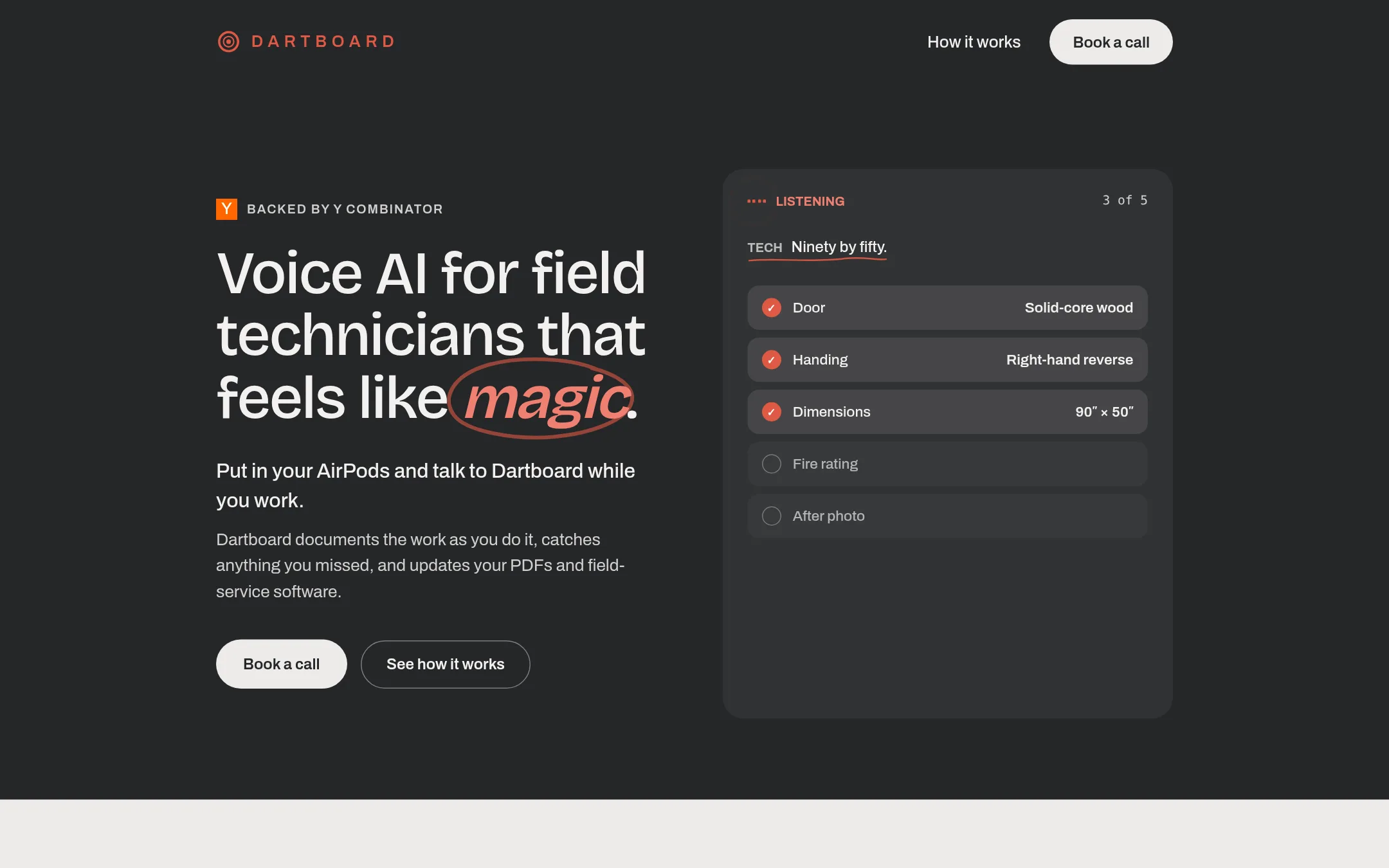
Dartboard is a voice AI for field technicians. It runs through AirPods, talks to the tech during the job, and documents the work as it happens. It reads the work order or checklist you already use, so it knows what the job requires before the tech arrives, and it flags missing items like an after photo while the tech is still on site.
Where it is strong
- Works through AirPods, so techs can talk to it hands-free during the job
- Reads the PDFs or checklists you already use on day one, with no software connection required
- Catches missing items such as photos before the tech leaves the site
Where it falls short
- The site does not publish pricing, so cost has to be checked directly with the vendor
- The listing is not verified and the site does not name specific field-service software integrations
- Pricing:
- Pricing is not published on the site.
- Flat rate, no usage fe
9.BitBoard
Best for: Operators and data-light teams that need trustworthy answers from business data without writing queries from scratch, and want recurring reports turned into shared dashboards.
- Pricing
- Flat rate, no usage fe
- Category
- Productivity & Project Management
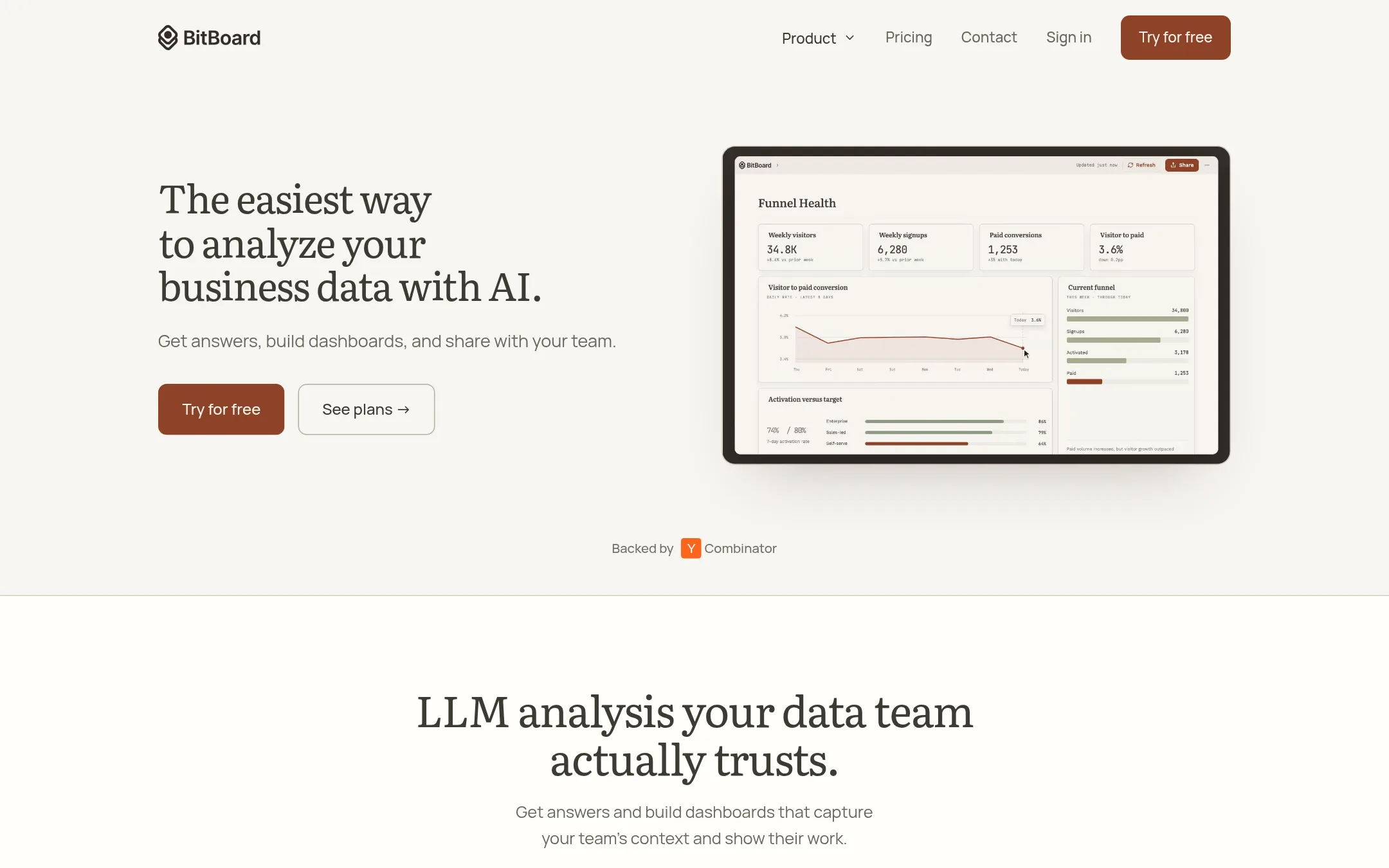
BitBoard lets you ask business data questions in plain language and returns answers with the sources, queries, and code attached, so you can check the work. It can also turn recurring questions into live dashboards that your team can share. Its focus on keeping sources and queries attached to every result makes it a credible option for teams that need traceable numbers.
Where it is strong
- Shows the sources, queries, and code behind each answer
- Saves recurring analysis as live dashboards
- Free option available with no credit card required
Where it falls short
- Individual plan has daily usage limits on Ask
- Exact plan prices are not published, so you need to contact sales for Teams or Enterprise costs
- Pricing:
- Pricing is flat-rate with an Individual plan that includes Ask with daily usage limits, a Teams plan with generous monthly Ask usage and a shared workspace, and an Enterprise plan with custom Ask limits, admin controls, and priority support, and no exact price
How to choose AI Data Analysis Tools
Look closely at pricing structure. Several tools meter usage through credits, such as Julius and MinusX, so heavy use costs more and is harder to predict. Others use flat rates or custom quotes, and some publish no prices at all, so you will need to request a demo or quote to compare.
Consider who the tool is built for. Inconvo targets developers adding a data assistant to a product, Klarity targets finance and operations leaders at large companies, and BitBoard targets operators without a data team. Match the tool to the person who will use it day to day.
Check integrations before you commit. Julius connects to Google Drive, OneDrive, and SharePoint on every plan, with Snowflake, BigQuery, and Postgres on higher tiers. MinusX connects to Postgres, BigQuery, CSVs, and Google Sheets. Confirm your own sources are supported.
Weigh data and compliance needs. MinusX is open source under Apache 2.0 and offers self-hosting, which matters if you need control over where data lives. BitBoard shows the sources and queries behind each answer, which helps with checking numbers.
Review support and contract terms. Enterprise tiers on several products come with custom limits, admin controls, or priority support, and those terms are negotiated rather than listed. Ask about seat limits, usage caps, and what happens to your data before signing.
FAQ
Questions about AI Data Analysis Tools
What is an AI data analysis tool?
An AI data analysis tool lets you ask questions of your data in plain language and get back analyses, charts, or summaries. Some also build dashboards, reports, or presentations from the results. Tools on this list vary in whether they focus on analysis, BI dashboards, or embedding a data assistant in a product.
Which tool is best for a founder who needs decks and reports from data?
Julius suits founders and small teams that want to analyze data and then turn results into decks, reports, or dashboards in one workspace. Its answers come with citations, so you can check where they came from. Its free plan uses daily credits, so heavier work will need a paid tier.
Can I self-host an AI data analysis tool?
Yes, with MinusX. It is open source under Apache 2.0, and its Open Source tier is free forever for self-hosting with your own LLM keys. camelAI also offers a self-hosting option using Docker Compose for its open-source code.
How is pricing usually structured for these tools?
Pricing varies a lot. Julius and MinusX use credits, BitBoard uses flat-rate plans with usage limits, and camelAI starts paid plans at $10 a month. Several products, including Klarity, Inconvo, and SchemeFlow, do not publish pricing and require a sales conversation.
Which tool suits a team without a data engineer?
BitBoard suits operators and data-light teams that need trustworthy answers from business data without writing queries from scratch. camelAI suits small teams without a data engineer that want an AI-built dashboard on their own warehouse data, though it is more of a builder than a BI tool.
Last updated November 8, 2026.