12 Best AI Design Tools in 2026
Updated November 7, 2026
The short answer
The strongest AI design tools on this list are Picsart, Magic Patterns and Remove.bg. Picsart suits social media and marketing teams that need images and short videos made quickly from templates and AI models. Magic Patterns suits product teams that want to test feature directions fast and hand the winner to engineering. Remove.bg suits e-commerce sellers and marketing teams that need many product or headshot images cleaned up quickly.
The shortlist, at a glance
Read the comparisons ↓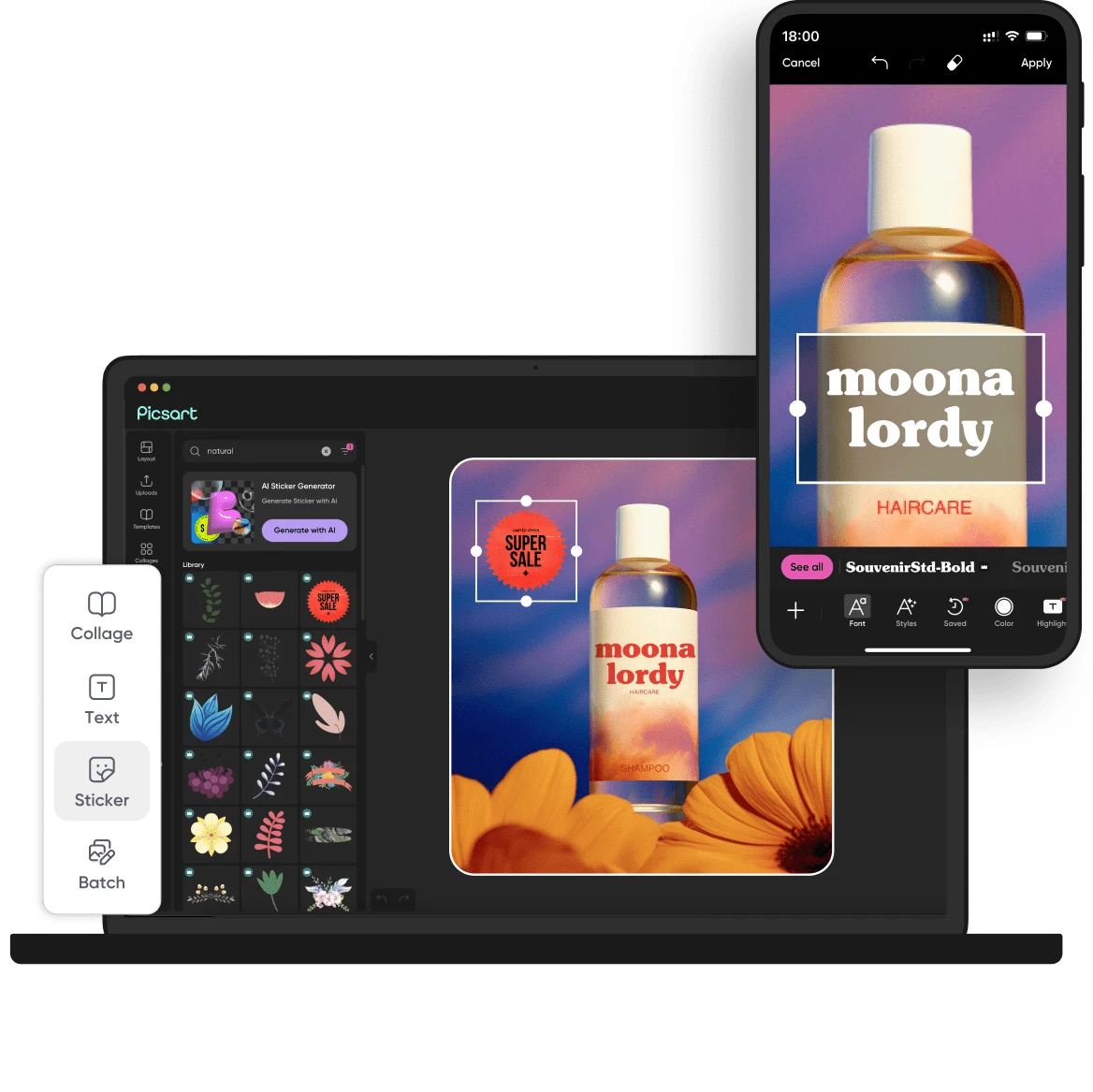 PicsartPro and Ultra tiersSocial media and marketing teams that need images and short videos made quickly from templates and AI models
 Remove.bgNot publishedE-commerce sellers, car listing sites and marketing teams that need many product or headshot images cleaned up quickly.
 AlloyFree, $20/user/moProduct managers and product teams that want to prototype changes to their existing app and hand production code to engineering.
 AestheticNot publishedFounders or brands looking to buy the Aesthetic.com domain name for a short, memorable web address, not teams looking for AI design software.
 Magic PatternsFrom $17/mo, free tierProduct teams that need to test feature directions fast and hand the winner to engineering or a coding agent.
 IliadNot publishedGame artists and digital designers who need tileable textures and PBR material maps for 3D assets.
 SuperCraftNot publishedIndustrial design and product development teams that need to explore many physical product concepts and share them for review.
 ion designCustom quoteEcommerce brands running paid ads that need a separate landing page for each campaign, angle, or offer without waiting weeks for a designer or agency.
 StewdioFree, $20/mo PremiumMarketing teams and solo creators who need short motion graphics videos with type, graphics, and transitions, and who already pay for Claude or ChatGPT.
awenFree, $20 to $260/moCreative teams and marketing groups that want visuals from a brief without prompt engineering or AI expertise.
 Design ArenaNot publishedFounders and designers who want to compare which AI model produces the best results for a specific design task before committing to one.
 SemioticNot publishedAdult children who live apart from an aging parent and want to notice falls, missed check-ins and changes in daily routine.
About AI Design Tools
AI design tools use generative models to help create visual work such as images, videos, interface mockups, textures, product concepts and marketing pages. They can cut the time it takes to go from a brief to a usable draft, and some also handle editing, cleanup or testing.
The products on this list differ in approach, scale and pricing. Some are general creative platforms, such as Picsart. Others are narrow tools for one job, such as Remove.bg for background removal or Iliad for textures. Some target product teams building software, while others target ecommerce brands, industrial designers or game artists. Pricing models vary too, from published subscription tiers and credit systems to custom quotes with no public figures.
The 12 best AI Design Tools, compared
- Pro and Ultra tiers
1.Picsart
Best for: Social media and marketing teams that need images and short videos made quickly from templates and AI models
- Pricing
- Pro and Ultra tiers
- Category
- Media & Entertainment
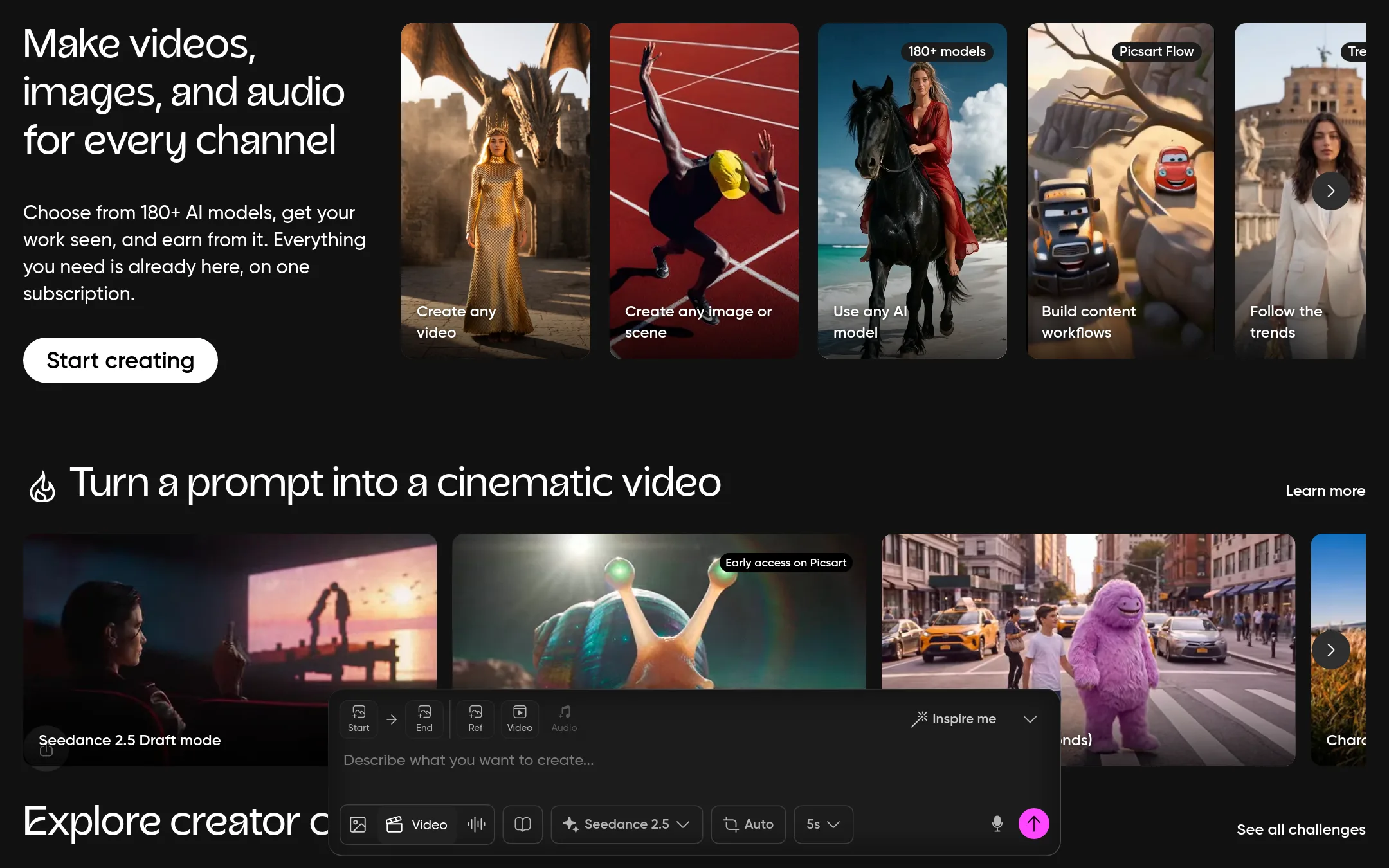
Picsart is a creative platform for images and video that bundles photo and video editing with generative AI tools. It offers access to 180+ AI models and a library of templates and stock assets on one subscription. Its Pro and Ultra tiers both include Seedance, Kling and Nano Banana models, which makes it a practical pick for teams producing content across several formats.
Where it is strong
- Access to 180+ AI models, including Kling 3.0, Nano Banana and Seedance, on one subscription
- Templates, stock photos and Getty video clips are built into the platform
- Ultra adds team seats, ad variations and performance tracking for marketing work
Where it falls short
- Exact plan prices are not published in the supplied pricing text, so budgeting needs a check on the site
- Team seats and ad tracking appear only on the Ultra tier, so small teams on Pro may need to upgrade
- Pricing:
- Pro and Ultra are paid subscription plans, with Ultra adding 200+ AI models, 300 GB of cloud storage per seat, team seats and a bulk edit limit of 100 images. Exact plan prices are not stated in the supplied pricing text.
- Not published
2.Remove.bg
Best for: E-commerce sellers, car listing sites and marketing teams that need many product or headshot images cleaned up quickly.
- Pricing
- Not published
- Category
- Media & Entertainment
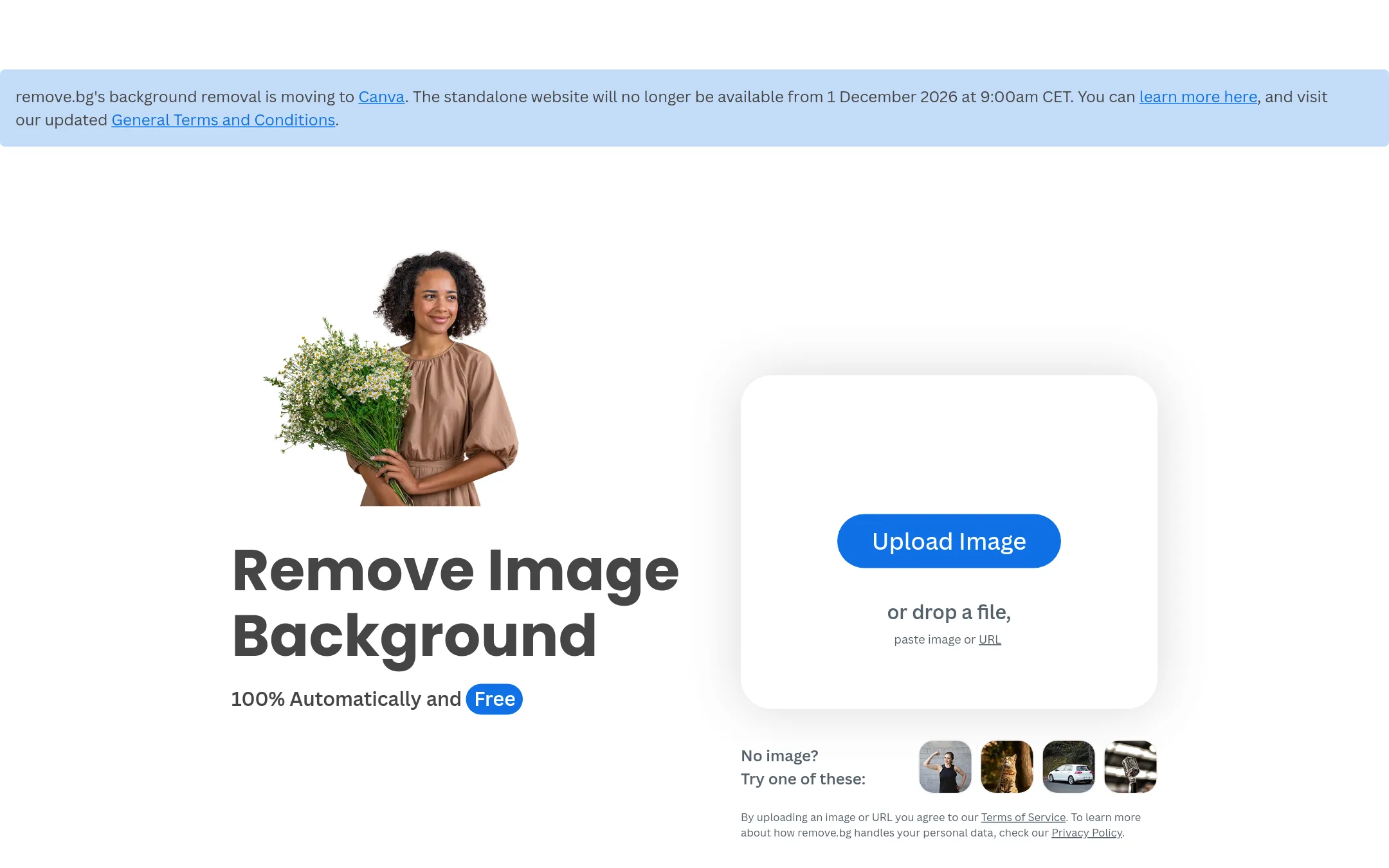
Remove.bg is an AI background remover that isolates a subject and returns a transparent PNG or white-background image in about five seconds with one click. It also includes an AI background generator that creates custom backdrops without a prompt, which covers a step most cutout tools leave to other software.
Where it is strong
- Removes a background in about five seconds per image
- Bulk processing of up to 500 images per minute
- Integrations with Photoshop, Figma and Zapier, plus a mobile app
Where it falls short
- Pricing is not published on the site, so costs must be checked directly
- Teams that need full manual control over edge refinement may still want a desktop editor
- Pricing:
- Pricing is not published on the site.
- Free, $20/user/mo
3.Alloy
Best for: Product managers and product teams that want to prototype changes to their existing app and hand production code to engineering.
- Pricing
- Free, $20/user/mo
- Category
- Design & Creative
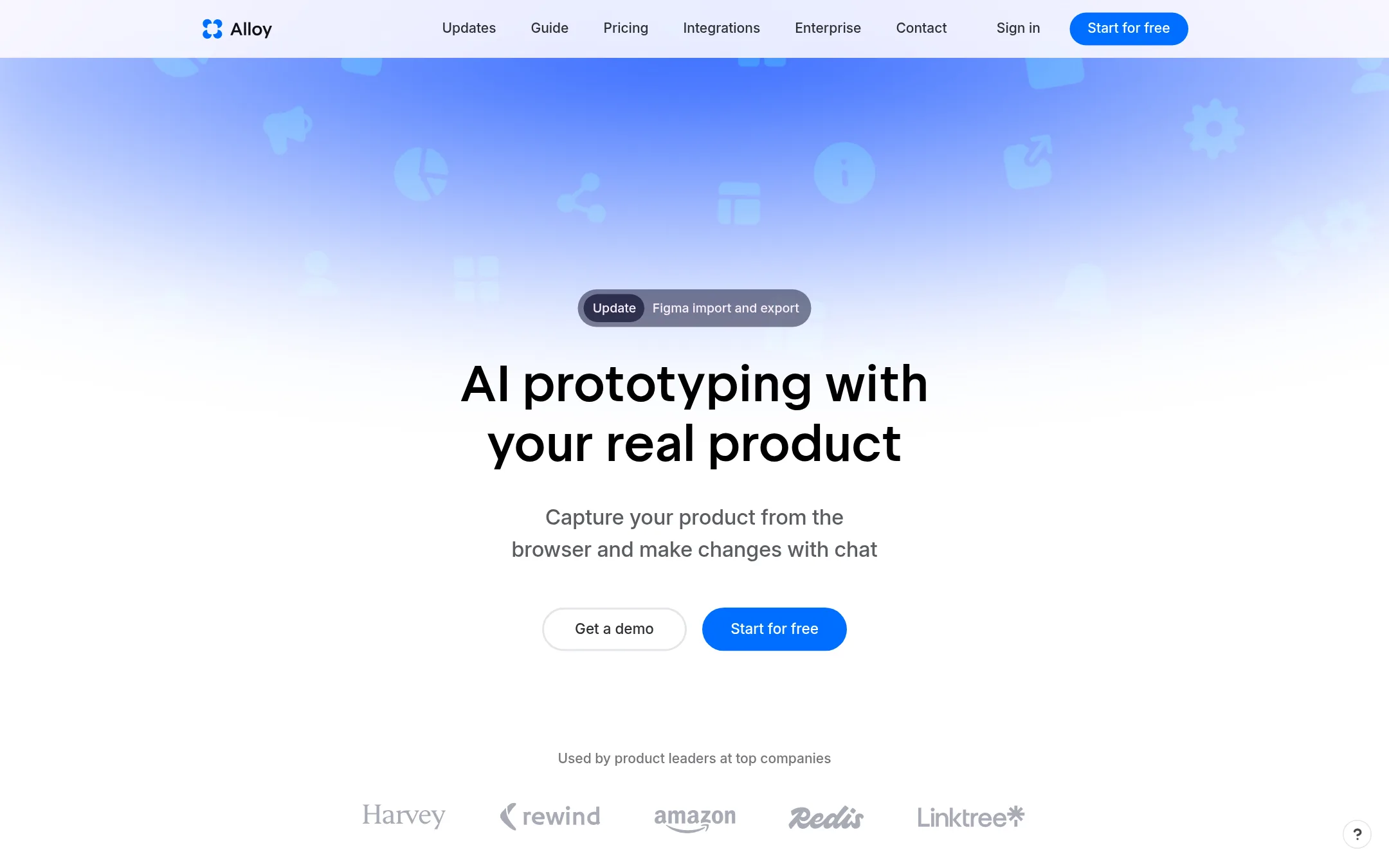
Alloy is an AI prototyping tool for product managers that starts from your real product rather than a blank canvas. You can connect your codebase or capture pages with a browser extension, then prompt for changes and preview them live in a sandbox. Because edits are built on your actual components, the output can be pushed to a pull request instead of being rebuilt by a developer.
Where it is strong
- Starts from your existing product via codebase or browser extension
- Changes can be pushed to a GitHub pull request without developer setup
- Figma import and export and over 20 integrations
Where it falls short
- Free tier includes only $5 in credits per user per month, so heavier use needs Pro
- Connecting a codebase requires admin permissions and about 15 minutes of setup
- Pricing:
- The Free plan is $0 with $5 in credits per user per month, the Pro plan is $20 per user per month with $20 in credits, and Enterprise pricing is custom.
- Not published
4.Aesthetic
Best for: Founders or brands looking to buy the Aesthetic.com domain name for a short, memorable web address, not teams looking for AI design software.

- Pricing
- Not published
- Category
- Design & Creative
Aesthetic is listed on Atom as a premium domain name for sale, not a design software product. The page describes a verified listing with buy-now and installment options, plus free transaction support. It does not describe any design features, so it is not a credible pick among AI design tools based on the facts supplied.
Where it is strong
- Verified premium domain listing on Atom
- Buy now or pay in installments
- Free transaction support with no extra fees
Where it falls short
- The listing is a domain for sale and does not describe any AI design capabilities
- No pricing is published, so cost must be confirmed by contacting Atom
- Pricing:
- Pricing is not published on the site.
- From $17/mo, free tier
5.Magic Patterns
Best for: Product teams that need to test feature directions fast and hand the winner to engineering or a coding agent.

- Pricing
- From $17/mo, free tier
- Category
- Design & Creative
Magic Patterns is an AI workspace where product teams turn a prompt, PRD, or feature idea into high-fidelity UI. It works from your own design system, so concepts come out in your existing style. The site says it is SOC 2 and ISO 27001 certified, which matters for teams that need security review before adopting an AI tool.
Where it is strong
- Generates UI that follows your own components and design rules
- Lets teams compare several design directions side by side before committing
- Holds SOC 2 and ISO 27001 certifications for enterprise security reviews
Where it falls short
- Credit limits mean heavy users will need Business or on-demand usage to avoid running short
- Design system import is listed as an Enterprise feature, so smaller teams may not get it on lower plans
- Pricing:
- Plans start with a free tier, then Starter at $17 per month with 1,000 monthly credits, Business at $85 per month with 5,000 monthly credits, and custom Enterprise pricing, with extra usage billed at $0.02 per credit on paid plans.
- Not published
6.Iliad
Best for: Game artists and digital designers who need tileable textures and PBR material maps for 3D assets.

- Pricing
- Not published
- Category
- Design & Creative
Iliad generates stylized art, textures, and 3D-ready assets with AI, using diffusion models for tileable textures and PBR material maps. Its node-based procedural material engine, Aqueduct, is in open early access and lets you edit materials step by step rather than accepting a single output.
Where it is strong
- Generates tileable textures that repeat cleanly in 3D scenes
- Turns a reference image into a texture and then into PBR material maps
- Aqueduct lets you adjust material graphs node by node
Where it falls short
- Aqueduct is still in open early access, so features may change
- Pricing is not published, so budget fit is hard to judge before signing up
- Pricing:
- Pricing is not published on the site.
- Not published
7.SuperCraft
Best for: Industrial design and product development teams that need to explore many physical product concepts and share them for review.

- Pricing
- Not published
- Category
- Design & Creative
SuperCraft generates life-like product concepts from natural language, and it can start from a rough sketch or a CAD model as well as a plain idea. Its node-based workflow lets teams adjust generations precisely and explore concepts without overwriting earlier work. It is built specifically for industrial design, which sets it apart from general image tools.
Where it is strong
- Starts from a sketch, a CAD model, or a text idea
- Node-based workflow gives precise control over each generation
- Team review with comments, approvals, and rejections inside the tool
Where it falls short
- Pricing is not published, so you need a demo to learn the cost
- Built for physical product design, so it is a poor fit for digital UI or graphic work
- Pricing:
- Pricing is not published on the site.
- Custom quote
8.ion design
Best for: Ecommerce brands running paid ads that need a separate landing page for each campaign, angle, or offer without waiting weeks for a designer or agency.

- Pricing
- Custom quote
- Category
- Design & Creative
ION is an AI growth team for ecommerce storefronts. It builds a matching landing page for each ad, including product pages, quizzes, advertorials, and listicles, and runs them on a subdomain it manages. It also runs A/B tests and ships winning variations once they reach statistical significance, with the impact of each change measured.
Where it is strong
- Builds a matching lander for each ad and manages the campaign subdomain
- Runs experiments at scale and ships winners only when results are statistically significant
- Lets marketing set goals and guardrails while design reviews every change before it ships
Where it falls short
- Pricing is only available through a sales call, so budget is hard to plan up front
- Built for ecommerce storefronts, so it is a weaker fit for SaaS or content sites
- Pricing:
- Pricing is custom and based on platform, seats, page count, traffic, agent usage, and add-ons, with no published figures.
- Free, $20/mo Premium
9.Stewdio
Best for: Marketing teams and solo creators who need short motion graphics videos with type, graphics, and transitions, and who already pay for Claude or ChatGPT.

- Pricing
- Free, $20/mo Premium
- Category
- Design & Creative
Stewdio turns plain prompts into motion graphics, and you can feed it reference images, videos, or code from a coding agent. It then gives you keyframes, easing curves, and sliders that reach the same kinds of controls found in After Effects and Premiere Pro. It runs on your existing Claude or OpenAI subscription, so you do not pay a separate inference bill.
Where it is strong
- Generates animations from a text prompt plus reference images, videos, or code
- Keyframes, easing presets, and custom curves let you refine generated motion
- Uses your existing Claude or OpenAI subscription instead of a separate inference charge
Where it falls short
- Your assistant subscription is a separate cost on top of the Stewdio plan
- Free plan caps you at 3 files and 10 compositions per file, which may not cover a real production workload
- Pricing:
- The Free plan includes 3 files and 10 compositions per file, and Premium is $20 USD per month billed monthly for unlimited files and compositions, with Team pricing available on request.
- Free, $20 to $260/mo
10.awen
Best for: Creative teams and marketing groups that want visuals from a brief without prompt engineering or AI expertise.

- Pricing
- Free, $20 to $260/mo
- Category
- Design & Creative
Awen lets creative teams generate images, videos and visual assets from plain conversation, so you do not write prompts or pick models yourself. It routes each request to the right generative model behind the scenes, and every asset keeps its full history of inputs and transformations, which helps with rights review.
Where it is strong
- Takes creative briefs in plain language and picks the models itself
- Keeps a full lineage of each asset, exportable with awen.zip
- Runs many asset jobs in parallel through sub-agents for bulk work
Where it falls short
- Output is limited by the monthly creative intelligence allowance, so heavy users will need top-ups or higher tiers
- Enterprise features such as SSO and invoice billing are only on custom-quoted plans
- Pricing:
- The free tier includes $5 of creative intelligence each month, paid individual plans range from $20 to $260 per month, team plans are $20 to $105 per seat per month, and enterprise pricing is custom.
- Not published
11.Design Arena
Best for: Founders and designers who want to compare which AI model produces the best results for a specific design task before committing to one.

- Pricing
- Not published
- Category
- AI & Machine Learning
Design Arena is a crowdsourced benchmark where you describe something to make, such as a website, game, image, video, presentation, or app, and see how the top AI models handle it side by side. Community votes then crown the winners, which gives you a practical read on which model suits your task. The site reports millions of users across 190+ countries.
Where it is strong
- Lets you compare several top models on the same prompt
- Community voting shows which outputs people prefer
- Covers many formats, including websites, games, images, videos, and presentations
Where it falls short
- The listing does not mention a dedicated project workflow or team collaboration features
- Pricing and plan details are not published, so cost is unclear before signup
- Pricing:
- Pricing is not published on the site.
- Not published
12.Semiotic
Best for: Adult children who live apart from an aging parent and want to notice falls, missed check-ins and changes in daily routine.

- Pricing
- Not published
- Category
- Design & Creative
Lighthouse is a home monitoring system for adult children looking after aging parents, using AI cameras with speakers and microphones in shared rooms. It detects possible falls, runs daily check-ins in any language, and sends families summaries of observed routines. Bedrooms and bathrooms use radar only, and a privacy mode shows people as stick figures.
Where it is strong
- Radar-only coverage in bedrooms and bathrooms, with no images or video there
- Daily check-ins can run in the parent's preferred language
- Summaries show observed routine changes, such as more missed check-ins or less walking
Where it falls short
- The 24/7 U.S.-based emergency monitoring partnership is not yet in place, so chosen contacts must respond themselves
- Fall detection is only a possible-fall alert and can miss falls or send false alarms, so it is not a substitute for a human check
- Pricing:
- Pricing is not published on the site.
How to choose AI Design Tools
Start with the pricing structure. Some tools publish plan prices and credit allowances, while others, including ion design and Iliad, do not publish figures and require a sales call or signup to learn the cost. Check what a credit or usage limit covers, because heavier work may push you onto a higher tier or pay-as-you-go charges.
Next, check who the tool is built for. A product for industrial designers, game artists or ecommerce storefronts may be a weak fit for digital UI or graphic work. Matching the tool to your actual job matters more than the size of its feature list.
Look at integrations and workflow. Some products connect to tools you already use, such as Figma, Photoshop, GitHub or Zapier, and that can decide whether the output actually reaches your team. Ask how work moves from the AI tool into your existing process.
Review data handling and compliance before adoption. Magic Patterns states it holds SOC 2 and ISO 27001 certifications, which can help with enterprise security reviews. Where a product does not publish compliance details, ask the vendor directly before you upload company assets.
Finally, check support and contract terms. Some plans include team seats, admin controls or enterprise options, while others are limited to individual use. Confirm what is included at your tier and what would require a custom agreement.
FAQ
Questions about AI Design Tools
What are AI design tools?
AI design tools use generative models to help create or edit visual work such as images, videos, interface mockups, textures and marketing pages. They are usually used to speed up drafting from a brief or prompt. Some focus on one task, such as background removal, while others cover a wider range of creative work.
How much do AI design tools cost?
Costs vary widely across this list. Some products publish monthly prices and credit allowances, such as Magic Patterns and Alloy, while others, including Remove.bg, ion design and Iliad, do not publish pricing and require a signup or sales call. Check what a credit or usage limit covers before you commit.
Which AI design tool is best for product teams?
Magic Patterns is a strong fit for product teams that need to test feature directions quickly and pass the winning design to engineering. Alloy is also built for product managers who want to prototype changes to an existing app. Both suit teams that need output tied to their own components or design system.
Do AI design tools work with other software?
Some do. Remove.bg lists integrations with Photoshop, Figma and Zapier, while Alloy offers Figma import and export and a GitHub pull request workflow. Check the integrations list for your own stack before you adopt a tool, since the connection determines how easily work moves into your process.
Are AI design tools safe for company data and assets?
It depends on the product and on your own requirements. Magic Patterns states it holds SOC 2 and ISO 27001 certifications, which can help with security reviews. For tools that do not publish compliance details, ask the vendor about data handling and retention before uploading proprietary designs or customer images.
Last updated November 7, 2026.