11 Best Browser Automation Tools in 2026
Updated November 7, 2026
The short answer
The three strongest browser automation tools on this list are Axiom.ai, Selenium and Smooth. Axiom.ai suits small ops and growth teams that need bots built without a developer, using no-code, code or plain-language setup. Selenium suits engineering teams that already write code and want browser tests scripted in languages they know. Smooth suits developer teams building web agents that extract structured data at scale and want the infrastructure managed for them.
The shortlist, at a glance
Read the comparisons ↓ SeleniumNot publishedEngineering teams that already write code and want browser tests or admin tasks scripted in a language they know
Axiom.aiFree trial, tiered plaOps and growth teams at small companies that need scrapers, form fillers, or page monitors without hiring a developer.
HyperbrowserFree, then $30/moDevelopers building AI agents that need a managed browser, isolated compute and web data under one usage-based credit balance.
LinkGrepNot publishedRemote and hybrid product, sales, and operations teams that spend most of their day in the browser and lose time hunting for shared links and documents.
 CloudCruiseFree tier, $700/moHealthcare automation teams that need to run payer portal and EHR workflows without managing their own browser infrastructure
 Kura AINot publishedEnterprise operations teams that want to automate browser-based work without hiring developers to write scripts
 SmoothFree, from $50/mo credDeveloper teams building web agents that search, scrape, or extract data from sites at scale and want the infrastructure handled for them.
 BrowserBookNot publishedOperations and non-technical teams that need custom internal tools like dashboards, approval workflows or intake forms built for them.
 KaizenNot publishedHealthcare clinics and billing teams that spend staff hours on payer portals, prior authorizations and claims follow-up.
 NotteFree plan, credit-baseDeveloper teams building AI browser agents that need managed browsers, saved logins and proxies in production
 DariNot publishedEngineering and operations teams already running Claude Cowork, ChatGPT Work, Claude Code or Codex that want to cut model spend without changing their workflow
About Browser Automation Tools
Browser automation tools control a web browser the way a person would. They click buttons, fill in forms, read pages, log in, and move data between sites. Teams use them for scraping, testing, monitoring, data entry, and the repetitive portal work that eats staff hours.
The products on this list differ in approach, scale and pricing. Selenium is an open coding framework for writing scripts, while Axiom.ai lets non-developers build bots through a Chrome extension or plain-language prompts. Some tools, such as Hyperbrowser, Notte and Smooth, are cloud infrastructure for developers building AI agents, and others, such as CloudCruise and Kaizen, are built for healthcare workflows. Pricing ranges from free tiers and usage-based credits to flat monthly plans and custom quotes.
The 11 best Browser Automation Tools, compared
- Not published
1.Selenium
Best for: Engineering teams that already write code and want browser tests or admin tasks scripted in a language they know
- Pricing
- Not published
- Category
- Developer Tools
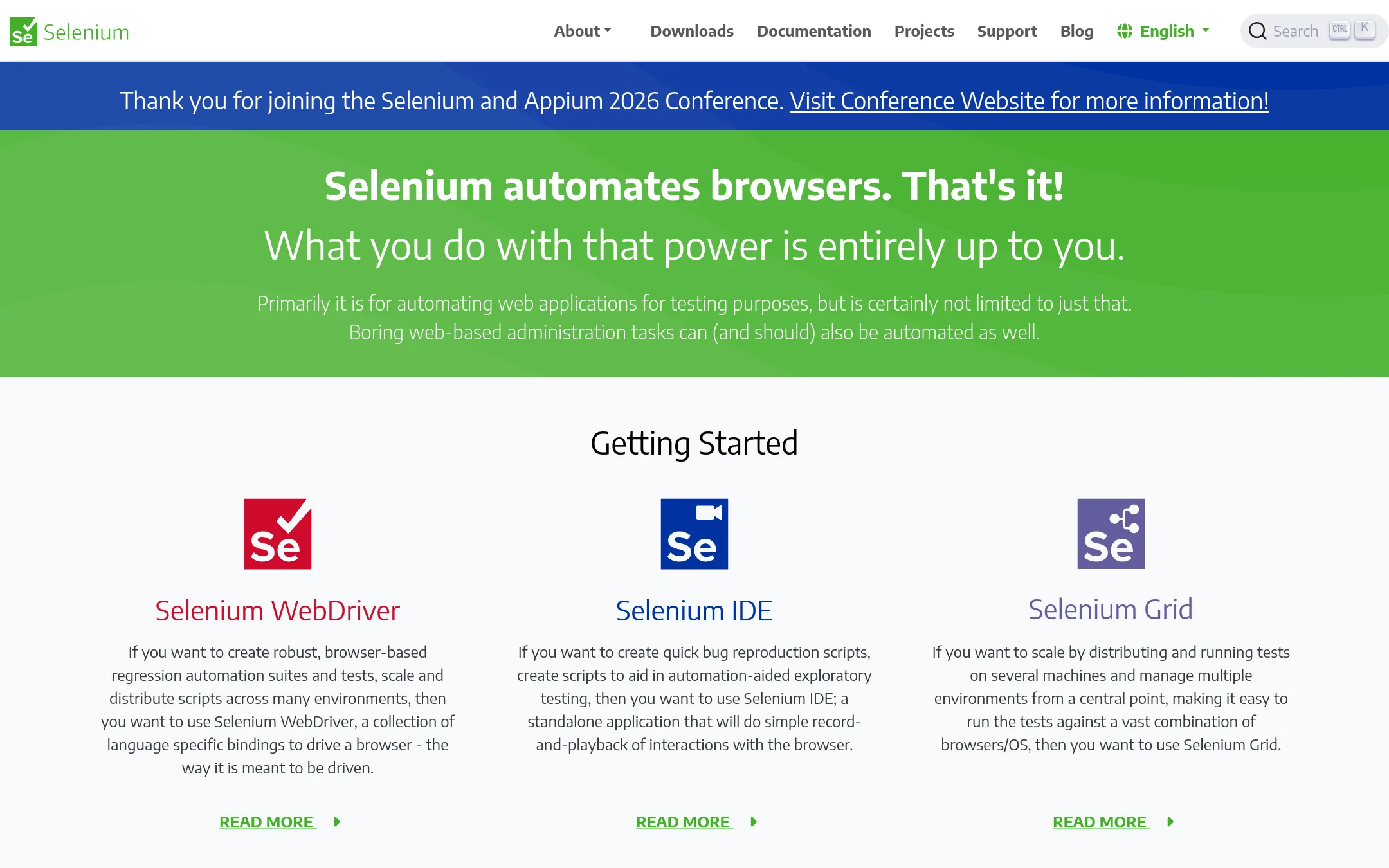
Selenium drives Chrome, Firefox, Edge and Safari through the official W3C WebDriver standard, so scripts work the same way a real user would use the browser. You can write them in Java, Python, C#, Ruby, JavaScript or Kotlin, and it downloads the browser drivers it needs, so there is little setup. It has been around long enough to be used by teams such as Mozilla and Moodle.
Where it is strong
- Supports Chrome, Firefox, Edge and Safari
- Bindings for six languages including Python and Java
- Selenium Grid spreads test runs across machines and operating systems
Where it falls short
- It is a coding tool, so non-technical operators will need a developer to write and maintain scripts
- Selenium IDE covers quick record-and-playback, but the main value comes from WebDriver scripting
- Pricing:
- Pricing is not published on the site.
- Free trial, tiered pla
2.Axiom.ai
Best for: Ops and growth teams at small companies that need scrapers, form fillers, or page monitors without hiring a developer.
- Pricing
- Free trial, tiered pla
- Category
- AI & Machine Learning
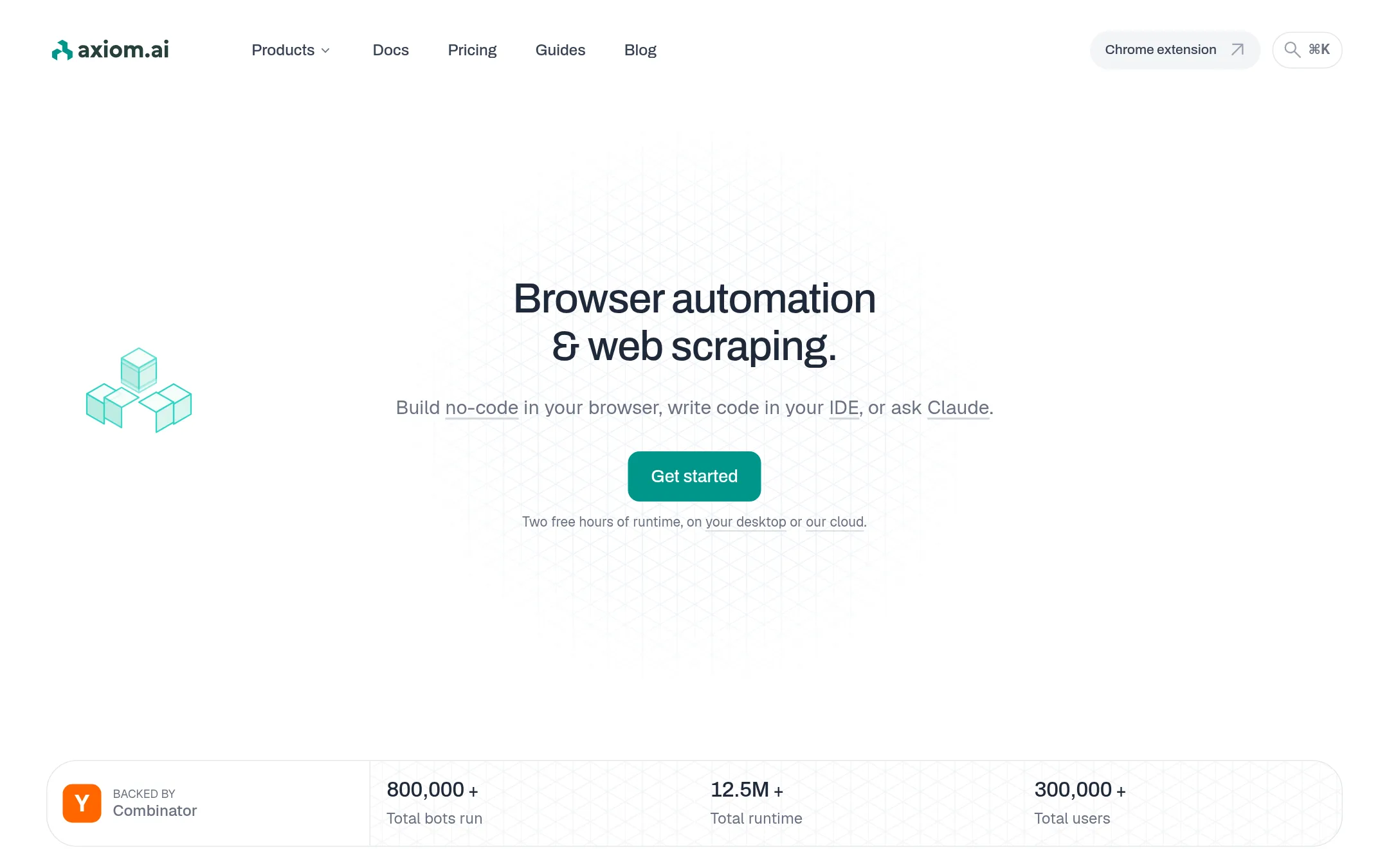
Axiom.ai builds browser bots in three ways: a no-code Chrome extension, code through its Chrome and Step APIs, or plain-language descriptions that an AI turns into a working bot. It runs on Axiom's cloud or on your own desktop, which matters if you want runs to stay on your machine. Its Chrome API lets Puppeteer or Playwright connect to a cloud browser with a one-line change.
Where it is strong
- Describe a task in plain language and the AI builds the bot.
- Desktop runs have no concurrency limit and no time limit.
- Connects to Puppeteer or Playwright through the Chrome API, so existing code needs only a small change.
Where it falls short
- Cloud runs are capped by plan, with a single-run limit of one to twelve hours depending on tier, and concurrency limited to one bot on the e
- Teams that want a deep library of built-in integrations may need to check whether their tools are covered, since the listed ones are Zapier,
- Pricing:
- Pricing is published by plan tier, with a free two-hour trial for new accounts and no credit card required, though the exact plan prices are not stated in the supplied text.
- Free, then $30/mo
3.Hyperbrowser
Best for: Developers building AI agents that need a managed browser, isolated compute and web data under one usage-based credit balance.
- Pricing
- Free, then $30/mo
- Category
- Developer Tools
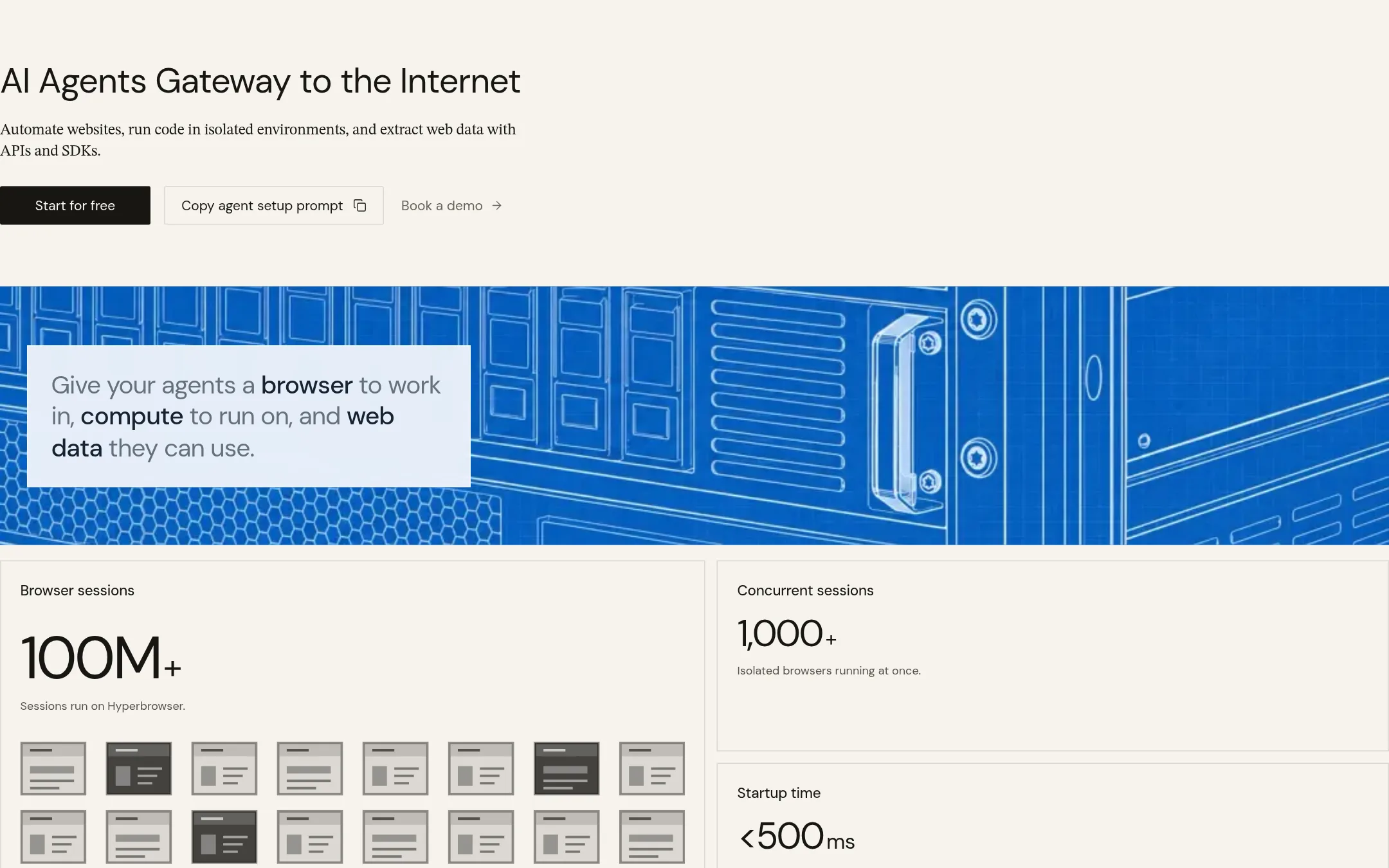
Hyperbrowser runs cloud Chrome sessions that you control with Playwright or Puppeteer, and it starts a browser in under 500 ms according to its own homepage. It also offers isolated sandboxes and web data APIs, so one account covers browsing, code execution and page extraction. Its ability to save logins and browser profiles between runs, and to record sessions for replay, makes it a credible pick for agent builders who need repeatable runs.
Where it is strong
- Browser sessions start in under 500 ms, per the site's own figure
- Saved logins and browser profiles carry over between runs
- Session recordings let you replay a run to find what broke
Where it falls short
- Credits are spread across four products, so costs are harder to predict than a flat fee
- Ultra stealth mode and premium proxies are only listed on higher tiers, so small teams may not get them
- Pricing:
- Pricing is usage-based with 5,000 free credits, a Startup plan at $30 in included usage per month, a Scale plan at $100 per month, and custom Enterprise pricing.
- Not published
4.LinkGrep
Best for: Remote and hybrid product, sales, and operations teams that spend most of their day in the browser and lose time hunting for shared links and documents.

- Pricing
- Not published
- Category
- Productivity & Project Management
LinkGrep is an AI browser copilot built for teams rather than individuals. It tracks the links your whole team uses and suggests information from knowledge bases like Slack or Notion while you browse. It can also work out which links you need before a meeting and open them for you, so nobody has to ask for a link again.
Where it is strong
- Tracks links across the whole team, not just one person's history
- Pulls suggestions from Slack and Notion while you browse
- Opens the right pages before meetings, which cuts time spent searching
Where it falls short
- Pricing is not listed, so you will need to contact the vendor to compare costs
- Its value depends on your team already keeping knowledge in Slack or Notion, so it is less useful if your documents live elsewhere
- Pricing:
- Pricing is not published on the site.
- Free tier, $700/mo
5.CloudCruise
Best for: Healthcare automation teams that need to run payer portal and EHR workflows without managing their own browser infrastructure

- Pricing
- Free tier, $700/mo
- Category
- Developer Tools
CloudCruise is a developer platform for building browser automations in healthcare, running payer portal and EHR workflows on fully managed infrastructure. Its self-healing workflows are aimed at the portal and EHR changes that break ordinary scripts. It is now generally available and is deployed at leading AI automation companies.
Where it is strong
- Self-healing workflows for payer portals and EHRs
- Fully managed VM infrastructure and proxies included in the usage fee
- Free Starter tier to test before committing
Where it falls short
- Built specifically for healthcare, so it is a poor fit for general web scraping or marketing automation
- The jump from the free tier to the $700 Scale plan is steep for small teams, and higher tiers require a sales conversation
- Pricing:
- Pricing starts with a free Starter tier, the Scale tier is $700 per month, and Accelerate and Enterprise are custom quotes, with one automation hour equal to 60 minutes of workflow runtime and VM infrastructure, proxies, and AI usage included.
- Not published
6.Kura AI
Best for: Enterprise operations teams that want to automate browser-based work without hiring developers to write scripts

- Pricing
- Not published
- Category
- AI & Machine Learning
Kura AI builds browser automation agents from plain-language task descriptions, so teams can avoid writing code. It breaks complex jobs into browser-optimized subtasks and can convert finished agents into an API with one click. Client-side encryption with private key ownership is a concrete security point to weigh against other tools.
Where it is strong
- Agents are built from natural language descriptions with no coding required
- Client-side encryption means data is encrypted with keys the customer owns
- Audit trails and execution logs cover every agent action
Where it falls short
- The site does not publish pricing, so cost comparison requires contacting sales
- The listing is not verified, and the site gives few details on integrations or customer examples
- Pricing:
- Pricing is not published on the site.
- Free, from $50/mo cred
7.Smooth
Best for: Developer teams building web agents that search, scrape, or extract data from sites at scale and want the infrastructure handled for them.

- Pricing
- Free, from $50/mo cred
- Category
- Developer Tools
Smooth runs cloud browsers and AI web agents, so you can run tasks from natural language, extract schema-validated JSON from pages, or scrape pages as markdown, screenshots, or PDFs. It runs small language models with the agent colocated near the browser, which the company says keeps latency and cost low. Its free tier needs no credit card, which makes it easy to test against a real workload.
Where it is strong
- Schema-validated JSON extraction from any page
- Free tier with no credit card, and an API key in minutes
- Persistent sessions and stealth mode on paid plans
Where it falls short
- Enterprise features such as SSO, BYOC and on-prem come with custom pricing, so there is no published figure for them
- Free plan is limited to 2 concurrent browsers, so heavier testing needs a paid tier
- Pricing:
- The free plan includes welcome credits and $0.005 per step, the starter plan includes $50 of API credits a month, and the growth plan includes $500 a month, with enterprise pricing on request.
- Not published
8.BrowserBook
Best for: Operations and non-technical teams that need custom internal tools like dashboards, approval workflows or intake forms built for them.

- Pricing
- Not published
- Category
- Developer Tools
Kilvin is an AI-native agency that builds custom internal tools for a team, hosted in a shared workspace where apps, files and data connect to one source of truth. It is a credible pick for teams that want software shaped to their own workflows rather than a generic template, and its infrastructure is described as HIPAA and SOC2 compliant.
Where it is strong
- Engineers build and host the tools, so no in-house developer is needed.
- Shared data layer lets apps read from one connected source of truth.
- Access can be set per app, dataset or platform capability, not all-or-nothing.
Where it falls short
- Pricing is not published, so you must talk to sales to learn the cost.
- It is a managed build service rather than a self-serve tool for building your own automations.
- Pricing:
- Pricing is not published on the site.
- Not published
9.Kaizen
Best for: Healthcare clinics and billing teams that spend staff hours on payer portals, prior authorizations and claims follow-up.

- Pricing
- Not published
- Category
- Developer Tools
Kaizen automates healthcare revenue cycle work from intake to payment. It signs into payer portals to verify eligibility, fills out authorization forms, and researches stalled claims through to a paid, appealed, or follow-up outcome. It connects to the EHR, fax line and clearinghouse a clinic already runs rather than replacing them.
Where it is strong
- Connects to your existing EHR, payer portals, fax line and clearinghouse without a migration
- Handles payer portal checks, authorization forms and claim denial research end to end
- Reports referrals processed, approval rates and dollars collected every week
Where it falls short
- Built for healthcare revenue cycle work, so it is not a general-purpose browser automation tool
- No public pricing, so you will need to request a quote to compare costs
- Pricing:
- Pricing is not published on the site.
- Free plan, credit-base
10.Notte
Best for: Developer teams building AI browser agents that need managed browsers, saved logins and proxies in production

- Pricing
- Free plan, credit-base
- Category
- Developer Tools
Notte is a browser infrastructure platform for AI agents. It runs managed cloud browser sessions, AI browser agents, and serverless browser functions, so teams do not have to host their own browsers. It works with Playwright, Puppeteer, Selenium and CDP-based tools, and its session profiles save login state so later runs skip authentication.
Where it is strong
- Works with Playwright, Puppeteer and Selenium, so existing scripts can connect with little rewriting
- Credential vaults encrypt secrets with AES-256 and fetch them at runtime
- Session profiles let agents log in once and reuse that state on later runs
Where it falls short
- Costs are tied to a credit system, so budgeting for usage takes more work than a flat fee
- Teams that only need a simple remote browser without agents or identity features may find it more than they need
- Pricing:
- Pricing is credit-based across Free, Developer, Startup and Enterprise plans, with credits covering sessions, functions, proxies and LLM tokens, but the specific dollar amounts are not stated in the supplied pricing details.
- Not published
11.Dari
Best for: Engineering and operations teams already running Claude Cowork, ChatGPT Work, Claude Code or Codex that want to cut model spend without changing their workflow

- Pricing
- Not published
- Category
- Developer Tools
Dari is a routing layer that sits between your team and AI agent tools like Claude Cowork and ChatGPT Work. It sends routine tasks to cheaper models when they pass a quality bar you set, and its Terminal-Bench 2.1 runs show a result of $76 against $553 for Fable 5 with Claude Code, within roughly four accuracy points. Teams switch by changing one base URL or profile entry, so existing tools keep working.
Where it is strong
- Keeps existing tools like Claude Code and Codex working after a base URL change
- Lets you set per-team spend caps before costs are incurred
- Offers per-router data retention settings and support for OpenAI, Anthropic and Fireworks
Where it falls short
- Pricing is only available on request, so you cannot compare costs before a sales conversation
- Its cost and accuracy claims rest on its own published benchmark runs, so you should check the methodology yourself
- Pricing:
- Pricing is not published on the site.
How to choose Browser Automation Tools
Start with pricing structure. Some tools publish plan prices, such as Smooth and CloudCruise, while others use credits or require a sales conversation, as with Dari and LinkGrep. Credit systems can be harder to forecast, so model your expected monthly runs before you commit.
Check who the product is built for. Selenium and Notte expect developers who write and maintain scripts. Axiom.ai and Kura AI are designed for operators who will not write code. Match the tool to the people who will run and fix it.
Confirm the integrations you need. Axiom.ai lists Zapier and other connectors, LinkGrep works with Slack and Notion, and Kaizen connects to an existing EHR, fax line and clearinghouse. If your workflow depends on a specific system, check that it is covered before you rely on the tool.
Review data handling and compliance. Kura AI describes client-side encryption with keys the customer owns, Notte encrypts stored credentials with AES-256, and BrowserBook states HIPAA and SOC2 compliance. Ask vendors for documentation if your data is sensitive.
Finally, look at support and contract terms. Several listings do not publish pricing or enterprise terms, so request a quote in writing and confirm what support, concurrency limits and run-time caps are included before signing.
FAQ
Questions about Browser Automation Tools
What is a browser automation tool?
A browser automation tool controls a web browser to carry out tasks that a person would otherwise do by hand. These include clicking, filling in forms, extracting data, logging in and running tests. Selenium, for example, drives Chrome, Firefox, Edge and Safari through the W3C WebDriver standard.
Do I need to know how to code to use browser automation tools?
Not for every product. Axiom.ai offers a no-code Chrome extension and can build bots from plain-language descriptions, and Kura AI also builds agents from natural language. Selenium and Notte are coding tools, so you will need a developer to write and maintain their scripts.
How much do browser automation tools cost?
Prices vary a lot. Smooth lists a free plan with a $50 starter plan and a $500 growth plan, and CloudCruise has a free Starter tier with a $700 per month Scale plan. Several others, including Kaizen, Dari and LinkGrep, do not publish pricing and require a quote.
Can browser automation tools handle sensitive data such as healthcare records?
Some tools are built for this. CloudCruise and Kaizen focus on healthcare payer portals and EHR workflows, and BrowserBook says its infrastructure is HIPAA and SOC2 compliant. Check the vendor's documentation and contract terms before you send regulated data through any tool.
What should I check before choosing a browser automation tool?
Confirm the pricing model, the integrations you need, and who will build and maintain the automations. Also check data handling and compliance, plus support and contract terms such as concurrency and run-time limits. Requesting written quotes helps you compare tools that do not publish prices.
Last updated November 7, 2026.