7 Best RSS Readers in 2026
Updated November 7, 2026
The short answer
The best RSS readers for founders and operators are Feedbin, Inoreader, and FreshRSS. Feedbin suits individual researchers and small teams who want a fast, algorithm-free reader with one simple plan at $7 a month. Inoreader suits founders and analysts who want to track news, competitors, and topics with automated filters and AI summaries. FreshRSS suits operators who want to keep reading data on their own server at no cost.
The shortlist, at a glance
Read the comparisons ↓ Feedbin$7/mo or $70/yrIndividual researchers, writers, and small teams who follow many blogs and newsletters and want a fast, distraction-free reader without an algorithm.
 InoreaderNot publishedFounders, analysts and content teams who want to track news, competitors and industry topics without relying on algorithmic social timelines.
 FeedlyNot publishedCyber threat intelligence teams and security leads who need briefings for executives within minutes of a new threat.
The Old ReaderNot publishedFounders and operators who want a simple feed of industry blogs and news sites, with the option to share articles with colleagues or friends.
 FreshRSSNot publishedFounders and operators who want to keep their reading data on their own server and track industry news without paying for a hosted reader
 ReederNot publishedIndividuals and small teams on Apple devices who follow a mix of feeds, podcasts and videos and want one inbox for all of them.
BazquxNot publishedReaders and researchers who follow many sources, including social media pages, and want full-text articles without ads or tracking.
About RSS Readers
RSS readers collect the websites, blogs, newsletters, podcasts, and video channels you follow and show them in one feed. Instead of visiting each source, you read new items in a single place, usually in the order they were published. Good readers help you keep up with industry news without depending on social media timelines.
The products on this list differ in approach, scale, and pricing. Feedbin and The Old Reader focus on a clean personal reading experience, while Inoreader and Feedly add automation and monitoring suited to teams. FreshRSS is the only self-hosted option here, and Reeder is built for Apple devices. Pricing models also vary: Feedbin publishes a flat fee, while several others do not publish pricing at all.
The 7 best RSS Readers, compared
- $7/mo or $70/yr
1.Feedbin
Best for: Individual researchers, writers, and small teams who follow many blogs and newsletters and want a fast, distraction-free reader without an algorithm.
- Pricing
- $7/mo or $70/yr
- Category
- Media & Entertainment
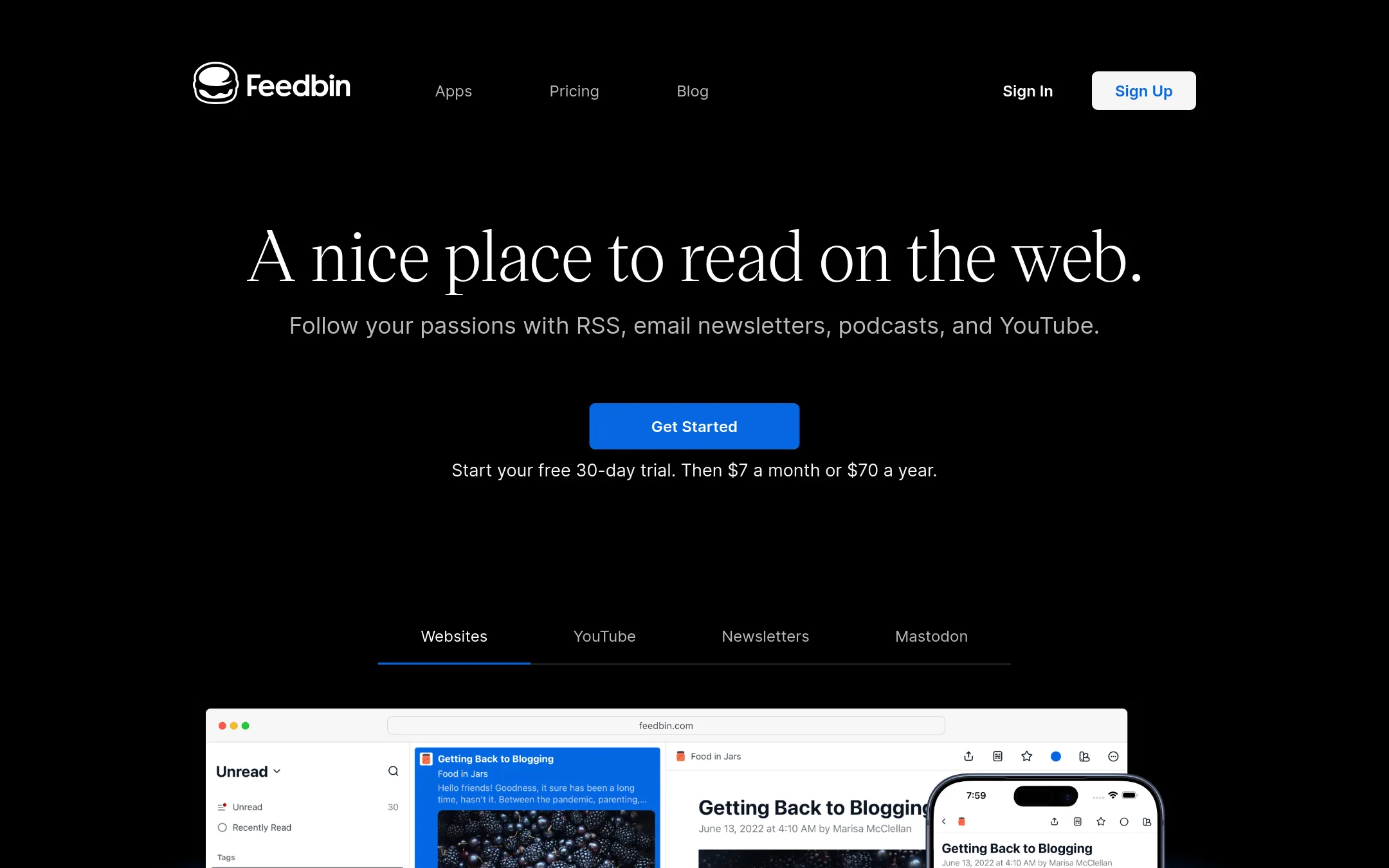
Feedbin is a web-based RSS reader that also takes in email newsletters, podcasts, and YouTube channels, all in one chronological feed with no algorithm. It keeps articles current, so when an original post changes you can see what was edited. Its full-text extraction lets you read partial feeds without leaving the app.
Where it is strong
- One plan includes everything, with no tiers or add-ons to pay for.
- Newsletters arrive through a unique email address per account, so they stay out of your inbox.
- Syncs with popular iOS, Mac, and Android apps, and shows exactly what changed in an updated article.
Where it falls short
- It is a reader for personal consumption, with no team sharing or collaboration features listed.
- There is no free tier after the 30-day trial, so the cost is ongoing for light readers.
- Pricing:
- Feedbin costs $7 a month or $70 a year after a free 30-day trial that needs no credit card, with all features included on one plan.
- Not published
2.Inoreader
Best for: Founders, analysts and content teams who want to track news, competitors and industry topics without relying on algorithmic social timelines.
- Pricing
- Not published
- Category
- Media & Entertainment
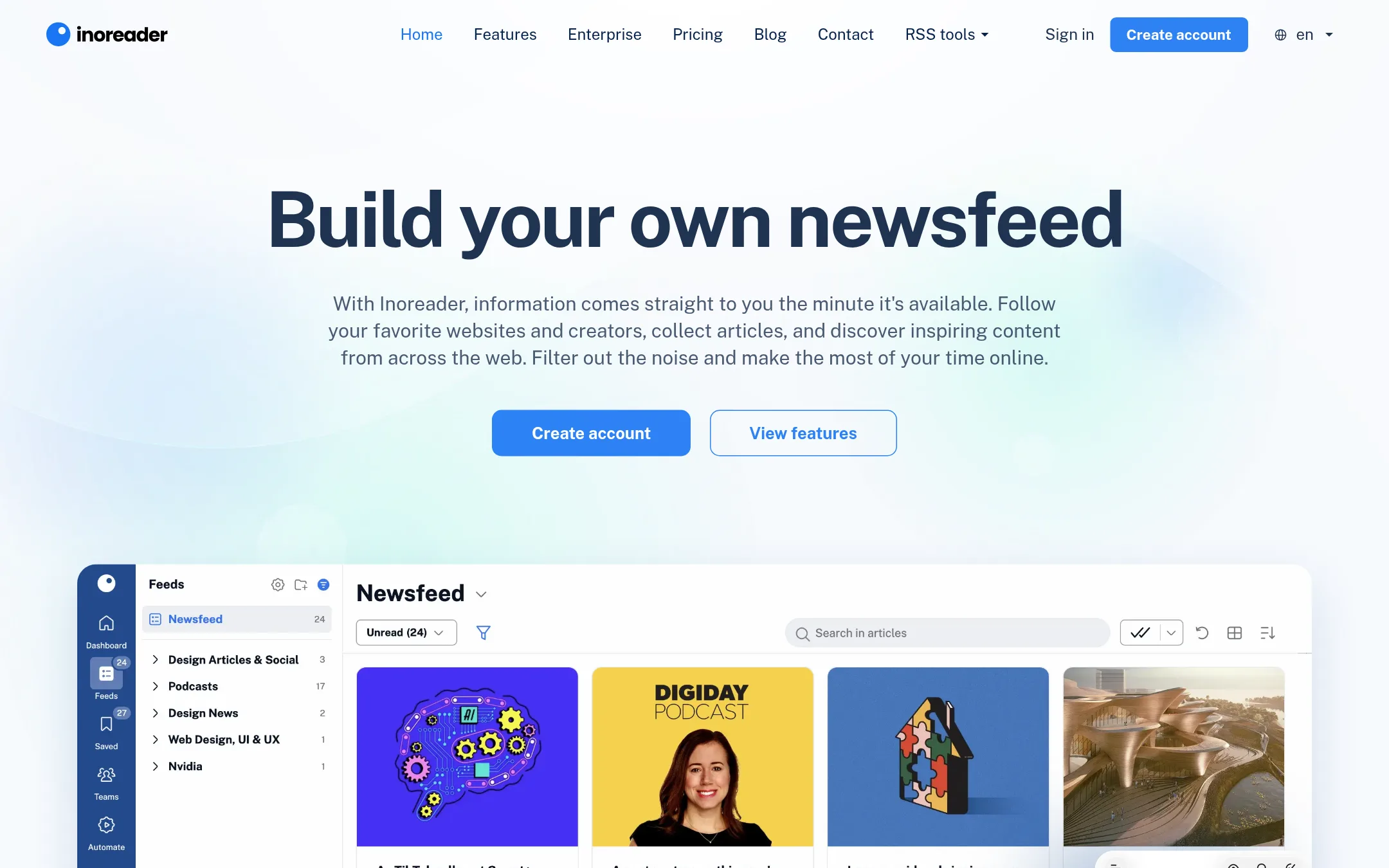
Inoreader lets you build a personal newsfeed from RSS and web feeds, plus social channels like YouTube, Reddit, Mastodon and Telegram, all in one reader. Its rules and filters can tag incoming articles automatically, and Inoreader Intelligence adds AI summaries and multi-article reports.
Where it is strong
- Follows RSS, web feeds, YouTube, podcasts, Reddit and Mastodon in one place
- Rules and filters automatically tag and sort incoming articles into folders
- Monitors topics and keywords in 30 languages and shares findings with a team
Where it falls short
- AI summaries and reports are part of Intelligence, so you need to check what your plan includes
- Its depth of automation and filtering can take time to set up for casual readers
- Pricing:
- Pricing is not published on the site.
- Not published
3.Feedly
Best for: Cyber threat intelligence teams and security leads who need briefings for executives within minutes of a new threat.
- Pricing
- Not published
- Category
- Media & Entertainment
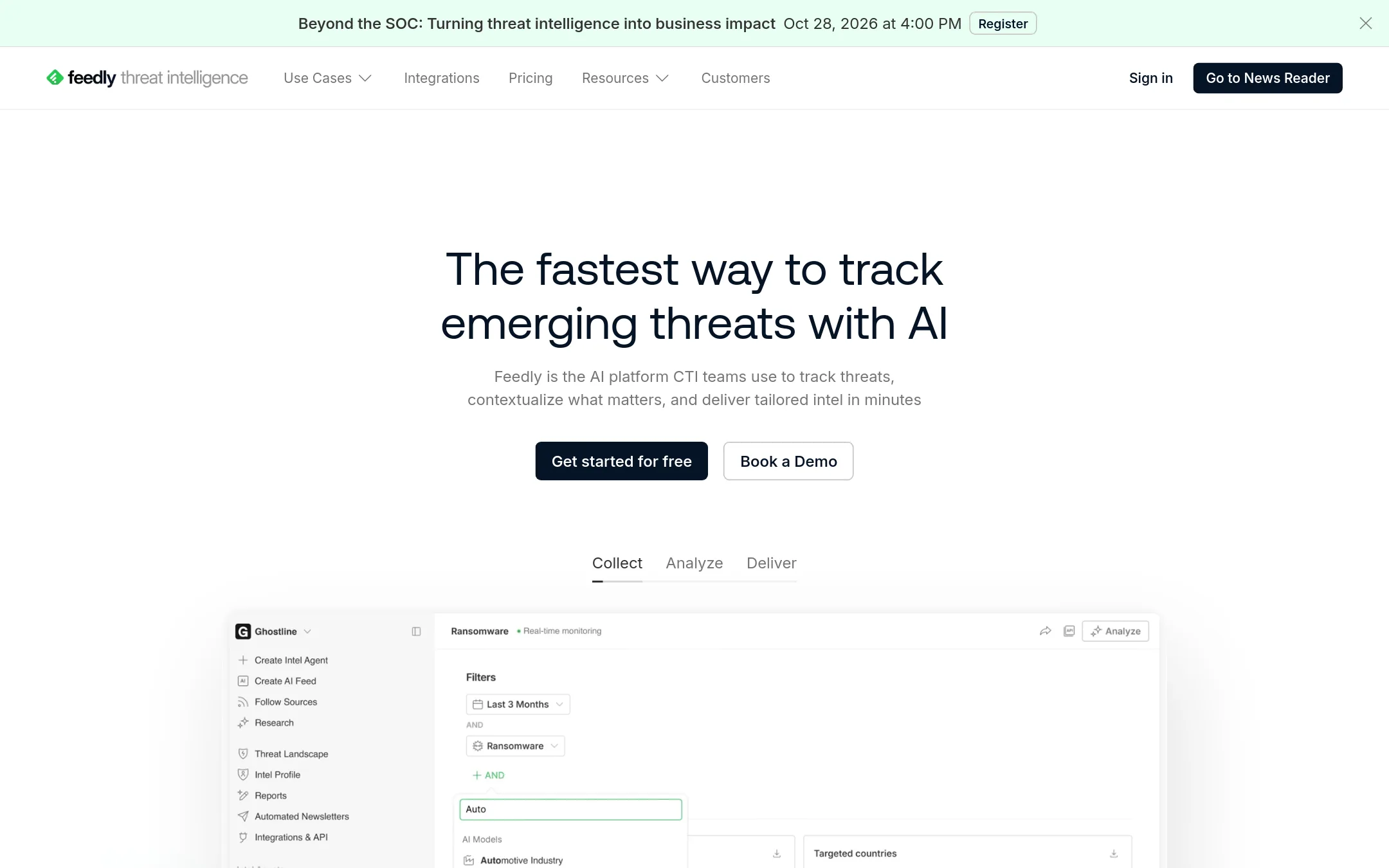
Feedly began as a personal news reader and now runs a threat intelligence product for security teams. It uses AI models to pull entities, incidents, and TTPs out of more than 10 million articles and links them to threat actors, CVEs, malware families, and IoCs. Its Ask AI feature cites original sources for each answer, so an analyst can check what it says.
Where it is strong
- Tracks threat actors, CVEs, malware families, and IoCs across a large linked dataset
- Ask AI answers come with deep citations back to the original source
- Report Builder and STIX API send tailored briefings and data into existing security tools
Where it falls short
- Pricing is not published, so budgeting requires a sales conversation
- Its strengths are in cyber threat intelligence, so teams wanting only a personal news reader may find more than they need
- Pricing:
- Pricing is not published on the site.
- Not published
4.The Old Reader
Best for: Founders and operators who want a simple feed of industry blogs and news sites, with the option to share articles with colleagues or friends.

- Pricing
- Not published
- Category
- Media & Entertainment
The Old Reader is a social RSS reader that pulls in content from any site you follow by its web address, with no algorithm deciding what you see. It supports one-click import of existing subscriptions and works across mobile, tablet, and desktop. Over 500,000 people use it daily, which gives it some track record among readers.
Where it is strong
- Import existing subscriptions in one click
- Chronological feed based on RSS, with no algorithmic ranking
- Works on mobile, tablet, and desktop
Where it falls short
- Pricing is not published, so cost is unclear before signing up
- Its social features are basic, so it is a weaker choice for teams that need shared workflows
- Pricing:
- Pricing is not published on the site.
- Not published
5.FreshRSS
Best for: Founders and operators who want to keep their reading data on their own server and track industry news without paying for a hosted reader
- Pricing
- Not published
- Category
- Media & Entertainment
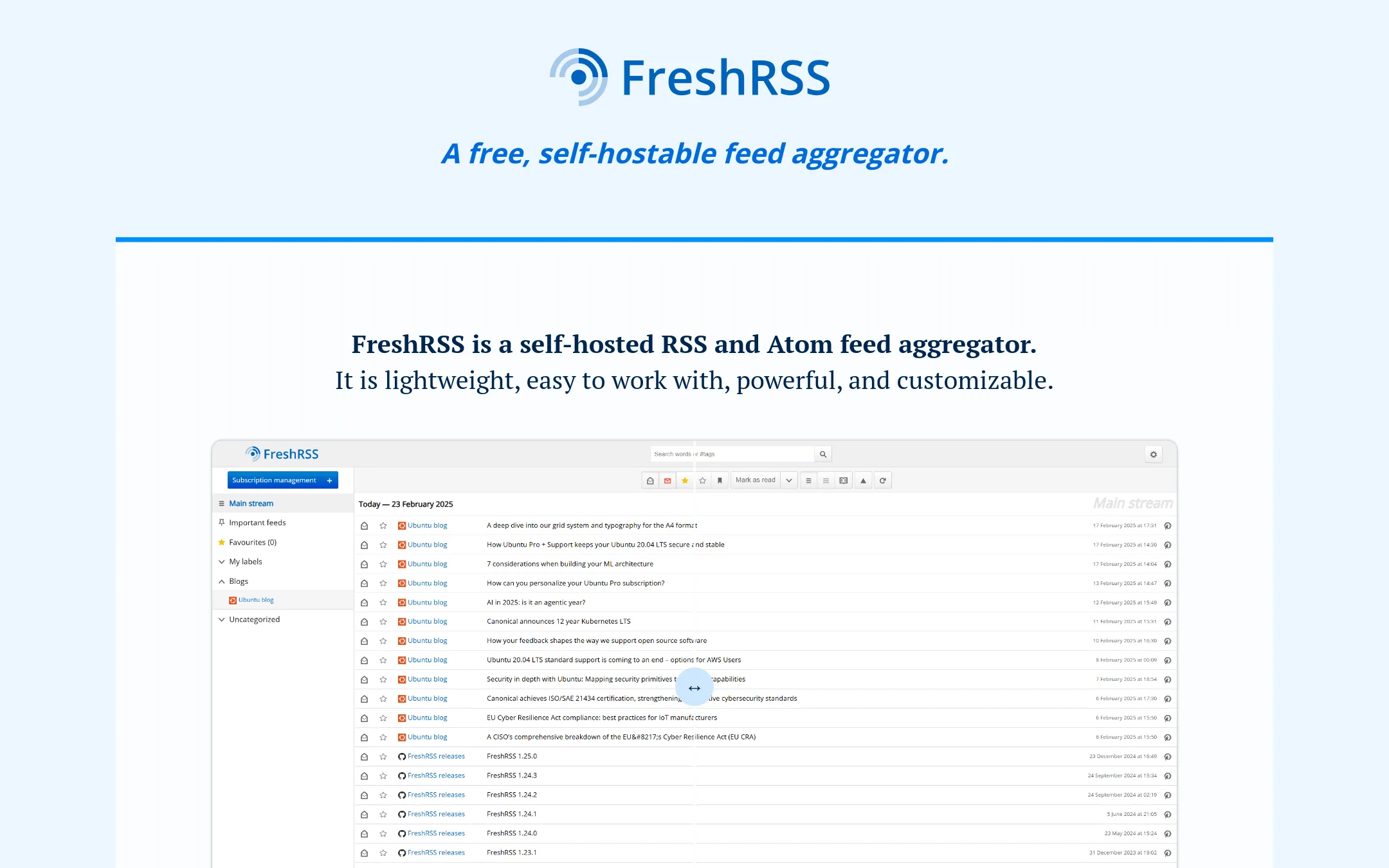
FreshRSS is a free, self-hostable RSS and Atom aggregator that gathers websites, podcasts and video channels in one place. It can generate feeds by scraping sites that do not offer one, and it is AGPL 3 open source. It handles over 1M articles and 50k feeds, which backs up its claim to be fast at scale.
Where it is strong
- Self-hosting keeps your feed data on your own server
- Imports and exports feeds with OPML, so switching in or out is simple
- Generates feeds from sites that lack RSS by scraping them
Where it falls short
- Self-hosting means you install and maintain the server yourself
- Pricing is not published, so the cost of running it is not stated on the site
- Pricing:
- Pricing is not published on the site.
- Not published
6.Reeder
Best for: Individuals and small teams on Apple devices who follow a mix of feeds, podcasts and videos and want one inbox for all of them.
- Pricing
- Not published
- Category
- Media & Entertainment
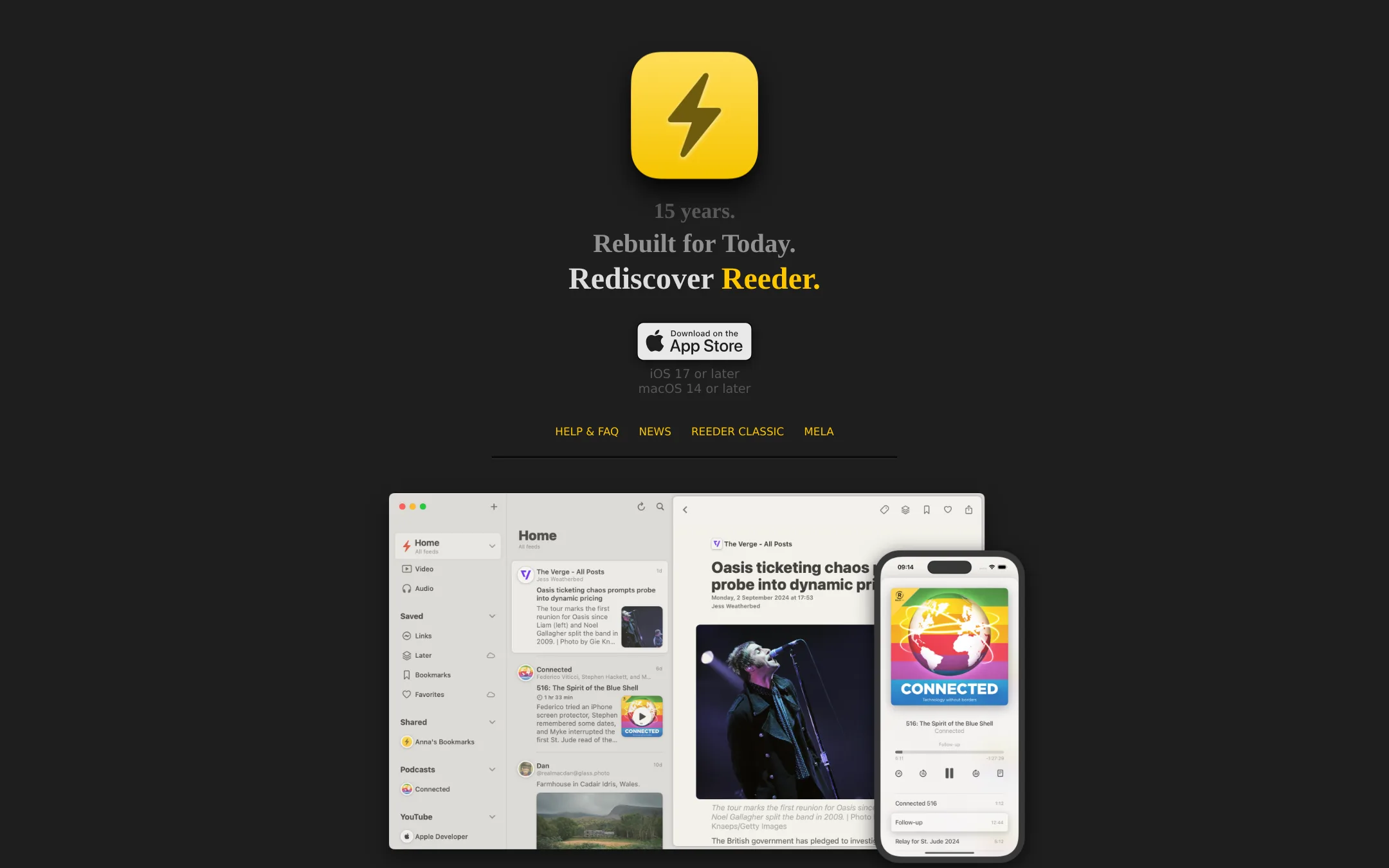
Reeder is a news reader that puts RSS feeds, videos, podcasts and social posts into one timeline, so you can see everything you follow in one place. It syncs your timeline position across devices with iCloud instead of relying on unread counts, and any tag can be published as a public JSON feed.
Where it is strong
- Timeline position syncs across devices, so you pick up where you left off
- Any tag can become a public JSON feed that others can subscribe to
- Collects no personal or usage data, and syncs only subscriptions, timeline position and tagged items through iCloud
Where it falls short
- It is an Apple-only app that requires iOS 17 or later or macOS 14 or later
- It is not meant to replace full-featured clients, so deeper interaction means opening content in other apps
- Pricing:
- Pricing is not published on the site.
- Not published
7.Bazqux
Best for: Readers and researchers who follow many sources, including social media pages, and want full-text articles without ads or tracking.
- Pricing
- Not published
- Category
- Media & Entertainment
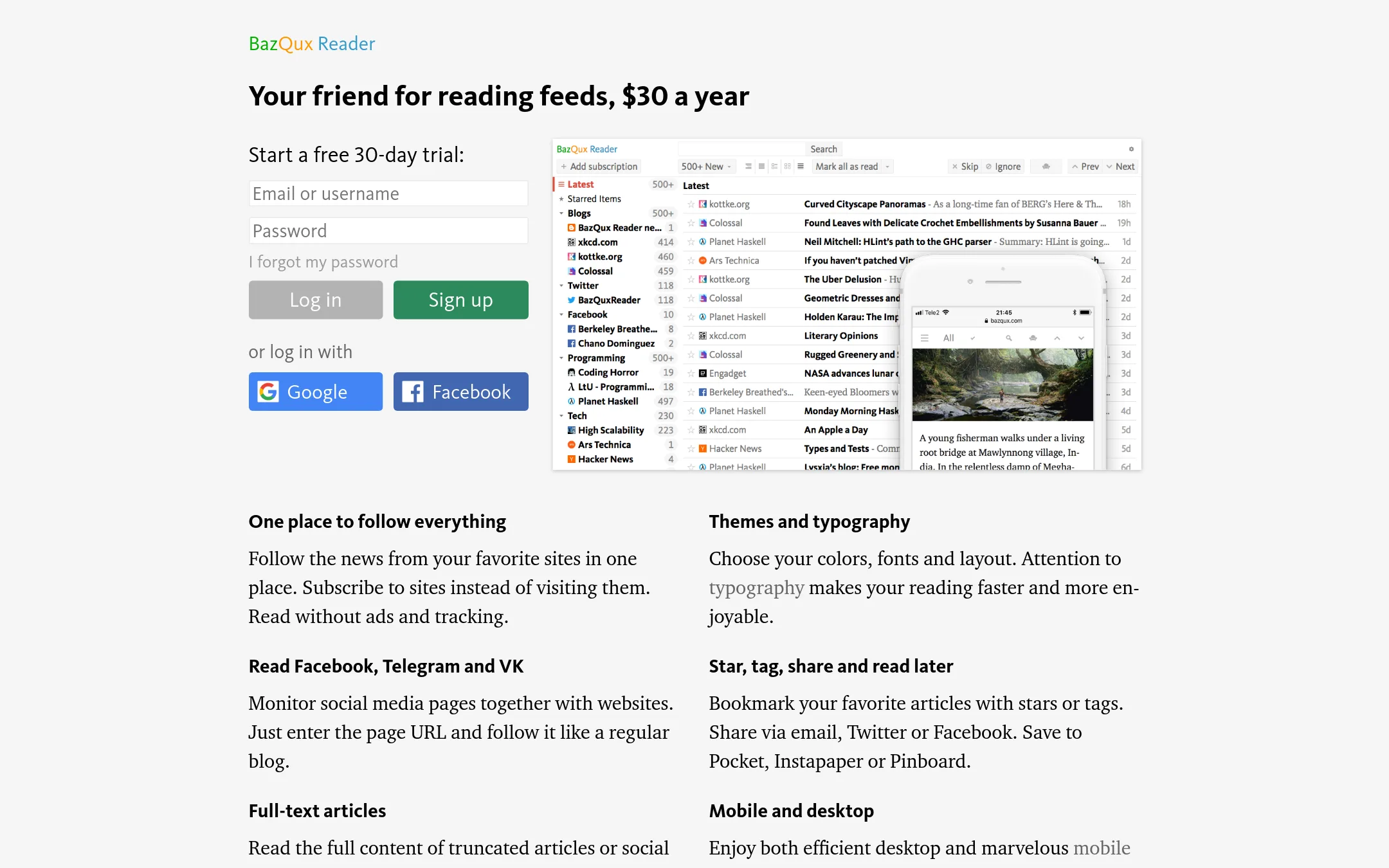
BazQux Reader is a paid feed reader that pulls in regular websites, Facebook, Telegram and VK pages into one place. It can turn summary-only feeds into full-text articles and shows article comments inside the reader. Because it serves only paying and trial users, it says feeds stay current and are not rate limited.
Where it is strong
- Follows Facebook, Telegram and VK pages alongside normal websites
- Converts summary feeds to full-text articles and shows comments in the reader
- Offers a secure image proxy and offline apps on iOS, macOS and Android
Where it falls short
- Requires payment after a 30-day trial, so it is not suited to anyone wanting a free reader
- The site does not publish pricing details beyond a trial offer and a yearly figure in its tagline
- Pricing:
- Pricing is not published on the site.
How to choose RSS Readers
Start with pricing structure. Feedbin publishes a single plan at $7 a month or $70 a year after a 30-day trial with no credit card needed. FreshRSS is free to use if you host it yourself. Several other products do not publish prices, so expect to request a quote or test a trial before you can compare costs.
Consider who the product is built for. Feedbin and Reeder are aimed at individual readers. Inoreader and Feedly add team sharing, monitoring, and reporting features. Feedly's threat intelligence product is designed for security teams, so it fits a narrower use case than a general news reader.
Check integrations and sources. Inoreader follows YouTube, Reddit, and Mastodon alongside RSS, and BazQux adds Facebook, Telegram, and VK pages. If you need to pull in social channels, confirm which sources each product supports before you commit.
Look at data handling and control. FreshRSS keeps your feed data on your own server. Reeder says it collects no personal or usage data and syncs only subscriptions, timeline position, and tagged items through iCloud. Hosted readers store your data on their servers, so review each vendor's privacy terms.
Finally, weigh support and contract terms. Self-hosting FreshRSS means you install and maintain the server yourself. Hosted products handle upkeep but require a subscription. Several entries here do not publish support or contract details, so ask vendors directly before signing.
FAQ
Questions about RSS Readers
What is an RSS reader?
An RSS reader is software that collects content from the sites, blogs, newsletters, podcasts, and channels you follow and displays it in one feed. It lets you read new items without visiting each source separately. Most readers show items in publication order.
Which RSS reader is best for founders and operators?
Inoreader suits founders and analysts who want to track news and competitors with automated rules and team sharing. Feedbin suits those who want a fast, algorithm-free reader on one flat plan. FreshRSS suits operators who want to host their reading data themselves.
Is there a free RSS reader?
FreshRSS is free and open source, but you must host it on your own server. The other products on this list are paid or offer a trial, and several do not publish their pricing on the site.
Can an RSS reader follow social media accounts?
Some can. Inoreader follows YouTube, Reddit, and Mastodon, and BazQux follows Facebook, Telegram, and VK pages. Check each product's supported sources before you decide, since coverage varies.
What should I check before choosing an RSS reader?
Confirm the pricing structure, since several products do not publish prices. Check that it supports the sources you follow and whether it fits your device or team needs. Review how it handles your data, especially if you want to avoid storing it on a third-party server.
Last updated November 7, 2026.