12 Best Workflow Software in 2026
Updated October 15, 2026
The short answer
The best workflow software depends on your team's technical depth and use case. For general automation across many apps, Zapier is the strongest pick for teams of any size. For technical teams needing code-level control and self-hosting, n8n is the best choice. For accounting and bookkeeping firms specifically, Jetpack Workflow is the top pick.
The shortlist, at a glance
Read the comparisons ↓ ZapierFree, paid plans custoTeams of any size that need to automate tasks across many apps without writing code, from first-time founders to Fortune 500 companies.
 MakeFree plan availableTeams that want to automate workflows across many apps and need a visual builder with AI agent support.
 n8nFrom $2.5K/moTechnical teams like IT, SecOps, and DevOps that want to build AI workflows and automations with code-level flexibility and self-hosting options.
 Apache AirflowNot publishedData engineering teams that want to build and scale Python-based pipelines with full control over scheduling and monitoring.
 Jetpack WorkflowFrom $49/seat/moAccounting and bookkeeping firms that manage recurring client work and need to track deadlines, assignments, and time across projects.
PipedreamFree dev, $99/mo prodStartups and developers building AI agents that need to connect to many third-party apps with minimal auth plumbing.
 FlowEQNot publishedCustomer support and back-office teams that handle recurring tasks like troubleshooting, returns, billing inquiries, and compliance reporting and want AI to enforce the next action.
 MiniloopFixed yearly quoteTeams spending roughly $50,000 a year or more on CRM who want a custom system without per-seat fees.
 BeauNot publishedTeams that handle high volumes of client documents, such as insurance, finance, or legal operations, and want to reduce manual data entry and verification.
 Morf HealthFree trial, custom plaHealthcare practices that want to automate patient intake, scheduling, and communication without writing code.
 CloudchiprNot publishedFinOps and engineering teams in complex multi-cloud environments who need automated cost hygiene and resource cleanup.
 SolaNot publishedTeams that want to automate repetitive UI-level tasks without relying on developers, especially in legal, banking, or healthcare operations.
About Workflow Software
Workflow software automates repetitive tasks, connects different apps, and moves data between systems without manual effort. It replaces the copy-paste, email, and spreadsheet steps that slow down operations, letting teams focus on higher-value work.
The products on this list differ in approach, scale, and pricing. Some, like Zapier and Make, are general-purpose automation tools with visual builders and broad app integrations. Others, like Apache Airflow and n8n, target technical teams with code-level flexibility and self-hosting. Niche tools like Jetpack Workflow and Morf Health are built for specific industries, while Pipedream and FlowEQ focus on AI agent integrations and customer support workflows.
The 12 best Workflow Software, compared
- Free, paid plans custo
1.Zapier
Best for: Teams of any size that need to automate tasks across many apps without writing code, from first-time founders to Fortune 500 companies.
- Pricing
- Free, paid plans custo
- Category
- Productivity & Project Management
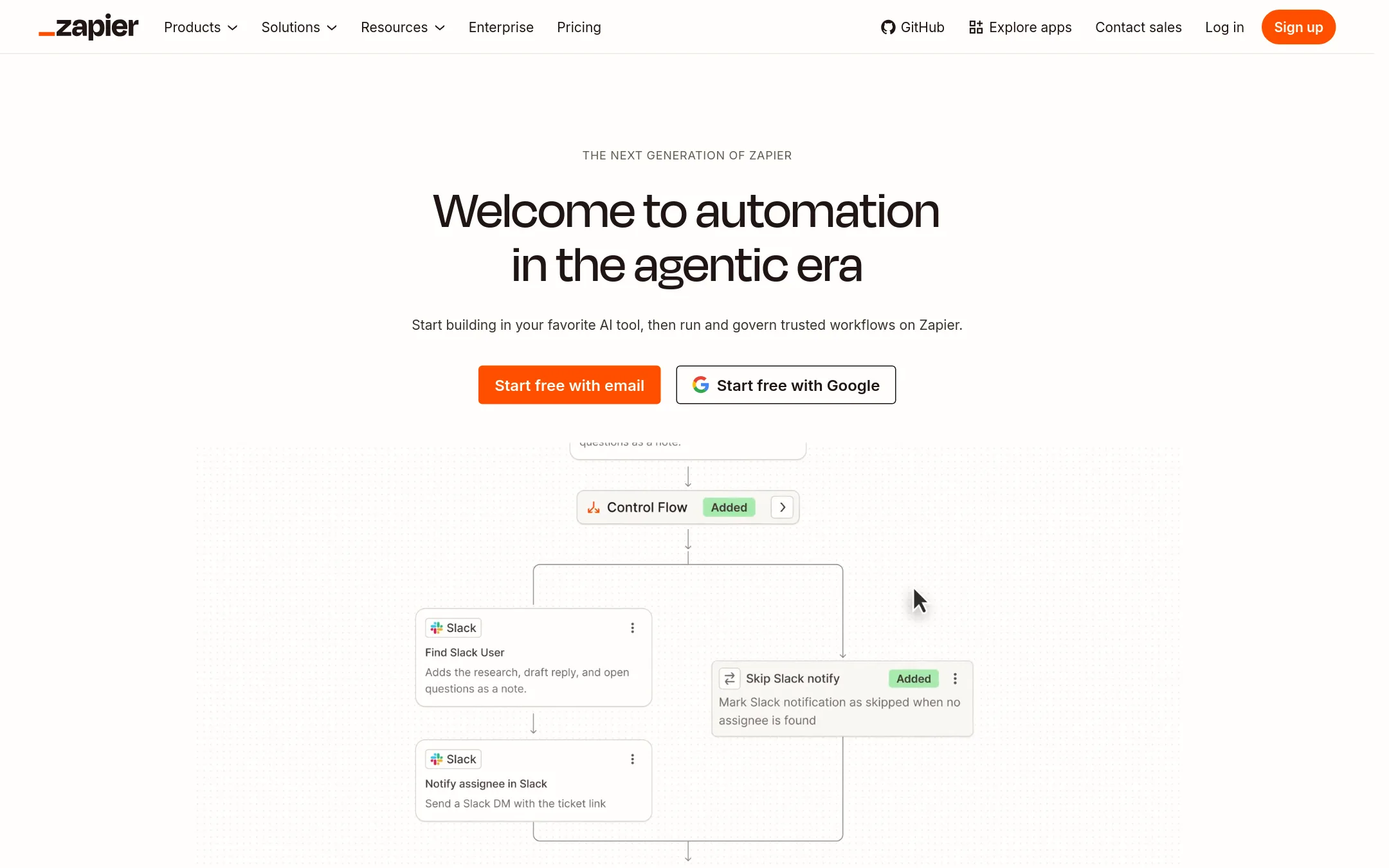
Zapier connects over 9,000 apps to build automated workflows, from simple two-step Zaps to fully agentic AI processes. It is credible because it is trusted by 3 million+ businesses and offers deterministic steps alongside AI, with enterprise-grade security like SOC 2 Type II and SAML SSO.
Where it is strong
- 9,000+ app integrations
- Free plan with 100 tasks/month
- Enterprise security and governance controls
Where it falls short
- Pricing not published for paid tiers
- Two-step Zaps only on free plan
- Pricing:
- Free plan includes 100 tasks per month. Paid plans start at Professional, but specific pricing is not listed on the site.
- Free plan available
2.Make
Best for: Teams that want to automate workflows across many apps and need a visual builder with AI agent support.
- Pricing
- Free plan available
- Category
- Productivity & Project Management
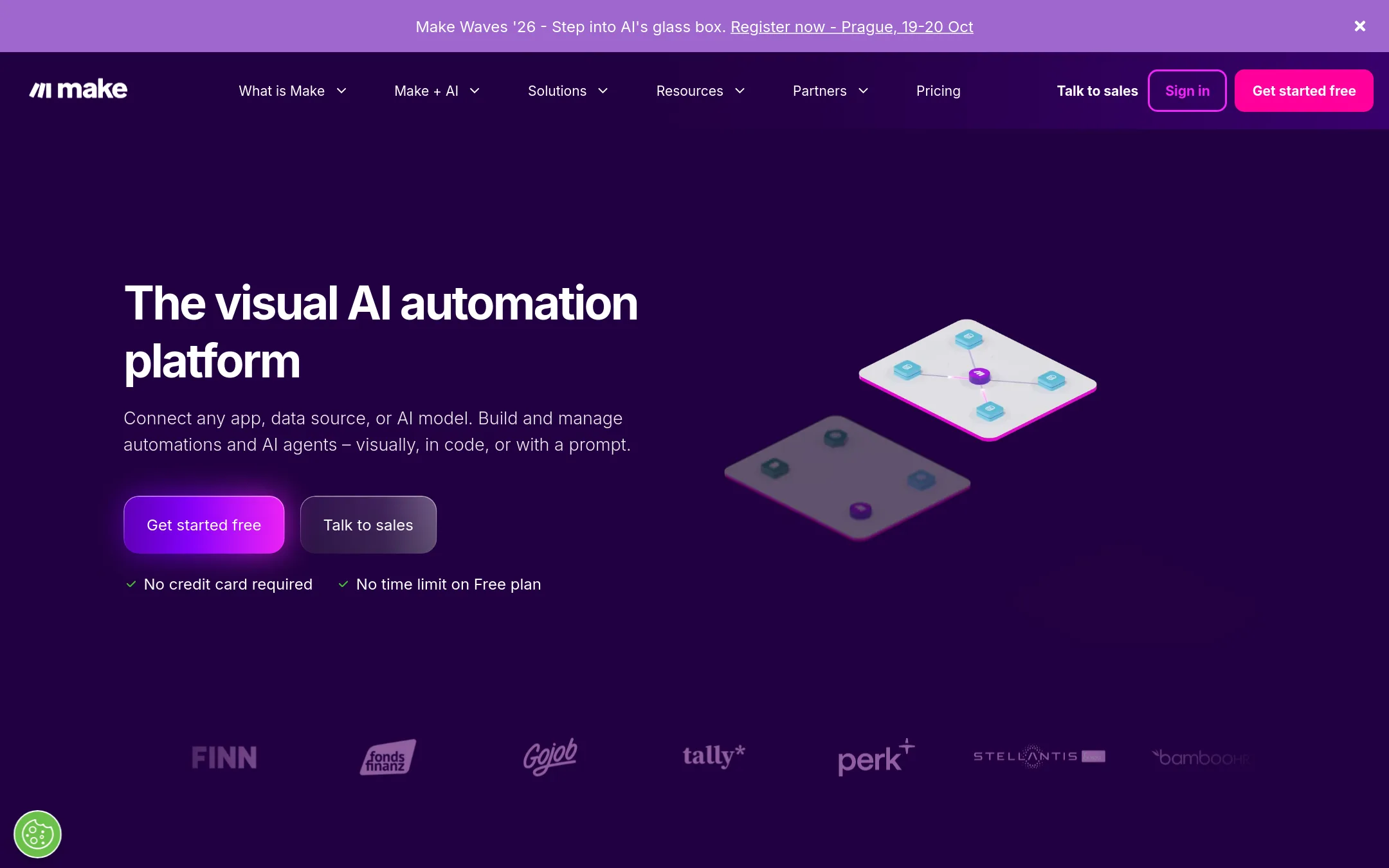
Make is a visual platform for building automations and AI agents. It connects to over 3,500 apps and lets you build by dragging, dropping, or prompting. The free plan has no time limit, which makes it easy to start.
Where it is strong
- Visual builder with drag-and-drop and prompt-based creation
- 3,500+ app integrations out of the box
- Free plan with no time limit
Where it falls short
- Pricing details are not public, so budgeting is unclear
- Credit-based billing can be complex to estimate
- Pricing:
- Pricing is not published on the site. The free plan is available with no credit card required.
- From $2.5K/mo
3.n8n
Best for: Technical teams like IT, SecOps, and DevOps that want to build AI workflows and automations with code-level flexibility and self-hosting options.
- Pricing
- From $2.5K/mo
- Category
- AI & Machine Learning
n8n is a workflow automation platform that combines a visual builder with the ability to write JavaScript or Python directly in any step. It has over 500 integrations, can be self-hosted via Docker, and its source code is fully available on GitHub. It is credible because it is open source with 207.2k GitHub stars and has a 4.7/5 rating on G2.
Where it is strong
- Write JavaScript or Python anywhere in your workflow
- Self-host with Docker and full source code access
- Pay per full workflow execution, not per step
Where it falls short
- Pricing is high for small teams, starting at $2.5K per month
- Assistant credits are limited on lower plans and do not roll over
- Pricing:
- Starter plan is $2.5K per month, Pro is $10K per month, Business is $40K per month, and Enterprise is custom. A free trial is available, and a Community Edition is self-hosted for free.
- Not published
4.Apache Airflow
Best for: Data engineering teams that want to build and scale Python-based pipelines with full control over scheduling and monitoring.
- Pricing
- Not published
- Category
- Analytics & Data
Apache Airflow is an open-source platform for authoring, scheduling, and monitoring workflows entirely in Python. Its modular architecture uses a message queue to orchestrate workers, so it scales to large numbers of tasks. The project has a large community and recent releases like 3.3.0 add stateful tasks and multi-language support.
Where it is strong
- Pure Python workflows with dynamic pipeline generation
- Scales via message queue and modular worker architecture
- Plug-and-play operators for GCP, AWS, Azure and more
Where it falls short
- Requires Python knowledge to deploy and maintain
- Self-hosted, so you handle infrastructure and upgrades yourself
- Pricing:
- Pricing is not published on the site.
- From $49/seat/mo
5.Jetpack Workflow
Best for: Accounting and bookkeeping firms that manage recurring client work and need to track deadlines, assignments, and time across projects.
- Pricing
- From $49/seat/mo
- Category
- Productivity & Project Management
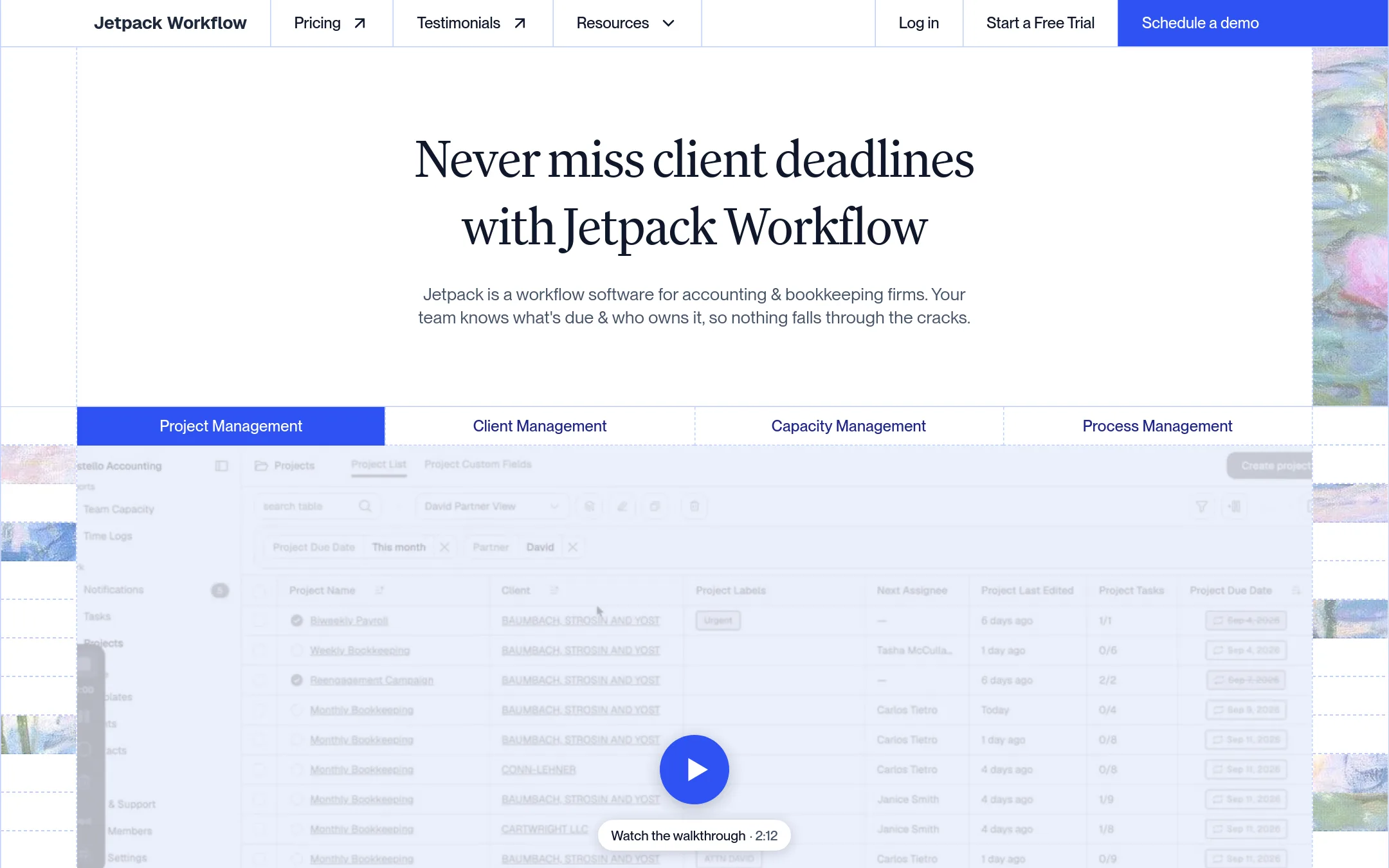
Jetpack Workflow is a workflow and project management tool built specifically for accounting and bookkeeping firms. It automates recurring tasks, tracks deadlines, and keeps client context attached to every project. With a 4.8 Capterra rating and a native CRM, it's a credible pick for firms that need to standardize client work and avoid missed deadlines.
Where it is strong
- Unlimited projects and clients on the Starter plan
- Bulk assignment and change management across projects
- Time tracking and budget reports on Premium
Where it falls short
- No free tier, only a 14-day trial
- Time tracking and capacity features require the higher-priced Premium plan
- Pricing:
- Starter plan is $49 per seat per month, Premium is $59 per seat per month, and Enterprise is custom priced. A $1,500 one-time onboarding package is available.
- Free dev, $99/mo prod
6.Pipedream
Best for: Startups and developers building AI agents that need to connect to many third-party apps with minimal auth plumbing.
- Pricing
- Free dev, $99/mo prod
- Category
- Developer Tools
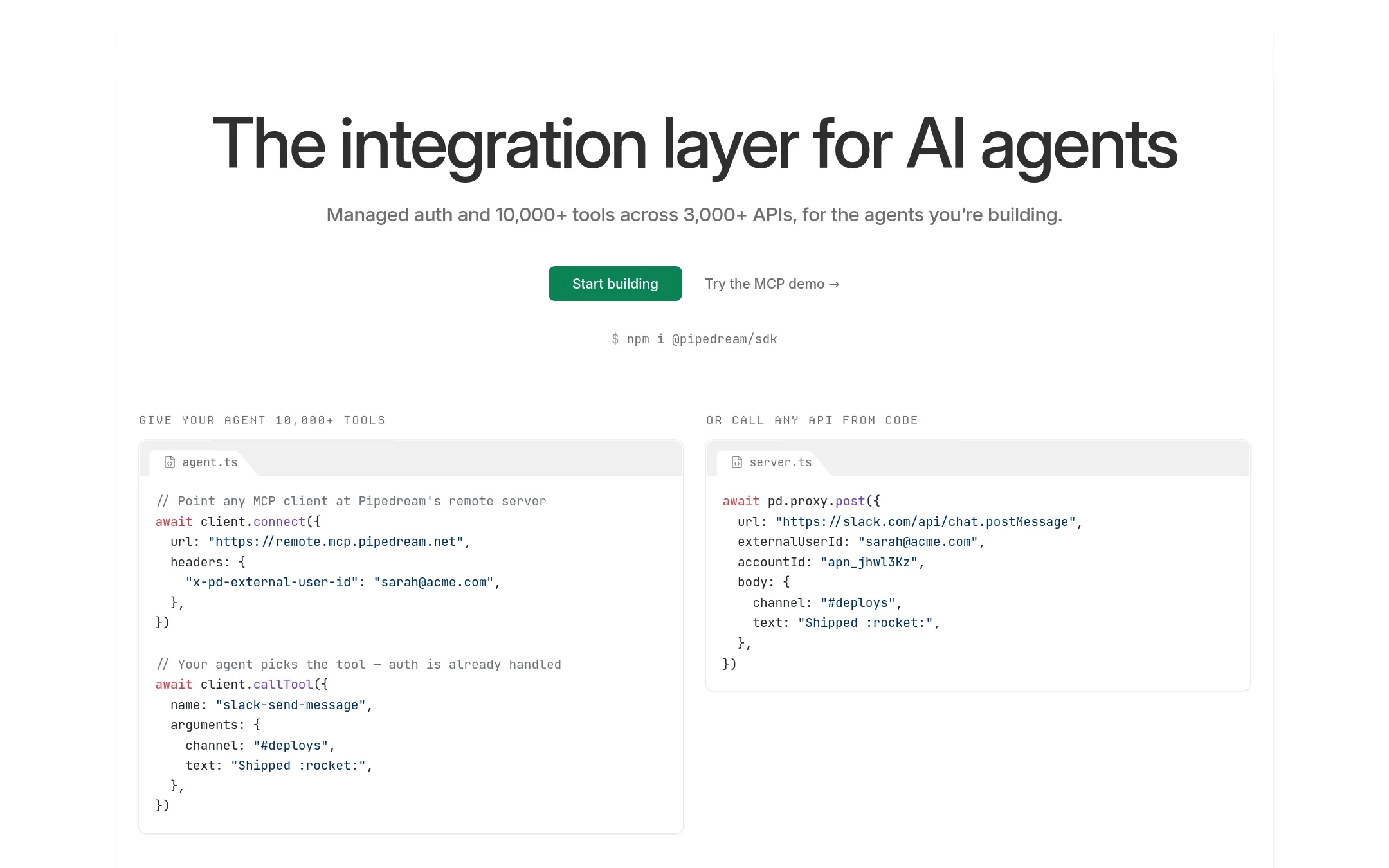
Pipedream is an integration layer for AI agents, providing managed authentication and access to over 10,000 prebuilt tools across 3,000+ APIs. It handles OAuth flows, token storage, and refresh, so developers can connect agents to user apps without building auth infrastructure. The free development tier and per-user pricing make it a credible pick for startups shipping agent integrations.
Where it is strong
- Managed auth for 3,000+ APIs, no OAuth app registration needed
- 10,000+ prebuilt tools and triggers, extendable via GitHub
- Free development tier with full features, no credit card required
Where it falls short
- Production use requires paid plan, starting at $99/month
- Usage credits and per-user fees can add up at scale
- Pricing:
- Free for development, then $99 per month for Startup (billed annually) or $150 per month (billed monthly), including 100 users and 10,000 usage credits. Business plan is custom priced.
- Not published
7.FlowEQ
Best for: Customer support and back-office teams that handle recurring tasks like troubleshooting, returns, billing inquiries, and compliance reporting and want AI to enforce the next action.

- Pricing
- Not published
- Category
- Productivity & Project Management
FlowEQ is a no-code workflow platform that turns AI insights into executed actions, not just recommendations. It sits between your knowledge base and execution systems, enforcing decisions and guiding agents or automations through the right steps. With Salesforce and Zendesk integrations and human-defined logic governance, it's built for teams that need consistency and traceability in recurring work.
Where it is strong
- Turns AI insights into executed actions, not just suggestions
- No-code workflows with human-defined logic for governance
- Native Salesforce and Zendesk integrations
Where it falls short
- Pricing details are not published, so you must contact sales
- May be overkill for simple task management without AI needs
- Pricing:
- Pricing is dynamic and scalable, with monthly options across three tiers: Core, Hybrid, and Command, plus a flat-fee Agent Zero option. Specific prices are not listed.
- Fixed yearly quote
8.Miniloop
Best for: Teams spending roughly $50,000 a year or more on CRM who want a custom system without per-seat fees.

- Pricing
- Fixed yearly quote
- Category
- AI & Machine Learning
Miniloop replaces expensive CRM subscriptions like Salesforce or HubSpot with custom software built around your exact workflow. It is credible because the process includes scoping, building, migrating, and hosting, with a fixed yearly fee and no per-seat charges. Teams typically cut CRM costs by 5x to 10x.
Where it is strong
- No per-seat fees. Add users without price increases
- Fixed quote before any build work starts
- Includes data migration and ongoing human support
Where it falls short
- Not suitable for teams on free or cheap CRM tiers
- May not fit if you rely on complex marketing automation suites
- Pricing:
- Pricing is a fixed yearly quote based on your needs, with no per-seat fees. Typical savings are 5x to 10x compared to current CRM bills.
- Not published
9.Beau
Best for: Teams that handle high volumes of client documents, such as insurance, finance, or legal operations, and want to reduce manual data entry and verification.

- Pricing
- Not published
- Category
- Productivity & Project Management
Beau automates repetitive client-facing document workflows by extracting, verifying, and structuring data from PDFs, images, and scans. It delivers validated data to your CRM or spreadsheets and fills PDF forms automatically, cutting processing cycles by 75%. Real-time verification gives clients instant feedback, reducing back-and-forth correction emails.
Where it is strong
- Extracts data from PDFs, images, and scans
- Verifies documents in real time
- Fills PDF forms automatically
Where it falls short
- Pricing is not published on the site
- May be overkill for teams with simple document needs
- Pricing:
- Pricing is not published on the site.
- Free trial, custom pla
10.Morf Health
Best for: Healthcare practices that want to automate patient intake, scheduling, and communication without writing code.

- Pricing
- Free trial, custom pla
- Category
- Healthcare
Morf Health is a workflow automation platform built for healthcare providers. It automates patient signup, intake, scheduling, and outreach, and includes Flo AI, which builds workflows from plain-language descriptions. It integrates with tools like Healthie and Formsort and maps data to the FHIR standard, making it a credible pick for practices that want to reduce manual admin work.
Where it is strong
- Flo AI builds workflows from plain-language descriptions, no code required.
- Pre-built integrations with Healthie, Formsort, and Intercom, plus FHIR data mapping.
- Includes built-in scheduling and messaging tools for patient communication.
Where it falls short
- Pricing details are not published, so you need to contact sales for a quote.
- Best suited for healthcare. General-purpose teams may find the healthcare focus limiting.
- Pricing:
- Pricing is not published on the site. Morf offers a free trial with no credit card required, and plans that scale with your practice, plus optional add-ons like white-glove onboarding and concierge setup.
- Not published
11.Cloudchipr
Best for: FinOps and engineering teams in complex multi-cloud environments who need automated cost hygiene and resource cleanup.

- Pricing
- Not published
- Category
- Productivity & Project Management
Cloudchipr is a FinOps platform that automates cloud and AI cost management. It connects to 25+ providers with least-privilege access and uses an AI employee called Finch to read them all. Teams report saving up to 60% on cloud costs and 200 hours per month for engineering teams.
Where it is strong
- Connects to 25+ providers with least-privilege access
- Automated enforcement of cost hygiene and tagging policies
- AI employee Finch reads all connected providers
Where it falls short
- Pricing is not listed, so budgeting is unclear
- May be overkill for small teams with simple cloud setups
- Pricing:
- Pricing is not published on the site. A free trial is available with no credit card required.
- Not published
12.Sola
Best for: Teams that want to automate repetitive UI-level tasks without relying on developers, especially in legal, banking, or healthcare operations.

- Pricing
- Not published
- Category
- AI & Machine Learning
Sola turns screen recordings into fully automated workflows using AI, so business users can build bots without coding. It raised $17M in Series A from A16z, which adds credibility. The platform also handles document processing, data transformation, and orchestration with real-time monitoring.
Where it is strong
- No-code visual workflow editor
- AI-powered document data extraction
- Real-time logs and audit trails
Where it falls short
- Pricing not disclosed, so budgeting is unclear
- Requires screen recordings to start, which may not suit all workflows
- Pricing:
- Pricing is not published on the site.
How to choose Workflow Software
Pricing structure matters. Some tools, like n8n, charge per workflow execution, while others like Jetpack Workflow charge per seat. Miniloop offers a fixed yearly fee with no per-seat charges, which can cut costs for teams with many users. Check whether the free plan covers your needs, as Zapier's free plan limits you to two-step Zaps and 100 tasks per month.
Consider who the tool is built for. Technical teams may prefer n8n or Apache Airflow for code-level control, while business users might find Make or Zapier easier. Industry-specific tools like Jetpack Workflow for accounting or Morf Health for healthcare are tailored to those workflows and may save time on setup.
Integrations are critical. Zapier connects to over 9,000 apps, while Make has 3,500+. Pipedream offers 10,000+ prebuilt tools across 3,000+ APIs. If you rely on specific apps like Salesforce or Zendesk, check that the tool has native integrations, as FlowEQ does.
Data and compliance requirements vary. For regulated industries, look for enterprise-grade security like SOC 2 Type II and SAML SSO, which Zapier offers. Self-hosted options like n8n or Apache Airflow give you full control over data, but you handle infrastructure and upgrades.
Support and contract terms can affect your experience. Some tools, like Jetpack Workflow, offer a one-time onboarding package for $1,500, while others like Miniloop include migration and ongoing human support. If pricing is not published, like with Make or FlowEQ, you'll need to contact sales, which can slow down your decision.
FAQ
Questions about Workflow Software
What is the best workflow software for a small team with no coding skills?
Zapier is a strong choice because it connects over 9,000 apps and has a free plan with 100 tasks per month. Make also offers a visual builder with a free plan that has no time limit, making it easy to start without coding.
Which workflow software is best for technical teams that need code-level flexibility?
n8n lets you write JavaScript or Python directly in any step and can be self-hosted via Docker. Apache Airflow is also a good option for data engineering teams that want to build Python-based pipelines with full control over scheduling.
How do pricing models differ among workflow software?
Some tools charge per seat, like Jetpack Workflow at $49 per seat per month. Others charge per execution, like n8n, or per usage credits, like Pipedream. Miniloop uses a fixed yearly fee with no per-seat charges, which can be more predictable for teams with many users.
Can workflow software handle AI agents and automations?
Yes. Zapier supports fully agentic AI processes, and Make lets you build AI agents with a visual builder. Pipedream is specifically designed for AI agents, providing managed authentication and access to over 10,000 prebuilt tools.
What should I consider for data security and compliance?
Look for enterprise-grade security features like SOC 2 Type II and SAML SSO, which Zapier offers. If you need full control over data, consider self-hosted options like n8n or Apache Airflow, but be prepared to manage infrastructure and upgrades yourself.
Last updated October 15, 2026.